
Cinematic Baijiu 9-Panel Storyboard
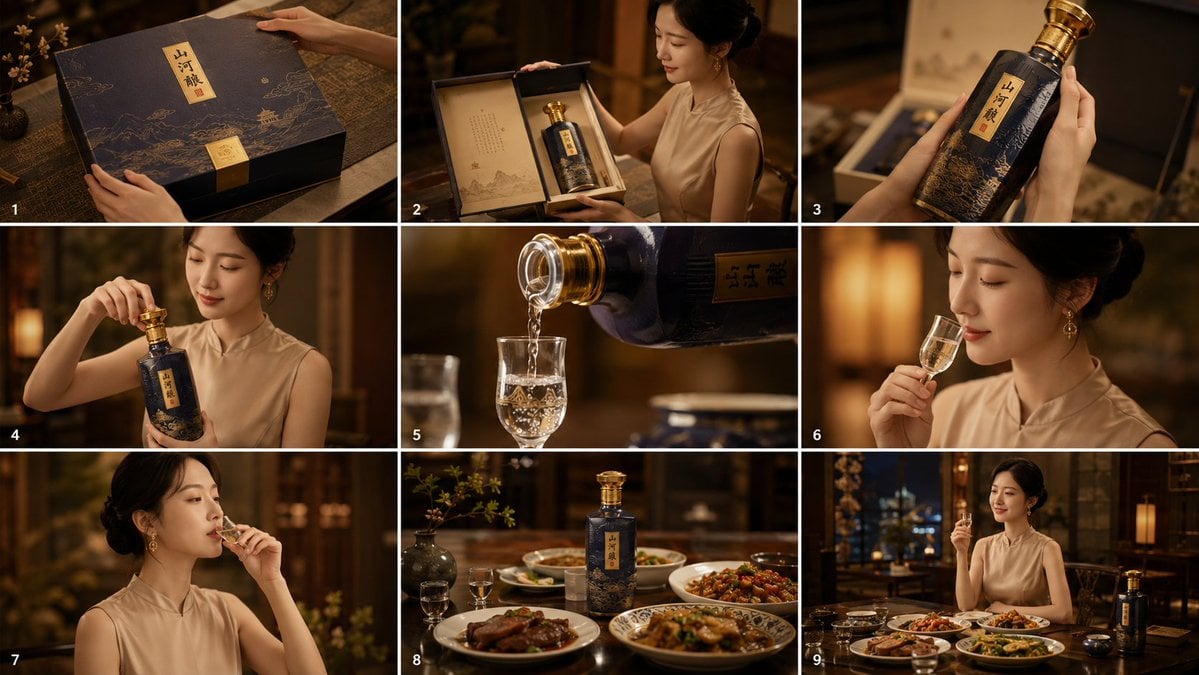
Generates a luxury 3-by-3 cinematic storyboard showing a Chinese baijiu product unboxing, pouring, tasting, and dining experience.
- Prompt included
- Model and format preset
- Free template
The prompt behind this image
Copy the exact prompt behind Cinematic Baijiu 9-Panel Storyboard, or open it in the studio and make it yours.
Goal: Create a cinematic 16:9 storyboard contact sheet showing the complete premium Chinese baijiu product experience, from unboxing to pouring, tasting, and dining, featuring {argument name="character description" default="an elegant Chinese woman in a sleeveless beige qipao-style top, hair in a neat updo, gold drop earrings"}. Canvas: Wide 16:9 image divided into exactly 9 storyboard panels in a 3-by-3 grid, separated by thin white borders. Add small white panel numbers 1 through 9 in the lower-left corner of each panel. Warm amber lighting, shallow depth of field, luxury restaurant/private dining room atmosphere, dark wood furniture, soft lantern glow, refined Chinese décor, cinematic lensing, premium commercial photography look. Product: A high-end baijiu gift set branded {argument name="product name" default="山河酿"}. Use a dark navy-black bottle and gift box with gold foil accents, mountain-and-river illustration patterns, a vertical cream-gold label with Chinese calligraphy, and a metallic gold cap. Keep the bottle shape consistent across panels. Storyboard layout: Include exactly 9 distinct panels: 1. Close-up overhead angle of the closed luxury gift box on a dark wooden table, the woman’s hands gently touching the box lid, with delicate gold landscape line art and the vertical Chinese label visible. 2. Medium shot of the woman opening the gift box, revealing the baijiu bottle inside a fitted presentation case; include an inner paper panel with elegant Chinese poem-like text and subtle ink landscape artwork. 3. Close-up of both hands holding the bottle upright in front of the open box, emphasizing the dark ceramic texture, gold cap, gold label, and mountain illustration. 4. Medium portrait shot of the woman unscrewing or lifting the gold cap from the bottle, graceful hand pose, warm restaurant background bokeh. 5. Extreme close-up of the bottle neck pouring clear baijiu into a small stemmed tasting glass; show sparkling liquid stream and bubbles, with the bottle label partially visible. 6. Medium close-up of the woman smelling the baijiu from a small tulip-shaped glass, elegant profile, soft golden lamp glow behind her. 7. Portrait close-up of the woman tasting the baijiu, glass raised to lips, serene refined expression implied, warm shallow-focus background. 8. Still-life dining table scene with the baijiu bottle standing centered among Chinese dishes, small tasting glasses, and tableware; include exactly 4 visible plated dishes: braised meat, stir-fried vegetables, sauced seafood or chicken, and a larger central shared dish. 9. Wide dining scene with the woman seated at the table holding a tasting glass, the baijiu bottle placed on the right side of the table, multiple dishes and small cups in front, city night lights or elegant window background. Visual style: Premium cinematic advertising, realistic photography, rich warm color grading, high-end liquor commercial, soft highlights on glass and gold foil, dark mahogany and amber palette, elegant composition, crisp product details, no cartoon style. Constraints: The final image must be one 9-panel storyboard, not nine separate files. Use exactly 9 panels, exactly 9 visible panel numbers, and exactly 4 plated dishes in panel 8. Keep all text minimal except the Chinese product name {argument name="product name on label" default="山河酿"}. Do not add watermarks, logos from real brands, subtitles, or extra captions.
How to use Cinematic Baijiu 9-Panel Storyboard in 3 steps
- 1Upload ImagePNG, JPG or paste
Add your photo
Upload the photo the template builds on. The prompt, model and format are already set.
- 2…a portrait of your subject in softgolden-hour light, 85mm…
Personalize
Edit the subject and creative details for your destination.
- 3Generate
Generate
Press Generate — your image is created in PicX Studio, so you can compare it with the original and refine one variable at a time.
More like this
Templates with the same subject, style or setup. Open one to see its prompt.

Headphones Lifestyle Nine Panel Grid

Pixar 6-Panel Streethero Expression Grid
Seedance - Storyboard to Movie
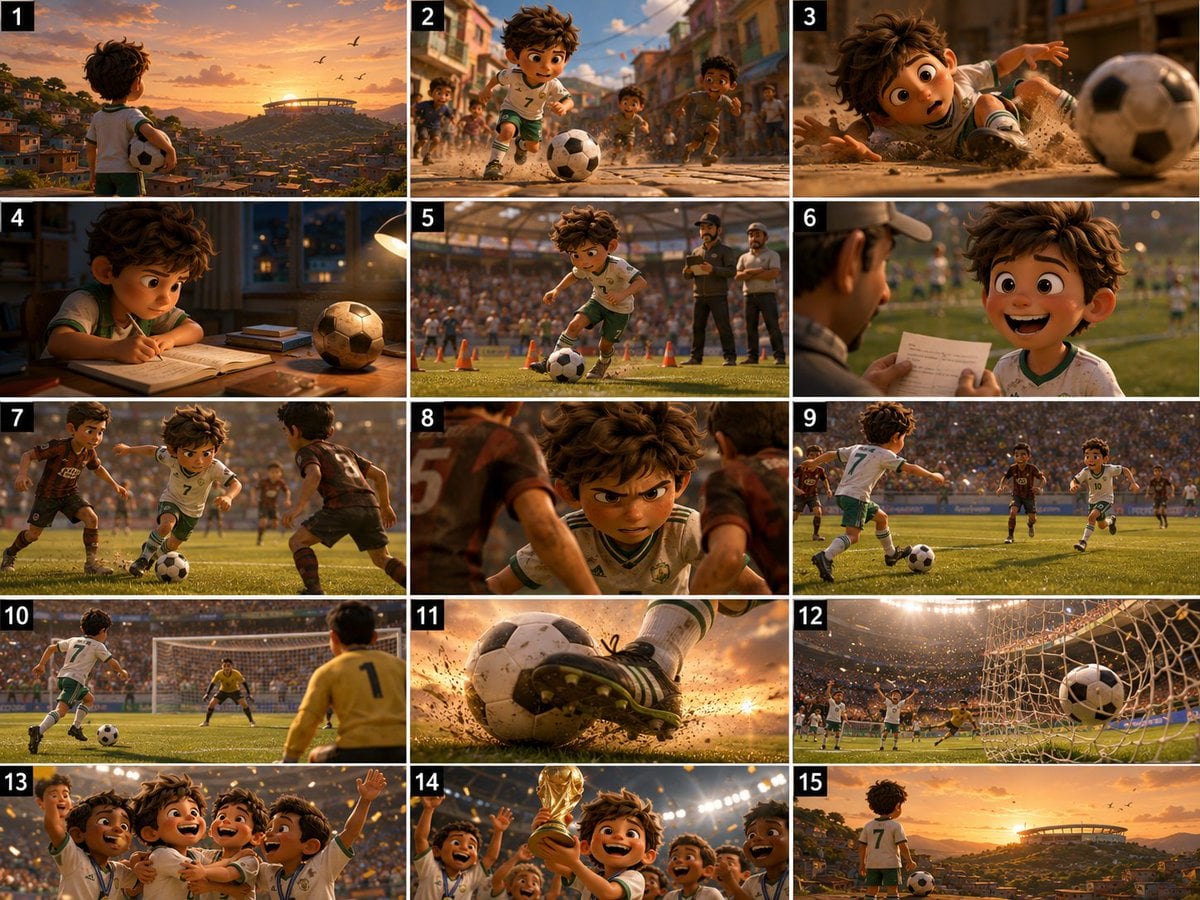
Panel Football Boy Storyboard
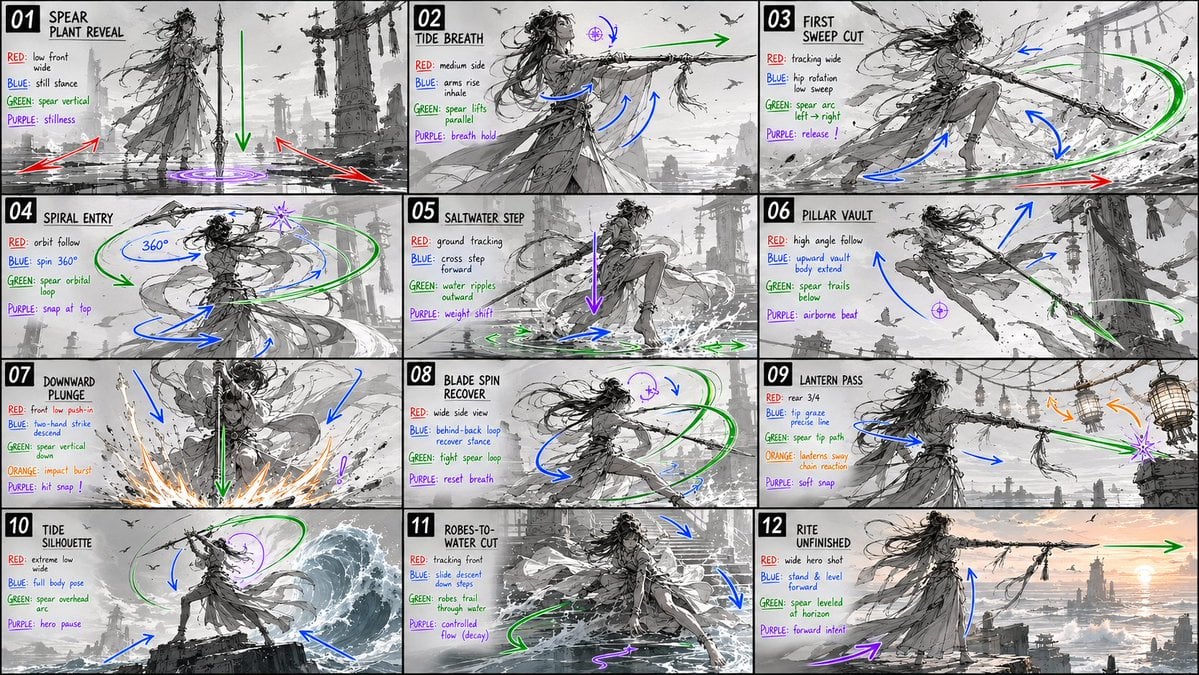
Panel Spear Sakuga Storyboard

Panel Mirror Selfie Collage

Cozy Six-Panel Bedtime Stages Collage

Four-Panel AI Landscape Comparison

Four-Panel Anime Face Comparison

Pencil Sketch Coffee Storyboard
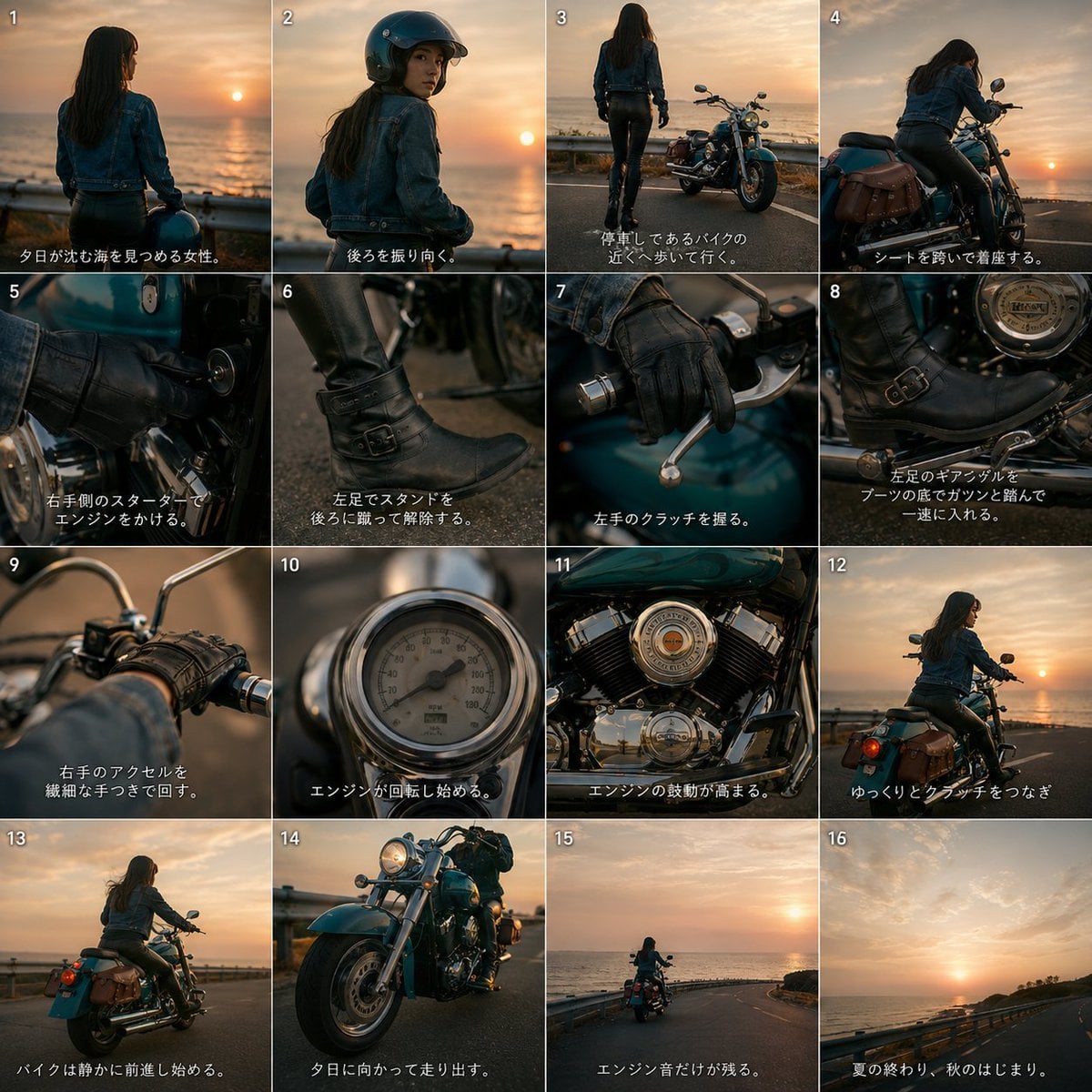
Cinematic Motorcycle Storyboard
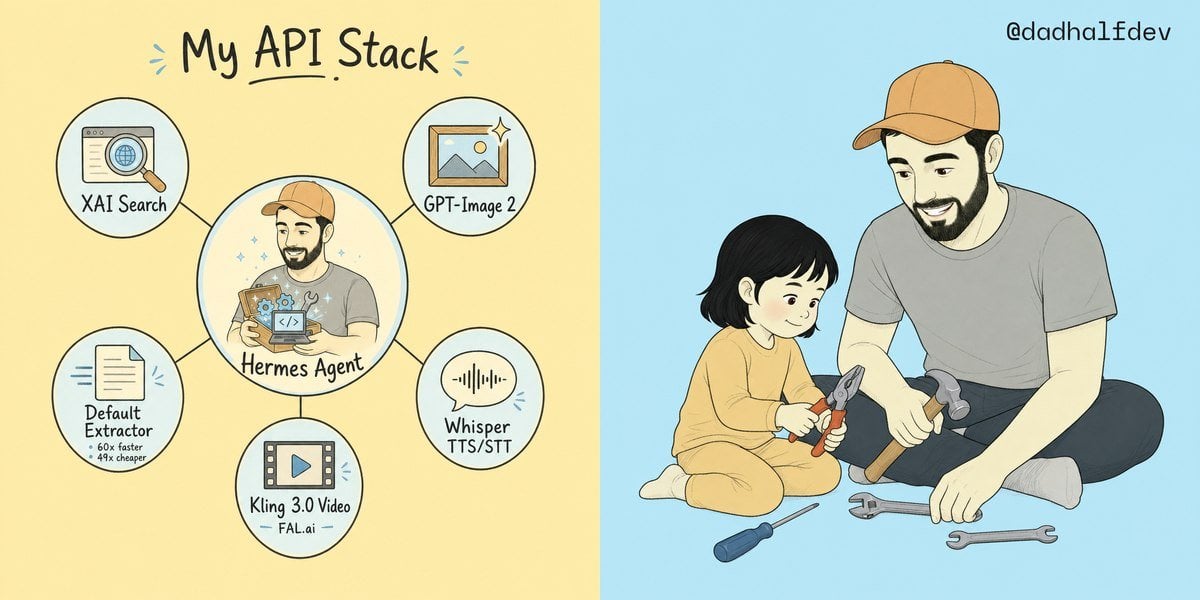
My API Stack Two-Panel Illustration
Make it yours
Cinematic Baijiu 9-Panel Storyboard works as-is. These are the safest ways to change it without losing the look.
Change one field
Copy a single group, rewrite it, and generate again so you can see what that field is doing.
Keep the frame, change the subject
Hold the composition and light of Cinematic Baijiu 9-Panel Storyboard, then swap wardrobe, props or the person for a new take.
| If the result… | Why | Fix |
|---|---|---|
| The result drifts from the preview | Too many fields changed at once. | Reuse Cinematic Baijiu 9-Panel Storyboard as-is first, then change one group — subject, light, or setting. |
| The model over-stylizes the scene | The prose prompt leaves finish and camera underspecified. | Add one camera or lighting sentence and stay on GPT Image 2. |
More GPT Image 2 templates
Other prompts made for GPT Image 2.

Six VTuber Japanese Logo Sheet

Realistic Portrait of Woman and Deer

The Vista Modular Condo Poster

AI Model Routing Comparison Infographic

2.5D Anime Art Board

Isometric Productivity Desk Scene

New York Double Exposure Poster

Japanese Tatami Lifestyle Magazine Cover

NESCAFÉ Coffee Map Poster

Brutalist Cogito Chinese Typography Poster
More image prompts
Fresh picks from across the catalog.
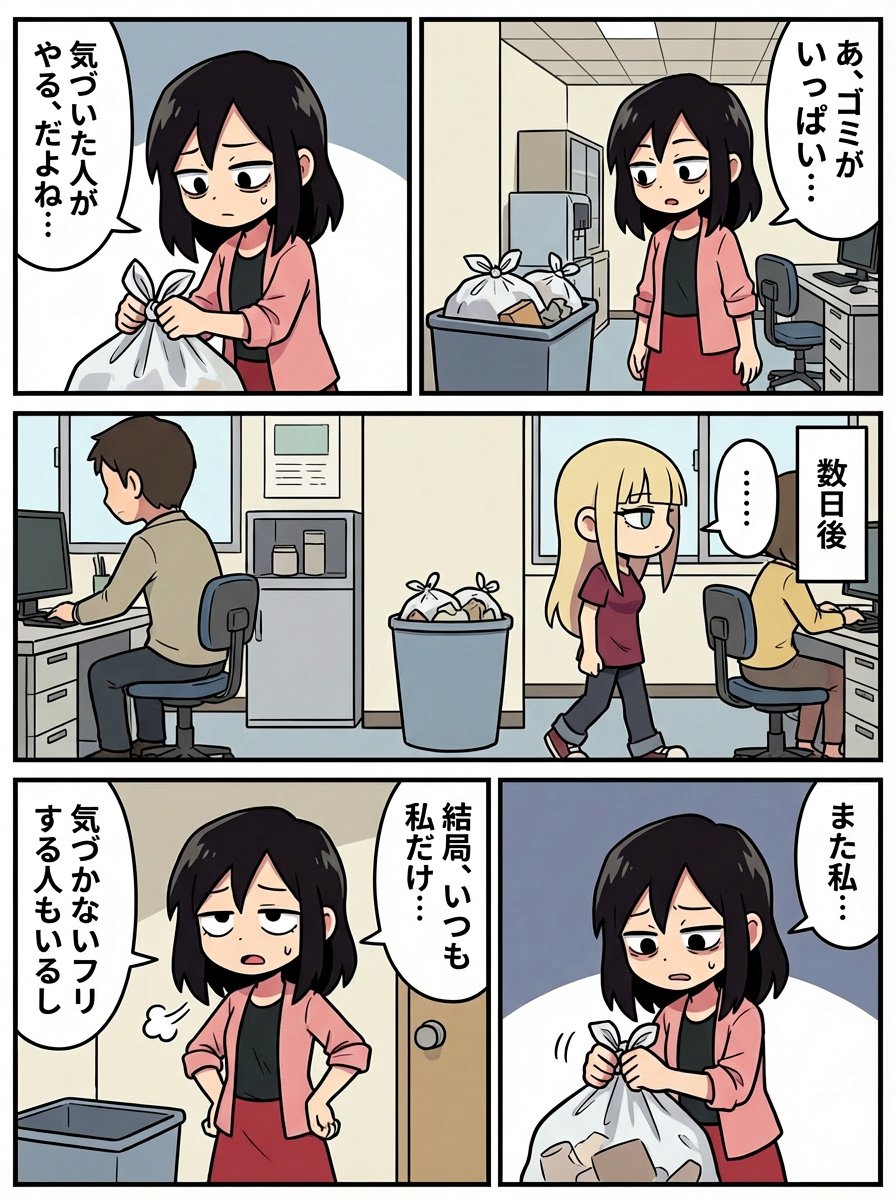
Japanese Text Prompt about Workplace Atmosphere
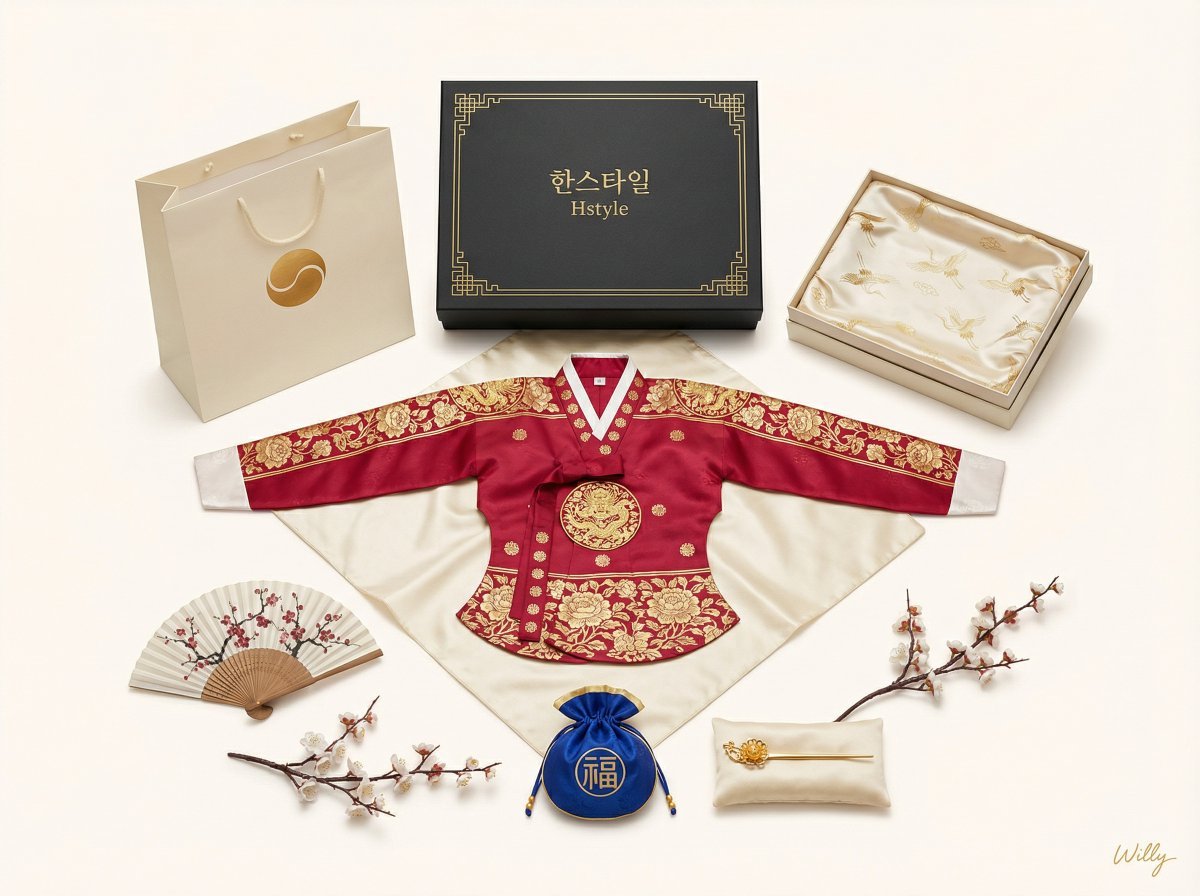
Luxury Korean Hanbok Product Mockup (Symmetrical Flat Lay)
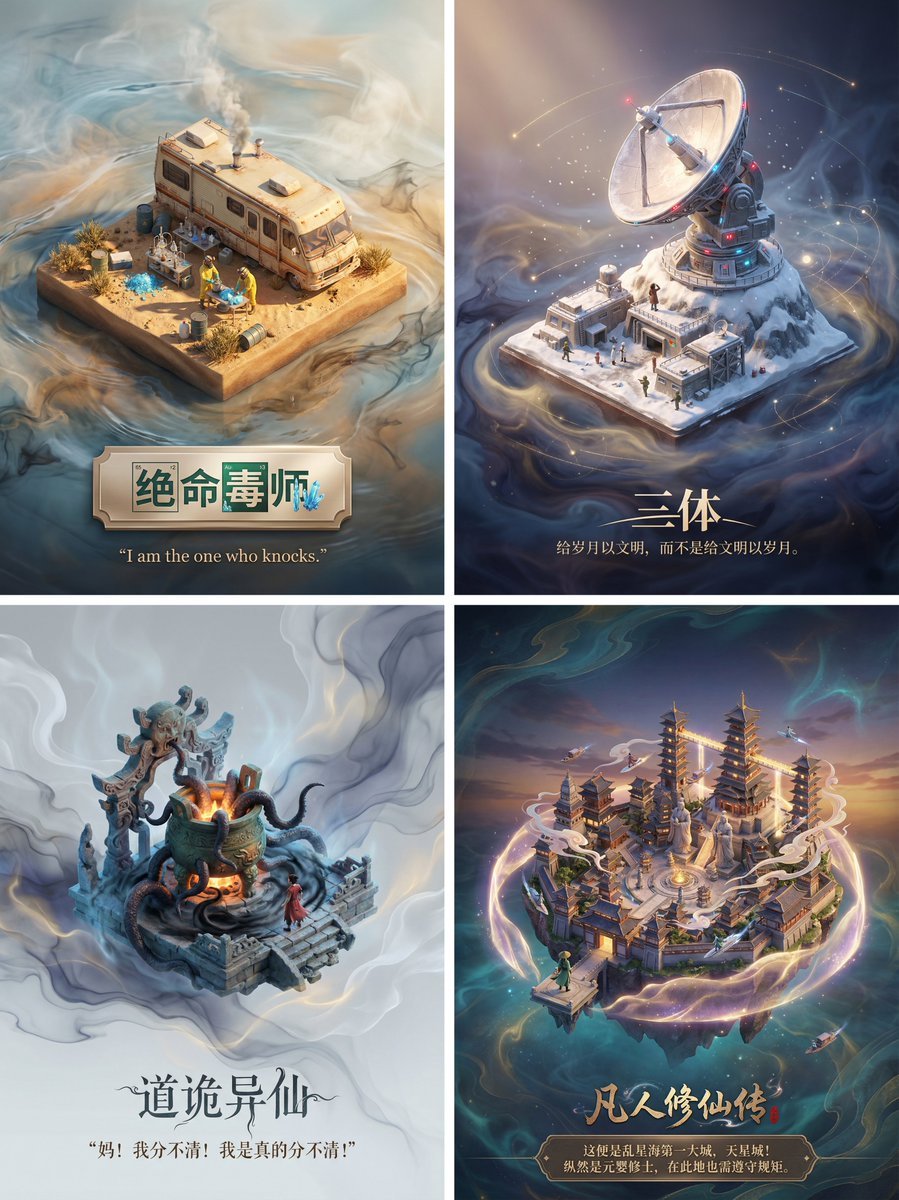
3D Diorama Poster for Film/Novel Scenes
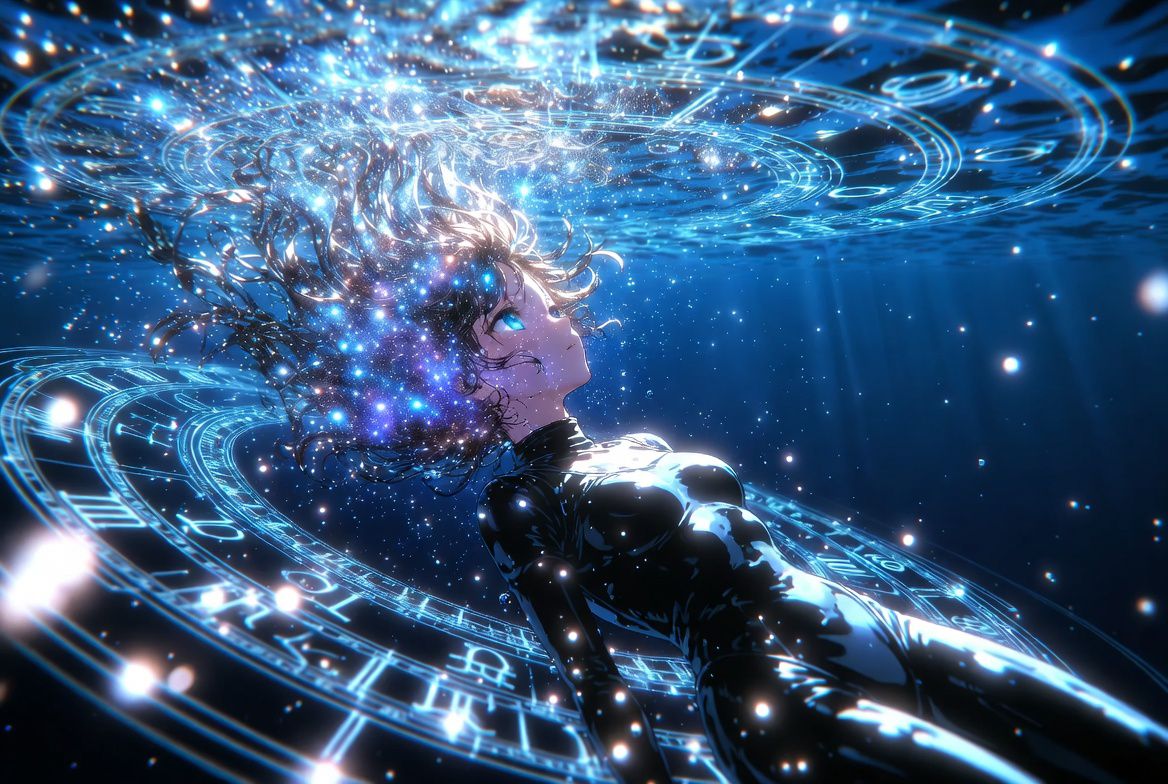
Anime Style AI Image Generation Prompt for Deep Sea Fantasy
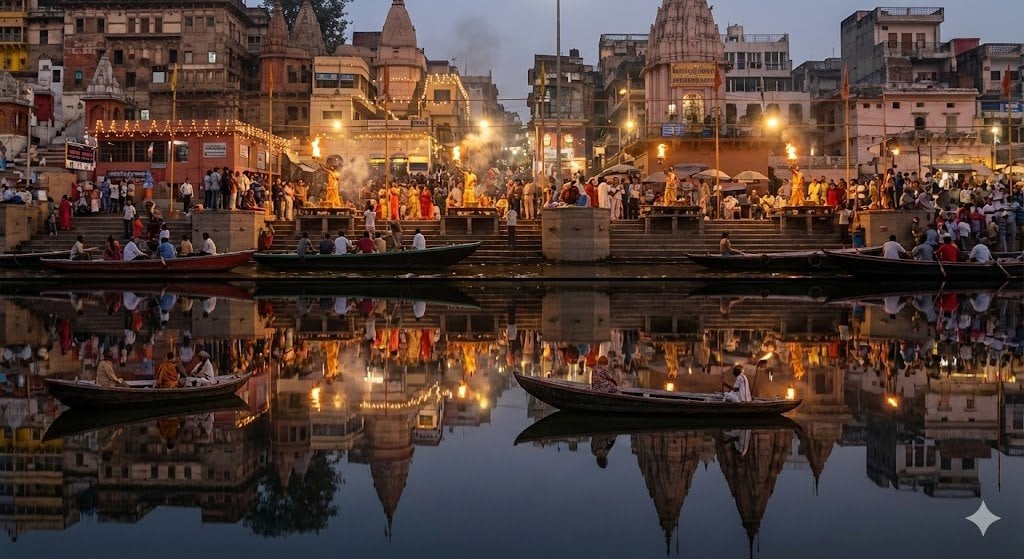
Varanasi ghats dual-timeline reflection scene
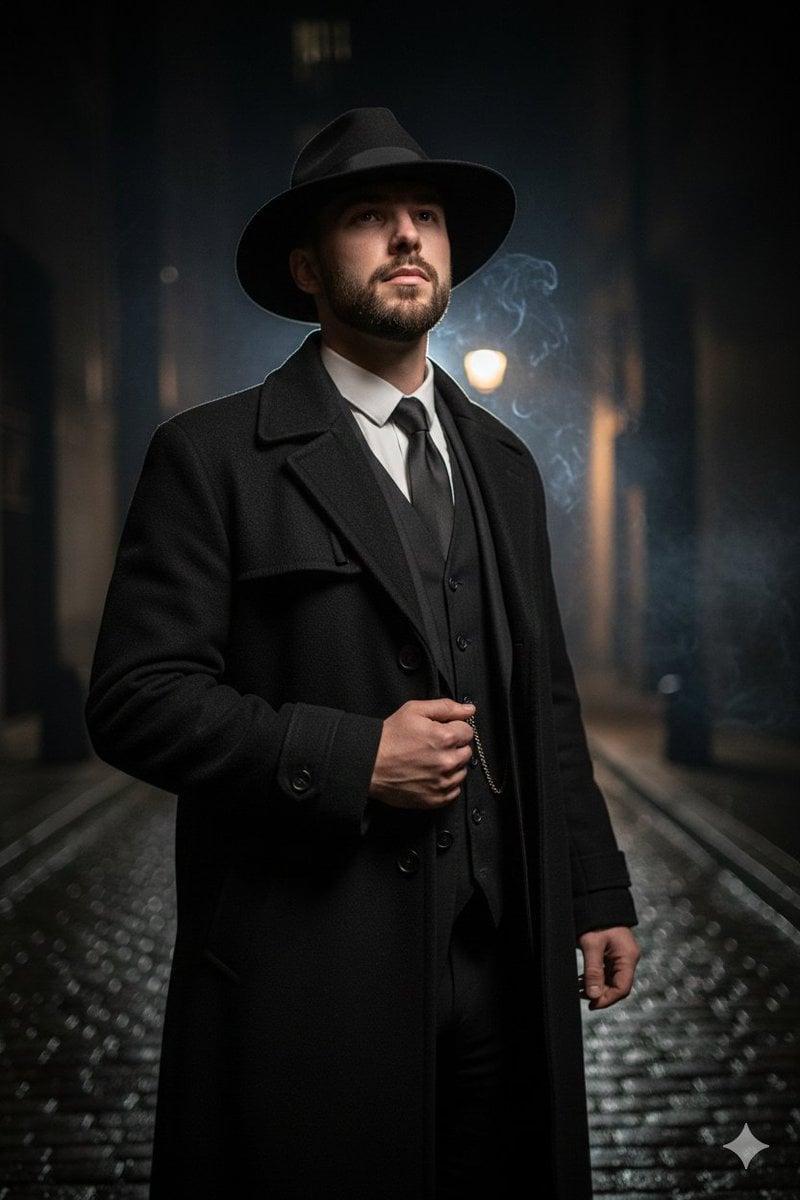
1920s Noir Gangster Portrait Prompt with Face Influence
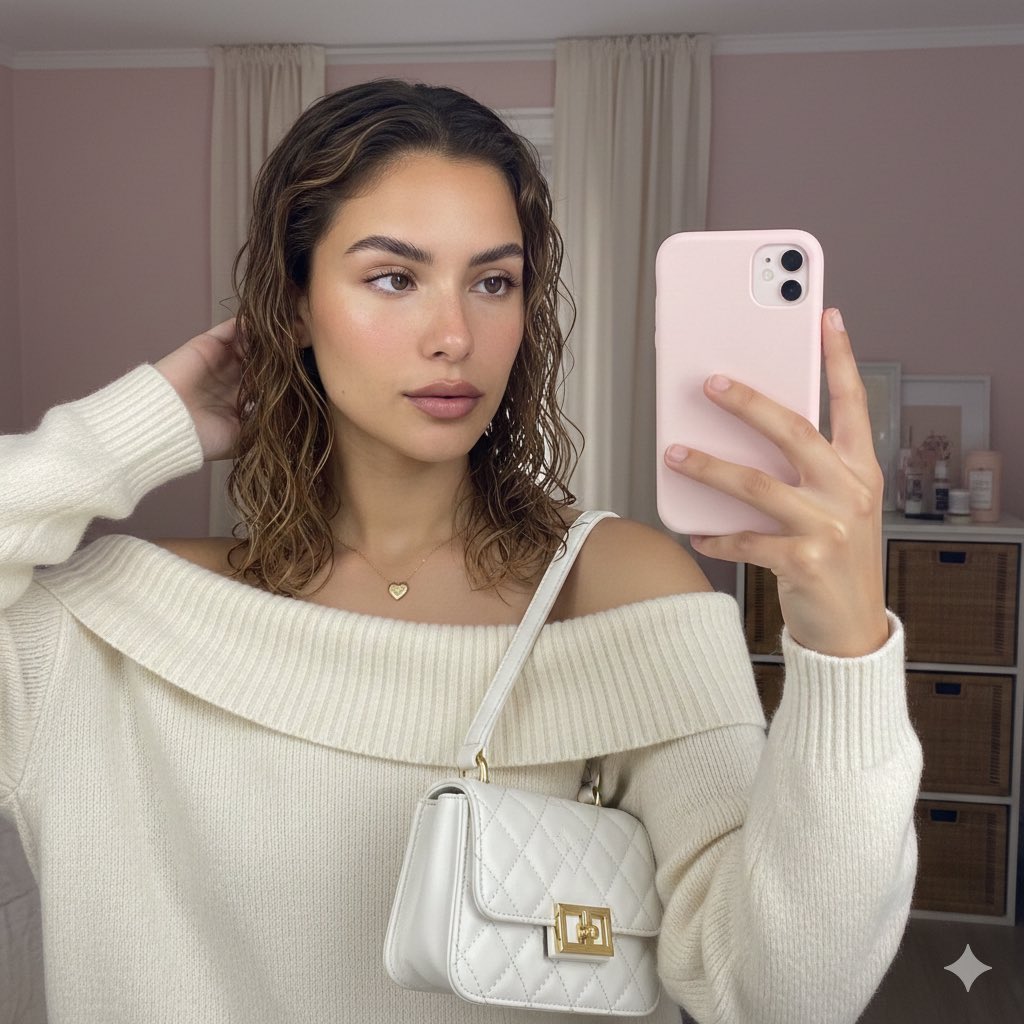
Soft Intimate Mirror Selfie (Reference-Based Generation)
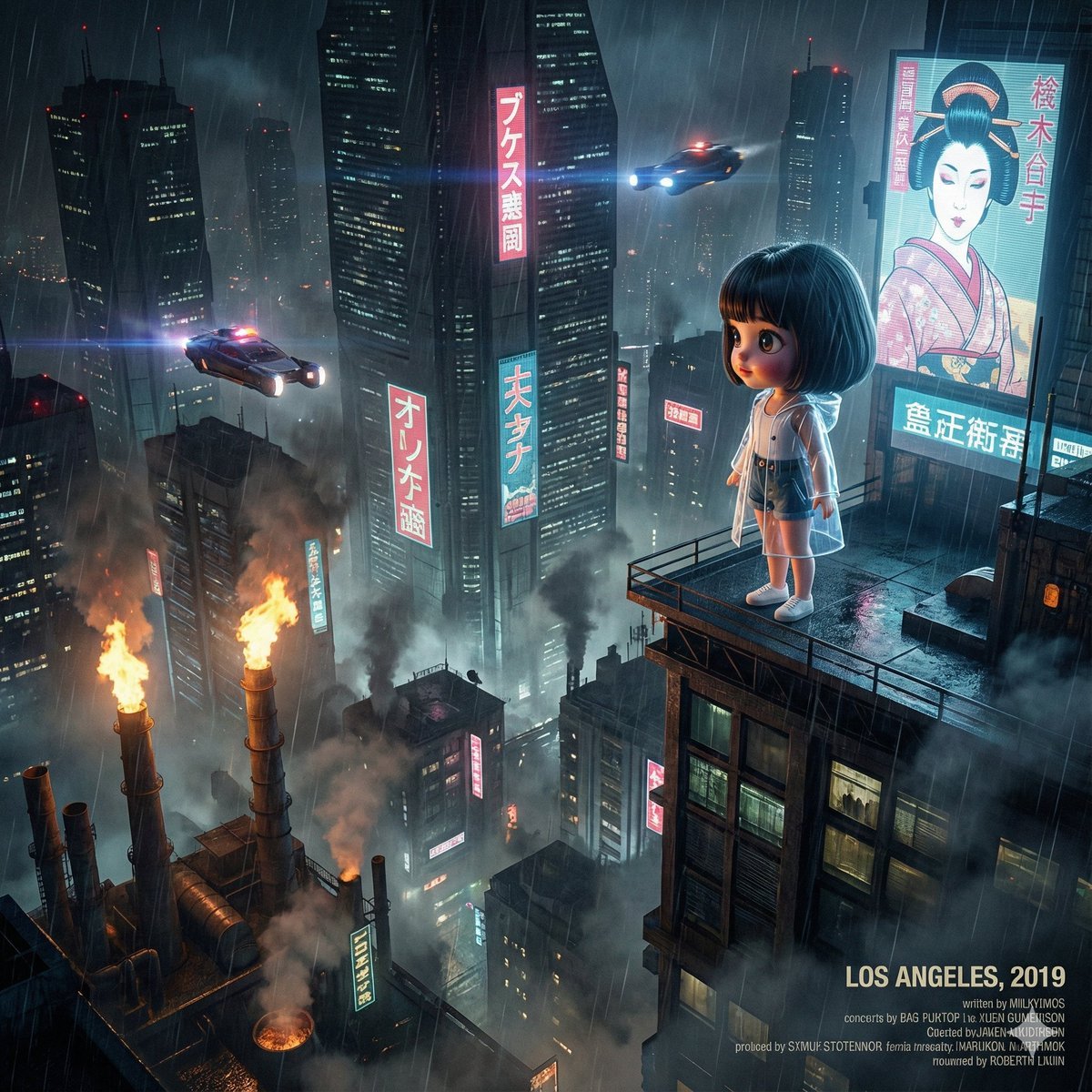
Blade Runner Opening Style Image
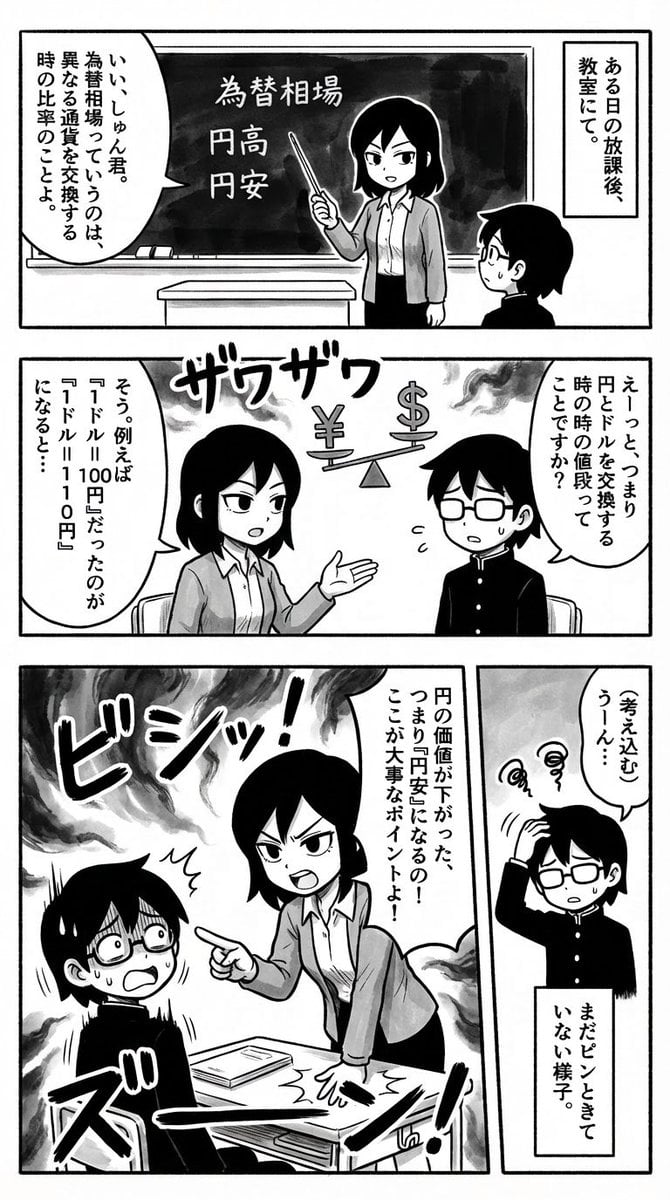
Simple Comic Generation Prompt
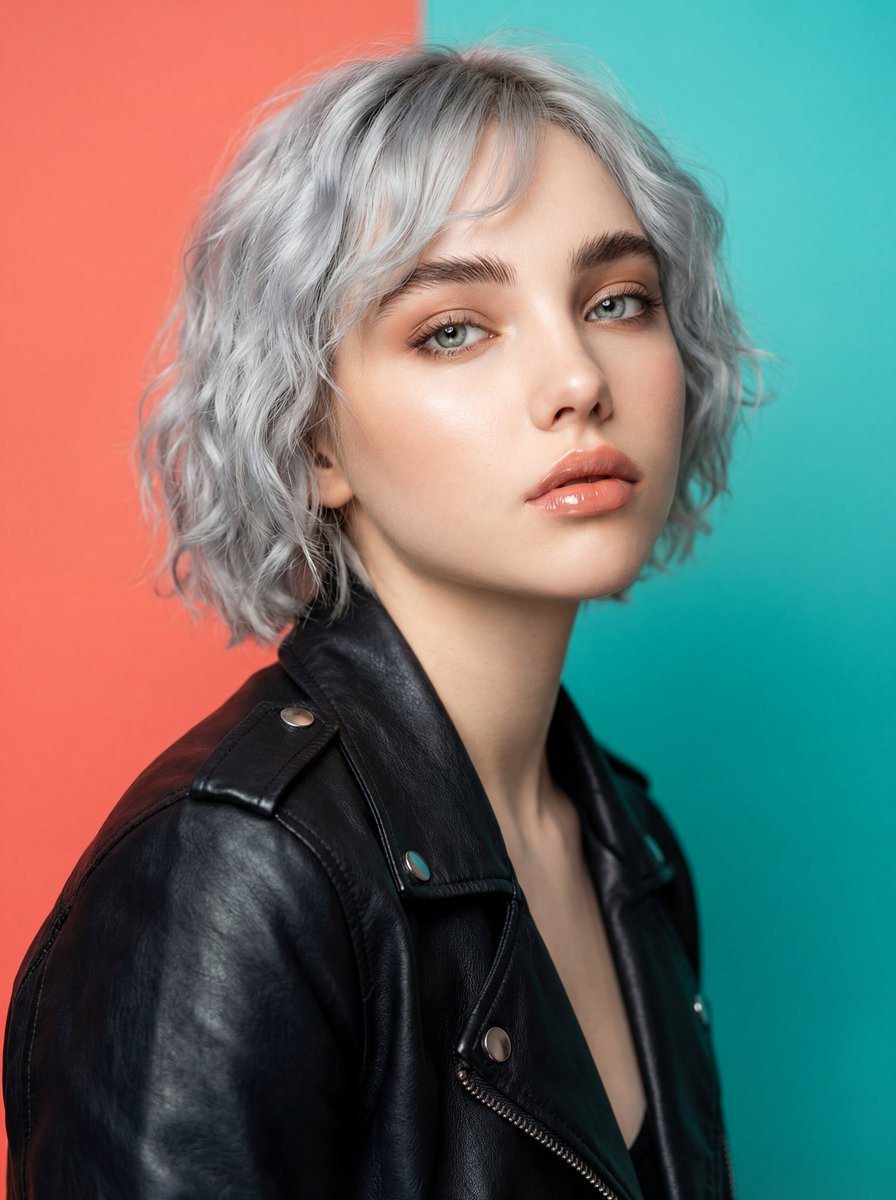
Ultra-Realistic Studio Fashion Model Portrait Prompt
Browse template categories
Cinematic Baijiu 9-Panel Storyboard questions
How do I use the Cinematic Baijiu 9-Panel Storyboard template?
Add your photo if the template asks for one, edit the prompt if you like — the template's model and format are already selected — and press Generate. Your version opens in PicX Studio.
Can I customize the Cinematic Baijiu 9-Panel Storyboard template?
Yes. You can change the subject, setting, lighting, mood, format, and available model controls before creating your image.
Is the Cinematic Baijiu 9-Panel Storyboard template free?
Opening and editing this template is free. Generating uses credits, shown on the Generate button when you are signed in.
Which AI model should I use?
Start with GPT Image 2, which is the model associated with this template. You can compare another compatible model for a different finish.
Looking for something else? Browse all templates.

Your photo, any look
Thousands of ready templates for every top image and video model, from one credit balance.