
Pencil Sketch Coffee Storyboard
A prompt for generating a rough, 12-panel pencil storyboard grid depicting a coffee brewing sequence.

- Prompt included
- Model and format preset
- Premium template
The prompt behind this image
Copy the exact prompt behind Pencil Sketch Coffee Storyboard, or open it in the studio and make it yours.
An extremely rough, messy, dirty pencil storyboard sheet. Scribbled thumbnail sketches that look like they were drawn in 10 seconds, rough gesture sketches, loose scratchy lines, barely readable shapes. Complete doodle-level roughness, even messier and rougher than a clean sketch. Aspect ratio: 21:9. Black and white only. Absolutely do not make it look like a finished drawing. Do not make clean line art. Arrange exactly 12 panels in a 4×3 grid, 4 columns by 3 rows. Each panel should have a messy, uneven rectangular frame that looks quickly drawn. No text, numbers, logos, or captions at all. A scene of a {argument name="subject" default="woman making and drinking pour over coffee"}. Consistency rules: keep everything physically correct across all panels. The pour over dripper must always be the same cone-shaped dripper sitting on top of the same glass server. Always draw it from the same diagonal front angle. Do not flip the orientation. The kettle must always be the same long-spouted gooseneck kettle. The spout must always point in the same direction. Keep the hands simple. Draw a maximum of two fingers. Do not draw extra fingers or broken joints. The coffee grounds must always appear as a dark rough layer inside the filter. Do not make it look like liquid until water is added. Panel 1 (hook): Whole coffee beans poured into a hand grinder from above. Beans scatter and bounce dramatically. Panel 2: The grinder handle being turned. Coffee dust and aroma lines rising. Panel 3: The ground coffee poured from the grinder into a paper filter inside the cone dripper. Grounds settle into a flat bed. Panel 4: The gooseneck kettle lifted. A thin precise stream of hot water poured in a slow spiral over the grounds. Bloom forming grounds puff up. Panel 5: Close-up of the blooming coffee grounds. CO2 bubbles rising from the wet surface. Steam rising. Panel 6: A second steady pour begins. Water spiraling outward from center. Coffee beginning to drip into the glass server below. Panel 7: The glass server filling slowly with dark coffee. Crema layer visible at the top of the liquid. Panel 8: The dripper lifted off and set aside. The finished coffee in the glass server, steam rising. Panel 9: Coffee poured from the server into a simple ceramic mug. A smooth stream. Steam curling upward. Panel 10: Both hands wrapped around the warm mug. Steam rising from the surface. Panel 11: The mug lifted to the lips. Eyes close slightly. Panel 12 (finish): First sip taken. A slow exhale of breath visible as steam. Soft satisfied expression. The whole image should be a pure rough scribbled thumbnail sheet. Messy, crude, no details, no shading, no color, no text.
How to use Pencil Sketch Coffee Storyboard in 3 steps
- 1
Open
The prompt is already in the box next to the preview, with the template's model and format selected.
- 2…a portrait of your subject in softgolden-hour light, 85mm…
Personalize
Edit the subject and creative details for your destination.
- 3Generate
Generate
Press Generate — your image is created in PicX Studio, so you can compare it with the original and refine one variable at a time.
More like this
Templates with the same subject, style or setup. Open one to see its prompt.
Blue Pencil Sketching
Face Sketching
Traditional Colored Pencil Portrait Sketch
Professional Graphite Pencil Sketch Portrait
Sorrowful Eye Pencil Sketch
Double Exposure Pencil Sketch Portrait
Gritty urban pencil sketch portrait
Double Exposure Pencil Sketch
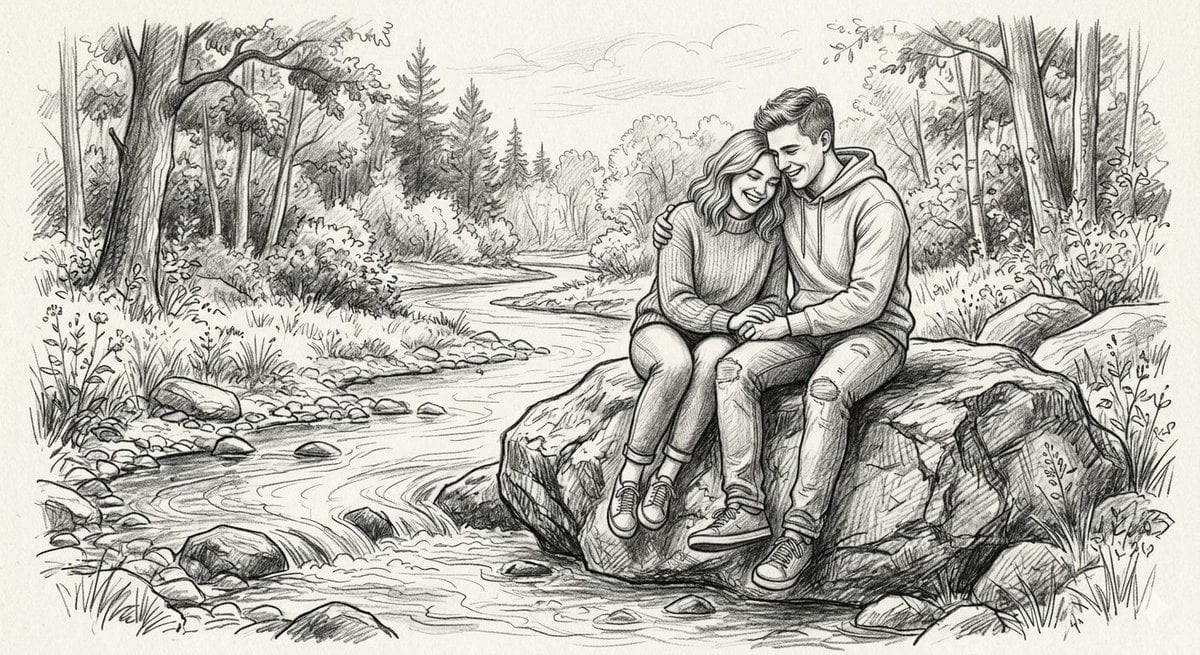
Detailed Graphite Pencil Sketch

Graphite Pencil Entrepreneur Sketch

Japanese Café Sketch Duo Illustration

Delicate Japanese Café Lifestyle Illustration
Make it yours
Pencil Sketch Coffee Storyboard works as-is. These are the safest ways to change it without losing the look.
Change one field
Copy a single group, rewrite it, and generate again so you can see what that field is doing.
Keep the frame, change the subject
Hold the composition and light of Pencil Sketch Coffee Storyboard, then swap wardrobe, props or the person for a new take.
| If the result… | Why | Fix |
|---|---|---|
| The result drifts from the preview | Too many fields changed at once. | Reuse Pencil Sketch Coffee Storyboard as-is first, then change one group — subject, light, or setting. |
| The model over-stylizes the scene | The prose prompt leaves finish and camera underspecified. | Add one camera or lighting sentence and stay on GPT Image 2. |
More GPT Image 2 templates
Other prompts made for GPT Image 2.

Six VTuber Japanese Logo Sheet

Realistic Portrait of Woman and Deer

The Vista Modular Condo Poster

AI Model Routing Comparison Infographic

2.5D Anime Art Board

Isometric Productivity Desk Scene

New York Double Exposure Poster

Four-Panel AI Landscape Comparison

Japanese Tatami Lifestyle Magazine Cover

NESCAFÉ Coffee Map Poster
More image prompts
Fresh picks from across the catalog.
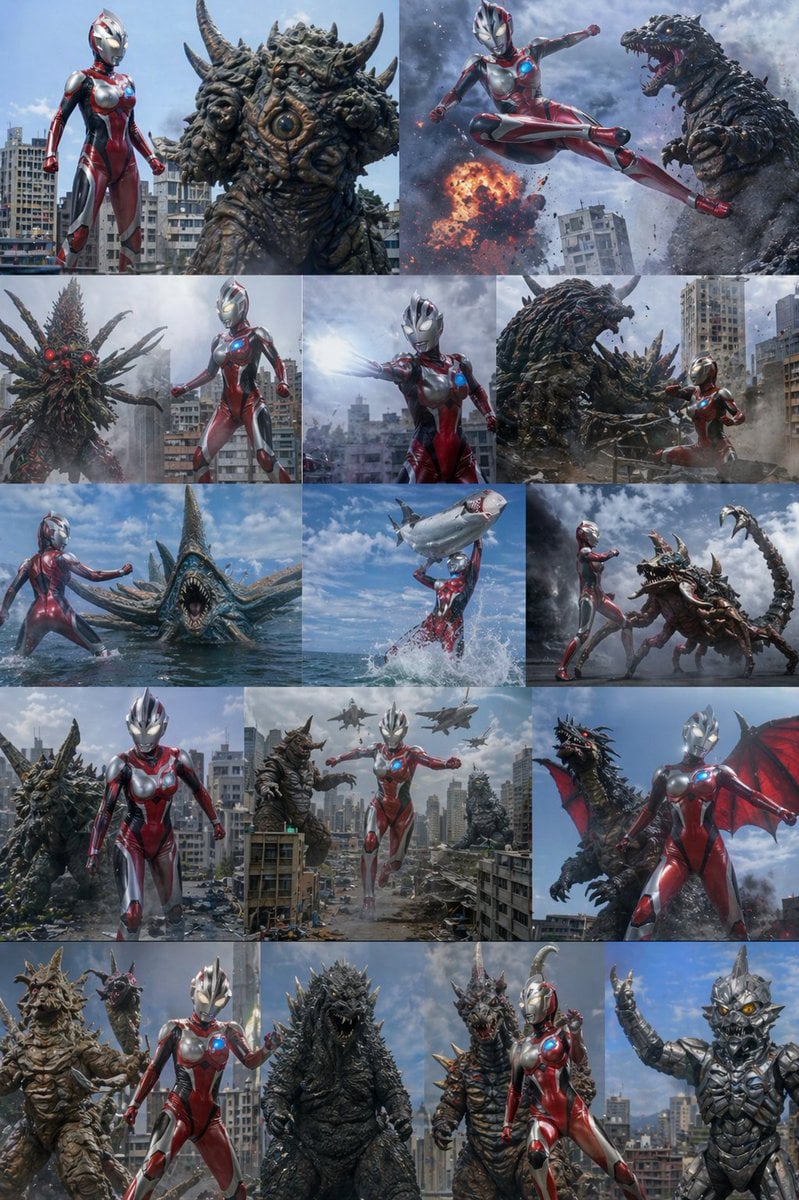
Ultra Woman Kaiju Battle Variations
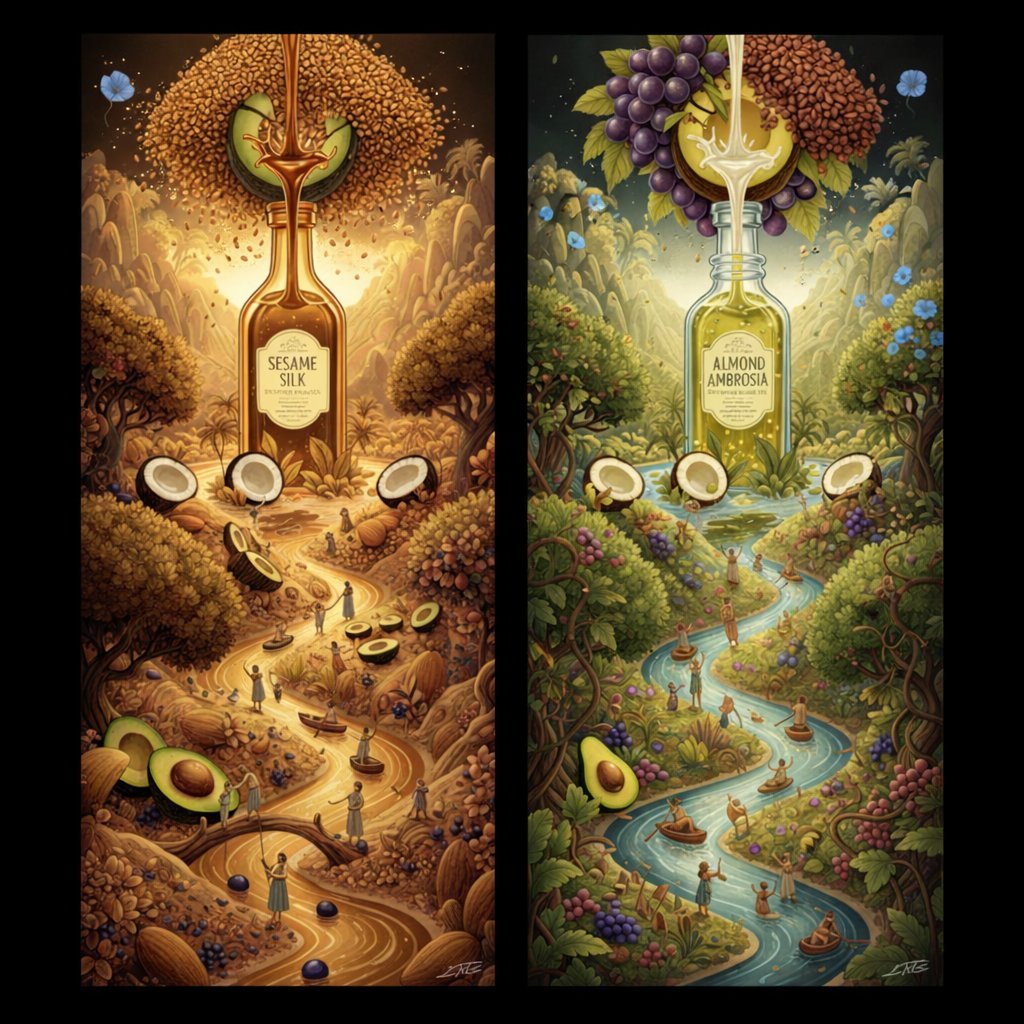
Surrealist Diptych of Sesame and Almond Oil Landscapes
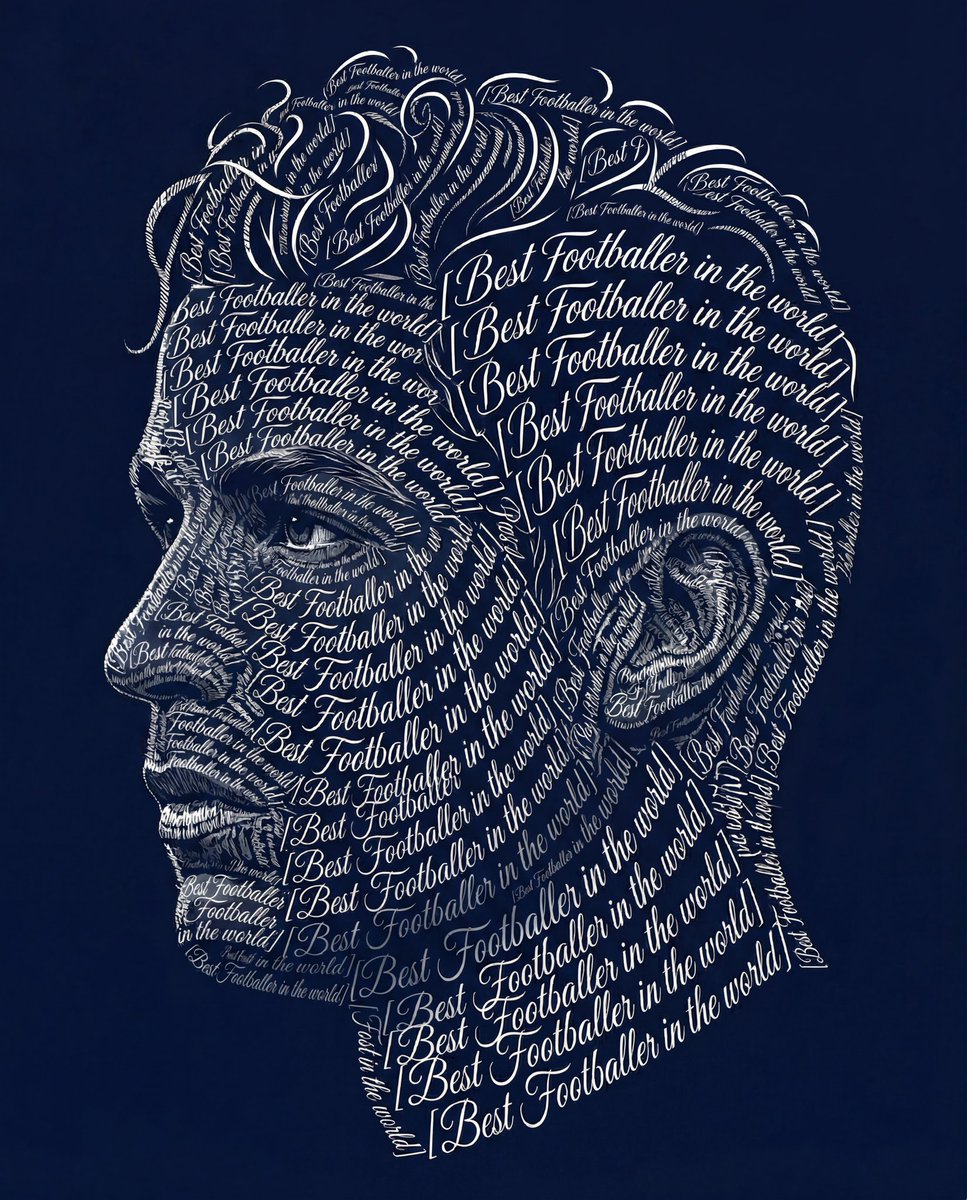
Typographic Art Portrait
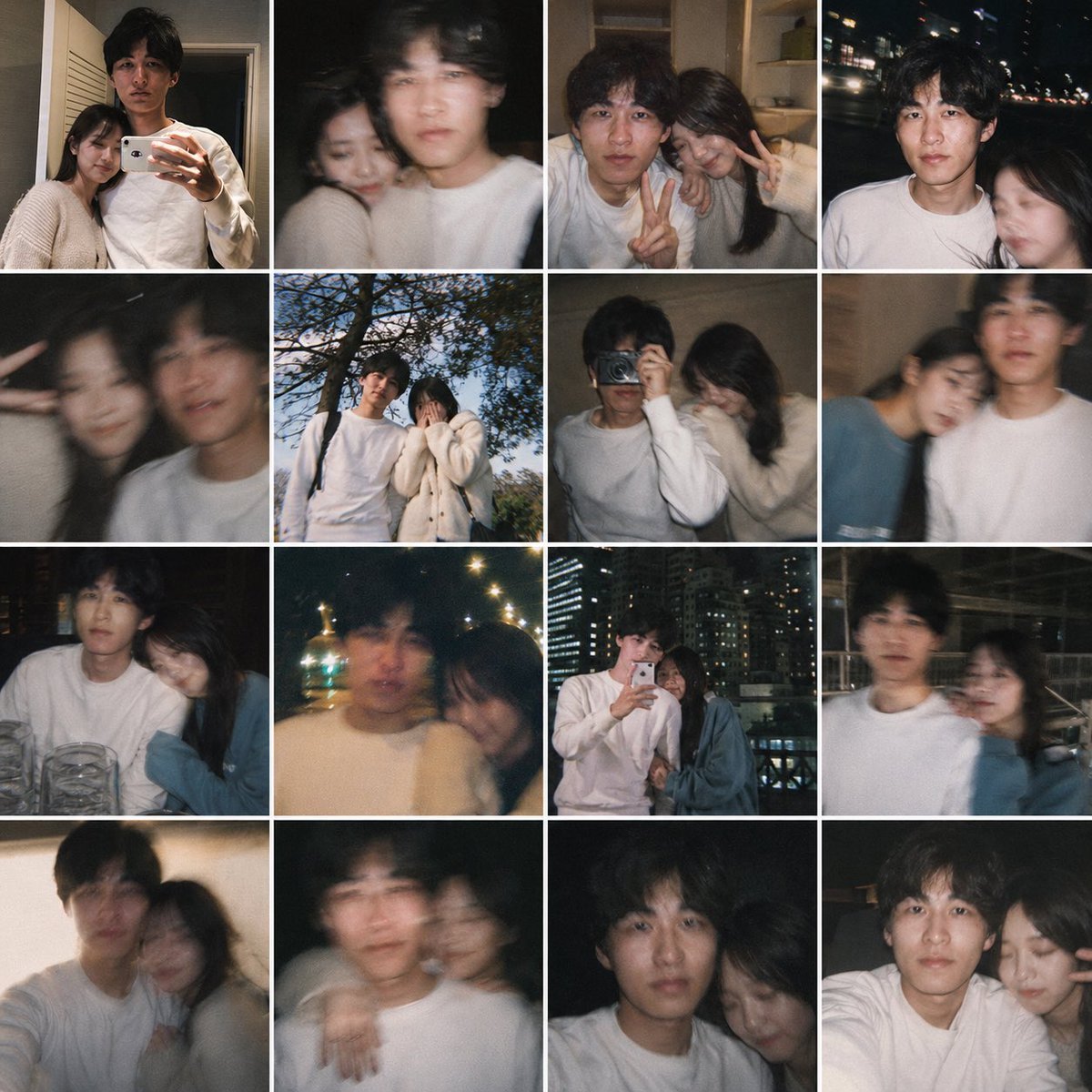
Fake Couple Photo Dump Collage
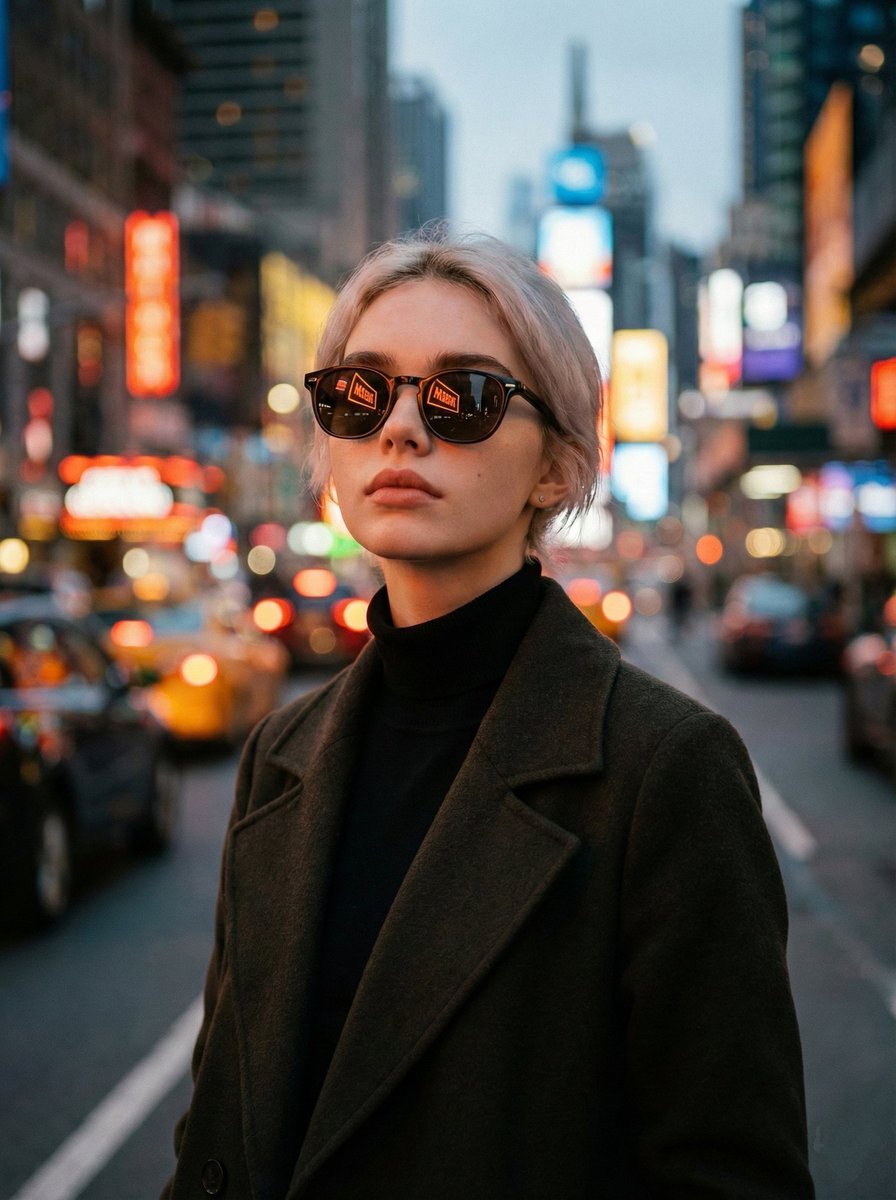
Cinematic Twilight City Portrait with Neon Reflections
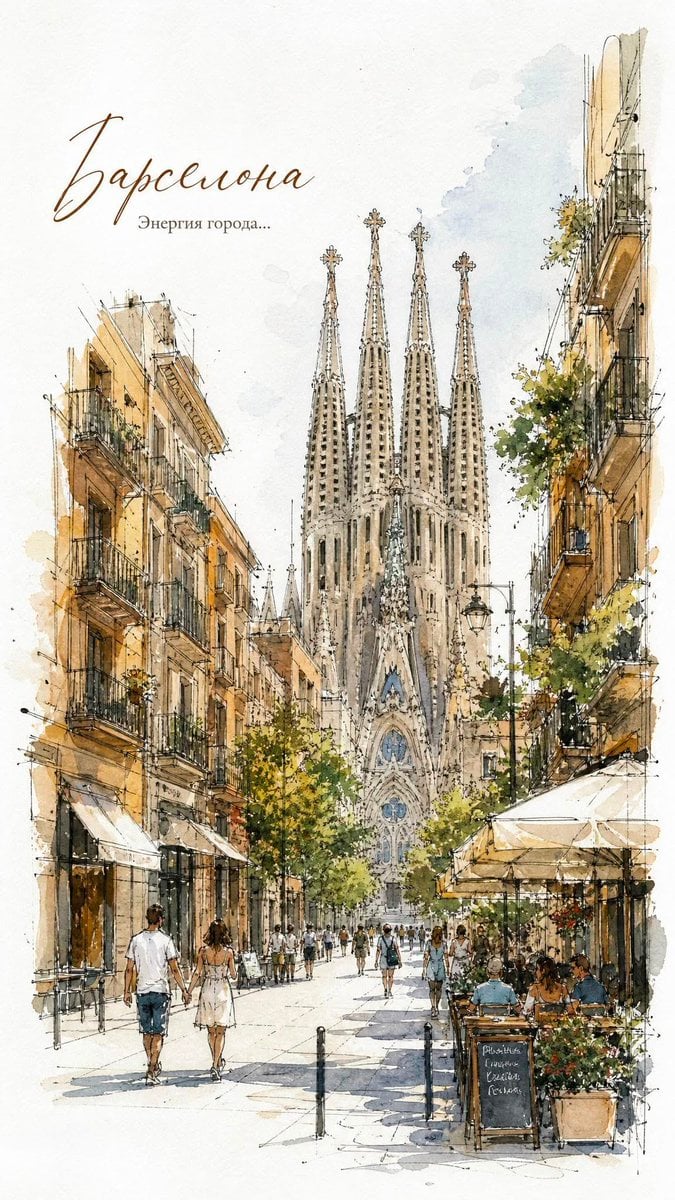
European City Watercolor Sketch Poster
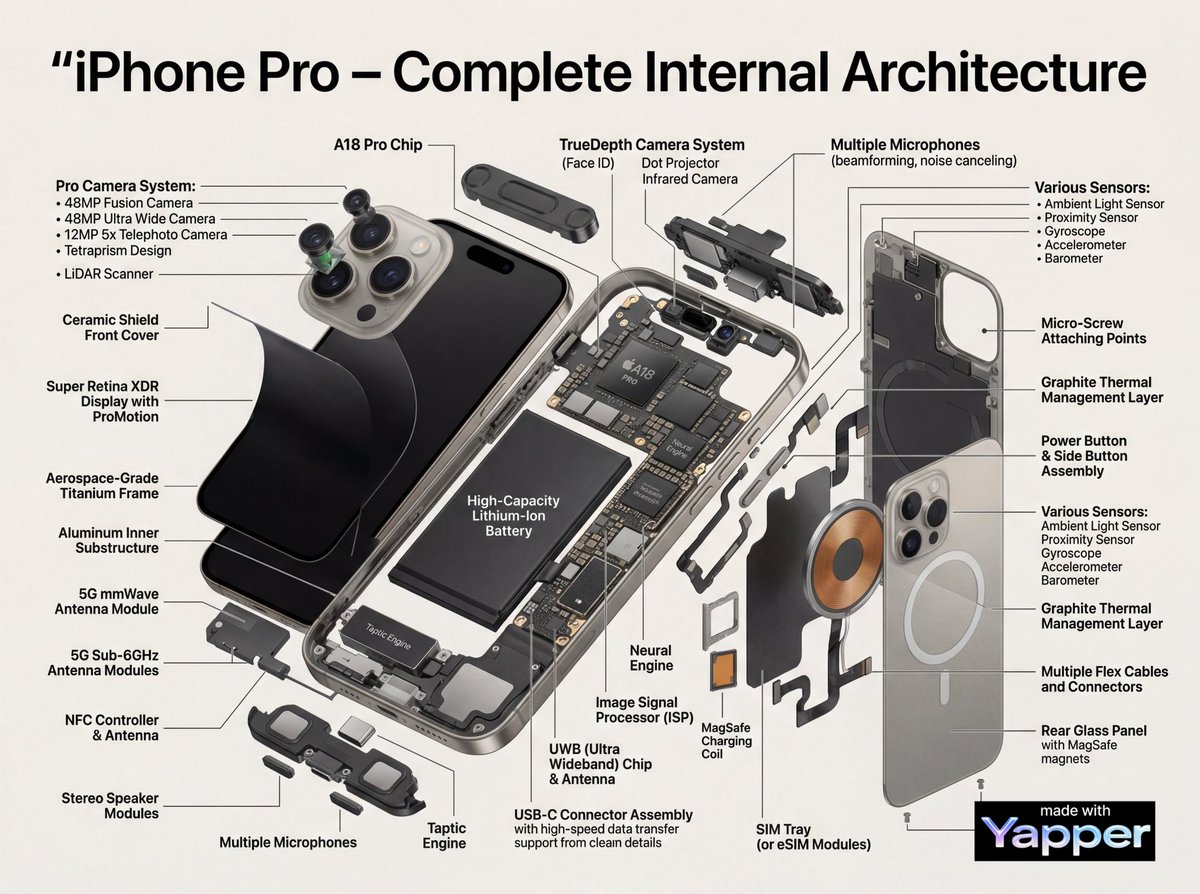
Technical Infographic Cutaway Prompt
Photorealistic Lifestyle Beach Portrait

Hyper-realistic Cinematic Product Photo of Fanta Orange Can
Kawaii Punk Band Studio Scene
Browse template categories
Pencil Sketch Coffee Storyboard questions
How do I use the Pencil Sketch Coffee Storyboard template?
Add your photo if the template asks for one, edit the prompt if you like — the template's model and format are already selected — and press Generate. Your version opens in PicX Studio.
Can I customize the Pencil Sketch Coffee Storyboard template?
Yes. You can change the subject, setting, lighting, mood, format, and available model controls before creating your image.
Is the Pencil Sketch Coffee Storyboard template free?
Opening and editing this template is free. Generating uses credits, shown on the Generate button when you are signed in.
Which AI model should I use?
Start with GPT Image 2, which is the model associated with this template. You can compare another compatible model for a different finish.
Looking for something else? Browse all templates.

Your photo, any look
Thousands of ready templates for every top image and video model, from one credit balance.