
Face Sketching
Face Sketching is a ready photo look.
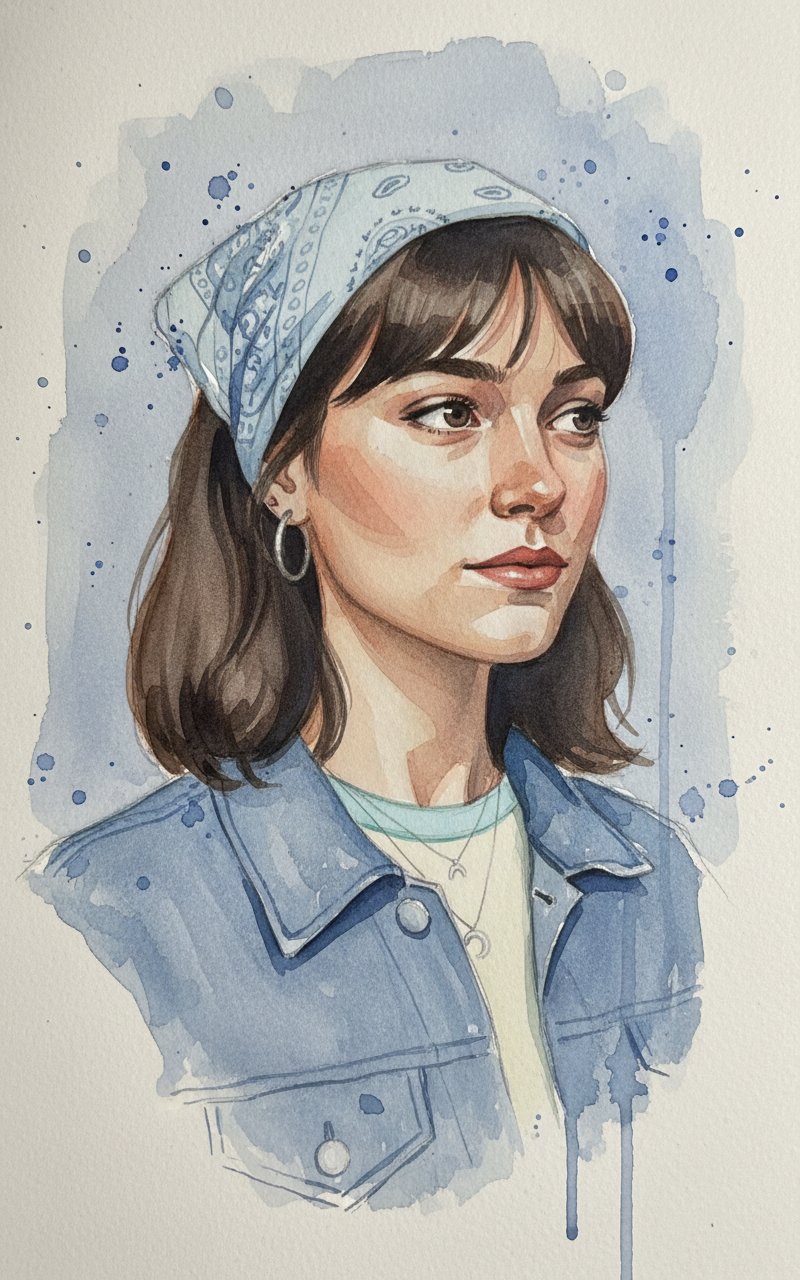
- Prompt included
- Model and format preset
- Free template
The prompt behind this image
Copy the exact prompt behind Face Sketching, or open it in the studio and make it yours.
Create a vertical 3:4 watercolor portrait using my provided photo as the subject: shoulders-up, subtle three-quarter view facing right with a calm, introspective expression. Use a restrained palette of indigo, Prussian blue, and Payne's gray for background and clothing, with warm peach/beige/umber glazes for skin. Emulate hand-painted watercolor techniques—translucent layered washes, soft wet-on-wet gradients, backruns/blooms, delicate dry-brush and fine linework for hair and lashes, crisp accents at the eyes, nose, and lips, and lost-and-found edges along the jaw and neck. Light softly from the left to create cool, desaturated shadows; place the lead eye near the upper-right third. Keep the background minimal: airy blue-gray washes with splatter and a few downward drips that melt into a loosely indicated denim collar, all on subtly textured hot-press paper. Maintain a cool, contemplative mood with a matte finish—no photographic or lens effects—prioritizing illustrative, painterly qualities and the original artwork's atmosphere.
How to use Face Sketching in 3 steps
- 1Upload ImagePNG, JPG or paste
Add your photo
Upload the photo the template builds on. The prompt, model and format are already set.
- 2…a portrait of your subject in softgolden-hour light, 85mm…
Personalize
Edit the subject and creative details for your destination.
- 3Generate
Generate
Press Generate — your image is created in PicX Studio, so you can compare it with the original and refine one variable at a time.
More like this
Templates with the same subject, style or setup. Open one to see its prompt.
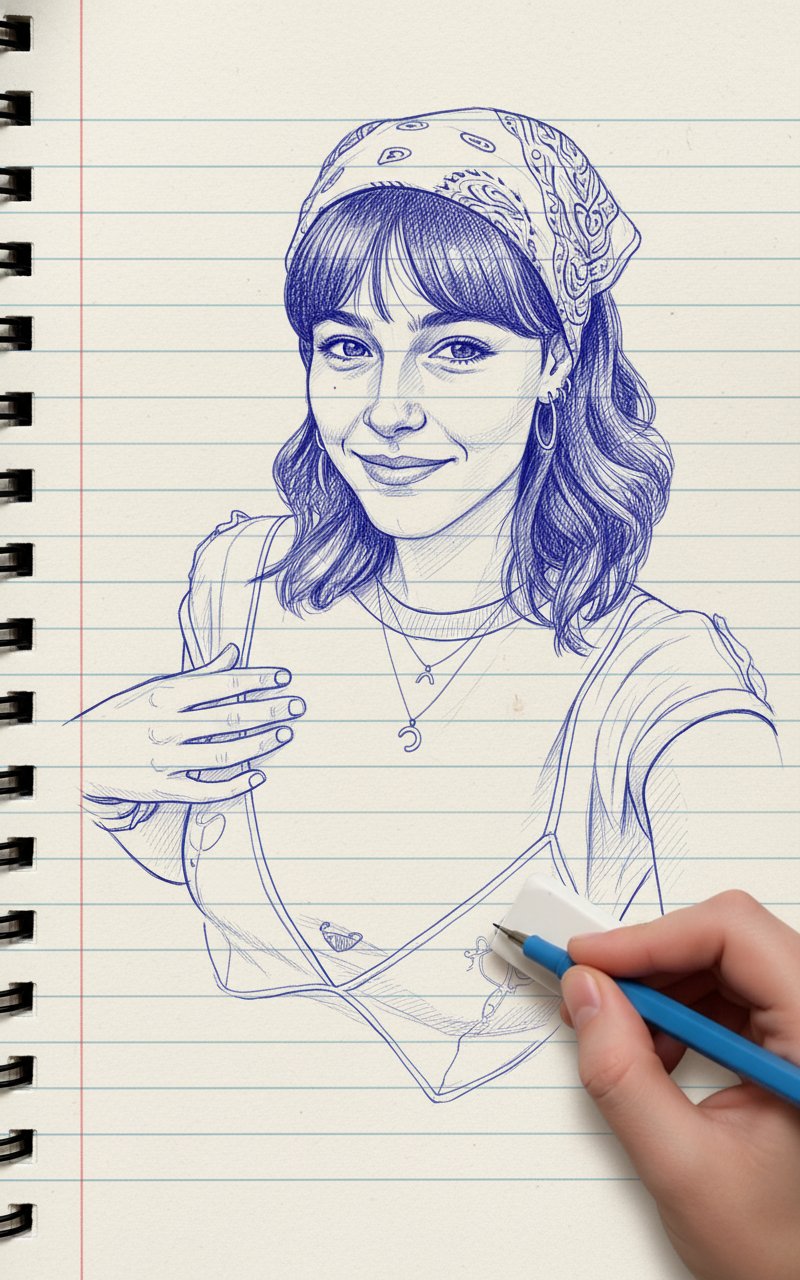
Blue Pencil Sketching
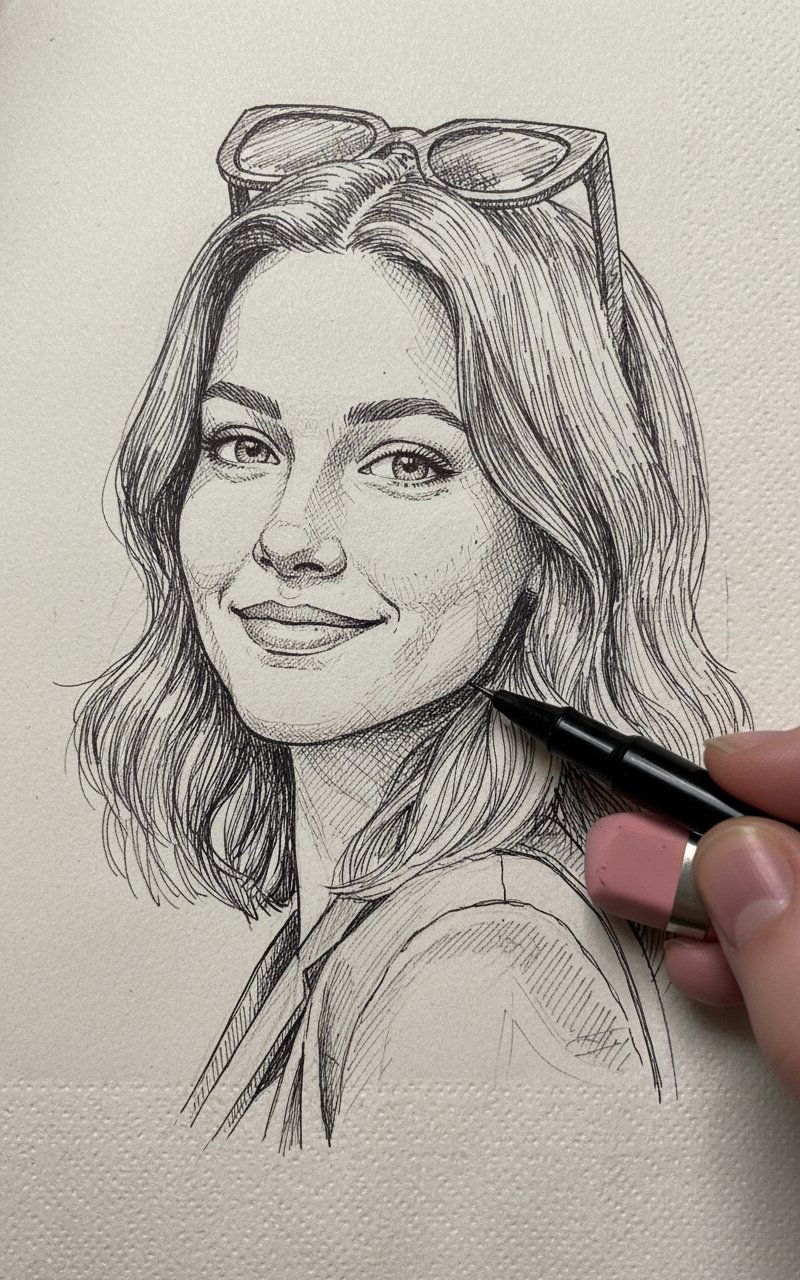
Pencil Sketch

Realistic portrait 100 identical face, no editing allowed
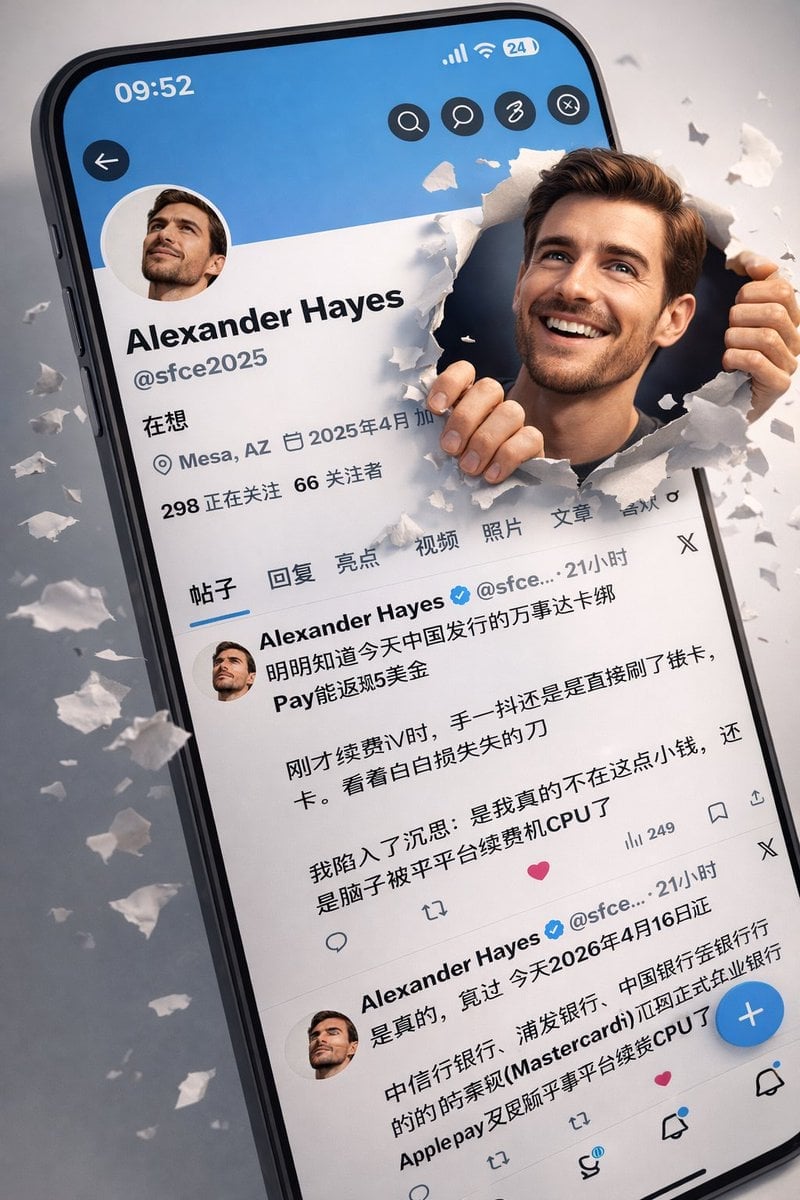
3D Realistic X Profile Interface
Realistic Selfie With Face Privacy Block

Dancer Character - Four View Reference Sheet
Ultra-Realistic Graphite Pencil Portrait
Nano Banana Pro Eyes in Shadow
Nano Banana Pro Dorm Room Cinematic

Night Sports Car Portrait — Cinematic Moody
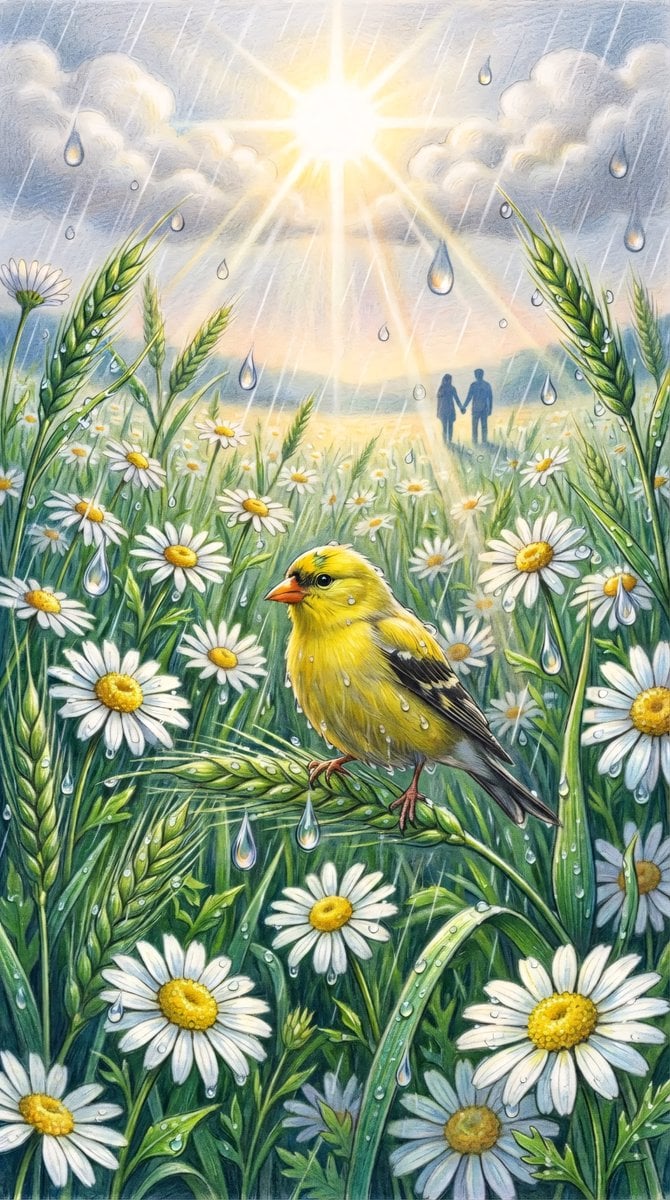
Vibrant Colored Pencil Bird Illustration

Underwater Macro Face Portrait
Make it yours
Face Sketching works as-is. These are the safest ways to change it without losing the look.
Change one field
Copy a single group, rewrite it, and generate again so you can see what that field is doing.
Keep the frame, change the subject
Hold the composition and light of Face Sketching, then swap wardrobe, props or the person for a new take.
| If the result… | Why | Fix |
|---|---|---|
| The result drifts from the preview | Too many fields changed at once. | Reuse Face Sketching as-is first, then change one group — subject, light, or setting. |
| The model over-stylizes the scene | The prose prompt leaves finish and camera underspecified. | Add one camera or lighting sentence and stay on PicX Studio. |
More image prompts
Fresh picks from across the catalog.
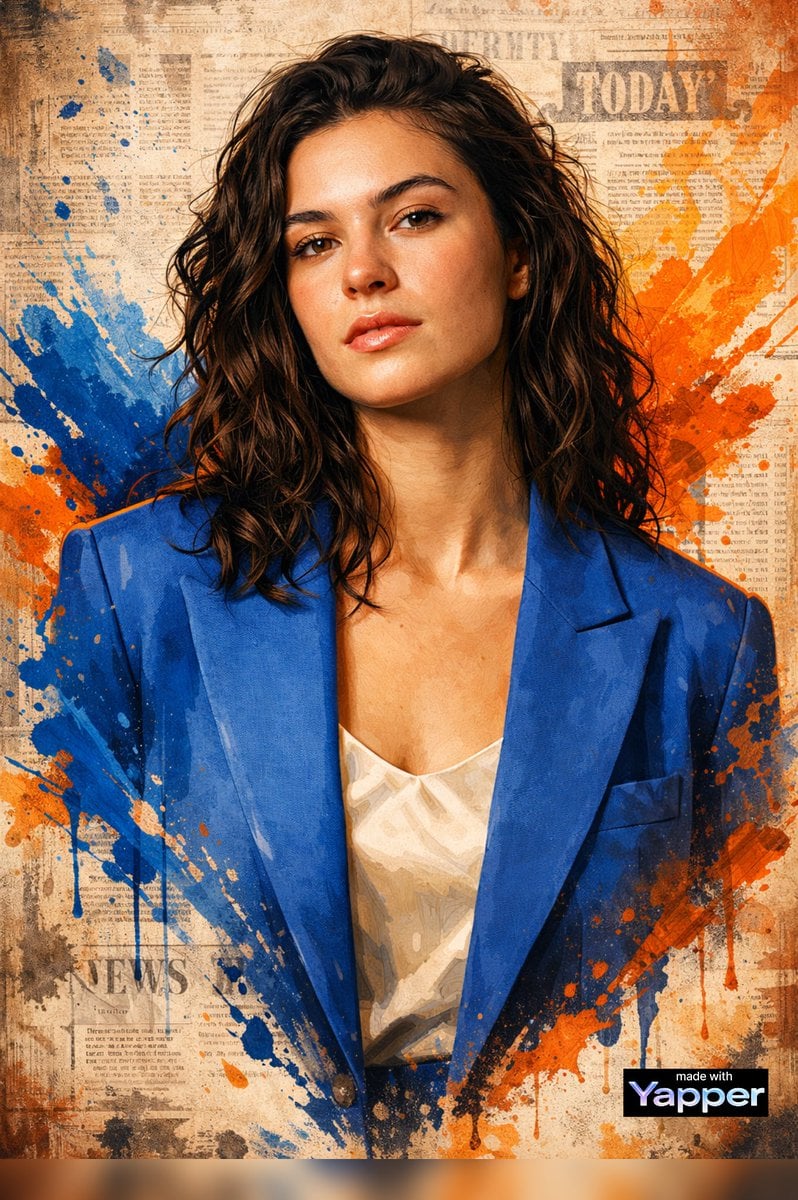
High-End Digital Painting Portrait
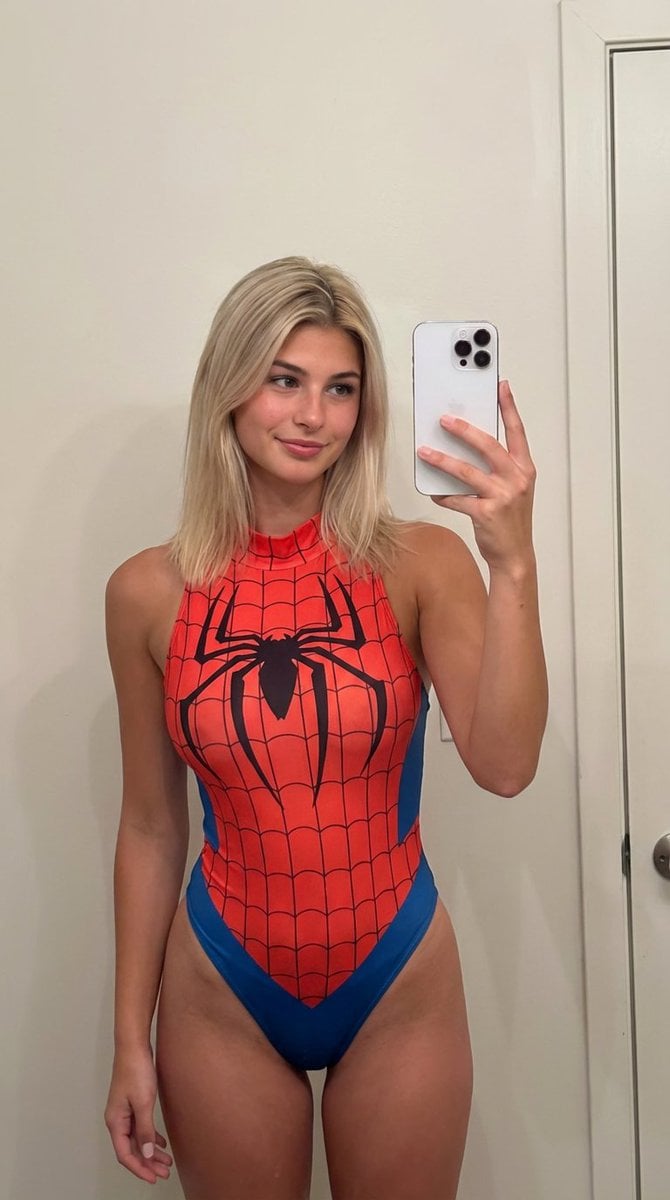
AI Girlfriend Prompt for Nano Banana Pro
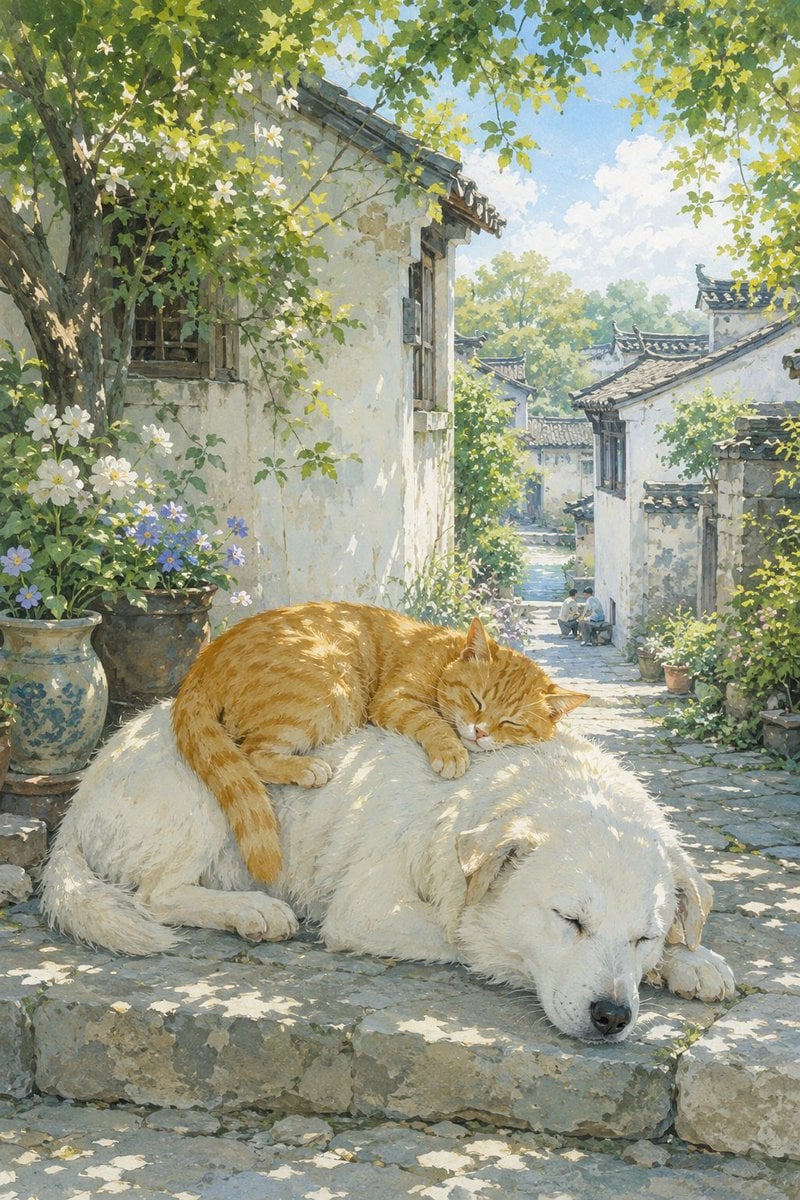
Summer Oriental Courtyard Illustration
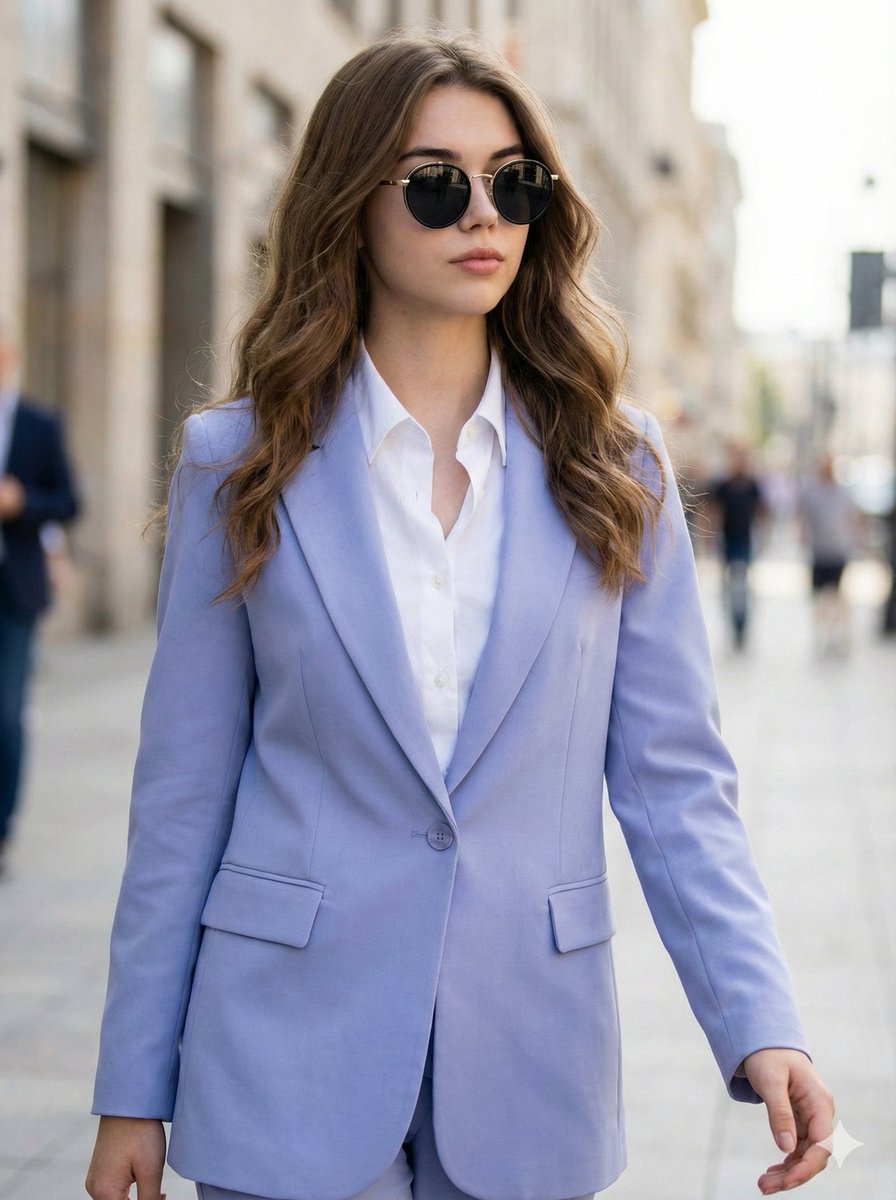
Ultra-Realistic High-Fashion Editorial Prompt
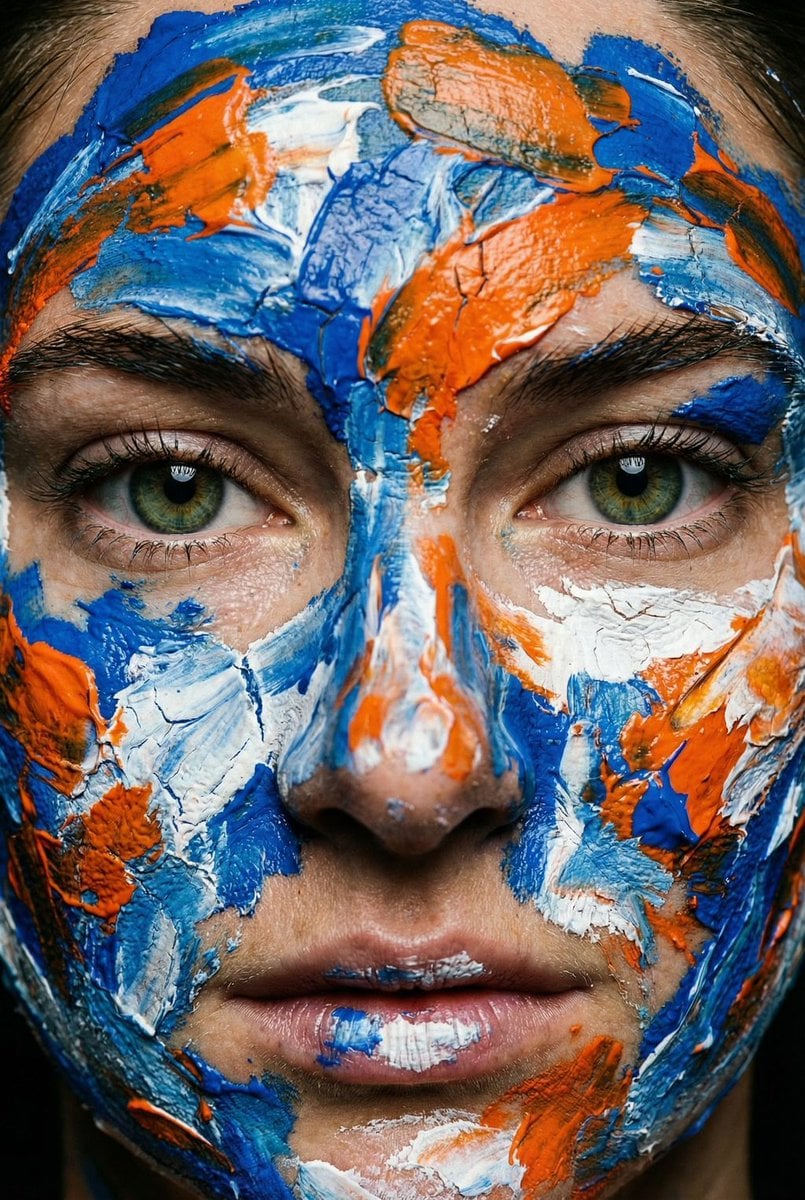
Macro Portrait with Impasto Acrylic Paint Texture
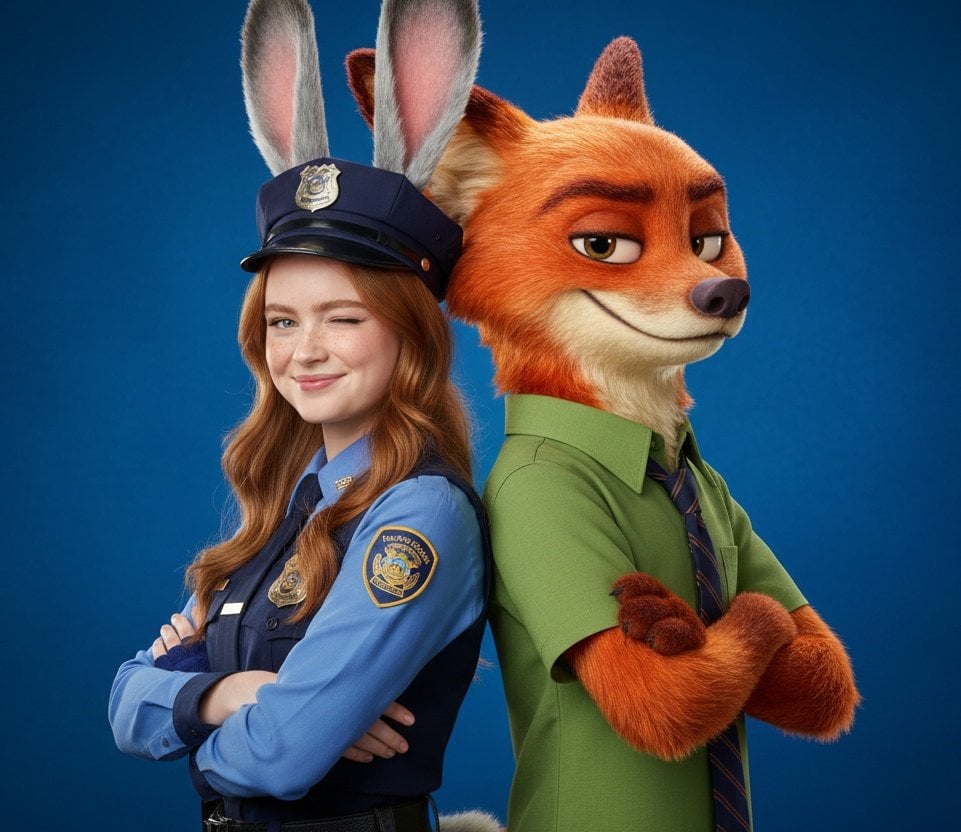
Hyper-Realistic Zootopia Cosplay Portrait with Identity Lock
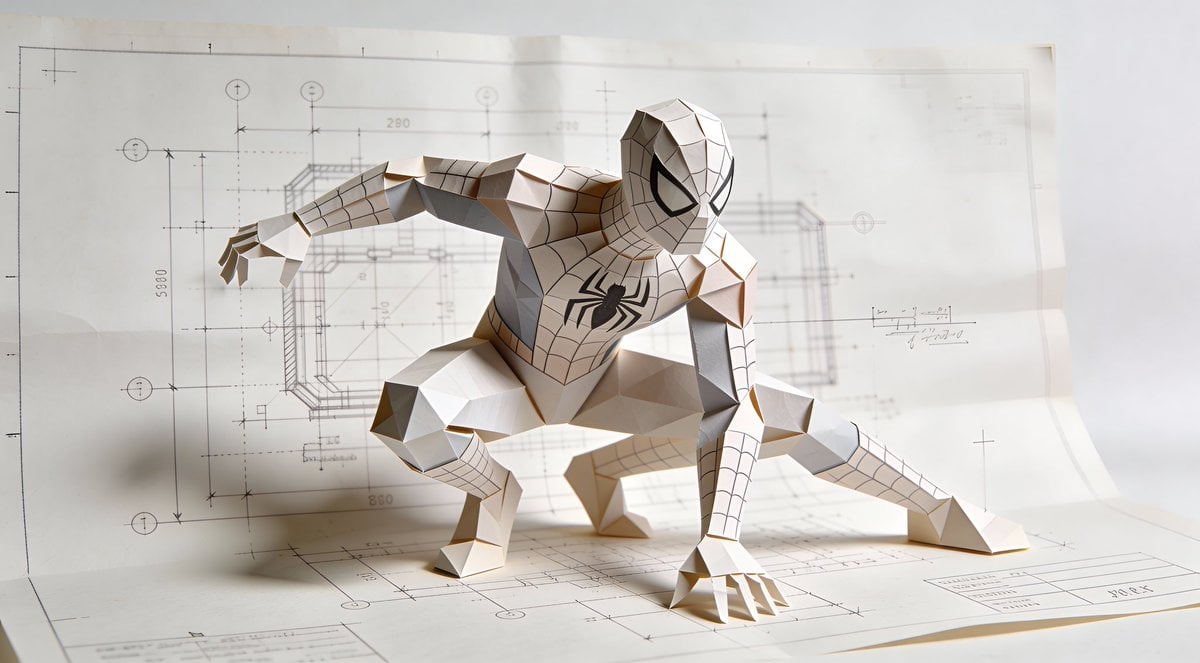
Natural Language Prompt for Spider-Man Folded-Paper Blueprint
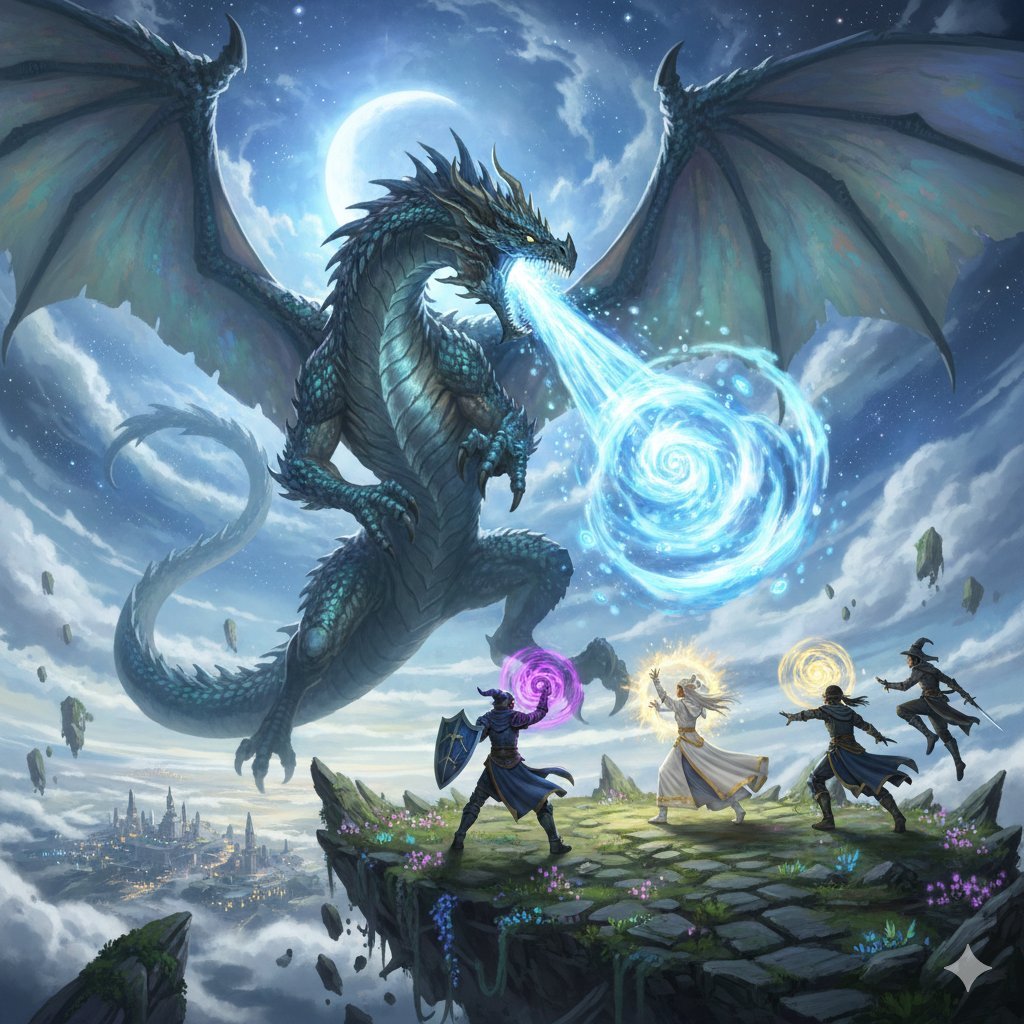
Final Fantasy Bahamut VS Player Generation
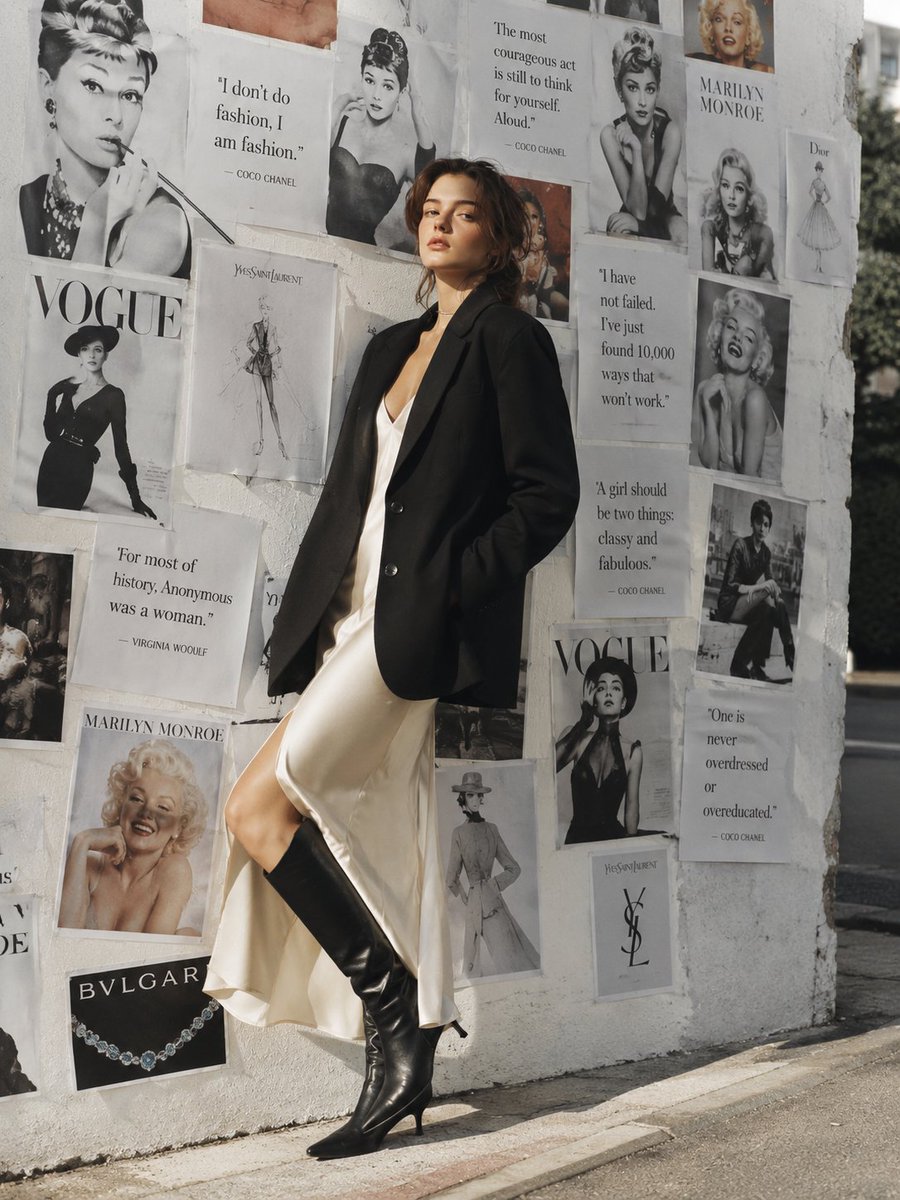
Parisian Chic Fashion Portrait
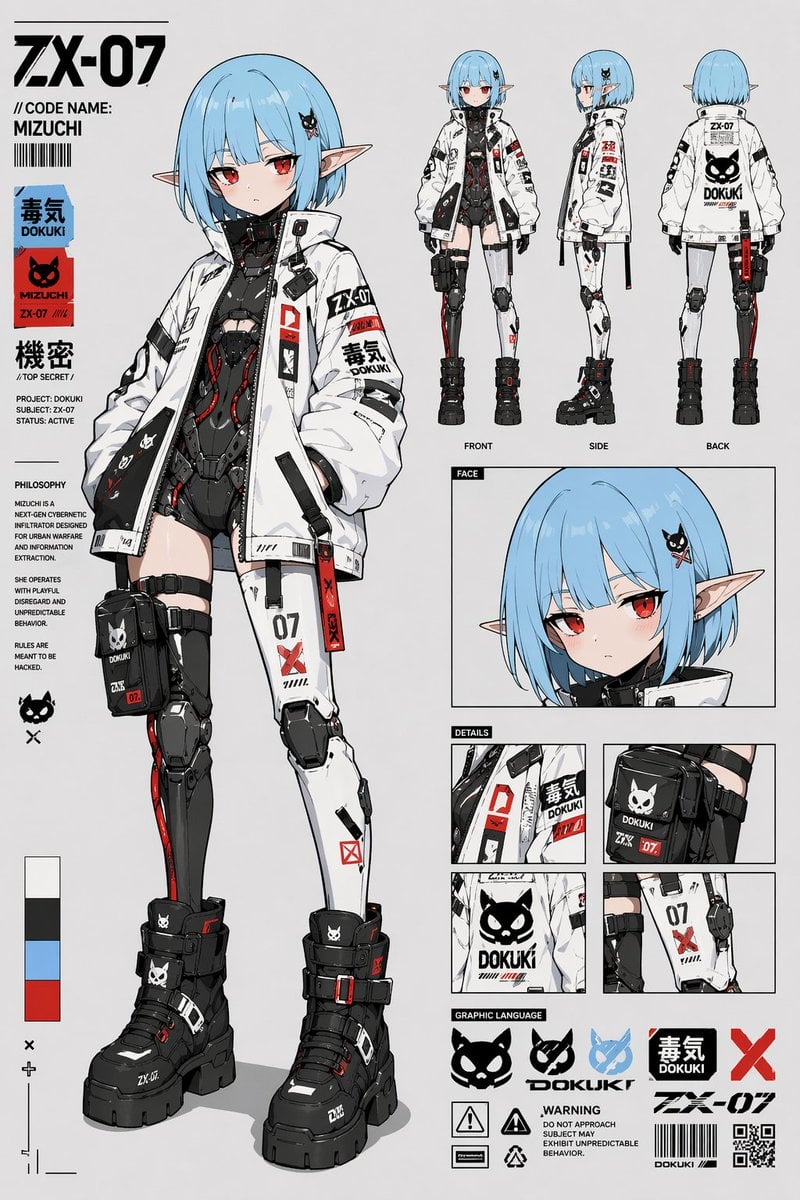
Cyberpunk Anime Character Sheet
Browse template categories
Face Sketching questions
How do I use the Face Sketching template?
Add your photo if the template asks for one, edit the prompt if you like — the template's model and format are already selected — and press Generate. Your version opens in PicX Studio.
Can I customize the Face Sketching template?
Yes. You can change the subject, setting, lighting, mood, format, and available model controls before creating your image.
Is the Face Sketching template free?
Opening and editing this template is free. Generating uses credits, shown on the Generate button when you are signed in.
Which AI model should I use?
Choose a compatible model in PicX Studio based on the style, speed, and output controls your project needs.
Looking for something else? Browse all templates.

Your photo, any look
Thousands of ready templates for every top image and video model, from one credit balance.