How do I use the 3D Realistic X Profile Interface template?
Edit the prompt in the box under the preview — the template's model and format are already selected — and press Generate. Your version appears right on this page.
A detailed prompt for generating a hyper-realistic 3D social media profile interface based on a reference screenshot with specific character expressions.

This template uses your photo — add one with the + button.
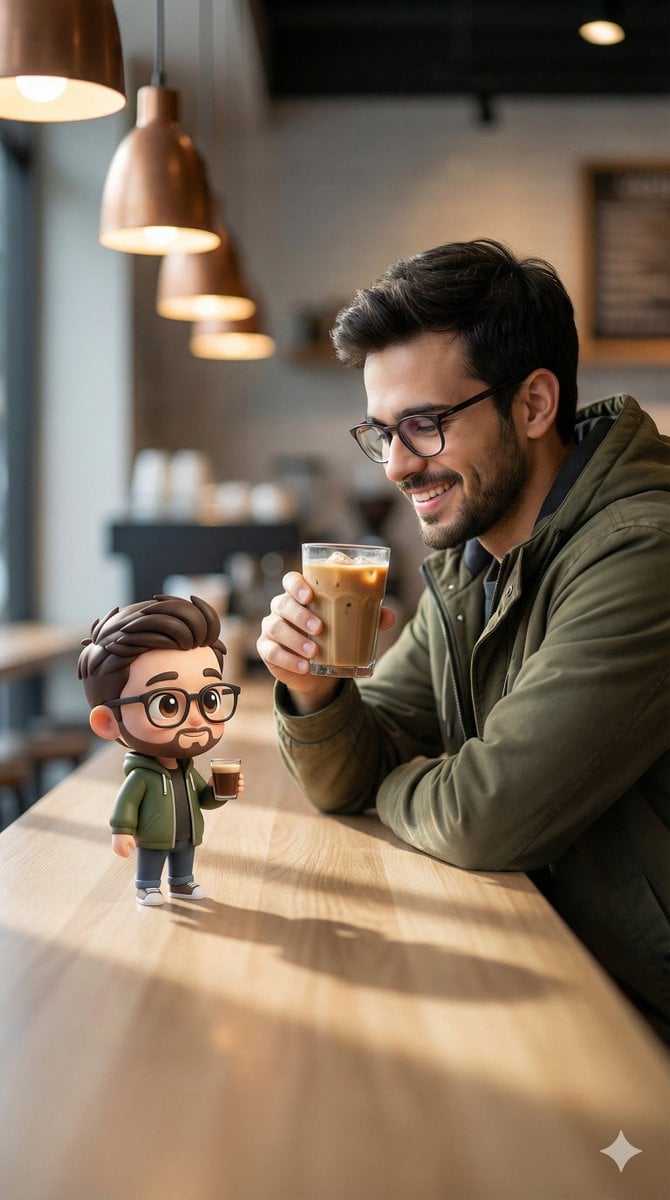
Based on the uploaded screenshot of my X profile page, generate a {argument name="style" default="hyper-realistic"} 3D illustration of a Twitter/X profile interface, slightly tilted, with a clean, minimal gray background. Keep the original avatar unchanged. The profile interface should exactly match a real X screenshot; at the right edge of the screen, based on the person in the uploaded avatar image, he is bursting through torn paper. His facial features remain exactly the same (do not change the face), but he now has a natural, radiant smile, expressive eyes, and softly glowing skin. He holds the torn edge of the paper in his hand, with a dynamic 3D effect shown in the image. Paper fragments scatter, creating a realistic illusion of breaking through. The lighting is soft studio lighting with cinematic shadows and depth of field. Ultra-detailed, 4K, a realistic + Pixar-style color blend, sharp focus. Important notes: - Do not change the profile picture (DP) - Keep the exact same X interface layout and text style - Preserve their original facial identity - Only enhance the expression to a natural smile - Aspect ratio {argument name="aspect ratio" default="9:16"}
Based on the uploaded screenshot of my X profile page, generate a {argument name="style" default="hyper-realistic"} 3D illustration of a Twitter/X profile interface, slightly tilted, with a clean, minimal gray background. Keep the original avatar unchanged. The profile interface should exactly match a real X screenshot; at the right edge of the screen, based on the person in the uploaded avatar image, he is bursting through torn paper. His facial features remain exactly the same (do not change the face), but he now has a natural, radiant smile, expressive eyes, and softly glowing skin. He holds the torn edge of the paper in his hand, with a dynamic 3D effect shown in the image. Paper fragments scatter, creating a realistic illusion of breaking through. The lighting is soft studio lighting with cinematic shadows and depth of field. Ultra-detailed, 4K, a realistic + Pixar-style color blend, sharp focus. Important notes: - Do not change the profile picture (DP) - Keep the exact same X interface layout and text style - Preserve their original facial identity - Only enhance the expression to a natural smile - Aspect ratio {argument name="aspect ratio" default="9:16"}
Edit the prompt in the box under the preview — the template's model and format are already selected — and press Generate. Your version appears right on this page.
Yes. You can change the subject, setting, lighting, mood, format, and available model controls before creating your image.
Opening and editing this template is free. Generating uses credits, shown on the Generate button when you are signed in.
Start with GPT Image 2, which is the model associated with this template. You can compare another compatible model for a different finish.
Follow a topic to a crawlable collection of related PicX Studio templates.