
YouTube Video Interface Mockup
Generates a realistic desktop YouTube interface featuring a tech review video with customizable hosts, robot subject, and video metadata.
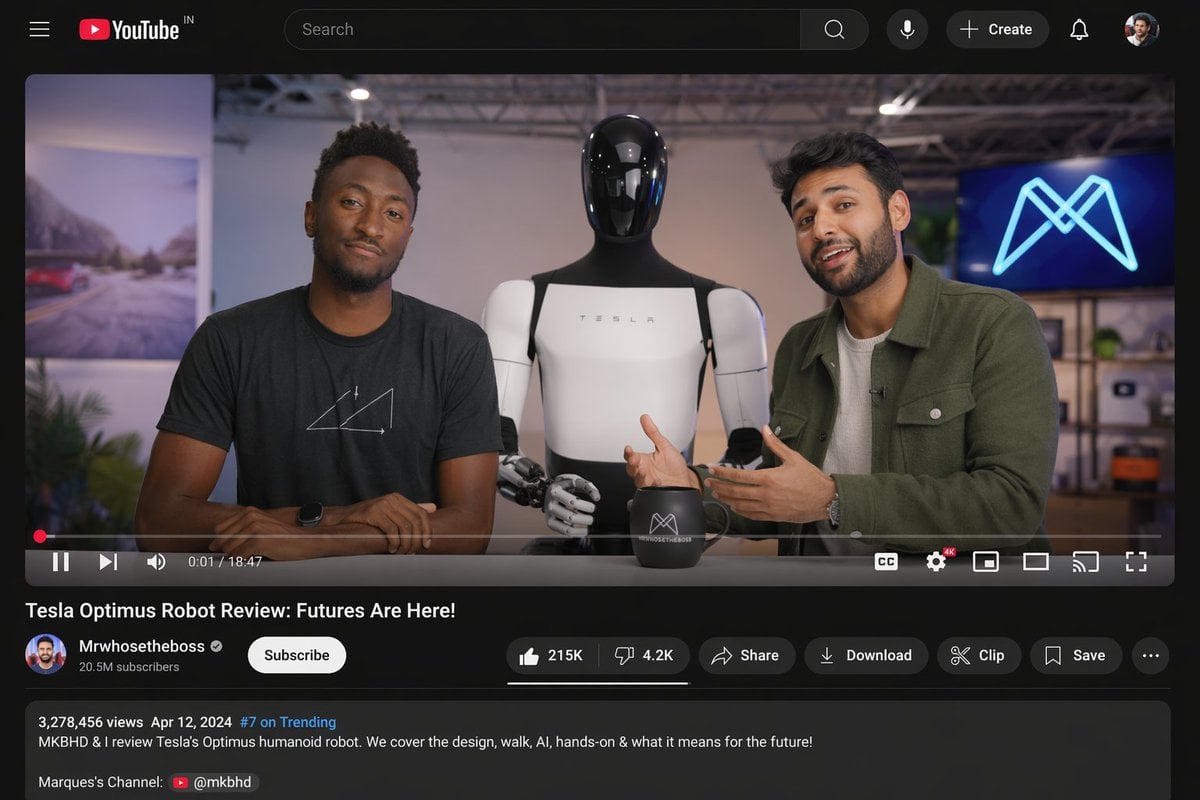
- Prompt included
- Model and format preset
- Free template
The prompt behind this image
Copy the exact prompt behind YouTube Video Interface Mockup, or open it in the studio and make it yours.
- Type
- desktop video platform UI mockup
- Theme
- dark mode
- Header › Logo
- YouTube IN
- Header › Search Bar
- centered, with magnifying glass icon
- Header › Right Icons › Count
- 4
- Header › Right Icons › Items
- microphone, + Create button, notifications bell, user profile picture
- Video Player › Scene
- Studio setting with two tech reviewers at a desk.
- Video Player › Subjects
- {argument name="left person" default="Marques Brownlee (MKBHD)"} in black t-shirt, {argument name="right person" default="Arun Maini (Mrwhosetheboss)"} in green overshirt, {argument name="robot model" default="Tesla Optimus humanoid robot"} standing between them
- Video Player › Props
- black mug with logo, background screen with glowing blue neon M logo
- Video Player › Controls Bar › Progress Bar
- red, near the beginning
- Video Player › Controls Bar › Timestamp
- 0:01 / 18:47
- Video Player › Controls Bar › Left Icons › Count
- 3
- Video Player › Controls Bar › Left Icons › Items
- play/pause, next track, volume
- Video Player › Controls Bar › Right Icons › Count
- 6
- Video Player › Controls Bar › Right Icons › Items
- CC, settings with 4K badge, miniplayer, theater mode, cast, fullscreen
- Video Details › Title
- {argument name="video title" default="Tesla Optimus Robot Review: Futures Are Here!"}
- Video Details › Channel Info › Name
- {argument name="channel name" default="Mrwhosetheboss"}
- Video Details › Channel Info › Badges
- verified checkmark
- Video Details › Channel Info › Subscribers
- 20.5M subscribers
- Video Details › Channel Info › Button
- white Subscribe button
- Video Details › Action Buttons › Count
- 6
- Video Details › Action Buttons › Items
- Like (215K) / Dislike (4.2K) pill, Share, Download, Clip, Save, More (...)
- Description Box › Metadata
- 3,278,456 views Apr 12, 2024 #7 on Trending
- Description Box › Text
- MKBHD & I review Tesla's Optimus humanoid robot. We cover the design, walk, AI, hands-on & what it means for the future!
Raw JSON
{
  "type": "desktop video platform UI mockup",
  "theme": "dark mode",
  "header": {
    "logo": "YouTube IN",
    "search_bar": "centered, with magnifying glass icon",
    "right_icons": {
      "count": 4,
      "items": ["microphone", "+ Create button", "notifications bell", "user profile picture"]
    }
  },
  "video_player": {
    "scene": "Studio setting with two tech reviewers at a desk.",
    "subjects": [
      "{argument name=\"left person\" default=\"Marques Brownlee (MKBHD)\"} in black t-shirt",
      "{argument name=\"right person\" default=\"Arun Maini (Mrwhosetheboss)\"} in green overshirt",
      "{argument name=\"robot model\" default=\"Tesla Optimus humanoid robot\"} standing between them"
    ],
    "props": ["black mug with logo", "background screen with glowing blue neon M logo"],
    "controls_bar": {
      "progress_bar": "red, near the beginning",
      "timestamp": "0:01 / 18:47",
      "left_icons": {
        "count": 3,
        "items": ["play/pause", "next track", "volume"]
      },
      "right_icons": {
        "count": 6,
        "items": ["CC", "settings with 4K badge", "miniplayer", "theater mode", "cast", "fullscreen"]
      }
    }
  },
  "video_details": {
    "title": "{argument name=\"video title\" default=\"Tesla Optimus Robot Review: Futures Are Here!\"}",
    "channel_info": {
      "name": "{argument name=\"channel name\" default=\"Mrwhosetheboss\"}",
      "badges": ["verified checkmark"],
      "subscribers": "20.5M subscribers",
      "button": "white Subscribe button"
    },
    "action_buttons": {
      "count": 6,
      "items": ["Like (215K) / Dislike (4.2K) pill", "Share", "Download", "Clip", "Save", "More (...)"]
    }
  },
  "description_box": {
    "metadata": "3,278,456 views Apr 12, 2024 #7 on Trending",
    "text": "MKBHD & I review Tesla's Optimus humanoid robot. We cover the design, walk, AI, hands-on & what it means for the future!",
    "links": ["Marques's Channel: @mkbhd"]
  }
}How to use YouTube Video Interface Mockup in 3 steps
- 1Upload ImagePNG, JPG or paste
Add your photo
Upload the photo the template builds on. The prompt, model and format are already set.
- 2…a portrait of your subject in softgolden-hour light, 85mm…
Personalize
Edit the subject and creative details for your destination.
- 3Generate
Generate
Press Generate — your image is created in PicX Studio, so you can compare it with the original and refine one variable at a time.
More like this
Templates with the same subject, style or setup. Open one to see its prompt.
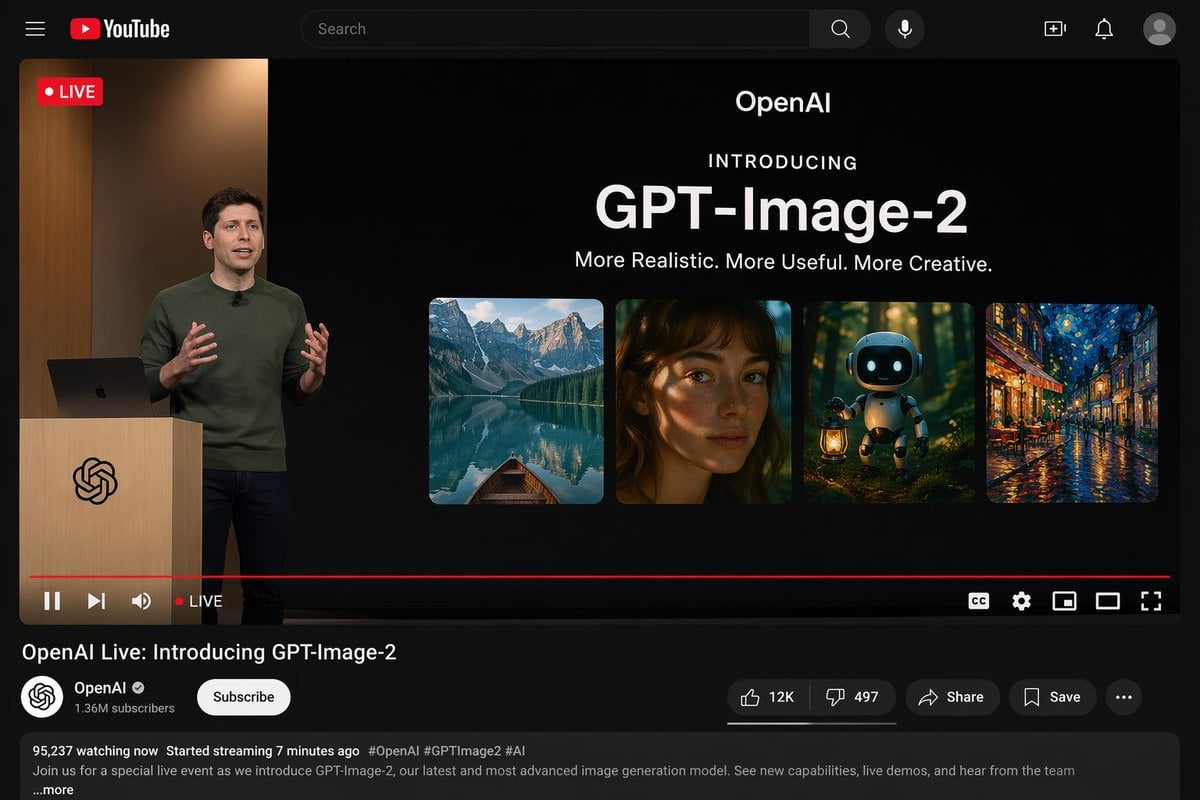
YouTube Live Presentation UI Mockup
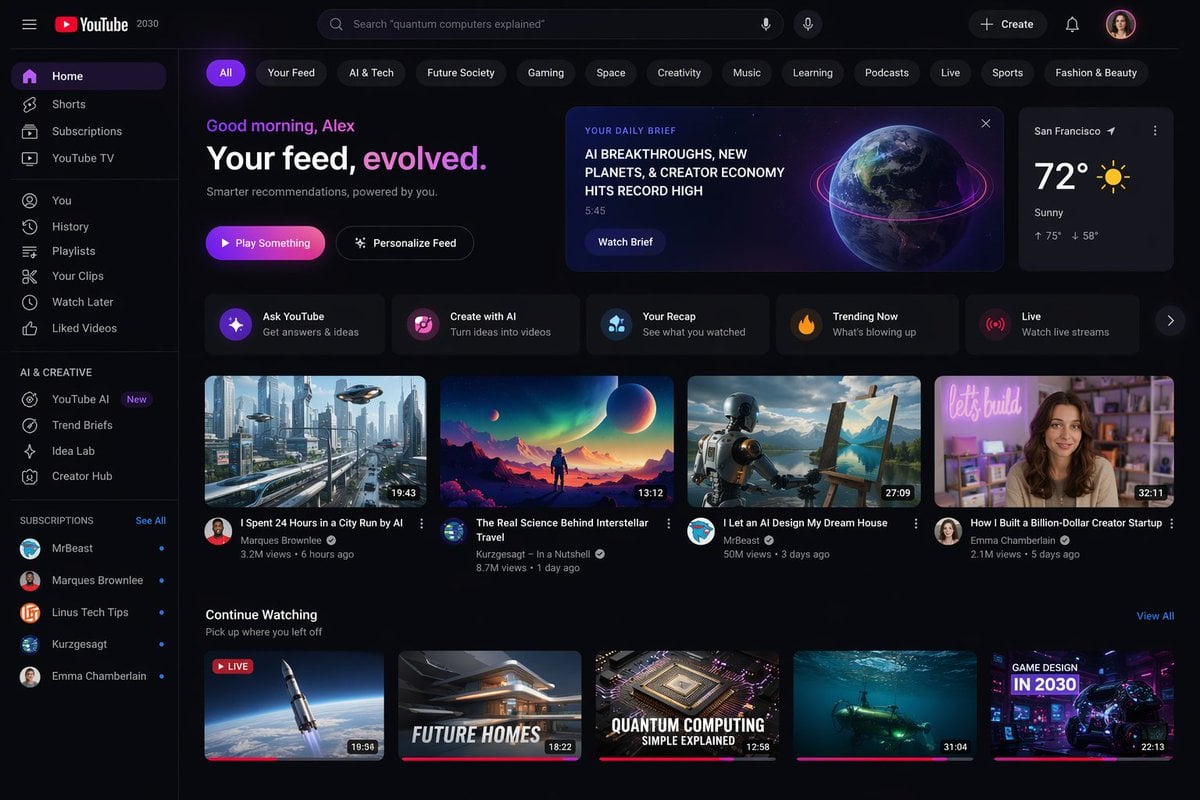
YouTube 2030 Interface
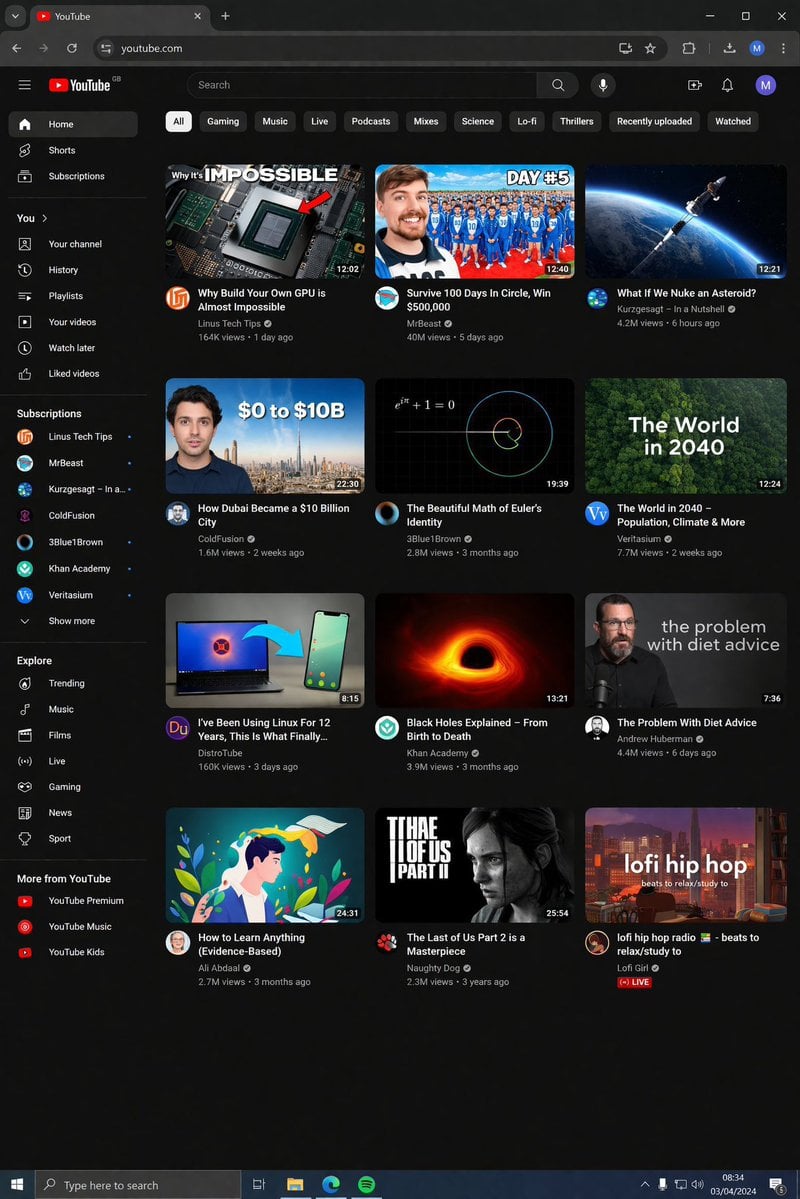
YouTube Dark Mode Desktop UI Mockup
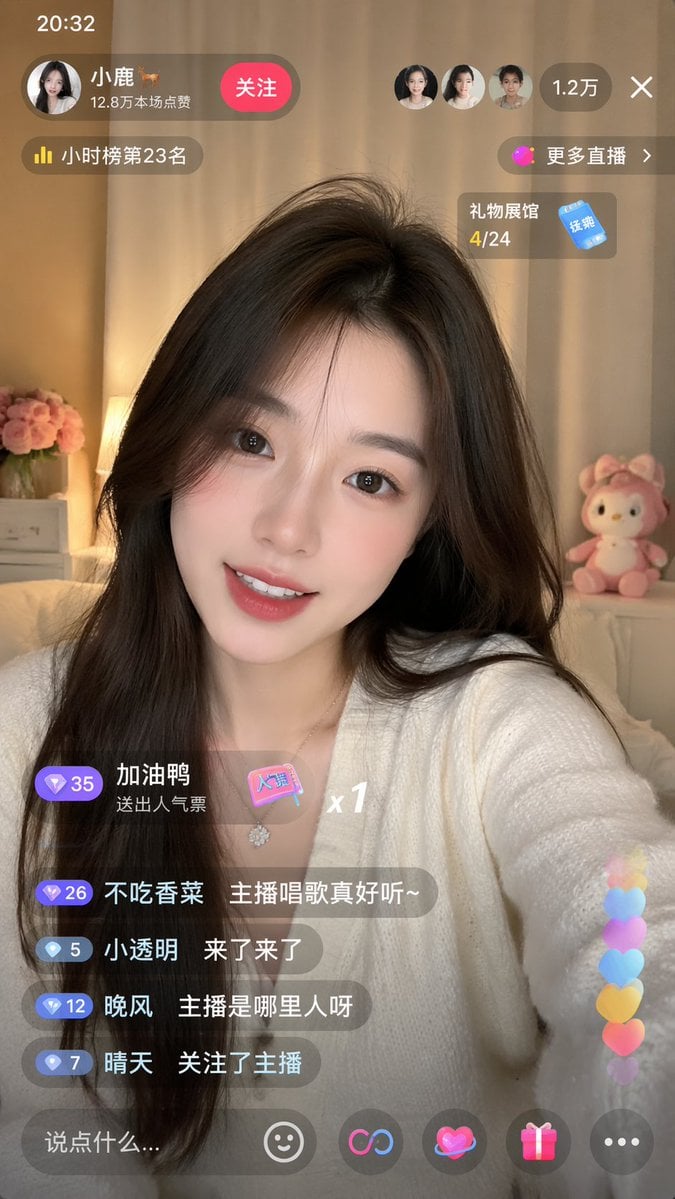
Live-Streaming App Interface Mockup
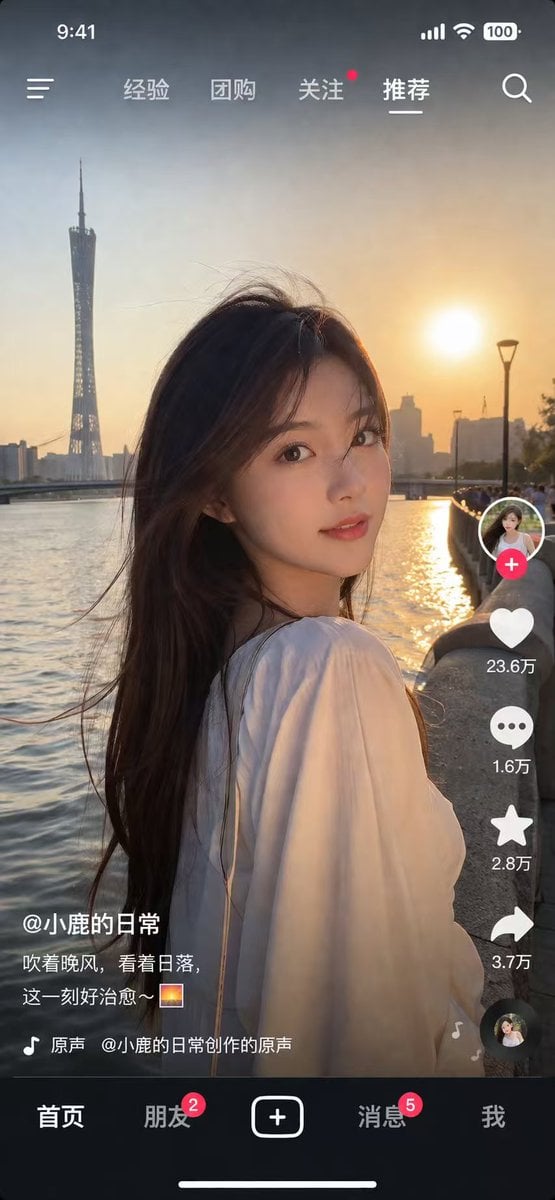
Social Media App Interface Mockup
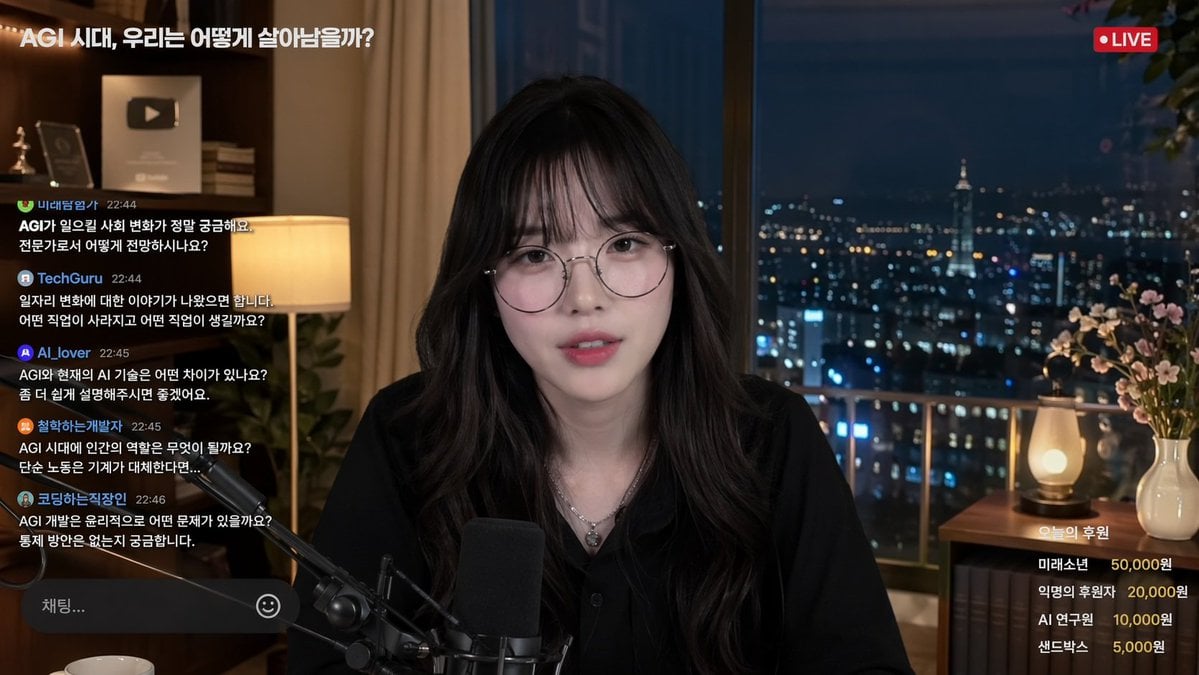
Livestream Interface Mockup
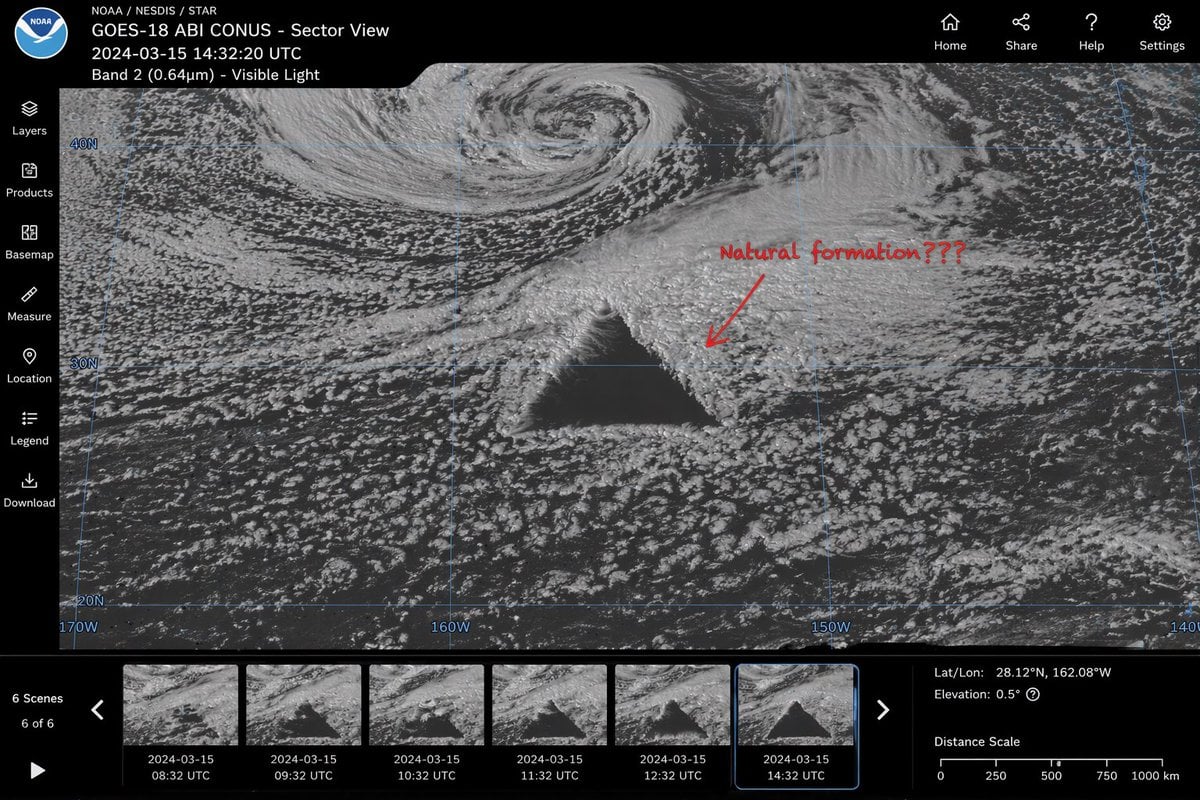
Satellite Anomaly Interface Mockup
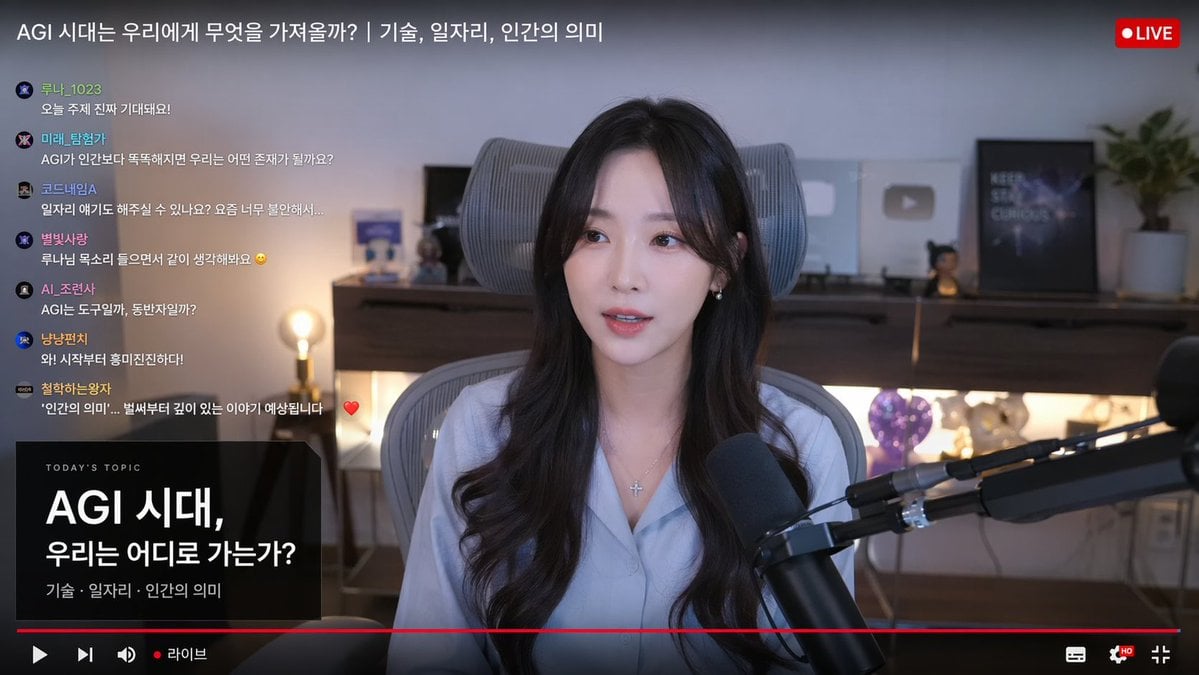
Live Stream Interface Mockup
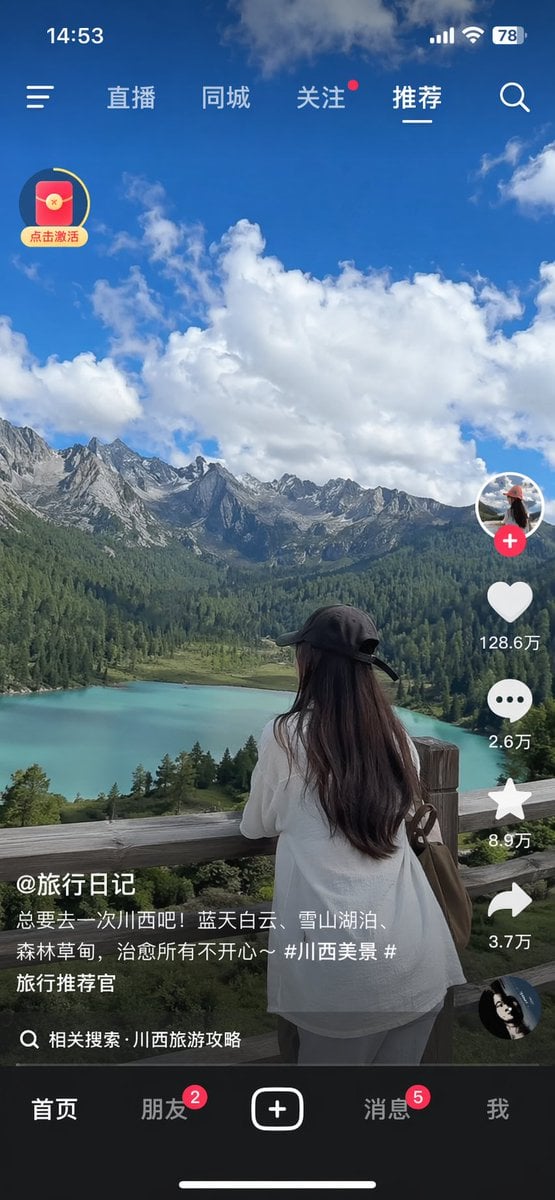
Short-Video App Interface Mockup

Product Shot - T-Shirt Mockup

Cinematic Anime Shinobi Poster Mockup

Lumen iOS Wellness App Mockup
Make it yours
YouTube Video Interface Mockup works as-is. These are the safest ways to change it without losing the look.
Change one field
Copy a single group, rewrite it, and generate again so you can see what that field is doing.
Keep the frame, change the subject
Hold the composition and light of YouTube Video Interface Mockup, then swap wardrobe, props or the person for a new take.
| If the result… | Why | Fix |
|---|---|---|
| The result drifts from the preview | Too many fields changed at once. | Reuse YouTube Video Interface Mockup as-is first, then change one group — subject, light, or setting. |
| GPT Image 2 ignores part of the JSON | Some models flatten or skip nested keys. | Keep the same values and paste them as a short paragraph instead. |
More GPT Image 2 templates
Other prompts made for GPT Image 2.

Six VTuber Japanese Logo Sheet

Realistic Portrait of Woman and Deer

The Vista Modular Condo Poster

AI Model Routing Comparison Infographic

2.5D Anime Art Board

Isometric Productivity Desk Scene

New York Double Exposure Poster

Four-Panel AI Landscape Comparison

Japanese Tatami Lifestyle Magazine Cover

NESCAFÉ Coffee Map Poster
More image prompts
Fresh picks from across the catalog.
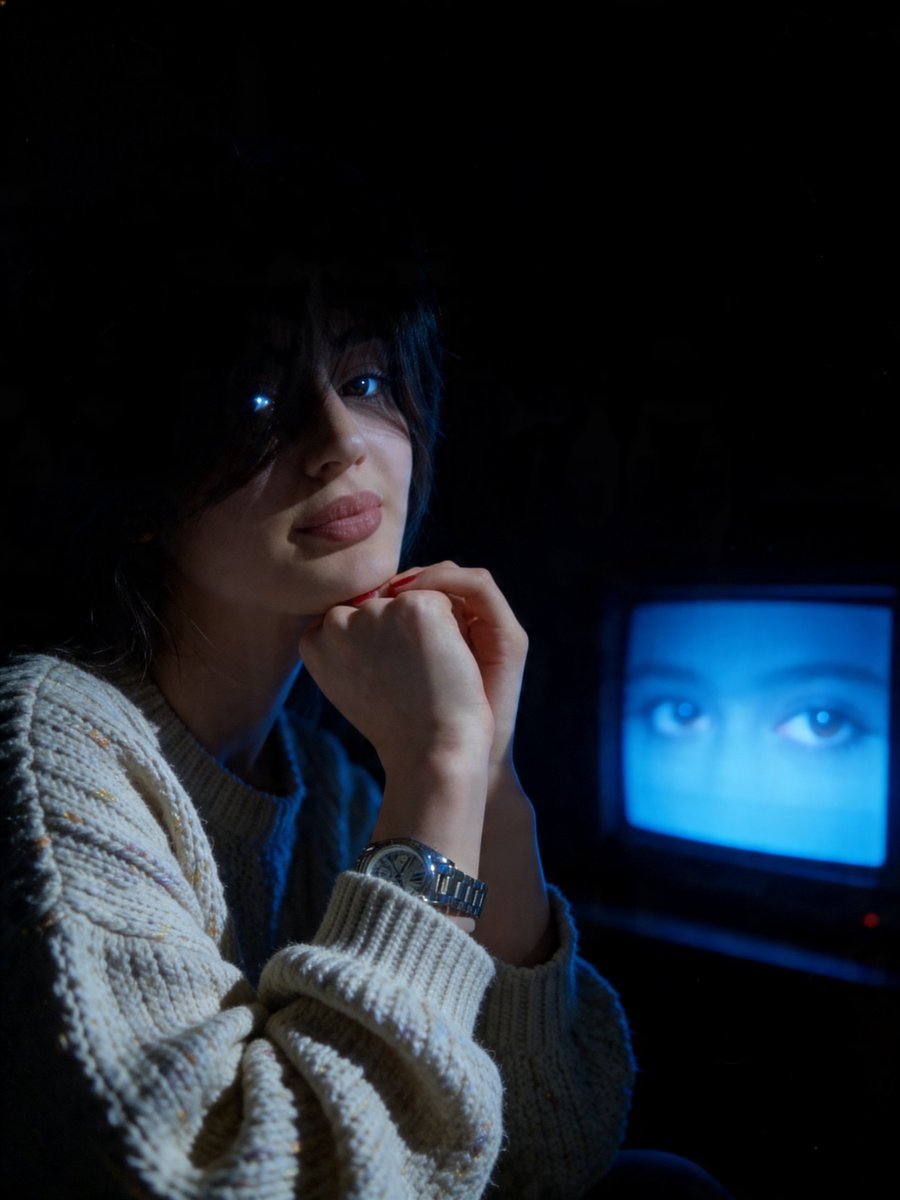
Cinematic Late-Night Portrait
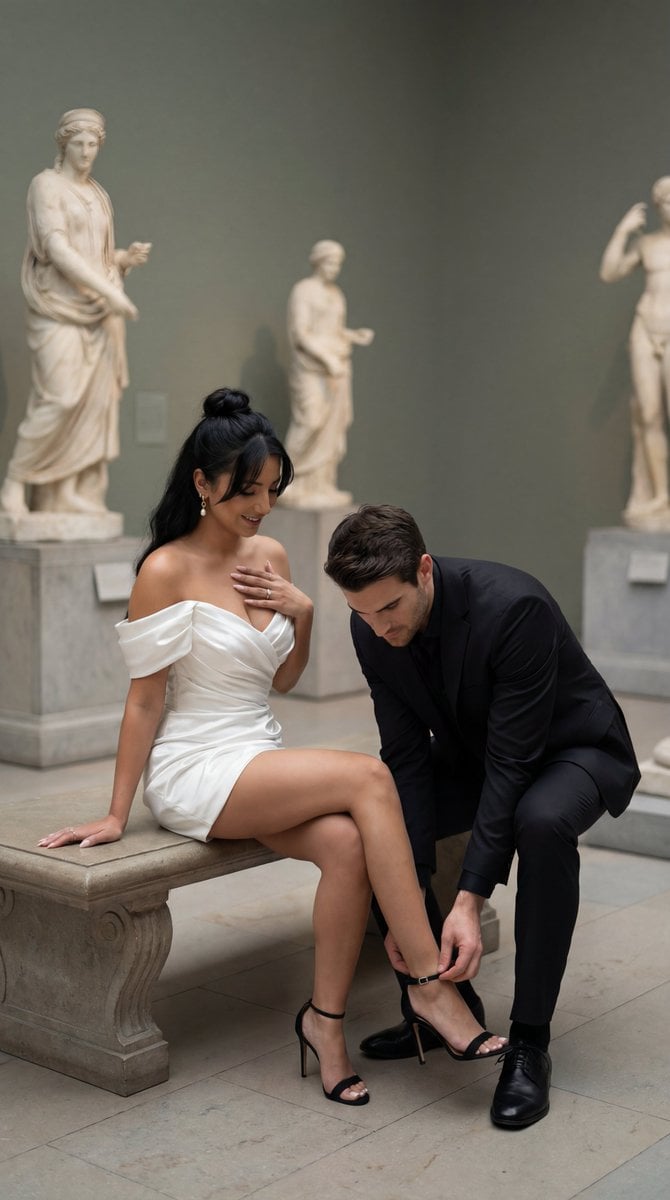
High-Fashion Editorial Couple in Museum Prompt
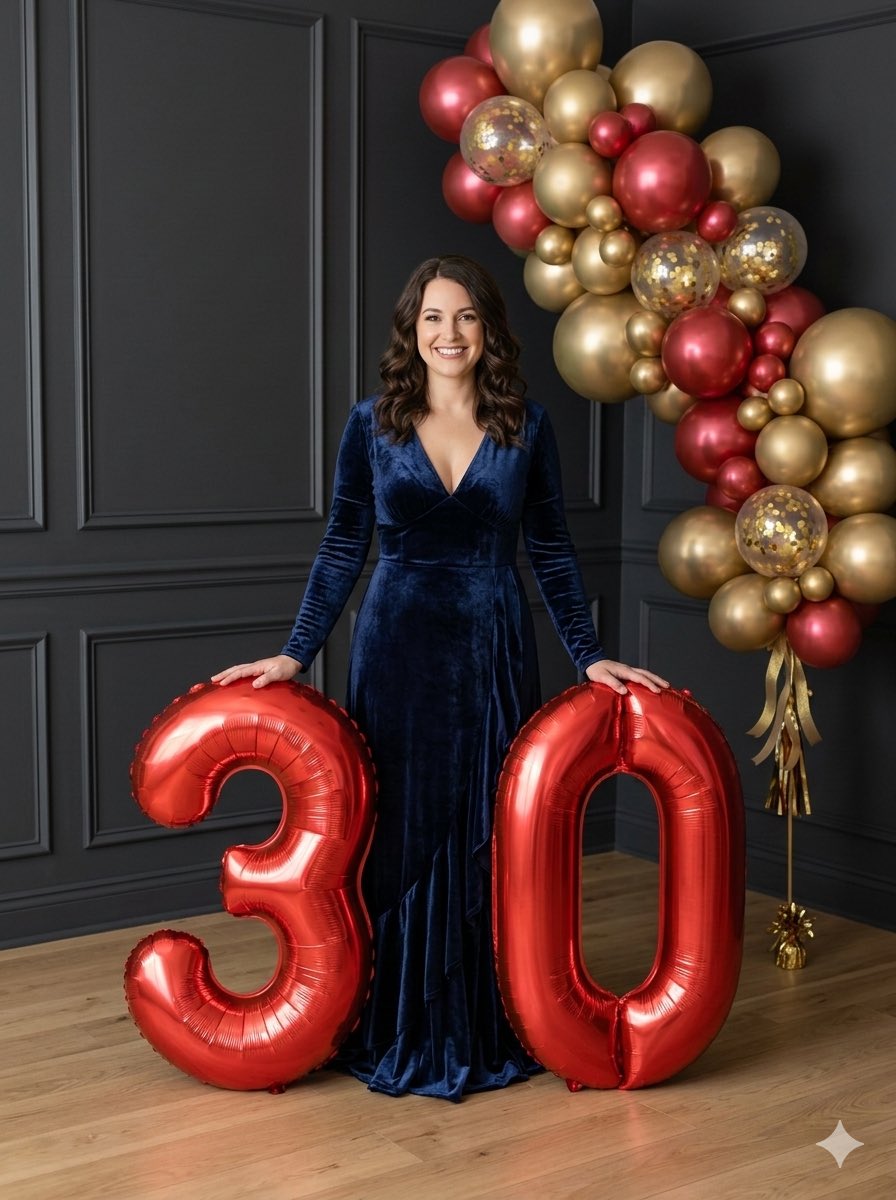
Birthday Portrait with Foil Balloons
Electric Blue Lightning Strike VFX
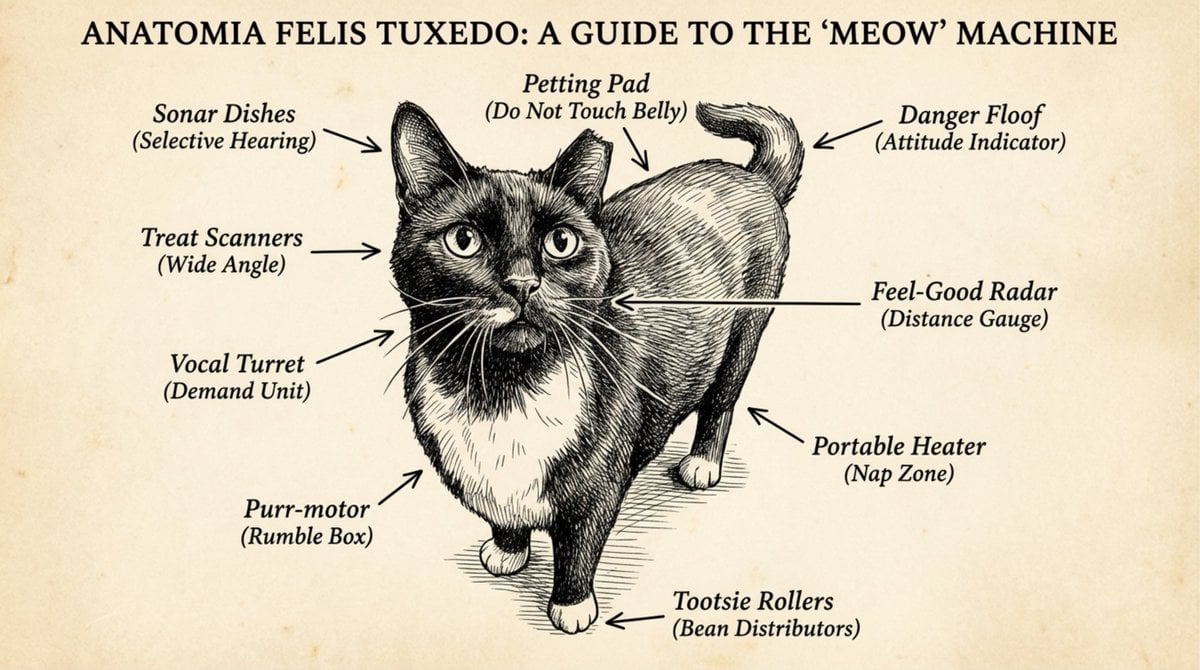
Funny anatomical diagram of a pet
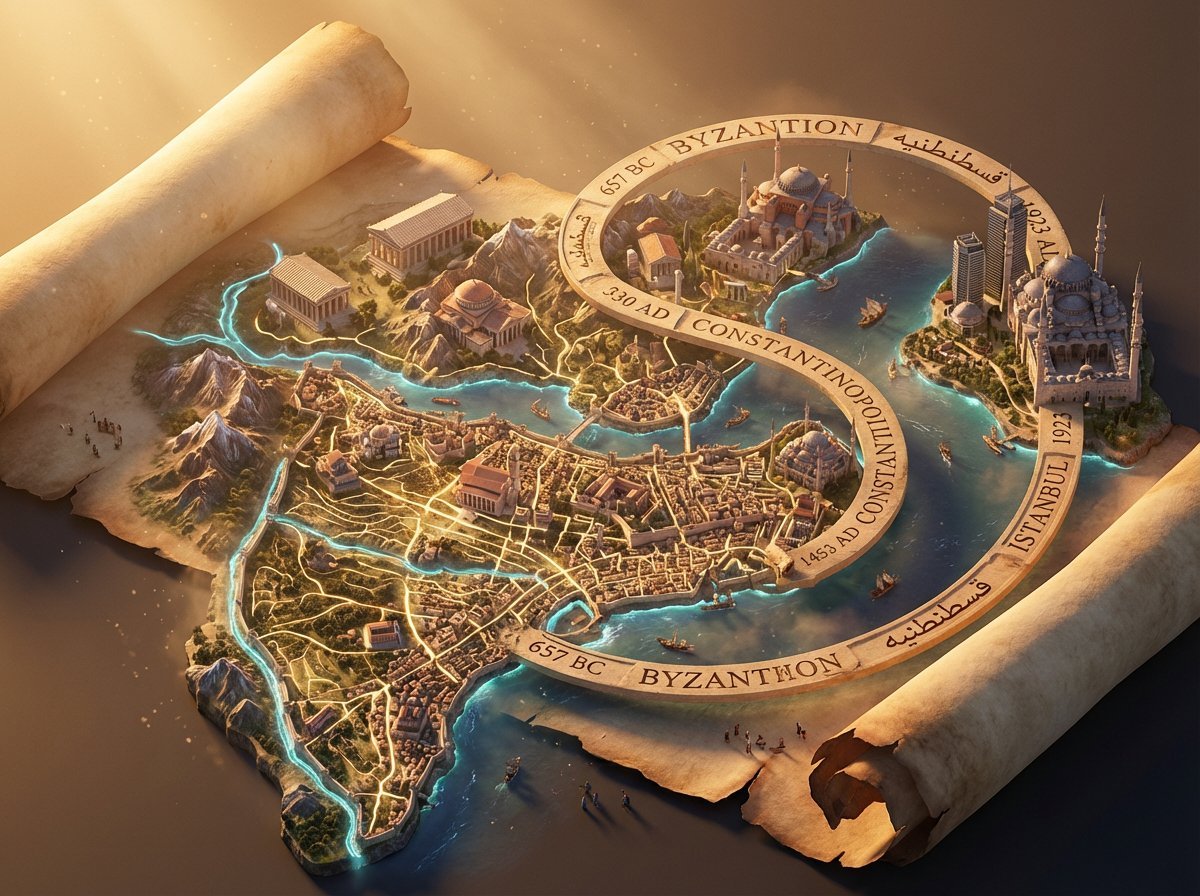
3D Isometric Atlas Scene in Firefly Style
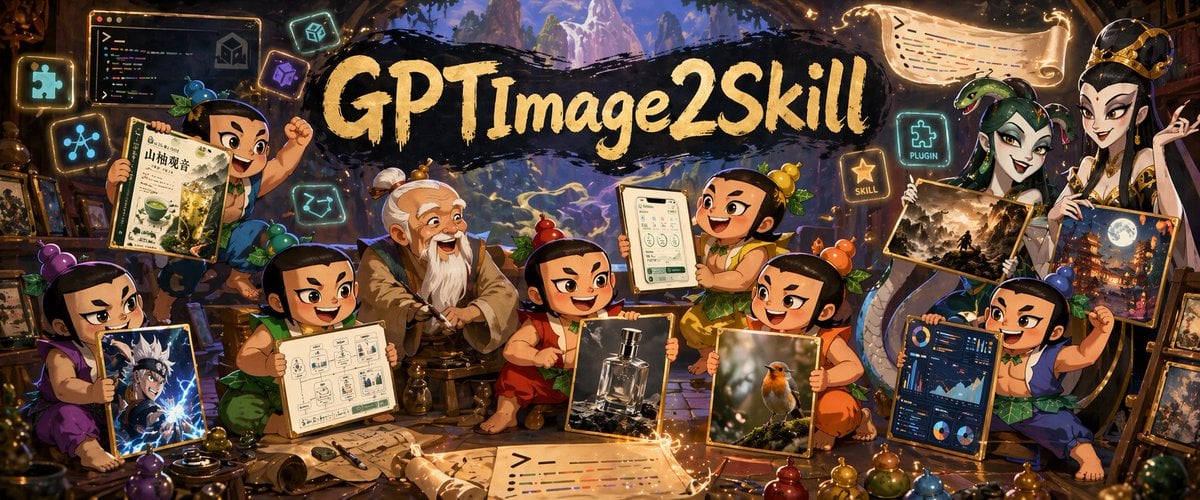
Fantasy GPT Image Skills Banner
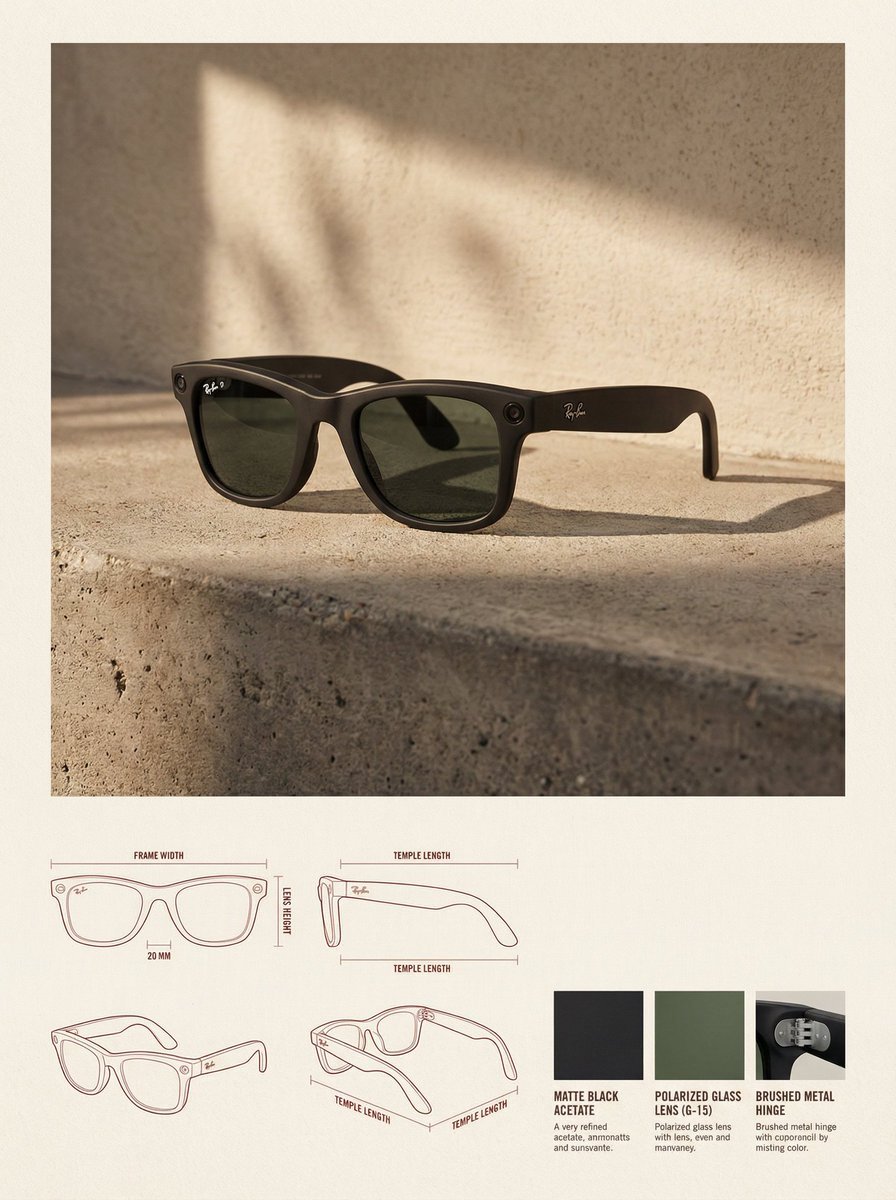
High-End Product Catalog Style Prompt (Nano Banana Pro)
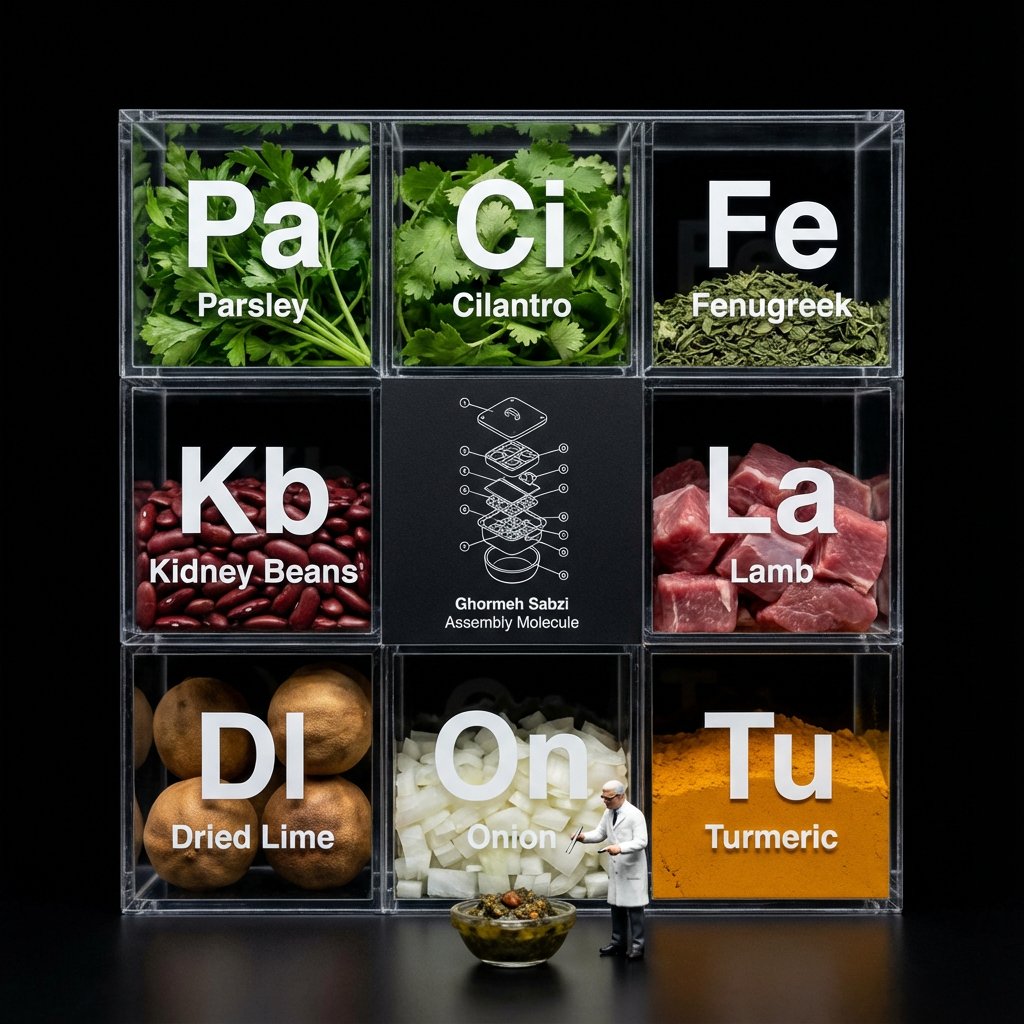
Molecular Gastronomy Display Box for Food Visualization
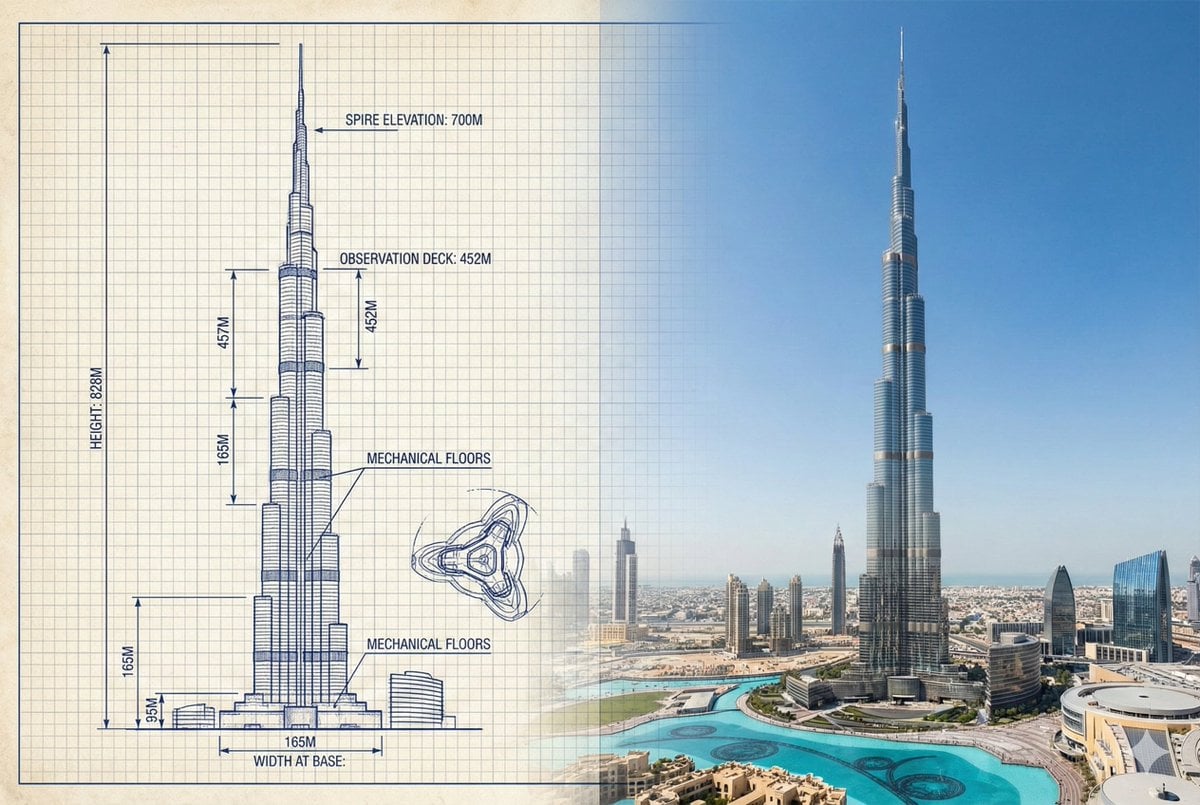
Burj Khalifa Technical Sketch and Real Photo Comparison
Browse template categories
YouTube Video Interface Mockup questions
How do I use the YouTube Video Interface Mockup template?
Add your photo if the template asks for one, edit the prompt if you like — the template's model and format are already selected — and press Generate. Your version opens in PicX Studio.
Can I customize the YouTube Video Interface Mockup template?
Yes. You can change the subject, setting, lighting, mood, format, and available model controls before creating your image.
Is the YouTube Video Interface Mockup template free?
Opening and editing this template is free. Generating uses credits, shown on the Generate button when you are signed in.
Which AI model should I use?
Start with GPT Image 2, which is the model associated with this template. You can compare another compatible model for a different finish.
Looking for something else? Browse all templates.

Your photo, any look
Thousands of ready templates for every top image and video model, from one credit balance.