
Satellite Anomaly Interface Mockup
Generates a realistic web interface for satellite imagery featuring a mysterious geometric anomaly, timeline thumbnails, and UI controls.
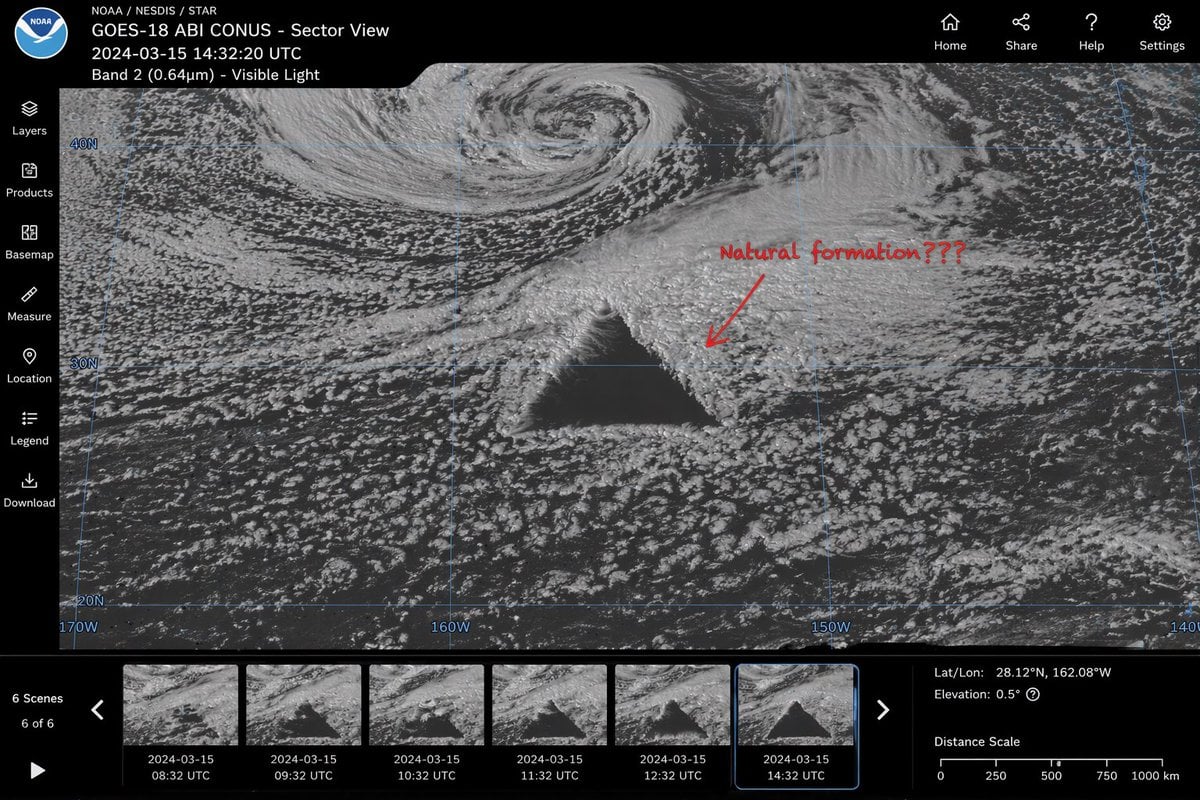
- Prompt included
- Model and format preset
- Free template
The prompt behind this image
Copy the exact prompt behind Satellite Anomaly Interface Mockup, or open it in the studio and make it yours.
- Type
- satellite imagery web interface mockup
- Main Display › Imagery
- greyscale satellite view of ocean clouds featuring a {argument name="anomaly shape" default="massive, perfectly geometric dark triangle"} in the center
- Main Display › Annotation
- red handwritten text '{argument name="annotation text" default="Natural formation???"}' with a red arrow pointing to the anomaly
- Main Display › Overlay
- faint blue latitude and longitude grid lines with coordinate labels like 40N, 30N, 160W
- Ui Layout › Top Header › Left Section
- NOAA logo, text '{argument name="satellite name" default="GOES-18 ABI CONUS - Sector View"}', '{argument name="timestamp" default="2024-03-15 14:32:20 UTC"}', and 'Band 2 (0.64µm) - Visible Light'
- Ui Layout › Top Header › Right Section
- 4 navigation icons with labels: Home, Share, Help, Settings
- Ui Layout › Left Sidebar › Count
- 7
- Ui Layout › Left Sidebar › Items
- Layers, Products, Basemap, Measure, Location, Legend, Download
- Ui Layout › Bottom Panel › Timeline › Controls
- Play button, left/right arrows, text '6 Scenes', '6 of 6'
- Ui Layout › Bottom Panel › Timeline › Thumbnails › Count
- 6
- Ui Layout › Bottom Panel › Timeline › Thumbnails › Description
- sequential satellite images showing the anomaly's progression, with hourly timestamps from 08:32 UTC to 14:32 UTC
- Ui Layout › Bottom Panel › Data Readout › Coordinates
- {argument name="coordinate text" default="Lat/Lon: 28.12°N, 162.08°W"}
- Ui Layout › Bottom Panel › Data Readout › Elevation
- Elevation: 0.5°
- Ui Layout › Bottom Panel › Data Readout › Scale
- Distance Scale bar from 0 to 1000 km
Raw JSON
{
  "type": "satellite imagery web interface mockup",
  "main_display": {
    "imagery": "greyscale satellite view of ocean clouds featuring a {argument name=\"anomaly shape\" default=\"massive, perfectly geometric dark triangle\"} in the center",
    "annotation": "red handwritten text '{argument name=\"annotation text\" default=\"Natural formation???\"}' with a red arrow pointing to the anomaly",
    "overlay": "faint blue latitude and longitude grid lines with coordinate labels like 40N, 30N, 160W"
  },
  "ui_layout": {
    "top_header": {
      "left_section": "NOAA logo, text '{argument name=\"satellite name\" default=\"GOES-18 ABI CONUS - Sector View\"}', '{argument name=\"timestamp\" default=\"2024-03-15 14:32:20 UTC\"}', and 'Band 2 (0.64µm) - Visible Light'",
      "right_section": "4 navigation icons with labels: Home, Share, Help, Settings"
    },
    "left_sidebar": {
      "count": 7,
      "items": ["Layers", "Products", "Basemap", "Measure", "Location", "Legend", "Download"]
    },
    "bottom_panel": {
      "timeline": {
        "controls": "Play button, left/right arrows, text '6 Scenes', '6 of 6'",
        "thumbnails": {
          "count": 6,
          "description": "sequential satellite images showing the anomaly's progression, with hourly timestamps from 08:32 UTC to 14:32 UTC"
        }
      },
      "data_readout": {
        "coordinates": "{argument name=\"coordinate text\" default=\"Lat/Lon: 28.12°N, 162.08°W\"}",
        "elevation": "Elevation: 0.5°",
        "scale": "Distance Scale bar from 0 to 1000 km"
      }
    }
  }
}How to use Satellite Anomaly Interface Mockup in 3 steps
- 1Upload ImagePNG, JPG or paste
Add your photo
Upload the photo the template builds on. The prompt, model and format are already set.
- 2…a portrait of your subject in softgolden-hour light, 85mm…
Personalize
Edit the subject and creative details for your destination.
- 3Generate
Generate
Press Generate — your image is created in PicX Studio, so you can compare it with the original and refine one variable at a time.
More like this
Templates with the same subject, style or setup. Open one to see its prompt.

Product Shot - T-Shirt Mockup
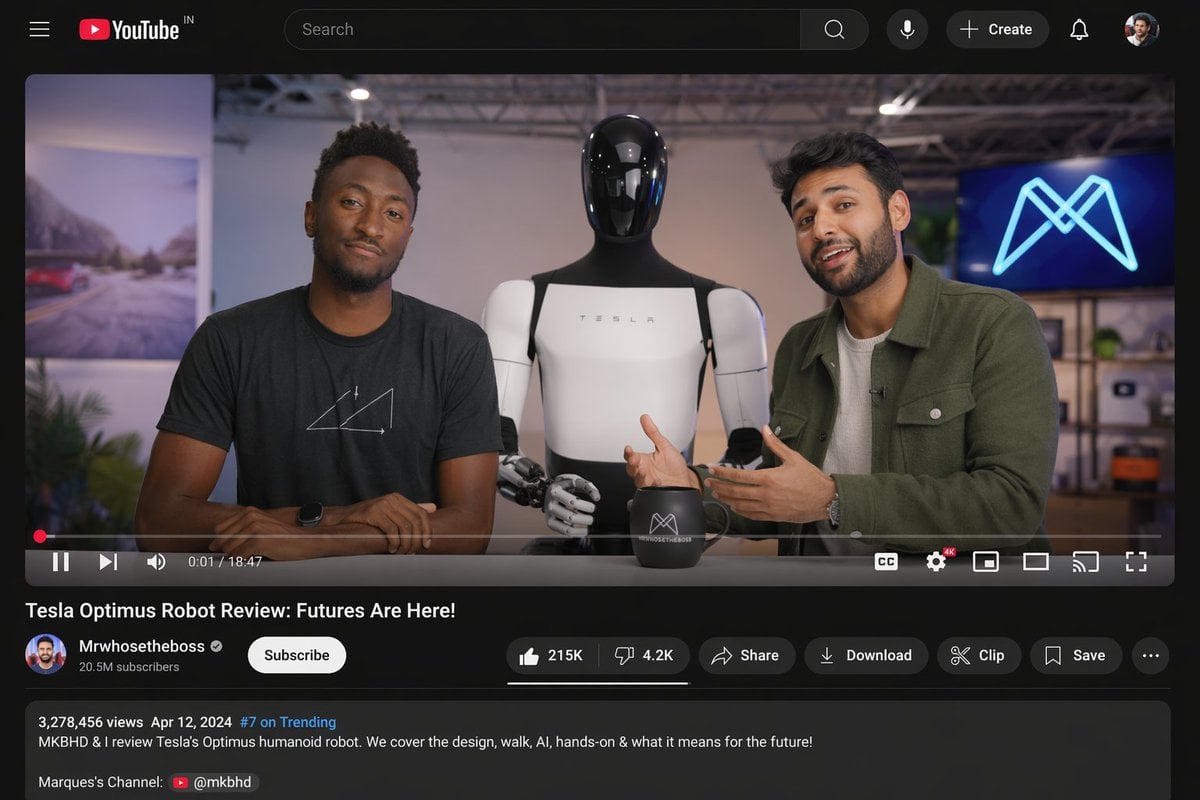
YouTube Video Interface Mockup
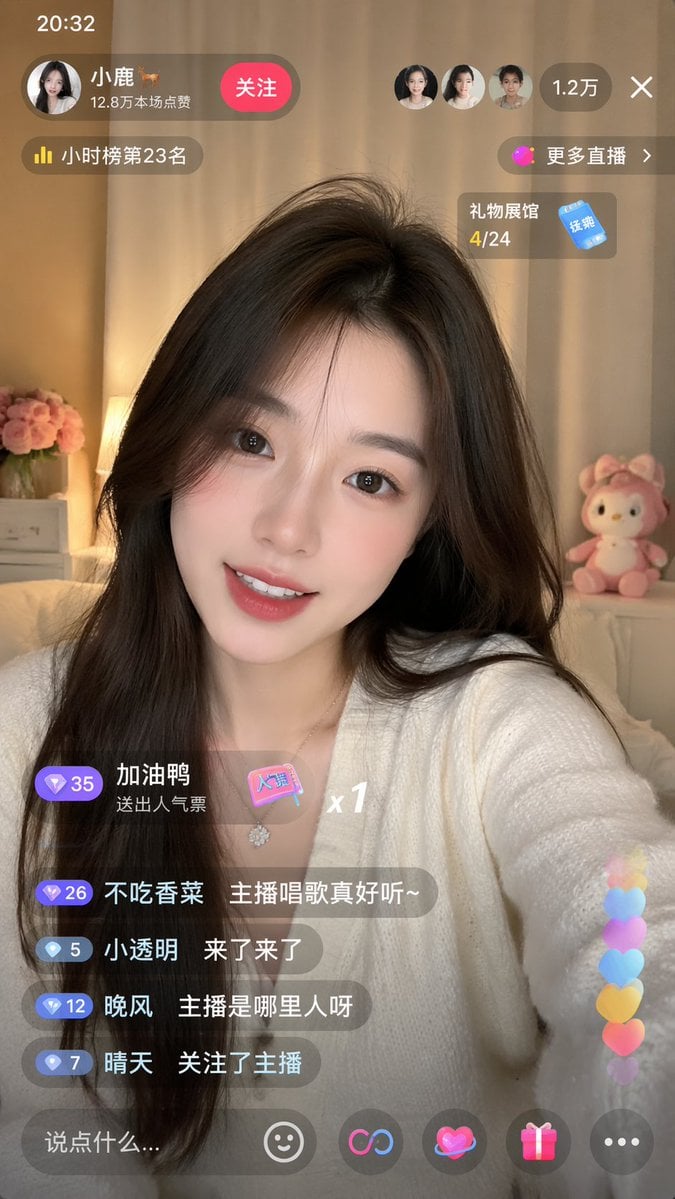
Live-Streaming App Interface Mockup
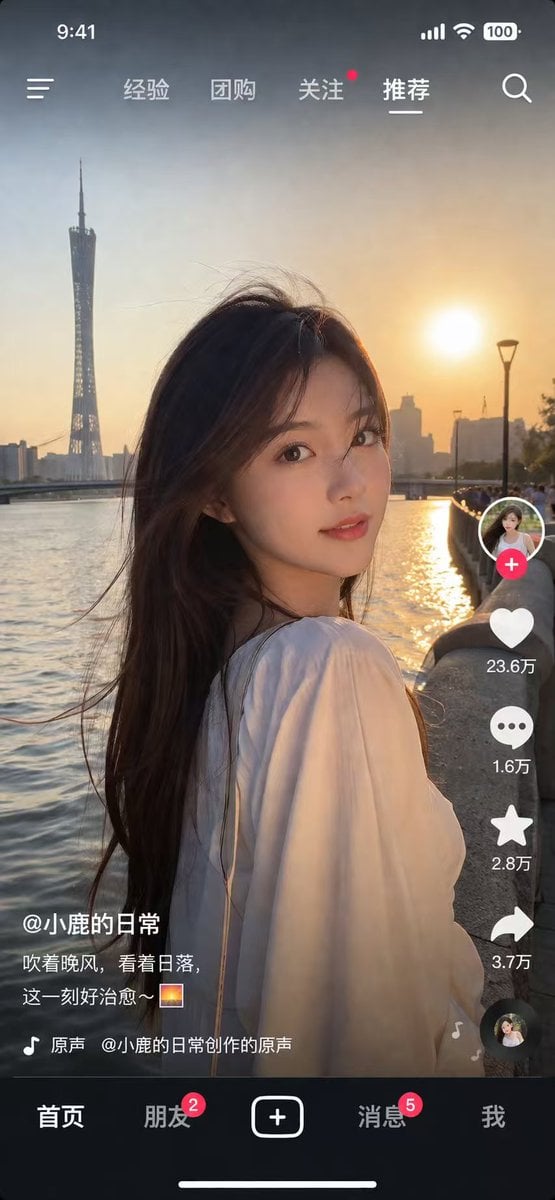
Social Media App Interface Mockup
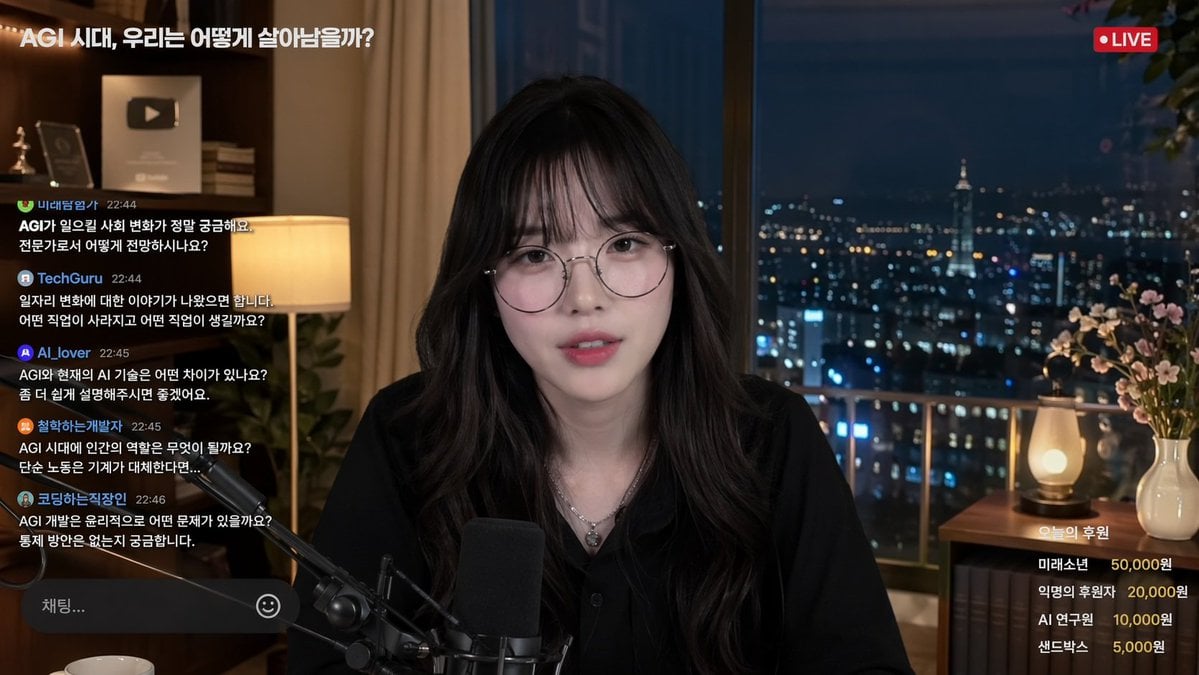
Livestream Interface Mockup
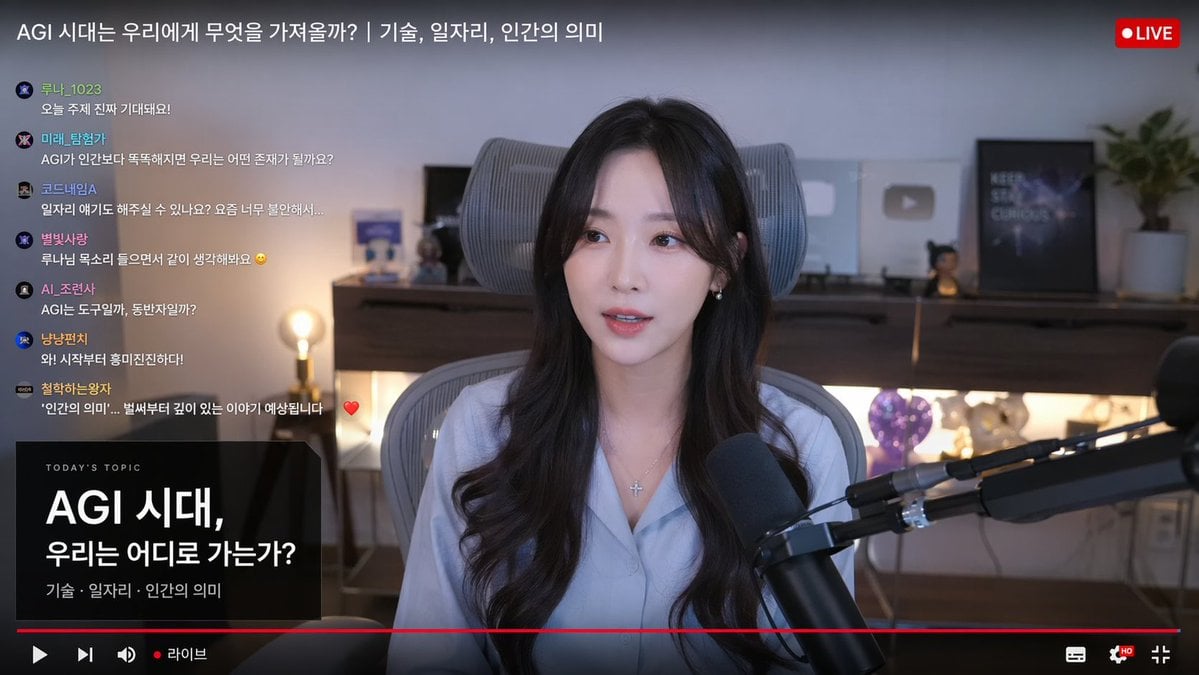
Live Stream Interface Mockup
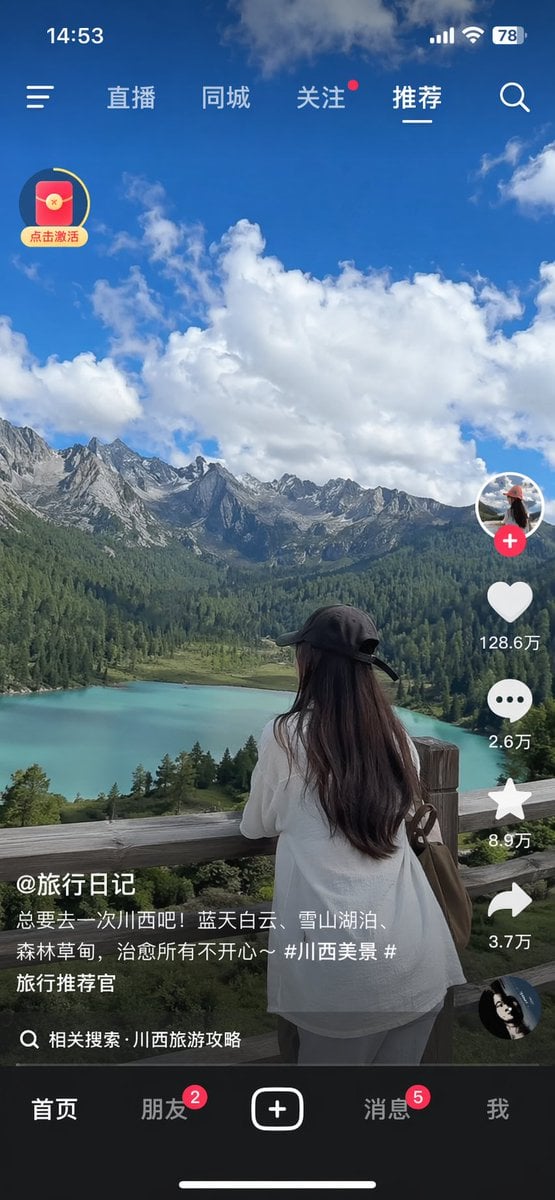
Short-Video App Interface Mockup
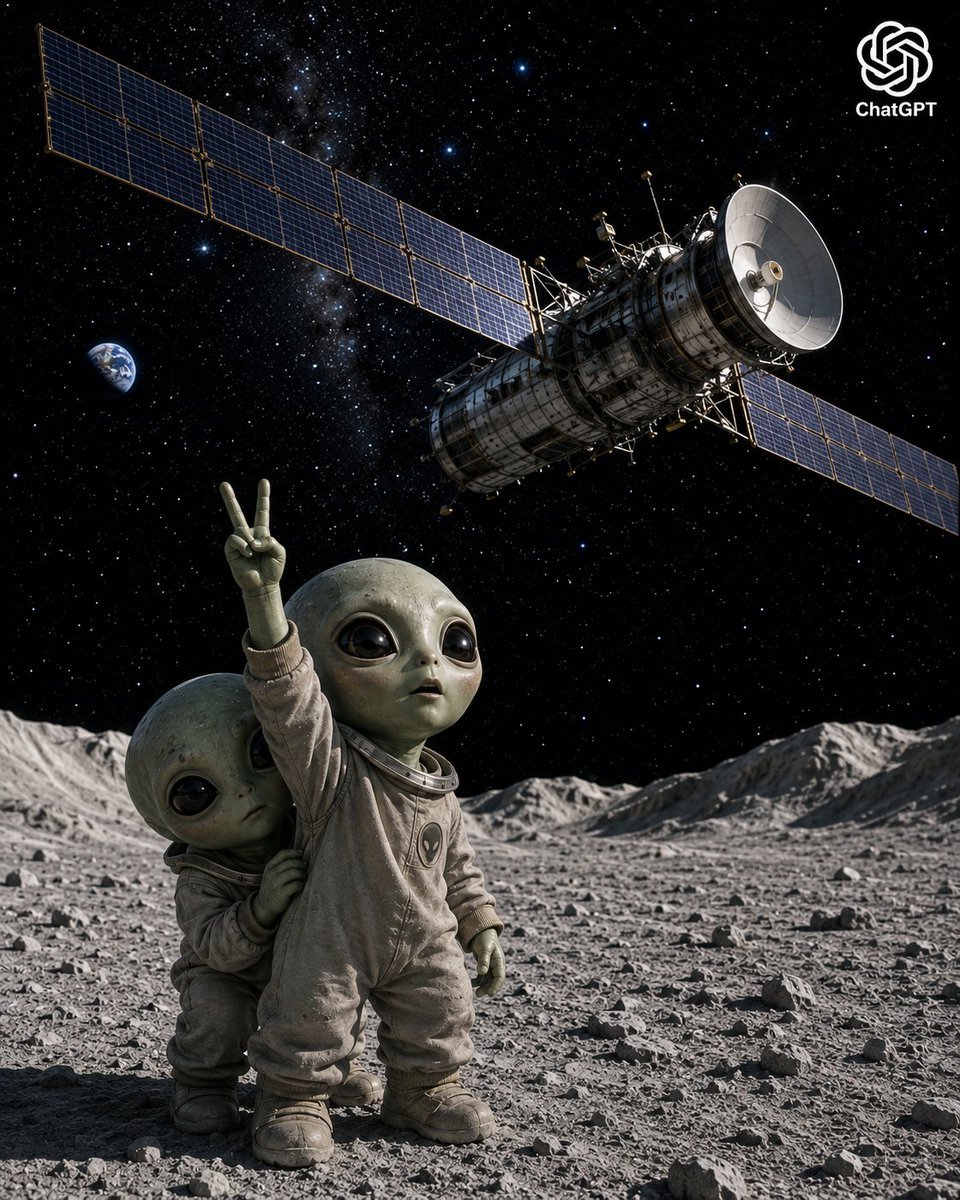
Lunar Alien Babies and Satellite

Satellite Map Medieval City
Cybernetic Interface Fashion Poster

Cinematic Sci-Fi Interface Side Profile
Mobile Game Gacha Interface Design
Make it yours
Satellite Anomaly Interface Mockup works as-is. These are the safest ways to change it without losing the look.
Change one field
Copy a single group, rewrite it, and generate again so you can see what that field is doing.
Keep the frame, change the subject
Hold the composition and light of Satellite Anomaly Interface Mockup, then swap wardrobe, props or the person for a new take.
| If the result… | Why | Fix |
|---|---|---|
| The result drifts from the preview | Too many fields changed at once. | Reuse Satellite Anomaly Interface Mockup as-is first, then change one group — subject, light, or setting. |
| GPT Image 2 ignores part of the JSON | Some models flatten or skip nested keys. | Keep the same values and paste them as a short paragraph instead. |
More GPT Image 2 templates
Other prompts made for GPT Image 2.

Six VTuber Japanese Logo Sheet

Realistic Portrait of Woman and Deer

The Vista Modular Condo Poster

AI Model Routing Comparison Infographic

2.5D Anime Art Board

Isometric Productivity Desk Scene

New York Double Exposure Poster

Four-Panel AI Landscape Comparison

Japanese Tatami Lifestyle Magazine Cover

NESCAFÉ Coffee Map Poster
More image prompts
Fresh picks from across the catalog.
Minimalist Fashion Illustration
Avant-Garde Electronic Music Poster
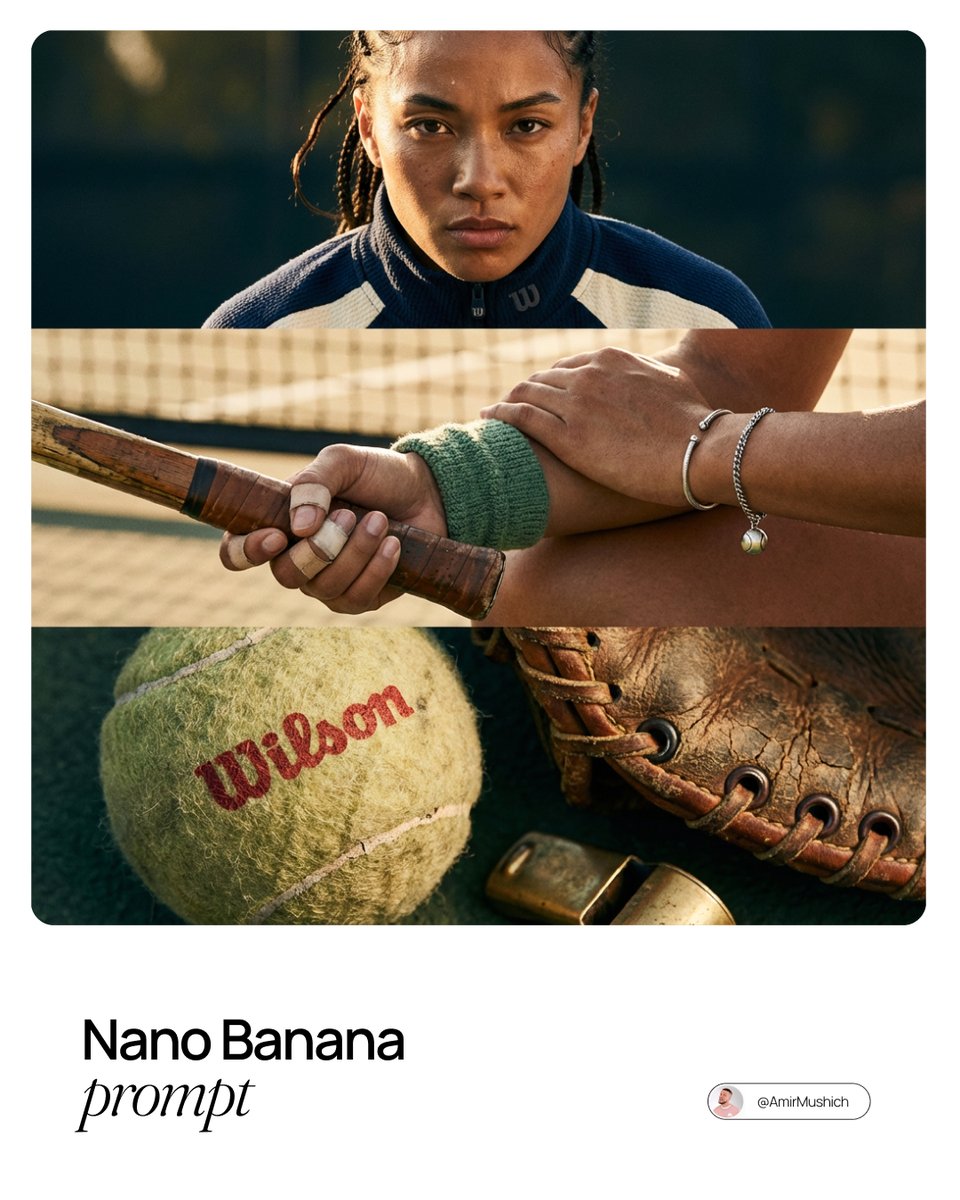
Smart Prompt for High-End Editorial Fashion Triptych Campaign
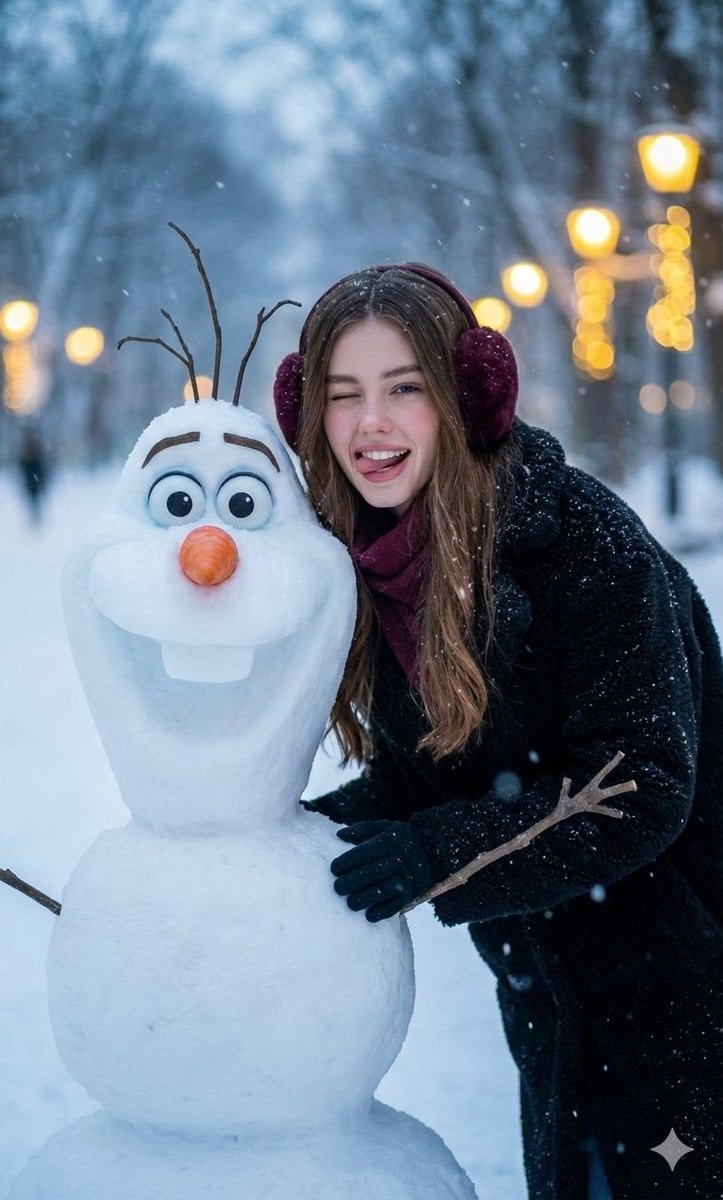
Realistic Olaf and Girl Winter Portrait
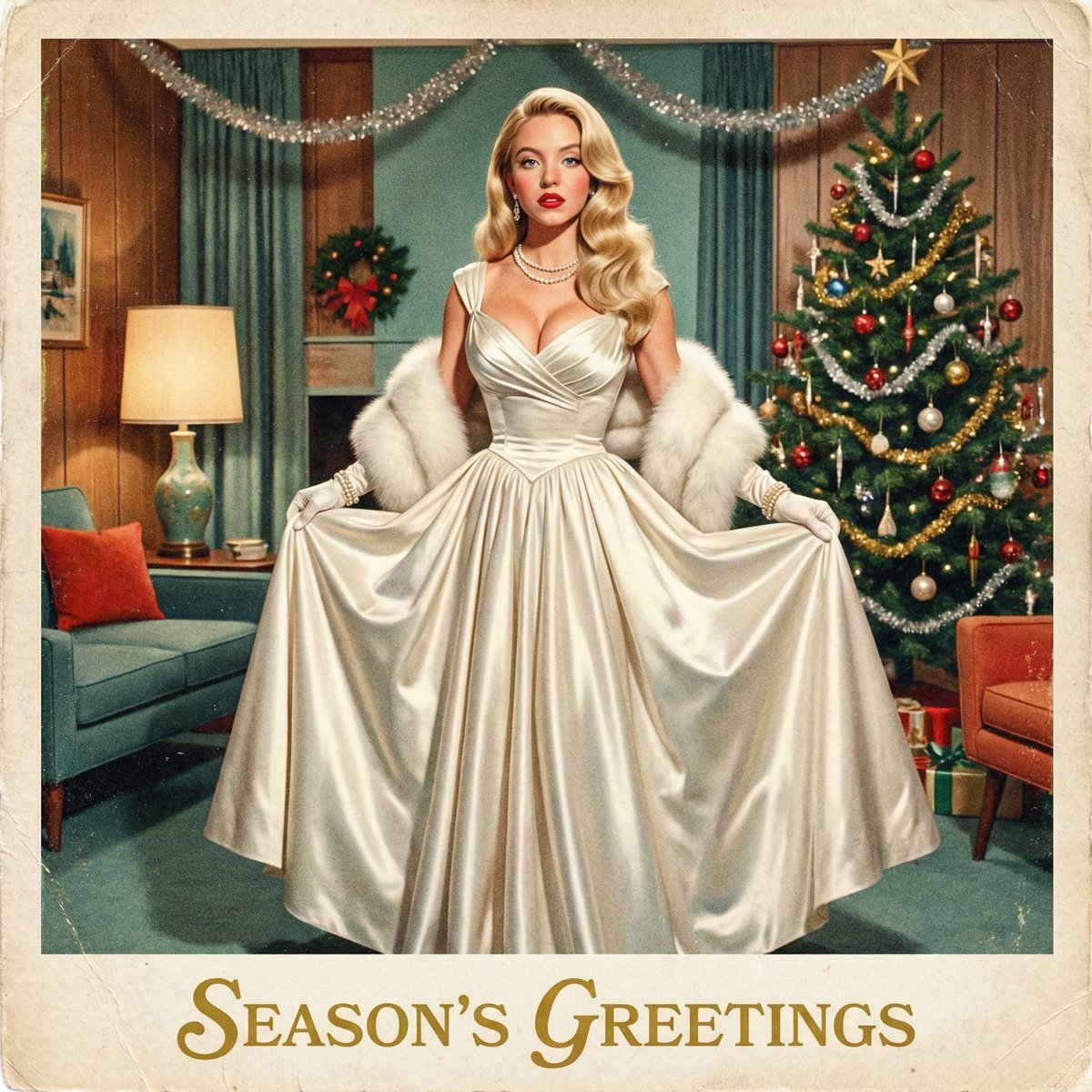
Chrono-Holiday Artisan: Christmas Card Re-render by Era
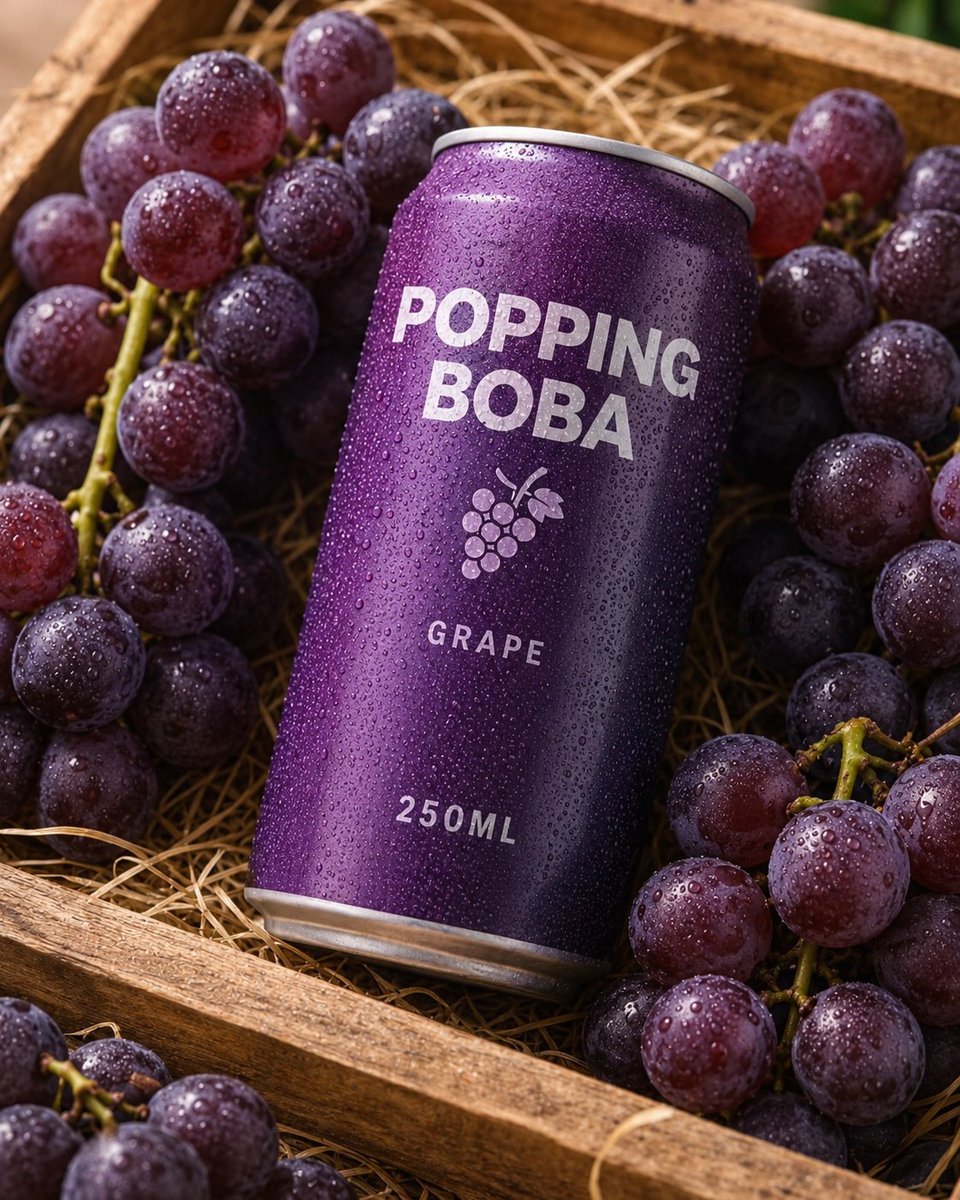
Splash Hero Beverage Photography
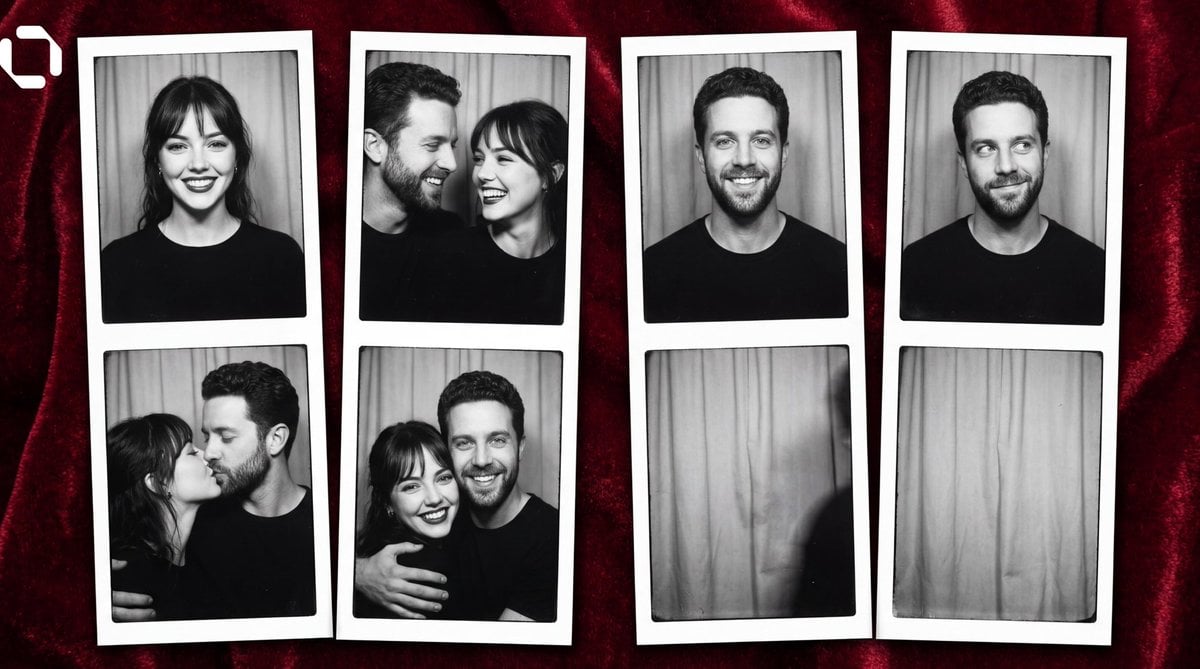
Photo Booth Strip Narrative Prompt for Nano Banana 2
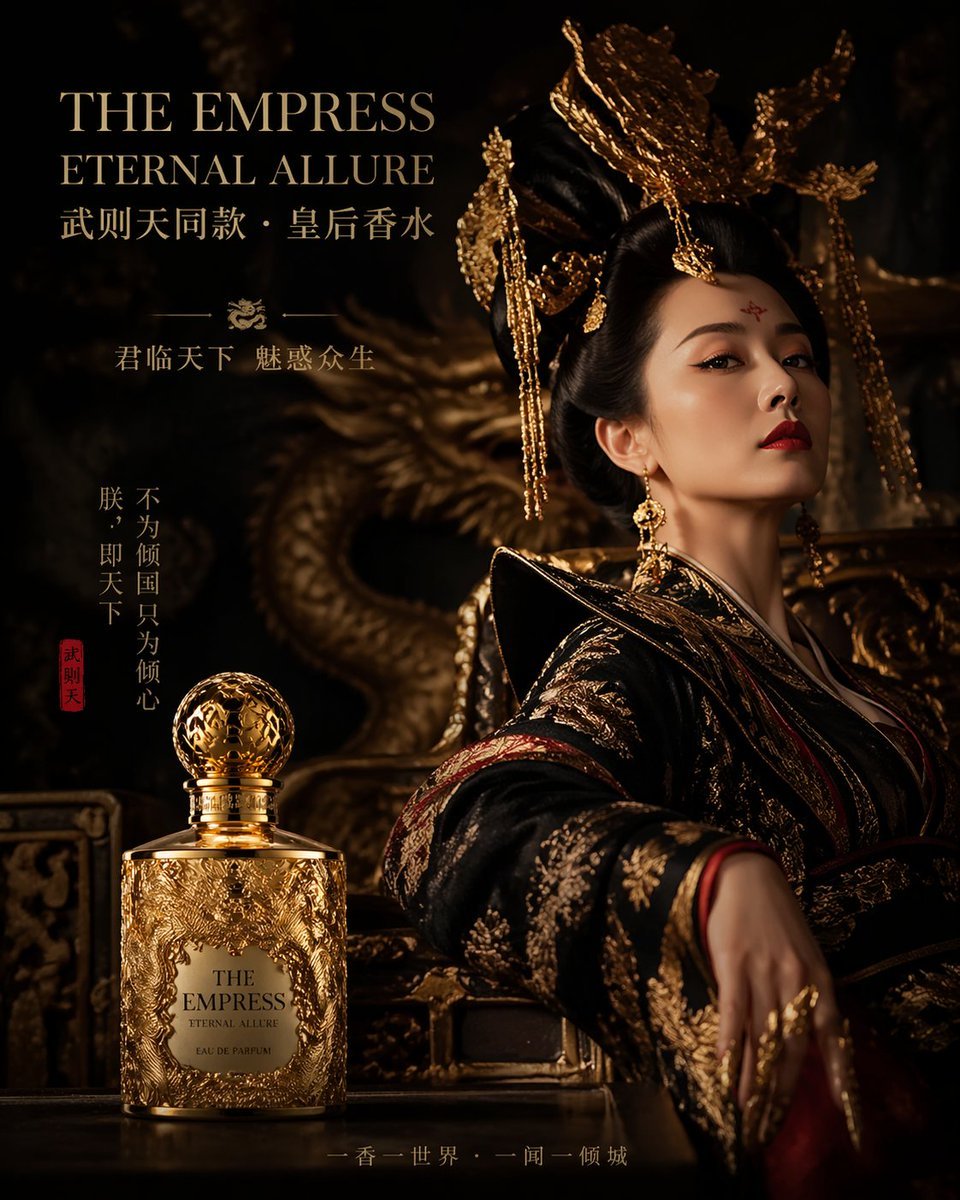
Royal Perfume Advertisement Prompt
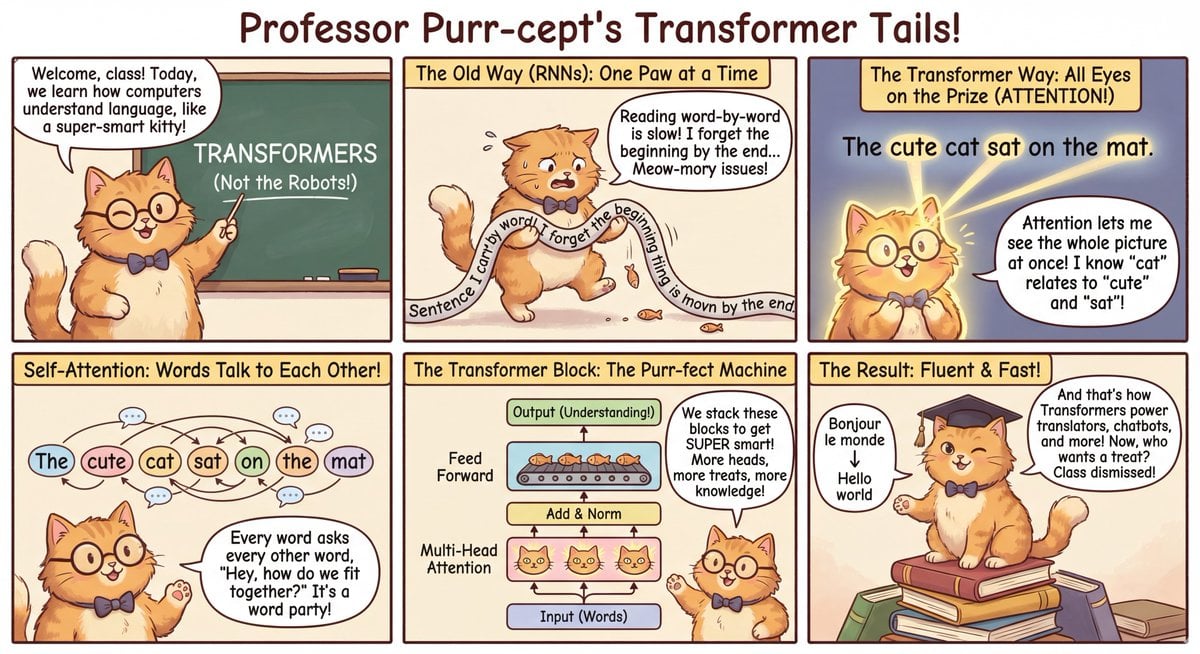
Outfit combinations using Sergey Brin as model
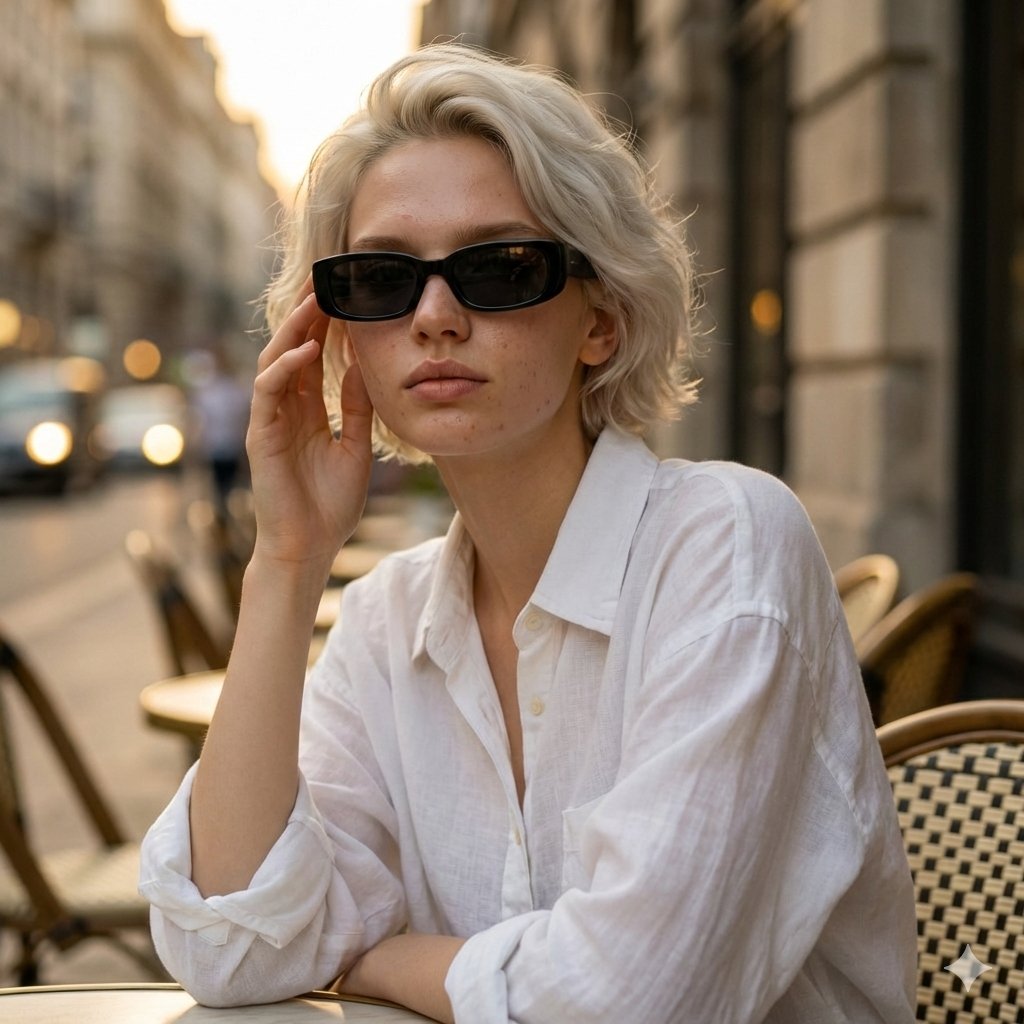
European Café Golden Hour Portrait Prompt
Browse template categories
Satellite Anomaly Interface Mockup questions
How do I use the Satellite Anomaly Interface Mockup template?
Add your photo if the template asks for one, edit the prompt if you like — the template's model and format are already selected — and press Generate. Your version opens in PicX Studio.
Can I customize the Satellite Anomaly Interface Mockup template?
Yes. You can change the subject, setting, lighting, mood, format, and available model controls before creating your image.
Is the Satellite Anomaly Interface Mockup template free?
Opening and editing this template is free. Generating uses credits, shown on the Generate button when you are signed in.
Which AI model should I use?
Start with GPT Image 2, which is the model associated with this template. You can compare another compatible model for a different finish.
Looking for something else? Browse all templates.

Your photo, any look
Thousands of ready templates for every top image and video model, from one credit balance.