
Live Stream Interface Mockup
Generates a realistic live streaming interface featuring a host, live chat overlay, topic cards, and video player controls.
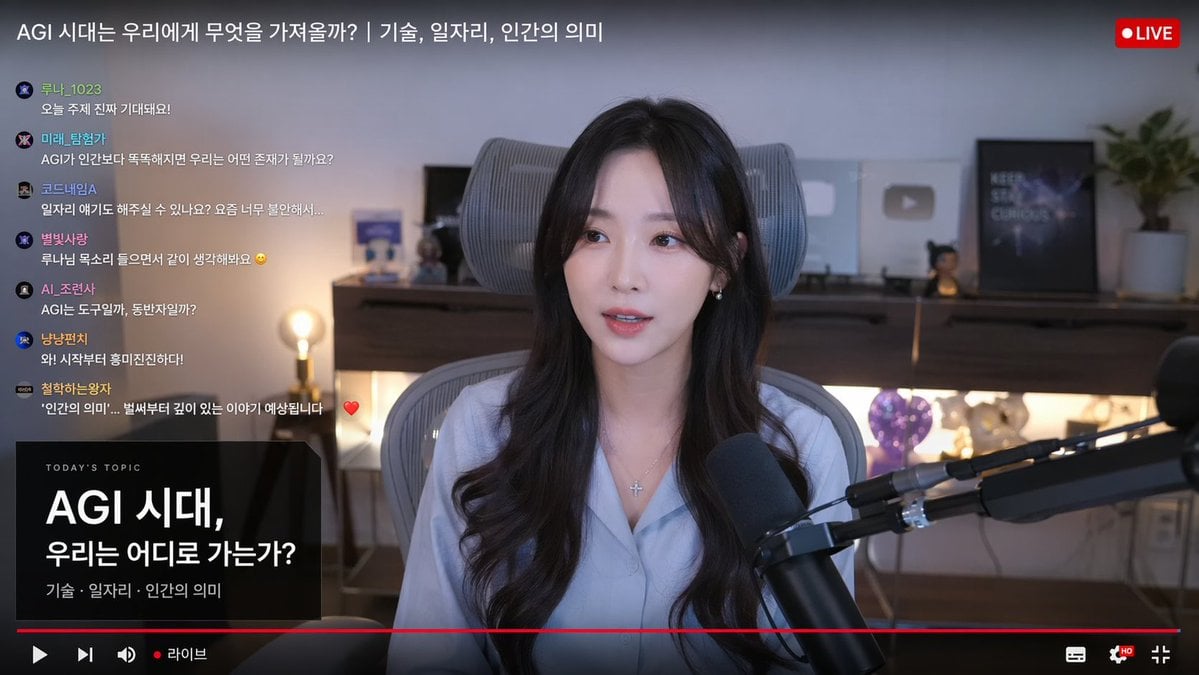
- Prompt included
- Model and format preset
- Free template
The prompt behind this image
Copy the exact prompt behind Live Stream Interface Mockup, or open it in the studio and make it yours.
- Type
- live stream interface mockup
- Subject › Description
- {argument name="subject appearance" default="young Korean woman, long dark wavy hair, light blue button-up shirt"}
- Subject › Accessories
- silver cross necklace, black broadcast microphone on boom arm
- Subject › Pose
- speaking to camera, sitting in grey ergonomic chair
- Background
- {argument name="background vibe" default="cozy room with warm lighting, shelf with YouTube play buttons"}
- Layout › Top Bar › Title
- {argument name="stream title" default="AGI 시대는 우리에게 무엇을 가져올까? | 기술, 일자리, 인간의 의미"}
- Layout › Top Bar › Badge
- LIVE
- Layout › Left Chat › Count
- 7
- Layout › Left Chat › Messages › 0 › User
- 루나_1023
- Layout › Left Chat › Messages › 0 › Text
- 오늘 주제 진짜 기대돼요!
- Layout › Left Chat › Messages › 1 › User
- 미래_탐험가
- Layout › Left Chat › Messages › 1 › Text
- AGI가 인간보다 똑똑해지면 우리는 어떤 존재가 될까요?
- Layout › Left Chat › Messages › 2 › User
- 코드네임A
- Layout › Left Chat › Messages › 2 › Text
- 일자리 얘기도 해주실 수 있나요? 요즘 너무 불안해서...
- Layout › Left Chat › Messages › 3 › User
- 별빛사랑
- Layout › Left Chat › Messages › 3 › Text
- 루나님 목소리 들으면서 같이 생각해봐요
- Layout › Left Chat › Messages › 4 › User
- AI_조련사
- Layout › Left Chat › Messages › 4 › Text
- AGI는 도구일까, 동반자일까?
- Layout › Left Chat › Messages › 5 › User
- 냥냥펀치
- Layout › Left Chat › Messages › 5 › Text
- 와! 시작부터 흥미진진하다!
- Layout › Left Chat › Messages › 6 › User
- 철학하는왕자
- Layout › Left Chat › Messages › 6 › Text
- '인간의 의미'... 벌써부터 깊이 있는 이야기 예상됩니다
- Layout › Bottom Left Card › Header
- TODAY'S TOPIC
- Layout › Bottom Left Card › Main Text
- {argument name="topic title" default="AGI 시대, 우리는 어디로 가는가?"}
Raw JSON
{
  "type": "live stream interface mockup",
  "subject": {
    "description": "{argument name=\"subject appearance\" default=\"young Korean woman, long dark wavy hair, light blue button-up shirt\"}",
    "accessories": "silver cross necklace, black broadcast microphone on boom arm",
    "pose": "speaking to camera, sitting in grey ergonomic chair"
  },
  "background": "{argument name=\"background vibe\" default=\"cozy room with warm lighting, shelf with YouTube play buttons\"}",
  "layout": {
    "top_bar": {
      "title": "{argument name=\"stream title\" default=\"AGI 시대는 우리에게 무엇을 가져올까? | 기술, 일자리, 인간의 의미\"}",
      "badge": "LIVE"
    },
    "left_chat": {
      "count": 7,
      "messages": [
        {"user": "루나_1023", "text": "오늘 주제 진짜 기대돼요!"},
        {"user": "미래_탐험가", "text": "AGI가 인간보다 똑똑해지면 우리는 어떤 존재가 될까요?"},
        {"user": "코드네임A", "text": "일자리 얘기도 해주실 수 있나요? 요즘 너무 불안해서..."},
        {"user": "별빛사랑", "text": "루나님 목소리 들으면서 같이 생각해봐요"},
        {"user": "AI_조련사", "text": "AGI는 도구일까, 동반자일까?"},
        {"user": "냥냥펀치", "text": "와! 시작부터 흥미진진하다!"},
        {"user": "철학하는왕자", "text": "'인간의 의미'... 벌써부터 깊이 있는 이야기 예상됩니다"}
      ]
    },
    "bottom_left_card": {
      "header": "TODAY'S TOPIC",
      "main_text": "{argument name=\"topic title\" default=\"AGI 시대, 우리는 어디로 가는가?\"}",
      "sub_text": "기술 · 일자리 · 인간의 의미"
    },
    "bottom_controls": {
      "elements": ["red progress bar", "play icon", "volume icon", "라이브", "settings icon", "fullscreen icon"]
    }
  }
}How to use Live Stream Interface Mockup in 3 steps
- 1Upload ImagePNG, JPG or paste
Add your photo
Upload the photo the template builds on. The prompt, model and format are already set.
- 2…a portrait of your subject in softgolden-hour light, 85mm…
Personalize
Edit the subject and creative details for your destination.
- 3Generate
Generate
Press Generate — your image is created in PicX Studio, so you can compare it with the original and refine one variable at a time.
More like this
Templates with the same subject, style or setup. Open one to see its prompt.
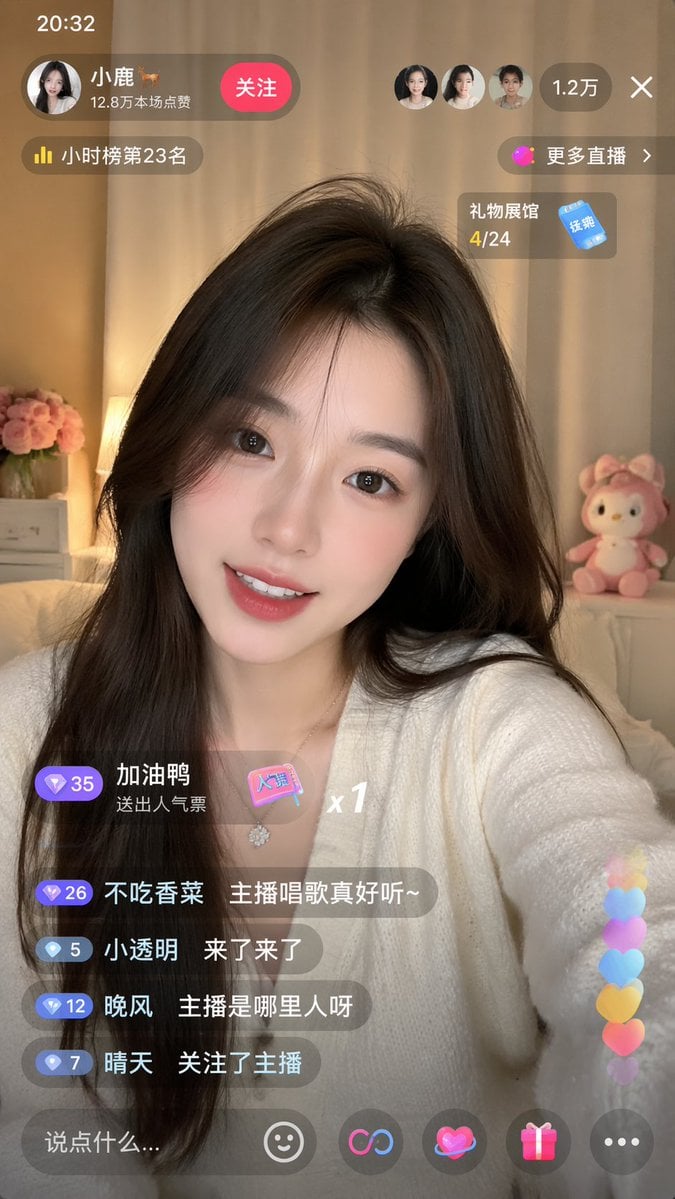
Live-Streaming App Interface Mockup
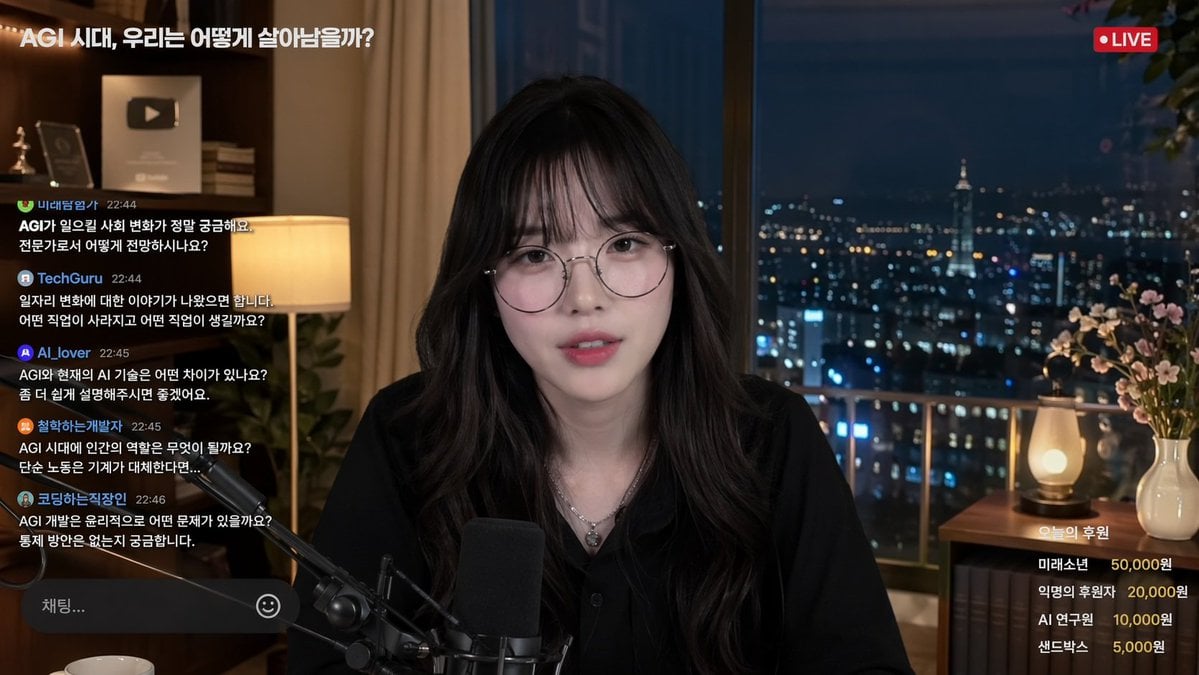
Livestream Interface Mockup
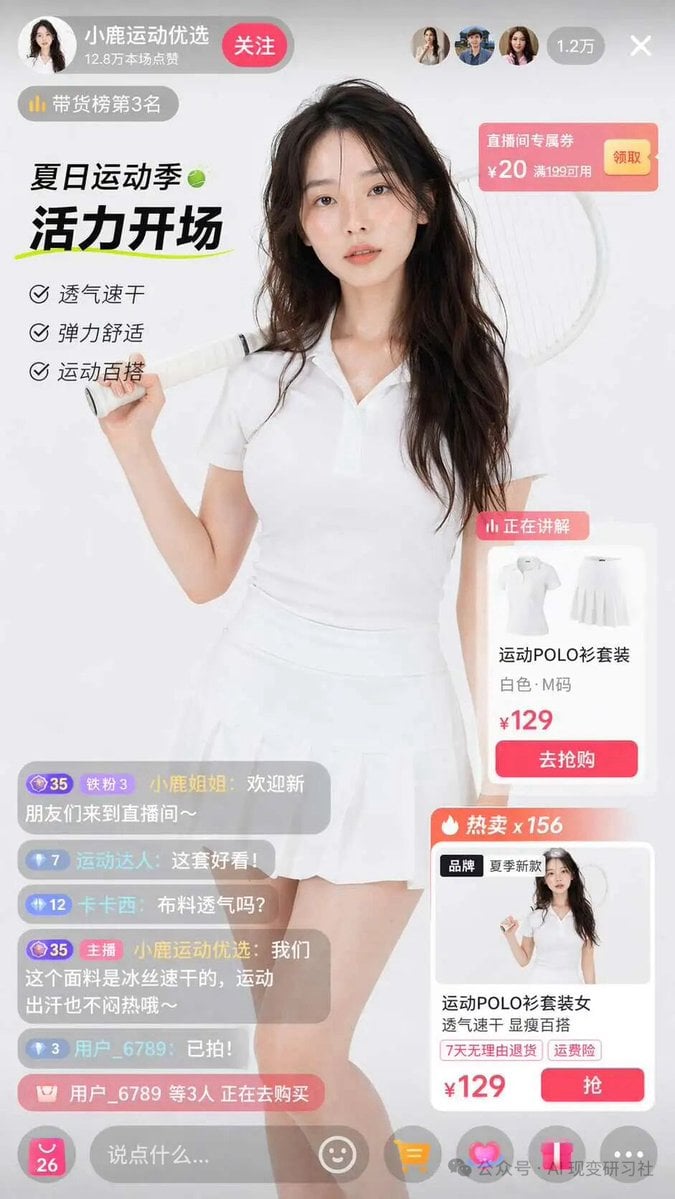
E-commerce Live Stream UI Mockup
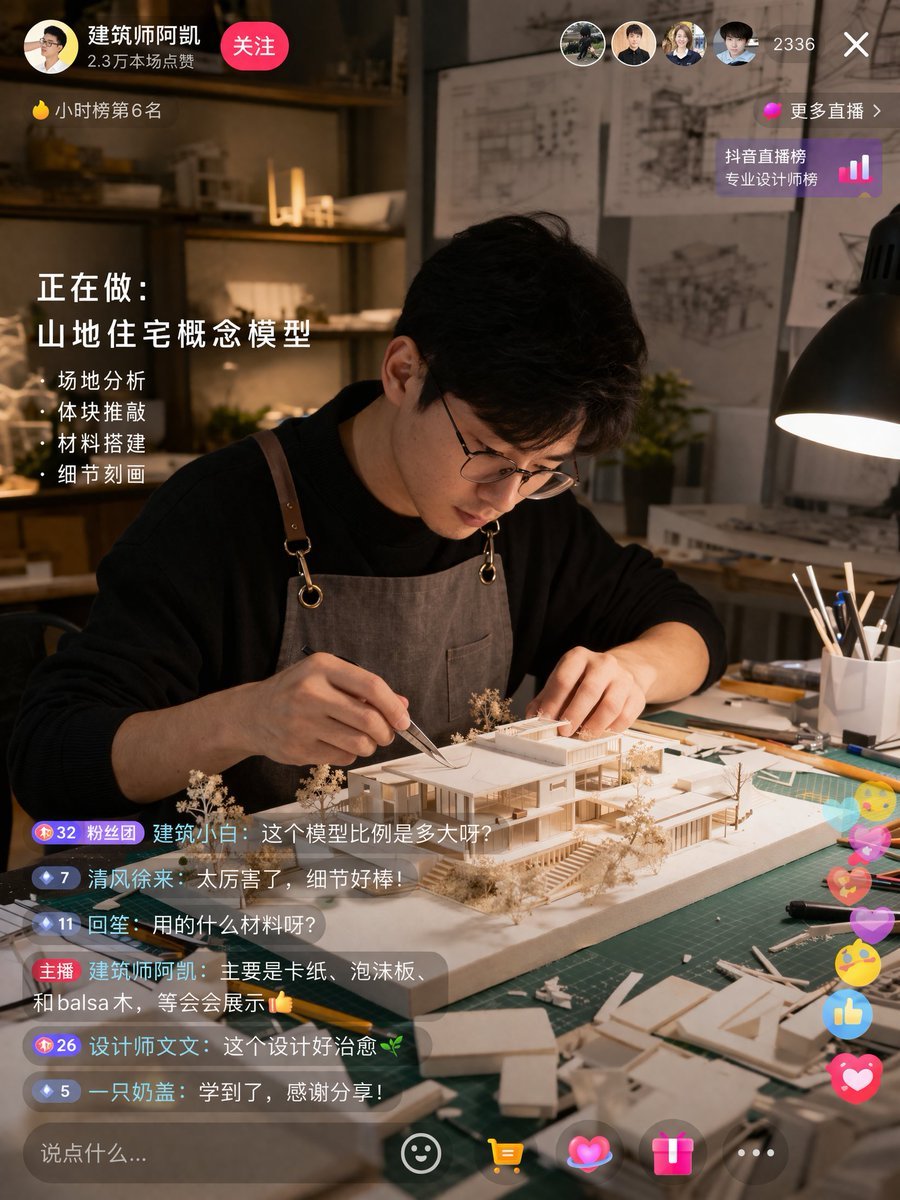
Architect Live Stream UI Mockup
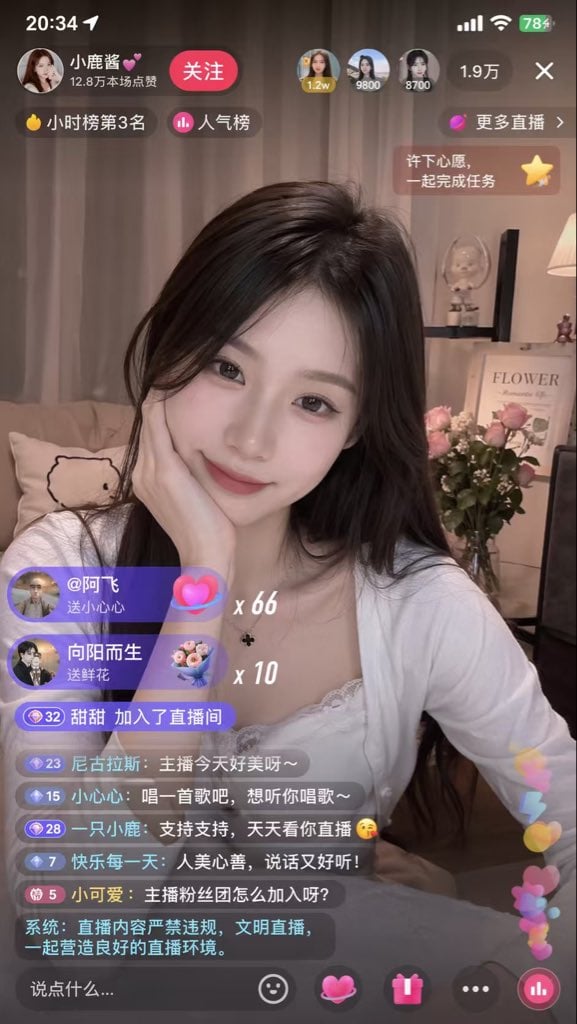
Live Streaming App UI Mockup
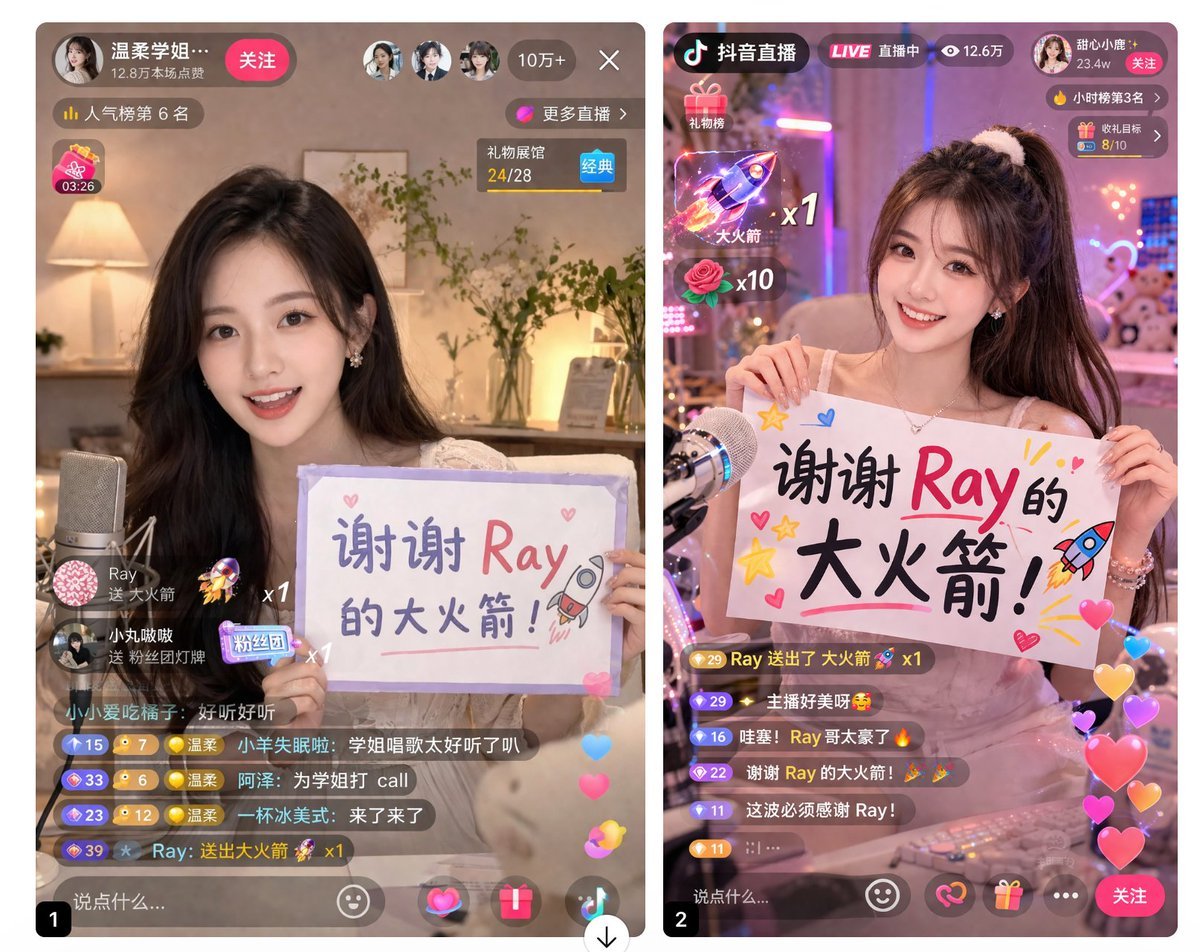
Live Stream App UI Mockup
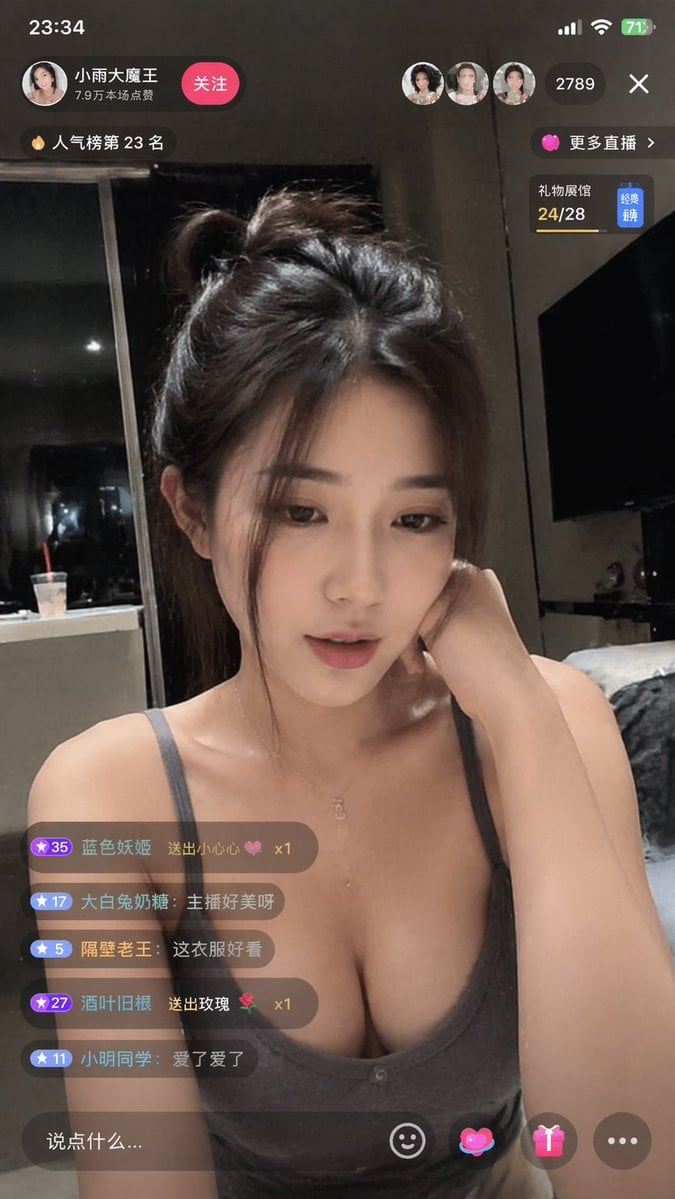
Douyin Live Stream Interface
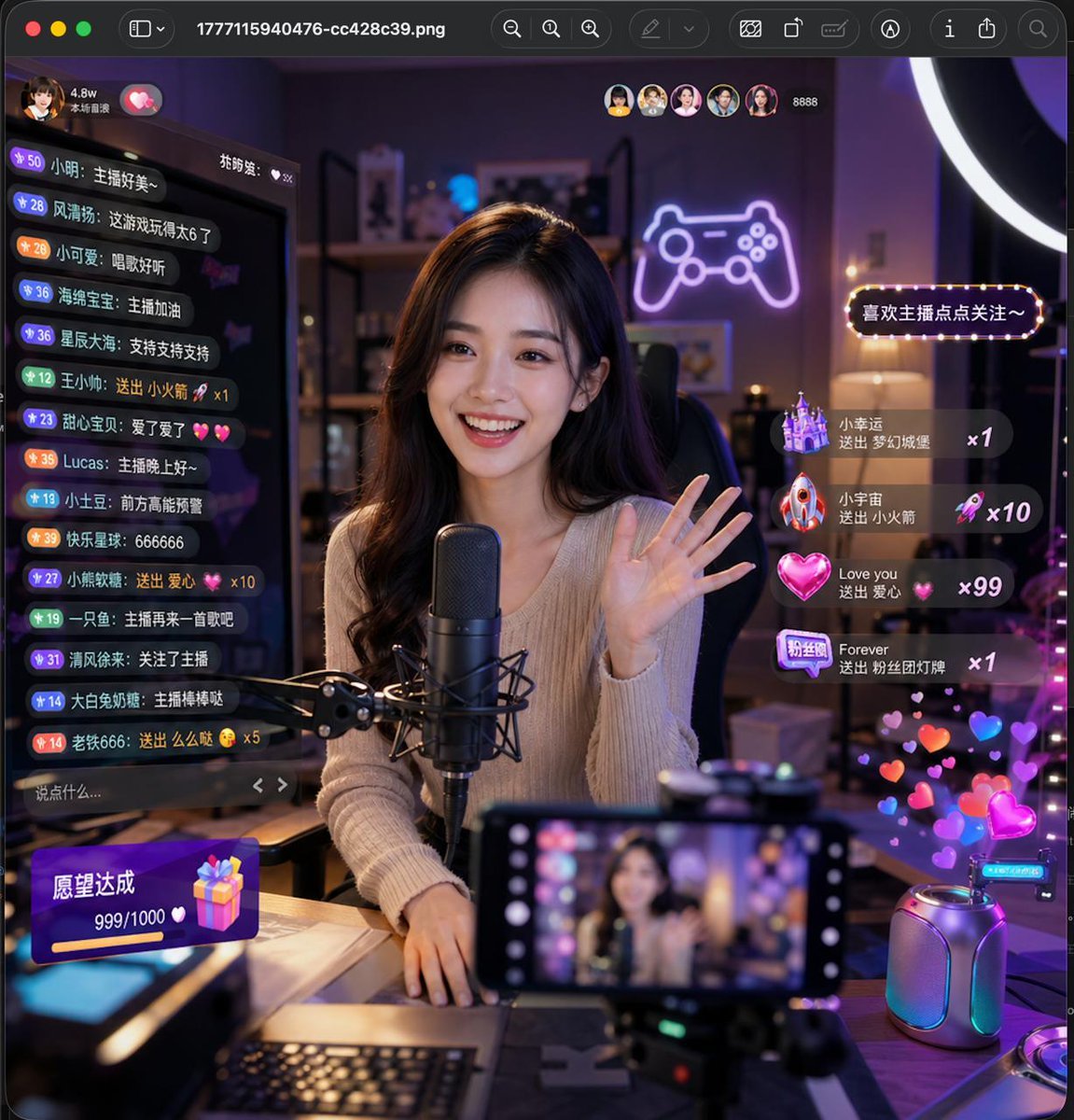
Lively Live Streaming Scene
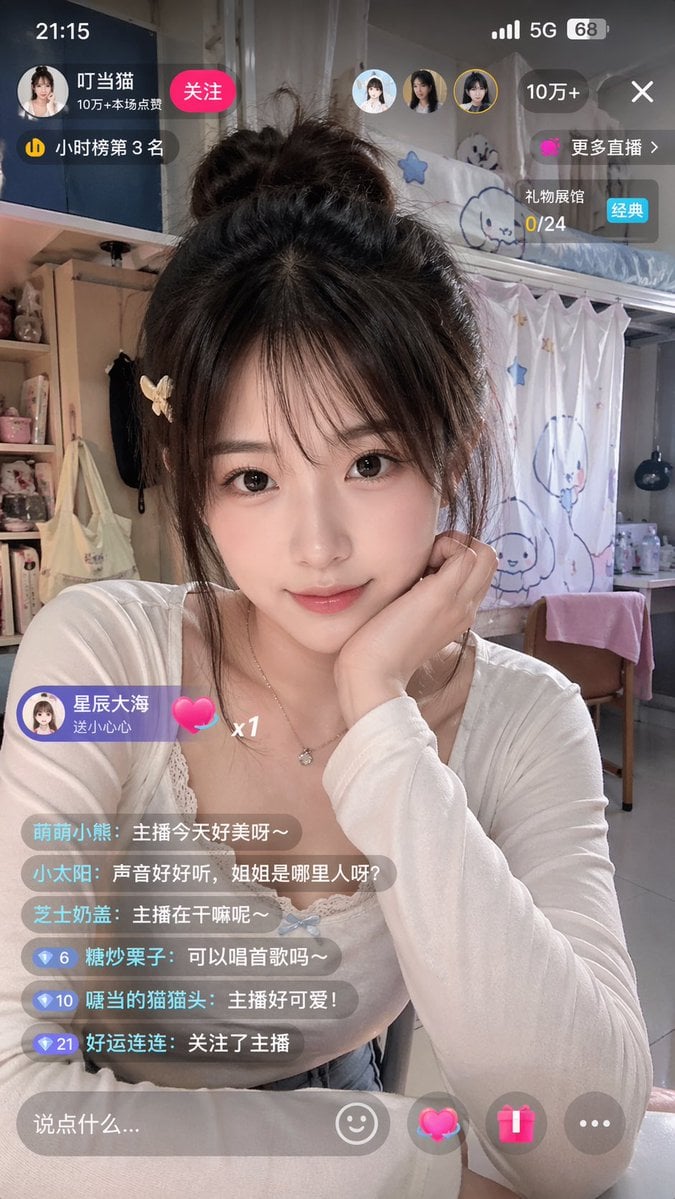
Chinese Livestream Dorm Selfie UI
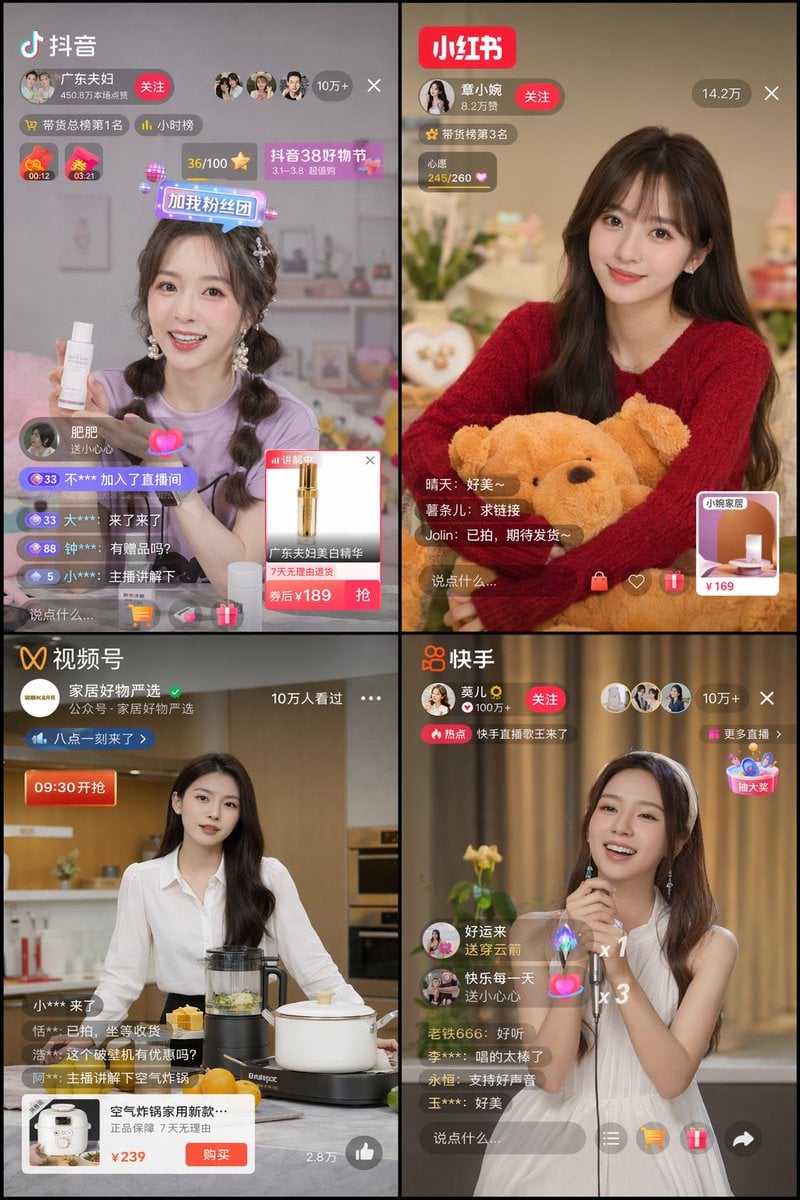
Chinese Livestreaming App UI Grid
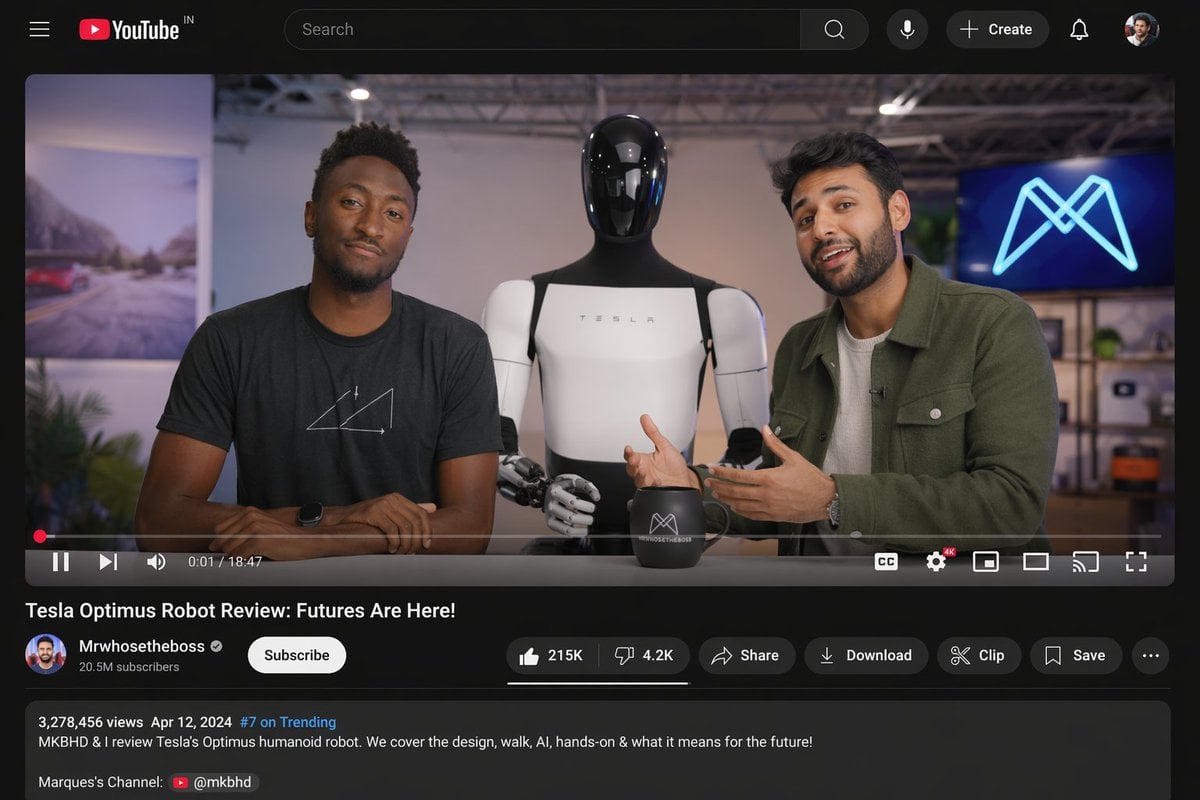
YouTube Video Interface Mockup
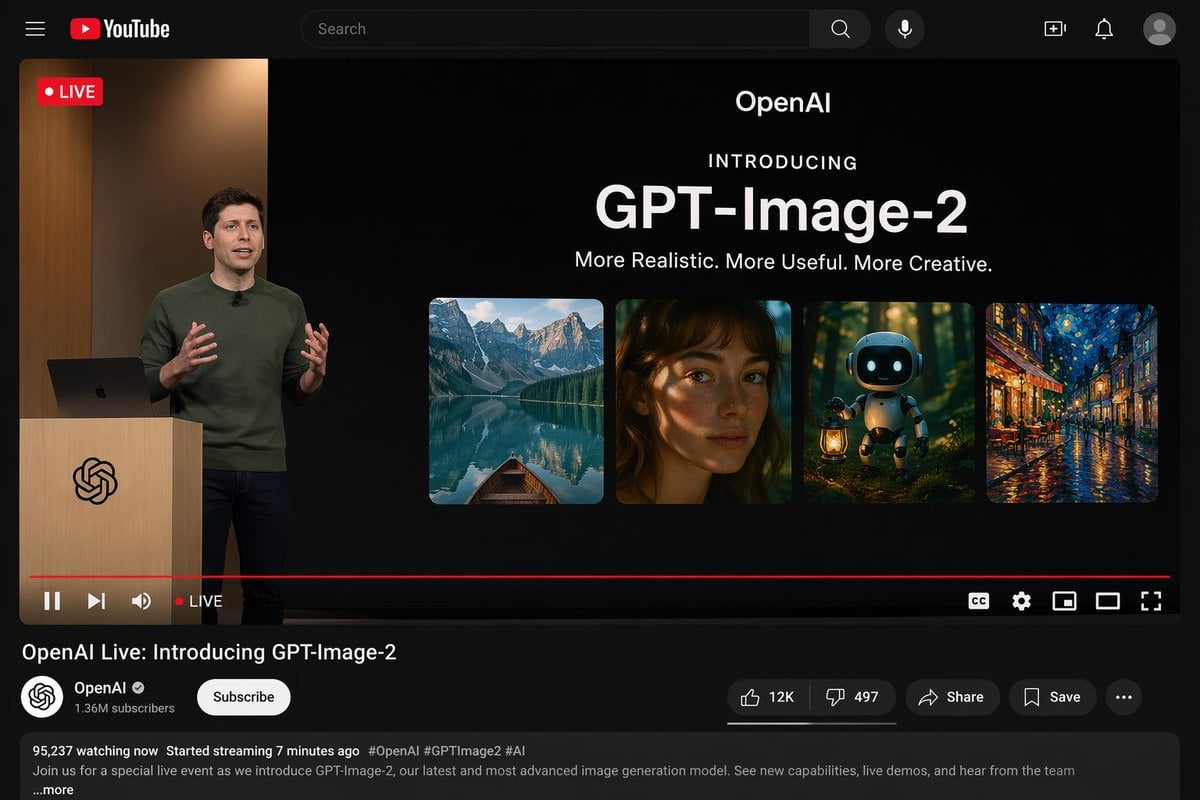
YouTube Live Presentation UI Mockup
Make it yours
Live Stream Interface Mockup works as-is. These are the safest ways to change it without losing the look.
Swap the setting
Keep the rest of the prompt and replace the location block. The current setting is “{argument name="background vibe" default="cozy room with warm lighting, shelf wi”.
Change one field
Copy a single group, rewrite it, and generate again so you can see what that field is doing.
Keep the frame, change the subject
Hold the composition and light of Live Stream Interface Mockup, then swap wardrobe, props or the person for a new take.
| If the result… | Why | Fix |
|---|---|---|
| The result drifts from the preview | Too many fields changed at once. | Reuse Live Stream Interface Mockup as-is first, then change one group — subject, light, or setting. |
| GPT Image 2 ignores part of the JSON | Some models flatten or skip nested keys. | Keep the same values and paste them as a short paragraph instead. |
More GPT Image 2 templates
Other prompts made for GPT Image 2.

Six VTuber Japanese Logo Sheet

Realistic Portrait of Woman and Deer

The Vista Modular Condo Poster

AI Model Routing Comparison Infographic

2.5D Anime Art Board

Isometric Productivity Desk Scene

New York Double Exposure Poster

Four-Panel AI Landscape Comparison

Japanese Tatami Lifestyle Magazine Cover

NESCAFÉ Coffee Map Poster
More image prompts
Fresh picks from across the catalog.
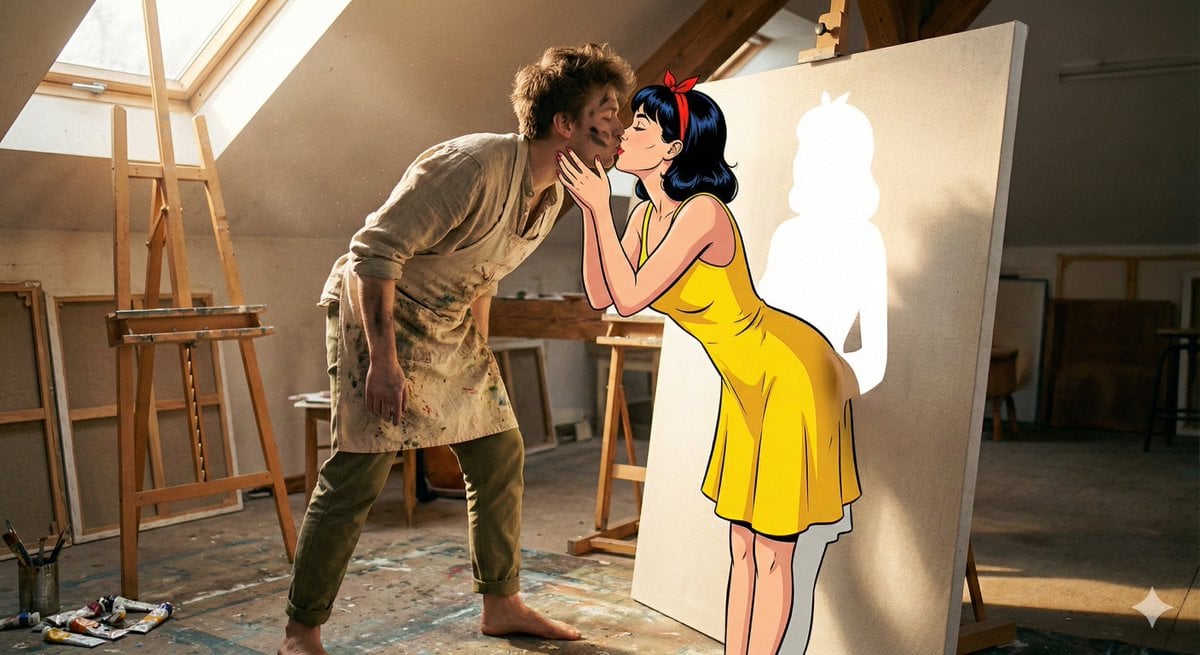
Surreal 2D to 3D Transition Kiss Prompt for Gemini 3
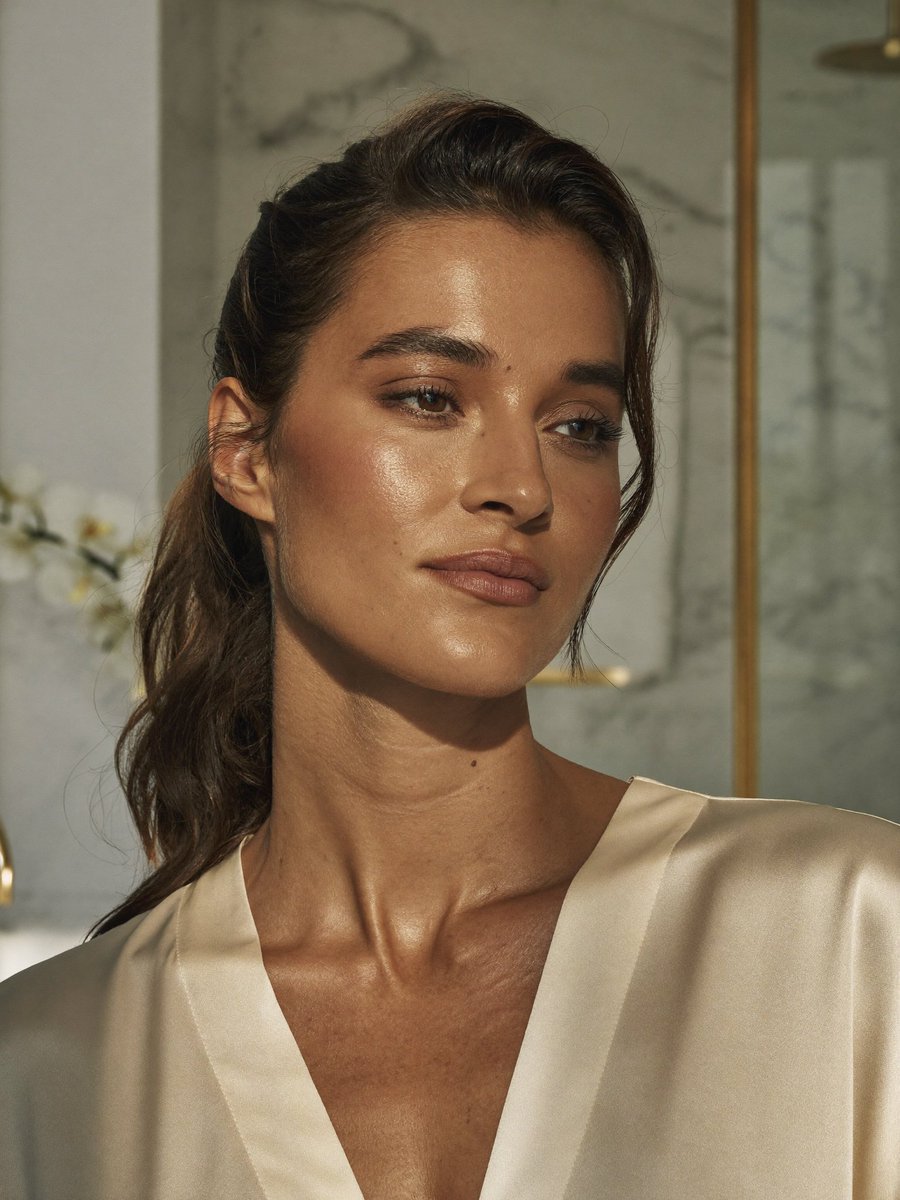
Censored Realistic Spa Portrait
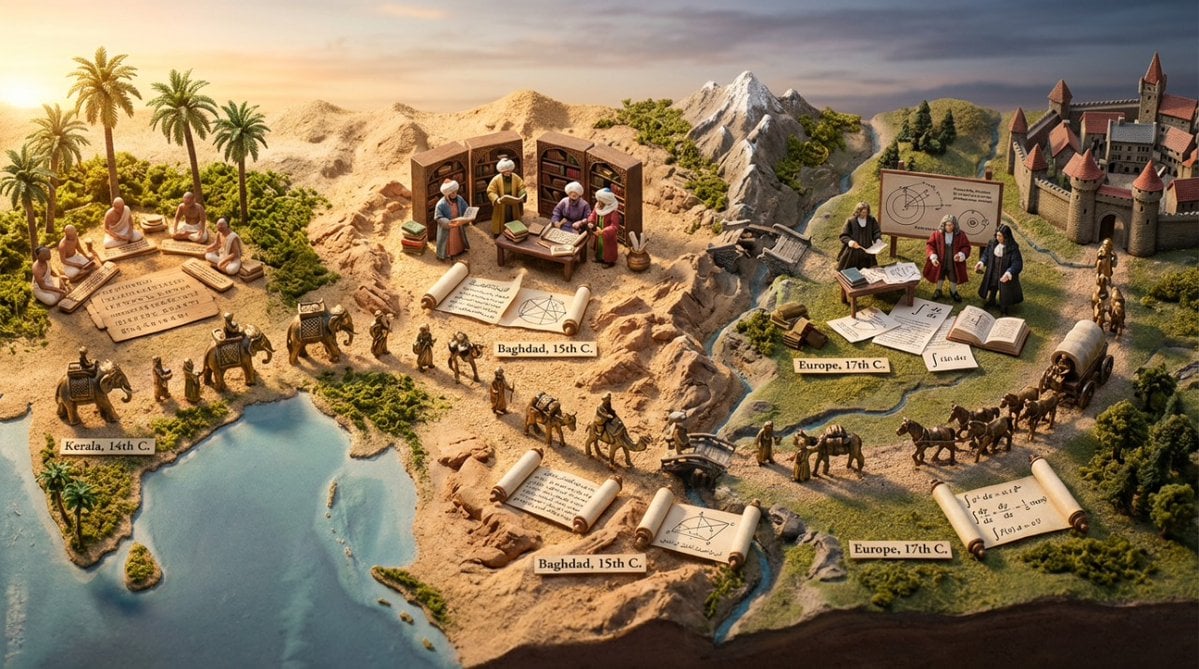
Miniature Diorama Prompt for Visualizing the Historical Journey of Calculus
Fine-Art Fashion Editorial Inspired by Gold Mosaic Aesthetics

Parametrized Movie Poster Generation Prompt
Cinematic Night Portrait Photography
Circular Profile Picture Style Transfer
Urban Noir Fashion Editorial
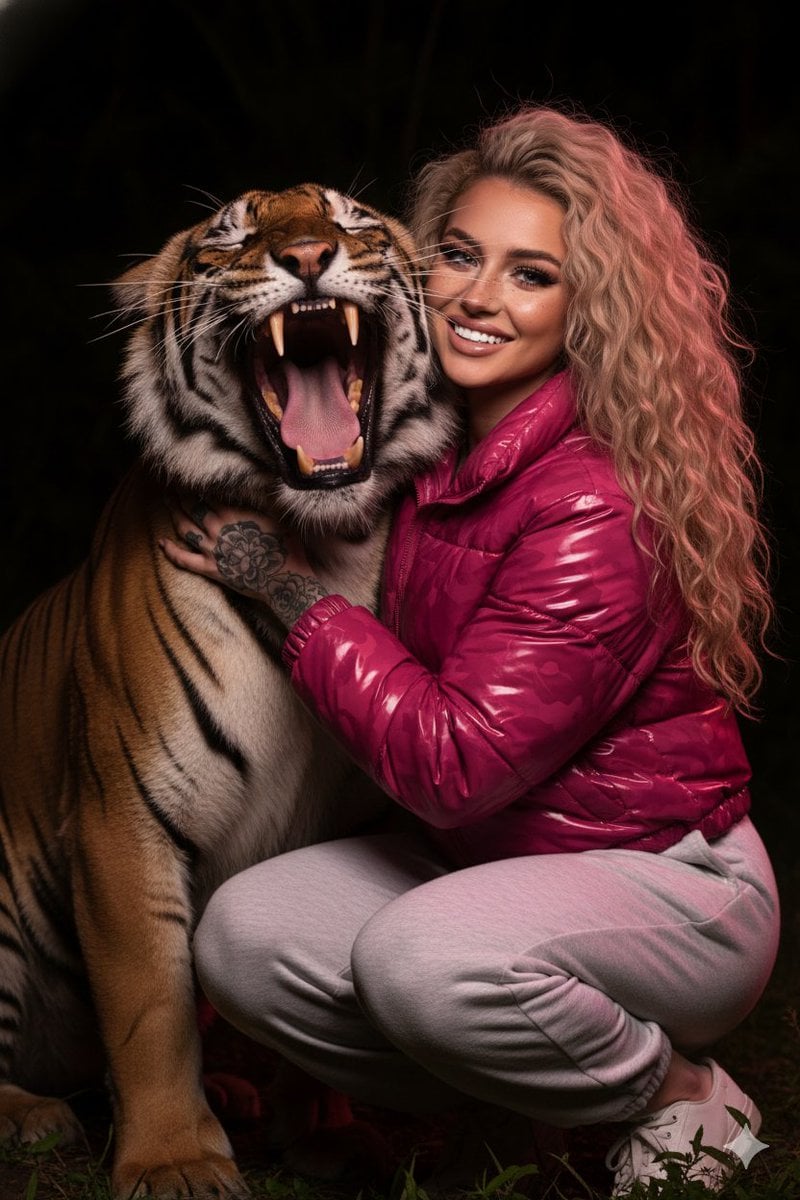
Hyper-Realistic Nighttime Portrait with Bengal Tiger
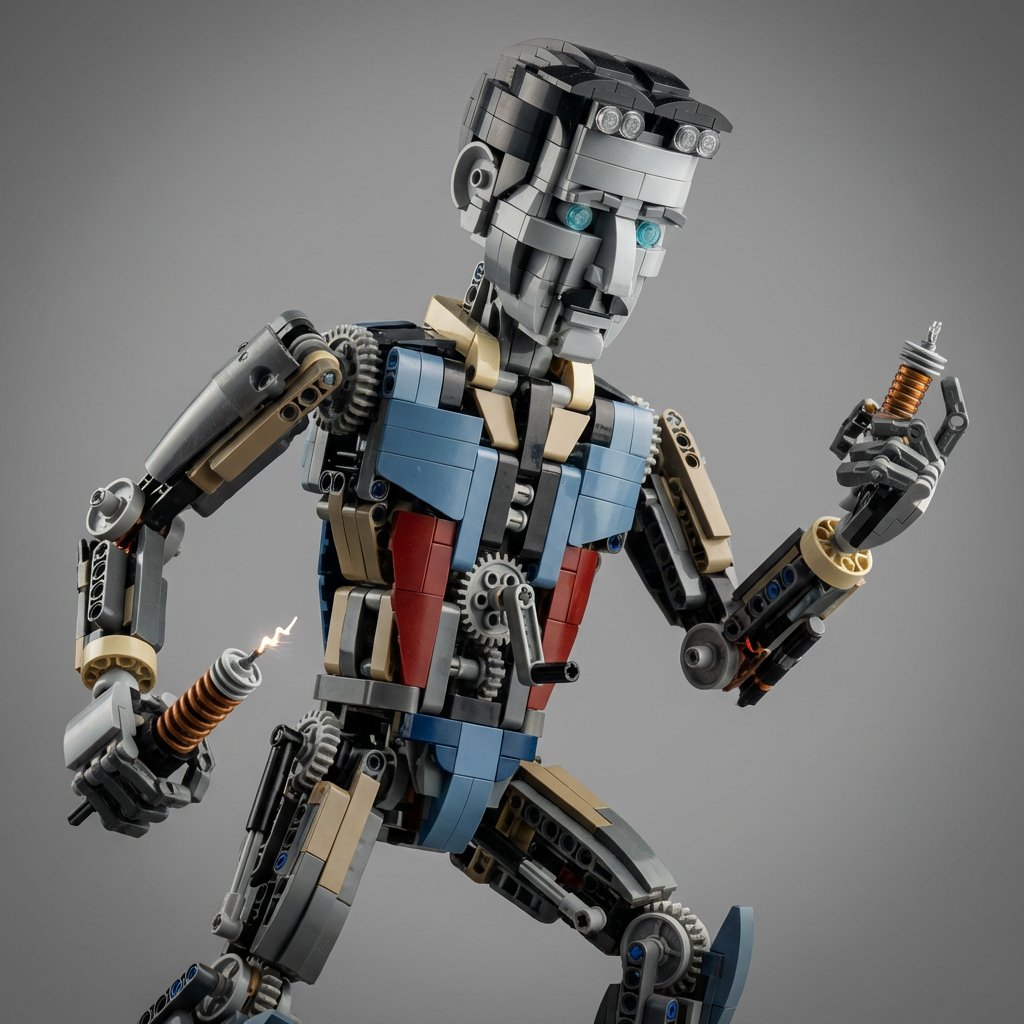
Hyper-Real Macro Studio Shot of a LEGO Technic Kitbash
Browse template categories
Live Stream Interface Mockup questions
How do I use the Live Stream Interface Mockup template?
Add your photo if the template asks for one, edit the prompt if you like — the template's model and format are already selected — and press Generate. Your version opens in PicX Studio.
Can I customize the Live Stream Interface Mockup template?
Yes. You can change the subject, setting, lighting, mood, format, and available model controls before creating your image.
Is the Live Stream Interface Mockup template free?
Opening and editing this template is free. Generating uses credits, shown on the Generate button when you are signed in.
Which AI model should I use?
Start with GPT Image 2, which is the model associated with this template. You can compare another compatible model for a different finish.
Looking for something else? Browse all templates.

Your photo, any look
Thousands of ready templates for every top image and video model, from one credit balance.