How do I use the E-commerce Live Stream UI Mockup template?
Edit the prompt in the box under the preview — the template's model and format are already selected — and press Generate. Your version appears right on this page.
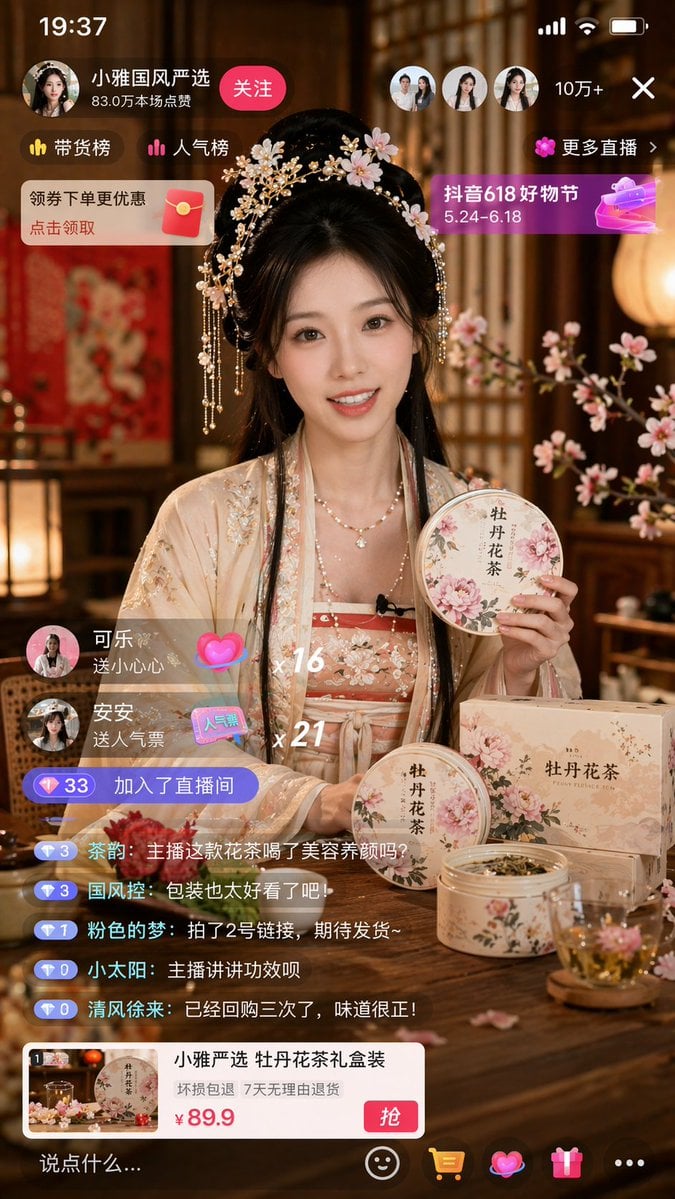
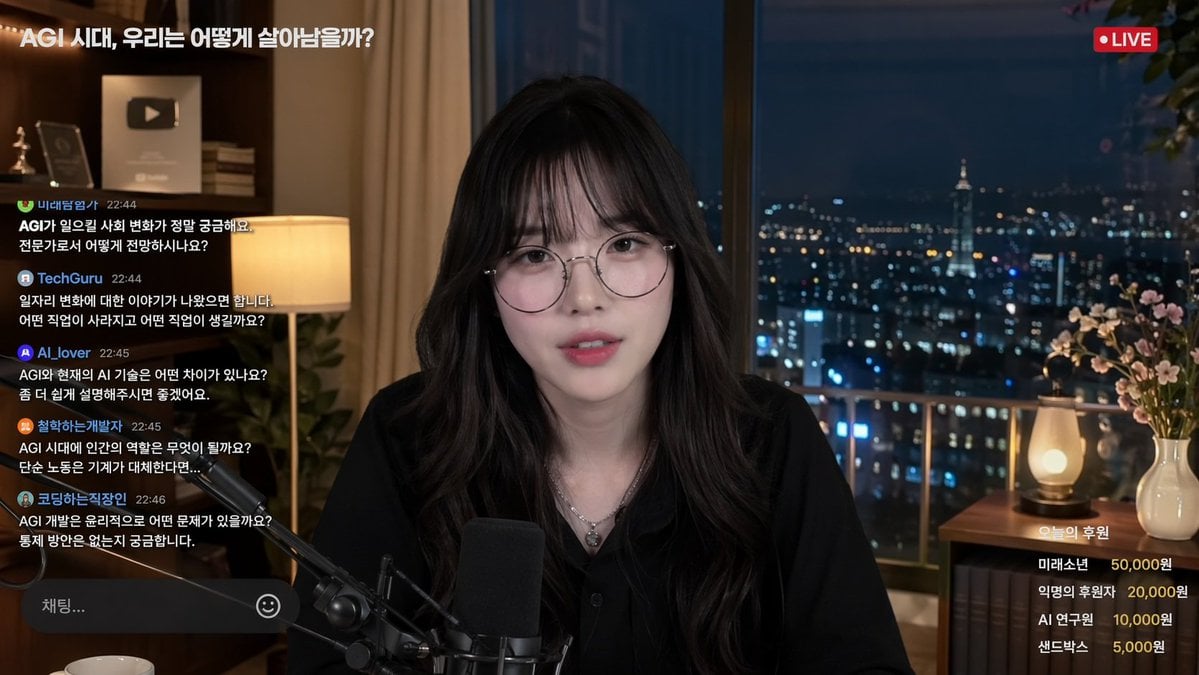
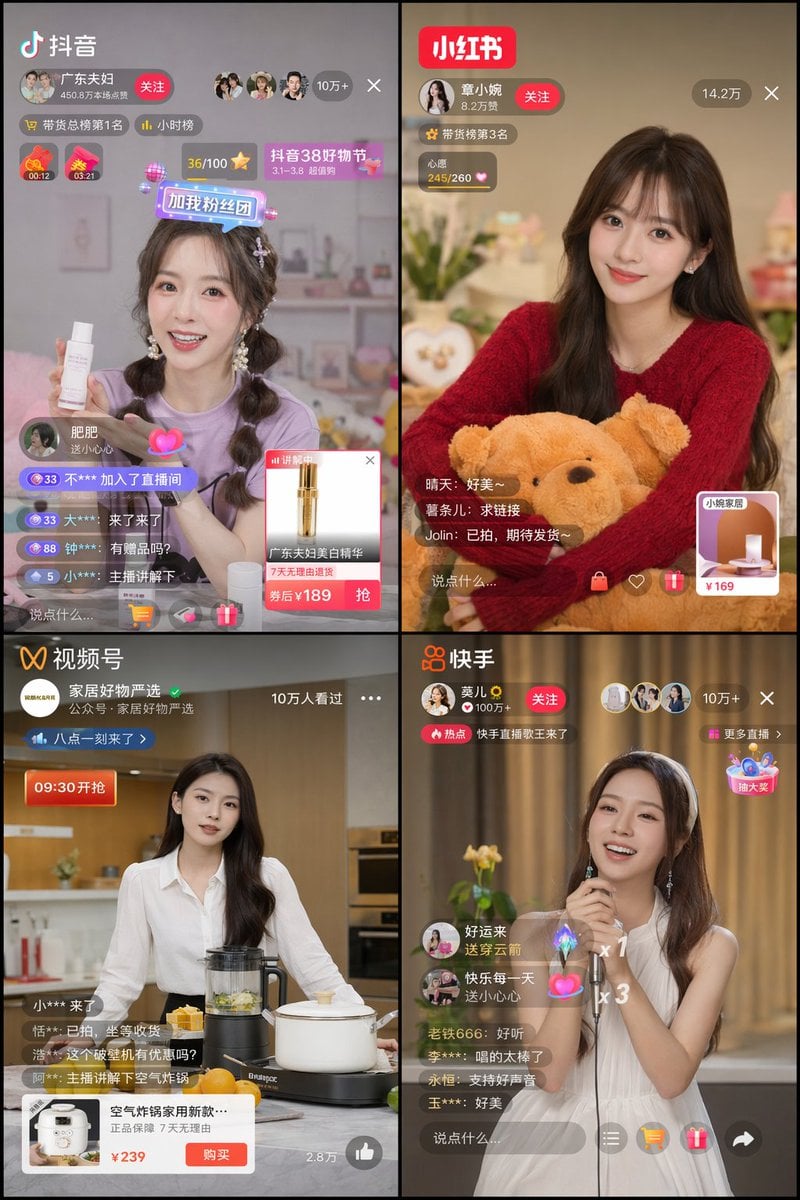
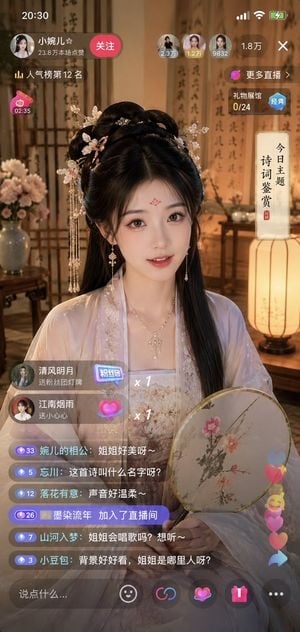
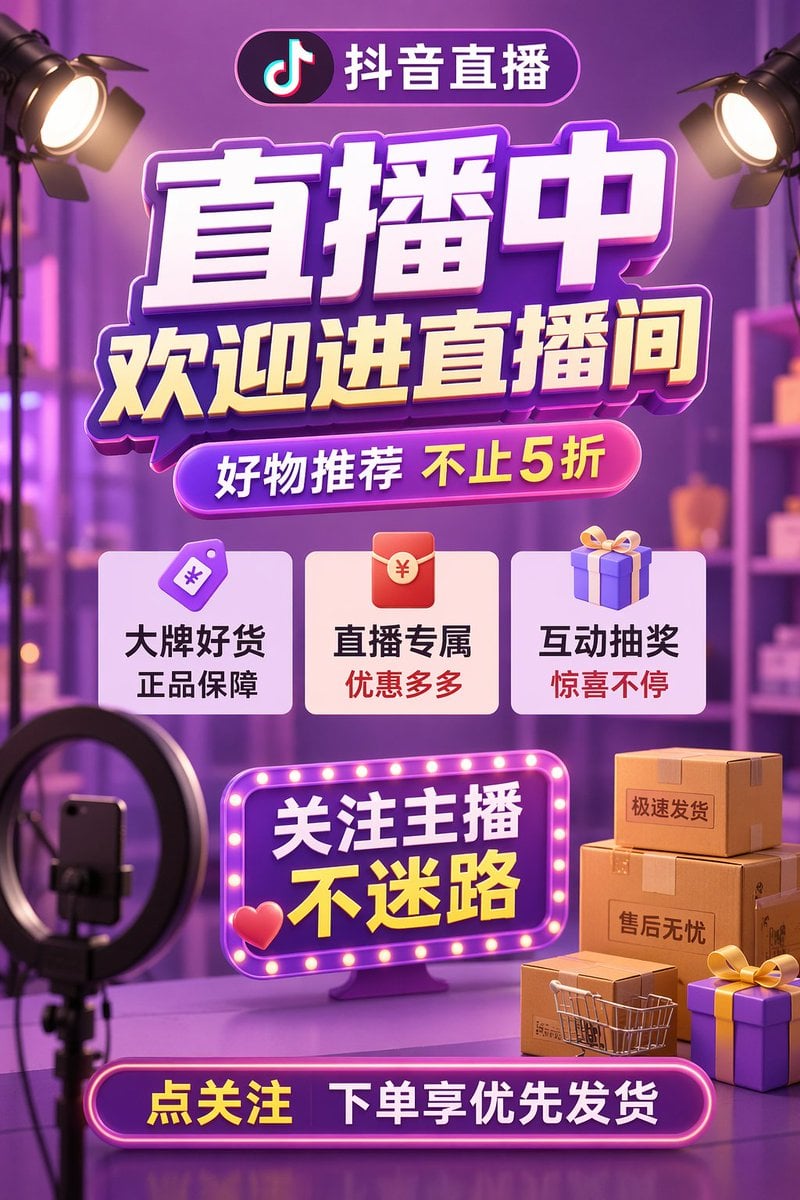
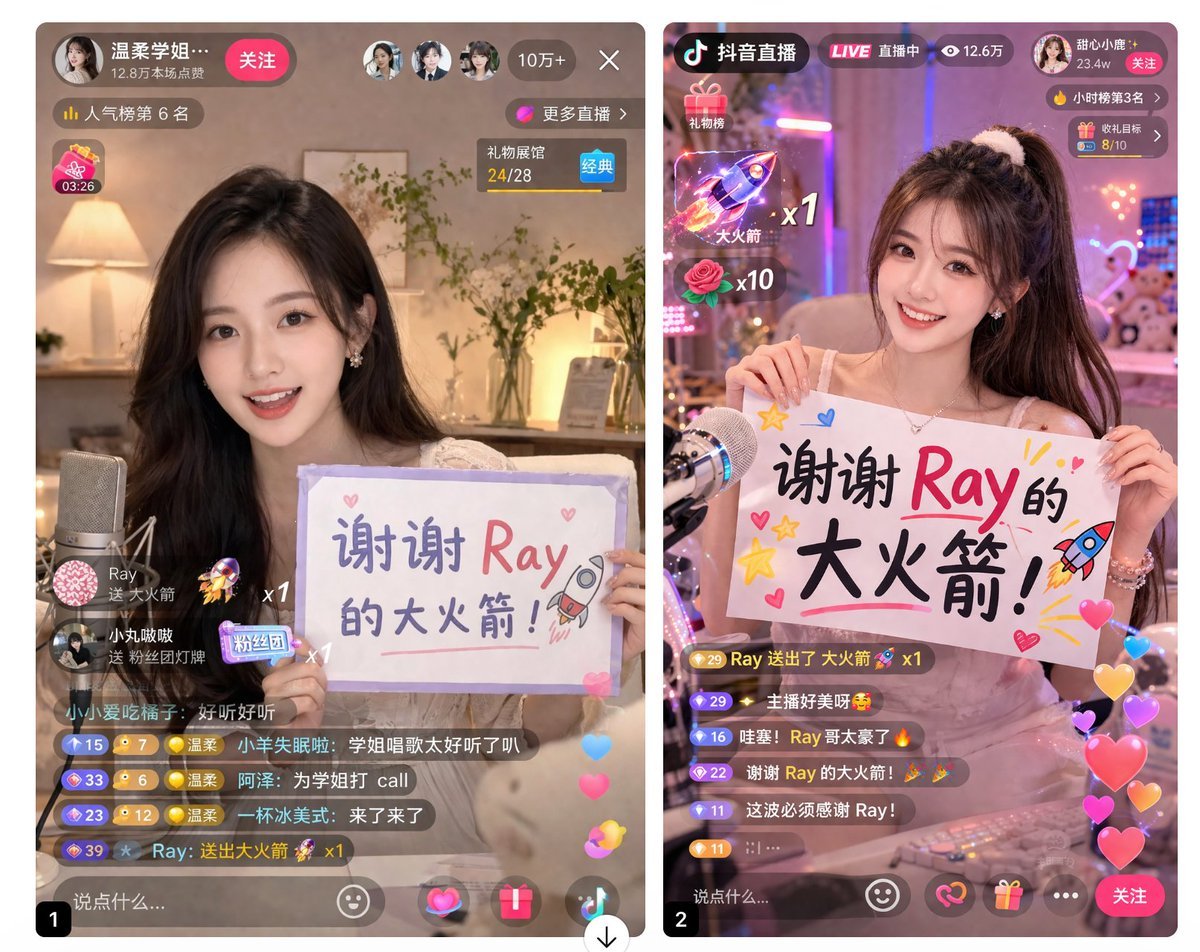
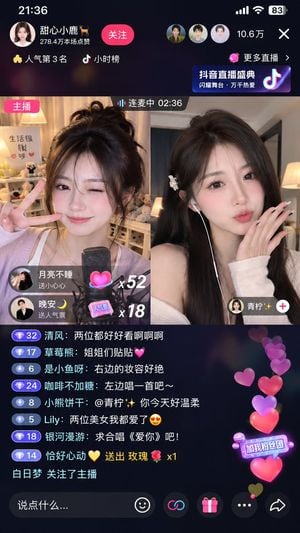
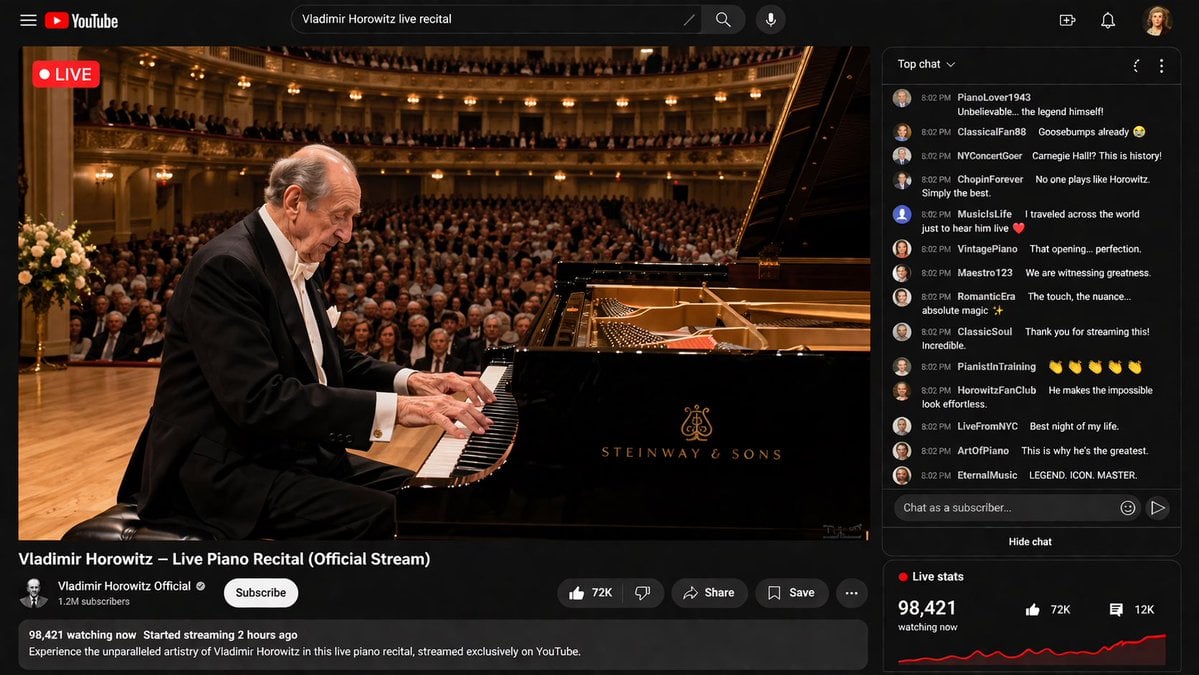
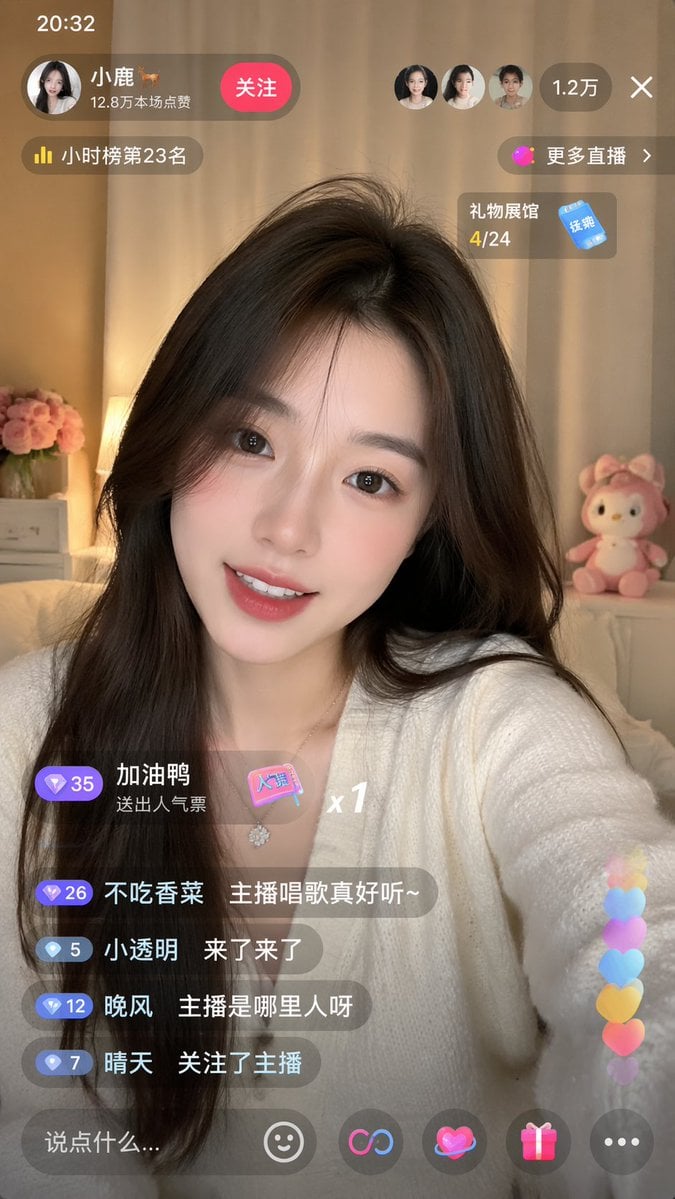
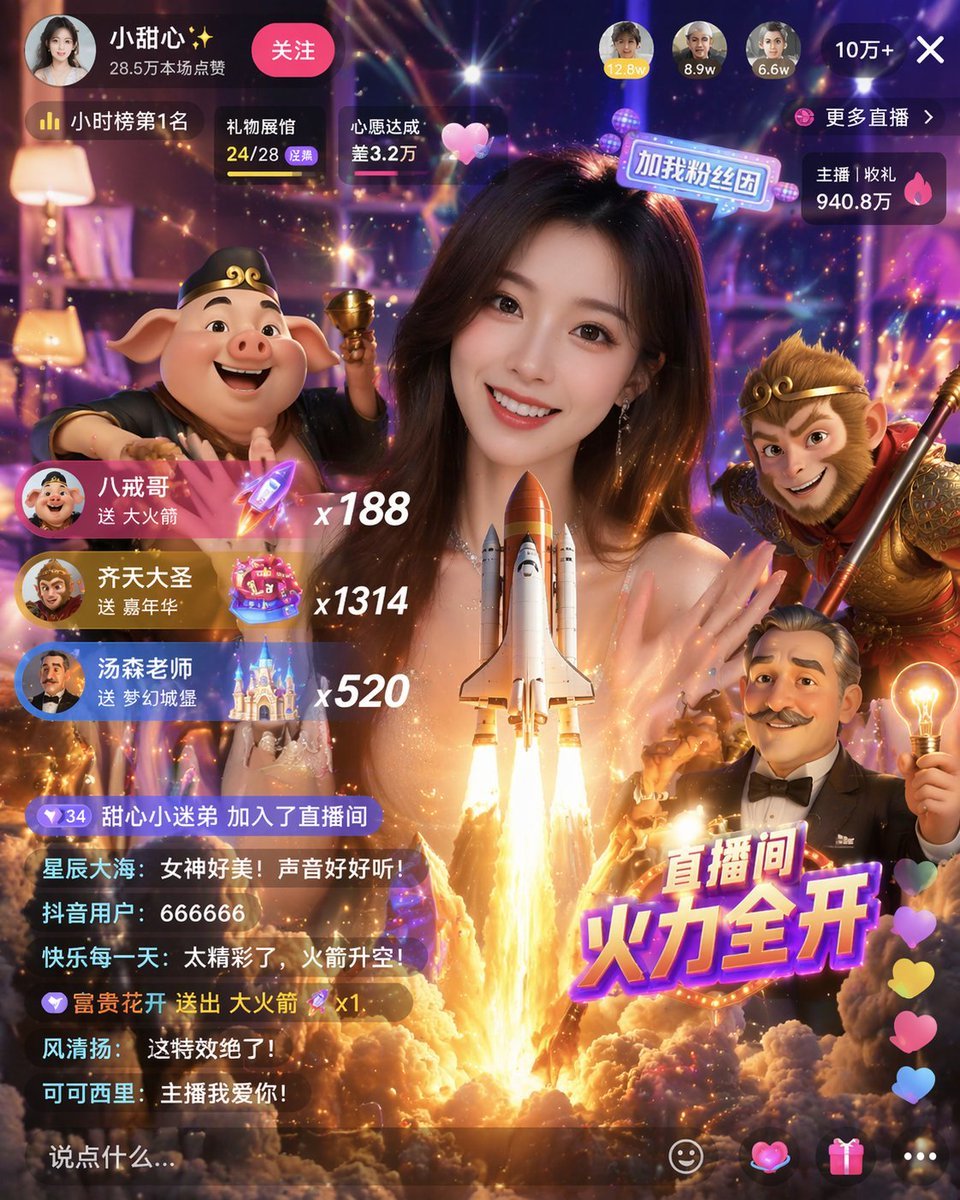
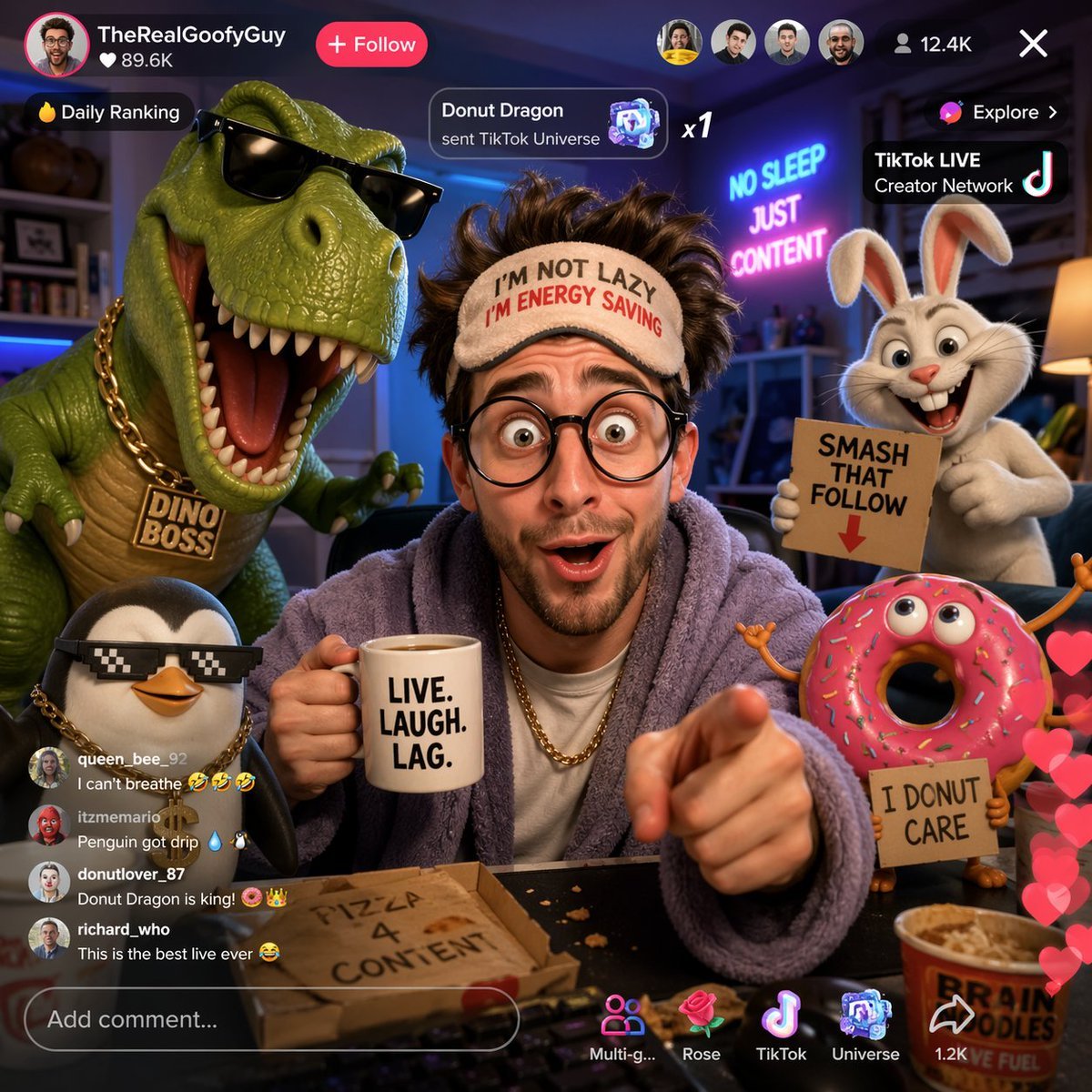
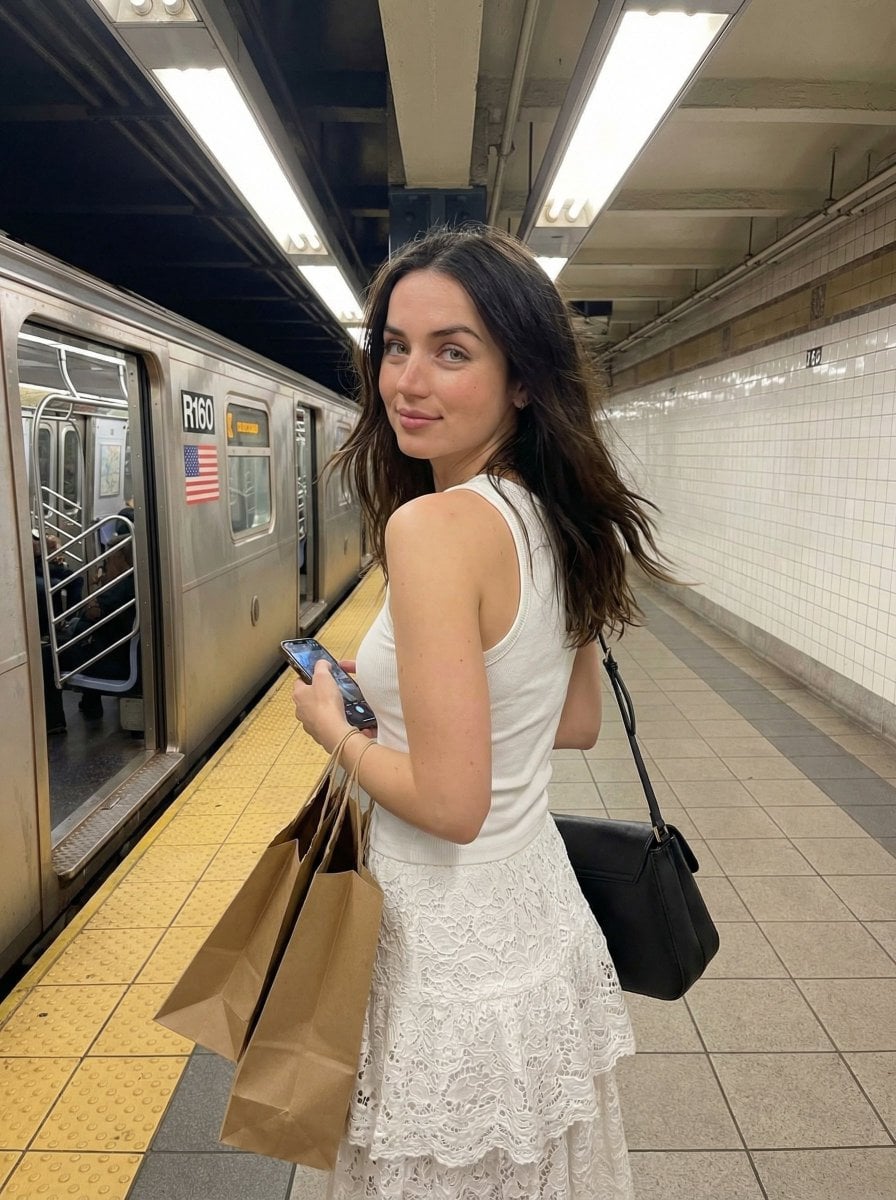
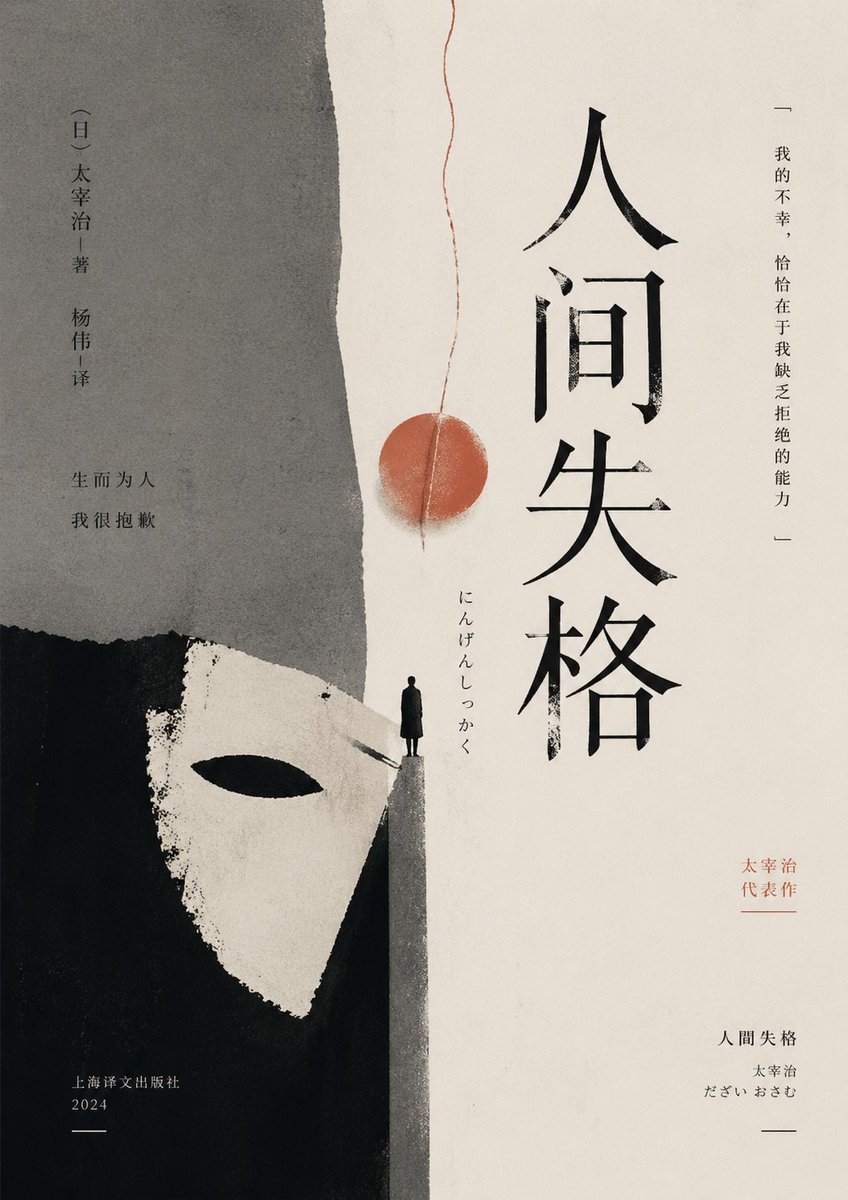
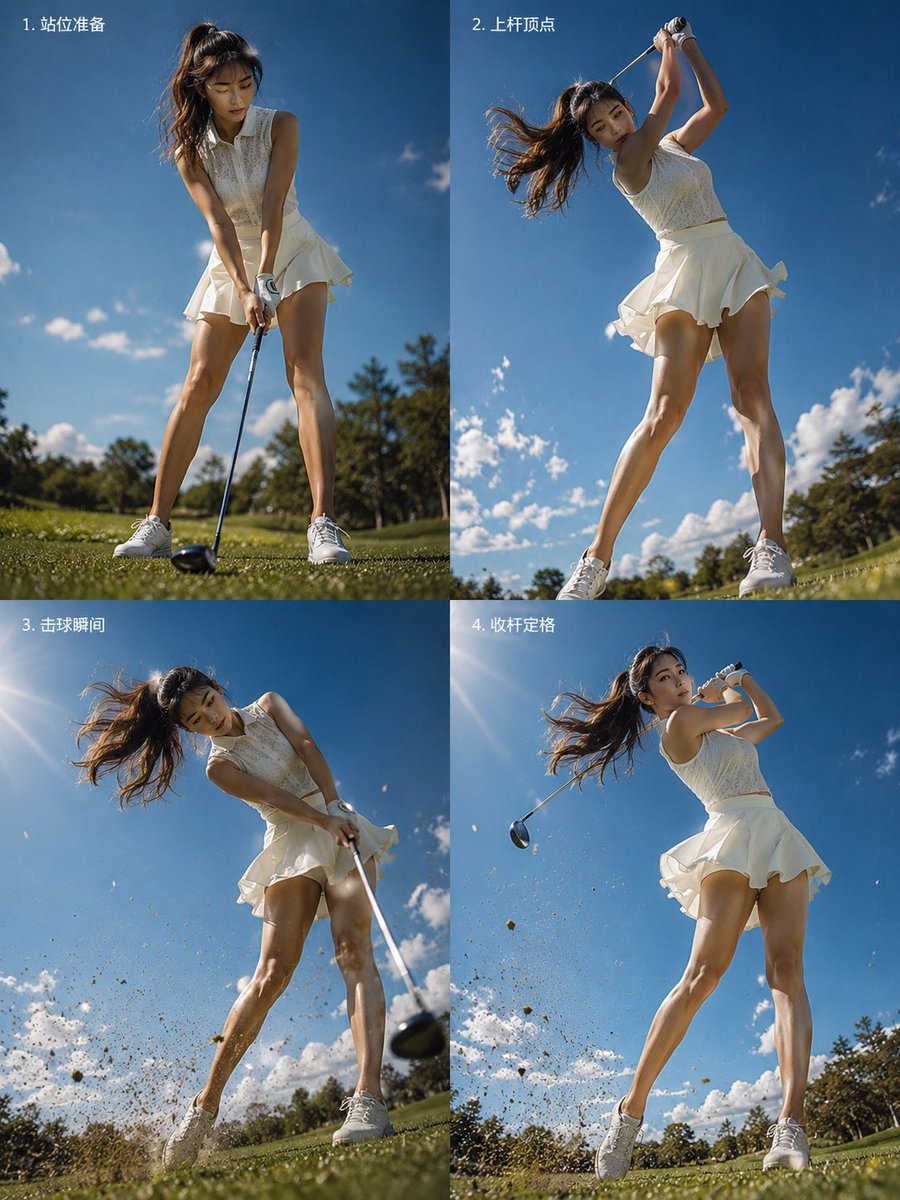
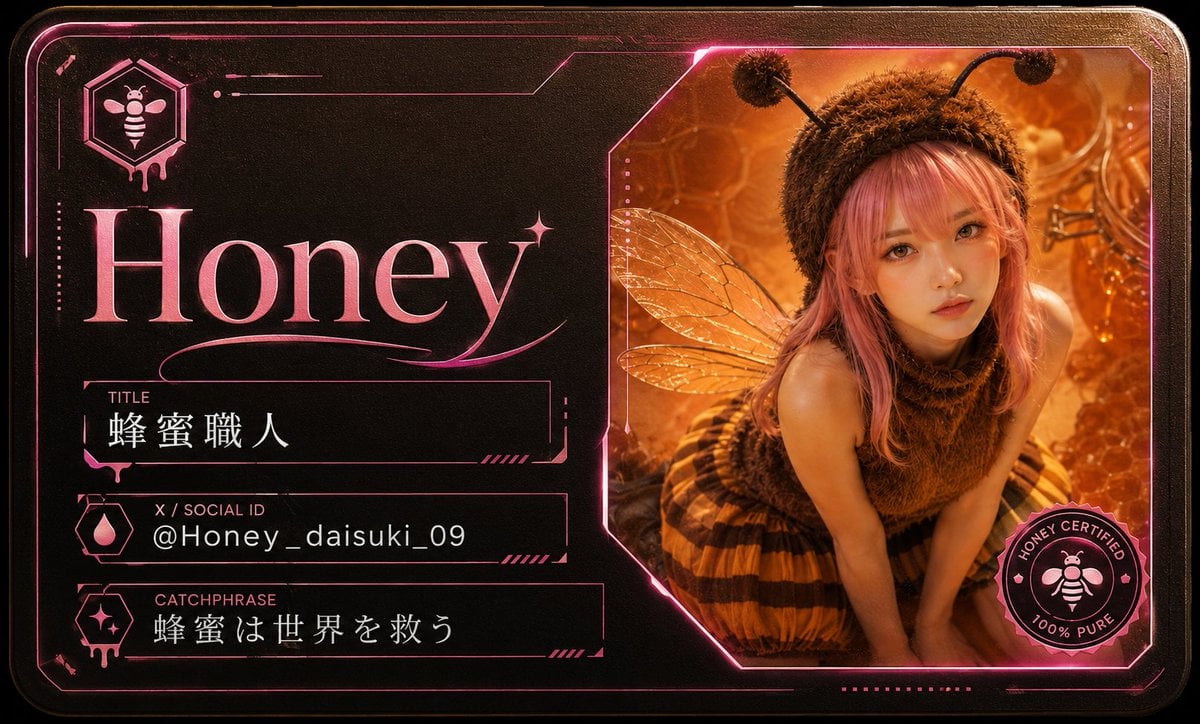
Generates a realistic mobile e-commerce live streaming interface featuring a model, interactive product cards, and a scrolling chat overlay.

This template uses your photo — add one with the + button.
{ "type": "e-commerce live stream interface mockup", "subject": { "description": "young Asian woman, long wavy dark hair, wearing a white short-sleeve polo shirt and white pleated tennis skirt, holding a white tennis racket over her right shoulder, looking directly at the camera with a soft expression", "background": "soft light grey studio background" }, "layout": { "header": { "left": { "avatar": "female portrait", "name": "{argument name=\"host name\" default=\"小鹿运动优选\"}", "stats": "12.8万本场点赞", "button": "关注", "badge": "带货榜第3名" }, "right": { "viewer_avatars_count": 3, "viewer_count": "1.2万", "close_icon": "X" } }, "floating_elements": [ { "position": "top right", "type": "coupon card", "title": "直播间专属券", "details": "¥20 满199可用", "button": "领取" }, { "position": "mid left", "type": "campaign text", "subtitle": "夏日运动季", "headline": "{argument name=\"main headline\" default=\"活力开场\"}", "bullet_points_count": 3, "bullet_points": ["透气速干", "弹力舒适", "运动百搭"] }, { "position": "mid right", "type": "product card active", "badge": "正在讲解", "image": "white polo and skirt flat lay", "title": "{argument name=\"product name\" default=\"运动POLO衫套装\"}", "details": "白色·M码", "price": "{argument name=\"price\" default=\"¥129\"}", "button": "去抢购" }, { "position": "bottom right", "type": "product card secondary", "badge": "热卖 x 156", "image": "model wearing the outfit", "title": "运动POLO衫套装女 透气速干 显瘦百搭", "tags": ["7天无理由退货", "运费险"], "price": "¥129", "button": "抢" } ], "chat_overlay": { "position": "bottom left", "message_count": 5, "messages": [ "小鹿姐姐: 欢迎新朋友们来到直播间~", "运动达人: {argument name=\"chat message\" default=\"这套好看!\"}", "卡卡西: 布料透气吗?", "小鹿运动优选: 我们这个面料是冰丝速干的,运动出汗也不闷热哦~", "用户_6789: 已拍!" ], "purchase_alert": "用户_6789 等3人 正在去购买" }, "footer": { "input_bar": "说点什么...", "icons_count": 5, "icons": ["smile", "shopping cart", "heart", "share", "more"] } } }
Edit the prompt in the box under the preview — the template's model and format are already selected — and press Generate. Your version appears right on this page.
Yes. You can change the subject, setting, lighting, mood, format, and available model controls before creating your image.
Opening and editing this template is free. Generating uses credits, shown on the Generate button when you are signed in.
Start with GPT Image 2, which is the model associated with this template. You can compare another compatible model for a different finish.
Follow a topic to a crawlable collection of related PicX Studio templates.