
3D E-commerce Livestream Promo Poster
Generates a vibrant 3D promotional poster for e-commerce livestreams with customizable typography, feature cards, and studio equipment props.
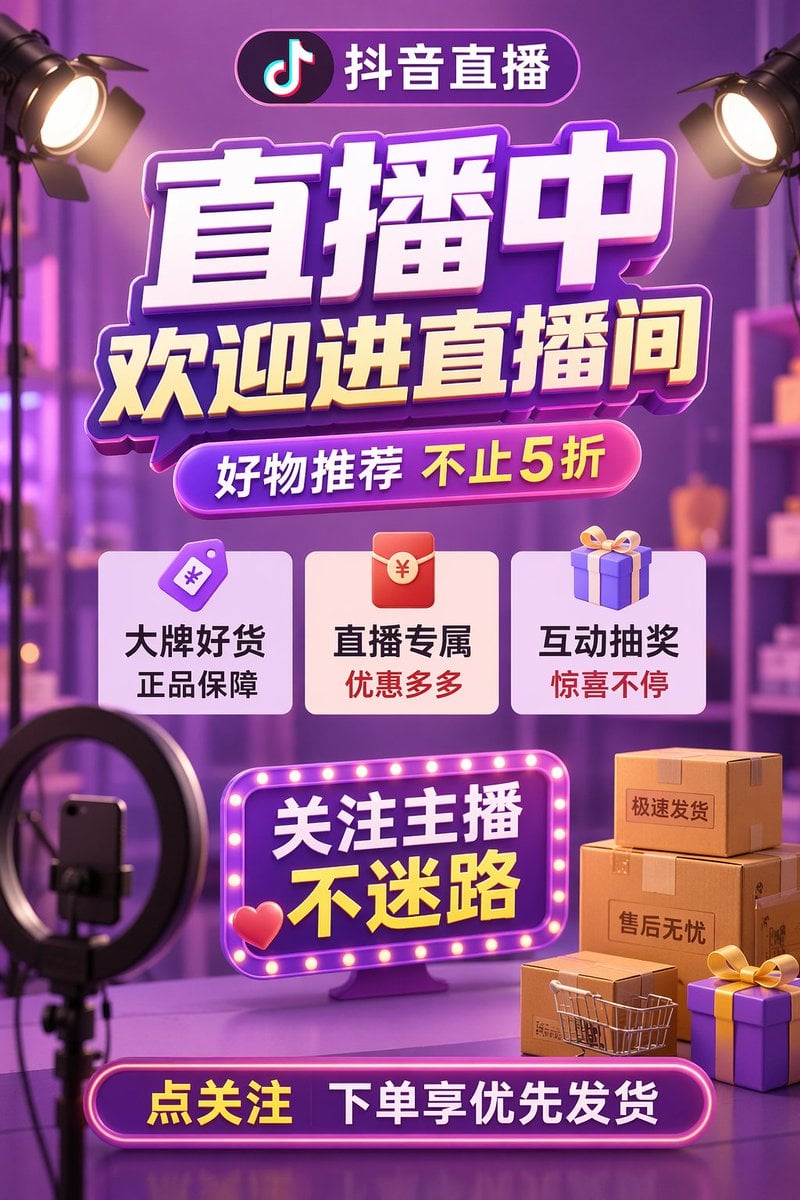
- Prompt included
- Model and format preset
- Free template
The prompt behind this image
Copy the exact prompt behind 3D E-commerce Livestream Promo Poster, or open it in the studio and make it yours.
- Type
- 3D e-commerce livestream promotional poster
- Style
- vibrant purple and gold color scheme, glossy UI elements, neon lights, soft blurred studio background
- Typography › Header Pill
- 抖音直播
- Typography › Main Title
- {argument name="main title" default="直播中"}
- Typography › Subtitle
- {argument name="subtitle" default="欢迎进直播间"}
- Typography › Promo Pill
- {argument name="promo text" default="好物推荐 不止5折"}
- Layout › Sections › 0 › Title
- feature_cards
- Layout › Sections › 0 › Position
- middle
- Layout › Sections › 0 › Count
- 3
- Layout › Sections › 0 › Items › 0 › Icon
- purple price tag
- Layout › Sections › 0 › Items › 0 › Text
- 大牌好货 正品保障
- Layout › Sections › 0 › Items › 1 › Icon
- red envelope
- Layout › Sections › 0 › Items › 1 › Text
- 直播专属 优惠多多
- Layout › Sections › 0 › Items › 2 › Icon
- purple gift box
- Layout › Sections › 0 › Items › 2 › Text
- 互动抽奖 惊喜不停
- Layout › Sections › 1 › Title
- marquee_sign
- Layout › Sections › 1 › Position
- lower middle
- Layout › Sections › 1 › Style
- neon border with glowing dots, 3D red heart icon
- Layout › Sections › 1 › Text
- {argument name="marquee text" default="关注主播 不迷路"}
- Layout › Sections › 2 › Title
- footer_pill
- Layout › Sections › 2 › Position
- bottom center
- Layout › Sections › 2 › Style
- glowing neon border
- Layout › Sections › 2 › Text
- {argument name="footer text" default="点关注 下单享优先发货"}
- Scene Elements › Top Corners
- 2 studio spotlights pointing inwards
Raw JSON
{
  "type": "3D e-commerce livestream promotional poster",
  "style": "vibrant purple and gold color scheme, glossy UI elements, neon lights, soft blurred studio background",
  "typography": {
    "header_pill": "抖音直播",
    "main_title": "{argument name=\"main title\" default=\"直播中\"}",
    "subtitle": "{argument name=\"subtitle\" default=\"欢迎进直播间\"}",
    "promo_pill": "{argument name=\"promo text\" default=\"好物推荐 不止5折\"}"
  },
  "layout": {
    "sections": [
      {
        "title": "feature_cards",
        "position": "middle",
        "count": 3,
        "items": [
          {"icon": "purple price tag", "text": "大牌好货 正品保障"},
          {"icon": "red envelope", "text": "直播专属 优惠多多"},
          {"icon": "purple gift box", "text": "互动抽奖 惊喜不停"}
        ]
      },
      {
        "title": "marquee_sign",
        "position": "lower middle",
        "style": "neon border with glowing dots, 3D red heart icon",
        "text": "{argument name=\"marquee text\" default=\"关注主播 不迷路\"}"
      },
      {
        "title": "footer_pill",
        "position": "bottom center",
        "style": "glowing neon border",
        "text": "{argument name=\"footer text\" default=\"点关注 下单享优先发货\"}"
      }
    ]
  },
  "scene_elements": {
    "top_corners": "2 studio spotlights pointing inwards",
    "bottom_left": "1 ring light on a tripod holding a smartphone",
    "bottom_right": "3 stacked cardboard boxes with labels '极速发货' and '售后无忧', 1 miniature shopping cart, 2 purple gift boxes with yellow ribbons",
    "background": "blurred studio setup with shelves and purple ambient lighting"
  }
}How to use 3D E-commerce Livestream Promo Poster in 3 steps
- 1Upload ImagePNG, JPG or paste
Add your photo
Upload the photo the template builds on. The prompt, model and format are already set.
- 2…a portrait of your subject in softgolden-hour light, 85mm…
Personalize
Edit the subject and creative details for your destination.
- 3Generate
Generate
Press Generate — your image is created in PicX Studio, so you can compare it with the original and refine one variable at a time.
More like this
Templates with the same subject, style or setup. Open one to see its prompt.

Trendy Cafe Drink Promo Poster
Gpt2 E Commerce Main Image Tropical Citrus Soda Ad Poster

Gpt2 Youtube Thumbnail Anime Music Bootcamp Promo Poster

Japan Travel Brochure Poster

Cartoon TV Show Poster Pack

Urban Fashion Editorial Collage Streetwear Poster

Premium Fashion Editorial Cover Layout System

Polo Ralph Lauren Luxury American Heritage Fashion Campaign

Monochrome Halftone Editorial Fashion Poster

Retro Mirror Luxury Fashion Campaign Poster

Luxury Fashion Campaign Typography Poster System

Premium Fashion Editorial Campaign Poster System
Make it yours
3D E-commerce Livestream Promo Poster works as-is. These are the safest ways to change it without losing the look.
Swap the setting
Keep the rest of the prompt and replace the location block. The current setting is “blurred studio setup with shelves and purple ambient lighting”.
Change one field
Copy a single group, rewrite it, and generate again so you can see what that field is doing.
Keep the frame, change the subject
Hold the composition and light of 3D E-commerce Livestream Promo Poster, then swap wardrobe, props or the person for a new take.
| If the result… | Why | Fix |
|---|---|---|
| The result drifts from the preview | Too many fields changed at once. | Reuse 3D E-commerce Livestream Promo Poster as-is first, then change one group — subject, light, or setting. |
| GPT Image 2 ignores part of the JSON | Some models flatten or skip nested keys. | Keep the same values and paste them as a short paragraph instead. |
More GPT Image 2 templates
Other prompts made for GPT Image 2.

Six VTuber Japanese Logo Sheet

Realistic Portrait of Woman and Deer

The Vista Modular Condo Poster

AI Model Routing Comparison Infographic

2.5D Anime Art Board

Isometric Productivity Desk Scene

New York Double Exposure Poster

Four-Panel AI Landscape Comparison

Japanese Tatami Lifestyle Magazine Cover

NESCAFÉ Coffee Map Poster
More image prompts
Fresh picks from across the catalog.
Japanese Shoe Laundry Bag Ad
Black and White Cinematic Street Portrait with Motion Blur

Cozy Lifestyle Editorial Portrait on Sofa
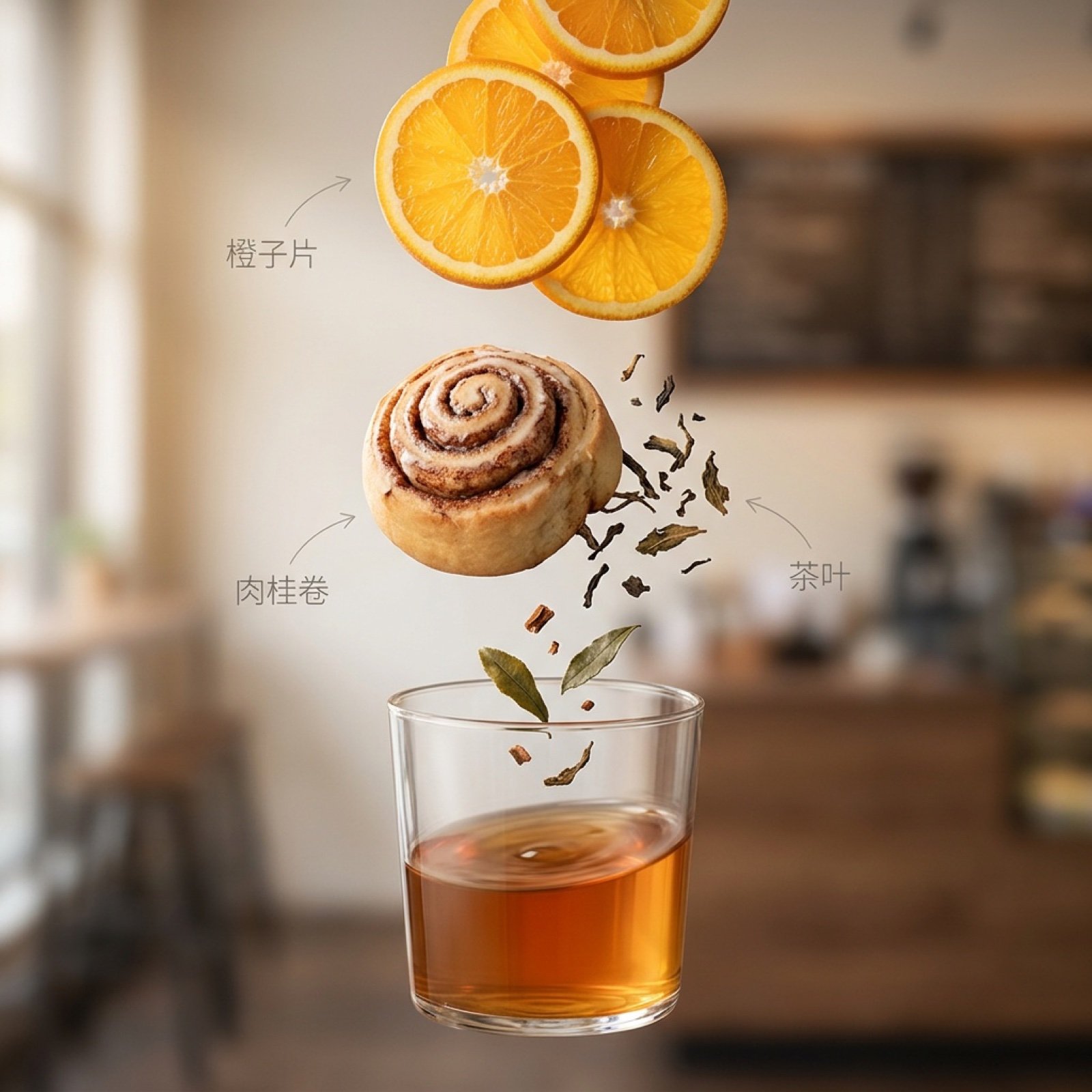
Exploded Ingredient Diagram and Motion Video Prompt for Drinks
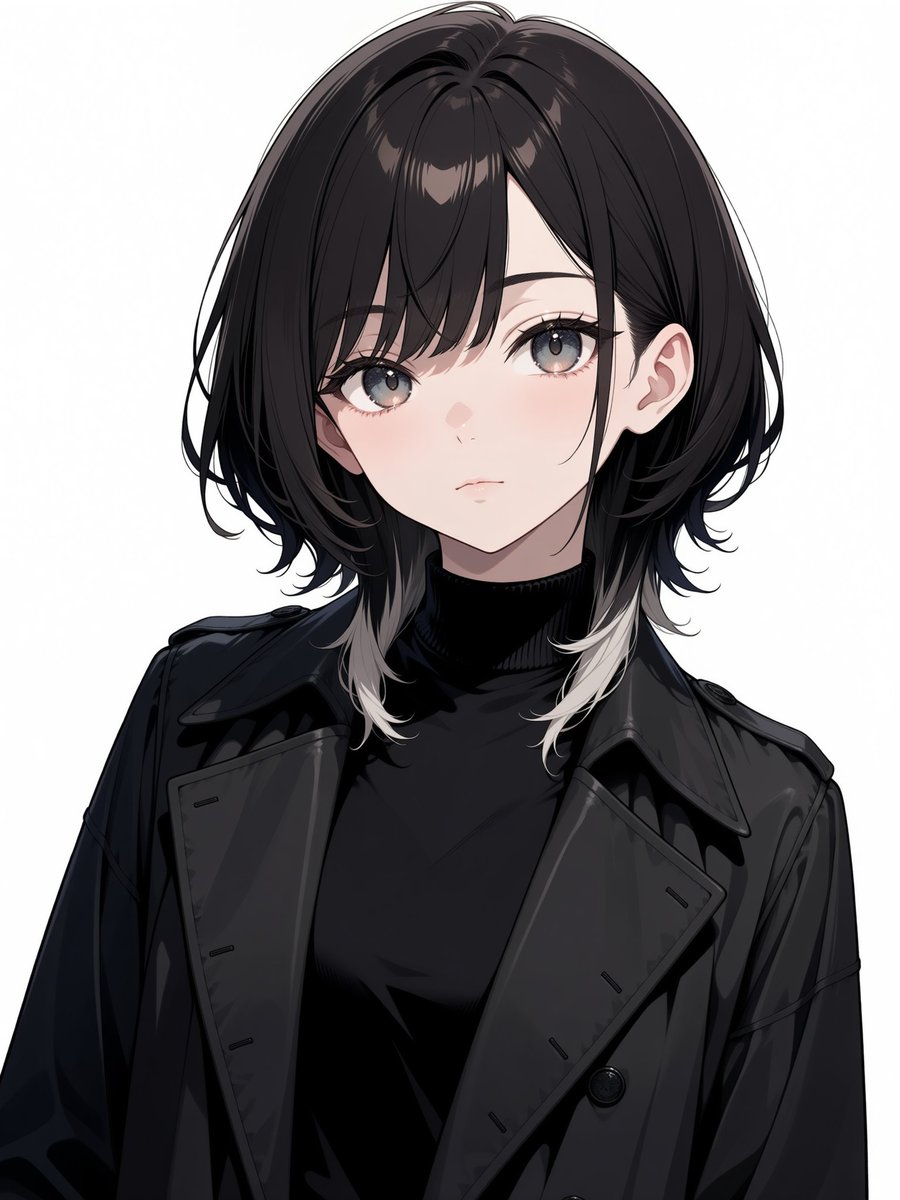
Faceless Anime Fashion Portrait
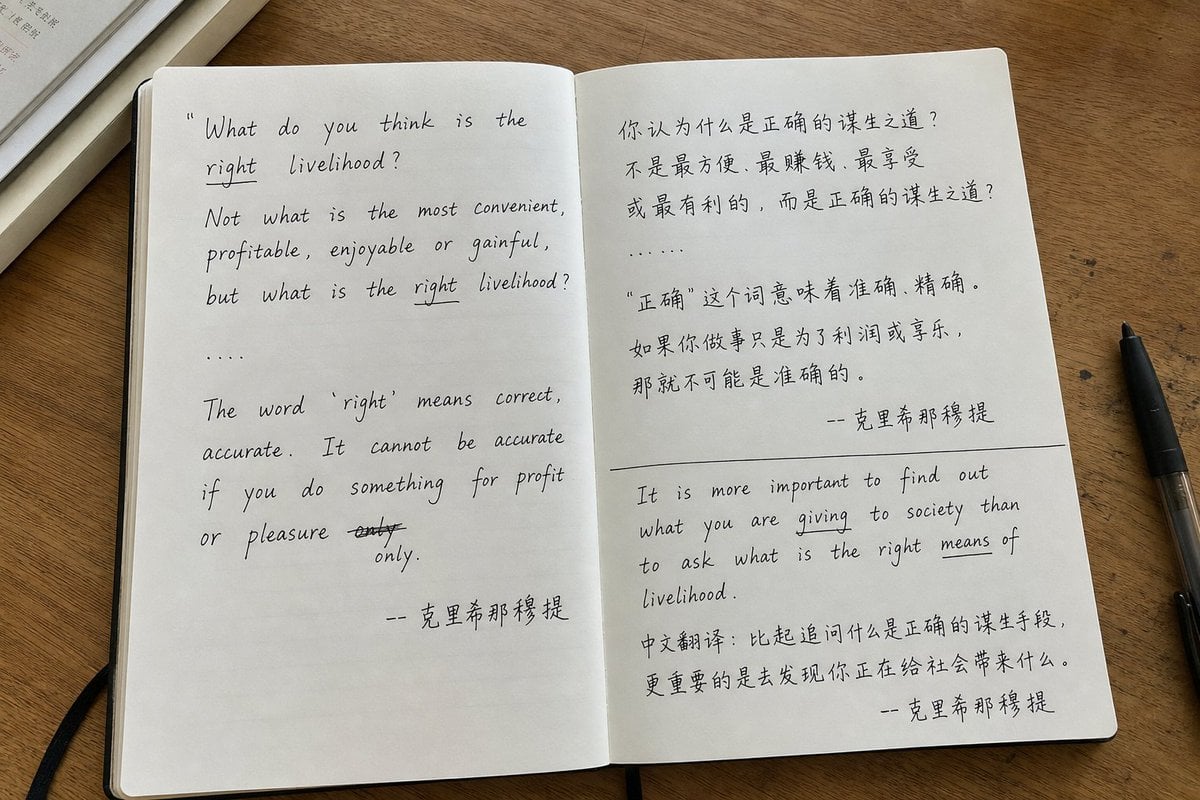
Candid iPhone Handwritten Notebook Photo
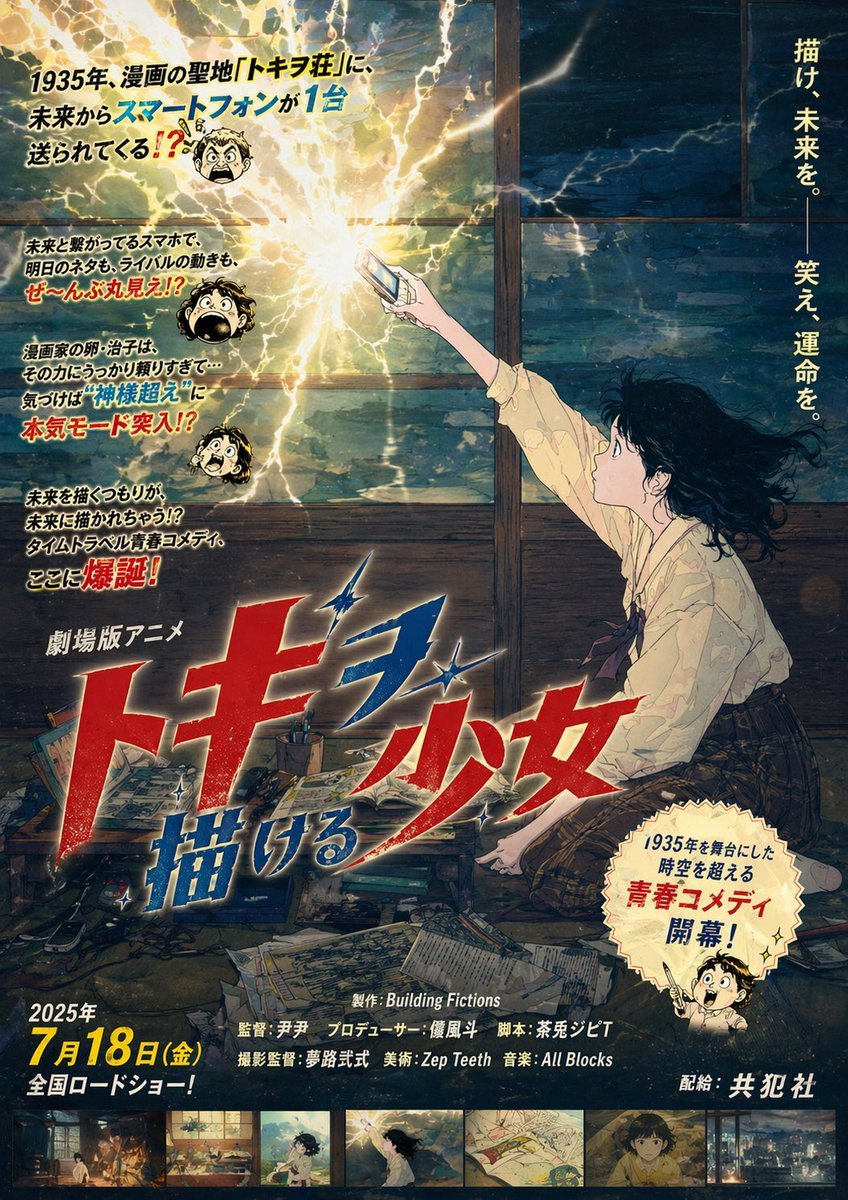
Retro Fake Anime Movie Poster
Cozy Scrapbook Image Transformation

Gpt2 Social Media Post Bmw Performance Social Poster
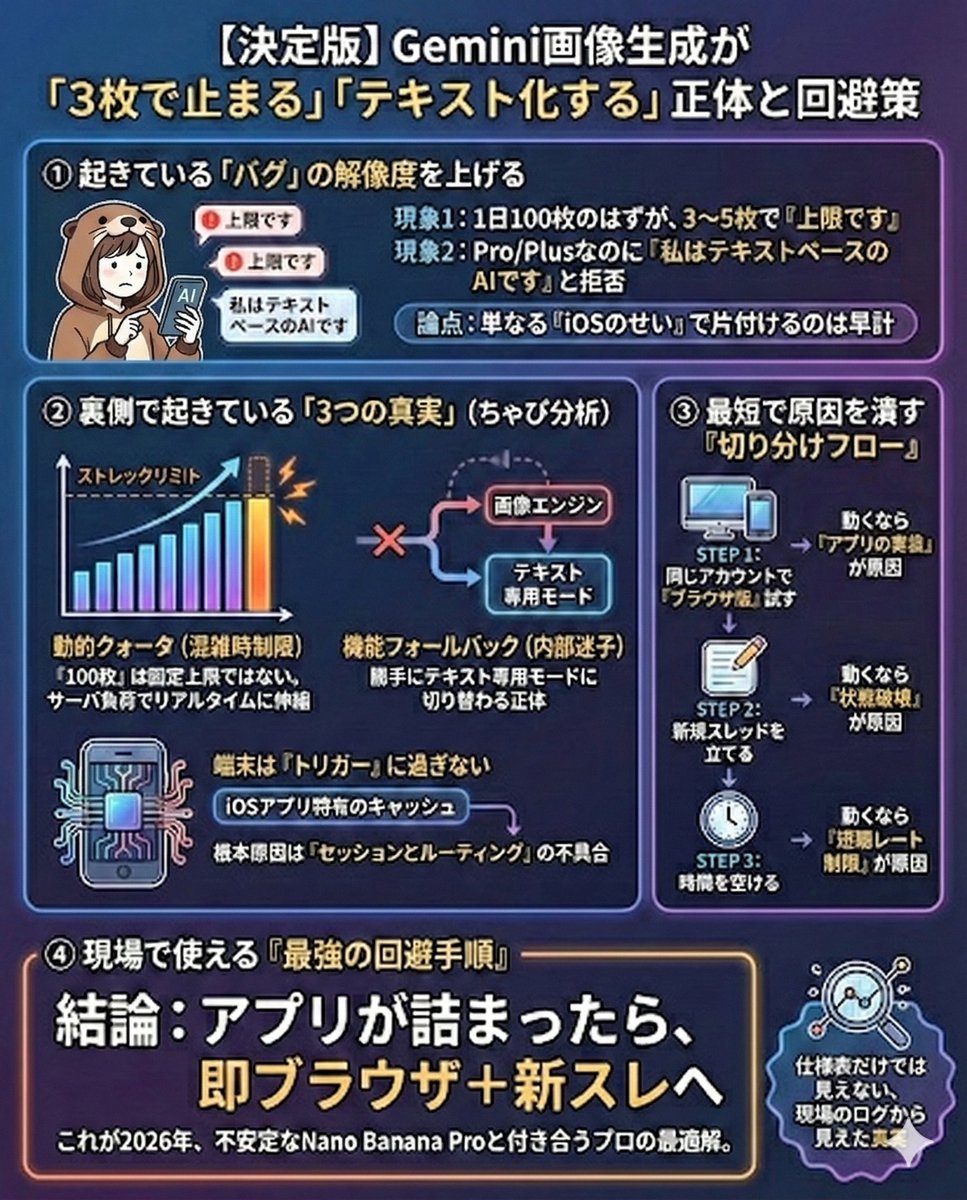
Gemini Model Troubleshooting Prompt
Browse template categories
3D E-commerce Livestream Promo Poster questions
How do I use the 3D E-commerce Livestream Promo Poster template?
Add your photo if the template asks for one, edit the prompt if you like — the template's model and format are already selected — and press Generate. Your version opens in PicX Studio.
Can I customize the 3D E-commerce Livestream Promo Poster template?
Yes. You can change the subject, setting, lighting, mood, format, and available model controls before creating your image.
Is the 3D E-commerce Livestream Promo Poster template free?
Opening and editing this template is free. Generating uses credits, shown on the Generate button when you are signed in.
Which AI model should I use?
Start with GPT Image 2, which is the model associated with this template. You can compare another compatible model for a different finish.
Looking for something else? Browse all templates.

Your photo, any look
Thousands of ready templates for every top image and video model, from one credit balance.