
Japanese Shoe Laundry Bag Ad
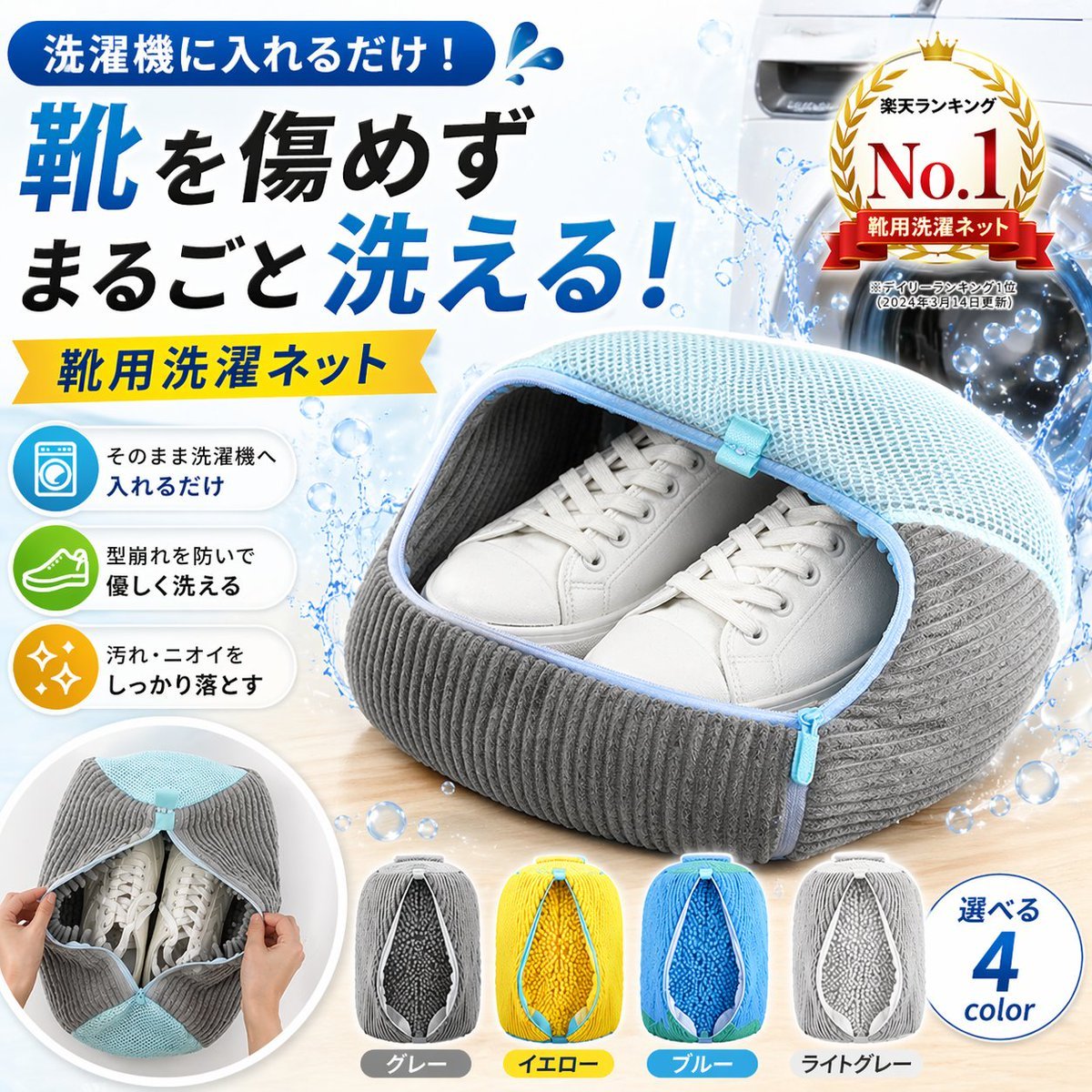
A polished Japanese e-commerce hero image promoting a shoe laundry mesh bag with bold sales text, feature icons, ranking badge, and color variants for marketplace listings.
- Prompt included
- Model and format preset
- Free template
The prompt behind this image
Copy the exact prompt behind Japanese Shoe Laundry Bag Ad, or open it in the studio and make it yours.
- Type
- Japanese e-commerce product advertisement
- Product › Category
- shoe laundry mesh bag
- Product › Name
- {argument name="product name" default="靴用洗濯ネット"}
- Product › Hero › Bag › Shape
- rounded clamshell zippered laundry bag with a top mesh panel and ribbed fabric sides
- Product › Hero › Bag › Main Colors
- light blue mesh, medium gray ribbed body, pale blue zipper trim
- Product › Hero › Bag › Position
- front-right foreground on a light wooden tabletop
- Product › Hero › Bag › State
- unzipped open at the front, revealing the contents
- Product › Hero › Contents › Count
- 2
- Product › Hero › Contents › Item
- white low-top sneakers
- Product › Hero › Contents › Arrangement
- a clean matching pair placed neatly side by side inside the bag with toes facing forward
- Product › Hero › Background › Setting
- bright clean laundry room
- Product › Hero › Background › Main Object
- front-loading washing machine on the right side, partially visible
- Product › Hero › Background › Effects
- large water splash arcs behind the product, floating water bubbles across the composition
- Product › Hero › Background › Lighting
- high-key commercial lighting with glossy highlights and crisp shadows
- Layout › Style
- dense Japanese shopping-banner composition for an online marketplace hero image
- Layout › Sections › 0 › Title
- main headline block
- Layout › Sections › 0 › Position
- top-left
- Layout › Sections › 0 › Count
- 3
- Layout › Sections › 0 › Labels
- 洗濯機に入れるだけ!, 靴を傷めず, まるごと洗える!
- Layout › Sections › 1 › Title
- product name ribbon
- Layout › Sections › 1 › Position
- left-center under headline
- Layout › Sections › 1 › Count
- 1
- Layout › Sections › 1 › Labels
- 靴用洗濯ネット
- Layout › Sections › 2 › Title
- feature icons
Raw JSON
{"type":"Japanese e-commerce product advertisement","product":{"category":"shoe laundry mesh bag","name":"{argument name=\"product name\" default=\"靴用洗濯ネット\"}","hero":{"bag":{"shape":"rounded clamshell zippered laundry bag with a top mesh panel and ribbed fabric sides","main colors":["light blue mesh","medium gray ribbed body","pale blue zipper trim"],"position":"front-right foreground on a light wooden tabletop","state":"unzipped open at the front, revealing the contents"},"contents":{"count":2,"item":"white low-top sneakers","arrangement":"a clean matching pair placed neatly side by side inside the bag with toes facing forward"},"background":{"setting":"bright clean laundry room","main object":"front-loading washing machine on the right side, partially visible","effects":["large water splash arcs behind the product","floating water bubbles across the composition"],"lighting":"high-key commercial lighting with glossy highlights and crisp shadows"}}},"layout":{"style":"dense Japanese shopping-banner composition for an online marketplace hero image","sections":[{"title":"main headline block","position":"top-left","count":3,"labels":["洗濯機に入れるだけ!","靴を傷めず","まるごと洗える!"]},{"title":"product name ribbon","position":"left-center under headline","count":1,"labels":["靴用洗濯ネット"]},{"title":"feature icons","position":"left side vertical column","count":3,"labels":["そのまま洗濯機へ入れるだけ","型崩れを防いで優しく洗える","汚れ・ニオイをしっかり落とす"]},{"title":"award badge","position":"top-right","count":1,"labels":["楽天ランキング","No.1","靴用洗濯ネット","※デイリーランキング1位 (2024年3月14日更新)"]},{"title":"inset usage photo","position":"bottom-left","count":1,"labels":["hands opening the bag to place or show the shoes inside"]},{"title":"color variants","position":"bottom-center","count":4,"labels":["グレー","イエロー","ブルー","ライトグレー"]},{"title":"color count callout","position":"bottom-right","count":1,"labels":["選べる","4","color"]}],"color variants":[{"label":"グレー","bag color":"gray body with light blue mesh top"},{"label":"イエロー","bag color":"yellow body with pale trim"},{"label":"ブルー","bag color":"bright blue body with pale trim"},{"label":"ライトグレー","bag color":"light gray body with pale trim"}]} ,"typography":{"language":"Japanese","headline treatment":"very large bold sans-serif, black and vivid blue emphasis, dynamic line breaks","accent colors":["royal blue","yellow","white","red-gold badge accents","green and orange feature icons"]},"composition notes":"Create a polished marketplace-ready Japanese sales graphic with the product dominating the center-right, large benefit-focused headline on the left, ranking badge at the upper right, and four small color option thumbnails along the bottom. Emphasize cleanliness, protection, and washing power. Use glossy water splash effects and bubbles to imply machine washing performance. Keep the overall look premium, trustworthy, and highly clickable.","customization":{"headline emphasis color":"{argument name=\"accent color\" default=\"blue\"}","bag main color":"{argument name=\"main bag color\" default=\"gray with light blue mesh\"}","background appliance":"{argument name=\"background appliance\" default=\"front-loading washing machine\"}"}}How to use Japanese Shoe Laundry Bag Ad in 3 steps
- 1Upload ImagePNG, JPG or paste
Add your photo
Upload the photo the template builds on. The prompt, model and format are already set.
- 2…a portrait of your subject in softgolden-hour light, 85mm…
Personalize
Edit the subject and creative details for your destination.
- 3Generate
Generate
Press Generate — your image is created in PicX Studio, so you can compare it with the original and refine one variable at a time.
More like this
Templates with the same subject, style or setup. Open one to see its prompt.

Minecraft Japanese Research Lab Exploration

Japanese Architectural Concrete Studio Fashion Campaign

Japanese Minimalist Concrete Studio Fashion Editorial

Blue Backdrop Luxury Fashion Portrait Campaign
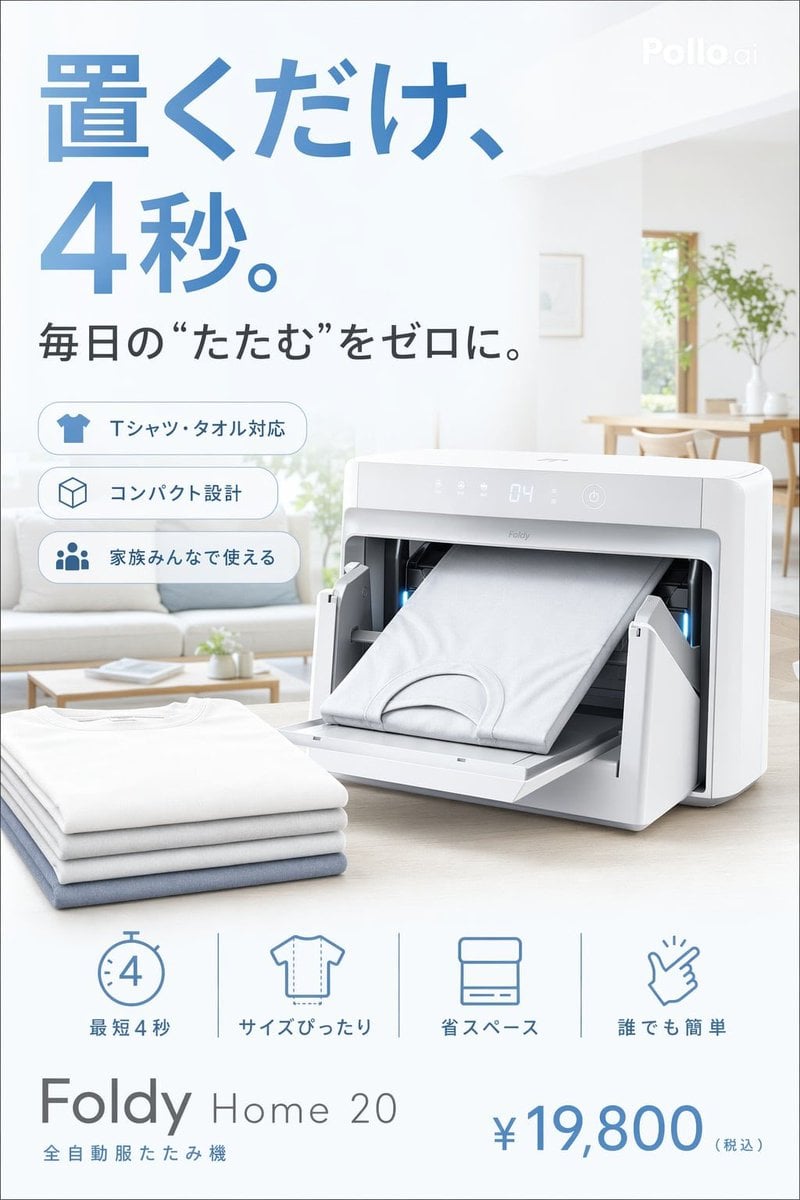
Japanese Auto Laundry Folder Ad

Japanese Film Reflection Idol

Six VTuber Japanese Logo Sheet
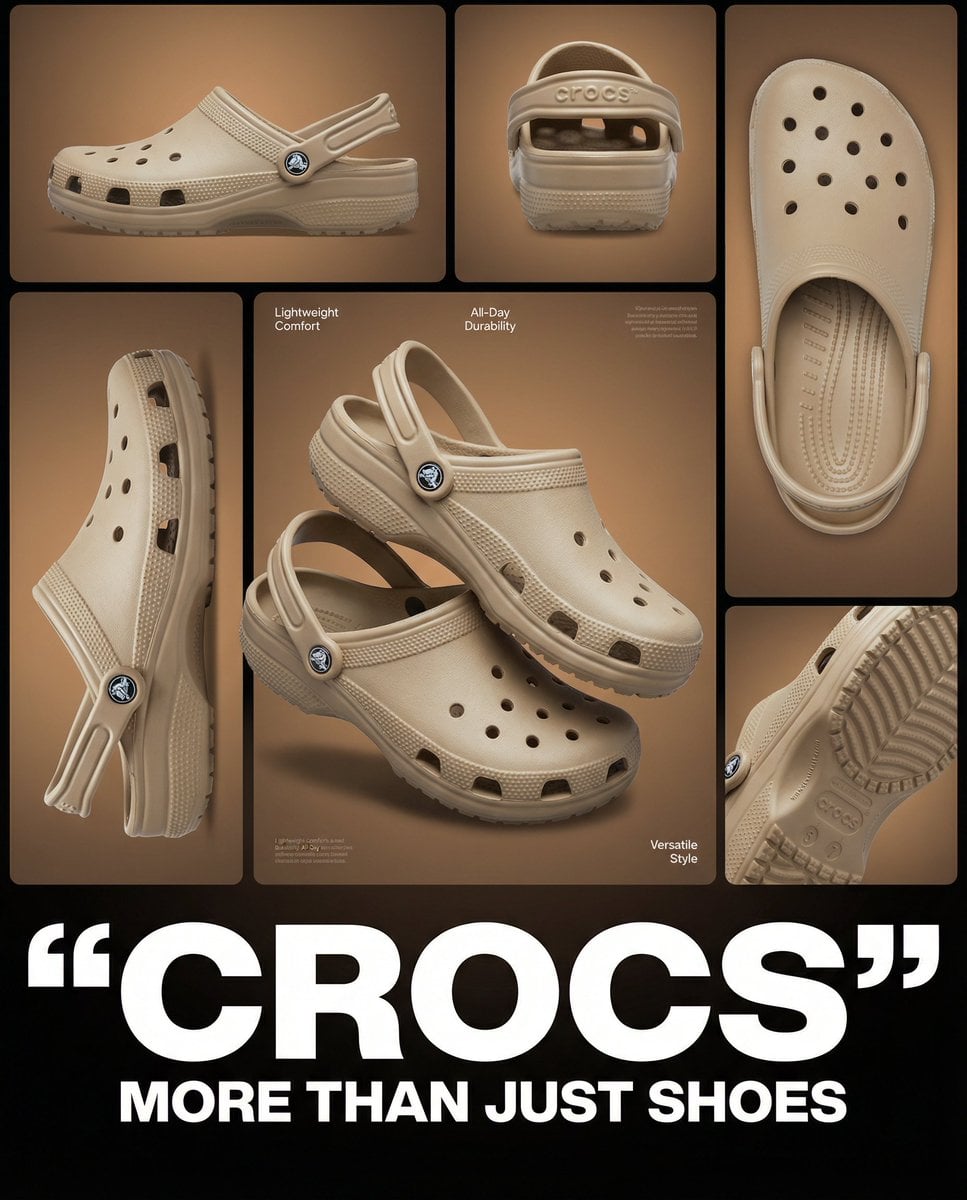
Multi-image product collage poster featuring beige/tan Crocs clog shoes
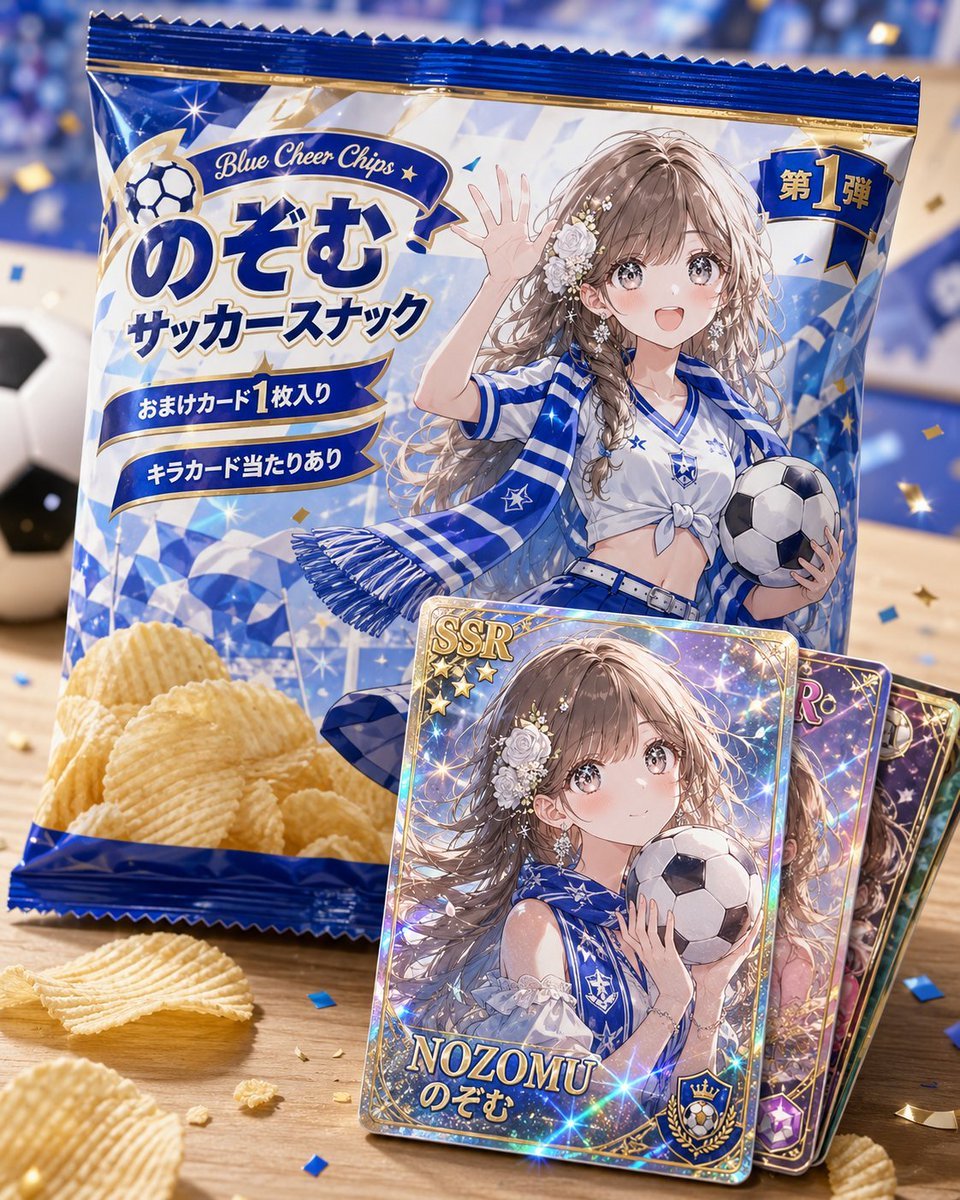
Anime Soccer Snack Bag Ad

Japanese Tatami Lifestyle Magazine Cover
Japanese Personality Settings UI
Japanese Fantasy Winged Pig Film Poster
Make it yours
Japanese Shoe Laundry Bag Ad works as-is. These are the safest ways to change it without losing the look.
Swap the setting
Keep the rest of the prompt and replace the location block. The current setting is “bright clean laundry room”.
Swap the light
One lighting change is enough to compare takes. Current light: “high-key commercial lighting with glossy highlights and crisp shadows”.
Change one field
Copy a single group, rewrite it, and generate again so you can see what that field is doing.
| If the result… | Why | Fix |
|---|---|---|
| The result drifts from the preview | Too many fields changed at once. | Reuse Japanese Shoe Laundry Bag Ad as-is first, then change one group — subject, light, or setting. |
| GPT Image 2 ignores part of the JSON | Some models flatten or skip nested keys. | Keep the same values and paste them as a short paragraph instead. |
More GPT Image 2 templates
Other prompts made for GPT Image 2.

Realistic Portrait of Woman and Deer

The Vista Modular Condo Poster

AI Model Routing Comparison Infographic

2.5D Anime Art Board

Isometric Productivity Desk Scene

New York Double Exposure Poster

Four-Panel AI Landscape Comparison

NESCAFÉ Coffee Map Poster

Brutalist Cogito Chinese Typography Poster

Cinematic Luxury Terrace Portrait
More image prompts
Fresh picks from across the catalog.
Shan Hai Jing Vintage Comic Page

Blender 3D Viewport Style Prompt

Photorealistic Cinematic Portrait with M
Dramatic Black and White Family Portrait Prompts
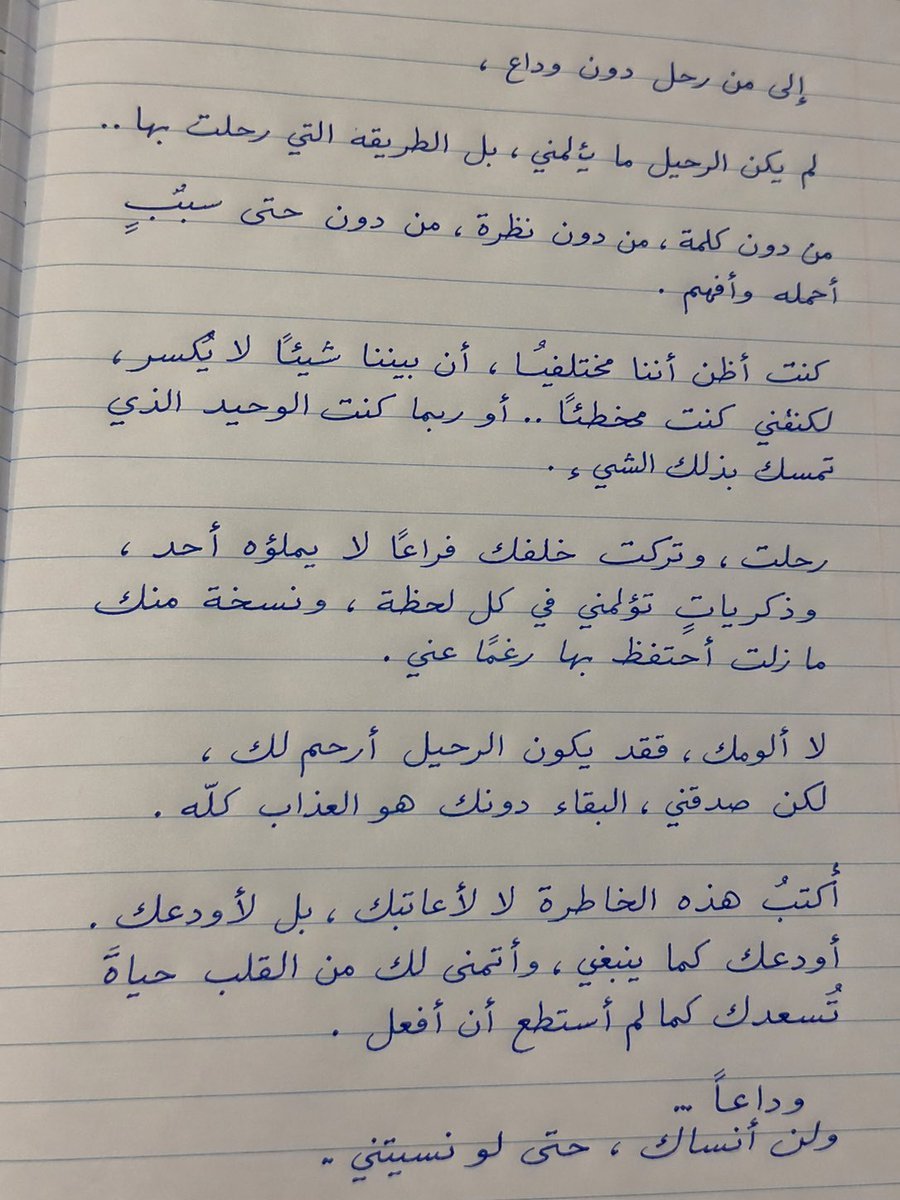
Handwritten Realistic Letter

Romantic 3D CG Yuri Illustration
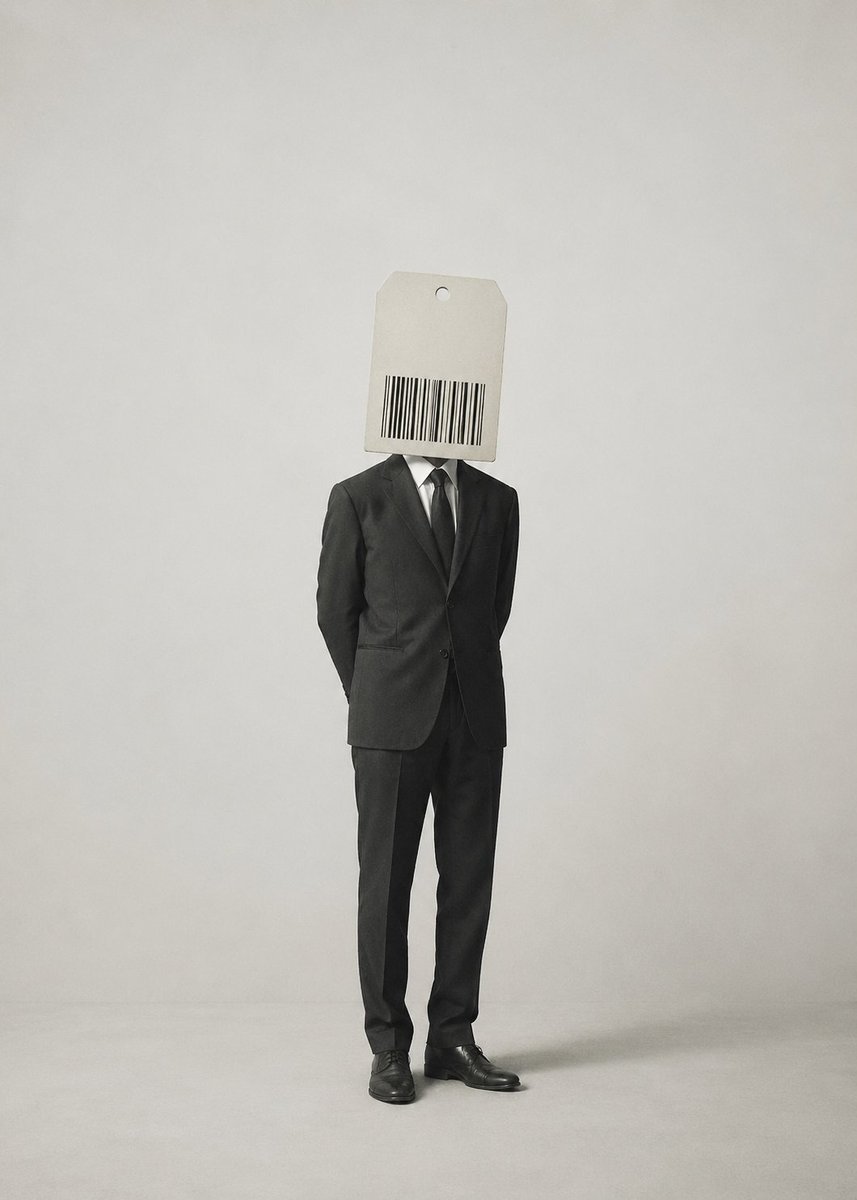
Surrealist Satirical Illustration Prompt

Anime Horror Game Thumbnail Composite
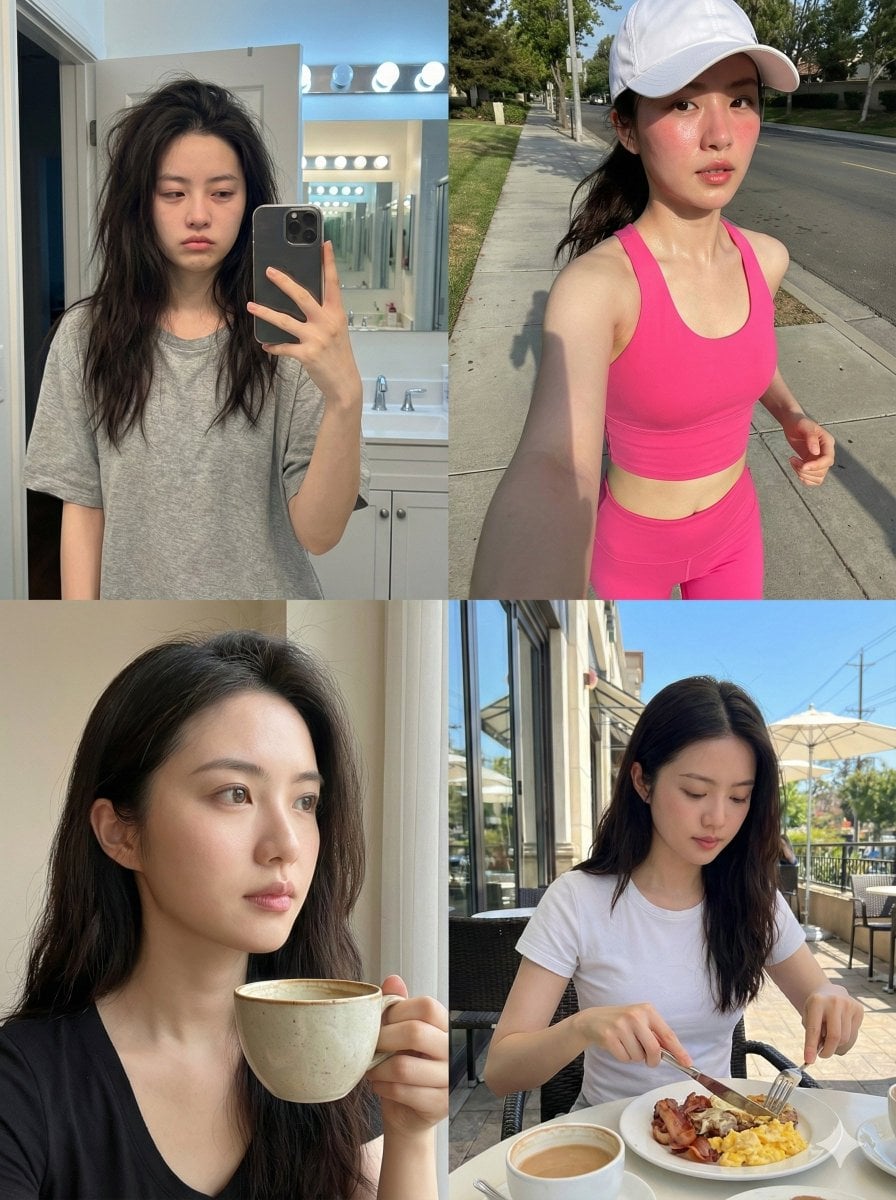
Consistent Identity Daily Routine Log Prompt (4-Quadrant)

JSON Prompt for Lifestyle Portrait in Coffee Shop
Browse template categories
Japanese Shoe Laundry Bag Ad questions
How do I use the Japanese Shoe Laundry Bag Ad template?
Add your photo if the template asks for one, edit the prompt if you like — the template's model and format are already selected — and press Generate. Your version opens in PicX Studio.
Can I customize the Japanese Shoe Laundry Bag Ad template?
Yes. You can change the subject, setting, lighting, mood, format, and available model controls before creating your image.
Is the Japanese Shoe Laundry Bag Ad template free?
Opening and editing this template is free. Generating uses credits, shown on the Generate button when you are signed in.
Which AI model should I use?
Start with GPT Image 2, which is the model associated with this template. You can compare another compatible model for a different finish.
Looking for something else? Browse all templates.

Your photo, any look
Thousands of ready templates for every top image and video model, from one credit balance.