
Photorealistic Cinematic Portrait with M
Photorealistic Cinematic Portrait with M is a ready photo look for Nano Banana.
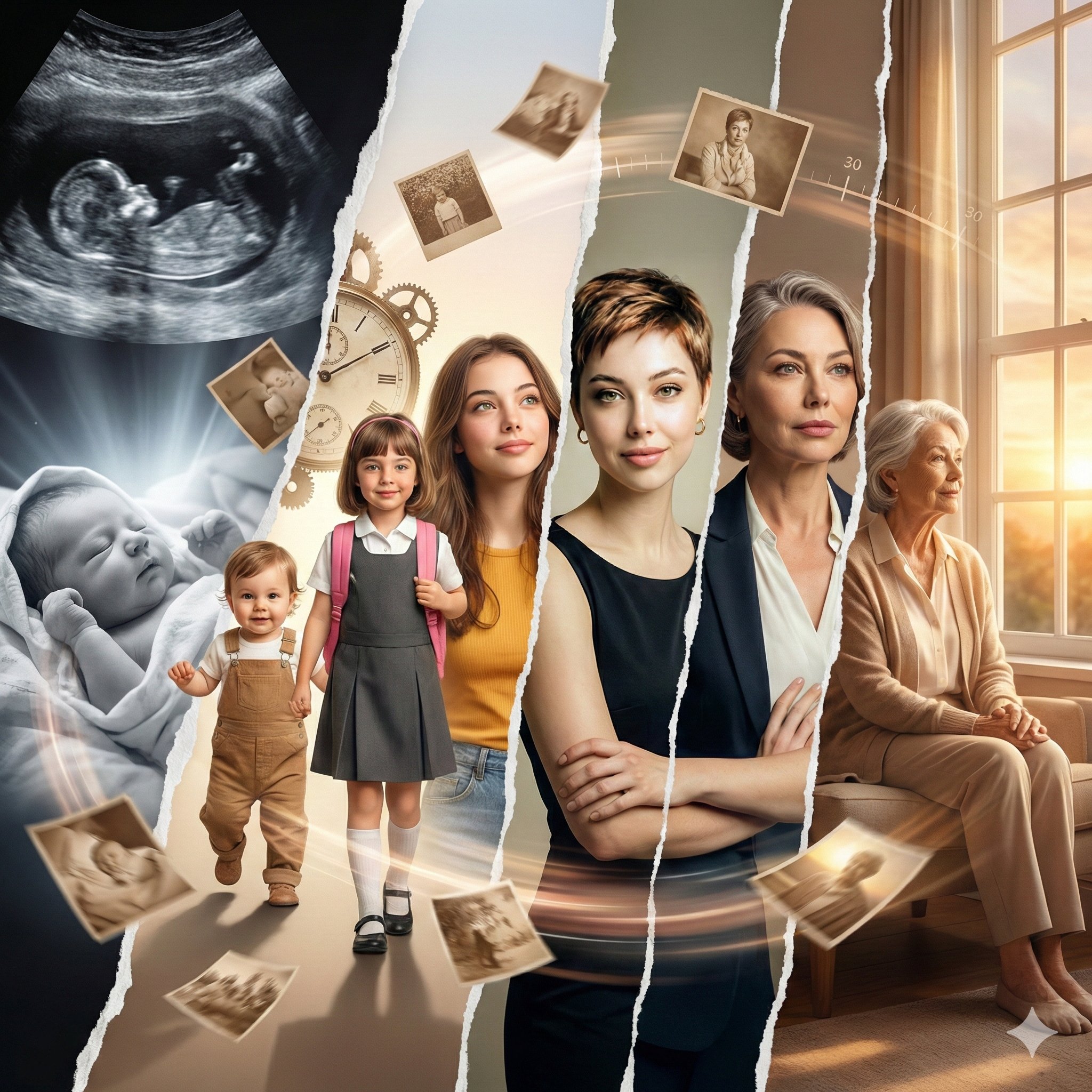
- Prompt included
- Model and format preset
- Premium template
The prompt behind this image
Copy the exact prompt behind Photorealistic Cinematic Portrait with M, or open it in the studio and make it yours.
Use the uploaded reference image as the composition and pose reference. Use my uploaded face photo as the ONLY face reference for the main character. 100% identity lock: same eyes, nose, lips, jawline, skin tone, hair texture. No change in ethnicity or facial structure. Real human photorealism, no Al plastic look. Create a photorealistic cinematic portrait replicating the exact composition, pose, and surreal concept of the reference image. The main female subject is sitting cross-legged on a wooden floor with a warm smile. She wears the identical red top puff sleeevs, denim jeans and yellow sneakers shoes . Surround him with seven miniature, realistic versions of himself (all sharing my face reference with slightly enlarged heads and playful expressions). Two miniatures stand on her upturned palms, two sit on her shoulders, one pushes at her right shoe, one runs in the foreground, and one hugs her left knee from behind, matching the poses and placement from the reference image precisely. Soft high-quality studio lighting creates realistic soft shadows. Background: clean gradient grey studio wall. Ultra-sharp, highly detailed textures, cinematic depth, photorealistic lighting, 8K quality, natural skin texture, no CGI look. Negative prompt: cartoon, 3D render, anime, chibi, painting, drawing, low quality, blurry, distorted face, bad anatomy, extra fingers, missing limbs, mismatched faces, different clothing colors, warped proportions, artifacts. Aspect ratio: 4:5
How to use Photorealistic Cinematic Portrait with M in 3 steps
- 1Upload ImagePNG, JPG or paste
Add your photo
Upload the photo the template builds on. The prompt, model and format are already set.
- 2…a portrait of your subject in softgolden-hour light, 85mm…
Personalize
Edit the subject and creative details for your destination.
- 3Generate
Generate
Press Generate — your image is created in PicX Studio, so you can compare it with the original and refine one variable at a time.
More like this
Templates with the same subject, style or setup. Open one to see its prompt.

80s Bollywood Star

80s Golden Hour Cinema

Toddler Version of a Person in 3d Pixar

Ultra Detailed 3d Plush Cartoon Characte

untitled

Nano Banana 2

Gemini Nano Banana 2 Logo in Wet Sand Be

Nano Banana 2 Gourmet Ice Cream Commerci

Hyper-Realistic Minecraft POV Portrait

Rainy Café Window Moody Portrait
Cinematic Sport Logo Render in Midjourne

Romantic Cinematic Still of a Couple in
Make it yours
Photorealistic Cinematic Portrait with M works as-is. These are the safest ways to change it without losing the look.
Change one field
Copy a single group, rewrite it, and generate again so you can see what that field is doing.
Keep the frame, change the subject
Hold the composition and light of 11-photorealistic-cinematic-portrait-with-m, then swap wardrobe, props or the person for a new take.
| If the result… | Why | Fix |
|---|---|---|
| The result drifts from the preview | Too many fields changed at once. | Reuse 11-photorealistic-cinematic-portrait-with-m as-is first, then change one group — subject, light, or setting. |
| The model over-stylizes the scene | The prose prompt leaves finish and camera underspecified. | Add one camera or lighting sentence and stay on Nano Banana. |
More Nano Banana templates
Other prompts made for Nano Banana.










More image prompts
Fresh picks from across the catalog.
Ultra-Realistic Portrait with Neon Rim Lighting
Luxury Red Lipstick Ad Poster
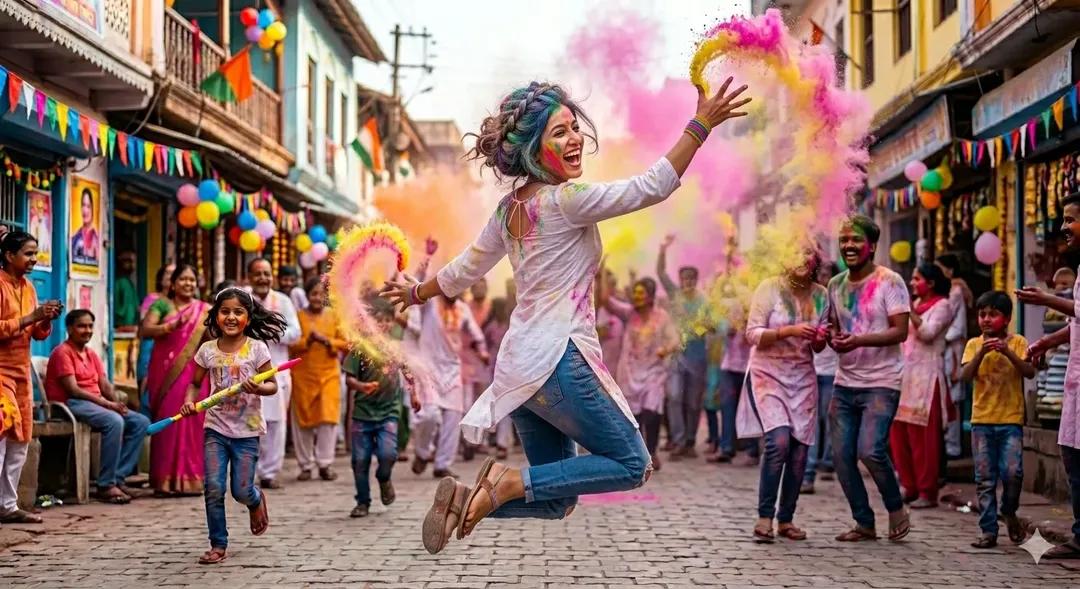
Holi Festival Cinematic Photography Prompt (JSON Format)
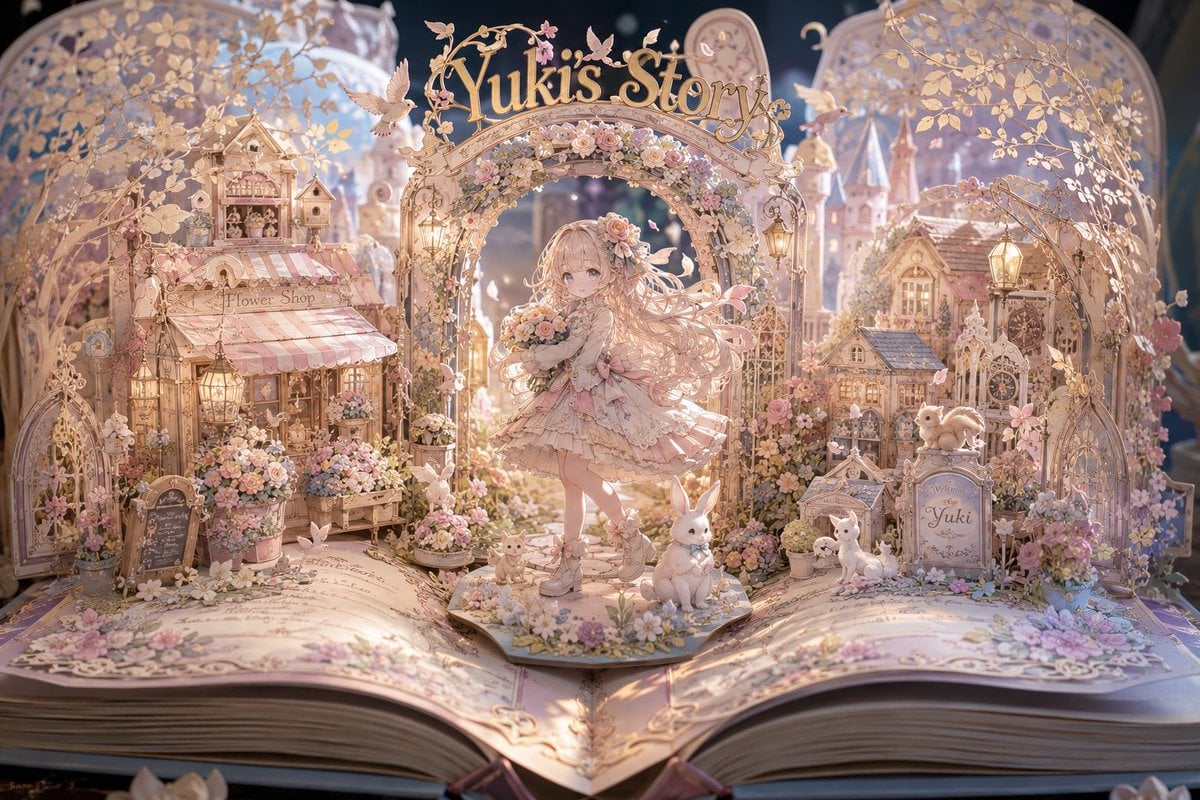
Yuki's Magical Pop-Up Storybook

Batch study card generation prompts (physics, English, poetry)
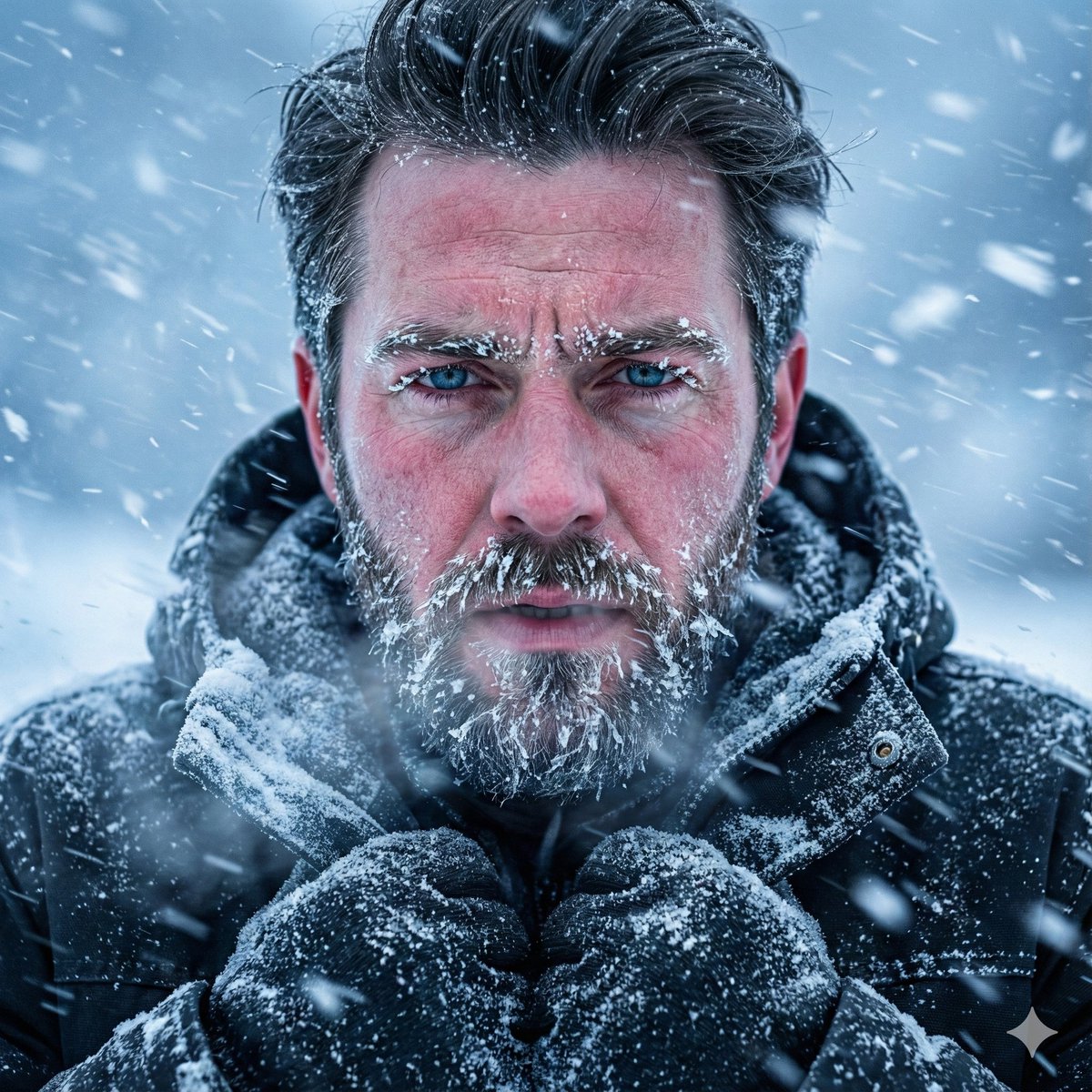
Structured Prompt for Ultra-Realistic Portrait of Man in Snowstorm
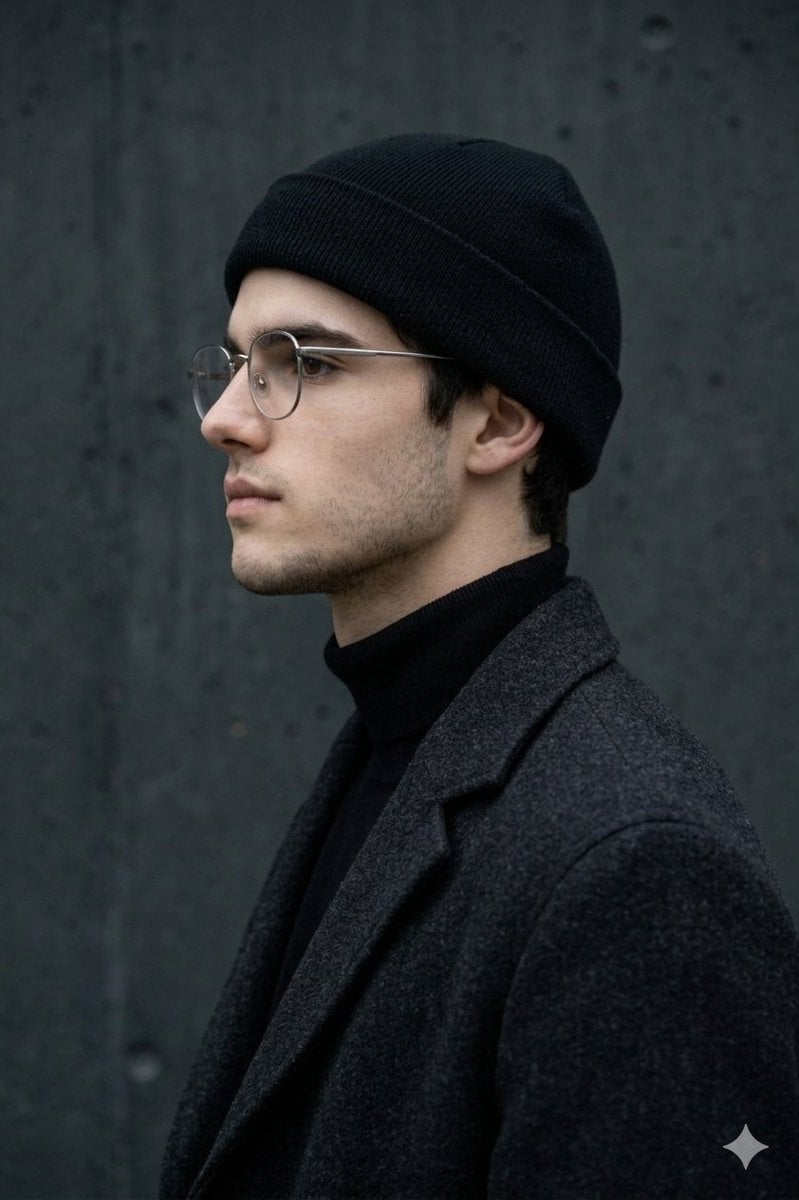
Minimalist Side-Profile Portrait for Character Consistency
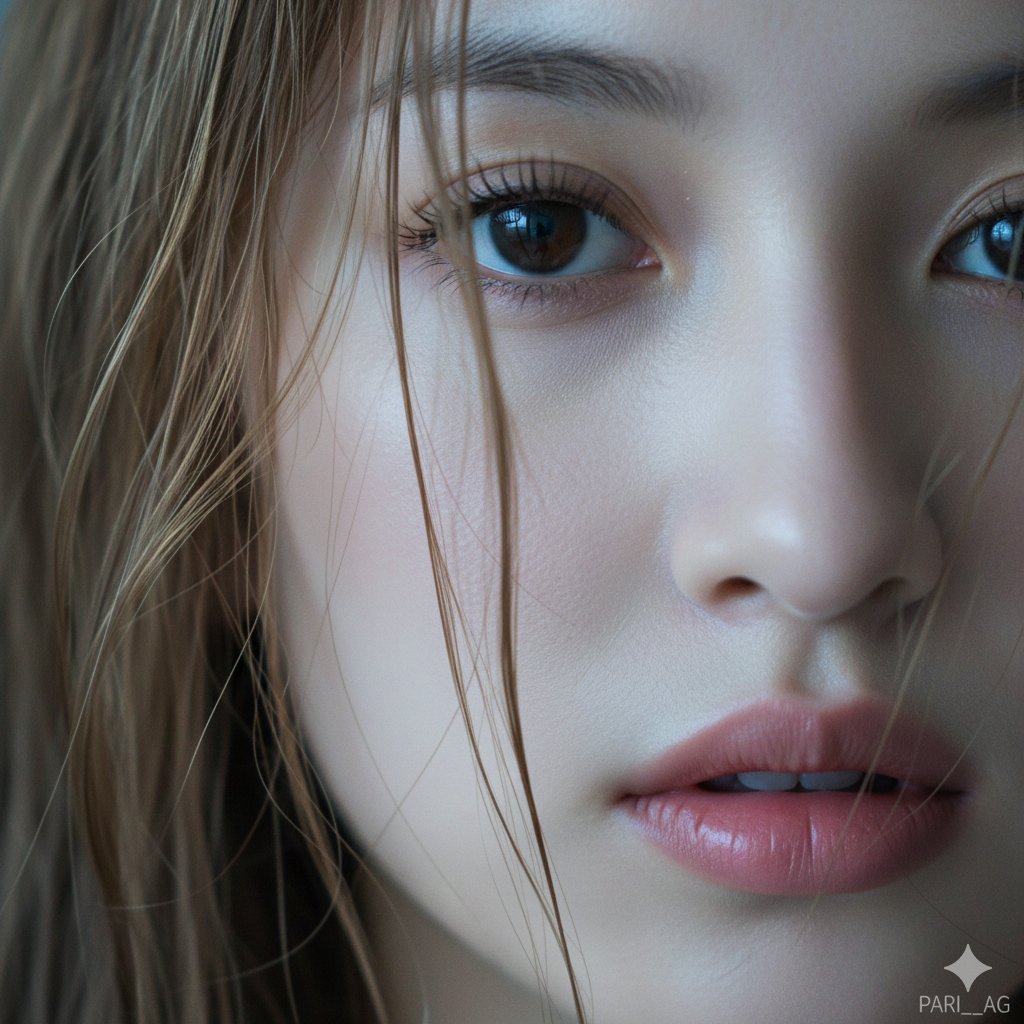
Macro Portrait with Wet Hair and Cinematic Blue Tones
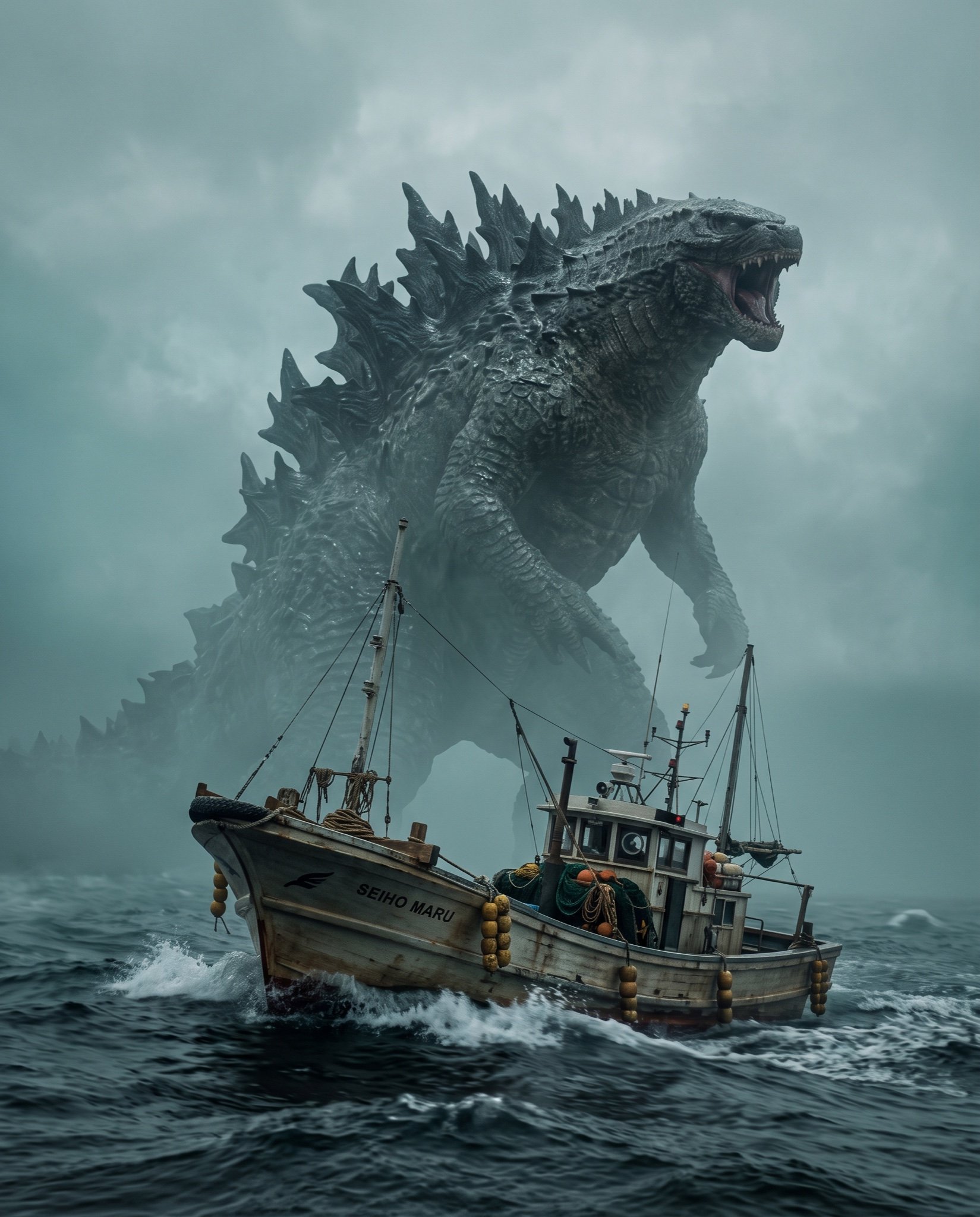
Cinematic Photorealistic Godzilla Encounter Prompt
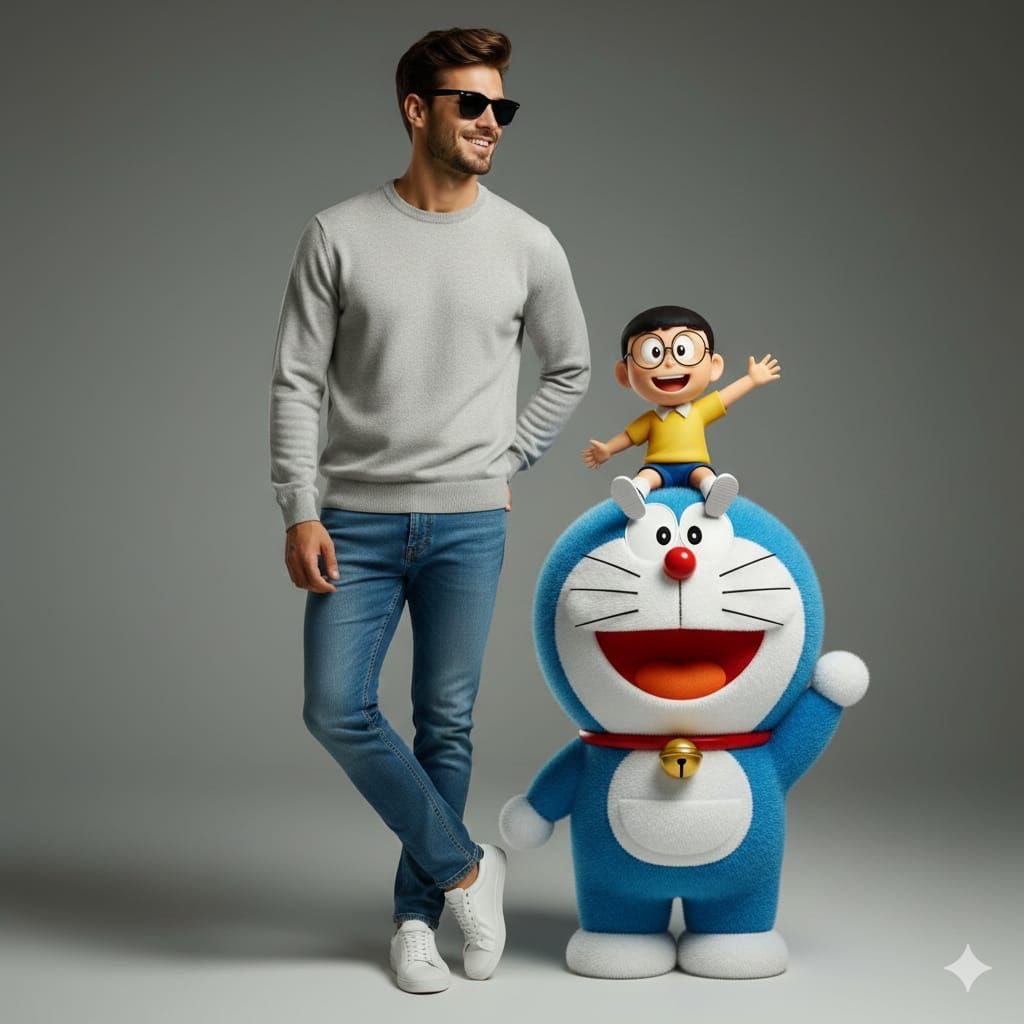
Studio Portrait with Doraemon and Nobita Prompt
Browse template categories
Photorealistic Cinematic Portrait with M questions
How do I use the 11-photorealistic-cinematic-portrait-with-m template?
Add your photo if the template asks for one, edit the prompt if you like — the template's model and format are already selected — and press Generate. Your version opens in PicX Studio.
Can I customize the 11-photorealistic-cinematic-portrait-with-m template?
Yes. You can change the subject, setting, lighting, mood, format, and available model controls before creating your image.
Is the 11-photorealistic-cinematic-portrait-with-m template free?
Opening and editing this template is free. Generating uses credits, shown on the Generate button when you are signed in.
Which AI model should I use?
Start with Nano Banana, which is the model associated with this template. You can compare another compatible model for a different finish.
Looking for something else? Browse all templates.

Your photo, any look
Thousands of ready templates for every top image and video model, from one credit balance.