
Minimalist Side-Profile Portrait for Character Consistency
A detailed prompt for Google Gemini Nano Banana Pro focusing on maintaining the exact facial features and expression from a reference photo while changing the setting and atmosphere.
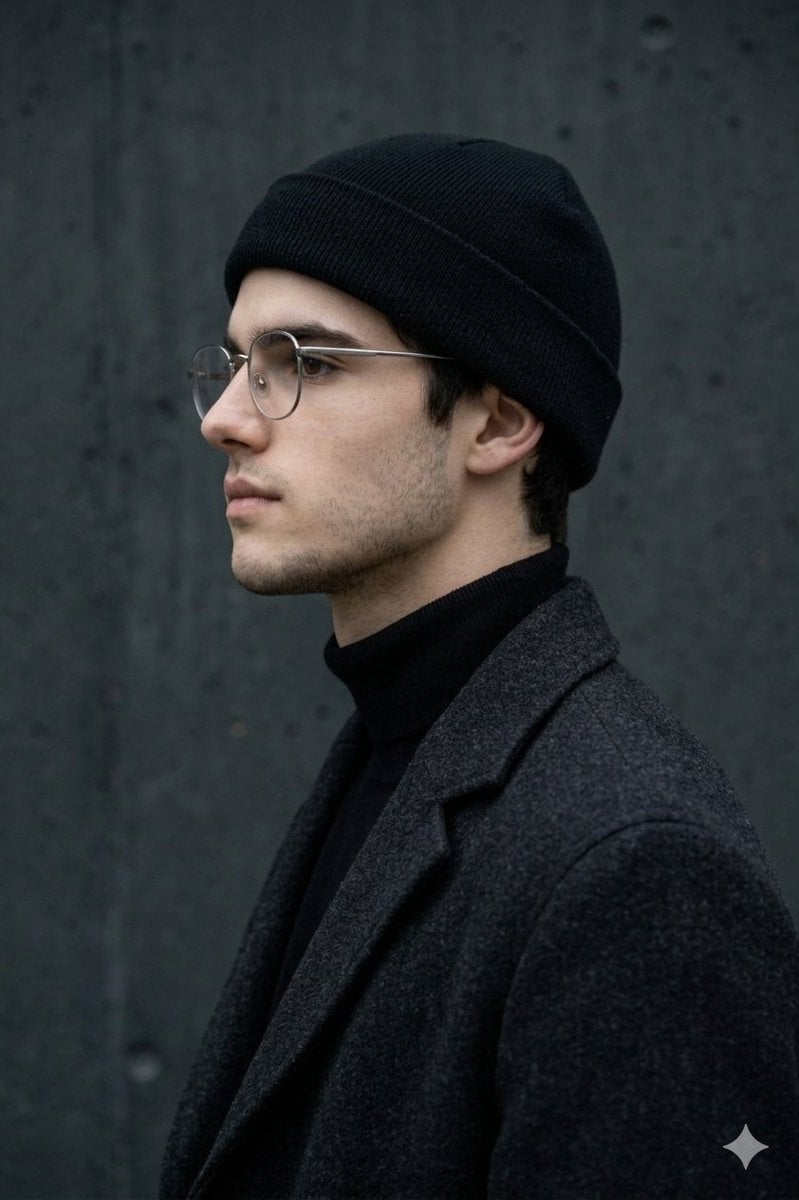
- Prompt included
- Model and format preset
- Premium template
The prompt behind this image
Copy the exact prompt behind Minimalist Side-Profile Portrait for Character Consistency, or open it in the studio and make it yours.
MAIN SUBJECT (IDENTITY) Use the person from the reference photo as the main subject. Keep their exact facial features, hairstyle, skin tone, and expression perfectly unchanged preserve all realism, emotional depth, and subtle facial lighting. Allow changes only in camera position, background motion, and atmosphere. A minimalist side-profile portrait of a new person, framed from the chest up and positioned in strict profile against a textured dark concrete wall (approx. #282F32). The pose remains relaxed and composed, with the subject facing left, eyes gently closed or lowered, maintaining a calm, introspective expression. Style the subject in monochromatic, winter-inspired streetwear: a black beanie, thin metal-frame glasses, and a high-collar or turtleneck layered under a heavy textured coat. Use soft, diffused natural lighting from above and slightly in front, with a cool temperature around 4800K, creating gentle shadows that sculpt the jawline and highlight the contours of the face without harsh contrast. Emphasize the velvety matte textures of the clothing and the subtle grain of the wall. Background remains static and uniform, allowing the subject's silhouette to stand out cleanly. Use a shallow depth of field with a medium portrait lens (50-85mm) to maintain crisp facial detail while softly separating the subject from the background. Color palette rooted in deep blacks, muted grays, and natural skin tones. Mood calm, intimate, and urban-modern, with a clean editorial aesthetic. Editorial, modern, high-detail, cinematic composition, ultra-realistic textures, professional fashion photography style
How to use Minimalist Side-Profile Portrait for Character Consistency in 3 steps
- 1Upload ImagePNG, JPG or paste
Add your photo
Upload the photo the template builds on. The prompt, model and format are already set.
- 2…a portrait of your subject in softgolden-hour light, 85mm…
Personalize
Edit the subject and creative details for your destination.
- 3Generate
Generate
Press Generate — your image is created in PicX Studio, so you can compare it with the original and refine one variable at a time.
More like this
Templates with the same subject, style or setup. Open one to see its prompt.

Found Photograph: Us, 1970

80s Couple Studio Portrait

80s Bollywood Star

80s Golden Hour Cinema

Me in 1985

1985 Studio Portrait

Hyper-Realistic Minecraft POV Portrait
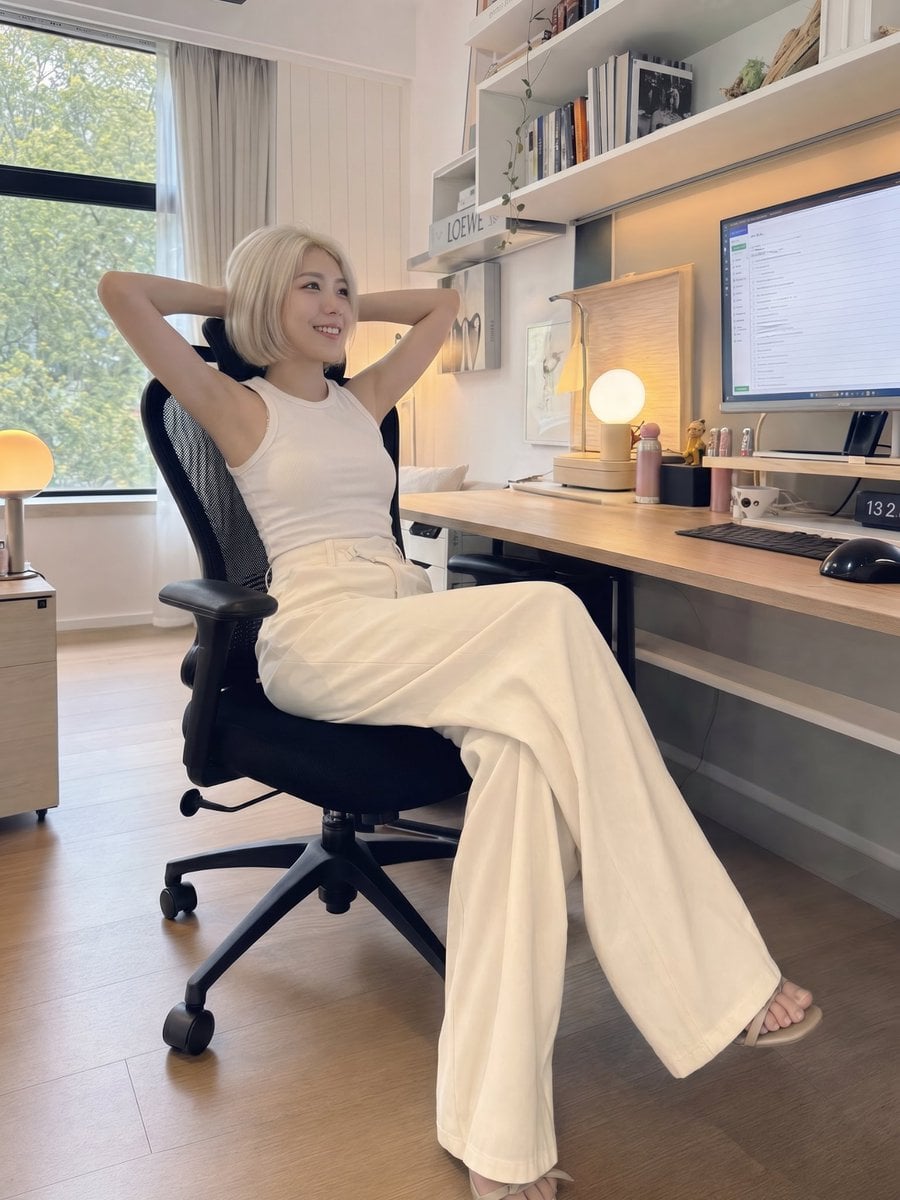
iPhone Style Minimalist Office Portrait
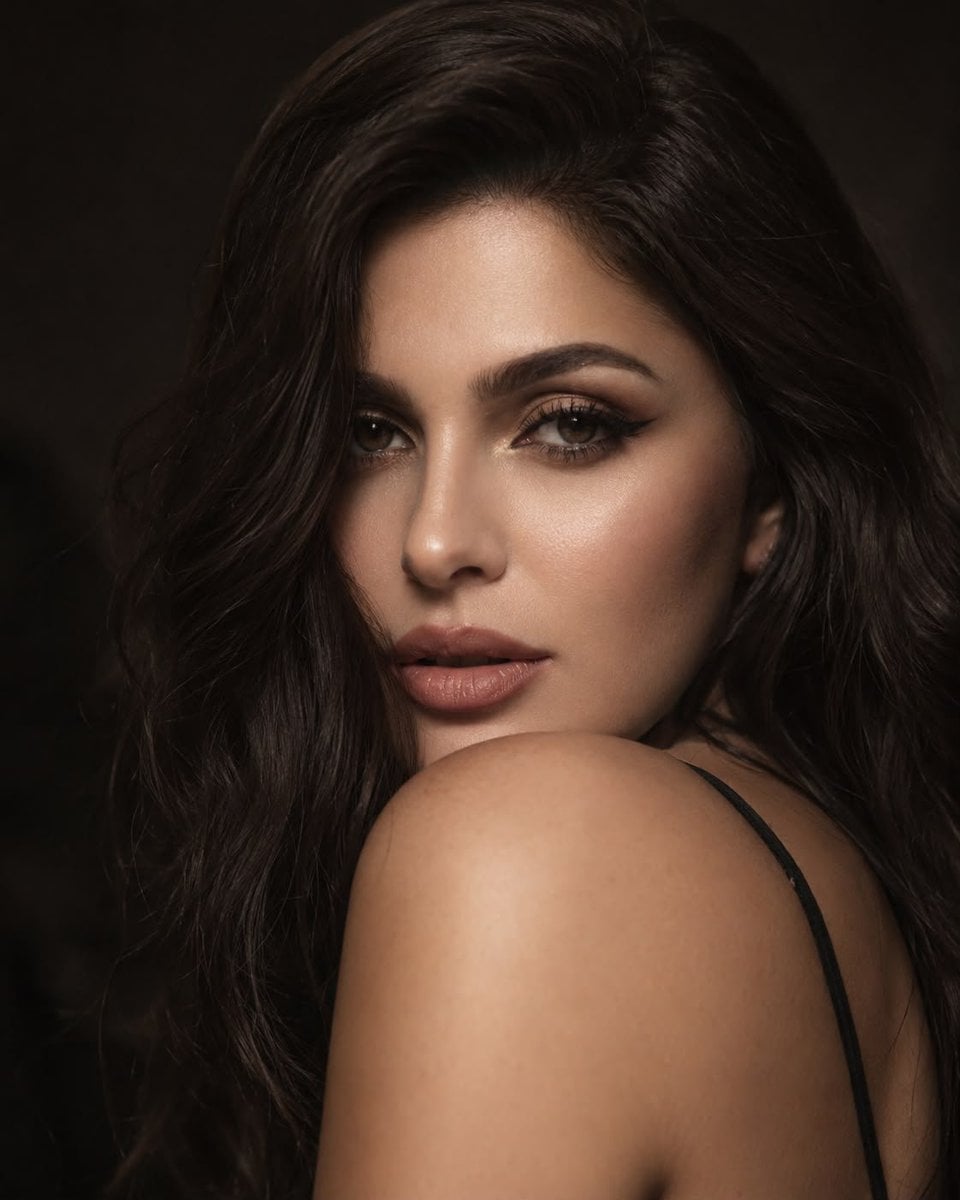
Editorial Beauty Portrait for Consistency
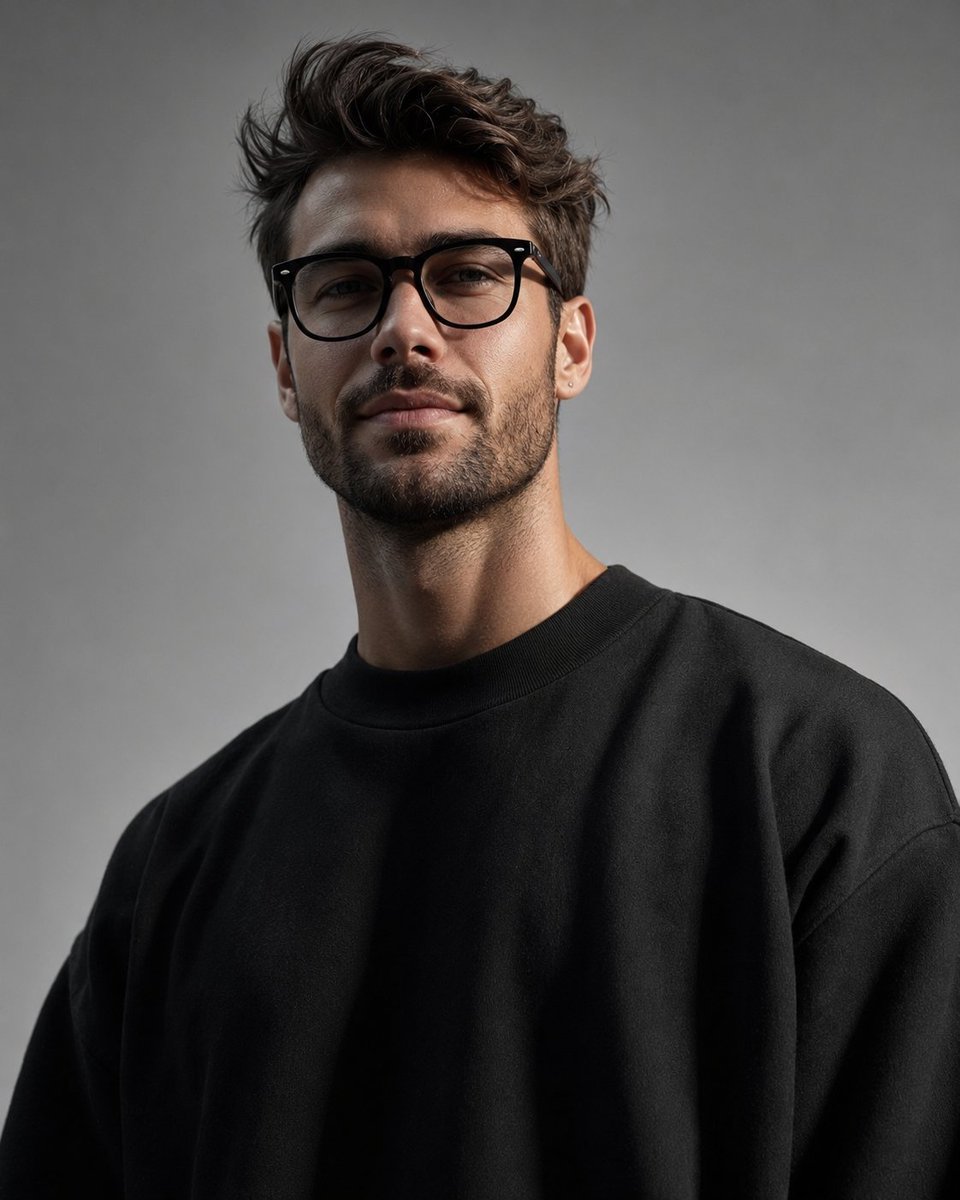
Minimalist High-Fashion Studio Portrait

Minimalist Studio Fashion Portrait Grid

Neon Studio Identity Consistency Portrait
Make it yours
Minimalist Side-Profile Portrait for Character Consistency works as-is. These are the safest ways to change it without losing the look.
Change one field
Copy a single group, rewrite it, and generate again so you can see what that field is doing.
Keep the frame, change the subject
Hold the composition and light of Minimalist Side-Profile Portrait for Character Consistency, then swap wardrobe, props or the person for a new take.
| If the result… | Why | Fix |
|---|---|---|
| The result drifts from the preview | Too many fields changed at once. | Reuse Minimalist Side-Profile Portrait for Character Consistency as-is first, then change one group — subject, light, or setting. |
| The model over-stylizes the scene | The prose prompt leaves finish and camera underspecified. | Add one camera or lighting sentence and stay on Nano Banana 2. |
More Nano Banana 2 templates
Other prompts made for Nano Banana 2.

Photorealistic Leaf Shaped Like a Dragon

K-Pop Idol Portrait Grid for Rapid Selection

Poetic Rain Forest Portrait During Golden Hour

Urban Street Portrait with Cartoon Inner Self Duo

Candid Nighttime Photo with Cat Prompt

High-Concept 3D Diorama Generation Prompt

Cinematic Futuristic Studio Portrait Template

Skincare Editorial Photography Collage Prompt

Hyper-Realistic Commercial Product Photography (Splash Effect)

Hyper-Realistic Nightclub Portrait Prompt
More image prompts
Fresh picks from across the catalog.
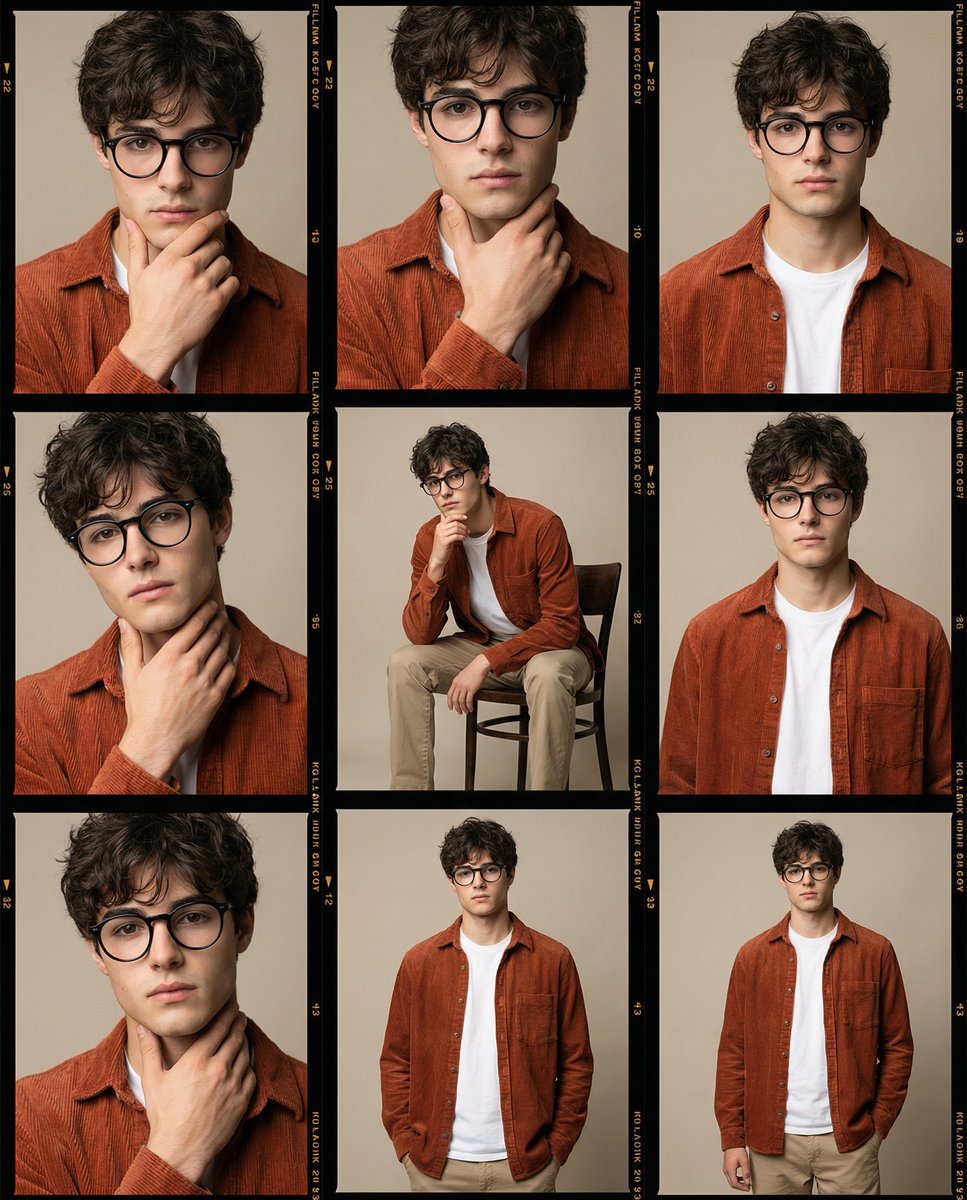
High-Fidelity Editorial Contact Sheet Portrait Session
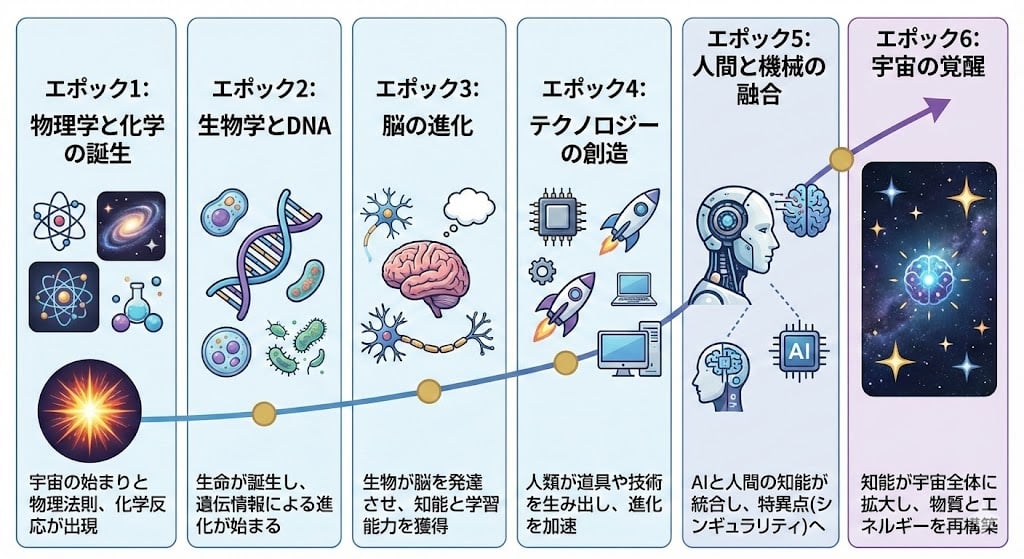
Illustration explaining Kurzweil’s six epochs in Japanese
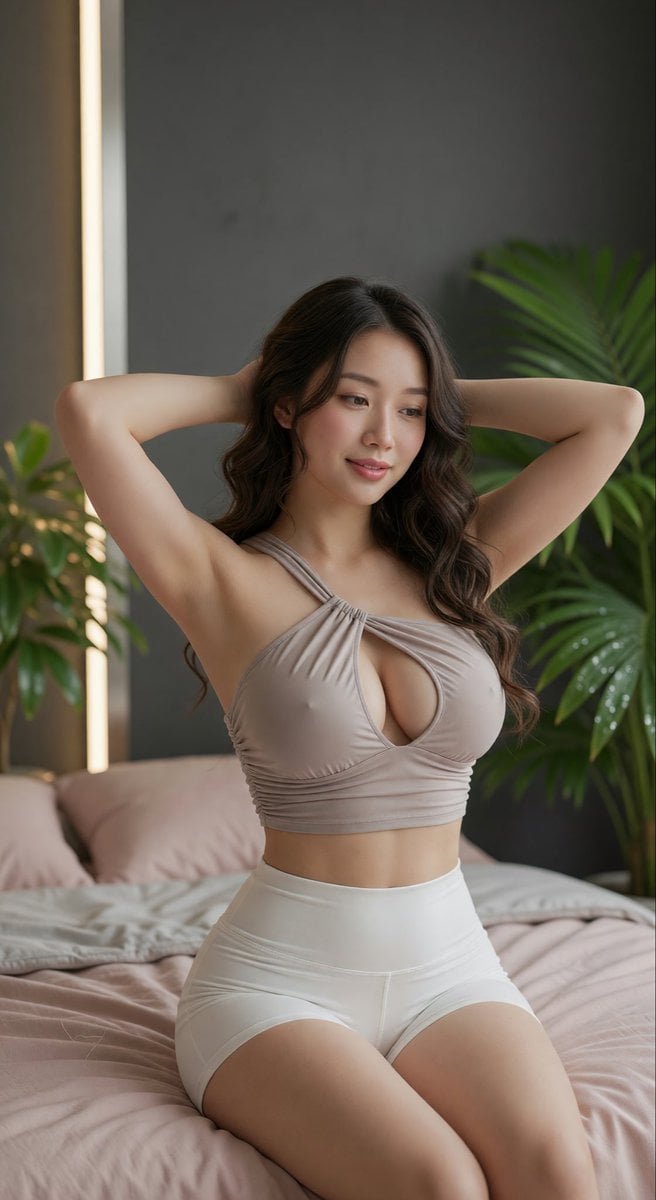
East Asian Woman Portrait
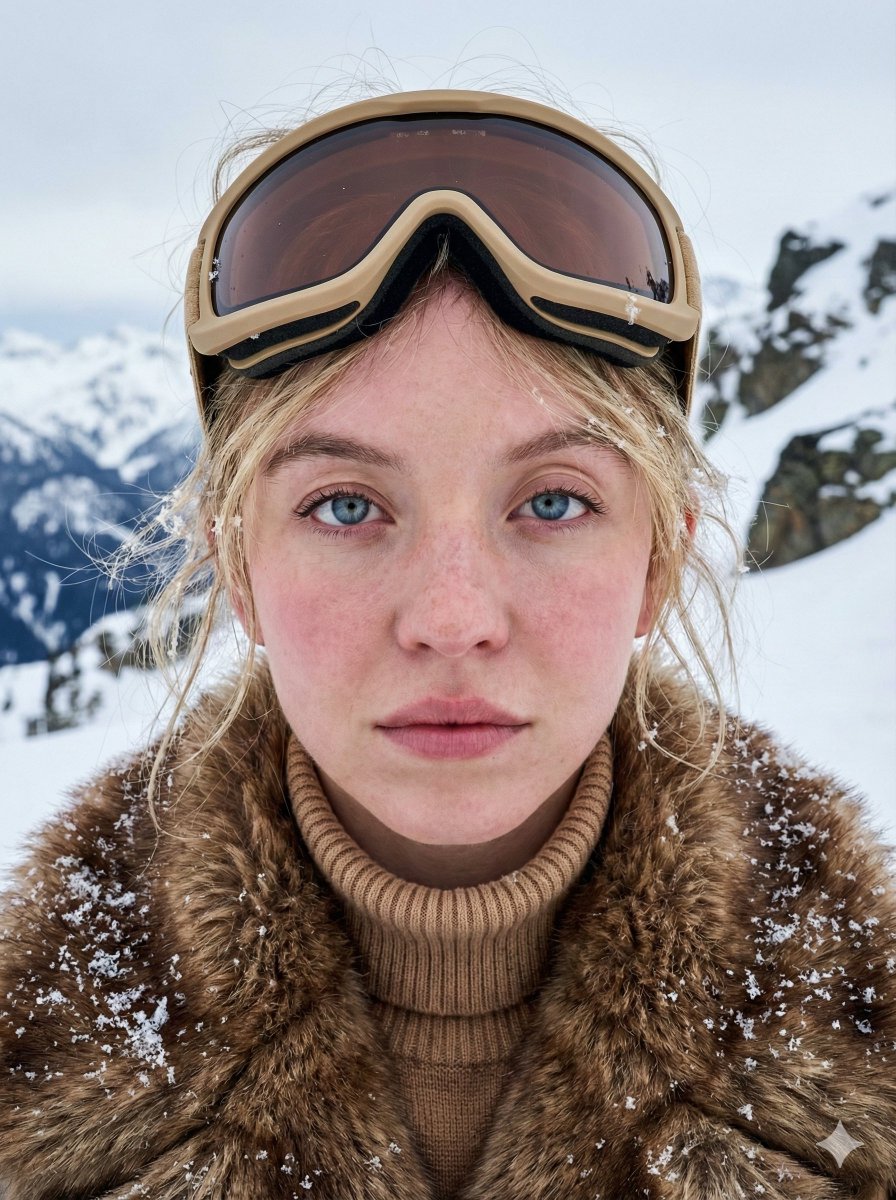
Structured JSON Prompt for Arctic Cinematic Portrait
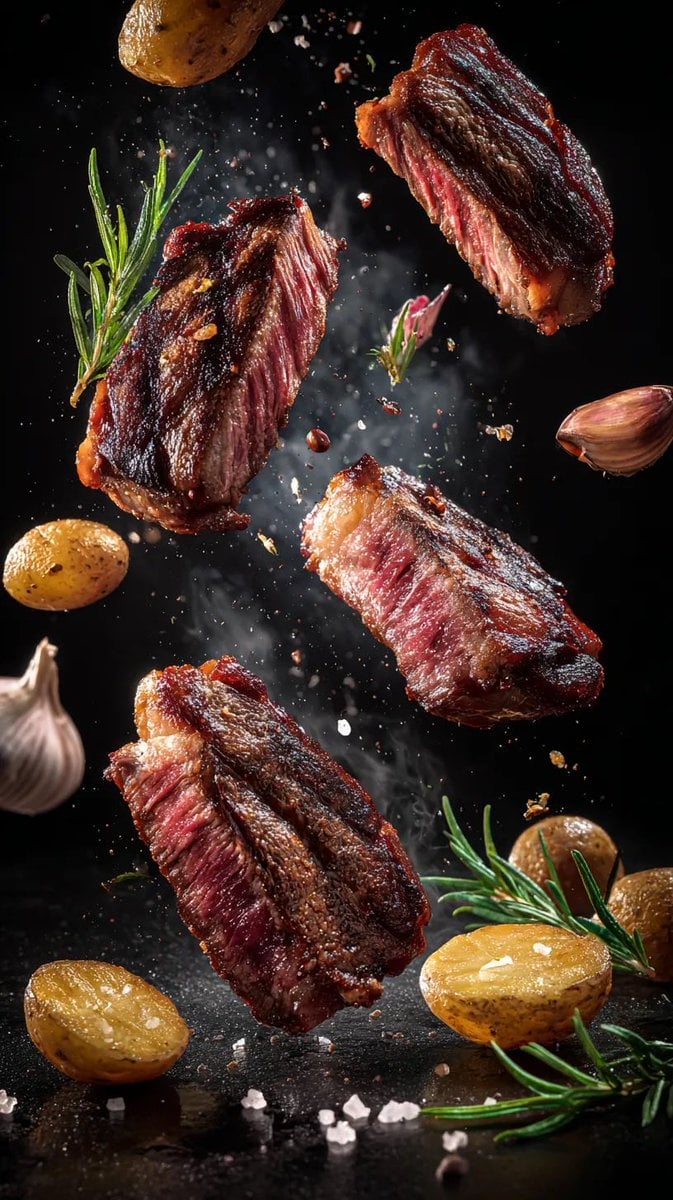
Cinematic Food Photography Prompts for Floating Steak and Shrimp
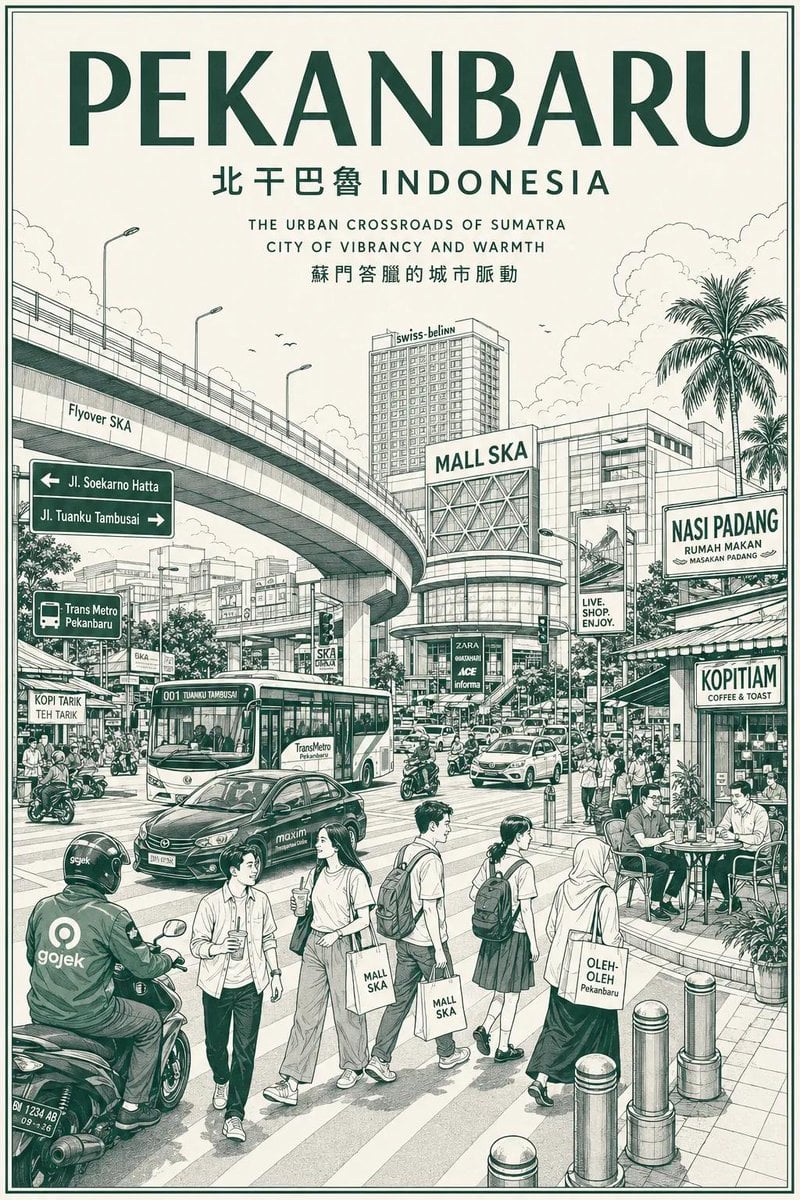
Vintage Monochrome City Travel Poster
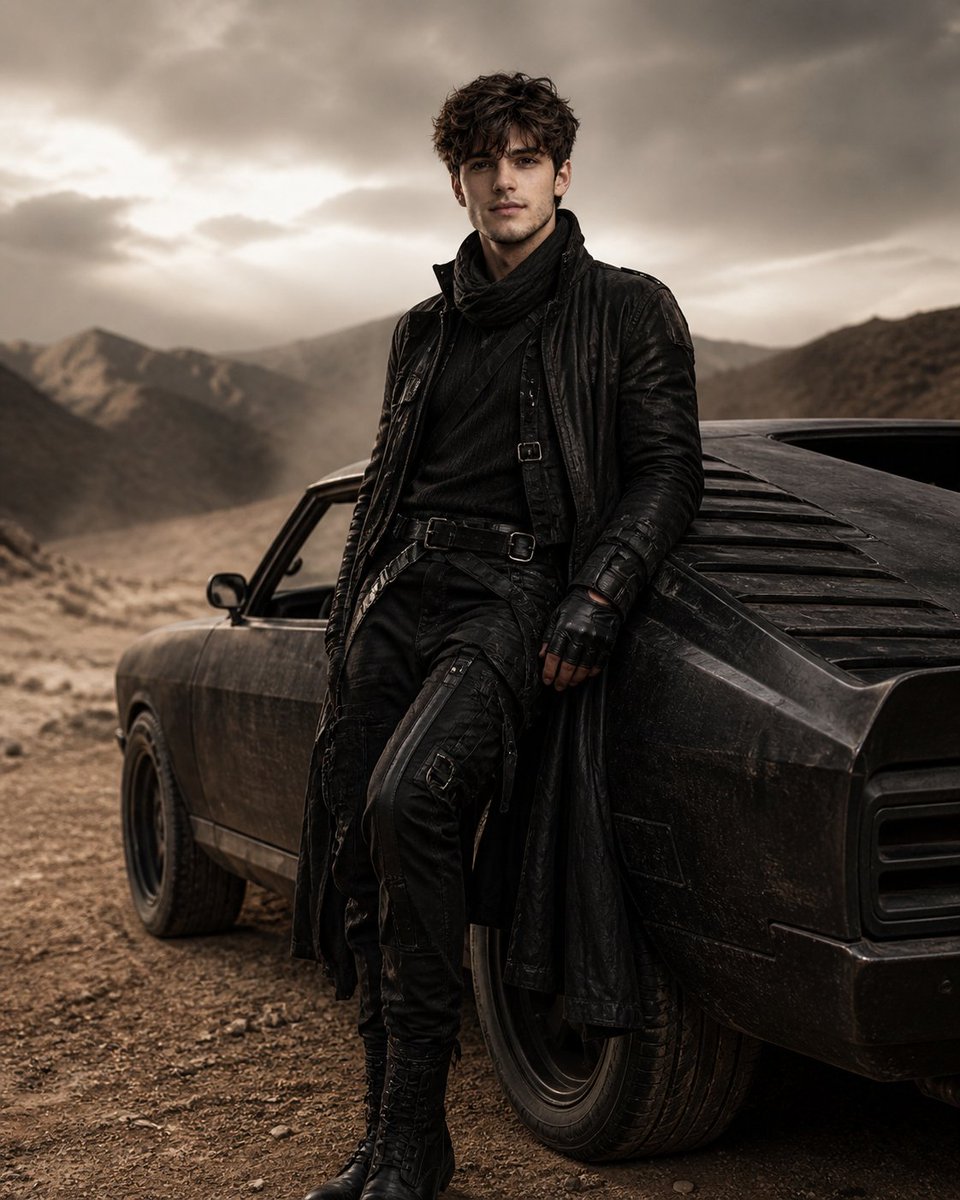
Luxury Desert Fashion Editorial
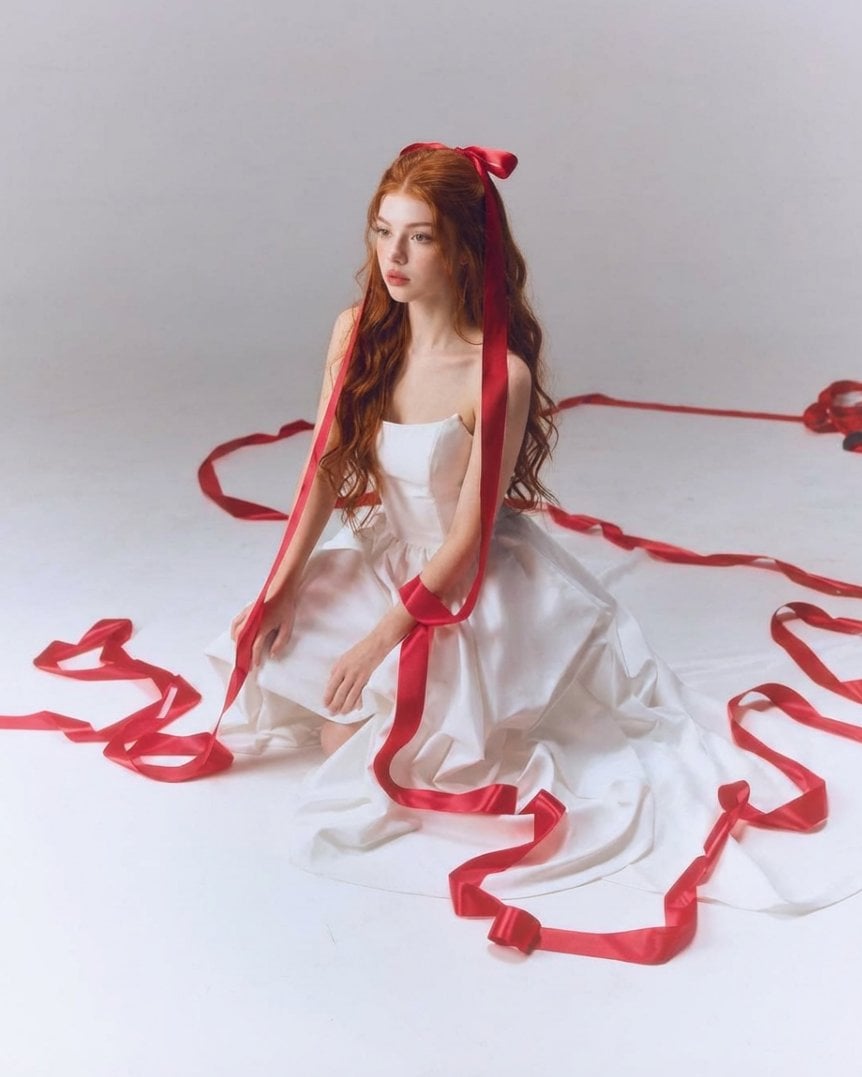
Fine-Art Studio Portrait with Red Ribbons

Museum Archaeological Infographic Plate
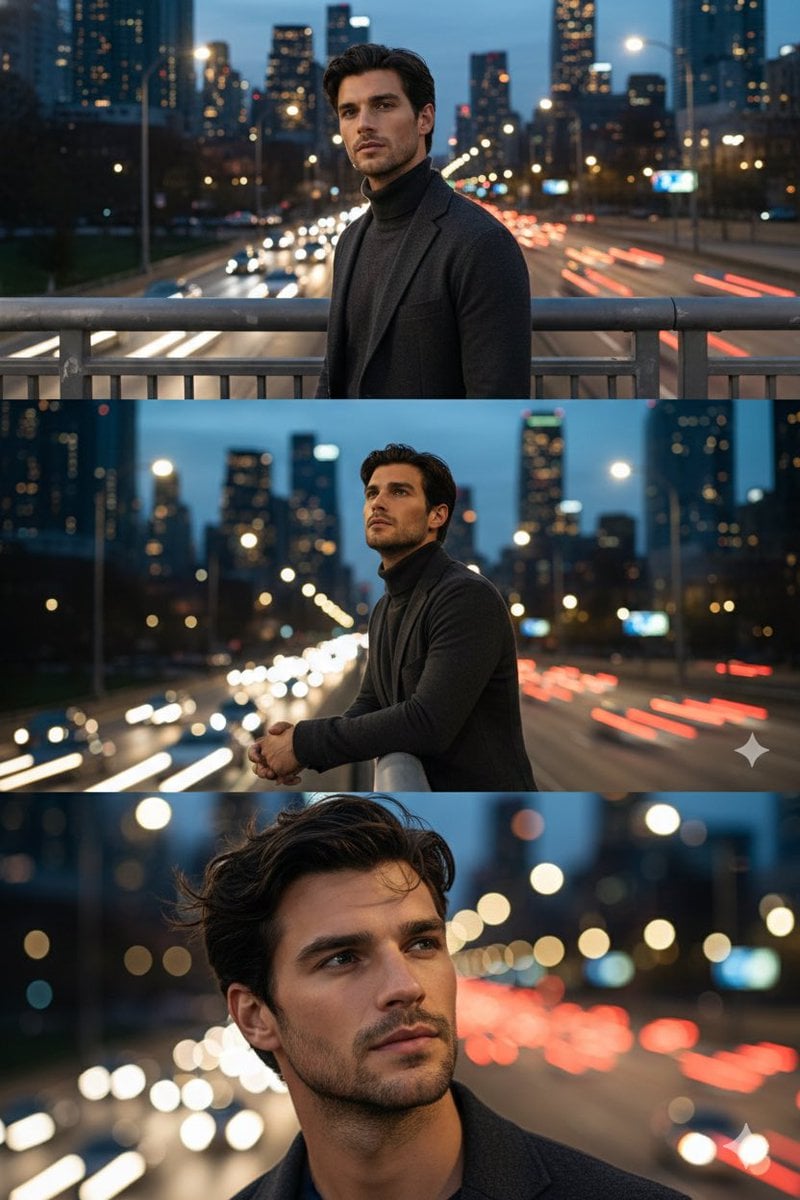
Cinematic Triptych Portrait on a Night Bridge
Browse template categories
Minimalist Side-Profile Portrait for Character Consistency questions
How do I use the Minimalist Side-Profile Portrait for Character Consistency template?
Add your photo if the template asks for one, edit the prompt if you like — the template's model and format are already selected — and press Generate. Your version opens in PicX Studio.
Can I customize the Minimalist Side-Profile Portrait for Character Consistency template?
Yes. You can change the subject, setting, lighting, mood, format, and available model controls before creating your image.
Is the Minimalist Side-Profile Portrait for Character Consistency template free?
Opening and editing this template is free. Generating uses credits, shown on the Generate button when you are signed in.
Which AI model should I use?
Start with Nano Banana 2, which is the model associated with this template. You can compare another compatible model for a different finish.
Looking for something else? Browse all templates.

Your photo, any look
Thousands of ready templates for every top image and video model, from one credit balance.