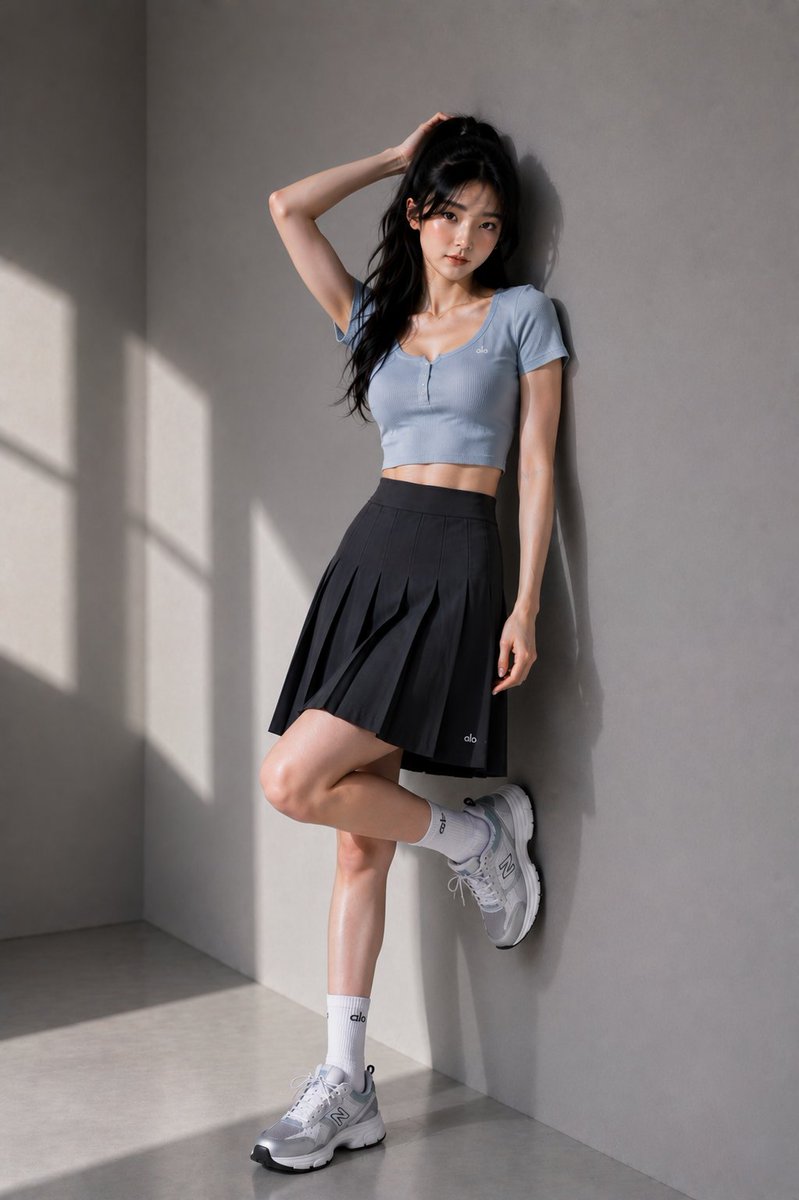
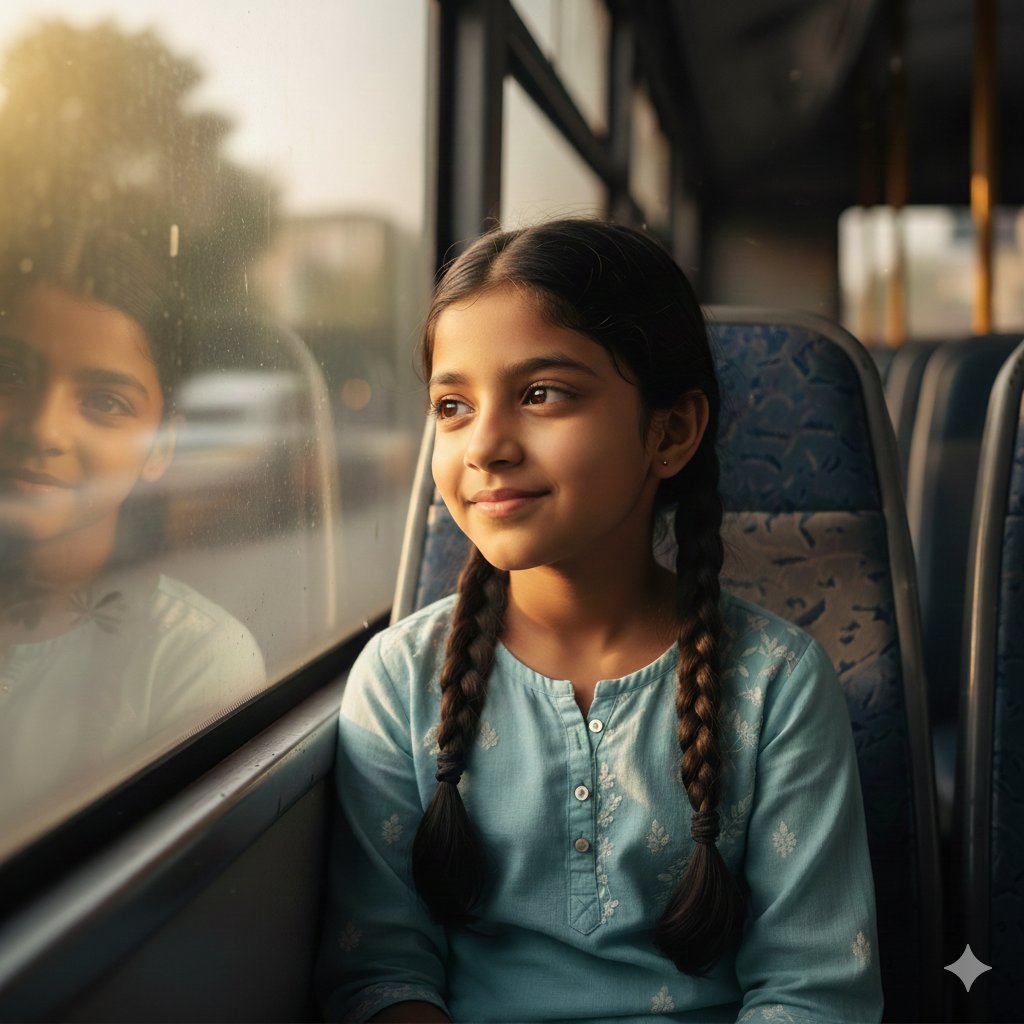
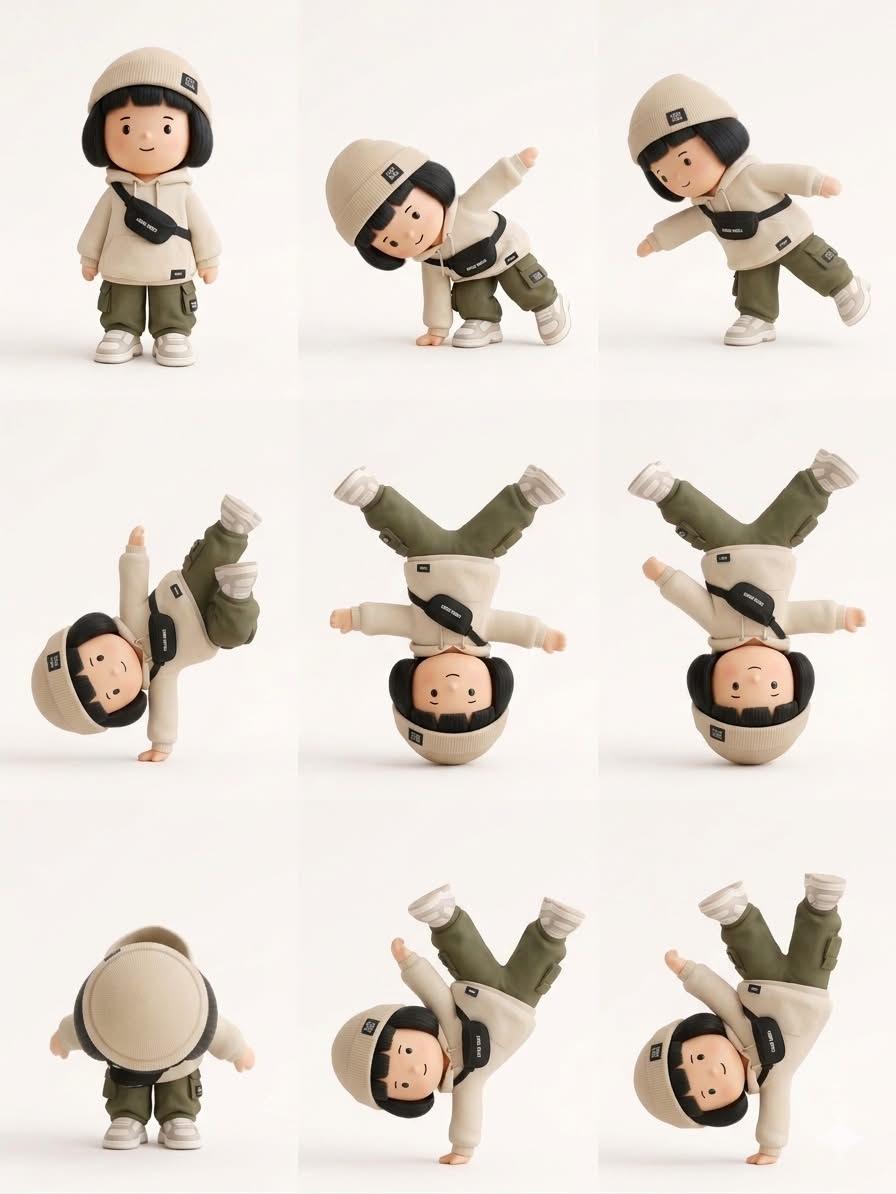
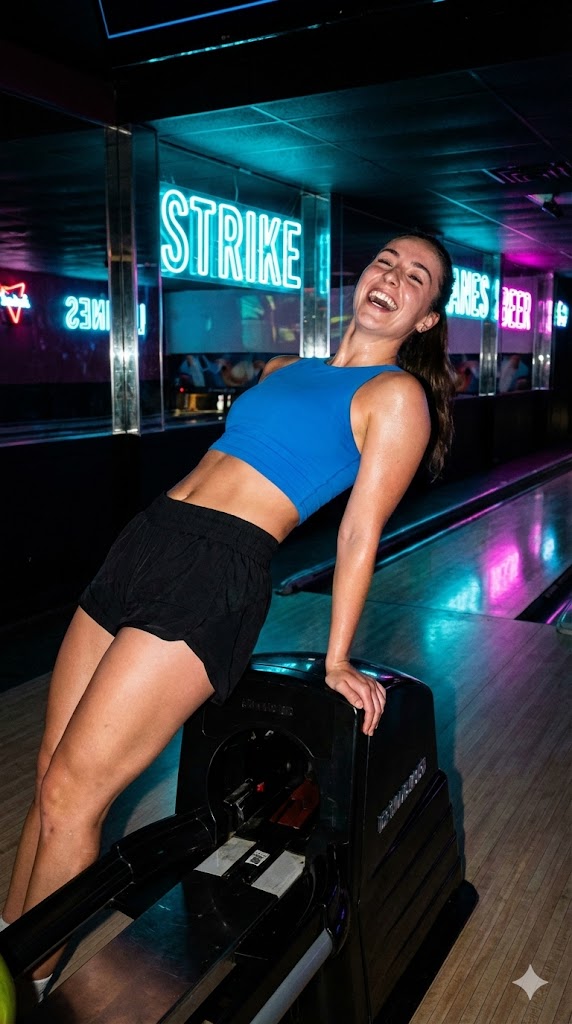
How do I use the Editorial Beauty Portrait for Consistency template?
Choose the primary action to open PicX Studio with the available template settings. Review the model and format, personalize the creative direction, and generate when ready.
A professional beauty portrait prompt designed to maintain exact facial identity from a reference image while achieving a high-end luxury campaign aesthetic.
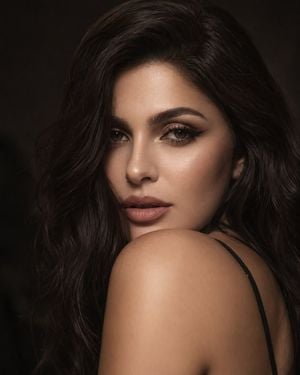
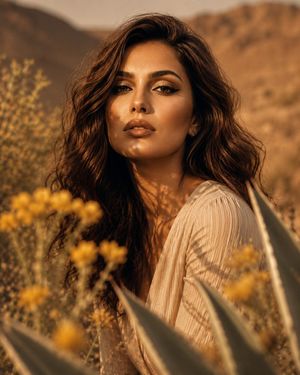
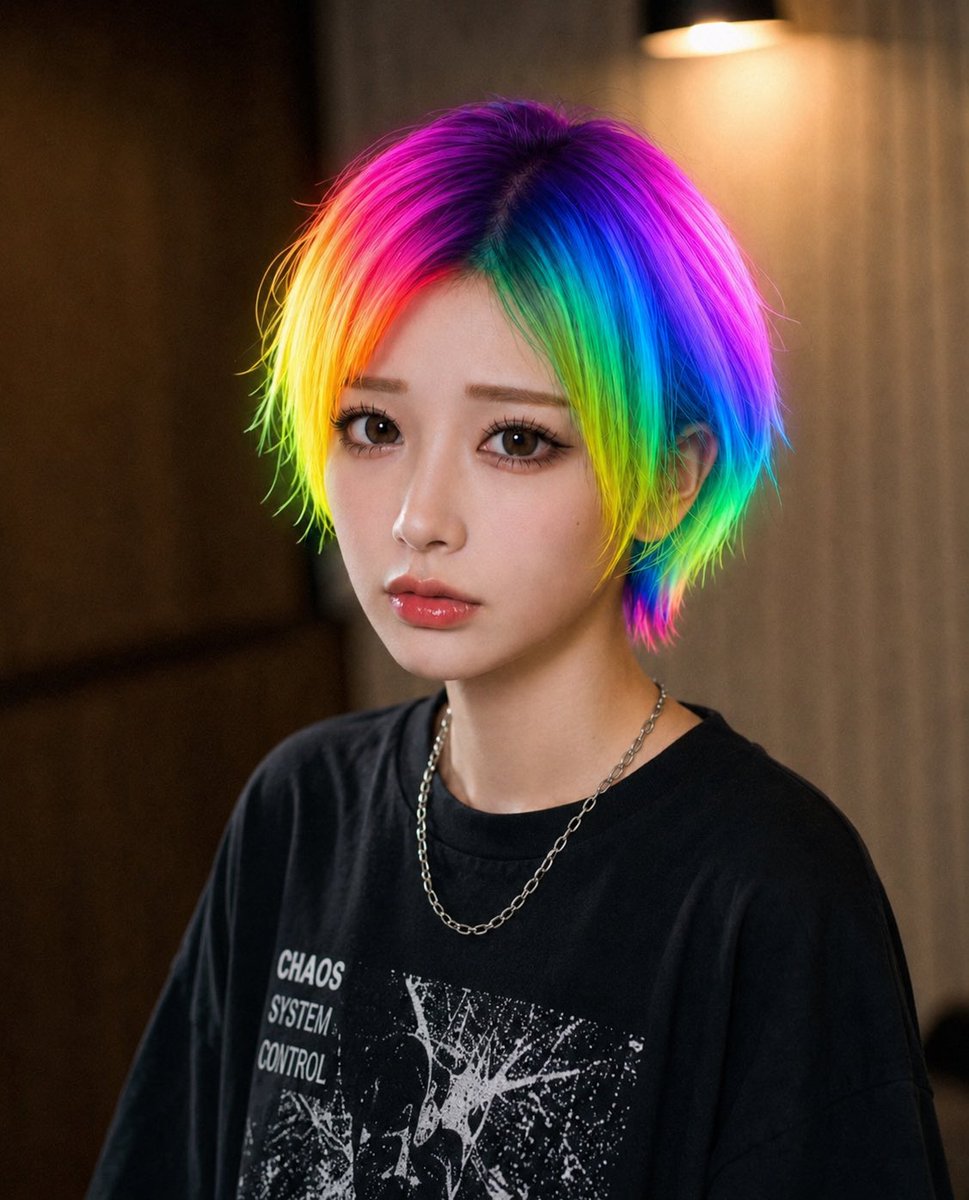
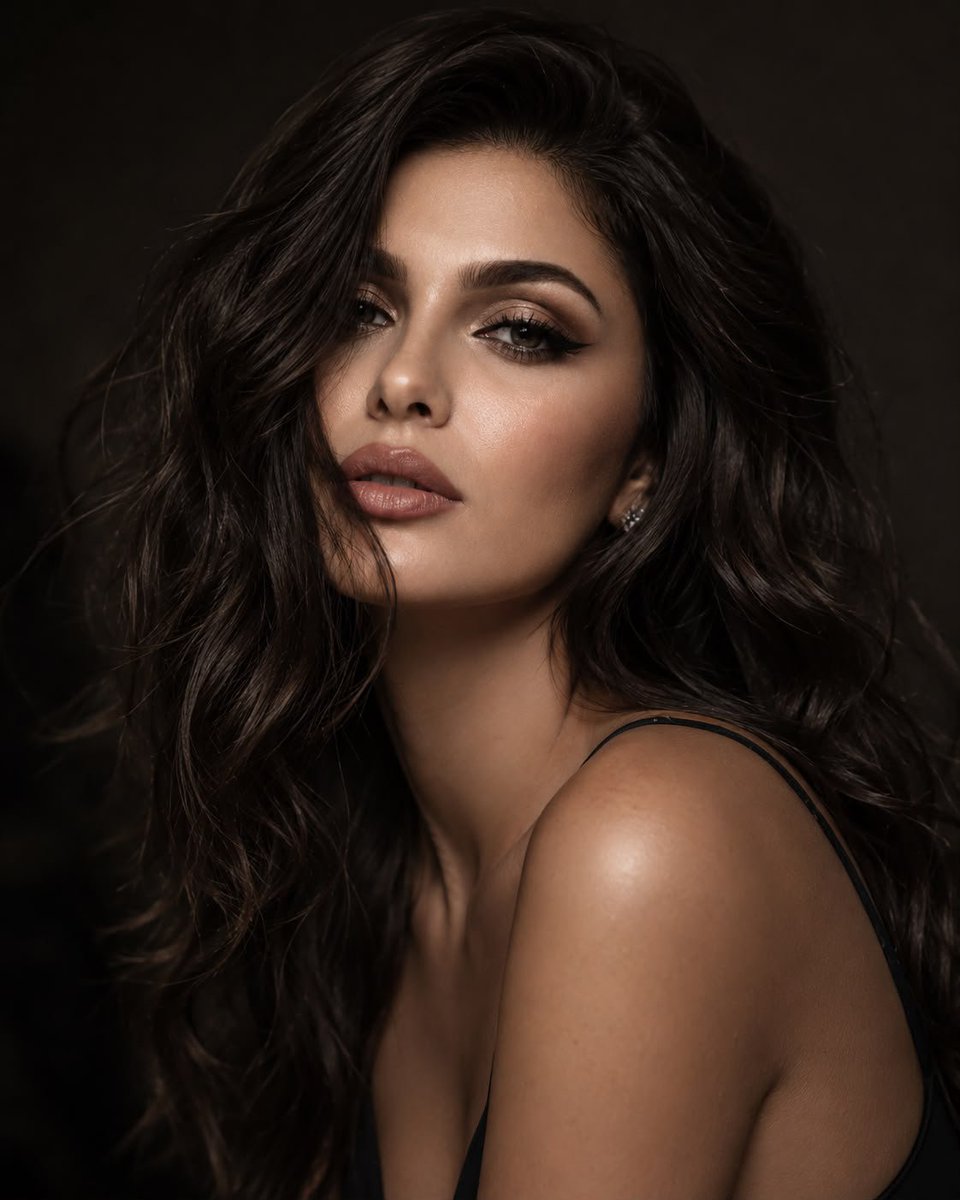
Use the uploaded reference image as the strict identity reference. Preserve the {argument name="subject" default="girl"}’s facial identity exactly as shown in the reference image. Do not alter her facial structure, facial proportions, eye shape, nose, lips, jawline, skin tone, expression, or any defining facial features. She must be instantly recognizable as the same person from the reference. Keep her {argument name="hairstyle" default="long, sleek black hair"}, hair color, and overall facial characteristics consistent with the reference unless explicitly changed below. Create an ultra-realistic close-up beauty portrait of the same girl from the reference. She has long, sleek black hair gracefully framing her face while she partially hides behind her shoulder, creating a natural, elegant pose. She makes intense eye contact with the camera, conveying quiet confidence and sophistication. Her makeup is refined and editorial, featuring softly defined brows matching the reference, subtle winged eyeliner, naturally long eyelashes, delicate soft pink blush, luminous glowing skin with realistic pores, and naturally glossy lips. She wears a minimal outfit with a thin shoulder strap to keep the focus on her face. The lighting is soft and cinematic with warm tones, set against a dark, moody background with a shallow depth of field. Captured as {argument name="style aesthetic" default="high-end editorial fashion photography"} using an 85mm lens, featuring ultra-realistic skin texture, subtle film grain, exceptional facial detail, and an authentic luxury beauty campaign aesthetic in 8K resolution.
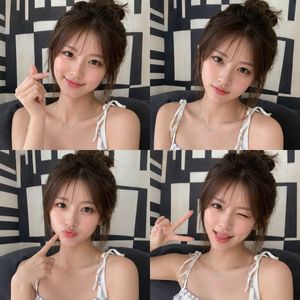
Editorial Beauty Portrait for Consistency needs input media to work. Open it in the studio and these load alongside the prompt — pick whichever ones your chosen model can take.
Choose the primary action to open PicX Studio with the available template settings. Review the model and format, personalize the creative direction, and generate when ready.
Yes. You can change the subject, setting, lighting, mood, format, and available model controls before creating your image.
This template is free to open and customize. Generation usage is shown in PicX Studio before you create.
Start with GPT Image 2, which is the model associated with this template. You can compare another compatible model for a different finish.
Follow a topic to a crawlable collection of related PicX Studio templates.