
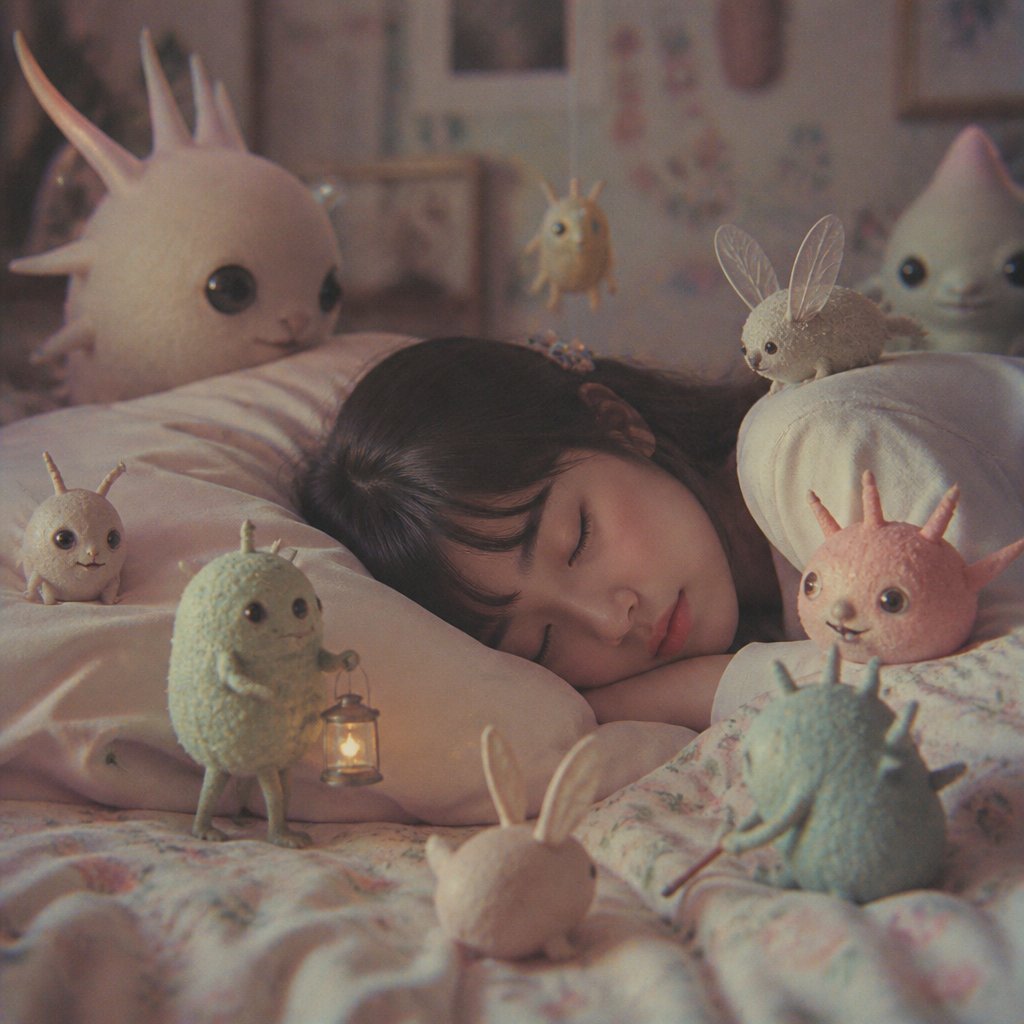
Sleeping Child with Dream Creatures
A cozy square fantasy bedtime scene showing a sleeping child surrounded by eight gentle dream creatures, ideal for whimsical AI art generation.
- Prompt included
- Model and format preset
- Premium template
The prompt behind this image
Copy the exact prompt behind Sleeping Child with Dream Creatures, or open it in the studio and make it yours.
Create a dreamy cinematic square image of a sleeping child in a soft pastel bedroom at night, surrounded by cute tiny fantasy dream creatures. The child, {argument name="child age" default="young child"}, lies sideways under a pale floral blanket on a fluffy pillow, with dark hair visible and face mostly turned toward the pillow, peaceful and asleep. Use a warm muted film look with shallow depth of field, soft grain, gentle vignetting, and cozy low light from a small lantern. Include exactly 8 visible creatures: 1 large plush-like white spiky creature peeking over the left pillow with glossy black eyes; 1 small beige bug-like creature with two antennae sitting on the left pillow; 1 fuzzy mint-green humanoid creature standing near the child and holding a tiny glowing lantern; 1 small golden floating creature with tiny horns hovering in the blurred background above the child; 1 brown fuzzy rabbit-like creature with translucent insect wings sitting on the right pillow; 1 pale blue rounded ghost-like creature smiling from the right background; 1 tiny pale pink bunny creature seen from behind at the bottom center foreground; and 1 blue-green spiky creature sitting at the lower right, turned toward the sleeping child. Bedroom details should be softly blurred: patterned wallpaper, framed pictures, shelves, and warm nursery decor. Color palette: {argument name="color palette" default="dusty pink, cream, mint green, pale blue, warm amber"}. Mood: {argument name="mood" default="good dreams, tender, whimsical, quiet"}. Style: {argument name="visual style" default="photorealistic miniature fantasy creatures mixed with soft Studio Ghibli-like dream realism"}. Camera: close intimate bedside view, 1:1 square composition, eye-level, 35mm lens feel, shallow focus on the sleeping child and nearby creatures. Constraints: no text, no watermark, no horror tone, no sharp harsh lighting, keep all creatures gentle and toy-like with rounded bodies and glossy eyes.
How to use Sleeping Child with Dream Creatures in 3 steps
- 1Upload ImagePNG, JPG or paste
Add your photo
Upload the photo the template builds on. The prompt, model and format are already set.
- 2…a portrait of your subject in softgolden-hour light, 85mm…
Personalize
Edit the subject and creative details for your destination.
- 3Generate
Generate
Press Generate — your image is created in PicX Studio, so you can compare it with the original and refine one variable at a time.
More like this
Templates with the same subject, style or setup. Open one to see its prompt.
Ethereal Dream Editorial Through Fabric Portrait
Sleeping Woman in Nightcap
Sleeping Girl in Pitch-Black Room
Anime Classroom Sleeping Student Scene
Watercolor Children Book Illustration
Funny 4-part story featuring 3 fluffy creatures building a treehouse
Maintaining the facial features of all creatures
Banknote Engraving Deep Sea Creatures
Anime Girl Inside Iridescent Dream Droplet
Anime Steel Dream Cover
Sleeping Girl on Chalk Doodle Court

Children's Art Class Enrollment Poster
Make it yours
Sleeping Child with Dream Creatures works as-is. These are the safest ways to change it without losing the look.
Change one field
Copy a single group, rewrite it, and generate again so you can see what that field is doing.
Keep the frame, change the subject
Hold the composition and light of Sleeping Child with Dream Creatures, then swap wardrobe, props or the person for a new take.
| If the result… | Why | Fix |
|---|---|---|
| The result drifts from the preview | Too many fields changed at once. | Reuse Sleeping Child with Dream Creatures as-is first, then change one group — subject, light, or setting. |
| The model over-stylizes the scene | The prose prompt leaves finish and camera underspecified. | Add one camera or lighting sentence and stay on GPT Image 2. |
More GPT Image 2 templates
Other prompts made for GPT Image 2.

Six VTuber Japanese Logo Sheet

Realistic Portrait of Woman and Deer

The Vista Modular Condo Poster

AI Model Routing Comparison Infographic

2.5D Anime Art Board

Isometric Productivity Desk Scene

New York Double Exposure Poster

Four-Panel AI Landscape Comparison

Japanese Tatami Lifestyle Magazine Cover

NESCAFÉ Coffee Map Poster
More image prompts
Fresh picks from across the catalog.
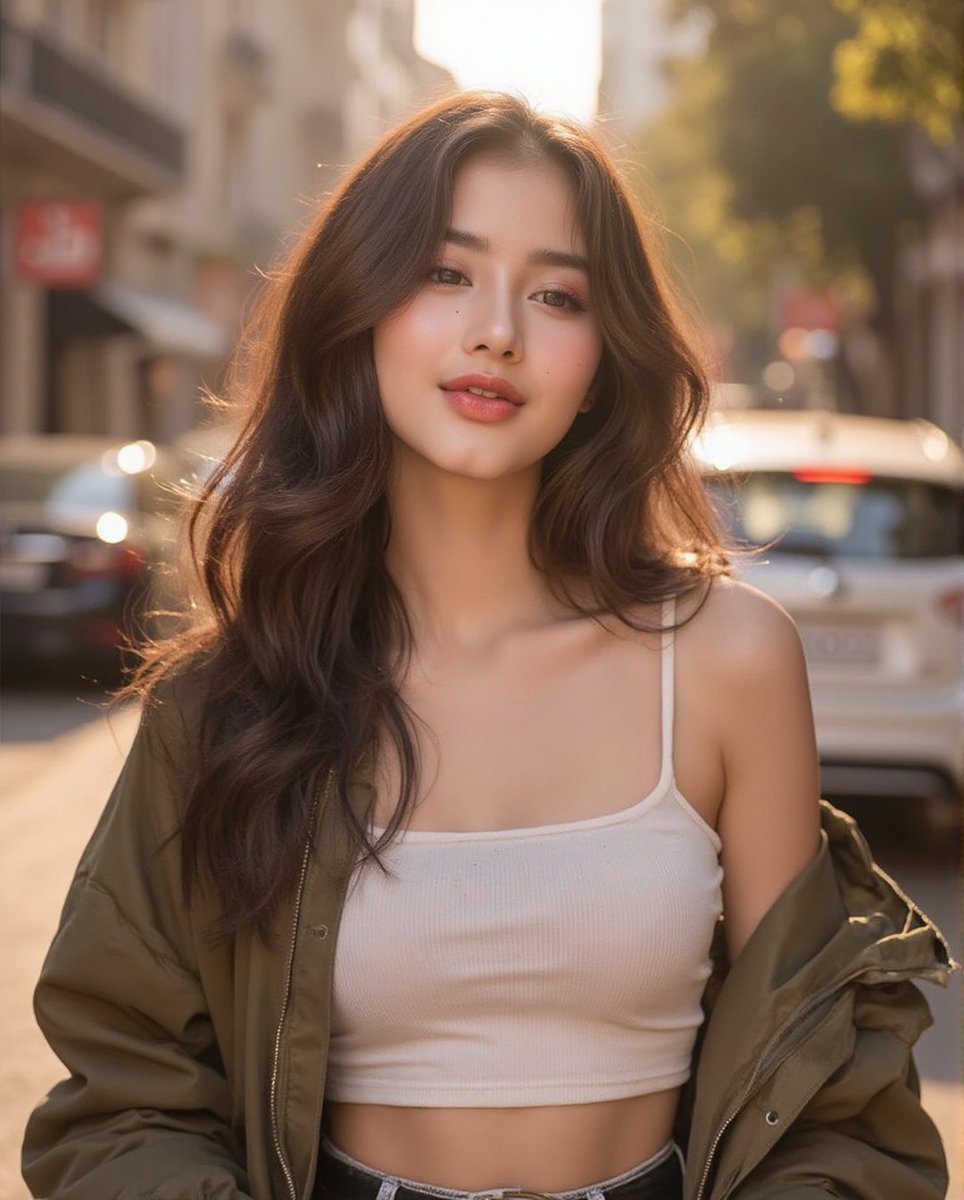
Ethereal Portrait with Playful Wink

Hip-Hop Fashion Motion Streak Portrait

Branded Crumpled Stickers (Placeholder)
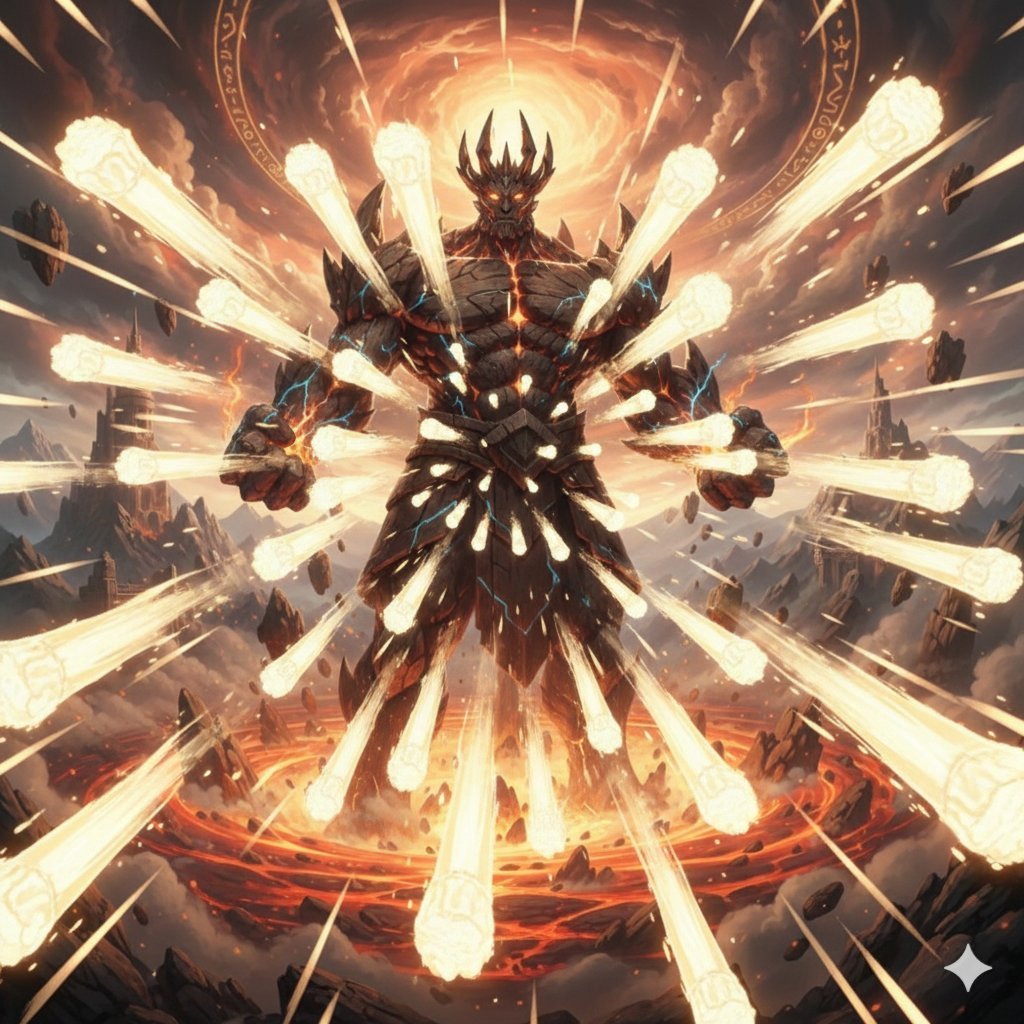
Titan with Hokuto Hyakuretsu Ken Generation

Luxury Spain Sunset Travel Poster
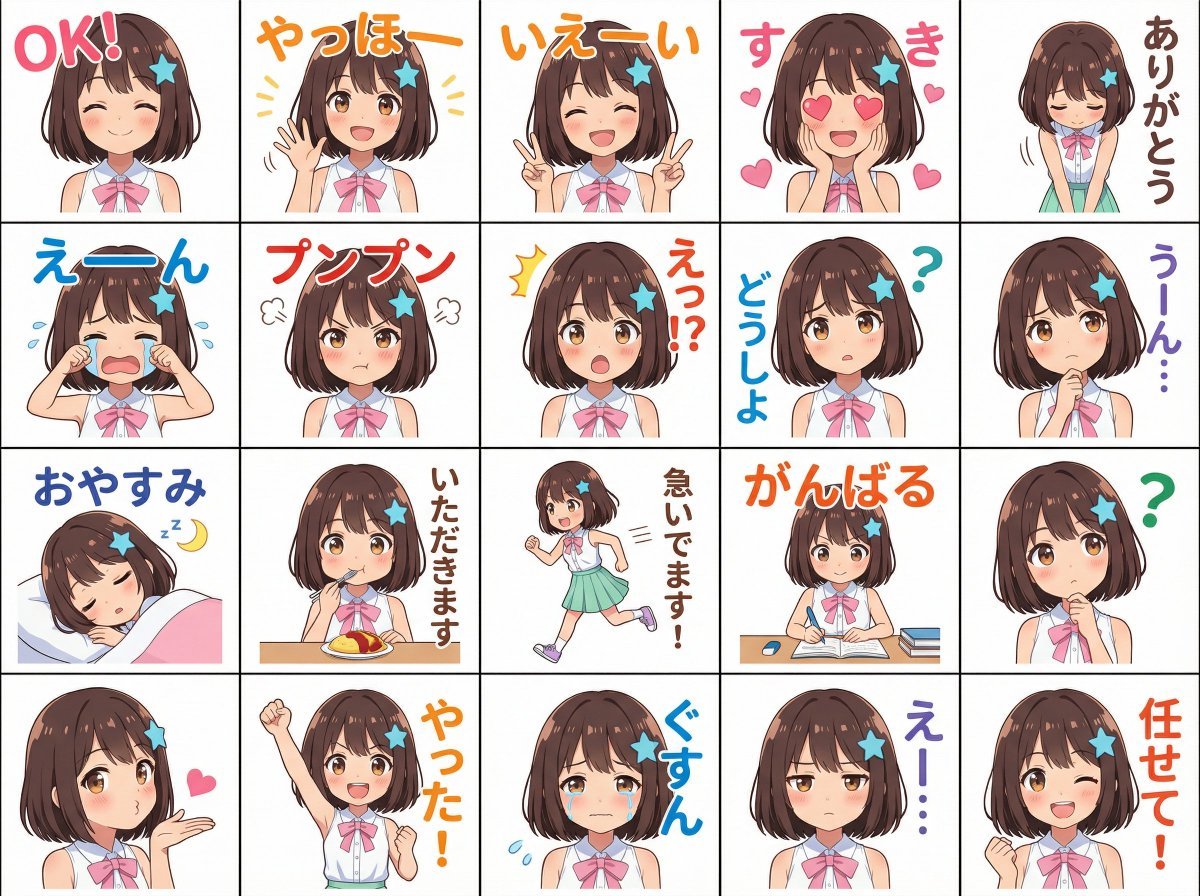
Messenger sticker set from attached person
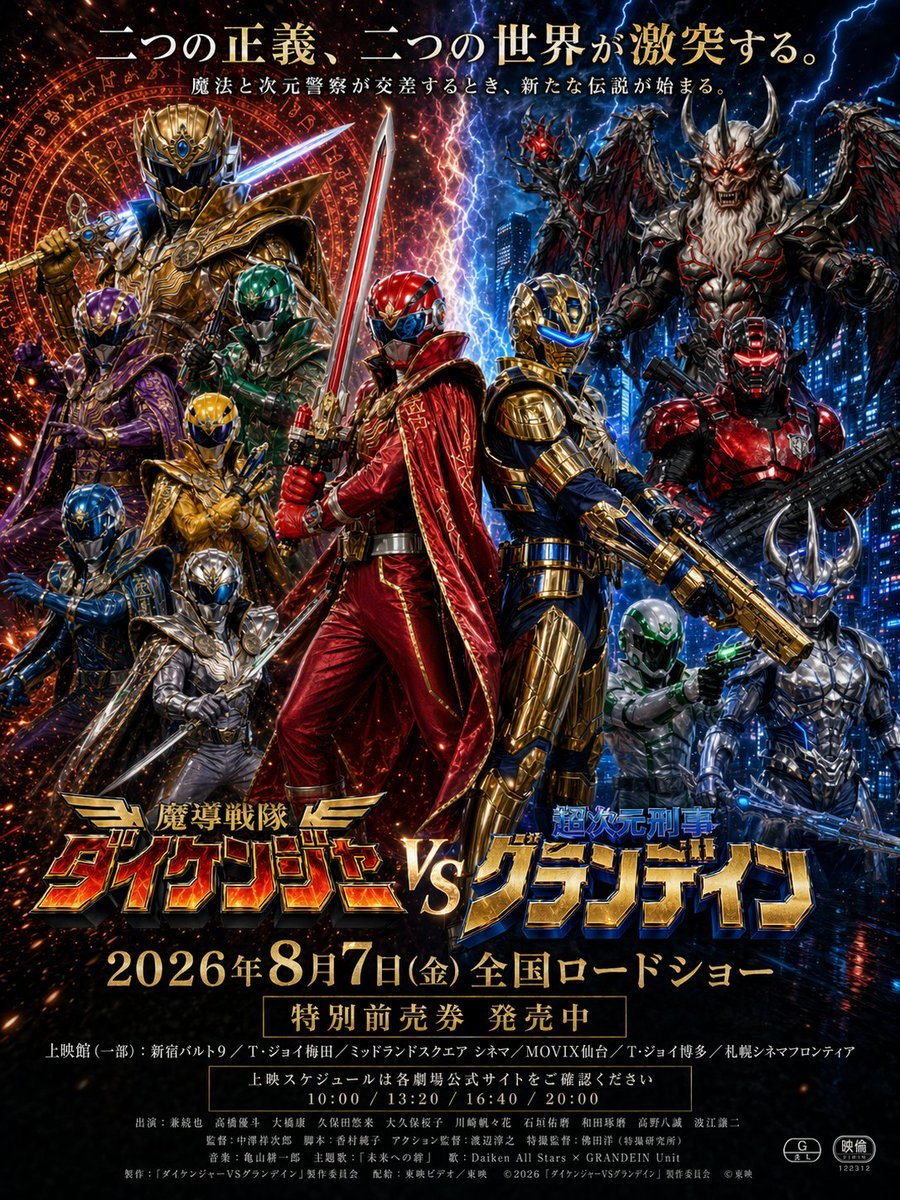
Tokusatsu Movie Poster Generator
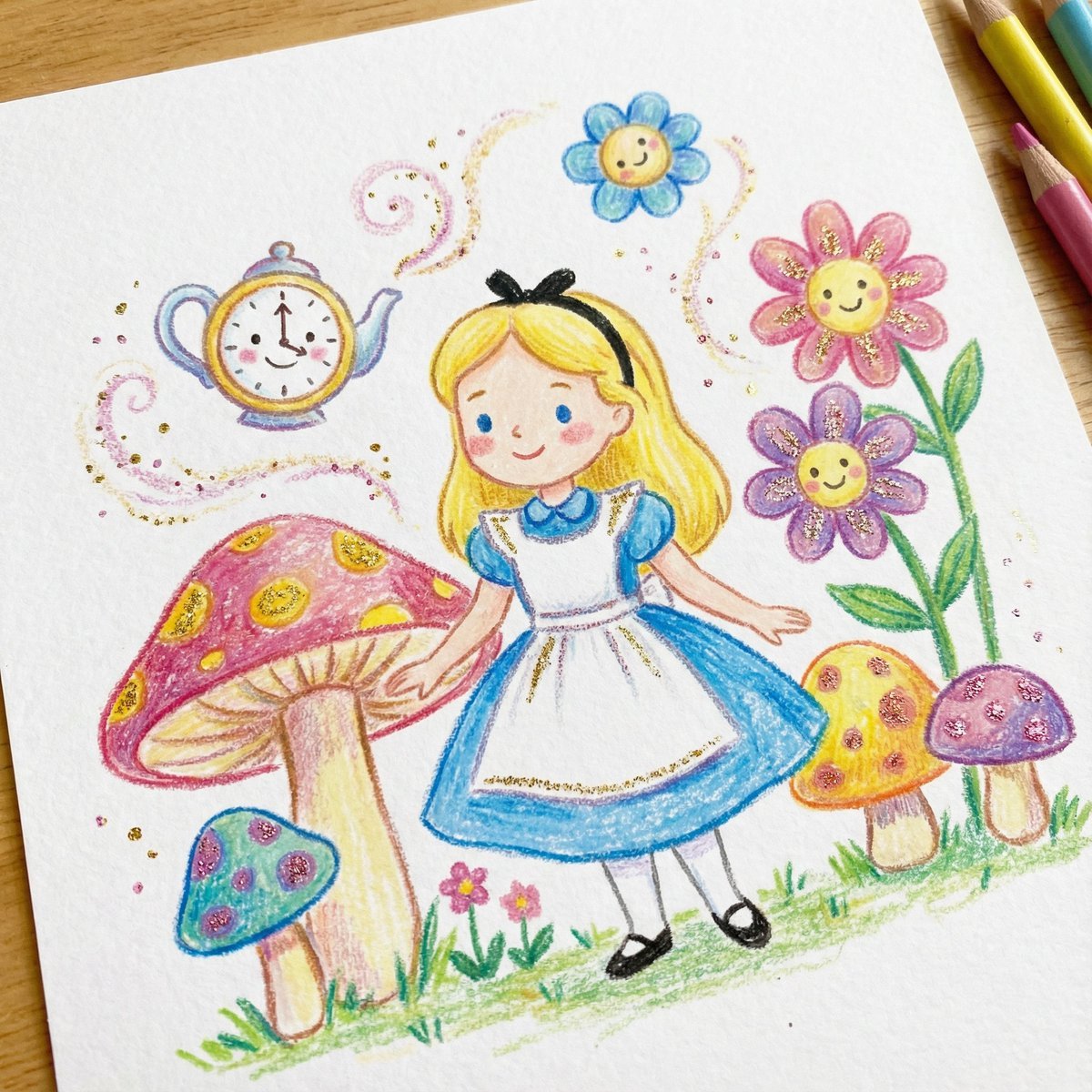
Children's Book Illustration Style Prompt for Character Drawing
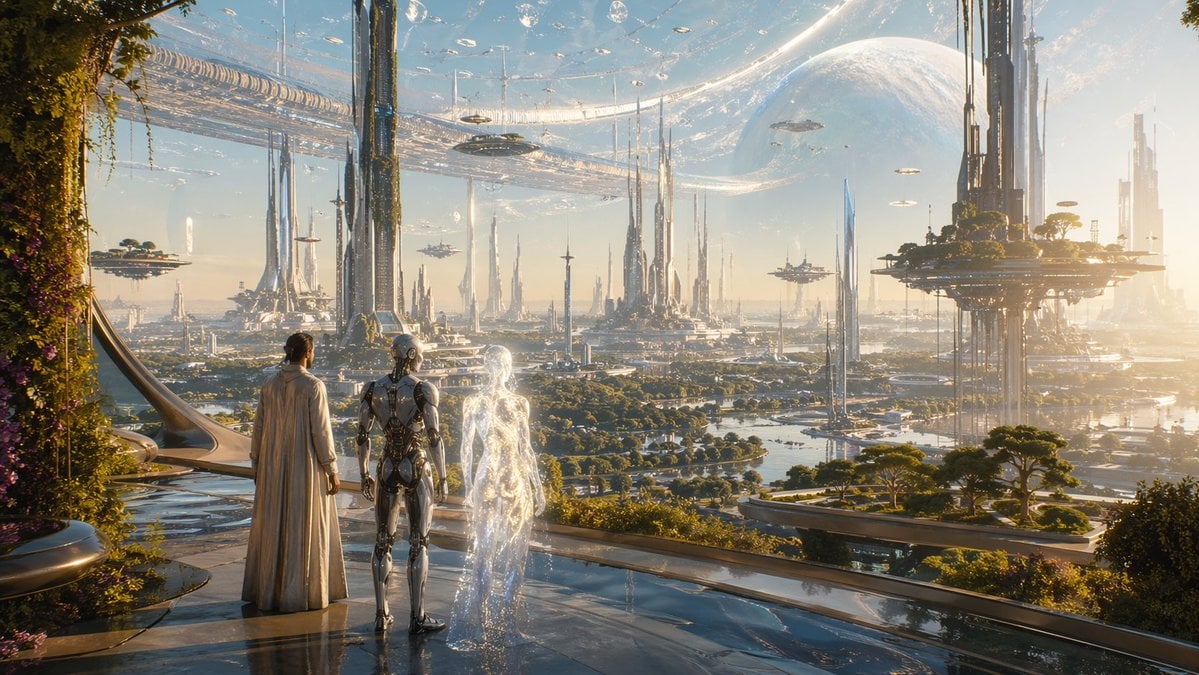
Far Future City with Transparent Humanoid
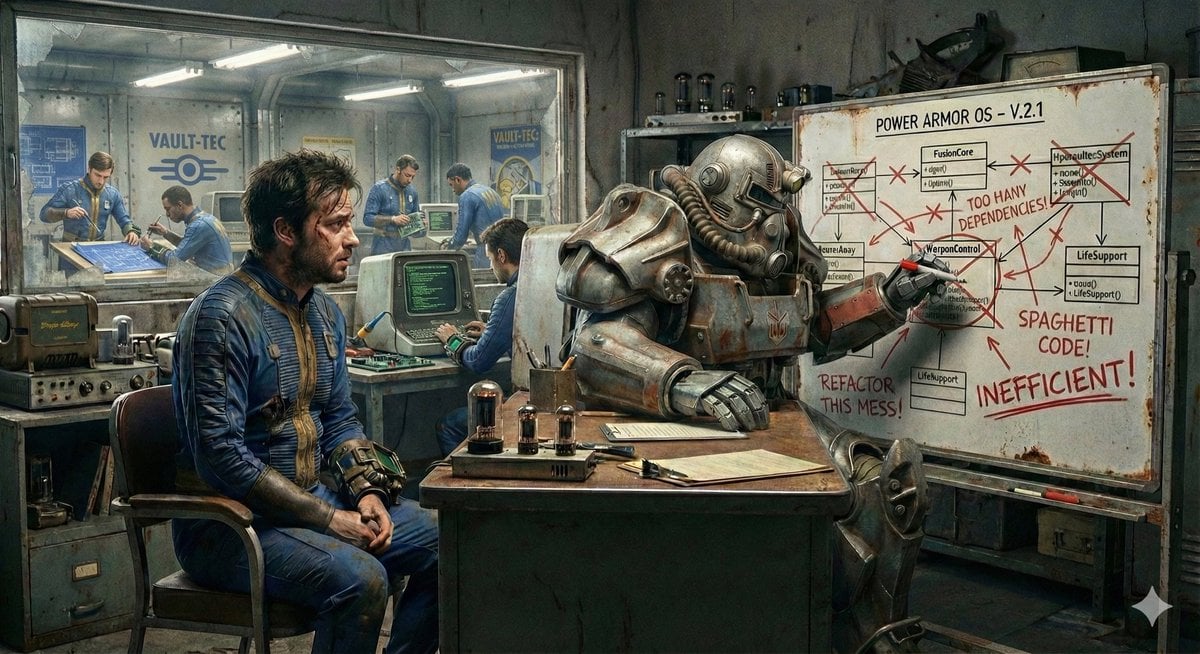
Nano Banana's Understanding of Fallout Terminology
Browse template categories
Sleeping Child with Dream Creatures questions
How do I use the Sleeping Child with Dream Creatures template?
Add your photo if the template asks for one, edit the prompt if you like — the template's model and format are already selected — and press Generate. Your version opens in PicX Studio.
Can I customize the Sleeping Child with Dream Creatures template?
Yes. You can change the subject, setting, lighting, mood, format, and available model controls before creating your image.
Is the Sleeping Child with Dream Creatures template free?
Opening and editing this template is free. Generating uses credits, shown on the Generate button when you are signed in.
Which AI model should I use?
Start with GPT Image 2, which is the model associated with this template. You can compare another compatible model for a different finish.
Looking for something else? Browse all templates.

Your photo, any look
Thousands of ready templates for every top image and video model, from one credit balance.