How do I use the Watercolor Children Book Illustration template?
Edit the prompt in the box under the preview — the template's model and format are already selected — and press Generate. Your version appears right on this page.
Curated from MeiGen gallery (ID: 2047174895293849972) by 宝玉.

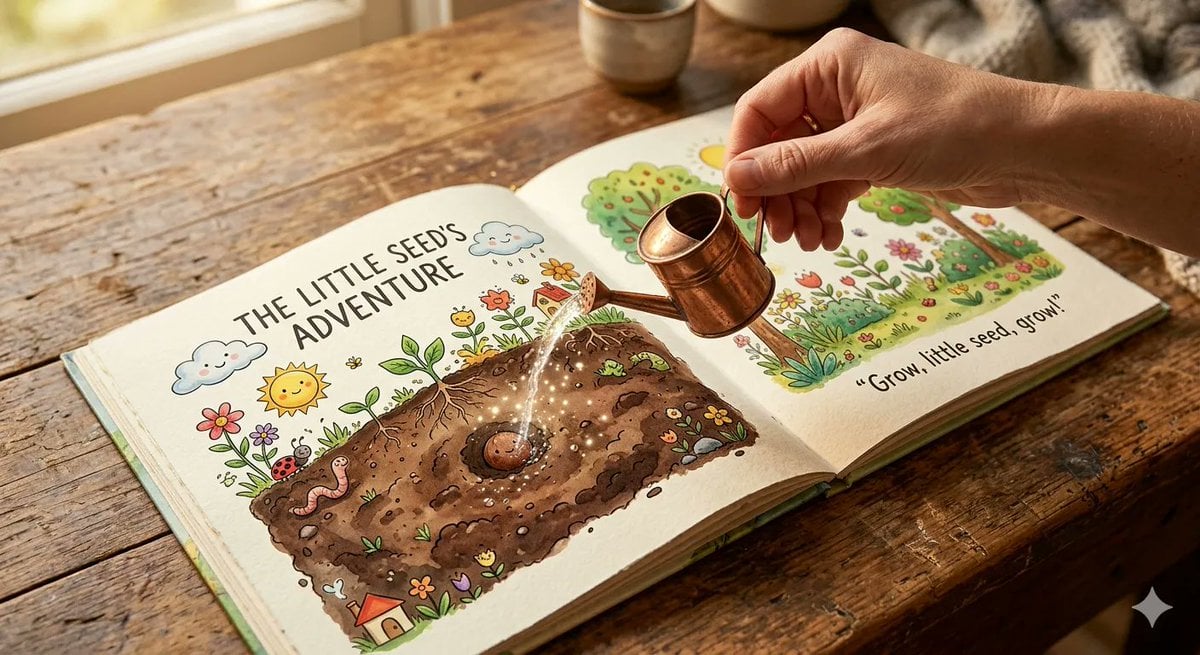
Soft poetic children's book illustration with watercolor and gouache textures.Clear gentle daylight with slightly brighter highlights.Muted pastel colors with soft blue and warm tones.Visible brush strokes and paper grain.Minimalist composition with large negative space.Calm, thoughtful, slightly open-ended atmosphere. Child character (around 12 years old).Subtle visual metaphors like light, shadow, perspective, reflection.Hand-painted picture book style, not cartoon, not anime, not 3D. Two children in calm conversation,soft connection forming.
Soft poetic children's book illustration with watercolor and gouache textures.Clear gentle daylight with slightly brighter highlights.Muted pastel colors with soft blue and warm tones.Visible brush strokes and paper grain.Minimalist composition with large negative space.Calm, thoughtful, slightly open-ended atmosphere. Child character (around 12 years old).Subtle visual metaphors like light, shadow, perspective, reflection.Hand-painted picture book style, not cartoon, not anime, not 3D. Two children in calm conversation,soft connection forming.
Edit the prompt in the box under the preview — the template's model and format are already selected — and press Generate. Your version appears right on this page.
Yes. You can change the subject, setting, lighting, mood, format, and available model controls before creating your image.
Opening and editing this template is free. Generating uses credits, shown on the Generate button when you are signed in.
Choose a compatible model in PicX Studio based on the style, speed, and output controls your project needs.
Follow a topic to a crawlable collection of related PicX Studio templates.