How do I use the City Spherical Panorama Tiny Planet template?
Edit the prompt in the box under the preview — the template's model and format are already selected — and press Generate. Your version appears right on this page.
Curated from MeiGen gallery (ID: 2009117120987320527) by Aleena Amir.

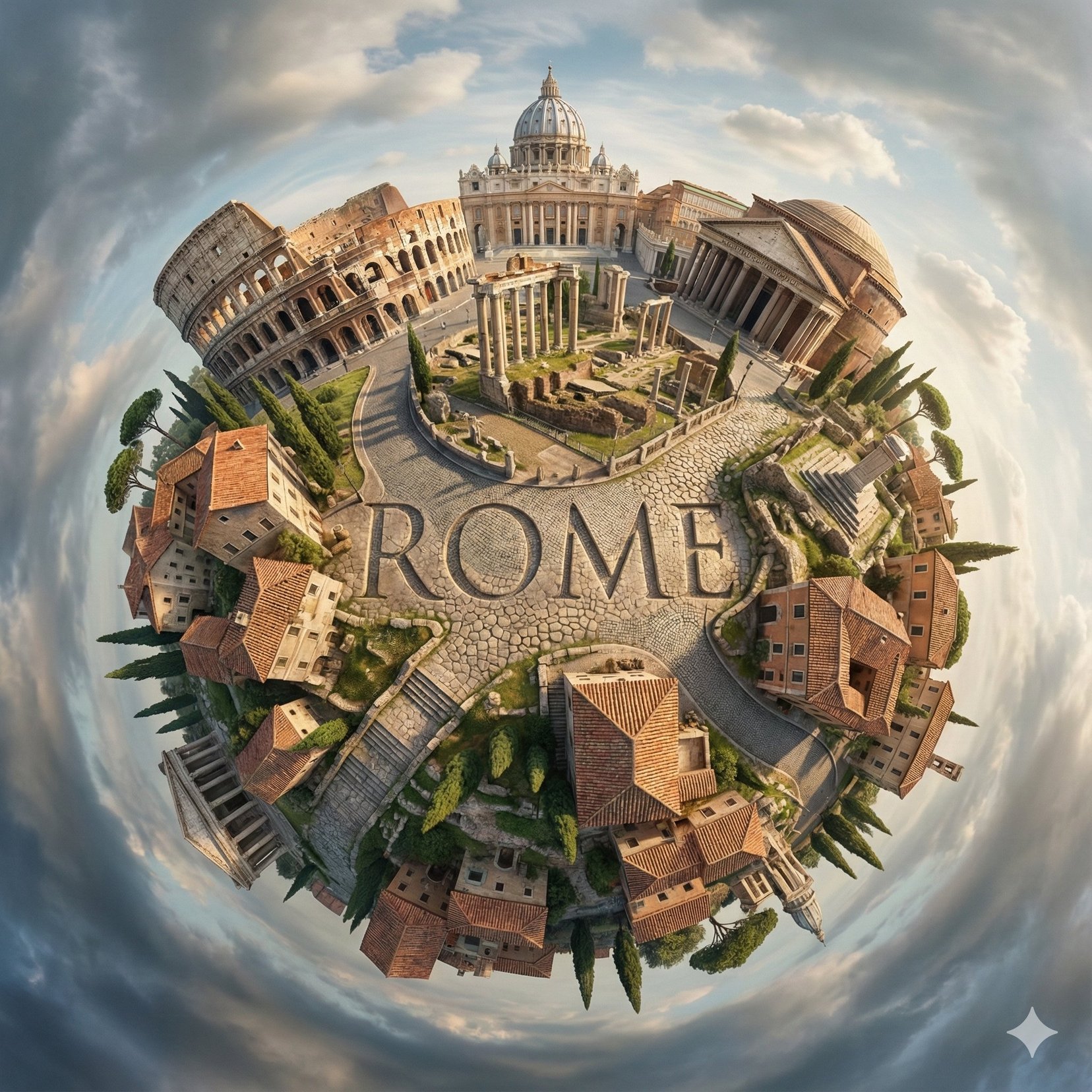
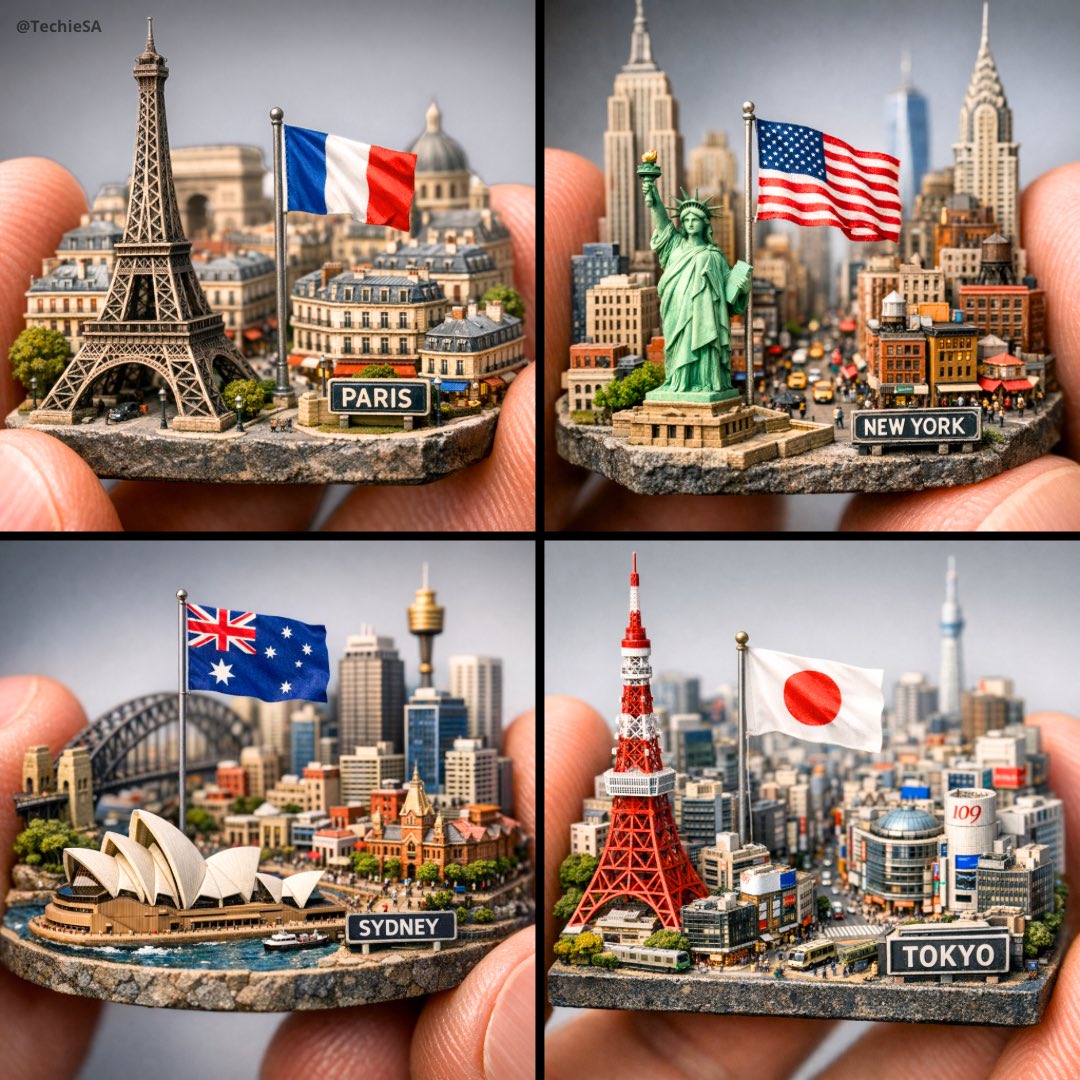
Create a hyperrealistic, surreal spherical panorama of [CITY NAME], with its most iconic landmarks and architecture seamlessly curving around the top of a planet-like surface, forming a cohesive miniature world. Integrate sleek, modern 3D typography spelling "[CITY NAME]" naturally into the urban landscape, harmonized with the environment rather than floating unnaturally. The scene is viewed from a top-down, orbiting perspective, emphasizing the tiny-planet effect and spherical distortion while maintaining architectural clarity. Soft, natural daylight filters through a partly cloudy sky, casting gentle, realistic shadows across lush greenery, streets, trees, and buildings. The background transitions smoothly into a dramatic, swirling sky, enhancing the surreal atmosphere without overpowering the city. Use a natural yet vivid color palette -- crisp greens, soft blues, and muted earth tones appropriate to [CITY NAME]. Render in a polished, photorealistic style with fine architectural detail, realistic textures, atmospheric depth, and high visual fidelity.
Create a hyperrealistic, surreal spherical panorama of [CITY NAME], with its most iconic landmarks and architecture seamlessly curving around the top of a planet-like surface, forming a cohesive miniature world. Integrate sleek, modern 3D typography spelling "[CITY NAME]" naturally into the urban landscape, harmonized with the environment rather than floating unnaturally. The scene is viewed from a top-down, orbiting perspective, emphasizing the tiny-planet effect and spherical distortion while maintaining architectural clarity. Soft, natural daylight filters through a partly cloudy sky, casting gentle, realistic shadows across lush greenery, streets, trees, and buildings. The background transitions smoothly into a dramatic, swirling sky, enhancing the surreal atmosphere without overpowering the city. Use a natural yet vivid color palette -- crisp greens, soft blues, and muted earth tones appropriate to [CITY NAME]. Render in a polished, photorealistic style with fine architectural detail, realistic textures, atmospheric depth, and high visual fidelity.
Edit the prompt in the box under the preview — the template's model and format are already selected — and press Generate. Your version appears right on this page.
Yes. You can change the subject, setting, lighting, mood, format, and available model controls before creating your image.
Opening and editing this template is free. Generating uses credits, shown on the Generate button when you are signed in.
Choose a compatible model in PicX Studio based on the style, speed, and output controls your project needs.
Follow a topic to a crawlable collection of related PicX Studio templates.