How do I use the Isometric Educational Process Diorama template?
Edit the prompt in the box under the preview — the template's model and format are already selected — and press Generate. Your version appears right on this page.
Curated from MeiGen gallery (ID: 2013493349156823287) by Aleena Amir.

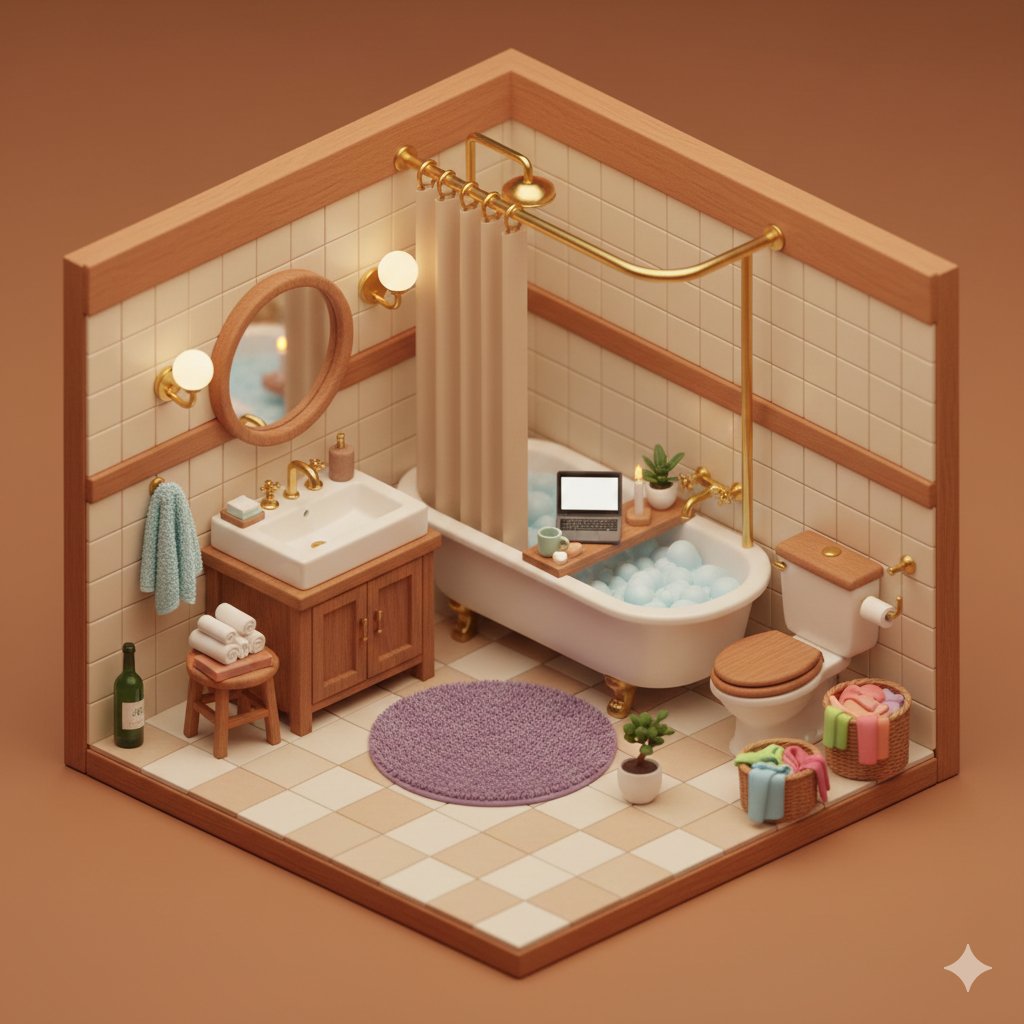
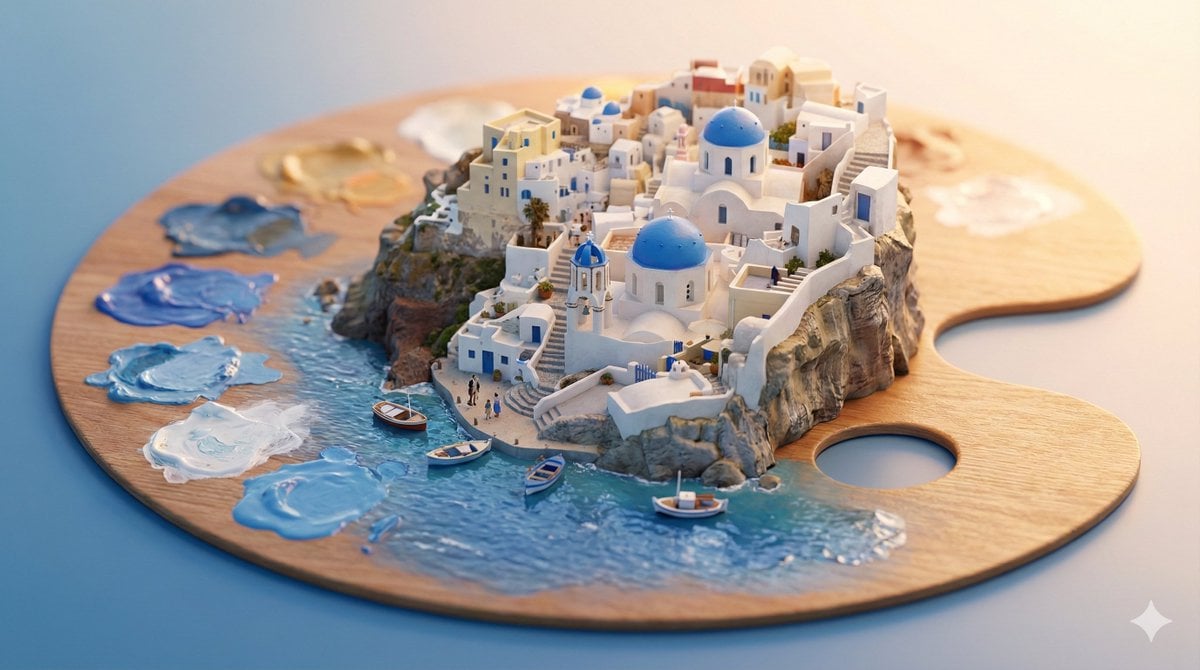
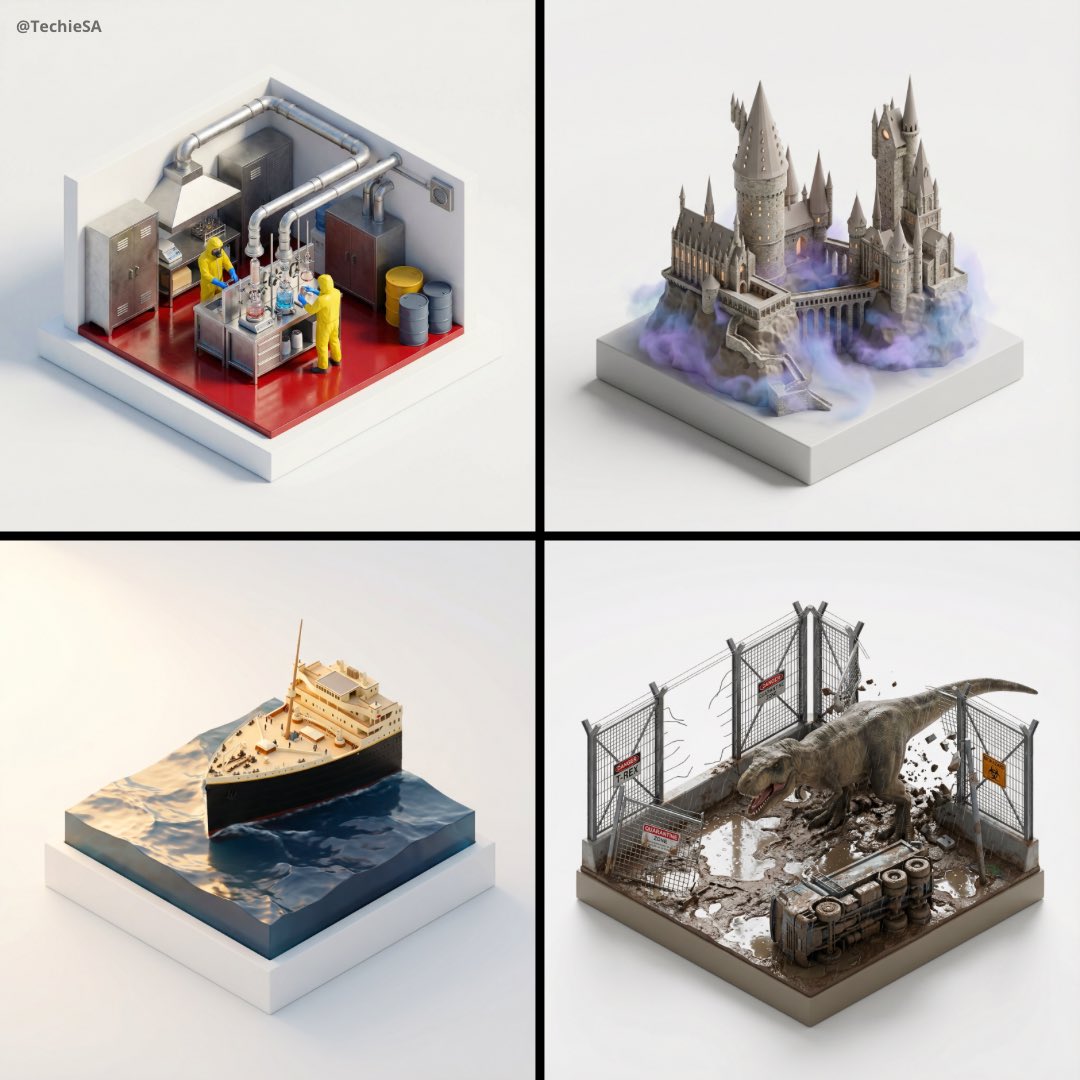
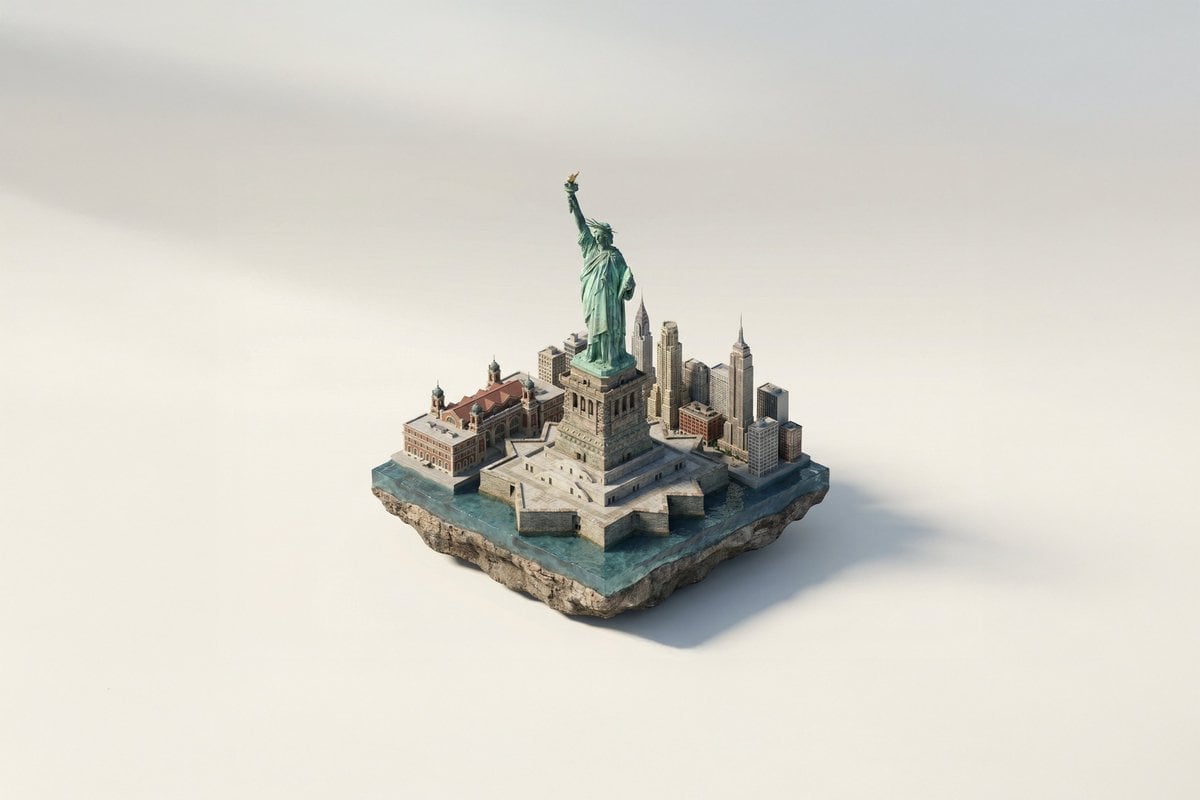
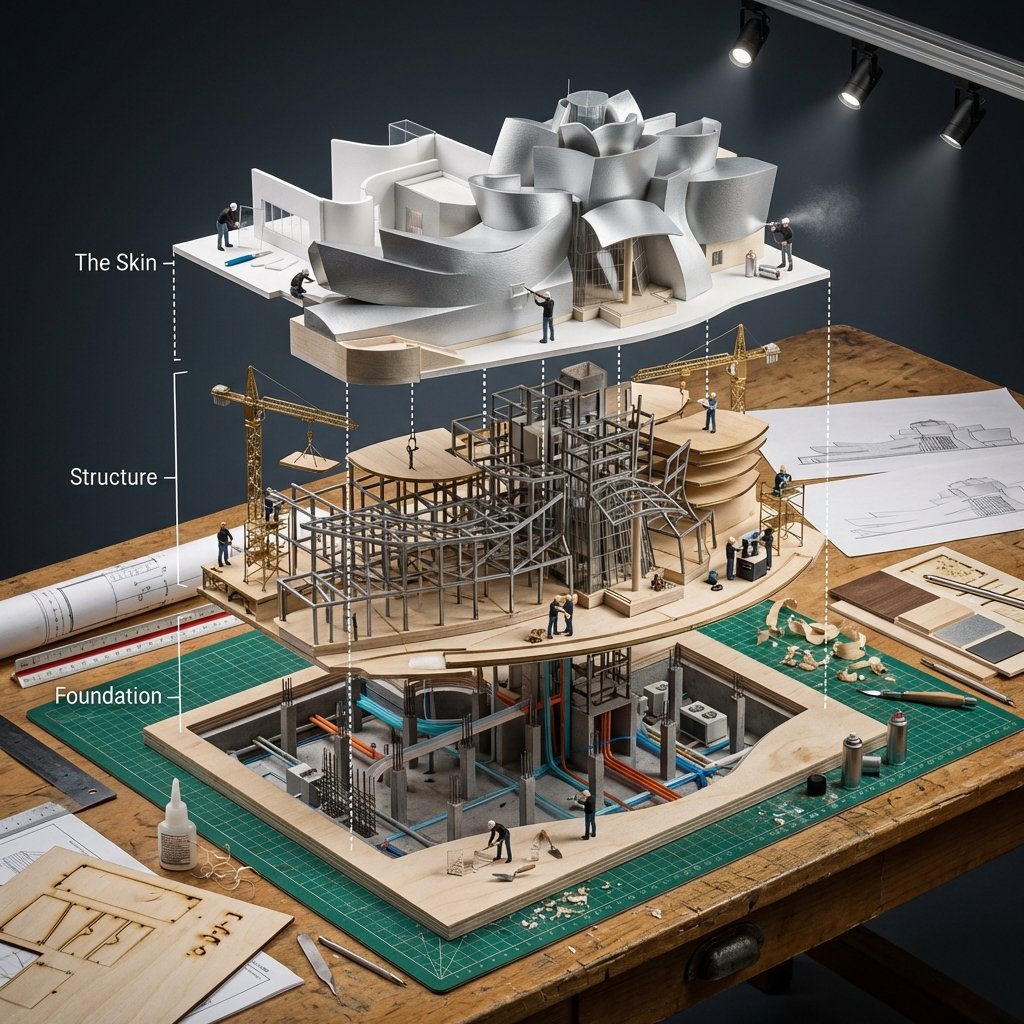
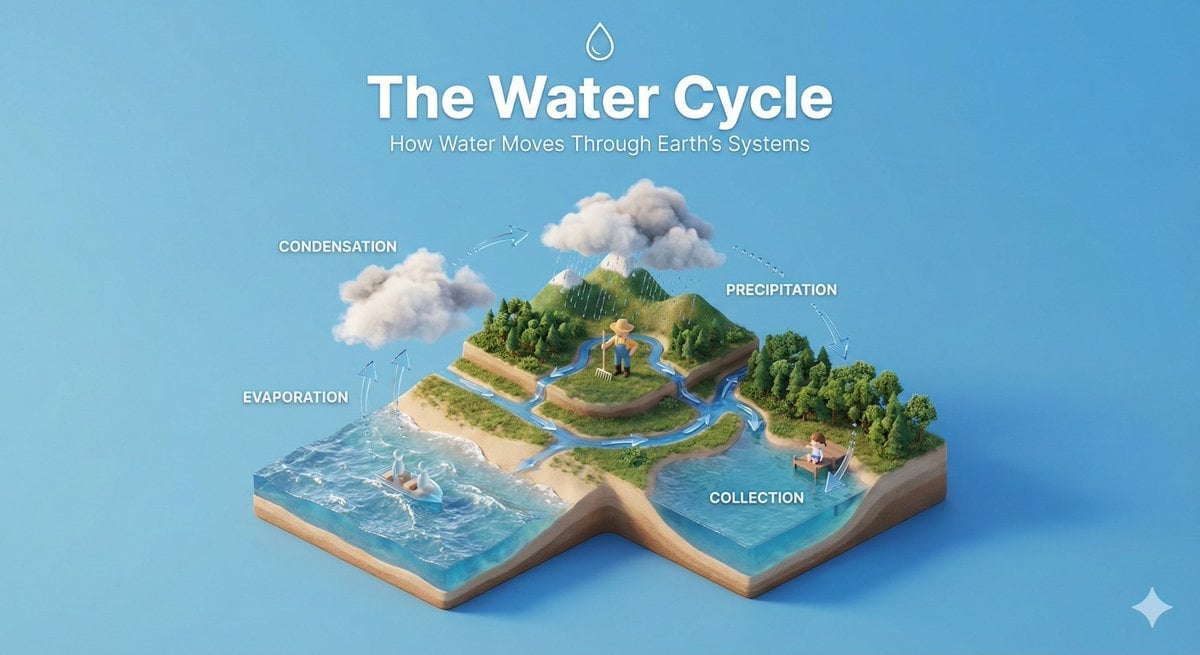
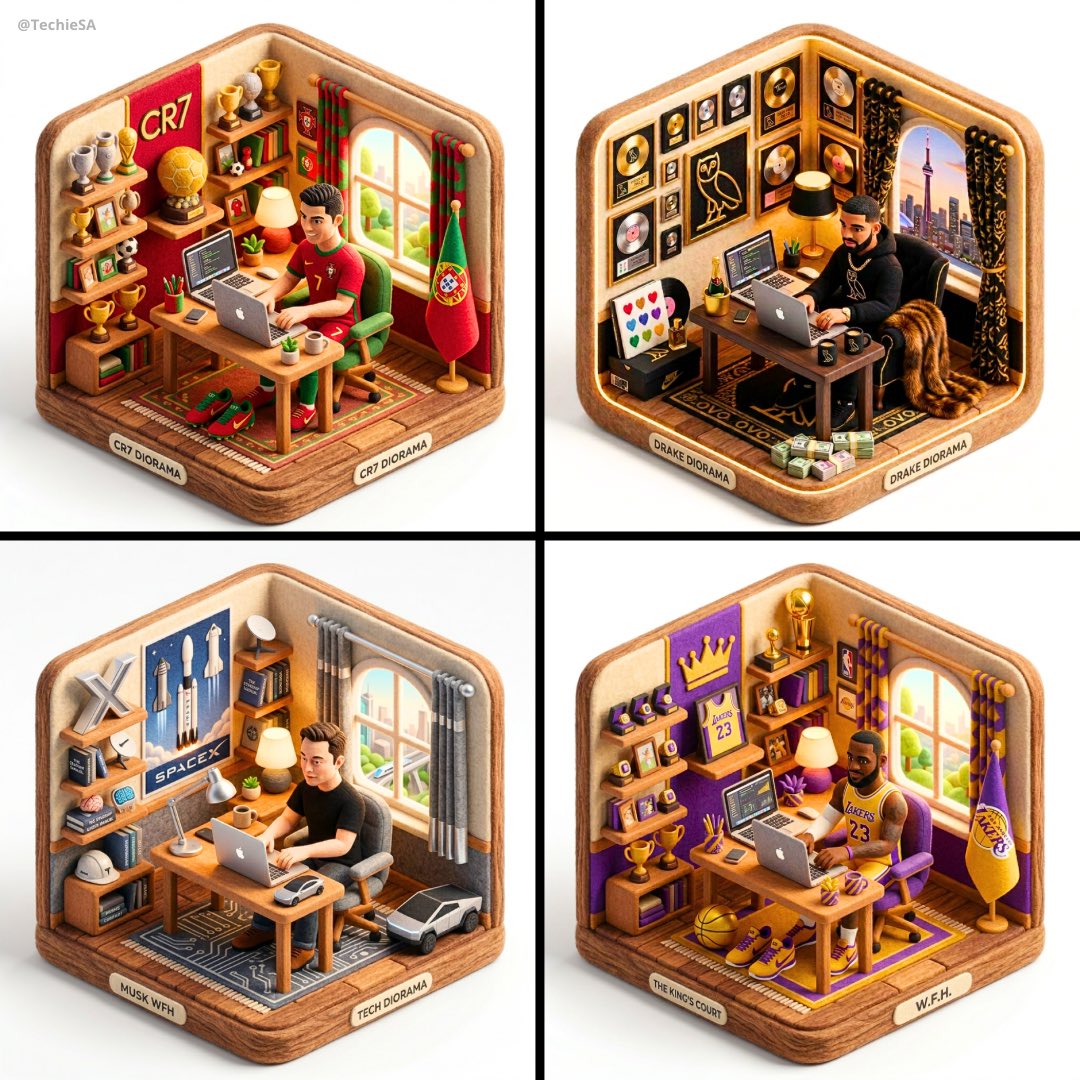
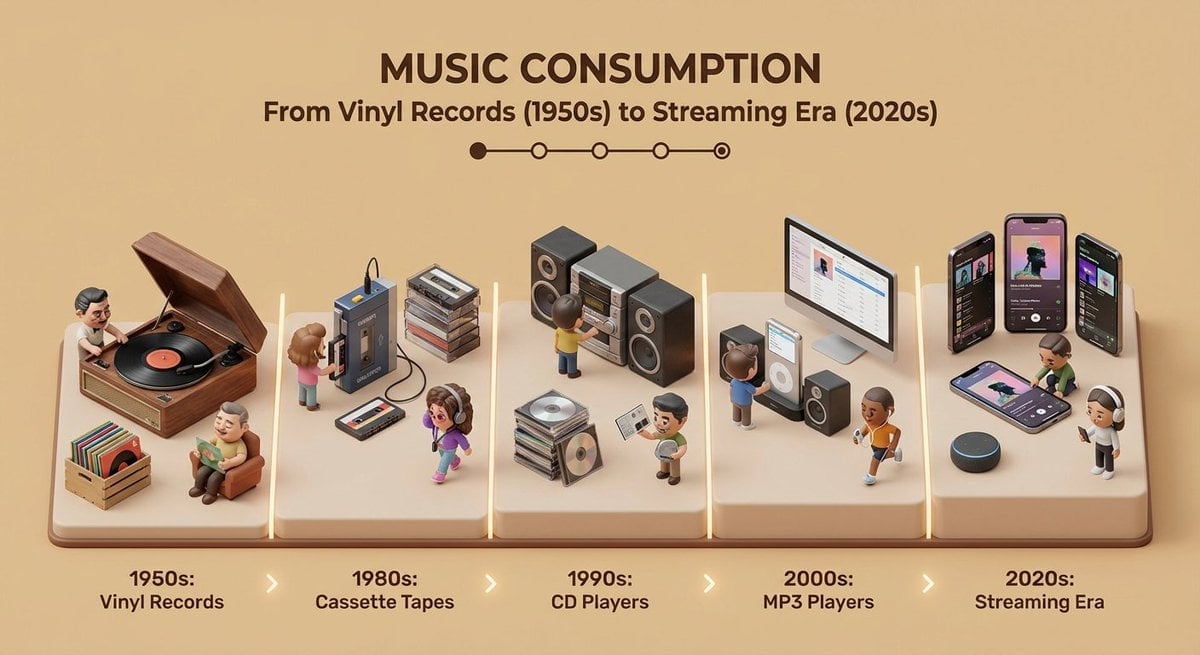
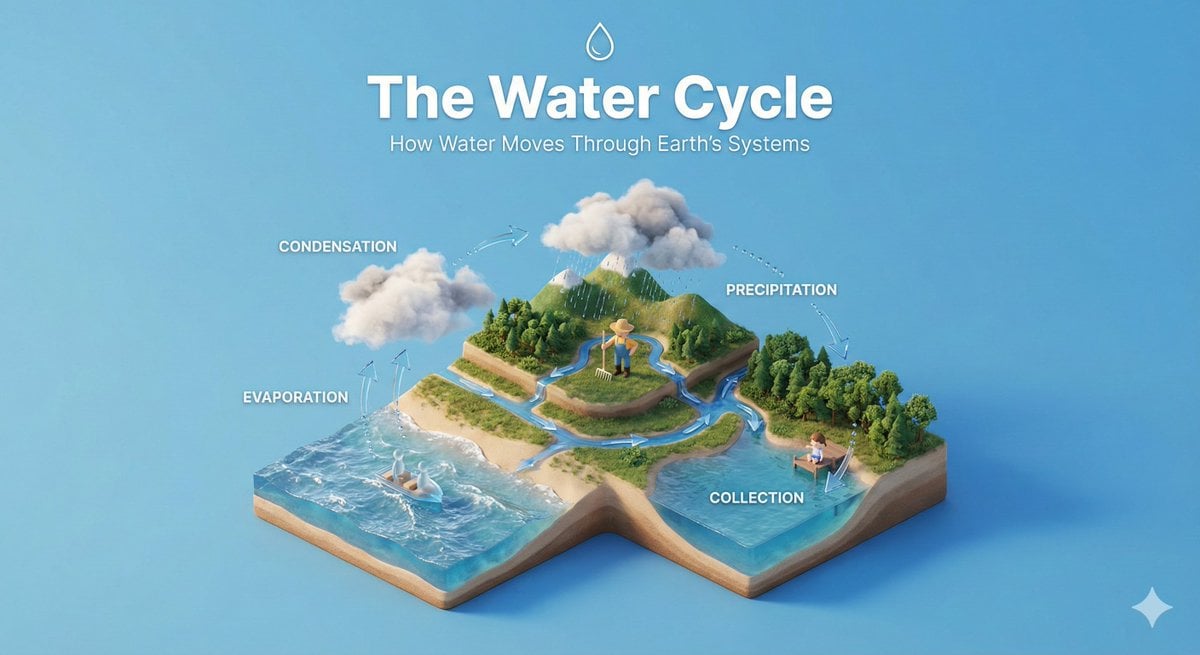
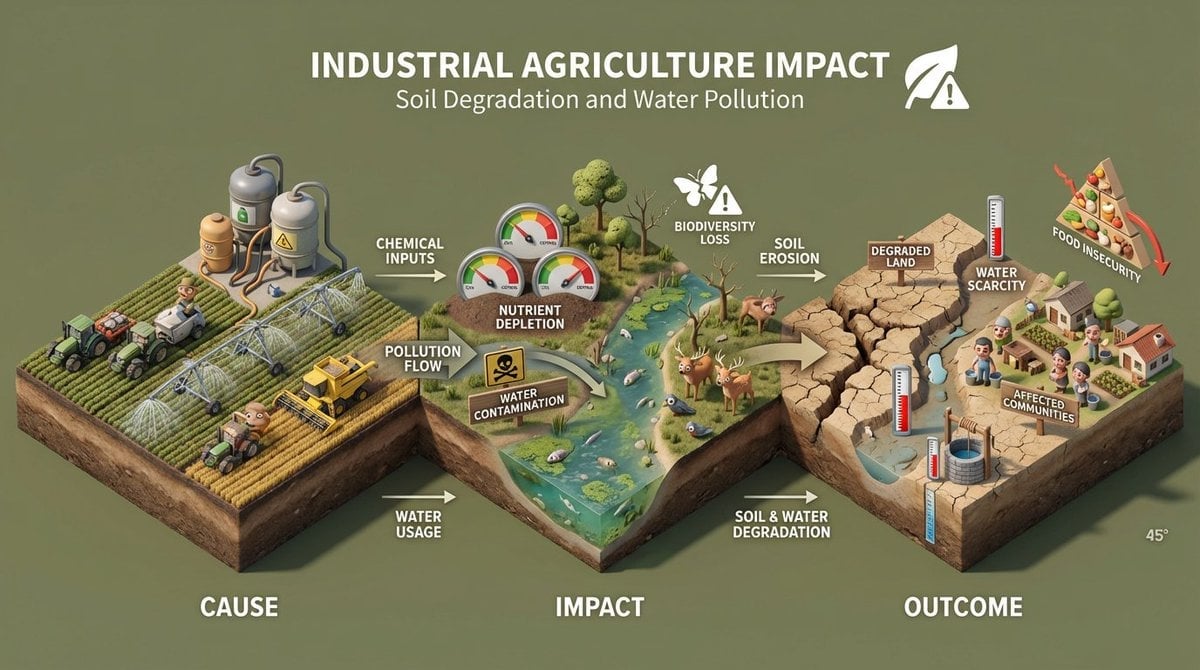
Create a clear, 45° top-down isometric miniature 3D educational diorama explaining [PROCESS / CONCEPT]. Use soft refined textures, realistic PBR materials, and gentle lifelike lighting. Build a stepped or layered diorama base showing each stage of the process with subtle arrows or paths. Include tiny stylized figures interacting with each stage (no facial details). Use a clean solid [BACKGROUND COLOR] background. At the top-center, display [PROCESS NAME] in large bold text, directly beneath it show a short explanation subtitle, and place a minimal symbolic icon below. All text must automatically match the background contrast (white or black).
Create a clear, 45° top-down isometric miniature 3D educational diorama explaining [PROCESS / CONCEPT]. Use soft refined textures, realistic PBR materials, and gentle lifelike lighting. Build a stepped or layered diorama base showing each stage of the process with subtle arrows or paths. Include tiny stylized figures interacting with each stage (no facial details). Use a clean solid [BACKGROUND COLOR] background. At the top-center, display [PROCESS NAME] in large bold text, directly beneath it show a short explanation subtitle, and place a minimal symbolic icon below. All text must automatically match the background contrast (white or black).
Edit the prompt in the box under the preview — the template's model and format are already selected — and press Generate. Your version appears right on this page.
Yes. You can change the subject, setting, lighting, mood, format, and available model controls before creating your image.
Opening and editing this template is free. Generating uses credits, shown on the Generate button when you are signed in.
Choose a compatible model in PicX Studio based on the style, speed, and output controls your project needs.
Follow a topic to a crawlable collection of related PicX Studio templates.