How do I use the Human and Pixar Character Duplication Prompt template?
Choose the primary action to open PicX Studio with the available template settings. Review the model and format, personalize the creative direction, and generate when ready.
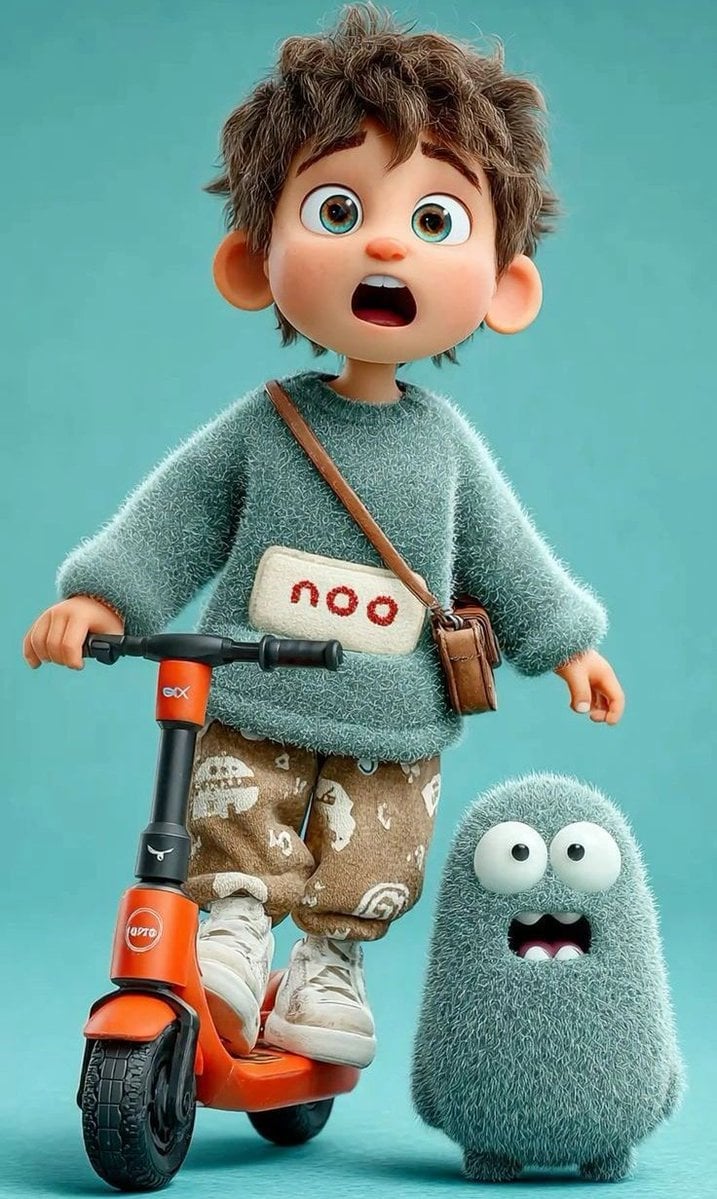
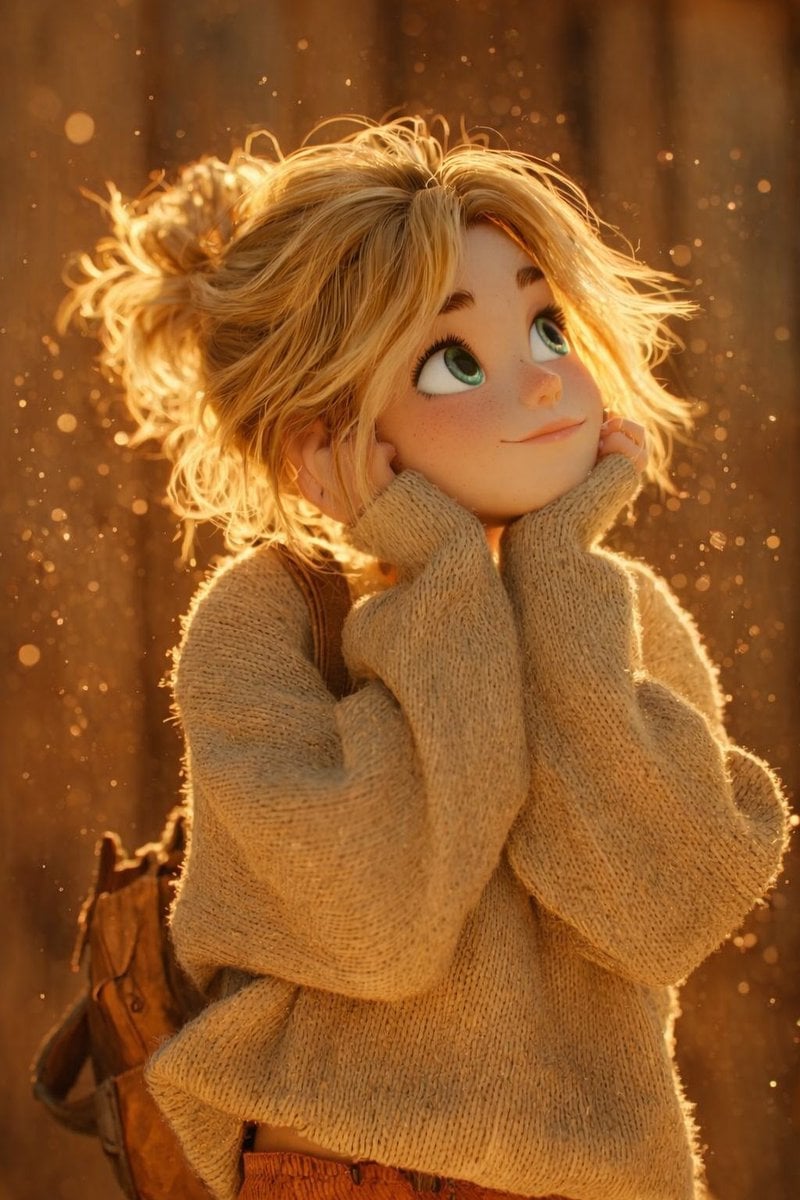
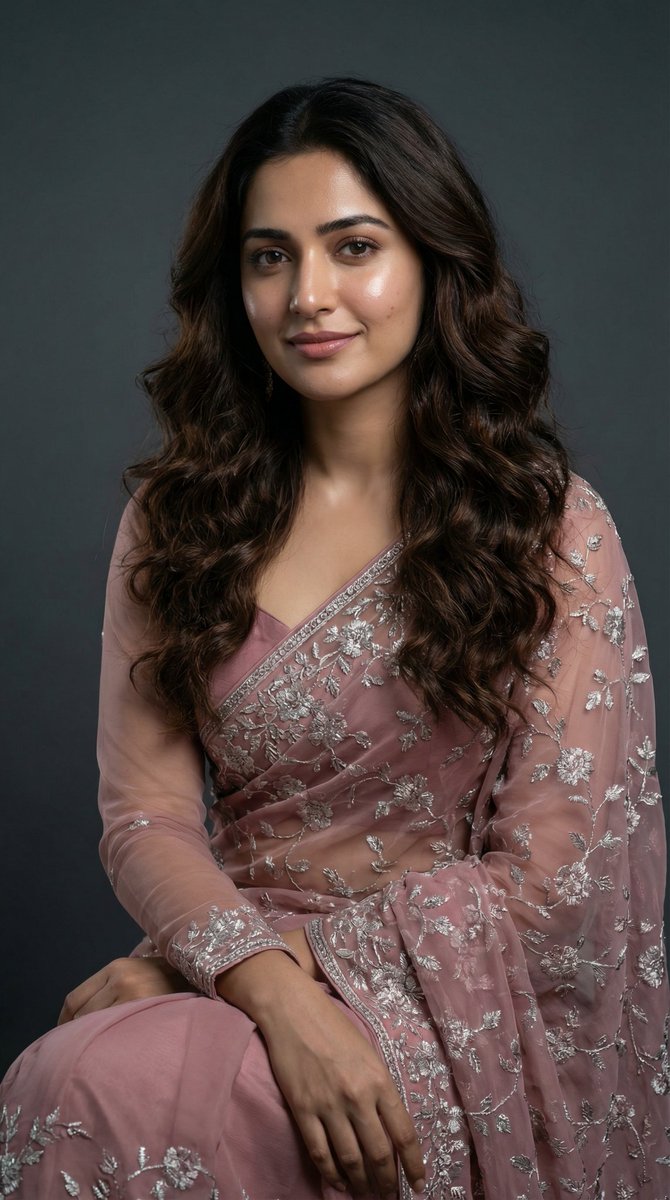
A prompt for generating an ultra-high-quality photo featuring a real human and a giant 3D Pixar-style version of the same person, both based strictly on an uplo
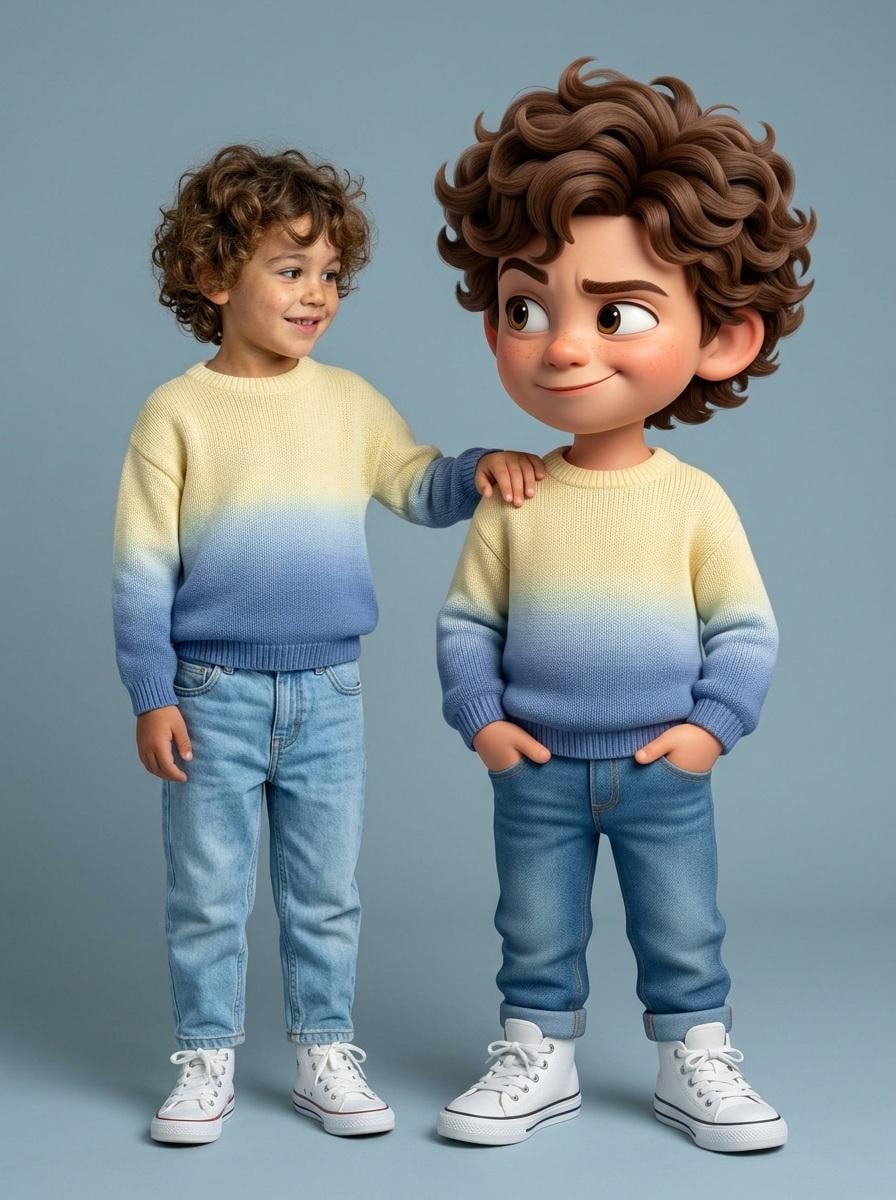
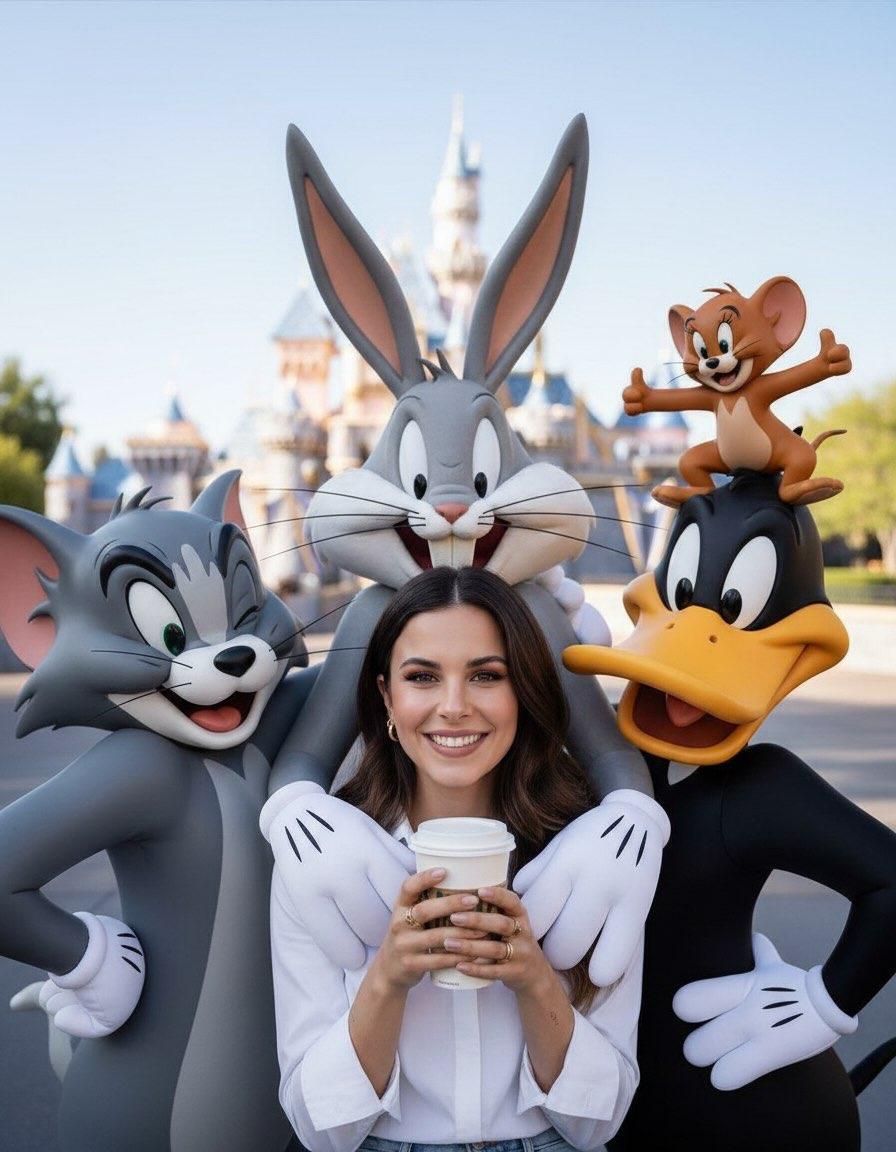
Ultra-high-quality hyper-realistic photo featuring a real human and a giant 3D Pixar-style version of THE SAME person — both strictly based on the uploaded reference image. The real person and the Pixar character must have identical facial structure, hairstyle, facial expression, body proportions, height, and clothing. Both are wearing a knitted sweater with a gradient from light yellow to pink, high-waisted blue jeans, and white high-top sneakers. The pose must exactly match the reference: the real person stands relaxed with a friendly smile, with their hand naturally resting on the shoulder of the Pixar character. The Pixar version stands slightly wider, arms confidently positioned near the pockets, with a playful sly smirk, one raised eyebrow, and expressive Pixar-style eyes. The Pixar character should be proportionally larger, but anatomically identical to the real person. The facial expression, head tilt, posture, and body language must precisely replicate the reference image. Clean gray-blue studio background, soft even studio lighting, realistic shadows, crisp fabric texture, smooth Pixar-style skin shading, cinematic sharpness. DO NOT change the pose, reaction, clothing, or proportions. Strict adherence to the reference.
Choose the primary action to open PicX Studio with the available template settings. Review the model and format, personalize the creative direction, and generate when ready.
Yes. You can change the subject, setting, lighting, mood, format, and available model controls before creating your image.
This template is free to open and customize. Generation usage is shown in PicX Studio before you create.
Start with Nano Banana 2, which is the model associated with this template. You can compare another compatible model for a different finish.
Follow a topic to a crawlable collection of related PicX Studio templates.