
Notebook Slides With Reference Character
Creates an 8-slide Japanese notebook-style educational deck using a provided character sheet as a consistent presenter mascot.
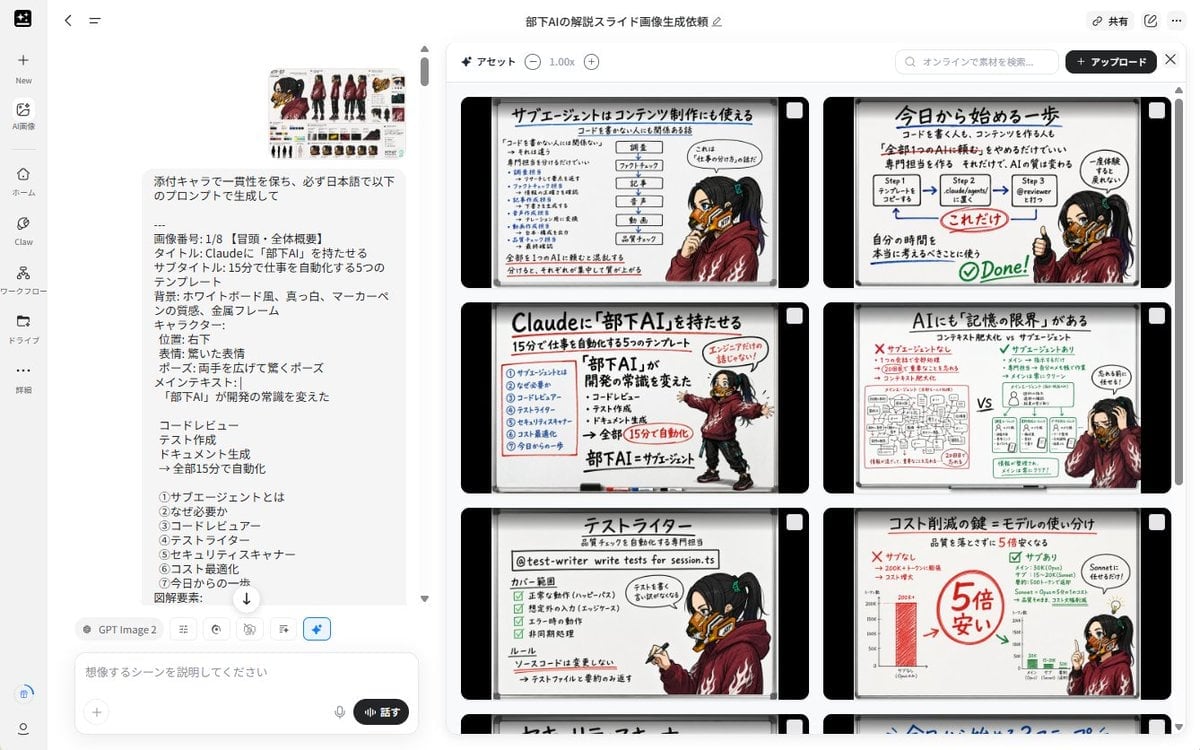
- Prompt included
- Model and format preset
- Free template
The prompt behind this image
Copy the exact prompt behind Notebook Slides With Reference Character, or open it in the studio and make it yours.
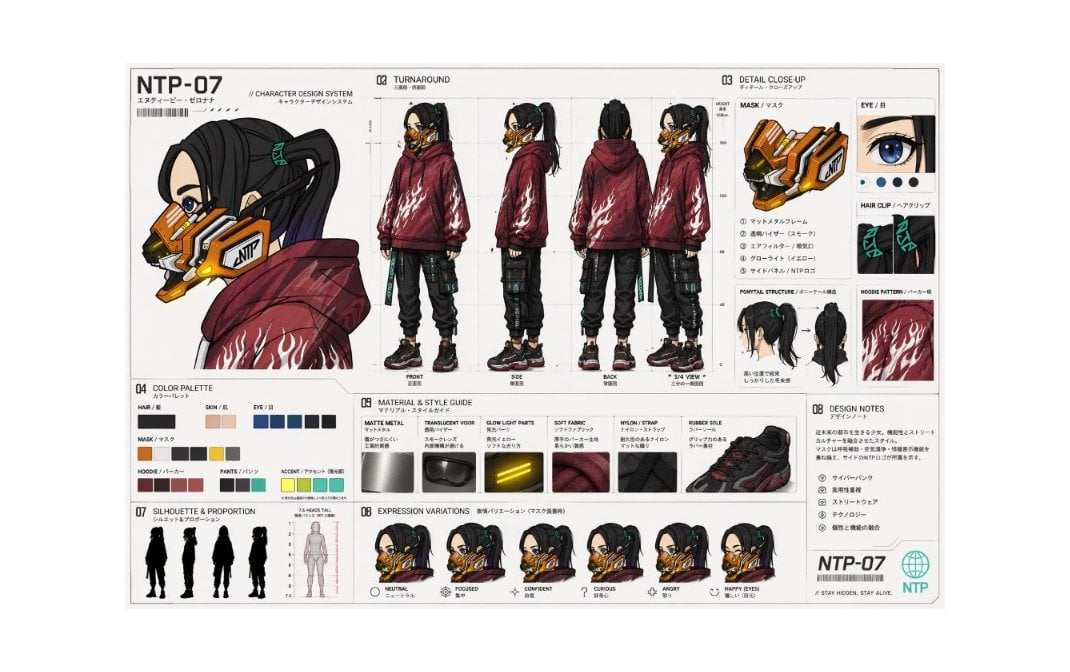
Using REFERENCE_0 as the character base, create a consistent set of exactly 8 Japanese educational slide images about {argument name="topic" default="Claudeに『部下AI』を持たせる"}. Keep the character design, outfit, mask, hairstyle, and cyberpunk details consistent with the reference, but redraw the character in new poses and expressions for each slide. Overall format: Each slide should look like a hand-drawn notebook/sketchbook page with a cream paper background, black rounded outer frame, left-side spiral binding, marker-style Japanese handwriting, red emphasis marks, arrows, check marks, small icons, and simple workflow diagrams. Use a warm analog note-taking style rather than a clean corporate deck. Maintain the same slide design language across all 8 images. Character placement: Place the character as a presenter/mascot on the right side or lower-right area of most slides. Vary the pose naturally: surprised with both hands open, pointing at diagrams, holding a clipboard, sitting while reviewing, making an OK/check gesture, or explaining with one raised finger. Preserve the reference character’s identity and clothing. Generate exactly these 8 slide topics: 1. Opening / overall overview: Title text {argument name="headline text" default="Claudeに『部下AI』を持たせる"}; subtitle {argument name="subtitle text" default="15分で仕事を自動化する5つのテンプレート"}; main message: 「部下AI」が開発の常識を変えた; include the five automation examples: コードレビュー, テスト作成, ドキュメント生成, 全部15分で自動化, and a simple checklist-like layout. 2. What is a sub-agent: Explain 「サブエージェントとは」 as a reusable AI role or specialist assistant. Include small role cards and arrows showing a main Claude agent delegating tasks. 3. Why it is needed: Explain 「なぜ必要か」 with a before/after comparison, emphasizing that repeatedly asking AI for the same tasks is inefficient and can be turned into templates. 4. Code reviewer: Title 「コードレビュー」; show a GitHub/code review style flow with files, comments, bugs, and a check mark. 5. Test writer: Title 「テストライター」; show a test-generation workflow with steps, file names, unit tests, and pass/fail style icons. 6. Security scanner: Title 「セキュリティスキャナー」; show risk levels CRITICAL, HIGH, MEDIUM, LOW and emphasize that the agent detects issues but does not automatically fix them. 7. Cost optimization: Title 「コスト削減の鍵:モデルの使い分け」; show a comparison that cheaper/smaller models can handle simple checks and that costs can become much cheaper, with bold red savings notes. 8. Start today / summary: Title 「今日から始める一歩」; show a simple 3-step process: create a template, place it in a Claude agents folder or workflow, ask for review/automation, then mark it complete with a big check. Text style: Use Japanese text throughout. Make headlines large and bold, with red underlines and handwritten annotations. Keep diagrams simple and readable. Use only the listed 8 slide topics and do not add extra slides. Constraints: Keep the same notebook layout, cream color palette, black border, left spiral binding, and consistent character identity across every image. Avoid photorealism, avoid 3D rendering, avoid watermarks, and do not change the character into a different person.
Reference images included
Notebook Slides With Reference Character needs input media to work. They load alongside the prompt when you open it in the studio.
How to use Notebook Slides With Reference Character in 3 steps
- 1Upload ImagePNG, JPG or paste
Add your photo
Upload the photo the template builds on. The prompt, model and format are already set.
- 2…a portrait of your subject in softgolden-hour light, 85mm…
Personalize
Edit the subject and creative details for your destination.
- 3Generate
Generate
Press Generate — your image is created in PicX Studio, so you can compare it with the original and refine one variable at a time.
More like this
Templates with the same subject, style or setup. Open one to see its prompt.

Dancer Character - Four View Reference Sheet

Movement Sheet - Dance Reference (Seedance 2.0)

Sketch to Reality Travel Notebook
Photography Scheme Reference Guide

Nano Banana Pro Identity Lock — Composition + Face Reference
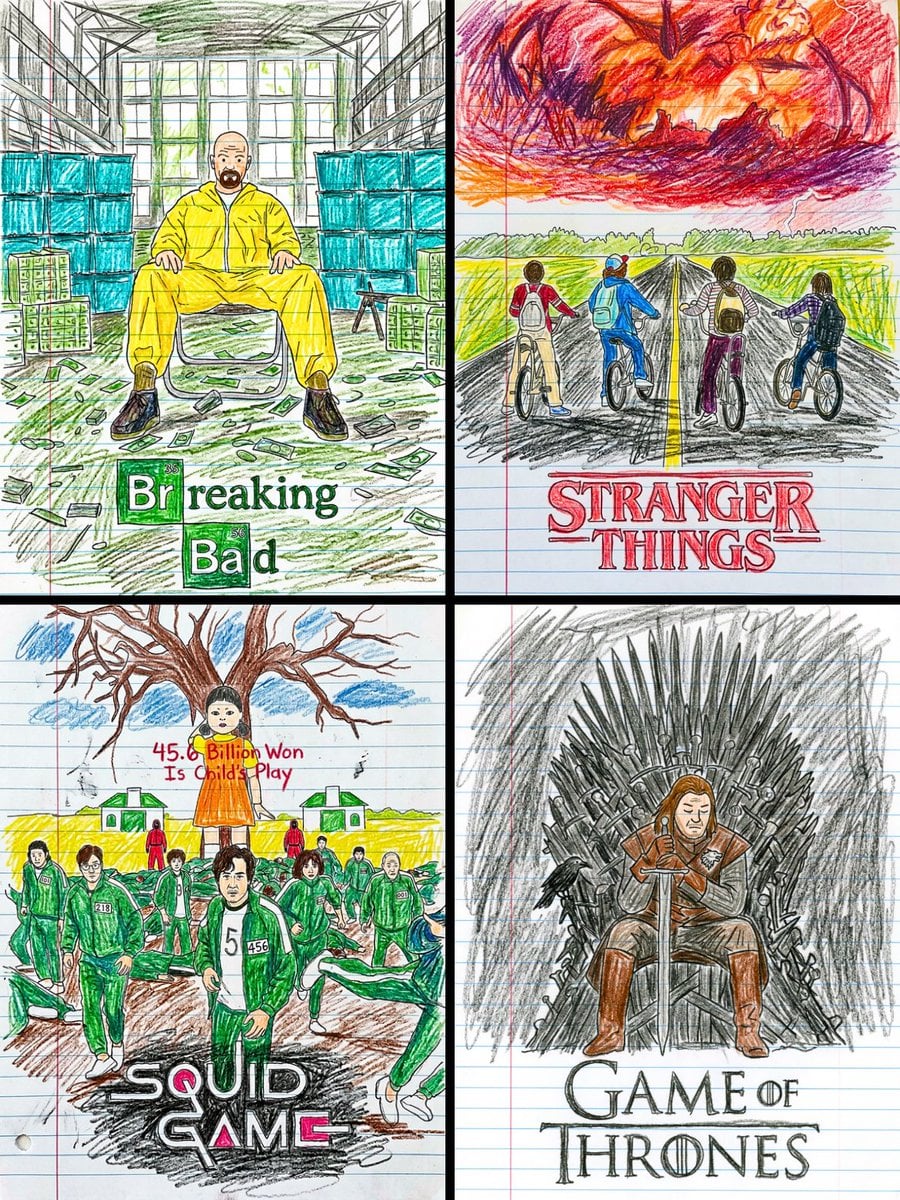
This movie poster into a child s crayon drawing on lined notebook paper
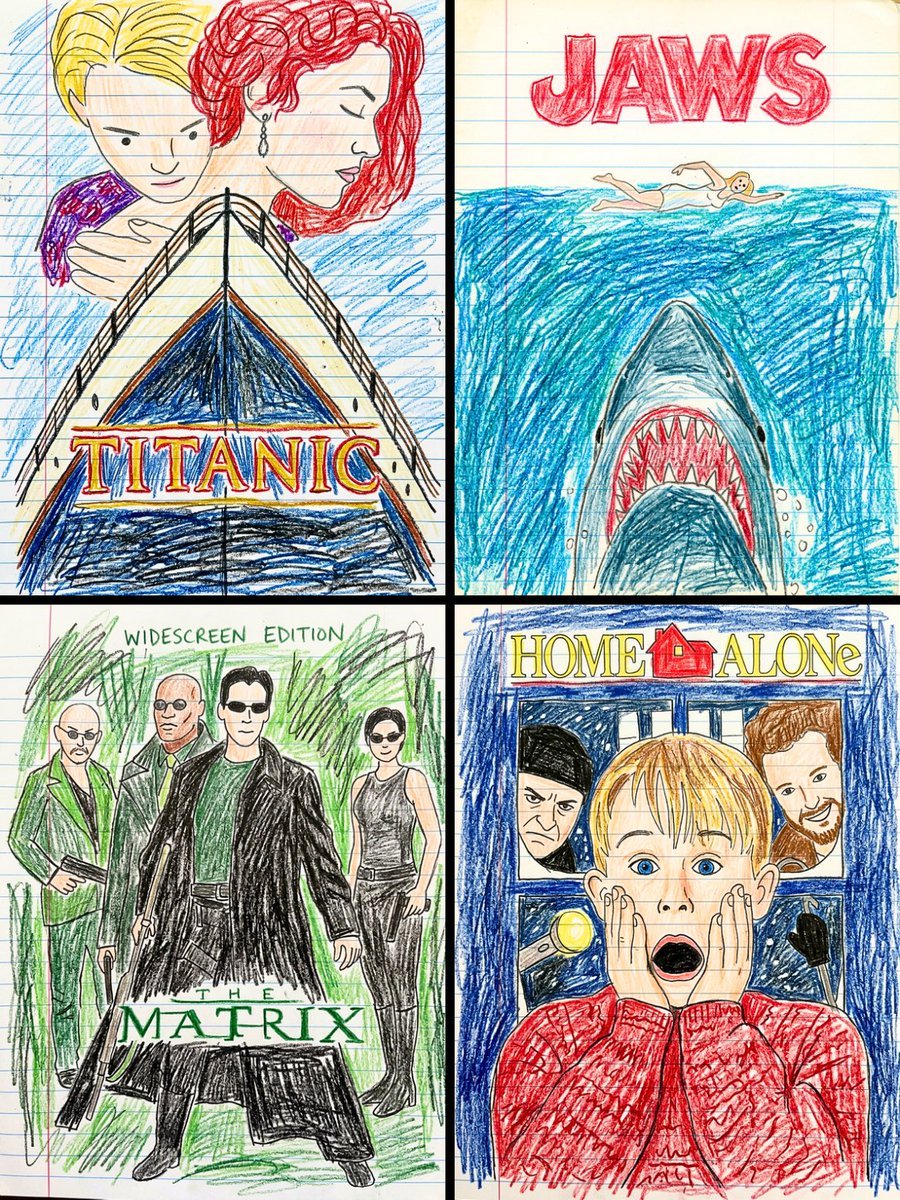
This movie poster into a child s crayon drawing on lined notebook paper

Clean, minimalist fashion infographic from an uploaded reference photo

3D Notebook Illusion Sketch

Girl Emerging From Torn Notebook

Gray Studio Character Reference Sheet

Anime Character Sheet Reference Prompt
Make it yours
Notebook Slides With Reference Character works as-is. These are the safest ways to change it without losing the look.
Change one field
Copy a single group, rewrite it, and generate again so you can see what that field is doing.
Keep the frame, change the subject
Hold the composition and light of Notebook Slides With Reference Character, then swap wardrobe, props or the person for a new take.
| If the result… | Why | Fix |
|---|---|---|
| The result drifts from the preview | Too many fields changed at once. | Reuse Notebook Slides With Reference Character as-is first, then change one group — subject, light, or setting. |
| The model over-stylizes the scene | The prose prompt leaves finish and camera underspecified. | Add one camera or lighting sentence and stay on GPT Image 2. |
More GPT Image 2 templates
Other prompts made for GPT Image 2.

Six VTuber Japanese Logo Sheet

Realistic Portrait of Woman and Deer

The Vista Modular Condo Poster

AI Model Routing Comparison Infographic

2.5D Anime Art Board

Isometric Productivity Desk Scene

New York Double Exposure Poster

Four-Panel AI Landscape Comparison

Japanese Tatami Lifestyle Magazine Cover

NESCAFÉ Coffee Map Poster
More image prompts
Fresh picks from across the catalog.
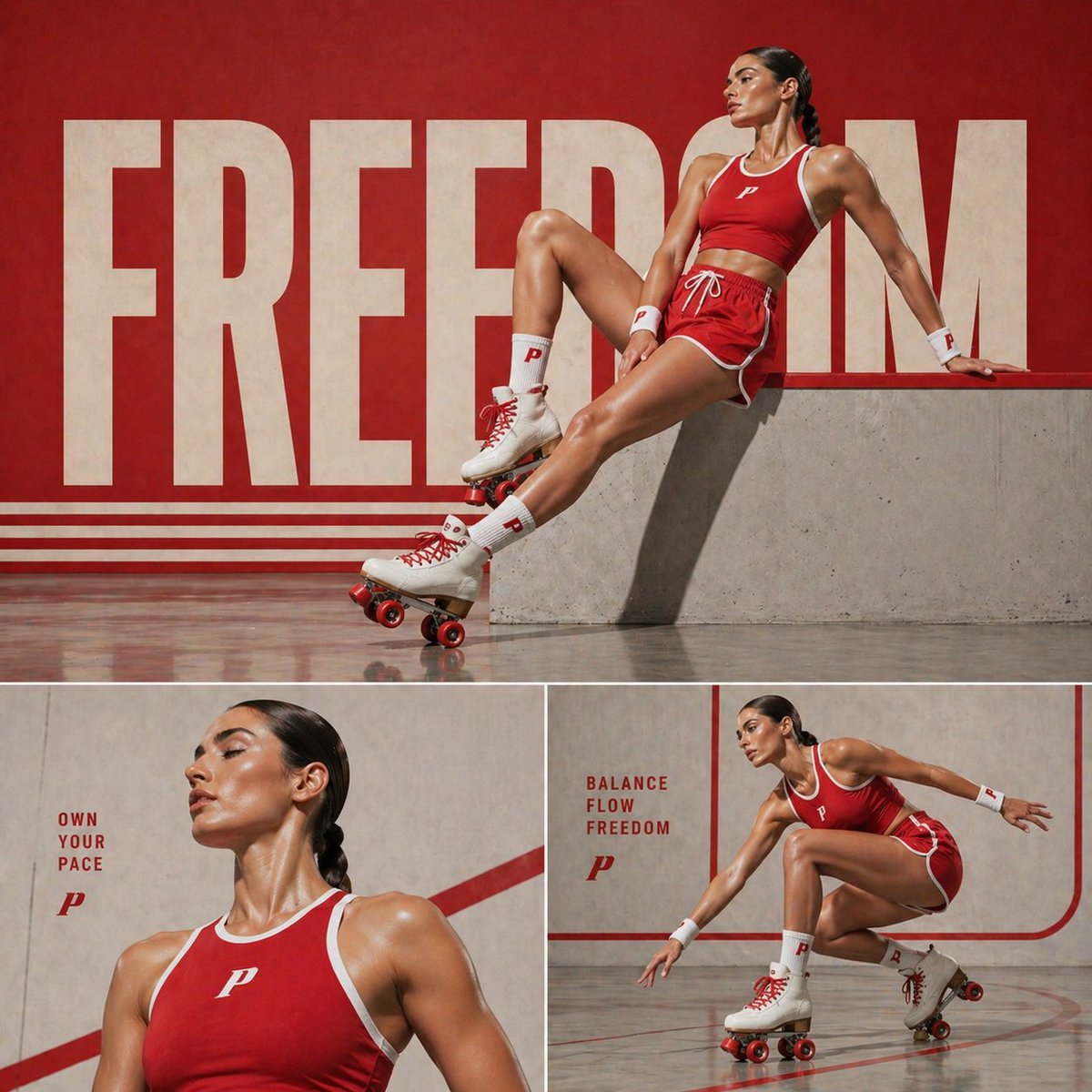
Retro Sports Fashion Campaign Collage

Gritty Post-Apocalyptic Survivor Scene
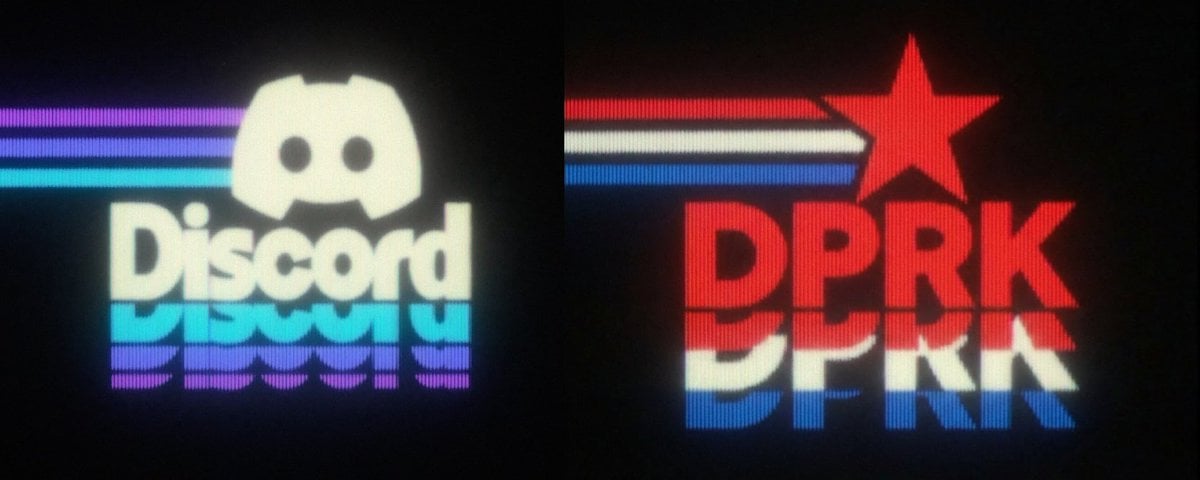
Wireframe schematic restyle prompt
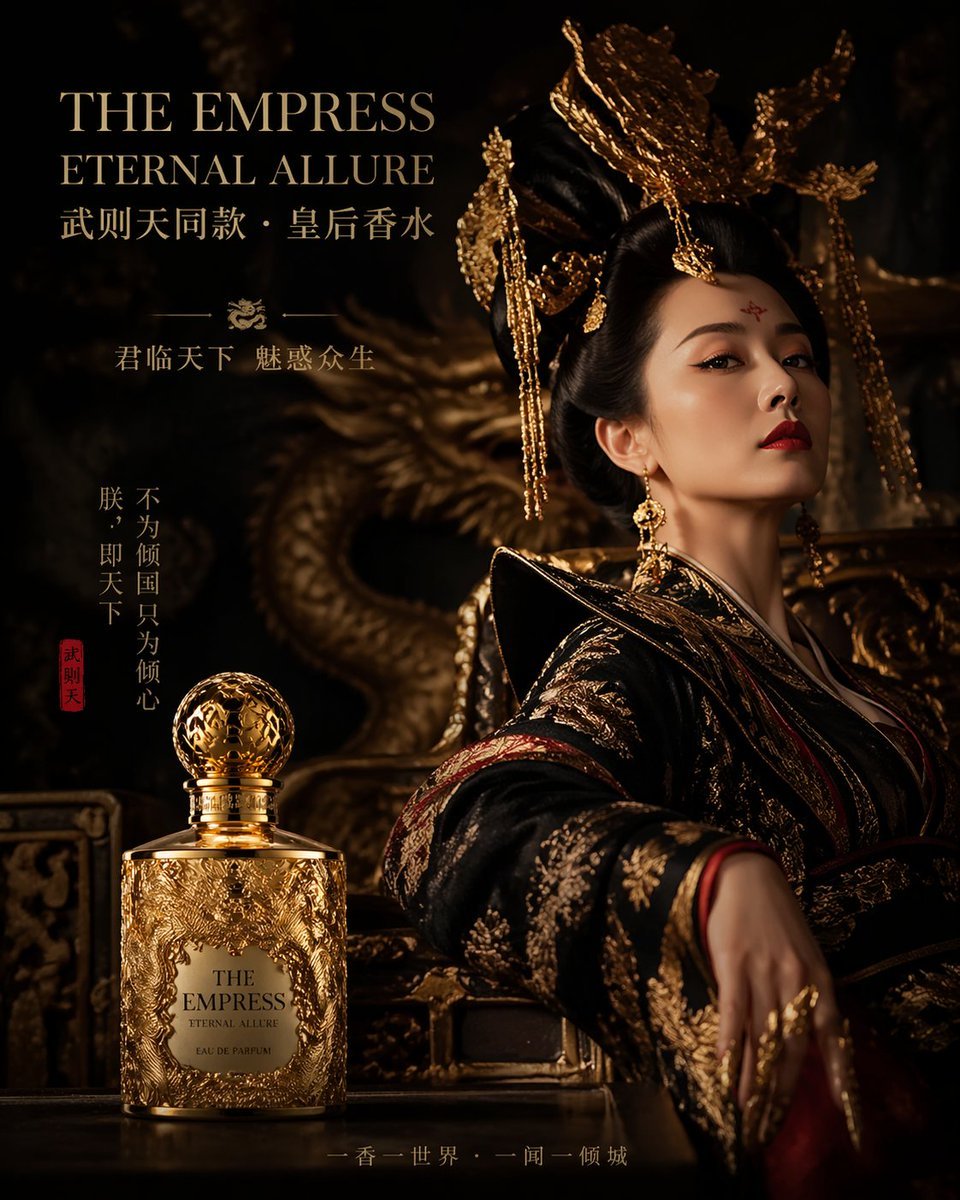
Royal Perfume Advertisement Prompt
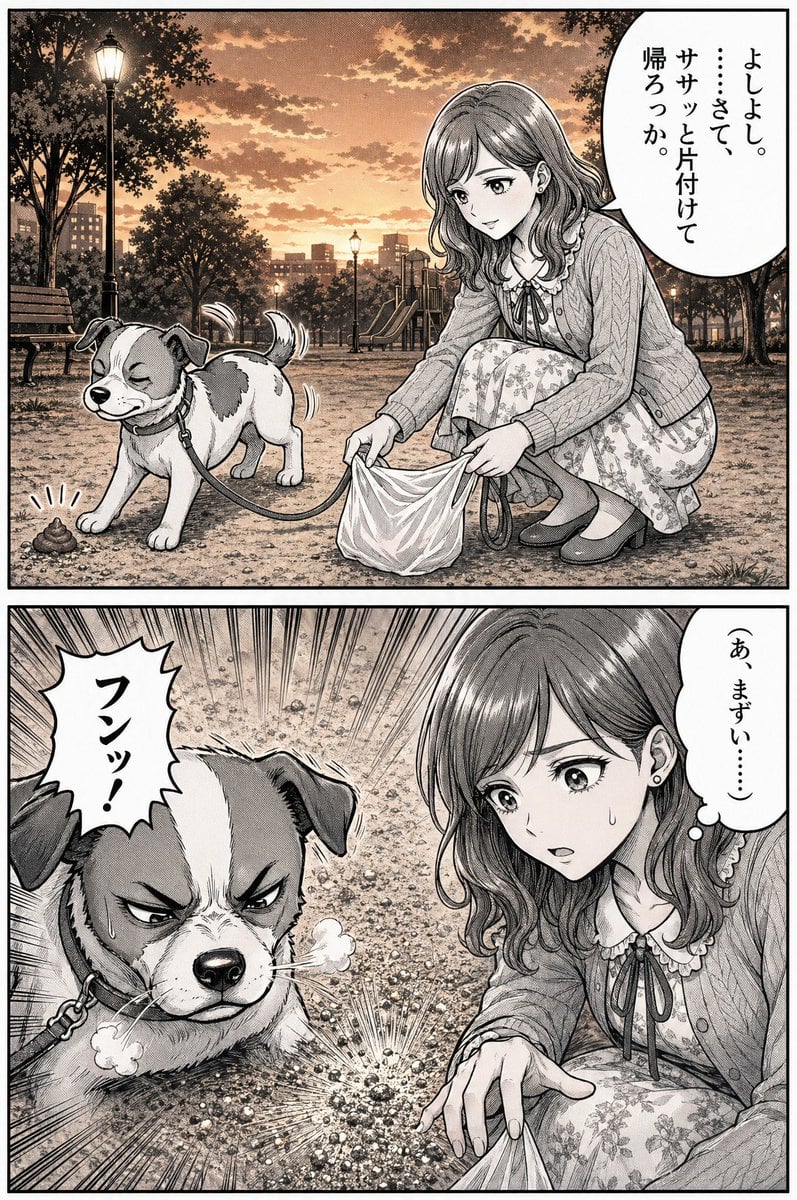
Manga Dog Kick at Sunset Park

Intimate Morning Selfie Portrait
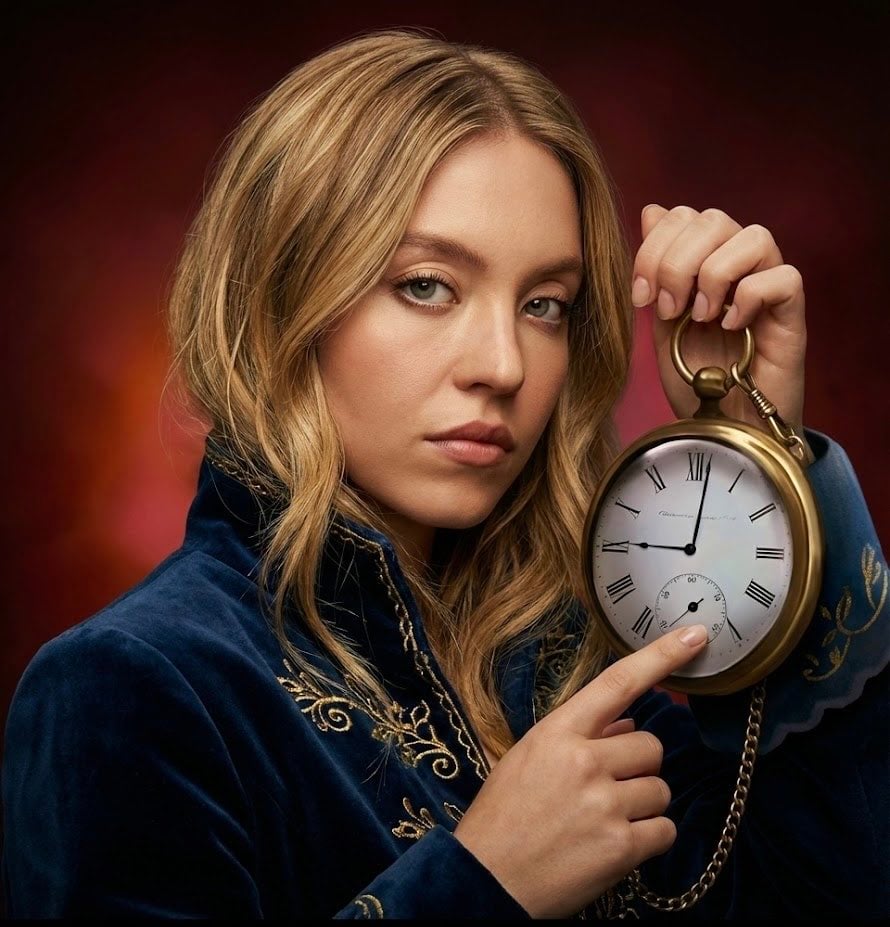
Strict photorealism constraints prompt for Nano Banana Pro
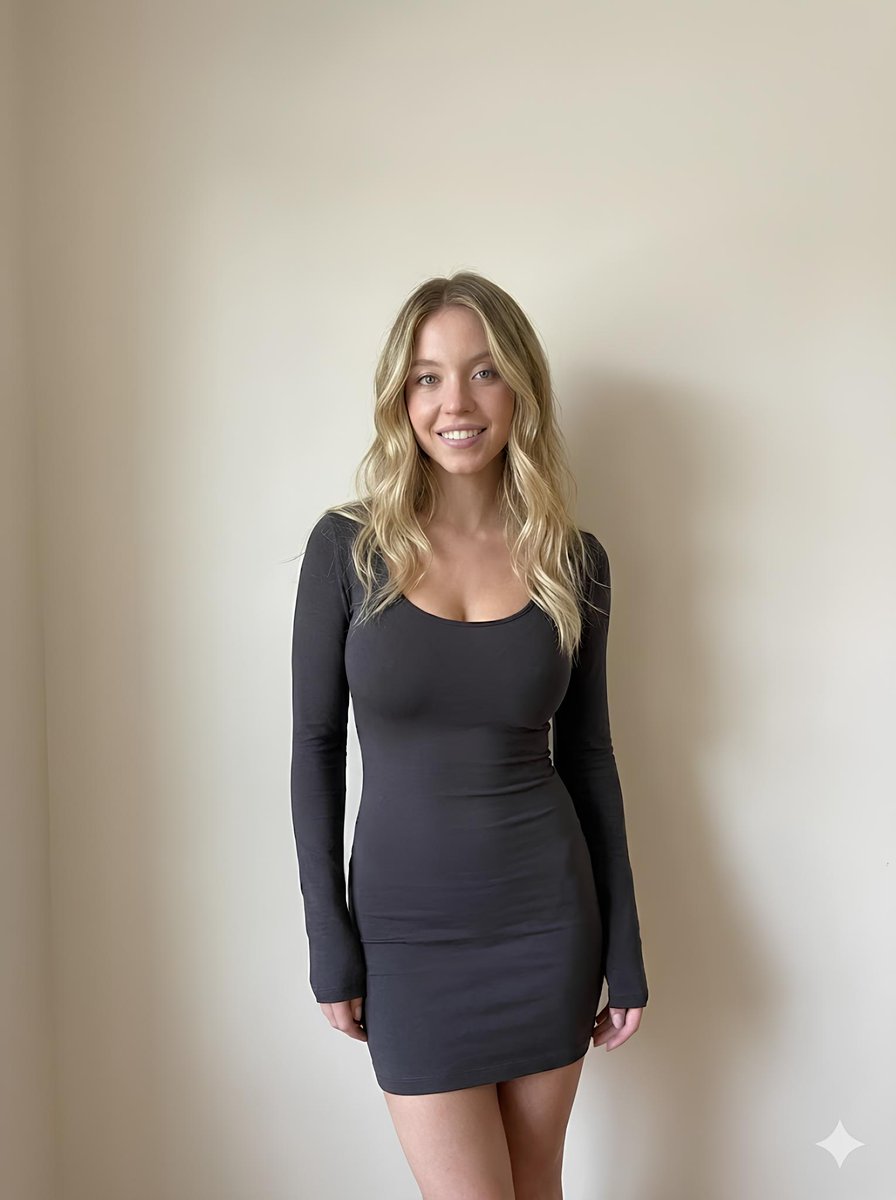
Minimalist Photorealistic Portrait in Mini Dress

Cyberpunk Science Portrait
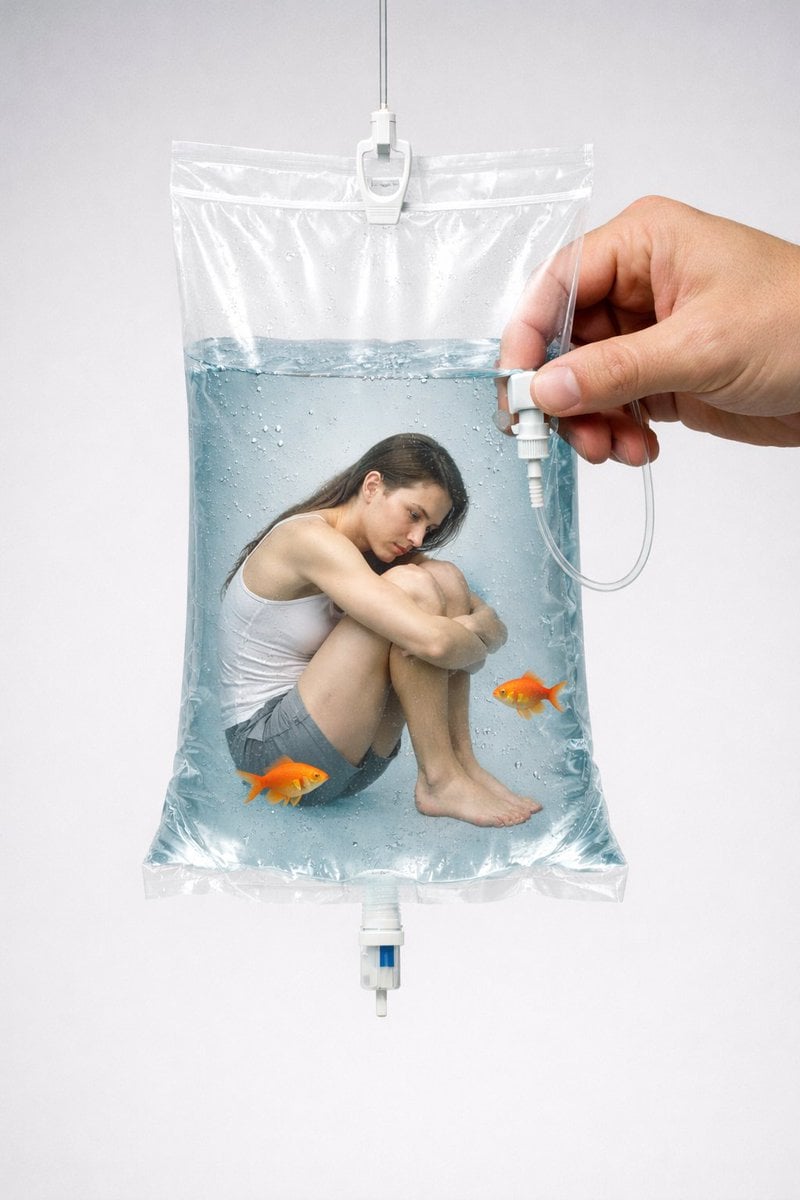
Conceptual Editorial Visual Prompt: Contained Human Aquarium
Browse template categories
Notebook Slides With Reference Character questions
How do I use the Notebook Slides With Reference Character template?
Add your photo if the template asks for one, edit the prompt if you like — the template's model and format are already selected — and press Generate. Your version opens in PicX Studio.
Can I customize the Notebook Slides With Reference Character template?
Yes. You can change the subject, setting, lighting, mood, format, and available model controls before creating your image.
Is the Notebook Slides With Reference Character template free?
Opening and editing this template is free. Generating uses credits, shown on the Generate button when you are signed in.
Which AI model should I use?
Start with GPT Image 2, which is the model associated with this template. You can compare another compatible model for a different finish.
Looking for something else? Browse all templates.

Your photo, any look
Thousands of ready templates for every top image and video model, from one credit balance.