
Girl Emerging From Torn Notebook
A photorealistic surreal scene of a young girl appearing through a torn notebook page on a sunlit wooden desk, ideal for magical realism portrait generation.
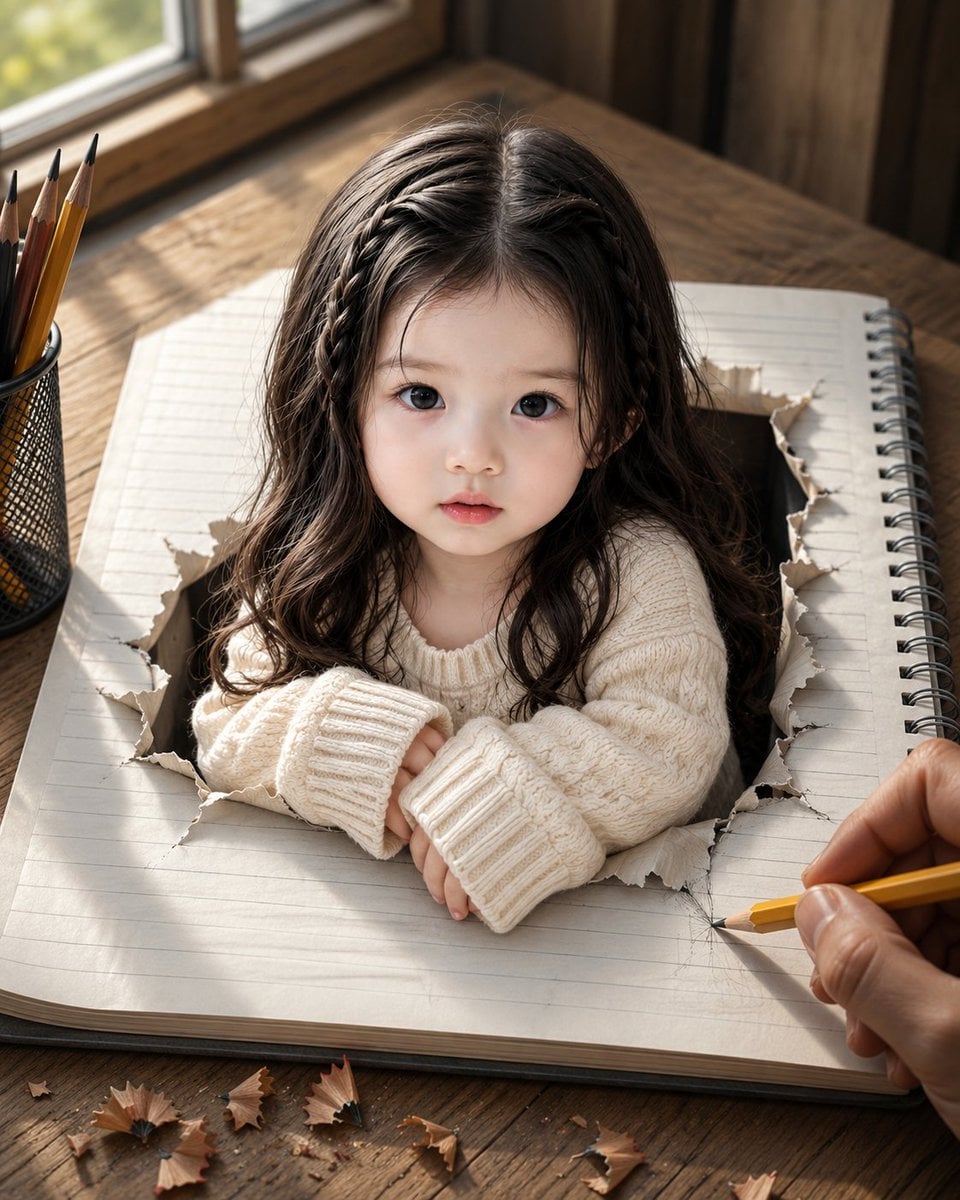
- Prompt included
- Model and format preset
- Free template
The prompt behind this image
Copy the exact prompt behind Girl Emerging From Torn Notebook, or open it in the studio and make it yours.
Create an ultra-realistic surreal portrait on a vertical 4:5 canvas: a tiny {argument name="child subject" default="young East Asian girl, about 3 to 4 years old"} appears to be emerging from a torn rectangular hole in the center of a large lined spiral notebook lying on a rustic wooden desk. She faces the camera directly with a calm, curious, slightly vulnerable expression, large dark eyes, soft natural skin, small parted lips, and long dark wavy hair with two thin braids framing the top sides of her head. Dress her in an oversized chunky cream knit sweater with long ribbed cuffs, her small hands folded on the paper edge as if leaning out of the notebook. Make the notebook realistic with pale ruled pages, a black metal spiral binding on the right, thick page edges, and ragged curled torn paper surrounding the hole. Add a right adult hand at the lower right holding a sharpened yellow pencil, sketching near the torn opening, implying the girl has been drawn into reality. Include a black mesh pencil cup at the left containing exactly 5 visible pencils, plus scattered pencil shavings across the bottom foreground; count 8 distinct shavings visible on the desk. Place the scene beside a sunlit window in the upper left, with warm morning light, soft shadows, shallow depth of field, and blurred outdoor greenery. Use a cozy wooden interior background, cinematic photorealism, lifelike textures, natural color grading, high detail in hair, knit fabric, torn paper fibers, wood grain, graphite marks, and skin. Avoid text, logos, watermarks, extra people, cartoon styling, distorted hands, or changing the child’s facial identity.
How to use Girl Emerging From Torn Notebook in 3 steps
- 1Upload ImagePNG, JPG or paste
Add your photo
Upload the photo the template builds on. The prompt, model and format are already set.
- 2…a portrait of your subject in softgolden-hour light, 85mm…
Personalize
Edit the subject and creative details for your destination.
- 3Generate
Generate
Press Generate — your image is created in PicX Studio, so you can compare it with the original and refine one variable at a time.
More like this
Templates with the same subject, style or setup. Open one to see its prompt.

Teen Girl Alpine Lake Mountain View
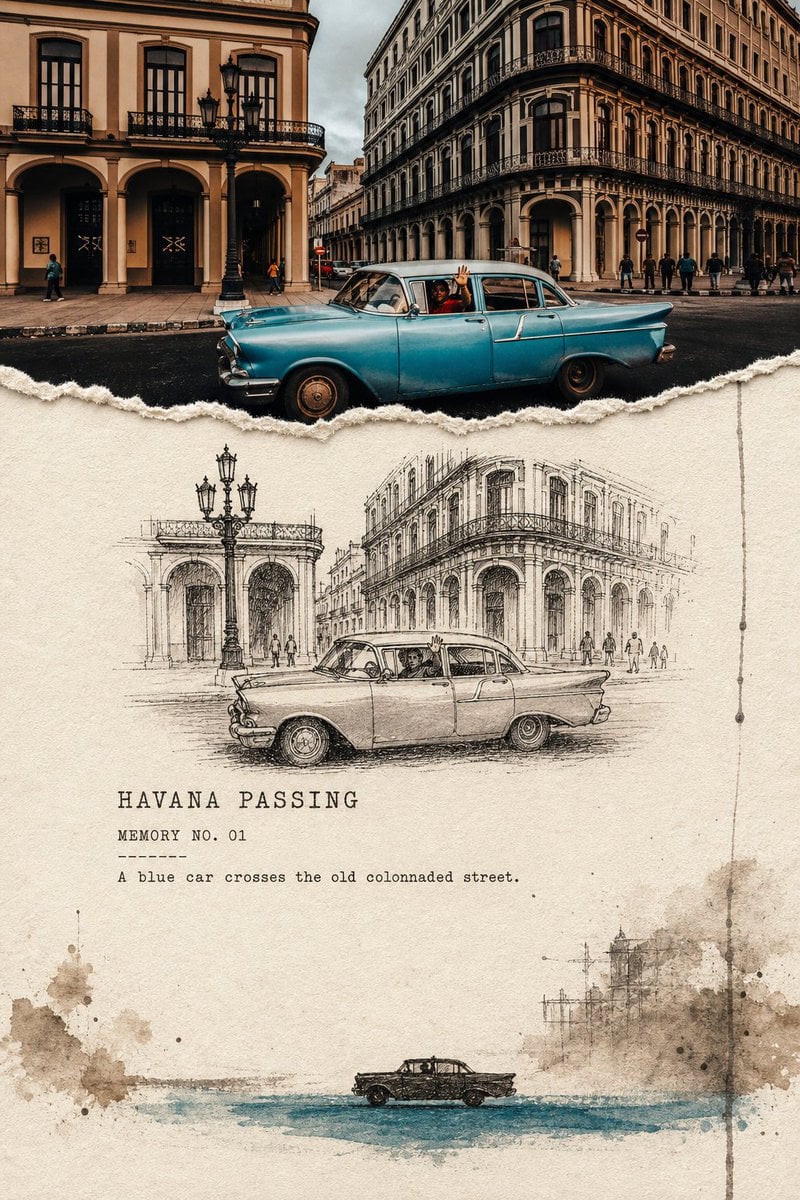
Torn Edge Ink Memory Poster
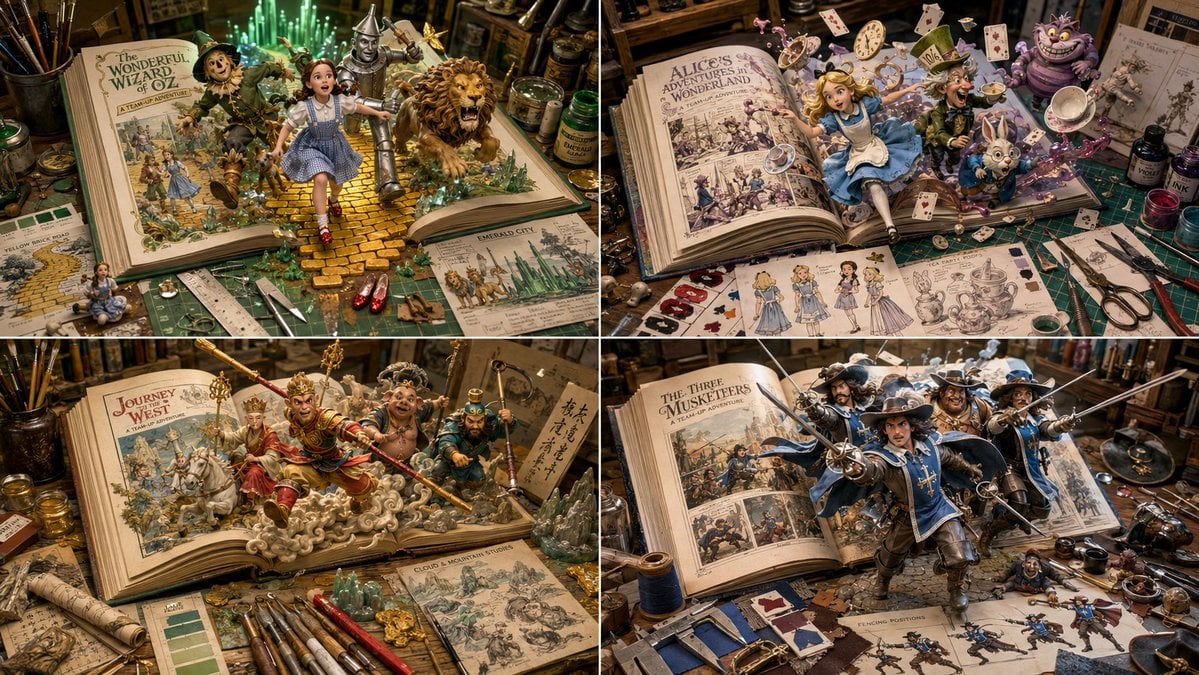
Superheroes Emerging from Comics Grid

Sketch to Reality Travel Notebook

Handmade Torn Paper Poster Style
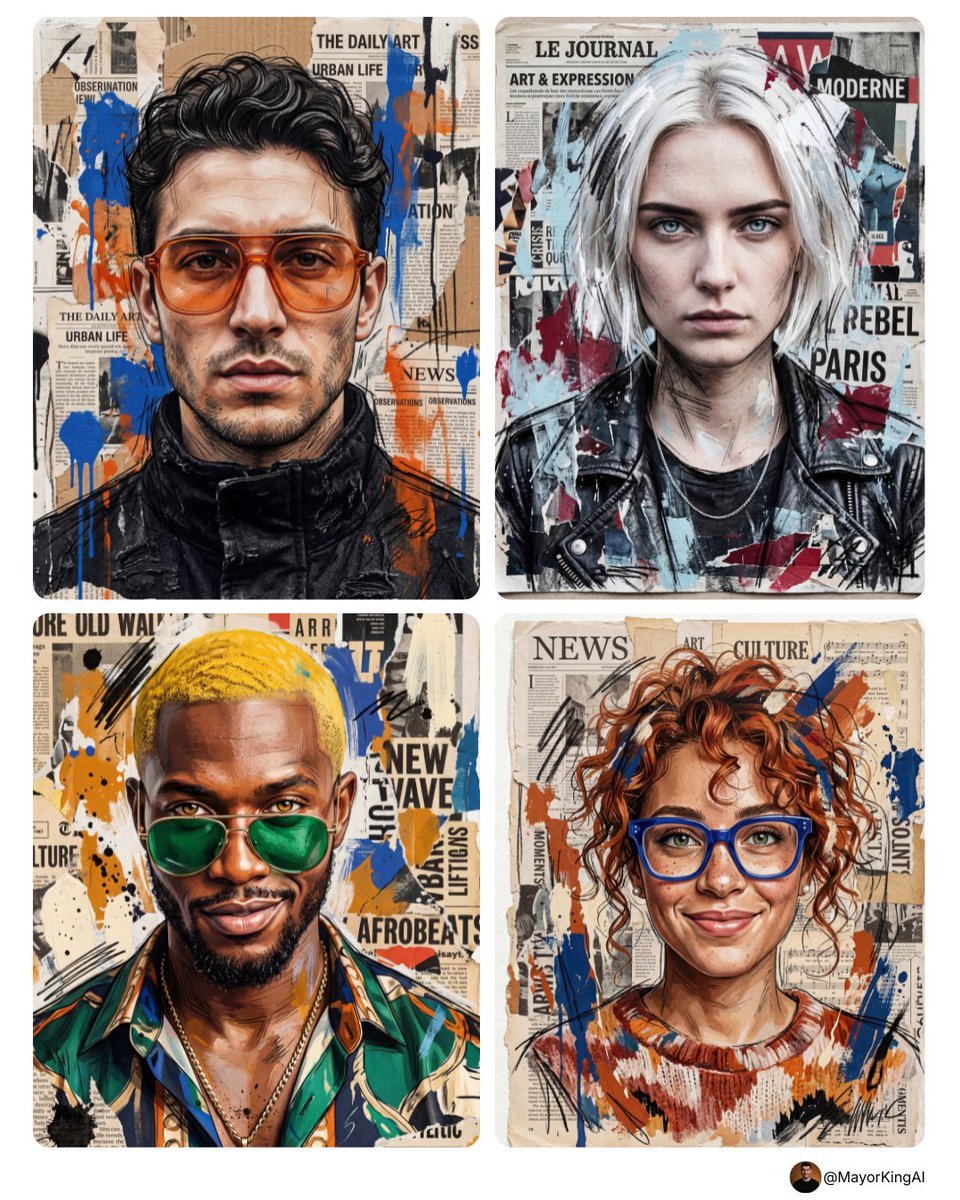
Mixed-media portrait, realistic identity, black sketch strokes, torn
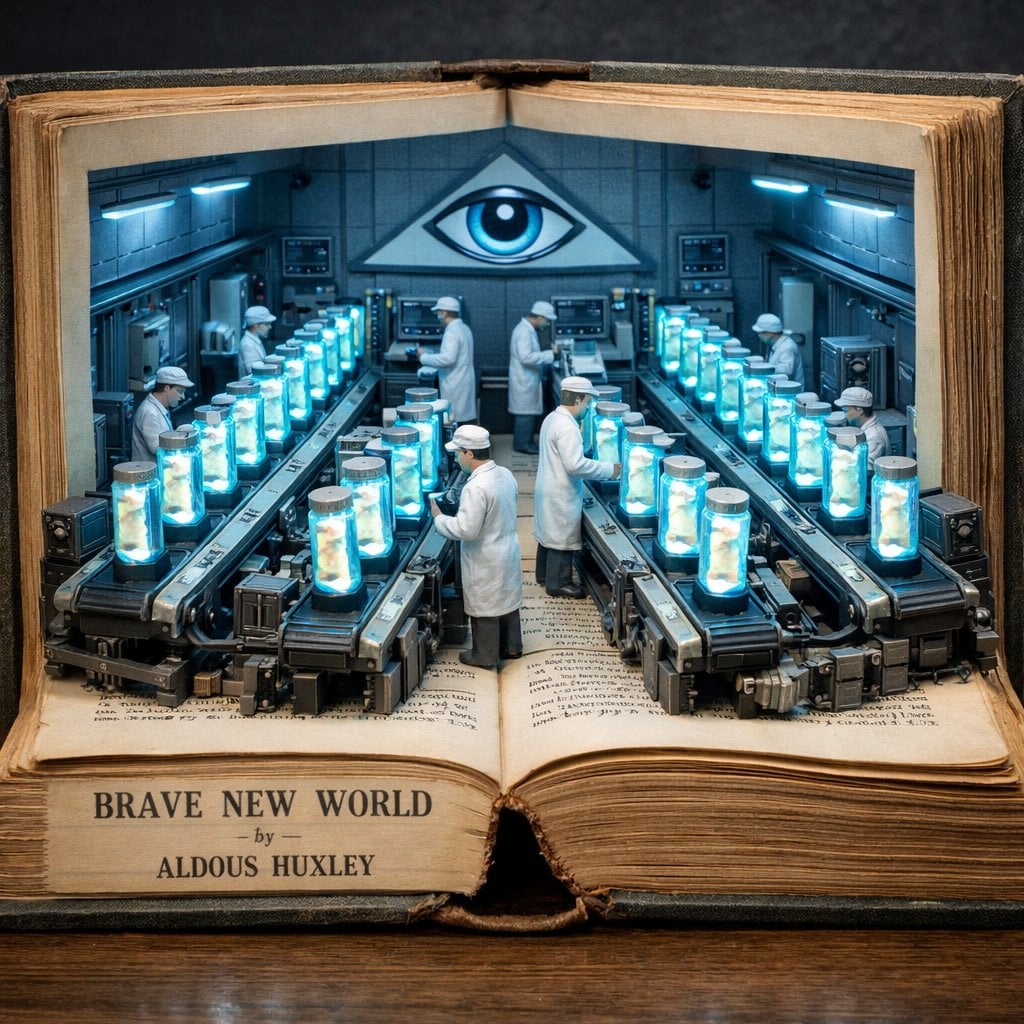
Surreal diorama emerging from an open vintage book of Brave New World
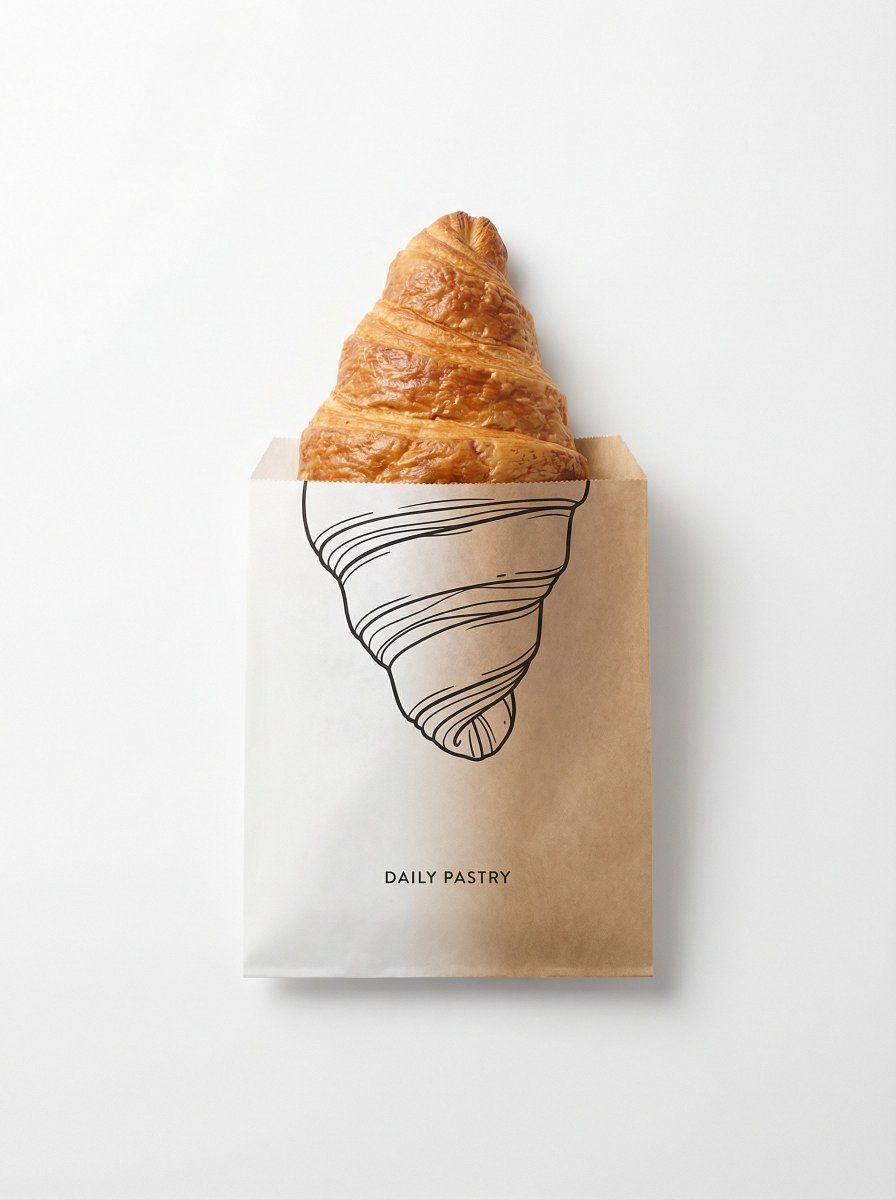
Minimal studio shot on pure white background, real emerging from a paper
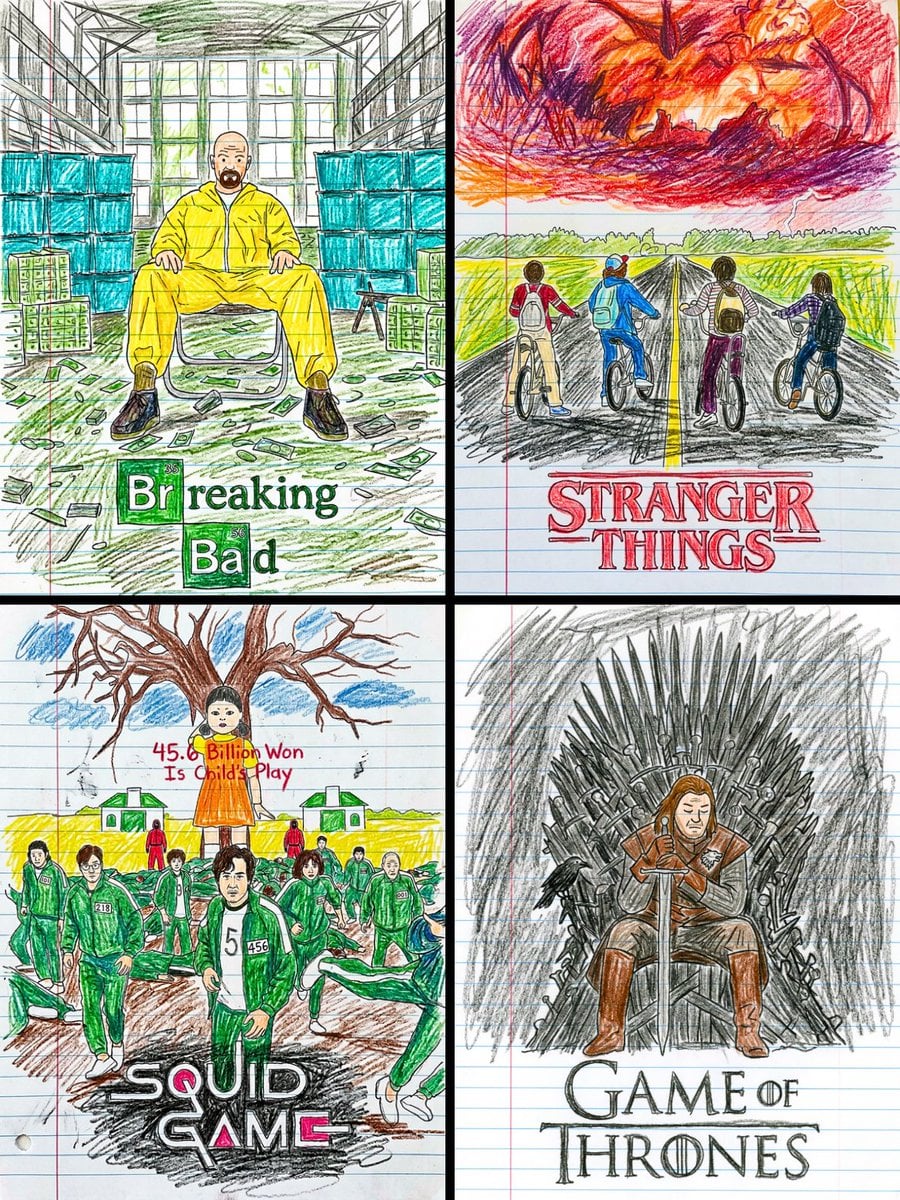
This movie poster into a child s crayon drawing on lined notebook paper
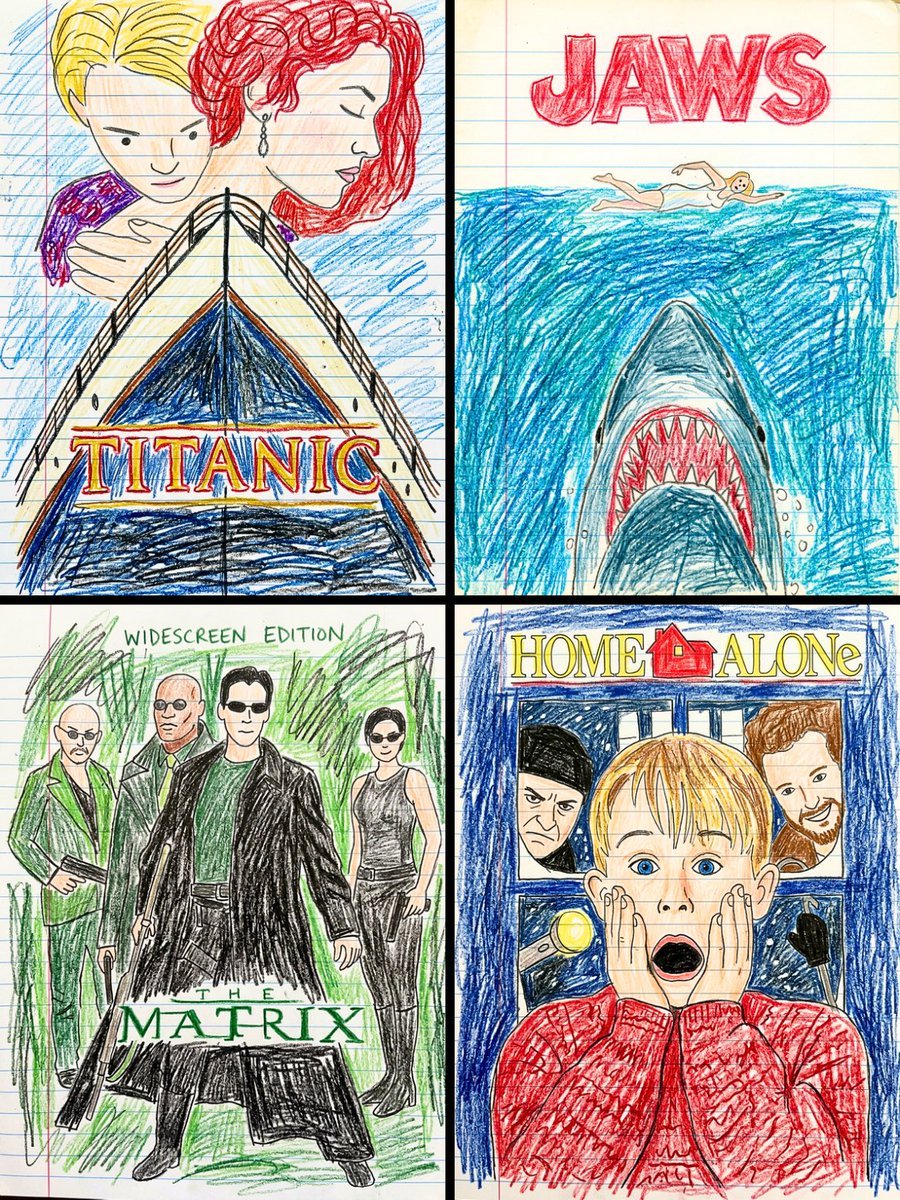
This movie poster into a child s crayon drawing on lined notebook paper
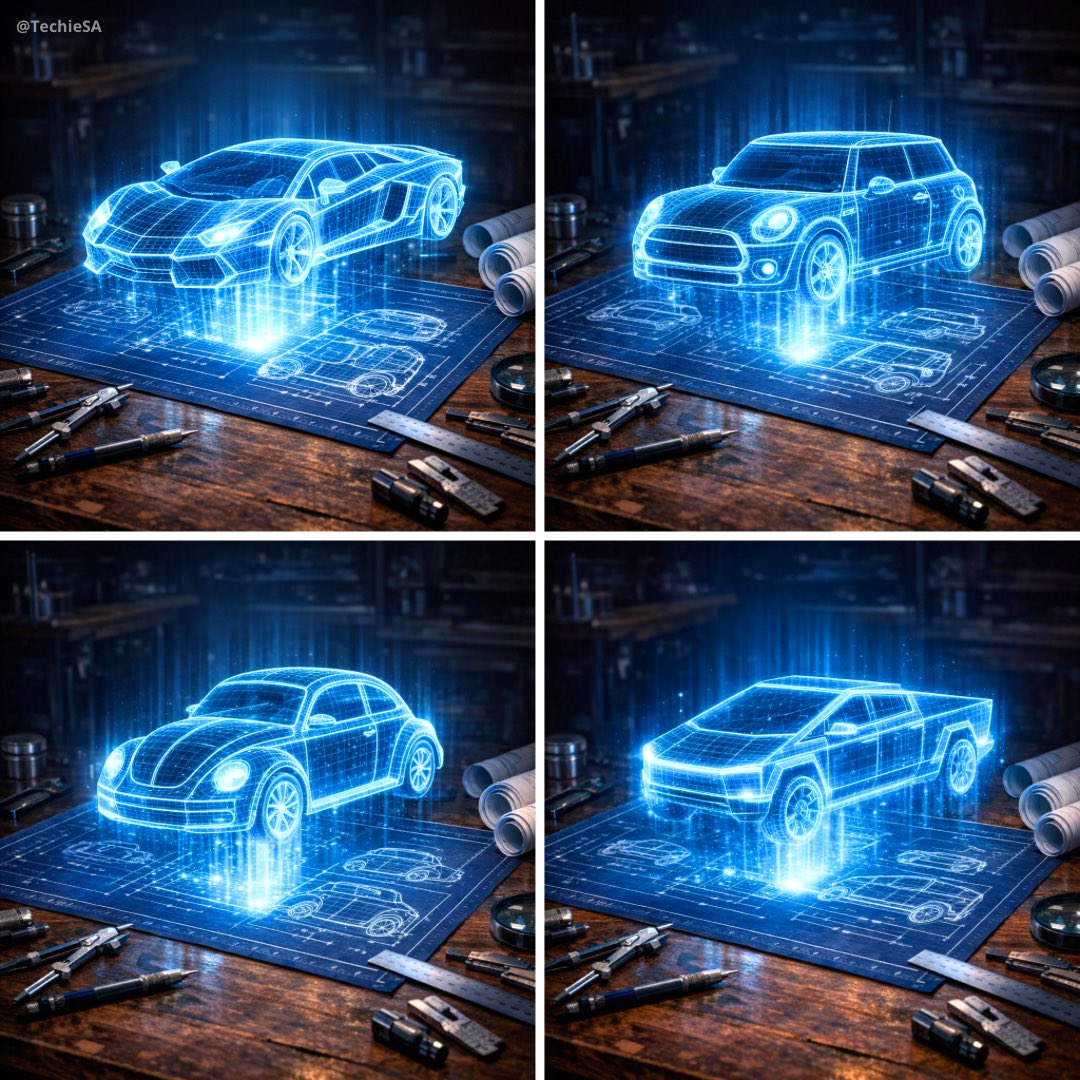
Hyper-realistic 3D holographic blueprint projection of a emerging
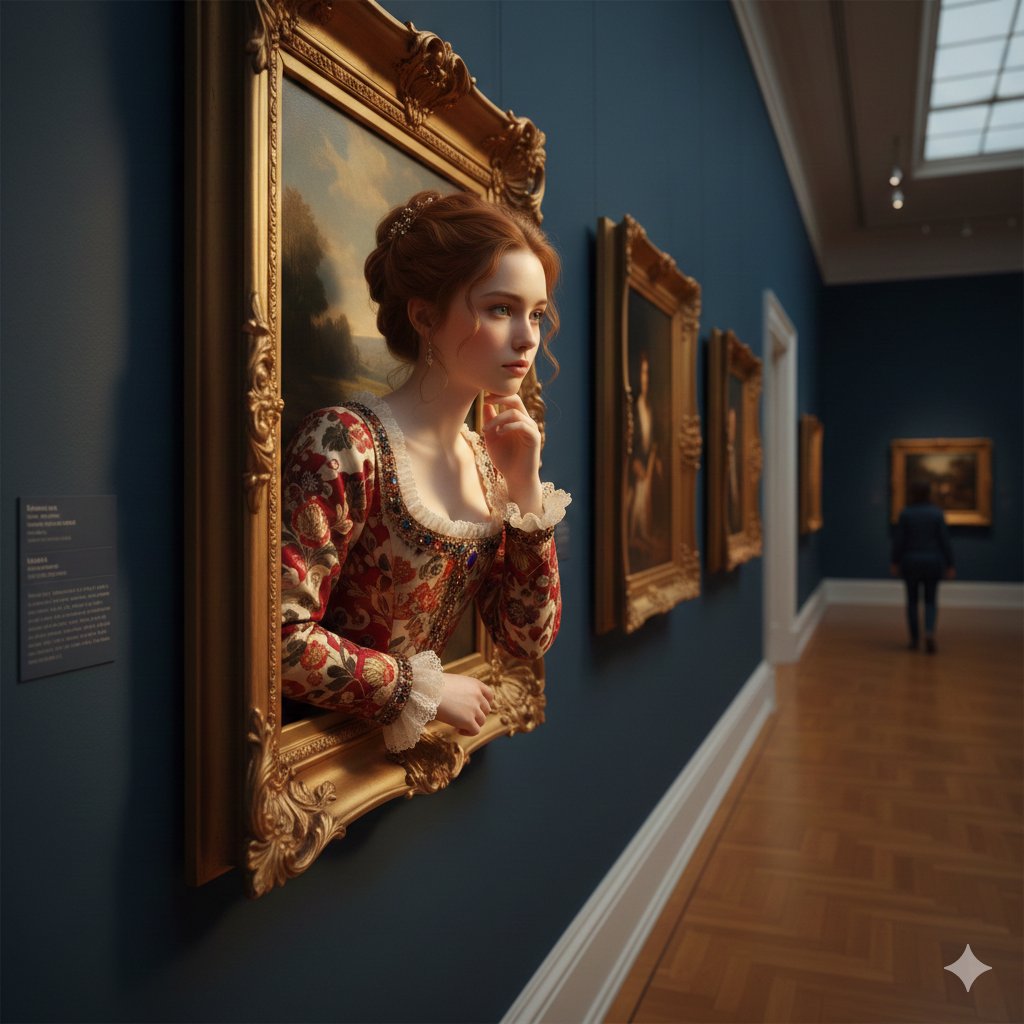
A surreal, ultra-realistic scene of a young woman emerging
Make it yours
Girl Emerging From Torn Notebook works as-is. These are the safest ways to change it without losing the look.
Change one field
Copy a single group, rewrite it, and generate again so you can see what that field is doing.
Keep the frame, change the subject
Hold the composition and light of Girl Emerging From Torn Notebook, then swap wardrobe, props or the person for a new take.
| If the result… | Why | Fix |
|---|---|---|
| The result drifts from the preview | Too many fields changed at once. | Reuse Girl Emerging From Torn Notebook as-is first, then change one group — subject, light, or setting. |
| The model over-stylizes the scene | The prose prompt leaves finish and camera underspecified. | Add one camera or lighting sentence and stay on GPT Image 2. |
More GPT Image 2 templates
Other prompts made for GPT Image 2.

Six VTuber Japanese Logo Sheet

Realistic Portrait of Woman and Deer

The Vista Modular Condo Poster

AI Model Routing Comparison Infographic

2.5D Anime Art Board

Isometric Productivity Desk Scene

New York Double Exposure Poster

Four-Panel AI Landscape Comparison

Japanese Tatami Lifestyle Magazine Cover

NESCAFÉ Coffee Map Poster
More image prompts
Fresh picks from across the catalog.

Editorial Photograph of a Man with a Vintage Porsche
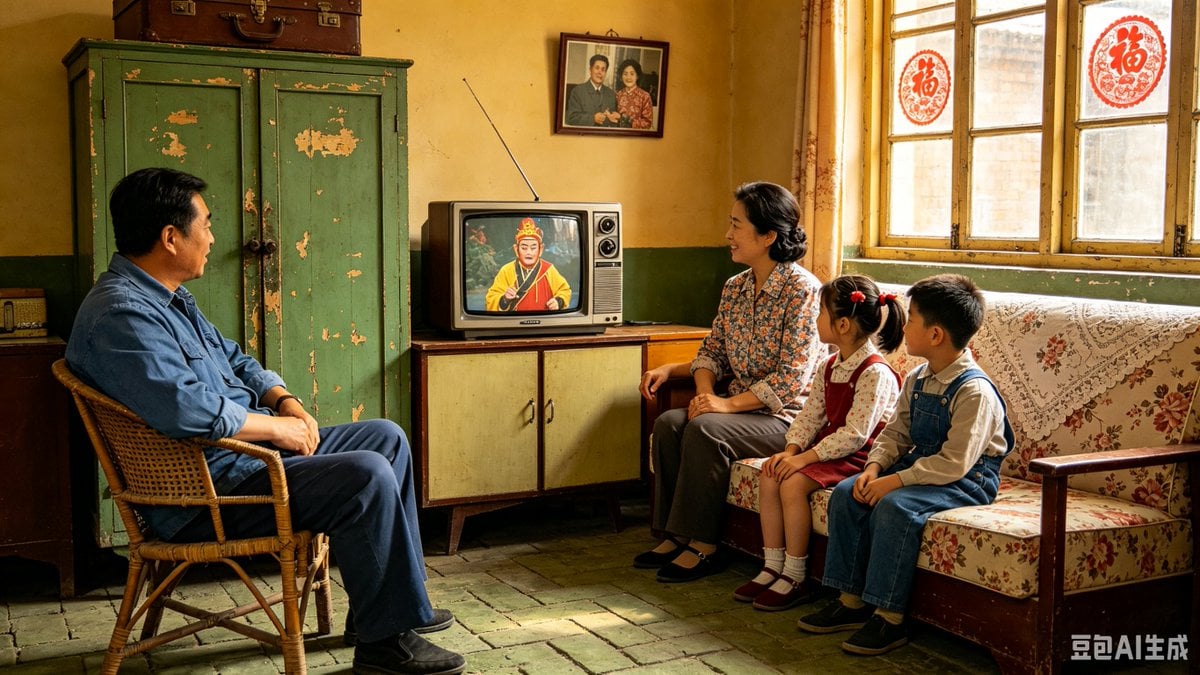
1980s Chinese Family Watching TV

Chaoshan Beef Ball Vintage Food Poster
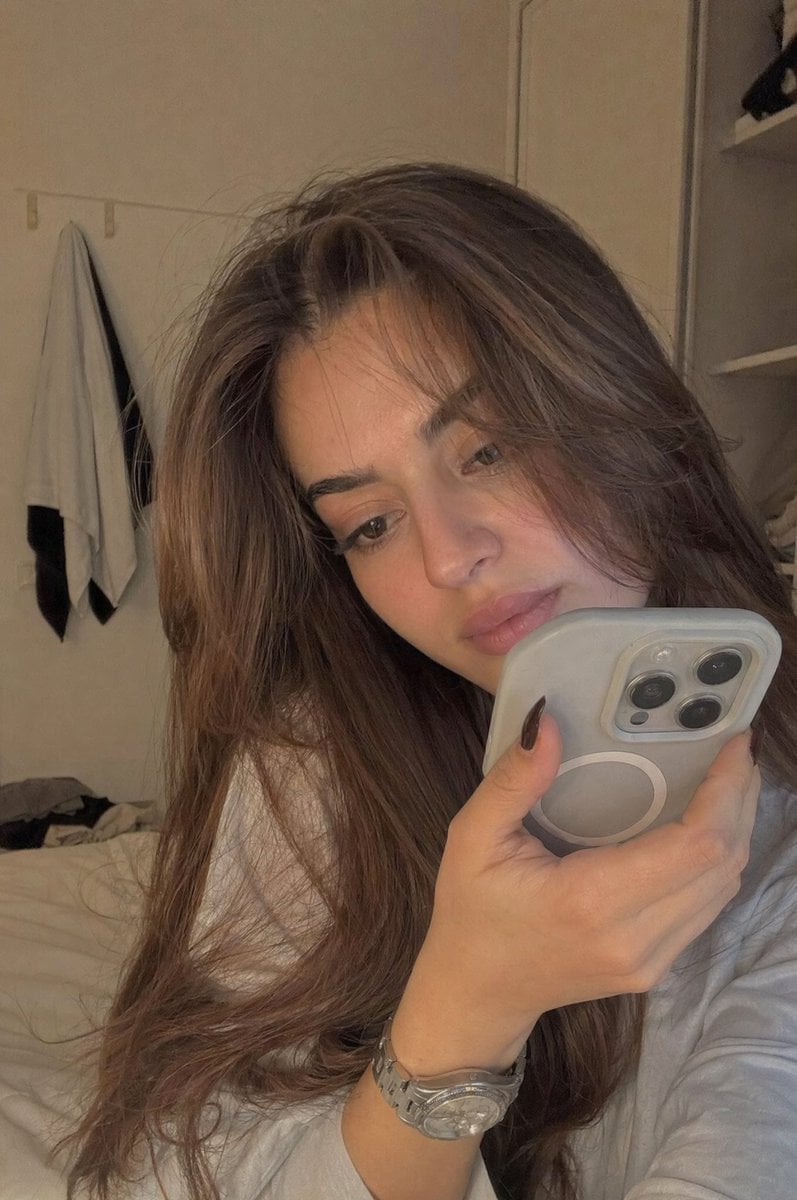
Realistic Bedroom Phone Recording Style
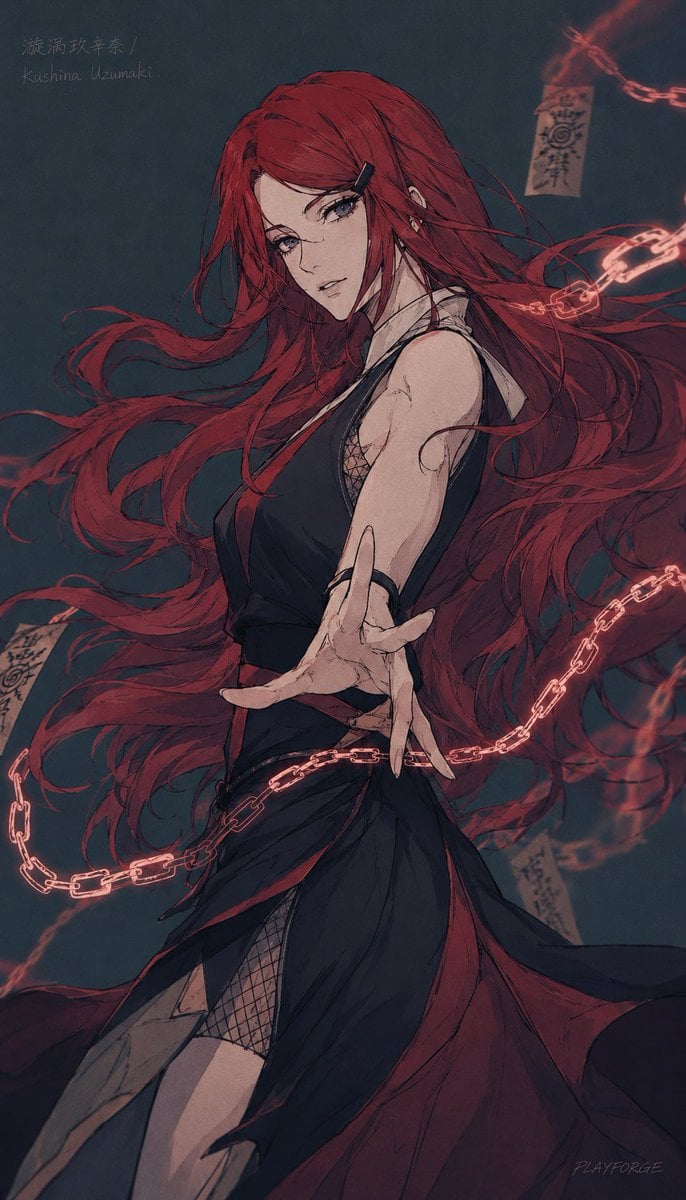
Dark Kushina Chakra Chain Poster

Realistic Colored Line Drawing Converter
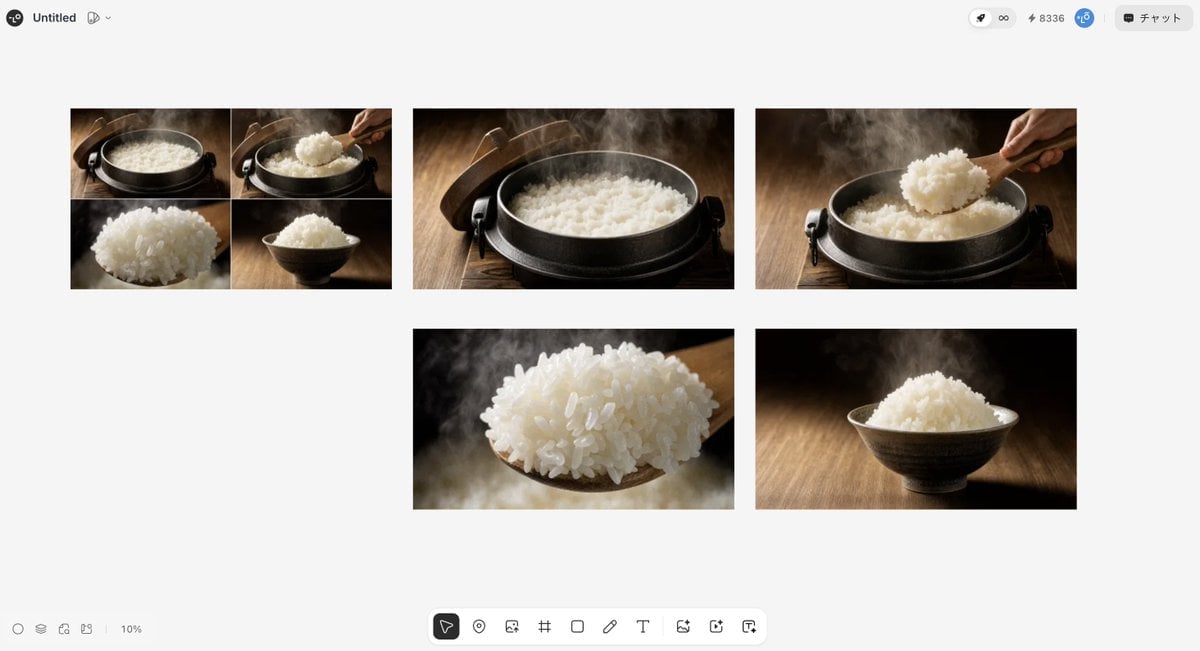
Japanese High-End Cuisine Storyboard

Urban Cafe Luxury Fashion Portrait

Surreal Top-Down iPhone Fashion
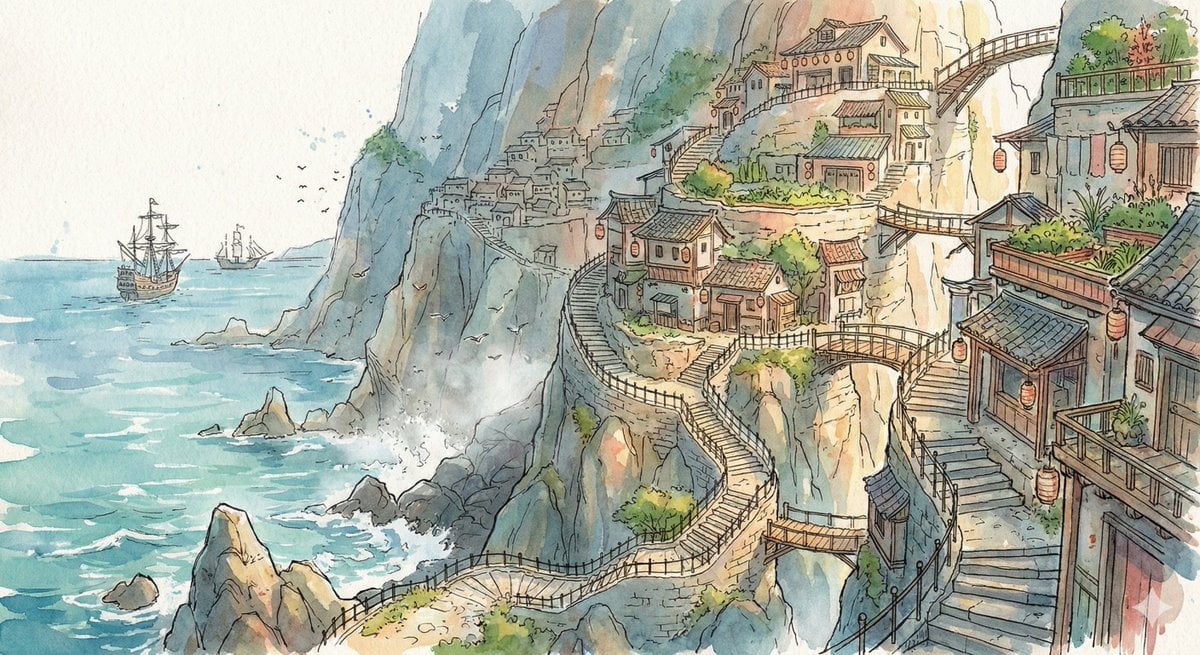
Watercolor Cliffside Village Illustration
Browse template categories
Girl Emerging From Torn Notebook questions
How do I use the Girl Emerging From Torn Notebook template?
Add your photo if the template asks for one, edit the prompt if you like — the template's model and format are already selected — and press Generate. Your version opens in PicX Studio.
Can I customize the Girl Emerging From Torn Notebook template?
Yes. You can change the subject, setting, lighting, mood, format, and available model controls before creating your image.
Is the Girl Emerging From Torn Notebook template free?
Opening and editing this template is free. Generating uses credits, shown on the Generate button when you are signed in.
Which AI model should I use?
Start with GPT Image 2, which is the model associated with this template. You can compare another compatible model for a different finish.
Looking for something else? Browse all templates.

Your photo, any look
Thousands of ready templates for every top image and video model, from one credit balance.