
Surreal Top-Down iPhone Fashion
A creative fashion prompt featuring a model standing on a giant iPhone screen with a futuristic tech aesthetic.
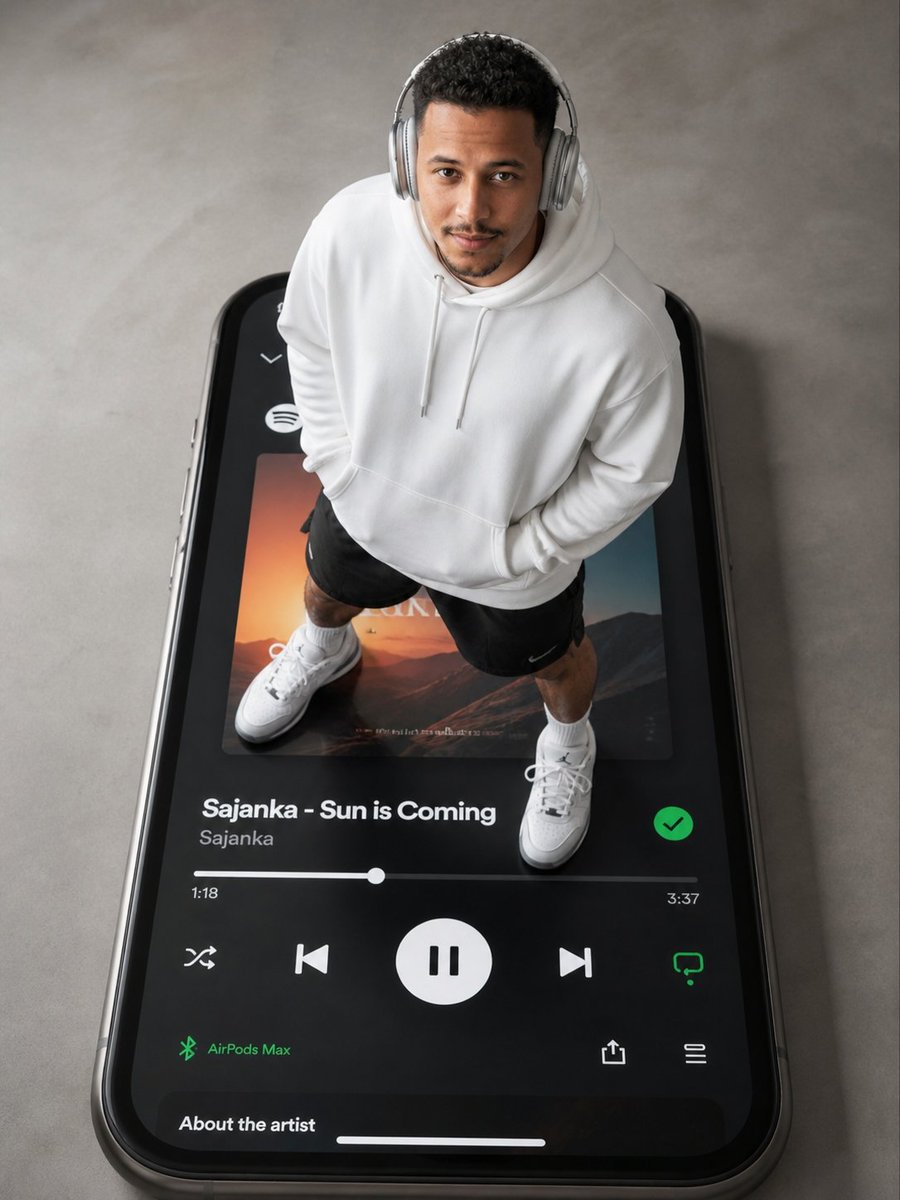
- Prompt included
- Model and format preset
- Free template
The prompt behind this image
Copy the exact prompt behind Surreal Top-Down iPhone Fashion, or open it in the studio and make it yours.
A hyper-realistic top-down photograph of a young {argument name="model" default="male model"} with a clean skin fade and short curly textured hair, standing in a confident, relaxed pose directly on the glowing screen of a {argument name="giant device" default="giant iPhone 16"}. The phone screen is active, displaying a dark-themed Spotify playlist with the song title "Sajanka - Sun is Coming" clearly visible beneath him. He wears {argument name="headphones" default="2025 AirPods Max"} in a neutral metallic finish, an oversized white hoodie-style shirt with subtle drape, black athletic shorts, and crisp white Air Jordan sneakers. The top-down high angle flattens the scene and emphasizes the surreal scale—the model’s feet rest on digital buttons and album art. Lighting is soft, minimal, and diffused, with a cool neutrality that makes the white clothing and bright screen pop without harsh shadows. Colors are constrained: brilliant white, deep black, titanium grey, and a small vivid accent from the Spotify album cover. Textures contrast smoothly: matte cotton fabric, glossy headphone surfaces, and the glass screen's slight reflectivity. Style is sleek, minimal, fashion-forward, and futuristic, blending tech advertising aesthetics with editorial portraiture. The mood is confident, fresh, and effortlessly cool.
How to use Surreal Top-Down iPhone Fashion in 3 steps
- 1
Open
The prompt is already in the box next to the preview, with the template's model and format selected.
- 2…a portrait of your subject in softgolden-hour light, 85mm…
Personalize
Edit the subject and creative details for your destination.
- 3Generate
Generate
Press Generate — your image is created in PicX Studio, so you can compare it with the original and refine one variable at a time.
More like this
Templates with the same subject, style or setup. Open one to see its prompt.
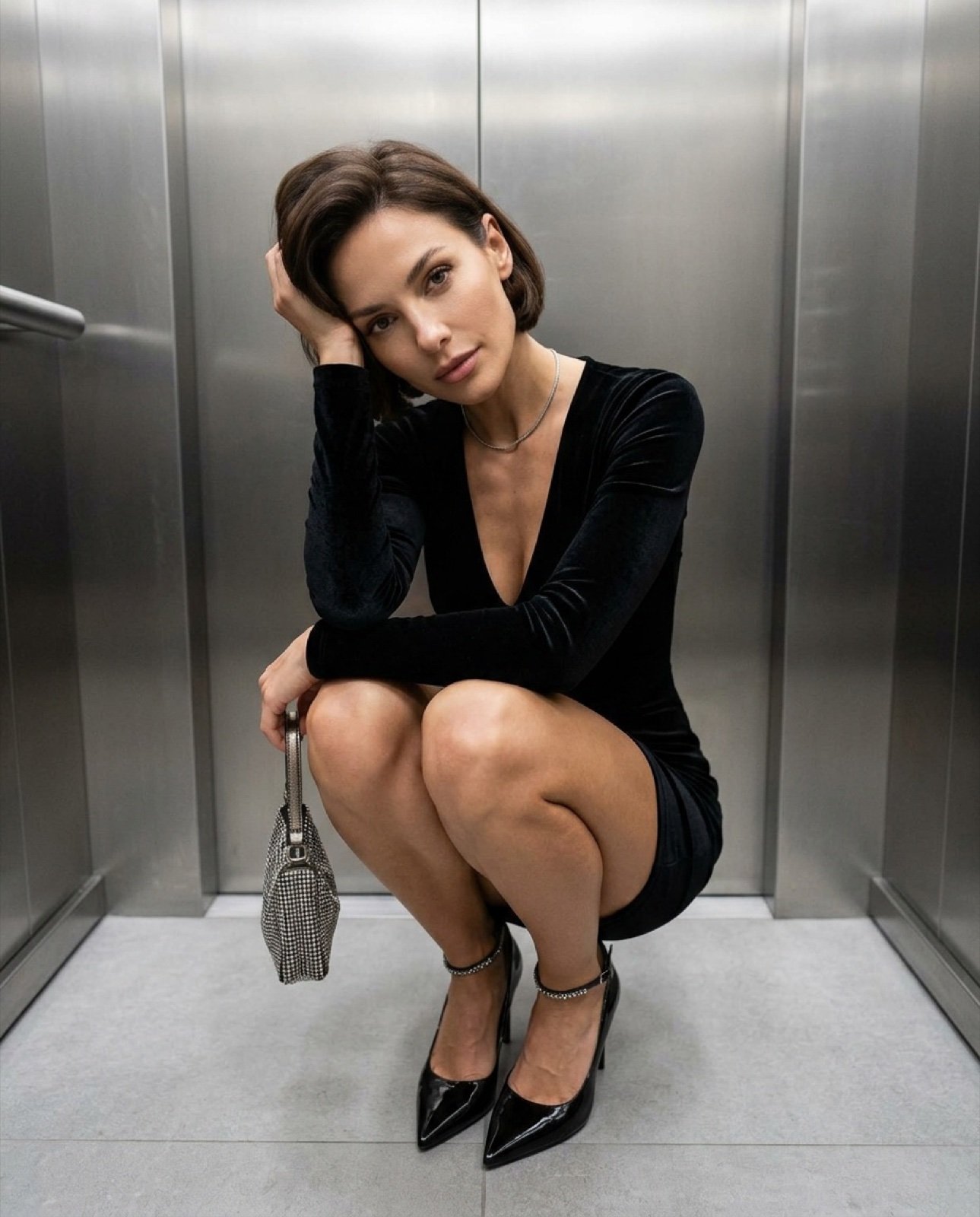
Top-down fashion squat perspective

Outdoor Cafe Portrait — White Ruched Top Nano Banana
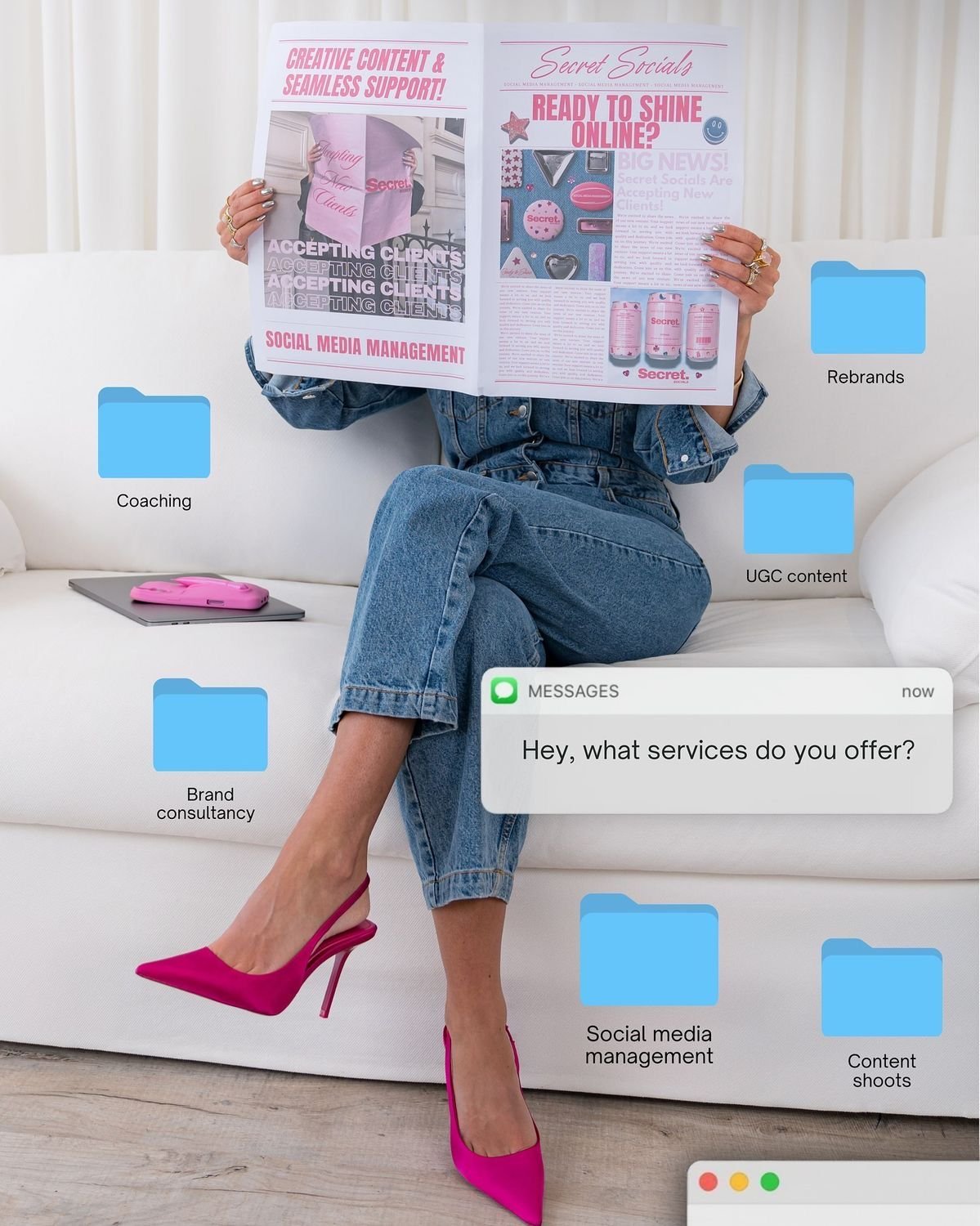
Social Media Manager Desktop Case Study

80s College Gate

1988 Mall Style

80s Polka Dot Saree

Clear, 45 top-down isometric miniature 3D cartoon scene of the iconic
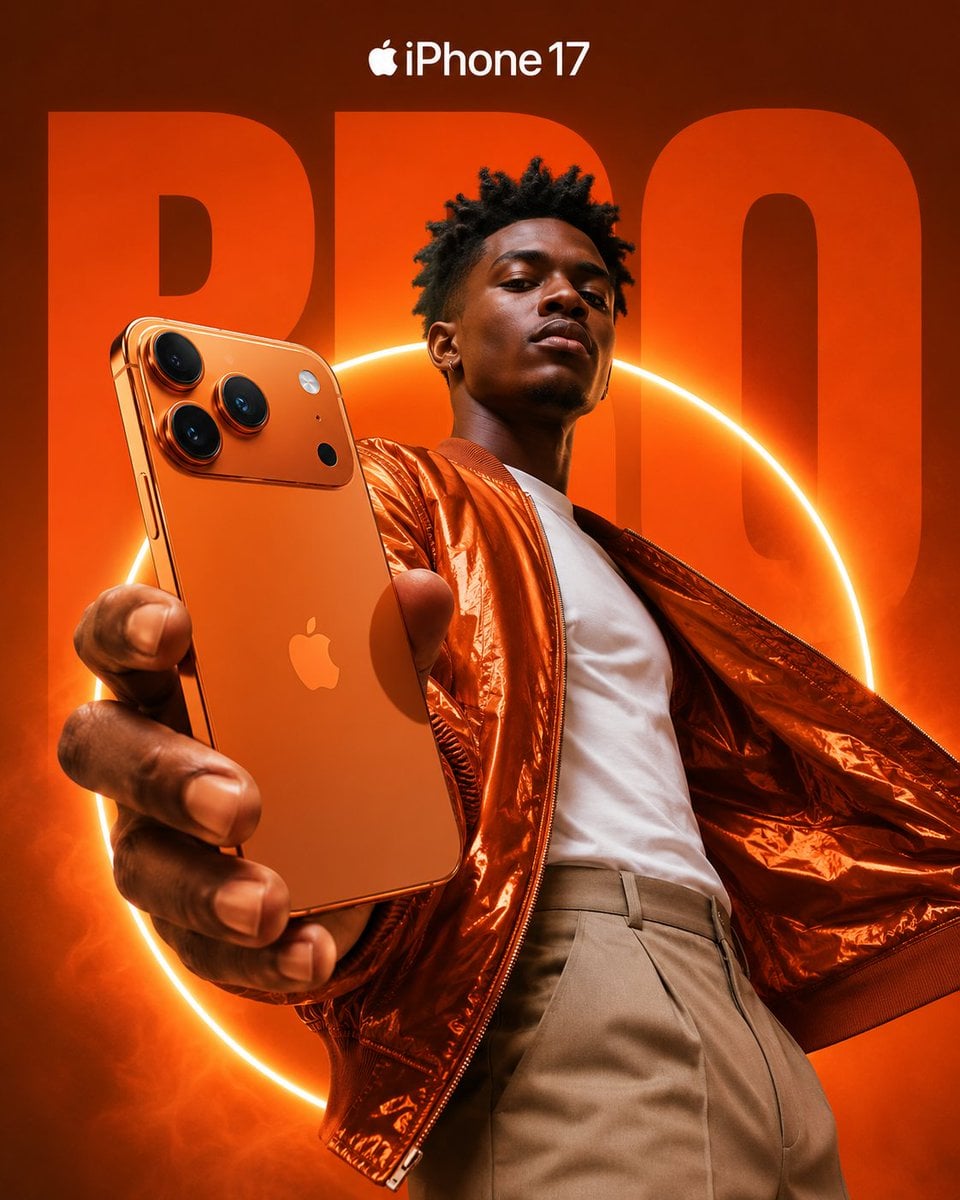
Premium iPhone Fashion Advertising Poster

Surreal Cat Astronaut — Humanoid Face Freefall
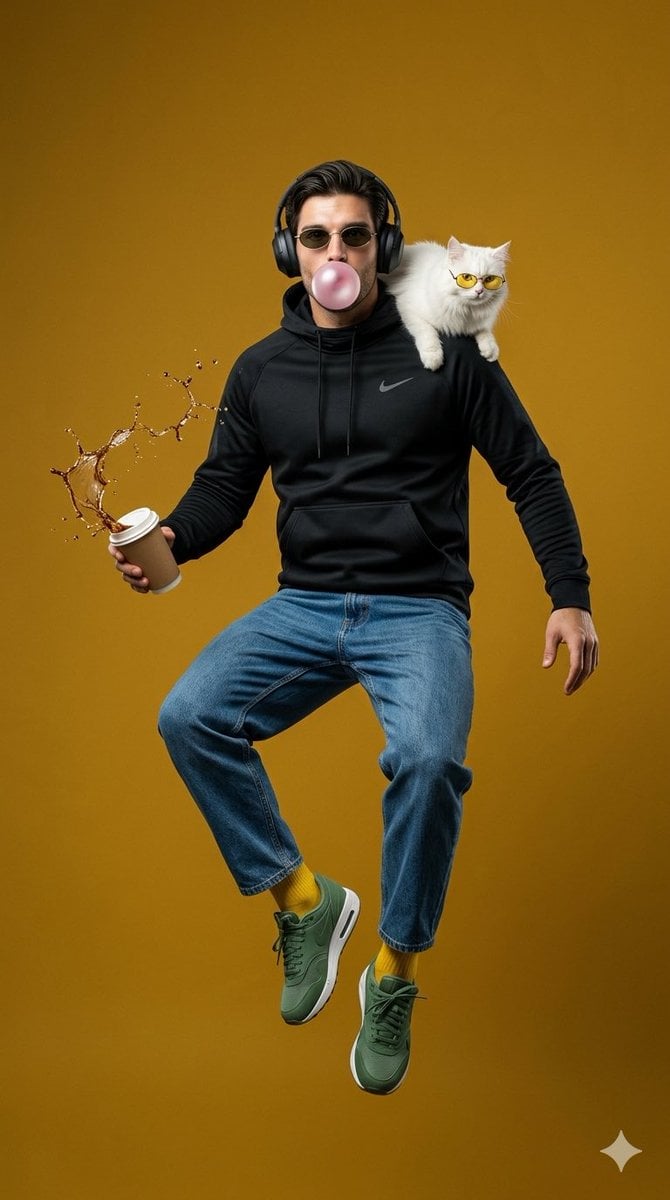
Surreal Jumping Fashion Portrait
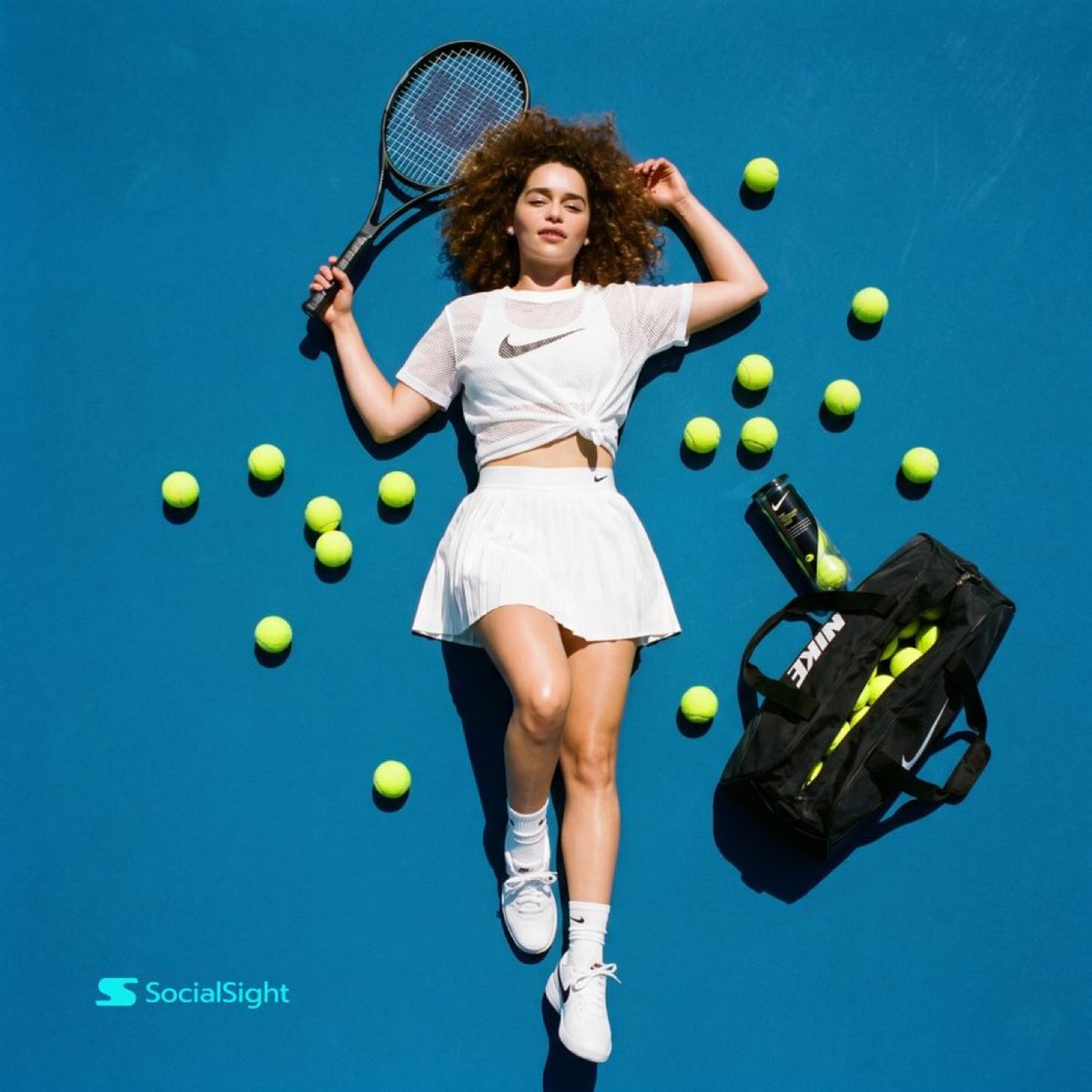
Tennis Court Top-Down Flat Lay
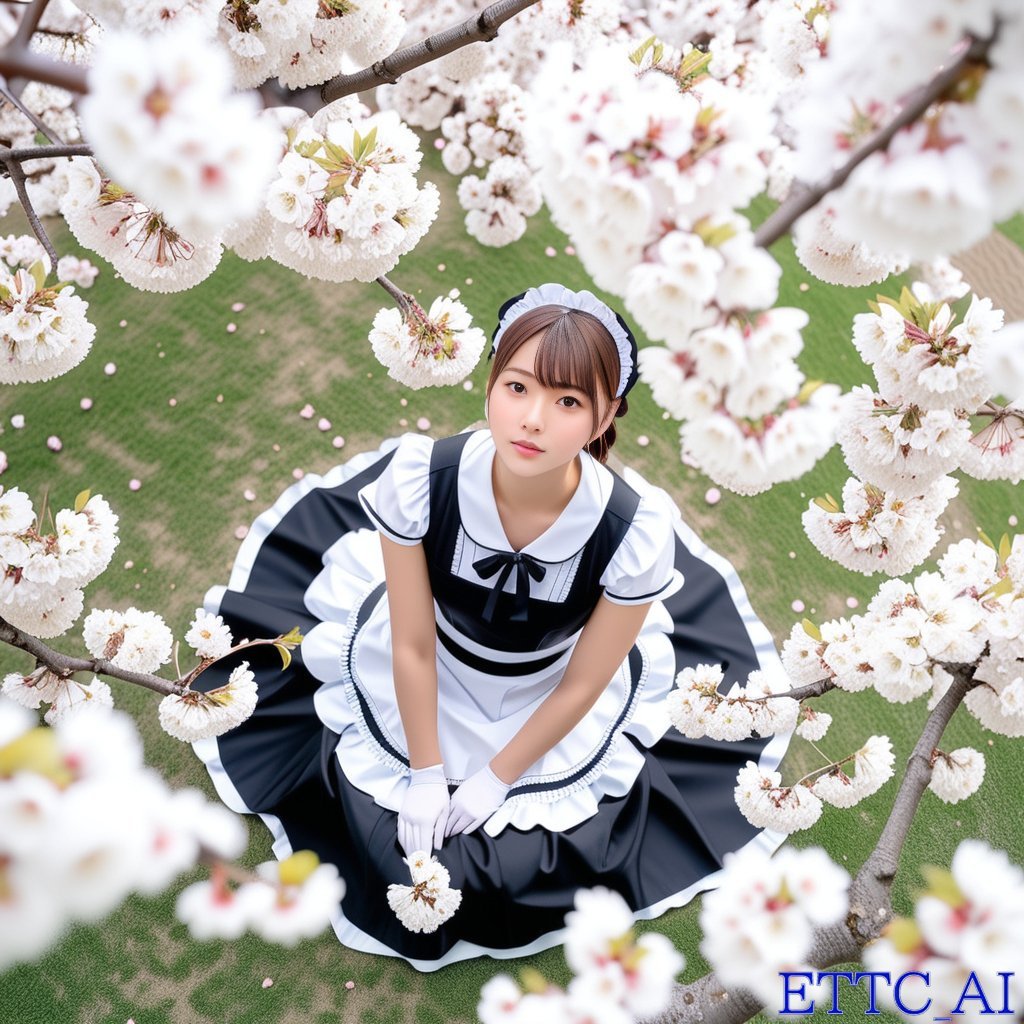
Top-Down Maid and Cherry Blossoms
Make it yours
Surreal Top-Down iPhone Fashion works as-is. These are the safest ways to change it without losing the look.
Change one field
Copy a single group, rewrite it, and generate again so you can see what that field is doing.
Keep the frame, change the subject
Hold the composition and light of Surreal Top-Down iPhone Fashion, then swap wardrobe, props or the person for a new take.
| If the result… | Why | Fix |
|---|---|---|
| The result drifts from the preview | Too many fields changed at once. | Reuse Surreal Top-Down iPhone Fashion as-is first, then change one group — subject, light, or setting. |
| The model over-stylizes the scene | The prose prompt leaves finish and camera underspecified. | Add one camera or lighting sentence and stay on GPT Image 2. |
More GPT Image 2 templates
Other prompts made for GPT Image 2.

Six VTuber Japanese Logo Sheet

Realistic Portrait of Woman and Deer

The Vista Modular Condo Poster

AI Model Routing Comparison Infographic

2.5D Anime Art Board

Isometric Productivity Desk Scene

New York Double Exposure Poster

Four-Panel AI Landscape Comparison

Japanese Tatami Lifestyle Magazine Cover

NESCAFÉ Coffee Map Poster
More image prompts
Fresh picks from across the catalog.
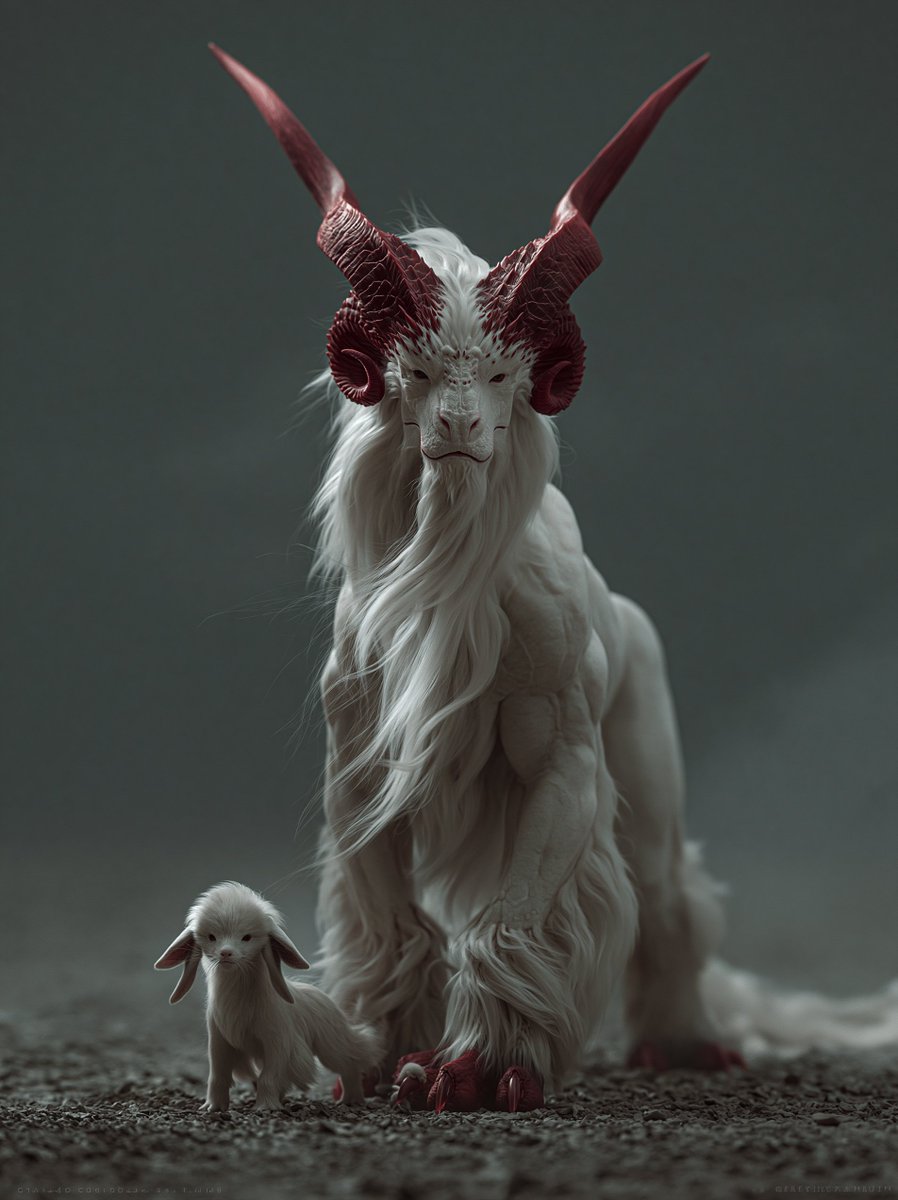
White Horned Fantasy Guardian
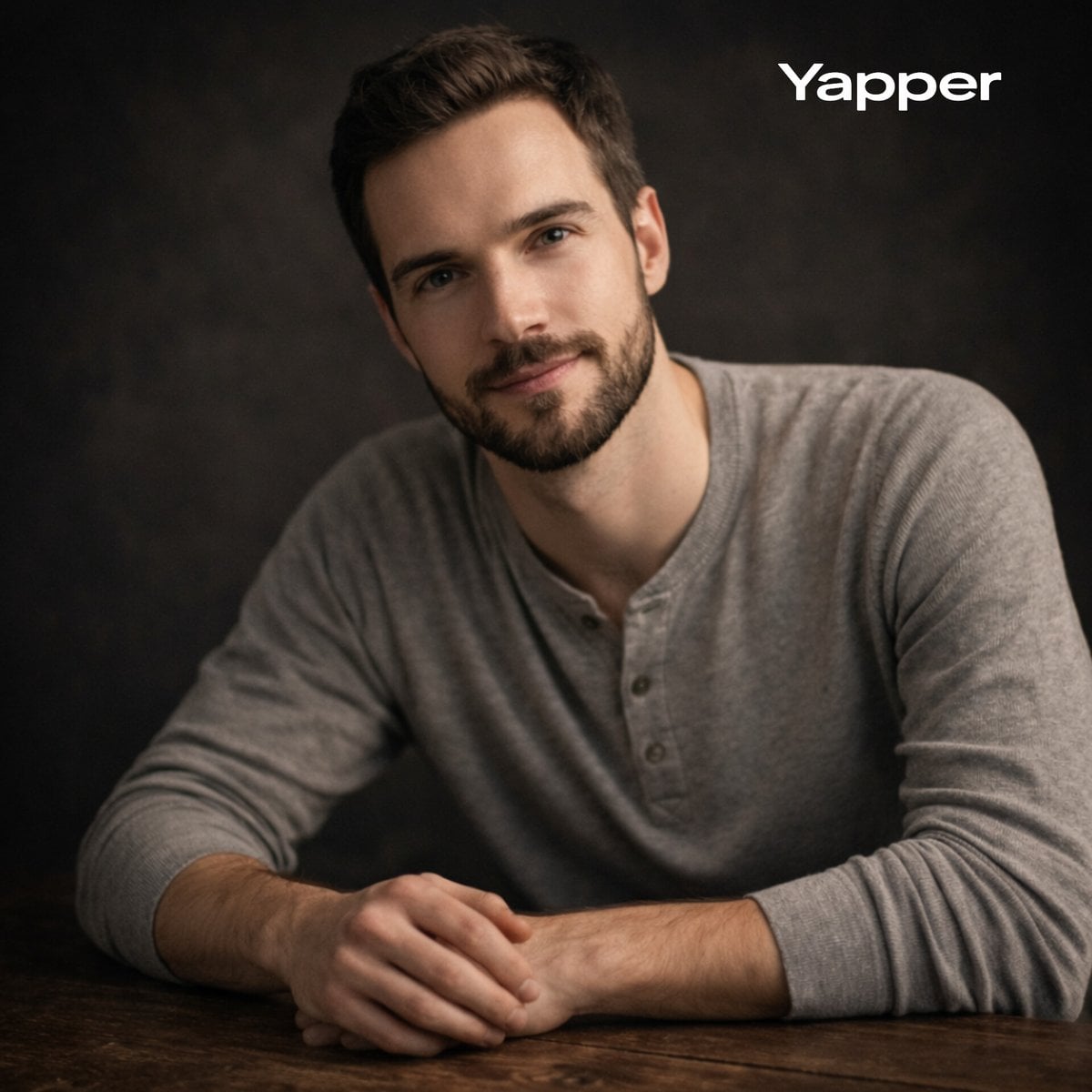
Cinematic Studio Portrait with Precise Facial Matching
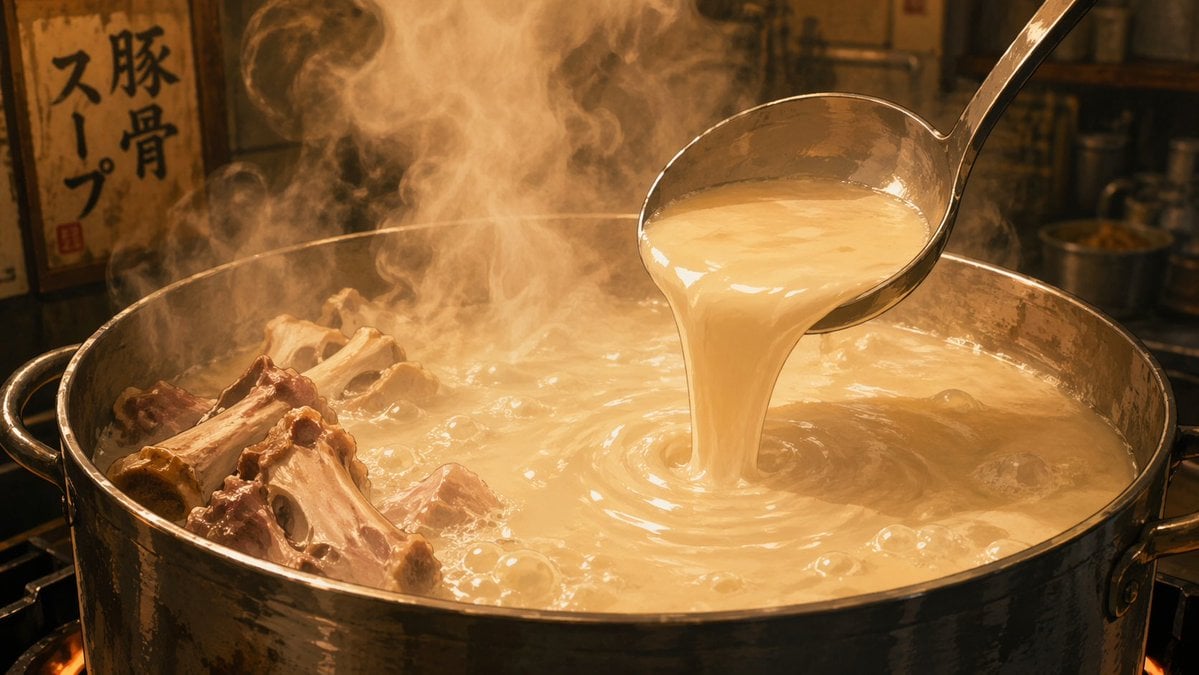
Anime Food: Tonkotsu Broth
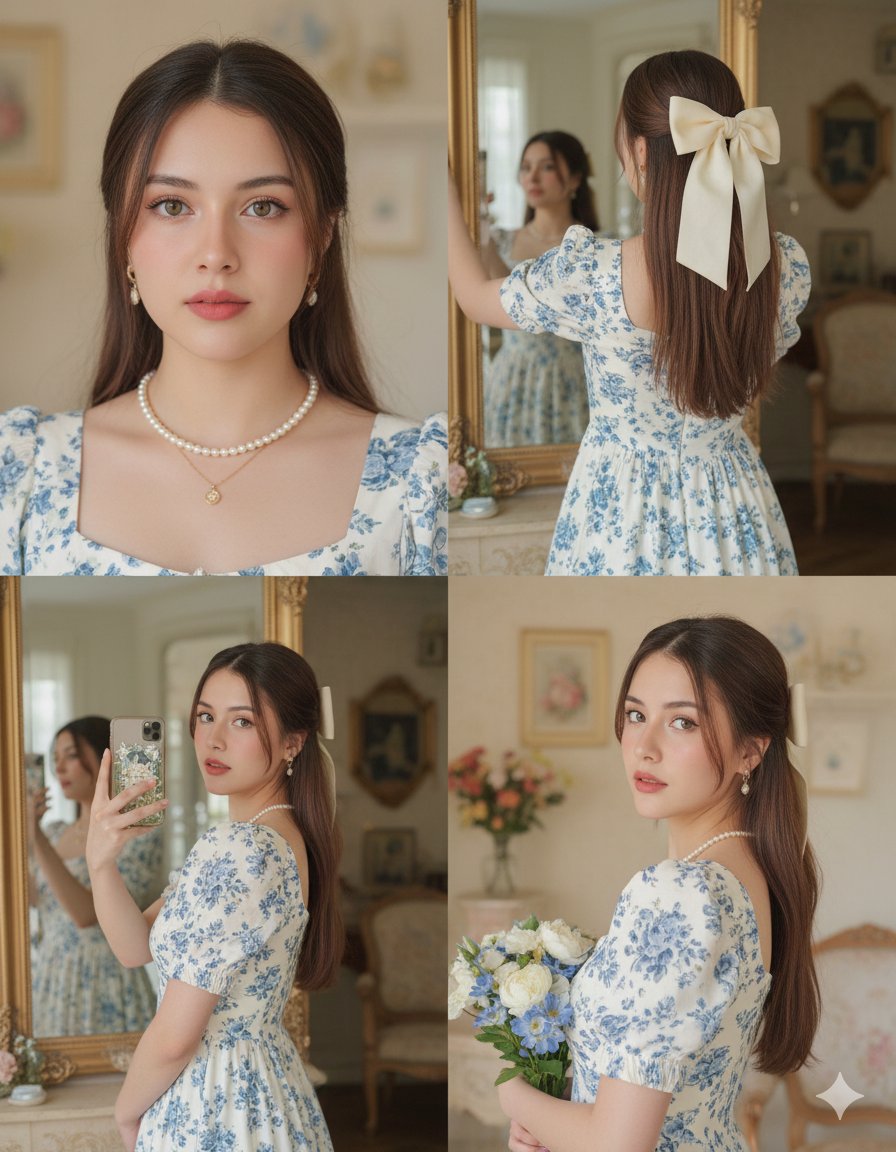
Panel Vintage Lifestyle Collage with Identity Lock
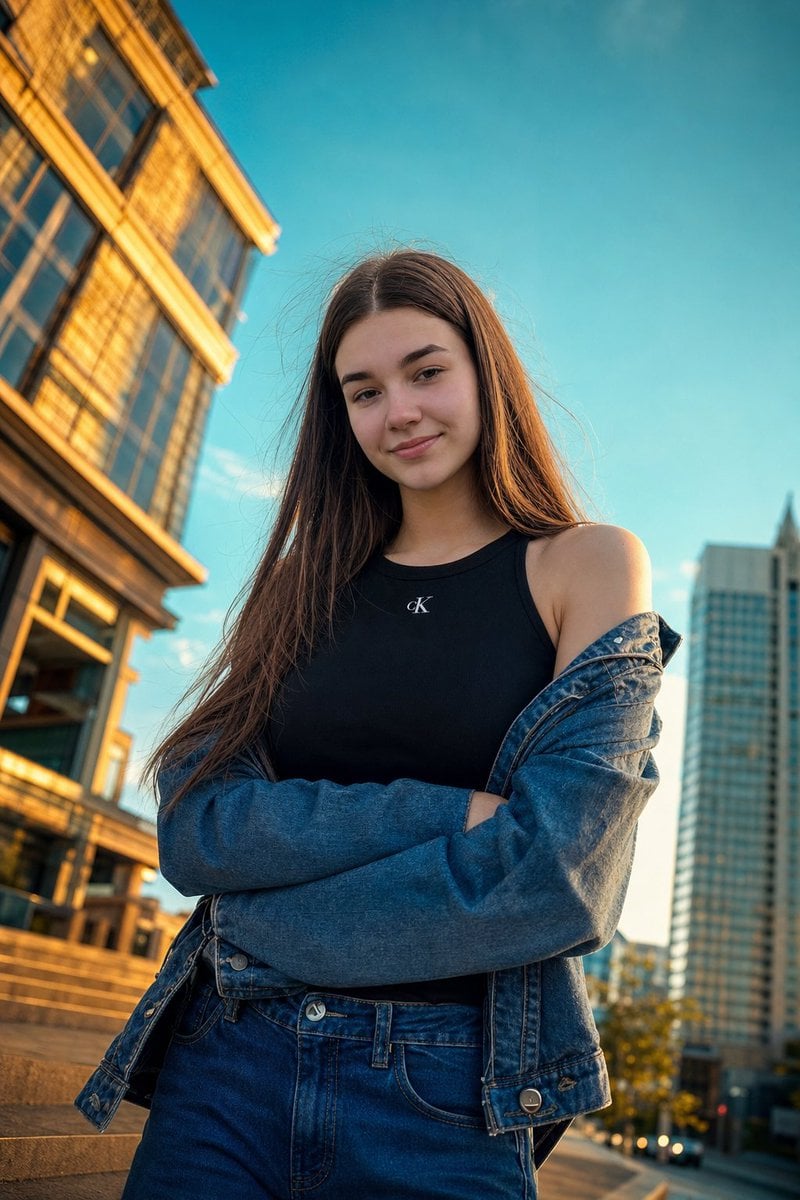
Golden Hour Urban Street Portrait
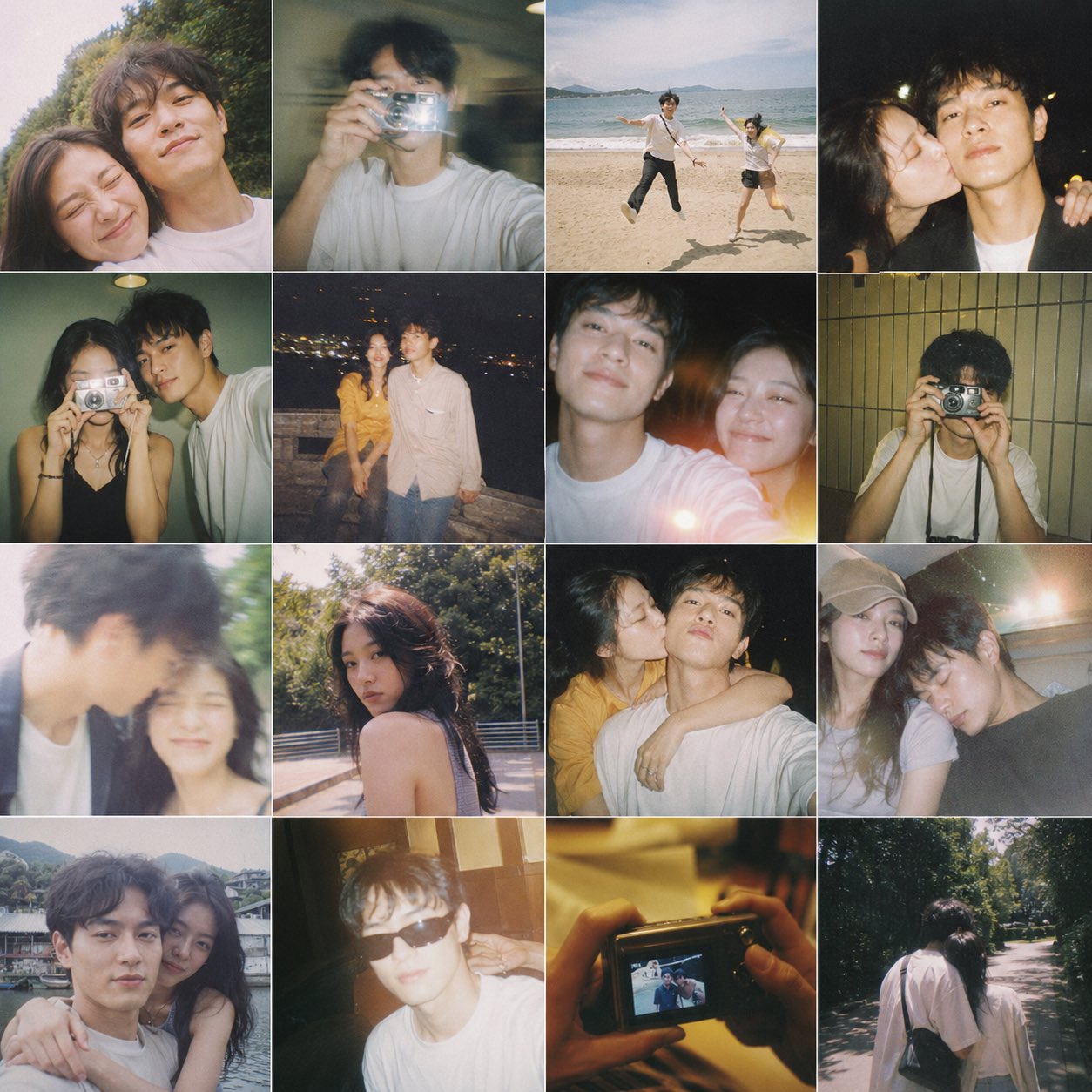
Film Contact Sheet Couple
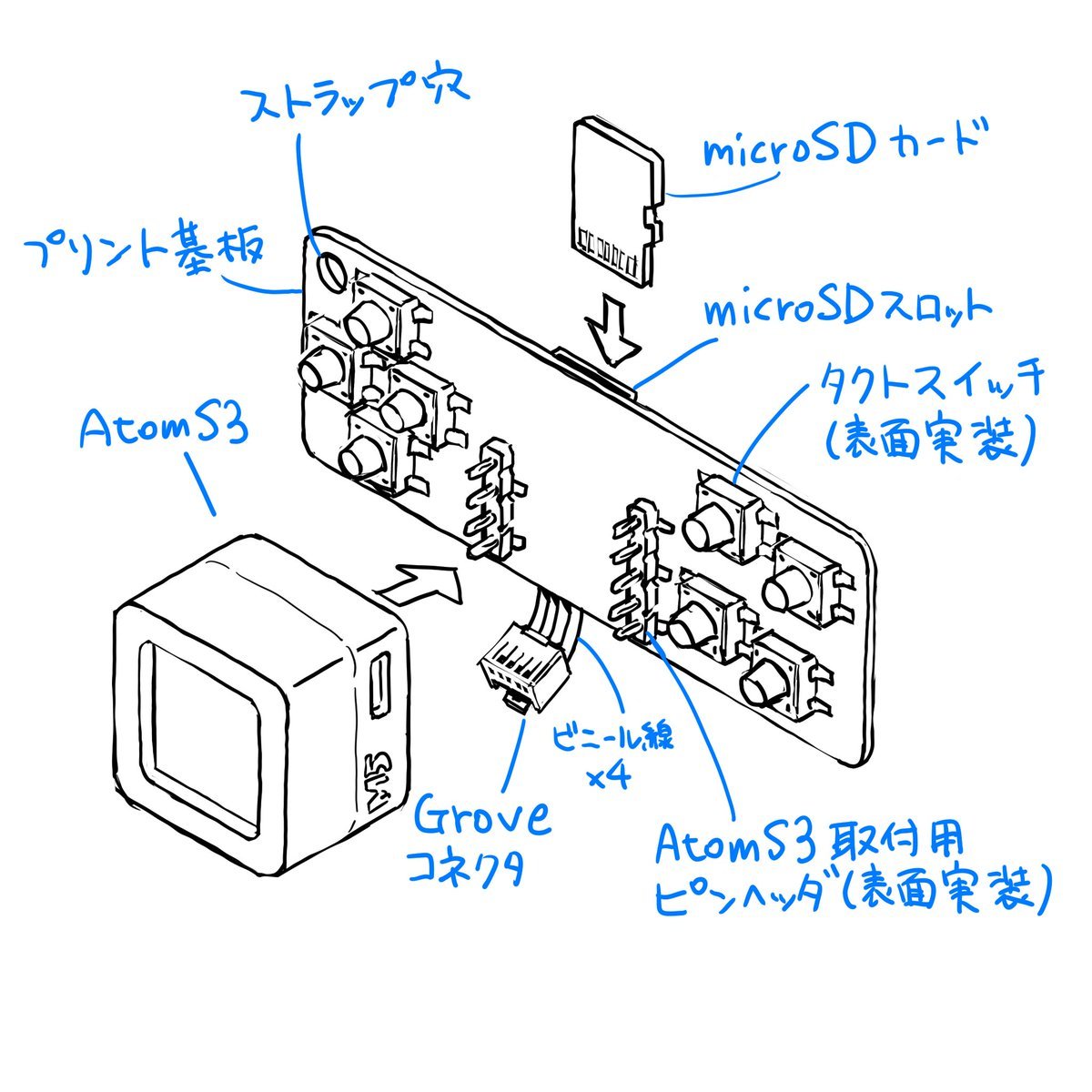
Sketch to CAD-Style Line Art Conversion Prompt
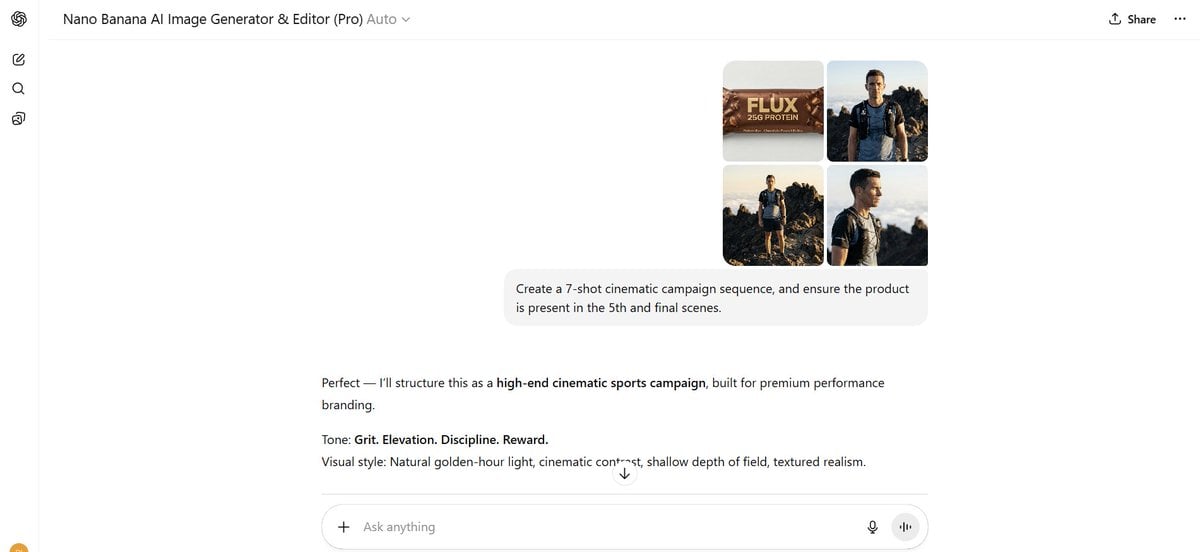
Shot Cinematic Campaign Sequence Prompt
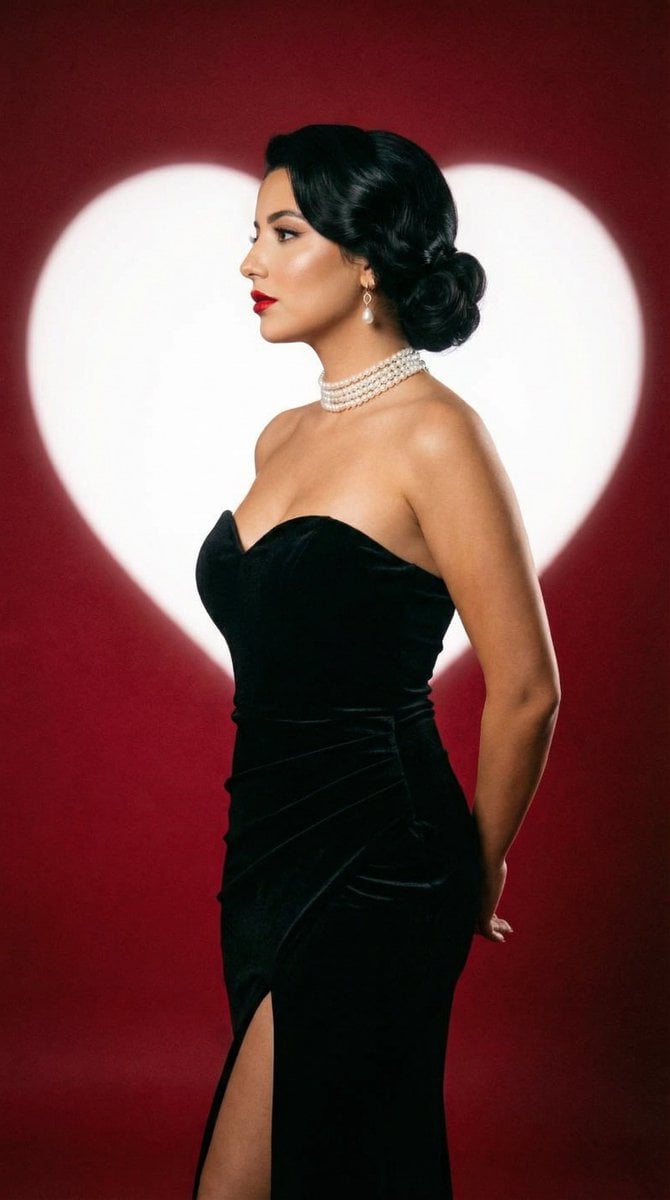
Classic Hollywood Studio Portrait with Heart Backdrop
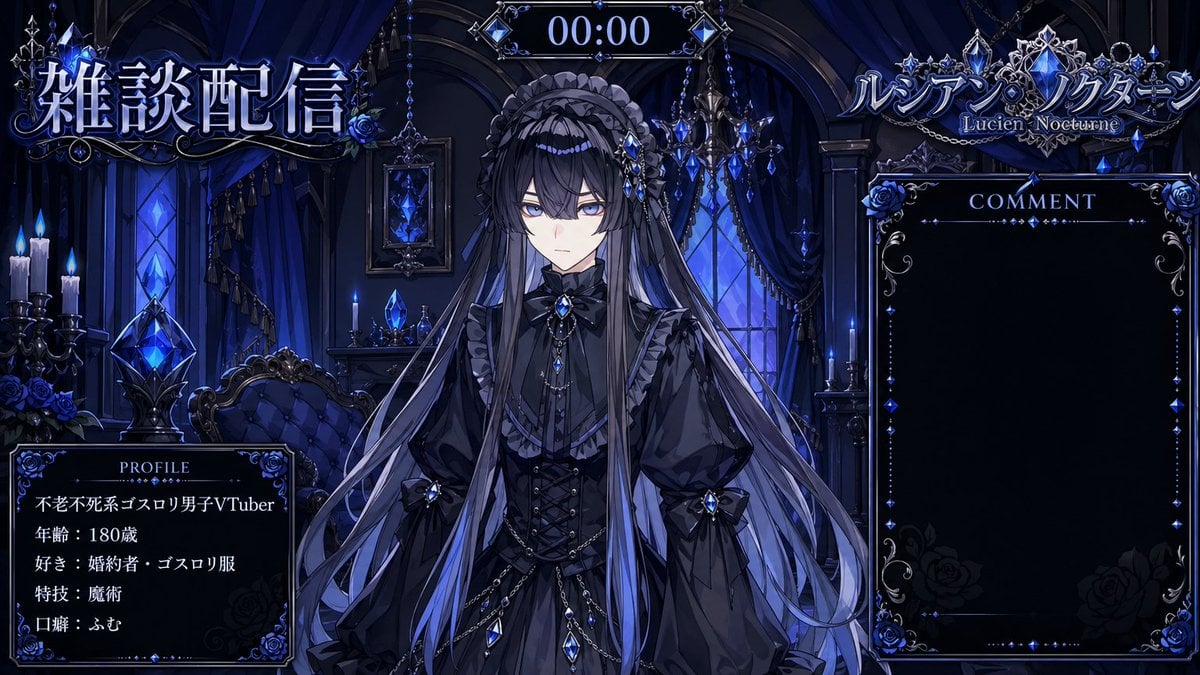
VTuber Streaming Overlay Layout
Browse template categories
Surreal Top-Down iPhone Fashion questions
How do I use the Surreal Top-Down iPhone Fashion template?
Add your photo if the template asks for one, edit the prompt if you like — the template's model and format are already selected — and press Generate. Your version opens in PicX Studio.
Can I customize the Surreal Top-Down iPhone Fashion template?
Yes. You can change the subject, setting, lighting, mood, format, and available model controls before creating your image.
Is the Surreal Top-Down iPhone Fashion template free?
Opening and editing this template is free. Generating uses credits, shown on the Generate button when you are signed in.
Which AI model should I use?
Start with GPT Image 2, which is the model associated with this template. You can compare another compatible model for a different finish.
Looking for something else? Browse all templates.

Your photo, any look
Thousands of ready templates for every top image and video model, from one credit balance.