How do I use the Premium iPhone Fashion Advertising Poster template?
Choose the primary action to open PicX Studio with the available template settings. Review the model and format, personalize the creative direction, and generate when ready.
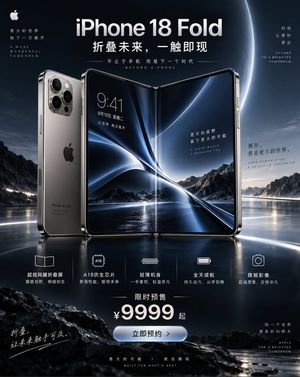
Generates a high-end commercial fashion poster for an iPhone campaign, featuring a specific subject in a bold monochromatic orange palette with dramatic low-ang

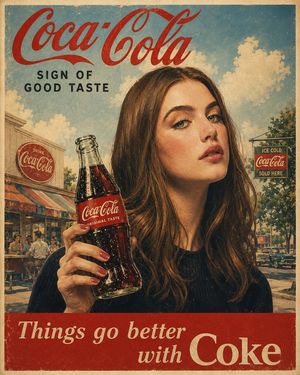
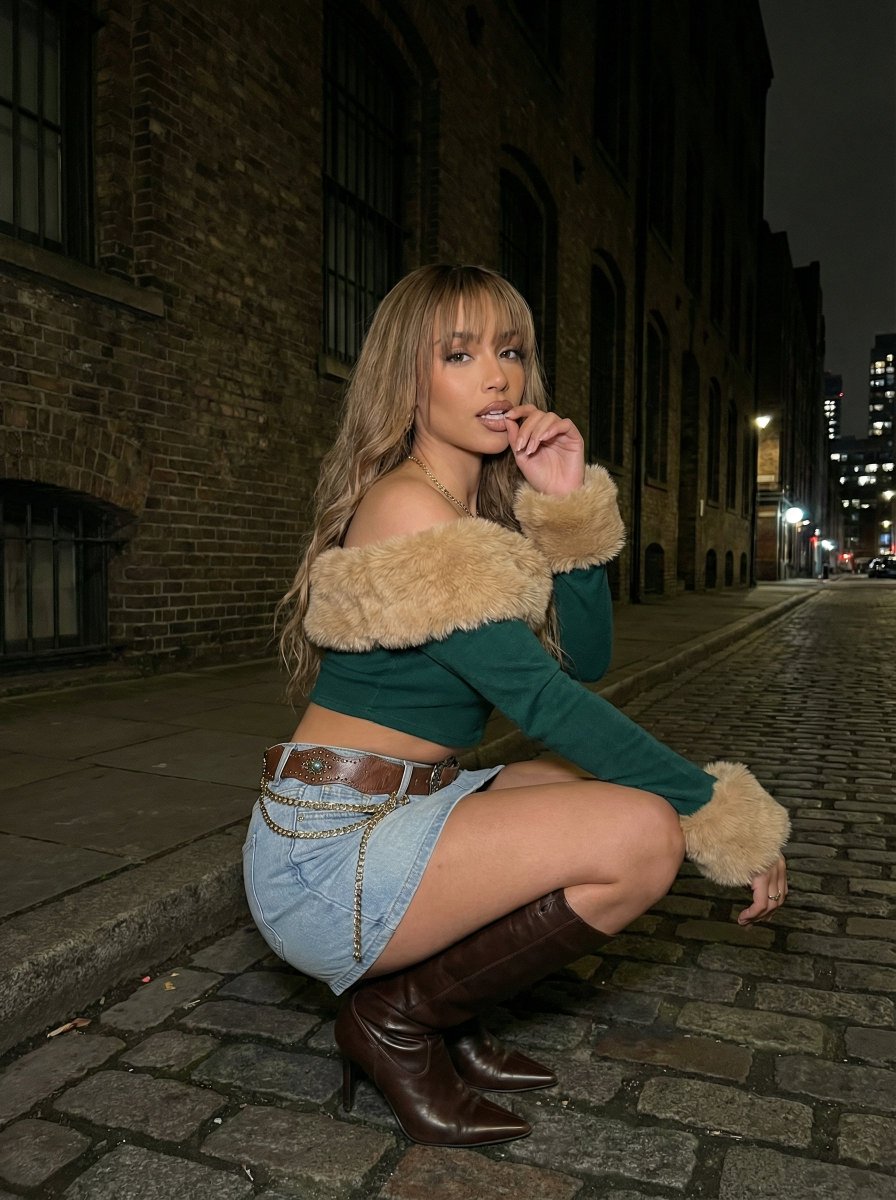
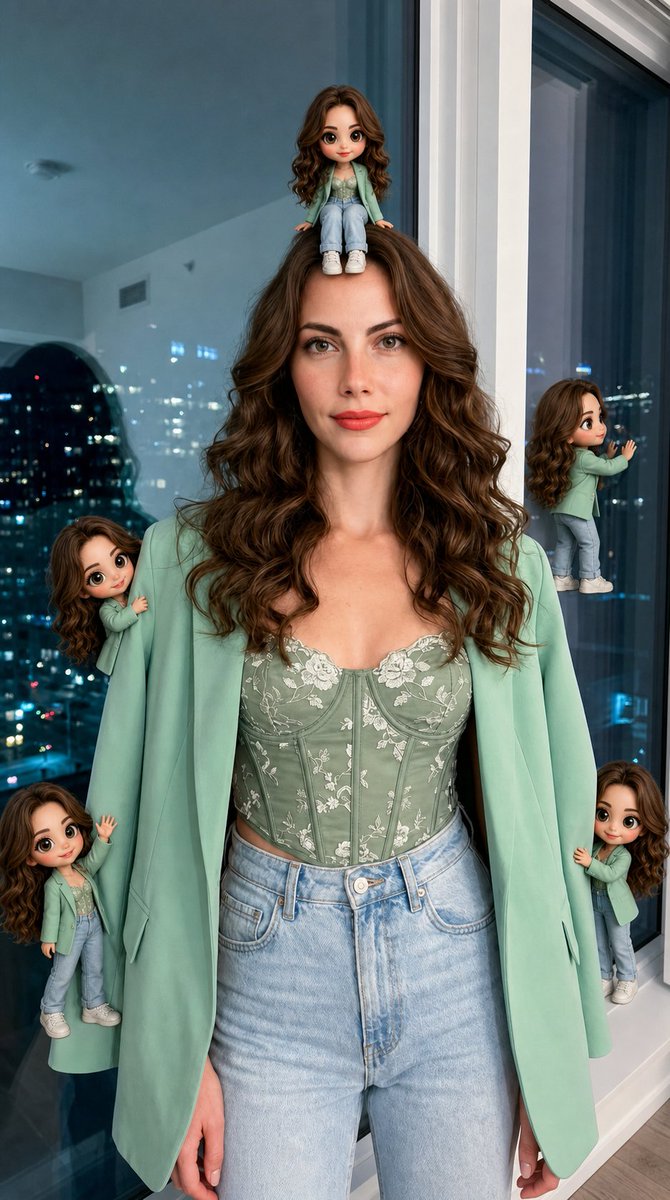
Use {argument name="reference image" default="the uploaded image"} as a composition and lighting reference, but replace the female character with a {argument name="subject" default="confident young Black male fashion model with short textured hair, sharp facial features, and a calm, powerful expression"}. Create a premium vertical smartphone advertising poster in a bold monochromatic orange color palette. Show him from a dramatic low angle perspective, extending one hand toward the camera while holding a {argument name="product" default="glossy orange iPhone 17 Pro"} close to the lens. The phone should dominate the foreground with exaggerated perspective, clearly showing its triple camera system, metallic frame, glass back, and centered Apple logo. Dress him in a glossy burnt orange bomber jacket over a fitted white T shirt with beige tailored trousers. Add subtle wind movement to his jacket and hair for energy. Behind him, place a bright circular orange neon ring that frames his upper body. Use a smooth deep-orange studio background with cinematic gradients and soft atmospheric glow. At the top, add a small Apple logo followed by “iPhone 17”, and place enormous bold typography reading “PRO” behind the character. Keep the text partially obscured by the subject to create depth. High-end commercial photography, dramatic fashion campaign, crisp skin texture, realistic hands, accurate phone geometry, warm rim lighting, glossy highlights, strong contrast, premium Apple-style product presentation, ultra-detailed, photorealistic, 8K, vertical 4:5 composition.
Choose the primary action to open PicX Studio with the available template settings. Review the model and format, personalize the creative direction, and generate when ready.
Yes. You can change the subject, setting, lighting, mood, format, and available model controls before creating your image.
This template is free to open and customize. Generation usage is shown in PicX Studio before you create.
Start with GPT Image 2, which is the model associated with this template. You can compare another compatible model for a different finish.
Follow a topic to a crawlable collection of related PicX Studio templates.