
Times Square Movie Billboard Scene
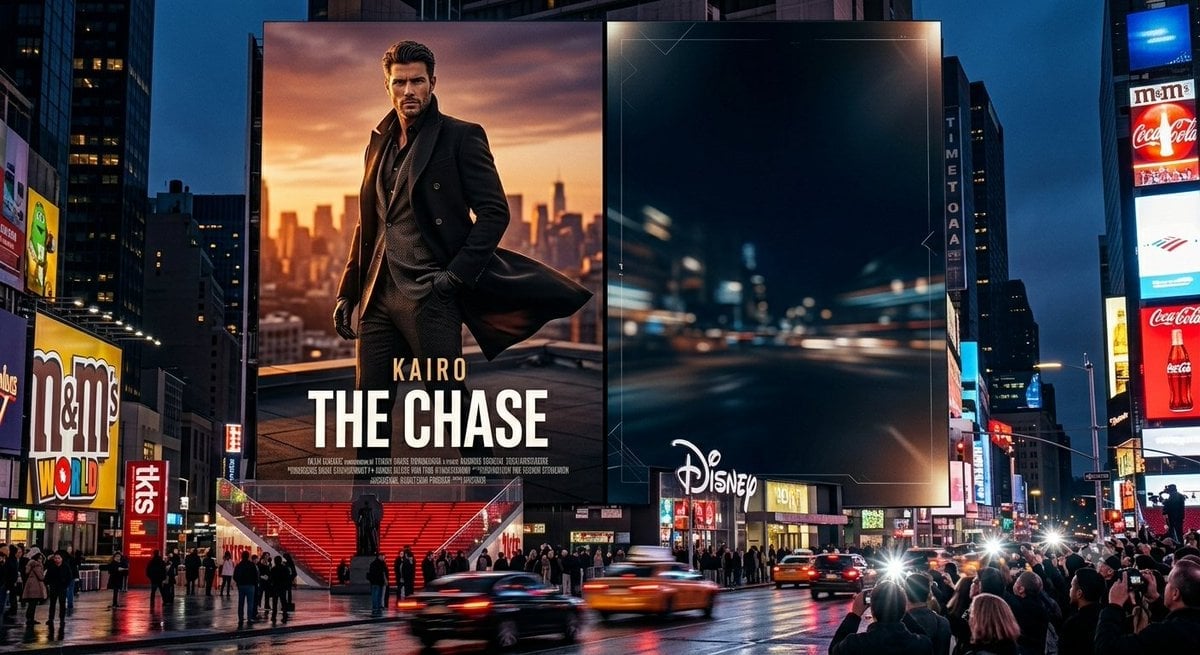
A photorealistic Times Square night scene featuring a custom action movie poster billboard beside a dark branded digital billboard.
- Prompt included
- Model and format preset
- Free template
The prompt behind this image
Copy the exact prompt behind Times Square Movie Billboard Scene, or open it in the studio and make it yours.
Goal: Create a photorealistic cinematic nighttime scene of Times Square in New York, centered on two enormous adjacent digital billboards above a busy wet street. Canvas: Wide 16:9 landscape image, street-level perspective, realistic lens compression, high dynamic range, glossy rain-soaked pavement reflecting neon lights, deep blue evening sky between skyscrapers. Main layout: The composition has exactly 2 dominant central billboards. Billboard 1 on the left is a movie-poster-style ad for {argument name="movie title" default="THE CHASE"}, with the smaller actor/name text {argument name="actor name" default="KAIRO"} above the title. It shows a stylish faceless male action hero in a long black coat and dark suit, standing on a rooftop at sunset with an orange city skyline behind him; the coat flares in the wind, and small fake production-credit text runs along the bottom. Billboard 2 on the right is a dark, mostly empty premium ad screen showing a blurred high-speed night city road with blue-black tones, subtle thin geometric HUD-like corner lines, and a white {argument name="brand logo" default="Disney"} logo near the lower-left area. Surrounding visible signage: Include exactly 6 notable secondary advertising/sign elements around the central billboards: a large M&M's World sign on the left, a vertical red TKTS sign near the left-center stairs, a vertical TIMES SQUARE-style sign on a building between the main billboards and the right tower, a red Coca-Cola bottle billboard on the far right, a white M&M's sign above it, and a bright blue rectangular billboard at the upper-right corner. Street and crowd details: Show a dense crowd of pedestrians and tourists gathered along sidewalks and plaza edges, some holding phones toward the billboards. Include exactly 4 prominent moving vehicles in the foreground street: two yellow taxis, one dark sedan, and one blurred vehicle streak, all with motion blur and headlight flares. Red TKTS stairs and a small statue silhouette appear beneath the left billboard. Visual style: Ultra-realistic commercial photography mixed with blockbuster advertising, sharp architecture, vivid neon reflections, cinematic contrast, realistic Times Square scale, no cartoon styling. Constraints: Keep the left poster title large and readable, preserve the faceless censored-looking face on the poster character, do not add extra central billboards, do not add watermarks, and avoid legible long blocks of text other than the specified ad words.
How to use Times Square Movie Billboard Scene in 3 steps
- 1Upload ImagePNG, JPG or paste
Add your photo
Upload the photo the template builds on. The prompt, model and format are already set.
- 2…a portrait of your subject in softgolden-hour light, 85mm…
Personalize
Edit the subject and creative details for your destination.
- 3Generate
Generate
Press Generate — your image is created in PicX Studio, so you can compare it with the original and refine one variable at a time.
More like this
Templates with the same subject, style or setup. Open one to see its prompt.
Surreal Times Square Selfie
Storybook Times Square Photo Transformation
Post-Apocalyptic Times Square Horde
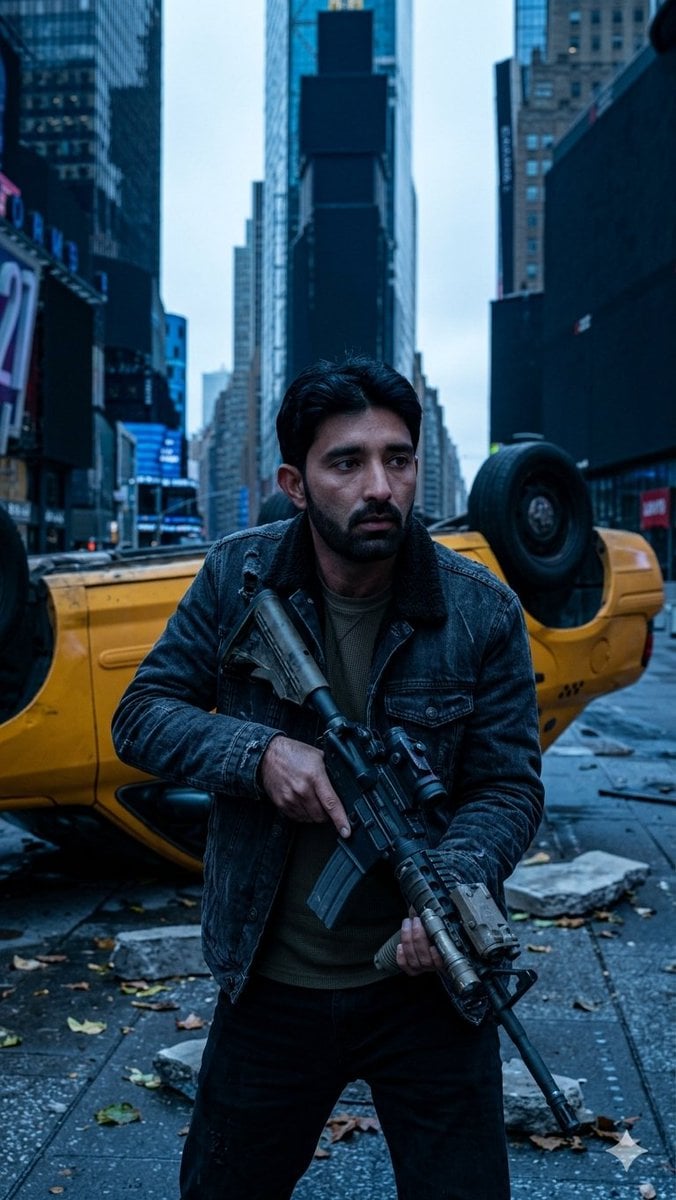
Deserted Times Square Protector
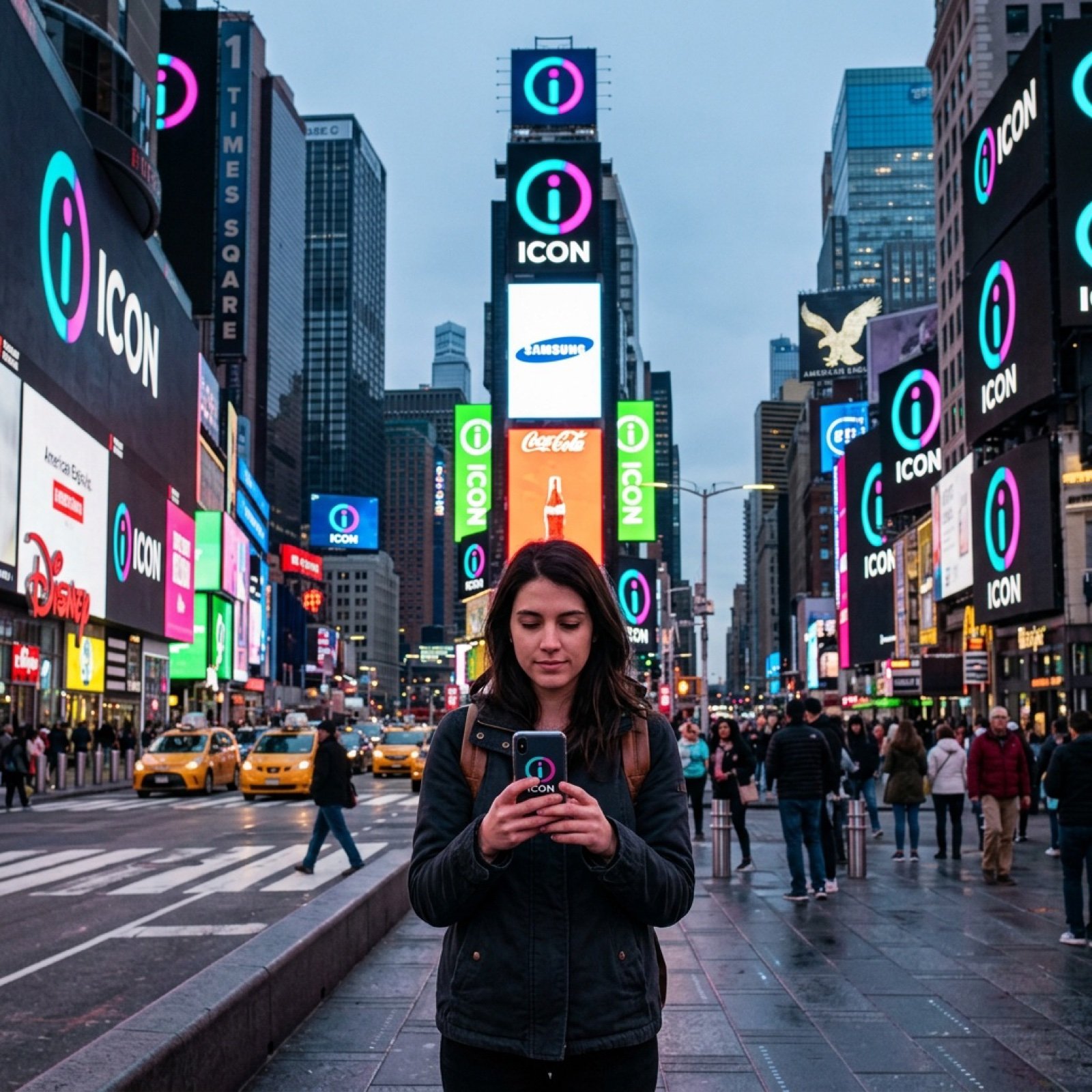
Times Square icon on many screens
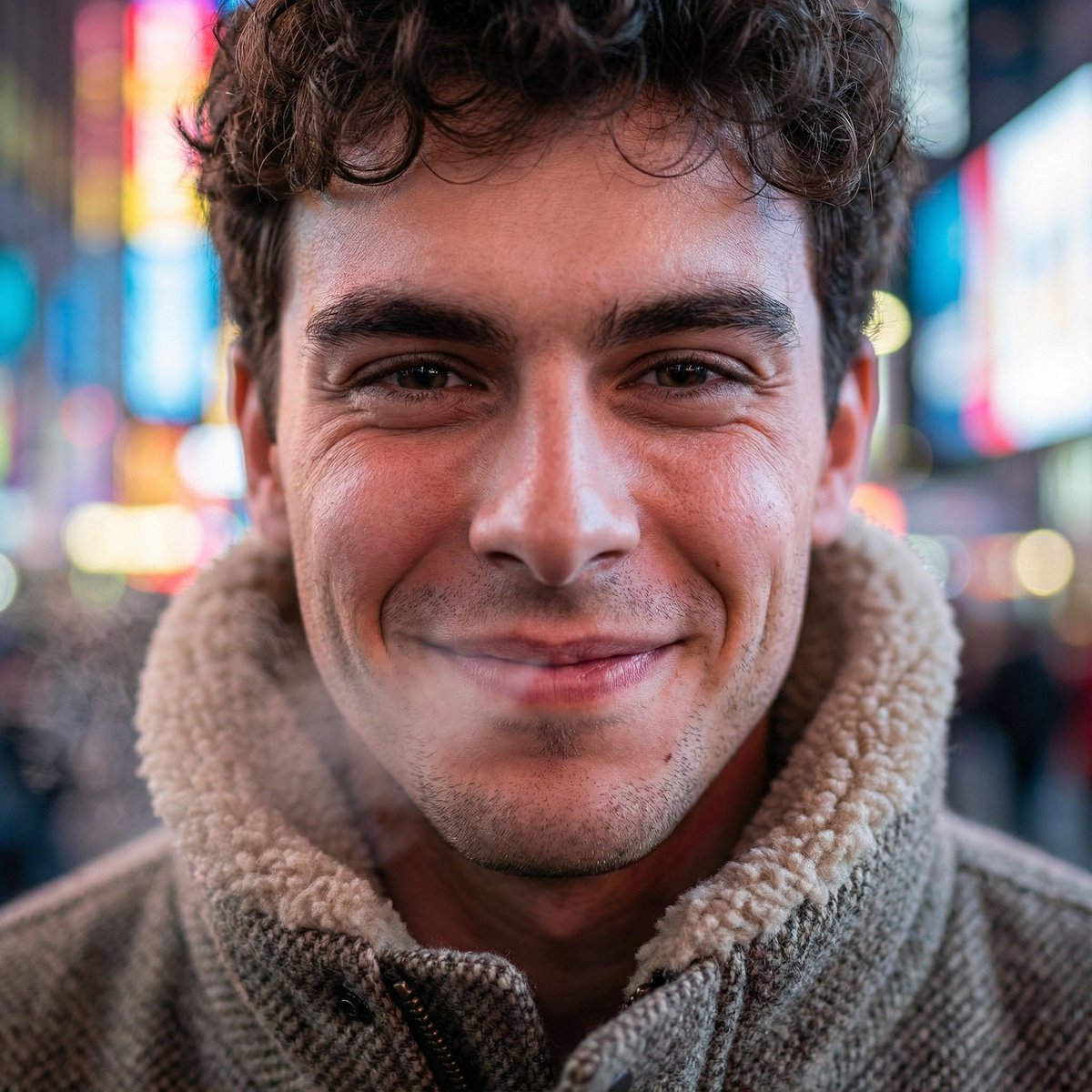
Hyper-Realistic Neon Times Square Portrait
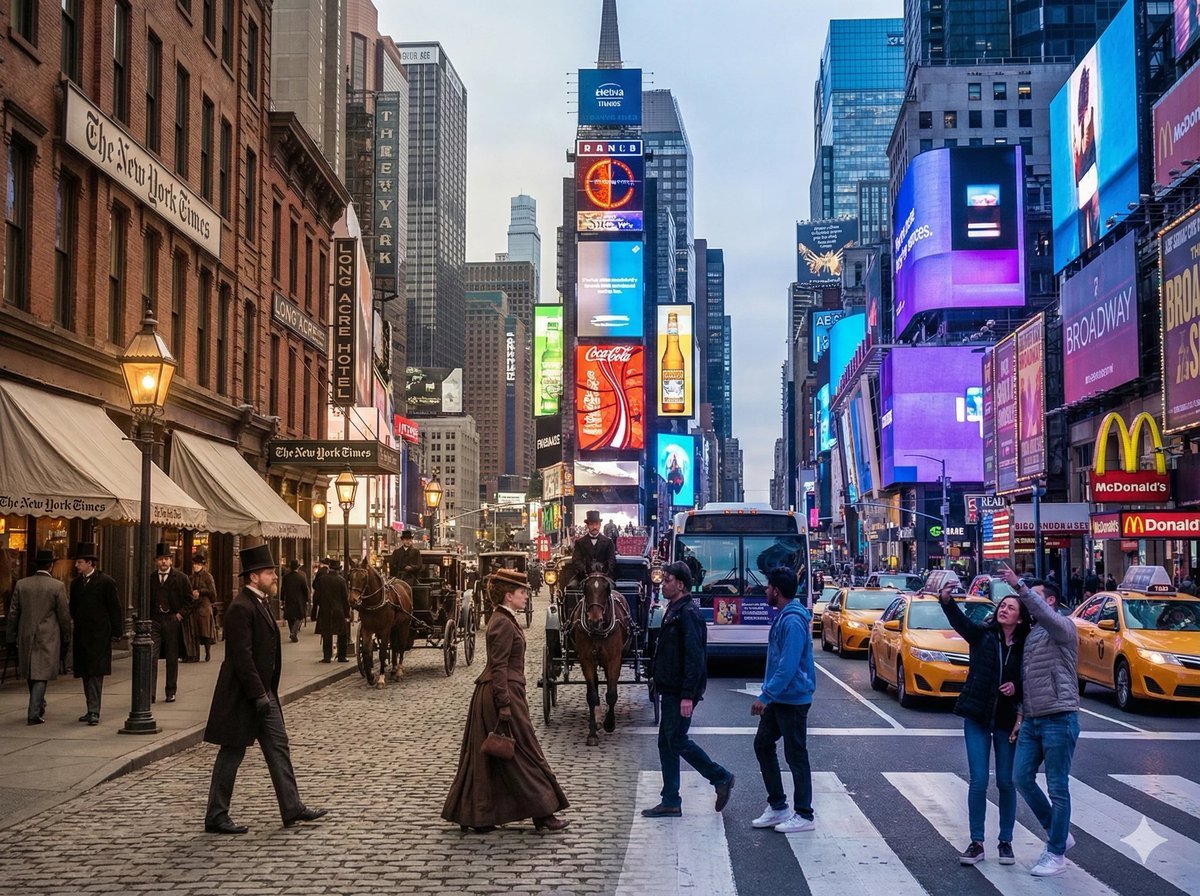
Times Square Time-Blend Split-Screen
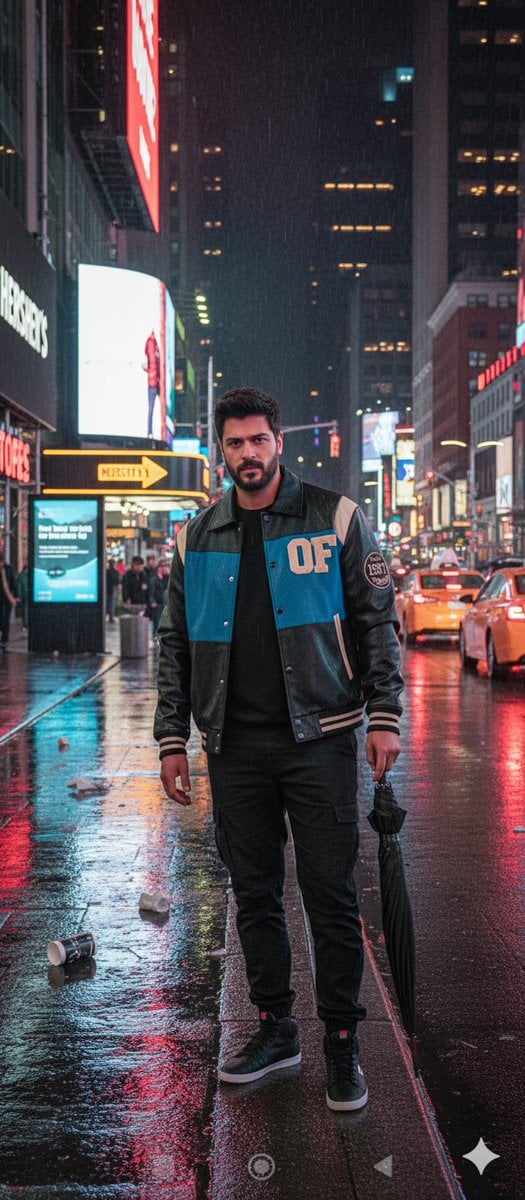
Times Square Rainy Night Portrait with Identity Lock
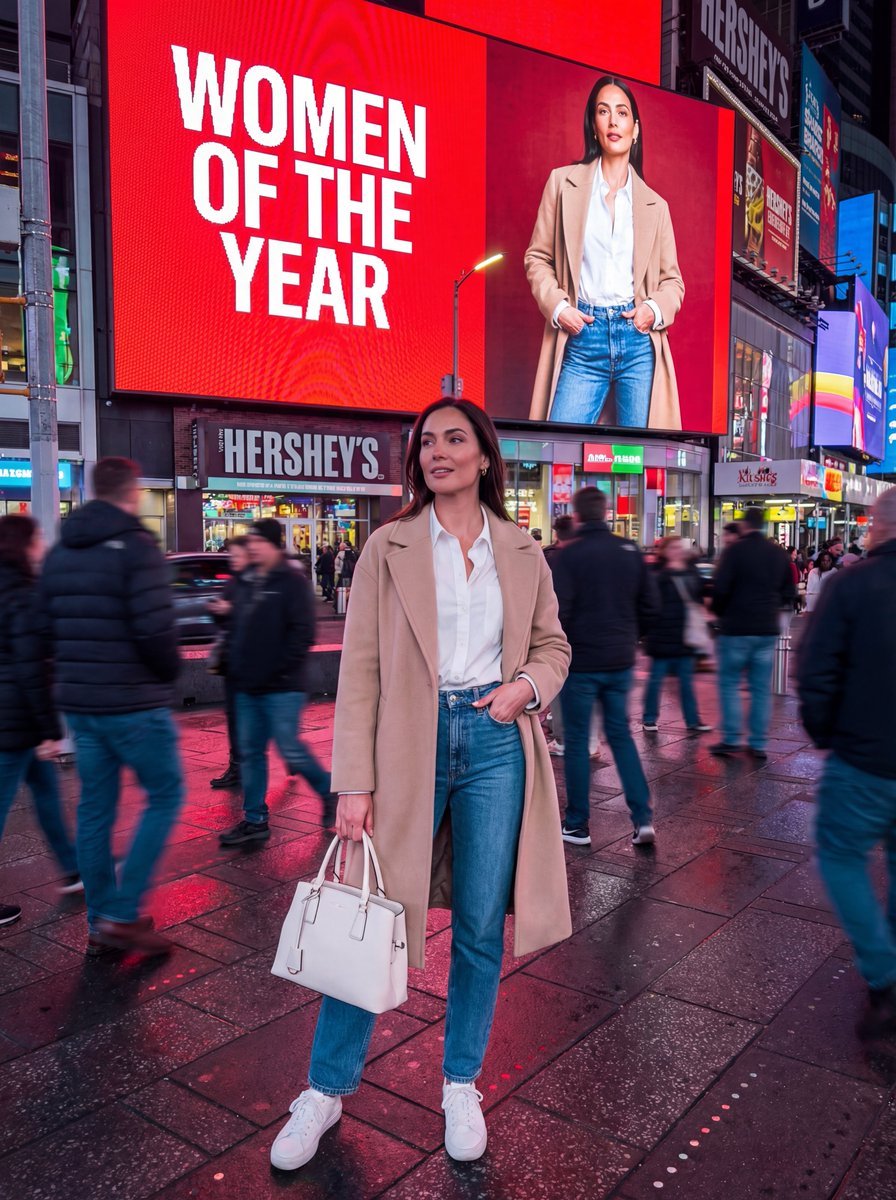
Hyper-Realistic Street Photography Portrait in Times Square
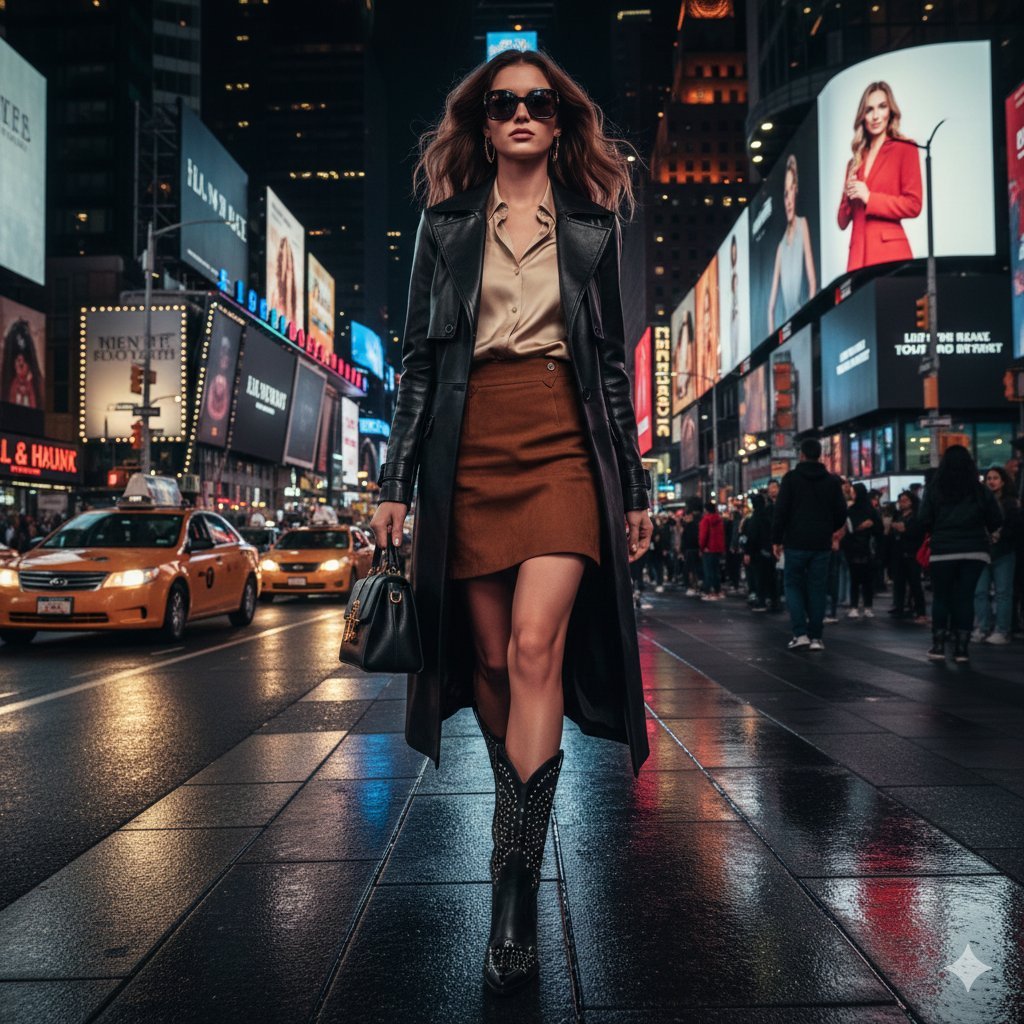
Ultra-realistic cinematic western fashion in Times Square prompt
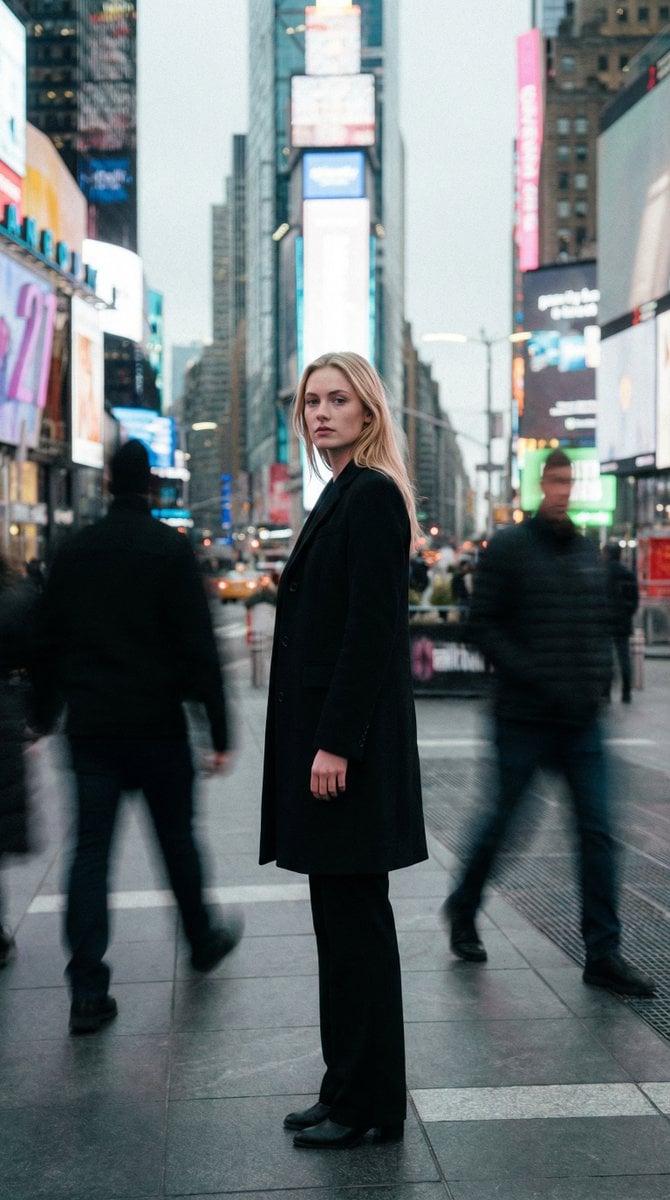
High Fashion Magazine Pictorial in Times Square
Seedance - Storyboard to Movie
Make it yours
Times Square Movie Billboard Scene works as-is. These are the safest ways to change it without losing the look.
Change one field
Copy a single group, rewrite it, and generate again so you can see what that field is doing.
Keep the frame, change the subject
Hold the composition and light of Times Square Movie Billboard Scene, then swap wardrobe, props or the person for a new take.
| If the result… | Why | Fix |
|---|---|---|
| The result drifts from the preview | Too many fields changed at once. | Reuse Times Square Movie Billboard Scene as-is first, then change one group — subject, light, or setting. |
| The model over-stylizes the scene | The prose prompt leaves finish and camera underspecified. | Add one camera or lighting sentence and stay on GPT Image 2. |
More GPT Image 2 templates
Other prompts made for GPT Image 2.

Six VTuber Japanese Logo Sheet

Realistic Portrait of Woman and Deer

The Vista Modular Condo Poster

AI Model Routing Comparison Infographic

2.5D Anime Art Board

Isometric Productivity Desk Scene

New York Double Exposure Poster

Four-Panel AI Landscape Comparison

Japanese Tatami Lifestyle Magazine Cover

NESCAFÉ Coffee Map Poster
More image prompts
Fresh picks from across the catalog.
Business Office Manga Task Comic
Seasonal Transformation Grid
Surreal Strawberry Yogurt Commercial Scene
Recharge Naturally Juice Ad
Minimalist Studio Portrait of a Man
Fashion Editorial with Cartoon Fusion
Cinematic Futuristic Tunnel Walk
Cool Menthol Shampoo Ad
Dunhuang Mural Artistic Template
Night Park Proposal Portrait
Browse template categories
Times Square Movie Billboard Scene questions
How do I use the Times Square Movie Billboard Scene template?
Add your photo if the template asks for one, edit the prompt if you like — the template's model and format are already selected — and press Generate. Your version opens in PicX Studio.
Can I customize the Times Square Movie Billboard Scene template?
Yes. You can change the subject, setting, lighting, mood, format, and available model controls before creating your image.
Is the Times Square Movie Billboard Scene template free?
Opening and editing this template is free. Generating uses credits, shown on the Generate button when you are signed in.
Which AI model should I use?
Start with GPT Image 2, which is the model associated with this template. You can compare another compatible model for a different finish.
Looking for something else? Browse all templates.

Your photo, any look
Thousands of ready templates for every top image and video model, from one credit balance.