
Storybook Times Square Photo Transformation
Transforms a Times Square portrait into a vibrant hand-painted storybook illustration while preserving the original subject and composition.
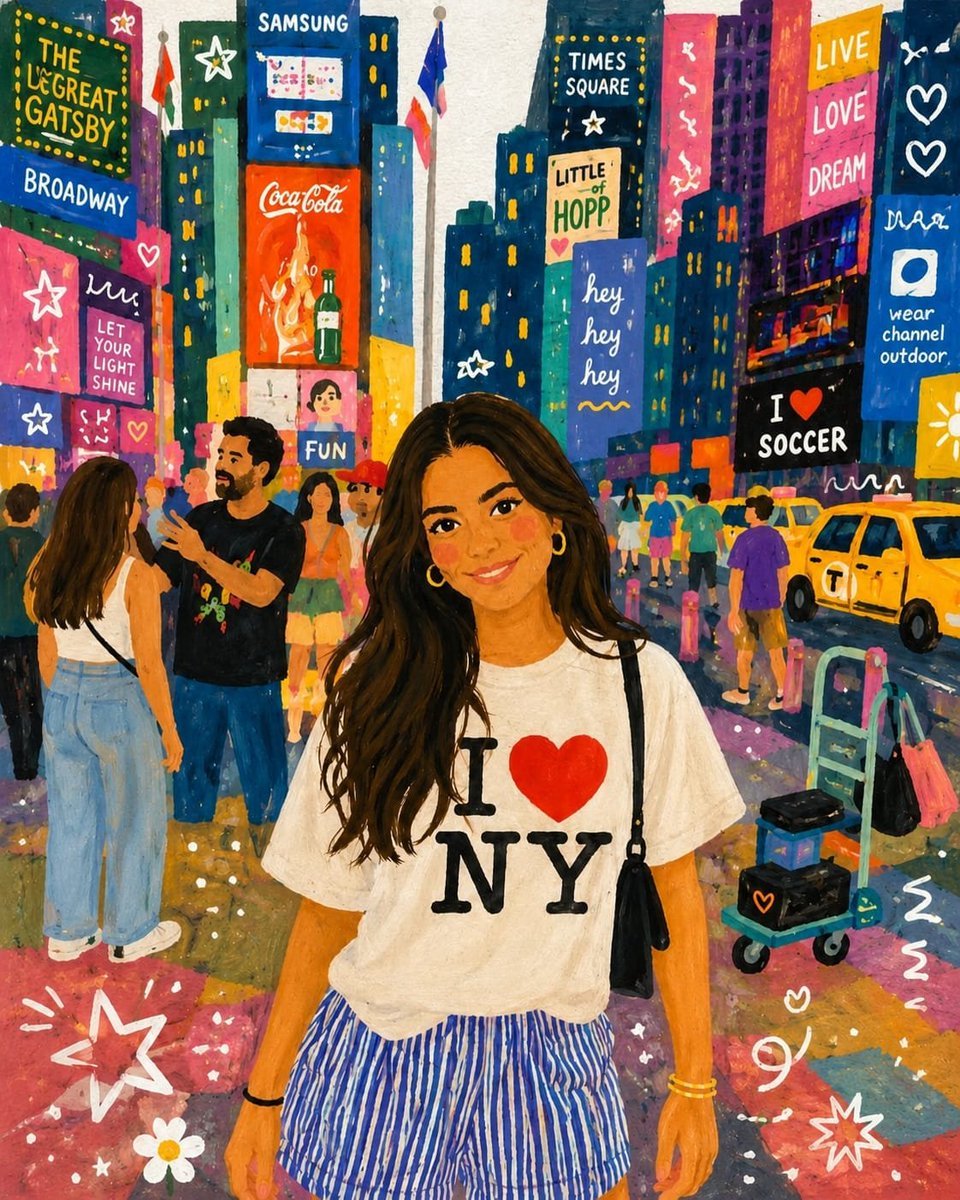
- Prompt included
- Model and format preset
- Free template
The prompt behind this image
Copy the exact prompt behind Storybook Times Square Photo Transformation, or open it in the studio and make it yours.
Using the provided reference image as the only source, transform the photo into a vibrant hand-painted storybook illustration while preserving the exact composition, subject identity, pose, outfit, facial proportions, hairstyle, and Times Square setting. Keep the central woman in the same position and preserve the shirt graphic text exactly as {argument name="shirt text" default="I ♥ NY"}. Style: Convert the scene into a whimsical gouache/acrylic children’s book painting with visible brush texture, softened facial details, warm rosy cheeks, simplified shapes, saturated colors, playful outlines, and a cheerful nighttime city glow. Make the lighting feel bright, colorful, and magical rather than photographic. Background transformation: Repaint the Times Square billboards and street details as hand-lettered illustrated signs, keeping the dense city-canyon composition but replacing realistic ads with playful fictional signage. Include exactly these prominent readable sign texts: 1) “THE GREAT GATSBY”, 2) “BROADWAY”, 3) “SAMSUNG”, 4) “CocaCola”, 5) “TIMES SQUARE”, 6) “LITTLE HOPP”, 7) “hey hey hey”, 8) “LIVE LOVE DREAM”, 9) “I ♥ SOCCER”, 10) “wear channel outdoor”, 11) “LET YOUR LIGHT SHINE”, and 12) “FUN”. Add simplified illustrated pedestrians, yellow taxis, street carts, barricades, and colorful pavement reflections matching the original layout. Added decorative elements: Overlay playful white doodles and small graphic marks across the scene, including stars, hearts, squiggles, flower shapes, dots, and motion lines, especially near the lower corners and on the billboards. Constraints: Use no other reference images, do not change the woman’s pose or outfit, do not alter the overall camera angle or framing, keep all original major objects in their approximate positions, avoid photorealism, and make the final image look like a charming painted travel-storybook poster.
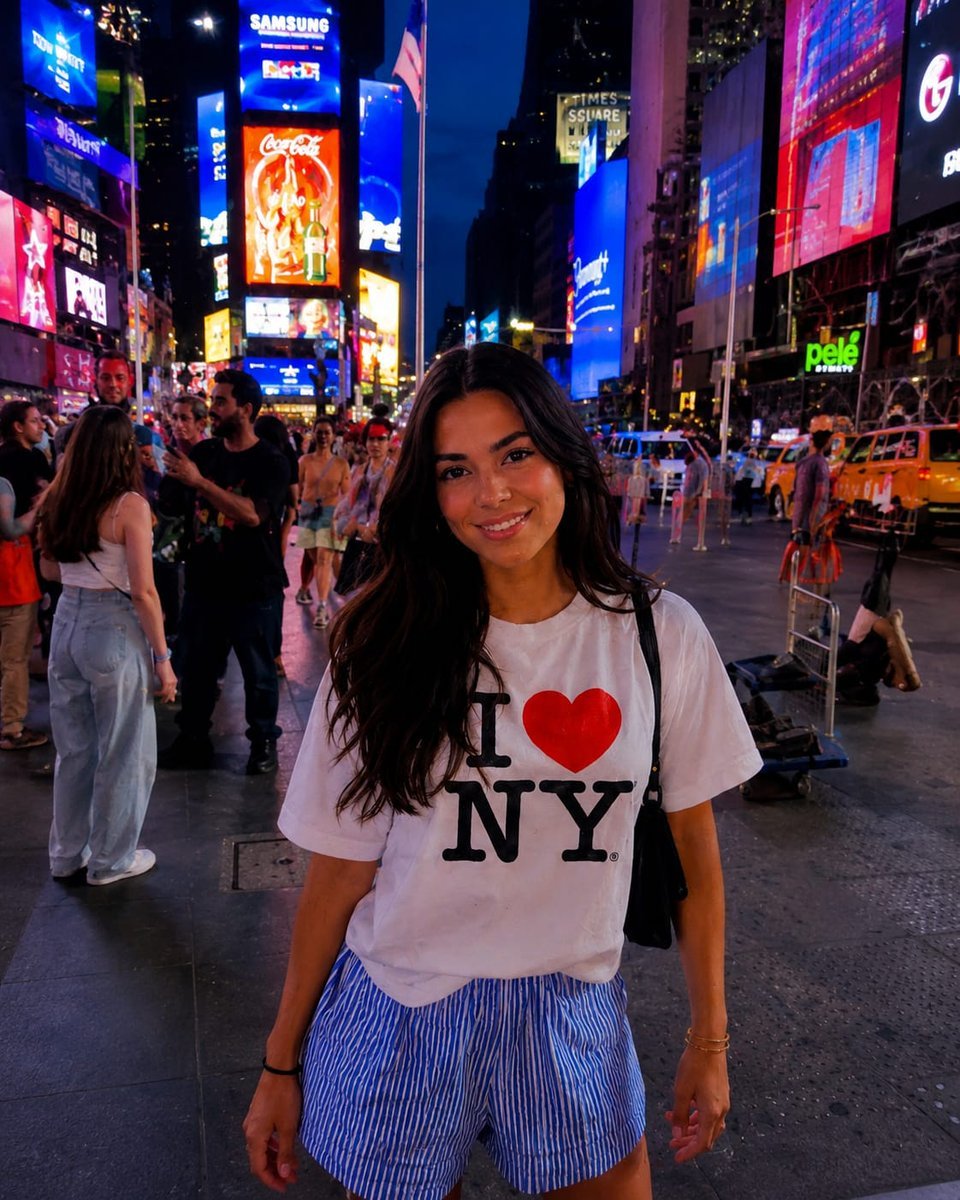
Reference images included
Storybook Times Square Photo Transformation needs input media to work. They load alongside the prompt when you open it in the studio.
How to use Storybook Times Square Photo Transformation in 3 steps
- 1Upload ImagePNG, JPG or paste
Add your photo
Upload the photo the template builds on. The prompt, model and format are already set.
- 2…a portrait of your subject in softgolden-hour light, 85mm…
Personalize
Edit the subject and creative details for your destination.
- 3Generate
Generate
Press Generate — your image is created in PicX Studio, so you can compare it with the original and refine one variable at a time.
More like this
Templates with the same subject, style or setup. Open one to see its prompt.
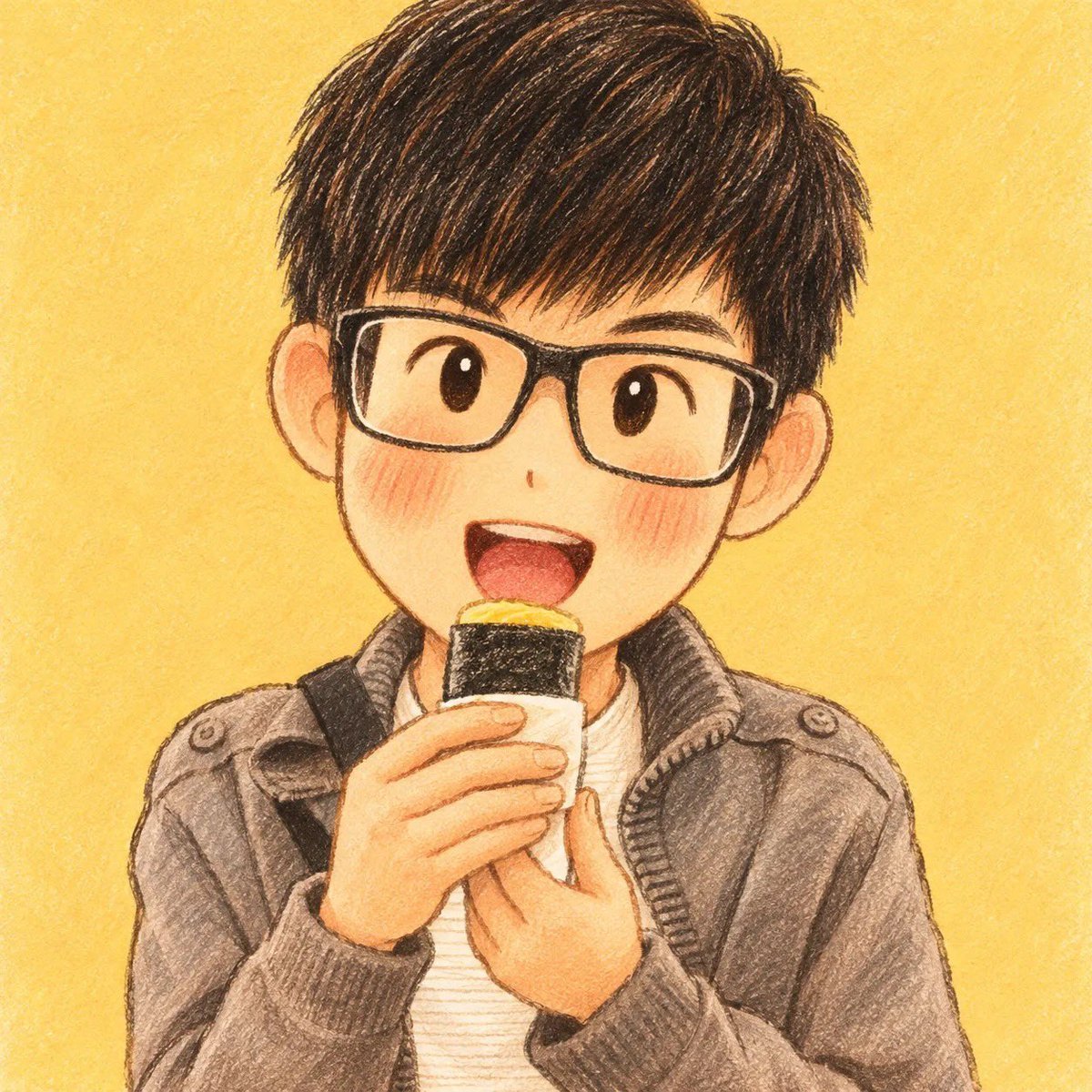
Children's Storybook Character Transformation
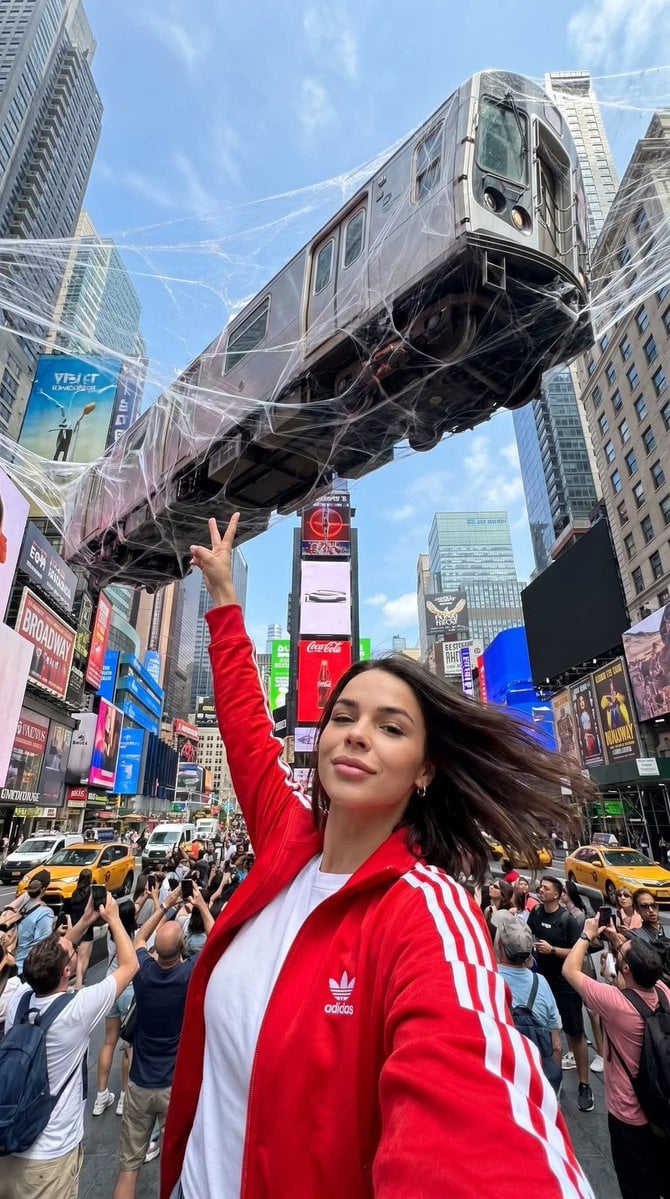
Surreal Times Square Selfie

Decorative Folk Flat Paper Cut Illustration

Watercolor Anim Finale Fireworks

Watercolor Anim Garden Maze

Watercolor Anim Rooftop Concert

Watercolor Anim Bicycle Coast

Watercolor Anim Castle Gate

Watercolor Anim Kitchen Chaos

Watercolor Anim Carnival Ride

Watercolor Anim Rainy Bus Stop

Watercolor Anim Space Dock
Make it yours
Storybook Times Square Photo Transformation works as-is. These are the safest ways to change it without losing the look.
Change one field
Copy a single group, rewrite it, and generate again so you can see what that field is doing.
Keep the frame, change the subject
Hold the composition and light of Storybook Times Square Photo Transformation, then swap wardrobe, props or the person for a new take.
| If the result… | Why | Fix |
|---|---|---|
| The result drifts from the preview | Too many fields changed at once. | Reuse Storybook Times Square Photo Transformation as-is first, then change one group — subject, light, or setting. |
| The model over-stylizes the scene | The prose prompt leaves finish and camera underspecified. | Add one camera or lighting sentence and stay on GPT Image 2. |
More GPT Image 2 templates
Other prompts made for GPT Image 2.

Six VTuber Japanese Logo Sheet

Realistic Portrait of Woman and Deer

The Vista Modular Condo Poster

AI Model Routing Comparison Infographic

2.5D Anime Art Board

Isometric Productivity Desk Scene

New York Double Exposure Poster

Four-Panel AI Landscape Comparison

Japanese Tatami Lifestyle Magazine Cover

NESCAFÉ Coffee Map Poster
More image prompts
Fresh picks from across the catalog.
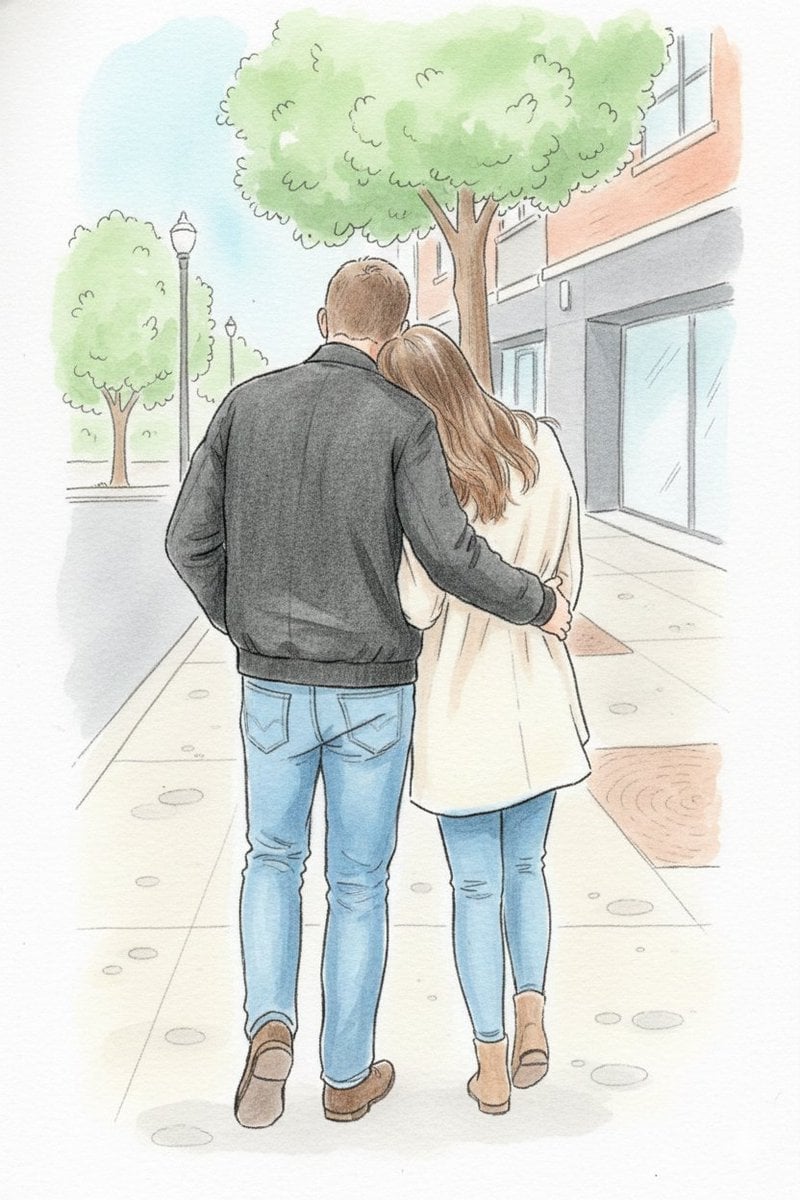
Identity-Preserving Storybook Illustration
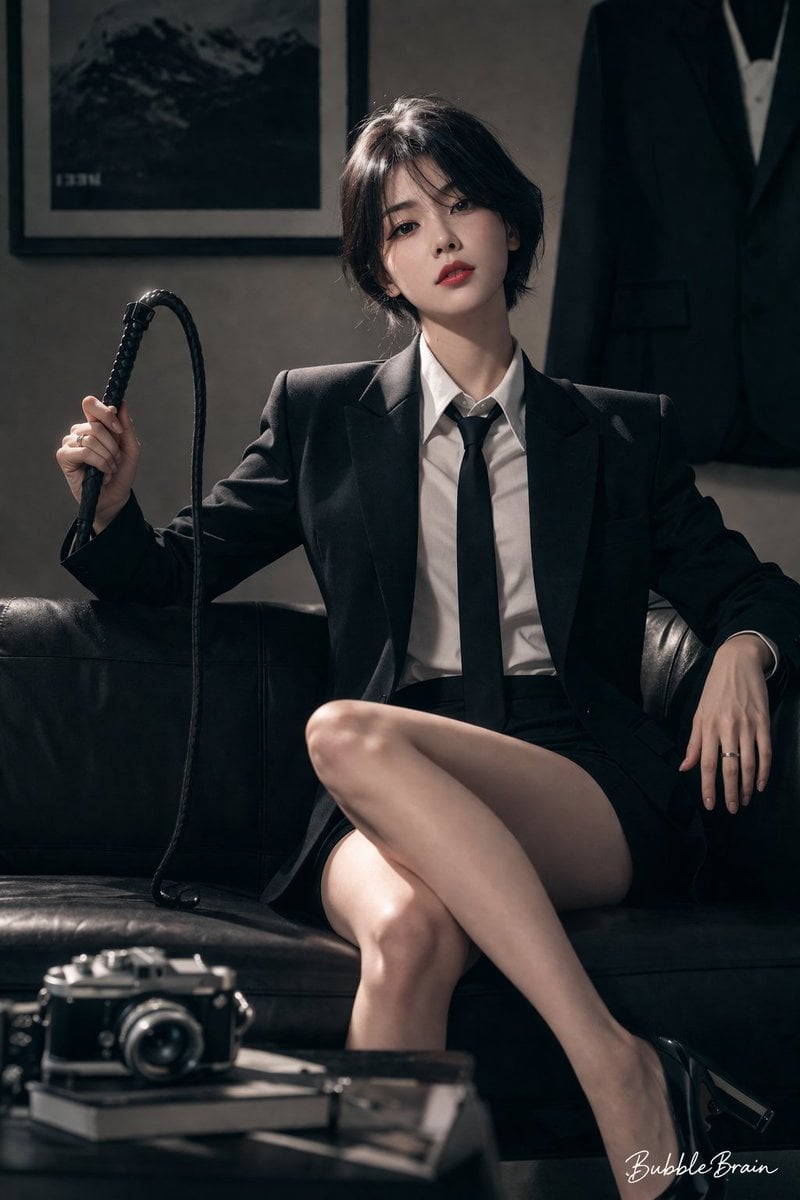
Cool Beauty Korean Idol Portrait
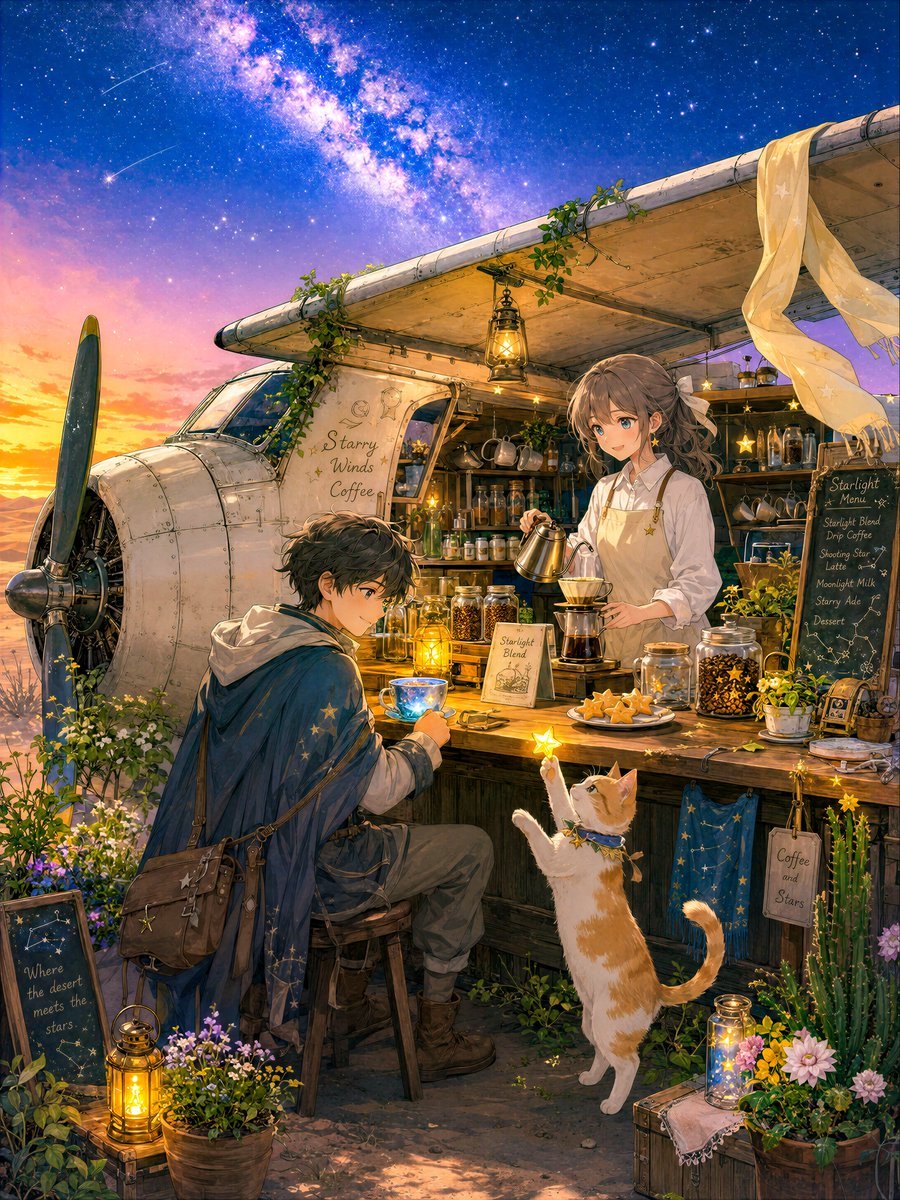
Desert Night Airplane Cafe Story
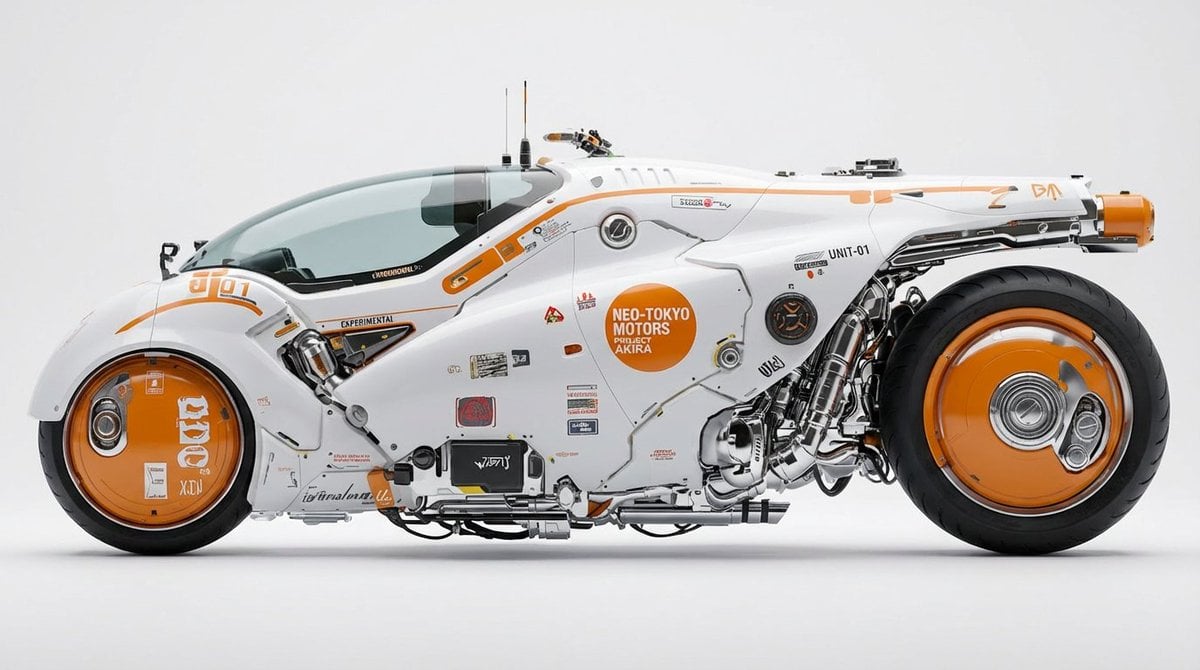
Photorealistic Car Transformation

Cinematic Tennis Sports Poster
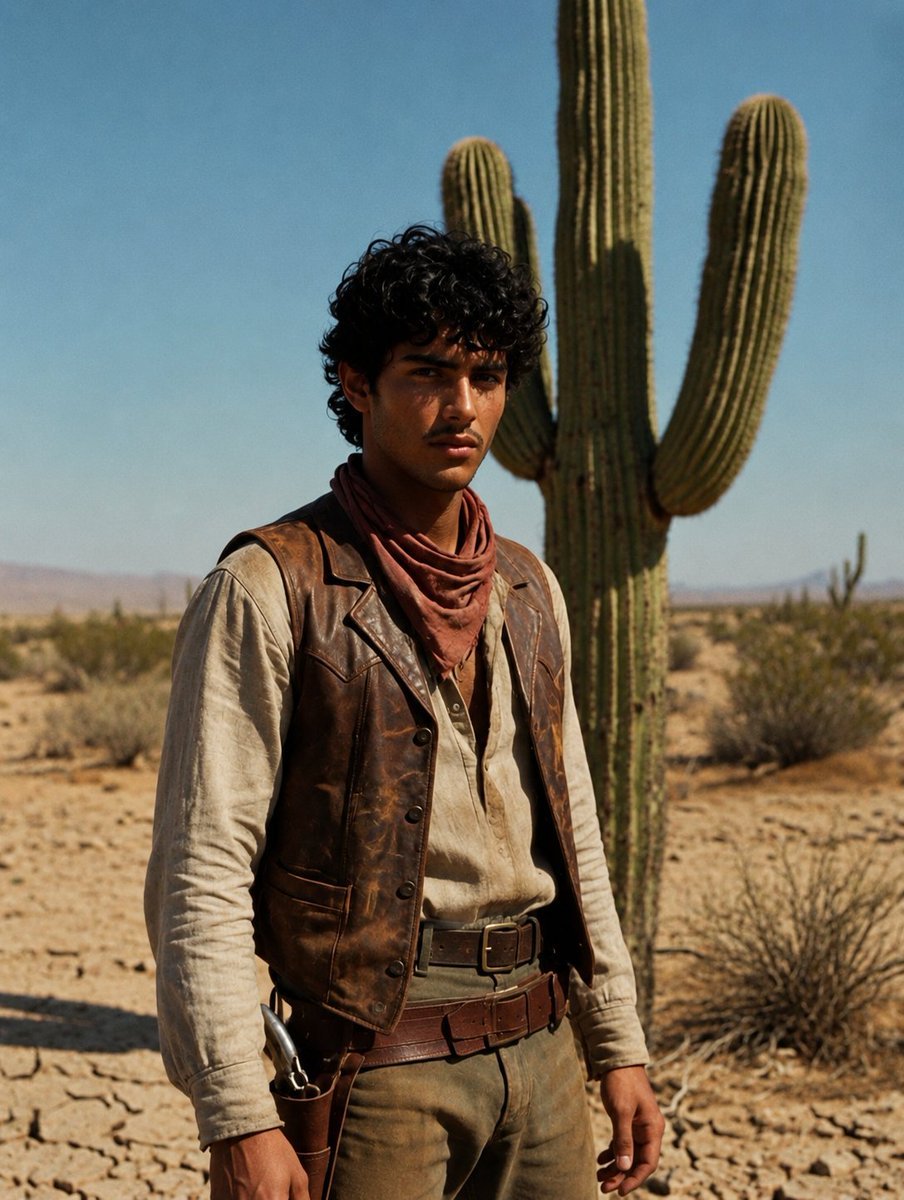
Desert Luxury Western Fashion Portrait
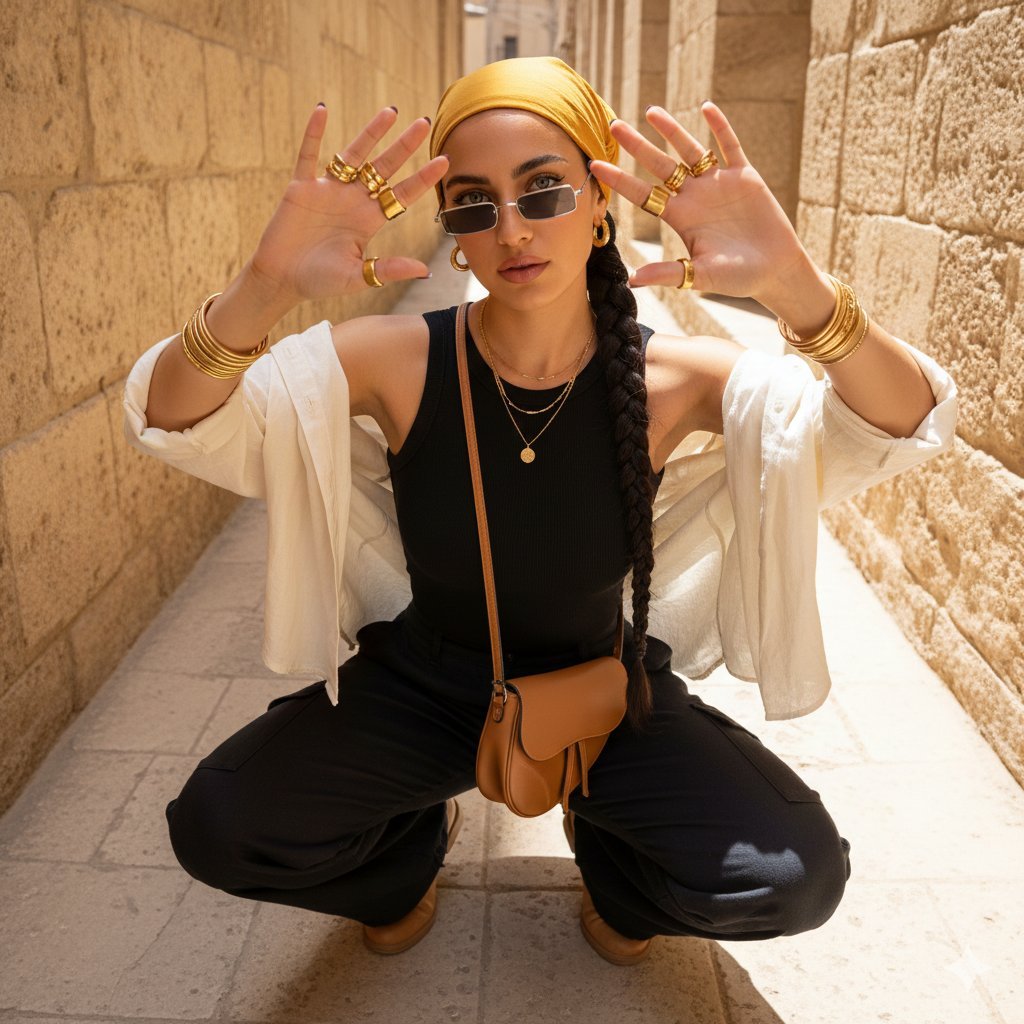
Desert-Chic Fashion in a Stone Alleyway
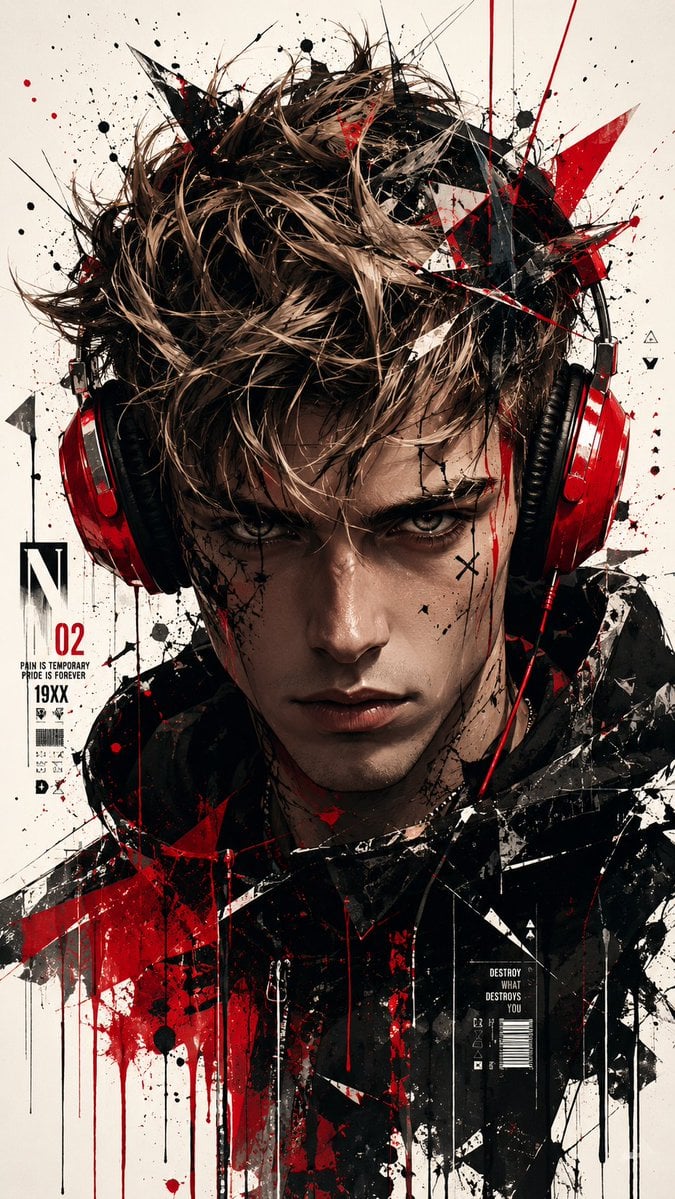
Trash Polka Urban Digital Painting
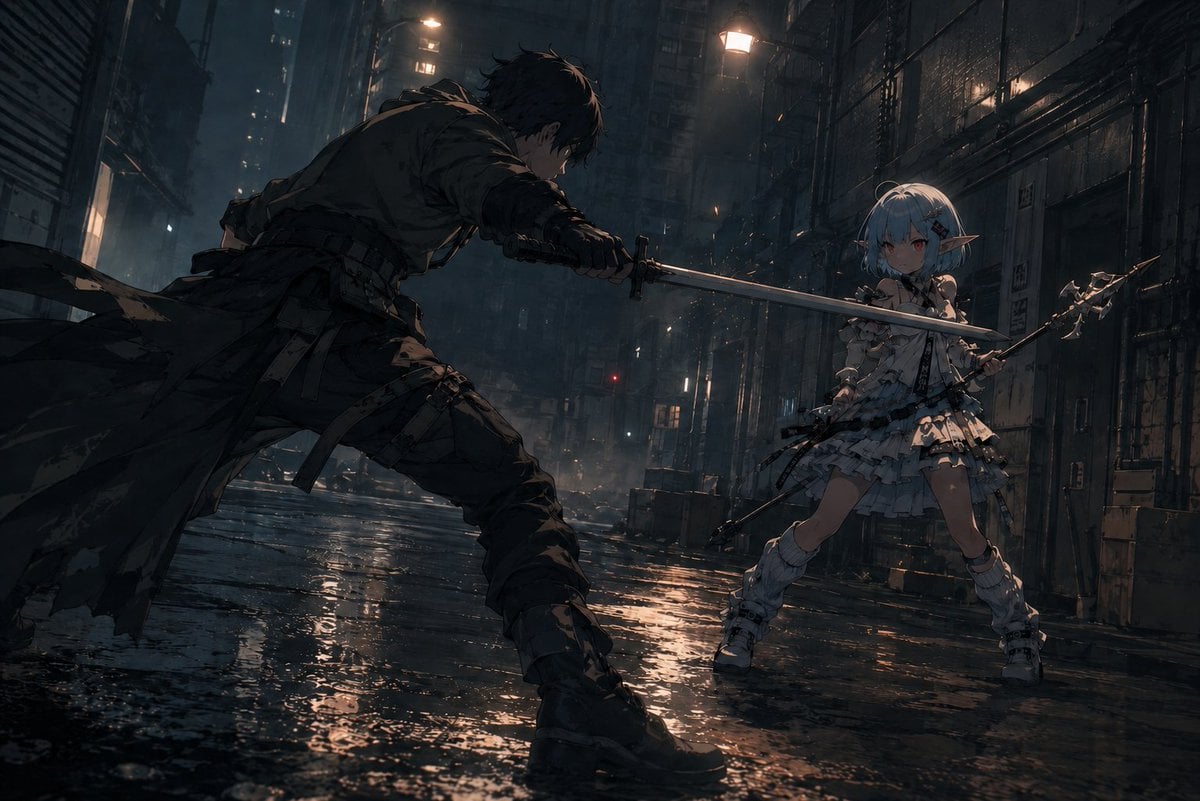
Rainy Cyberpunk Alley Sword Duel
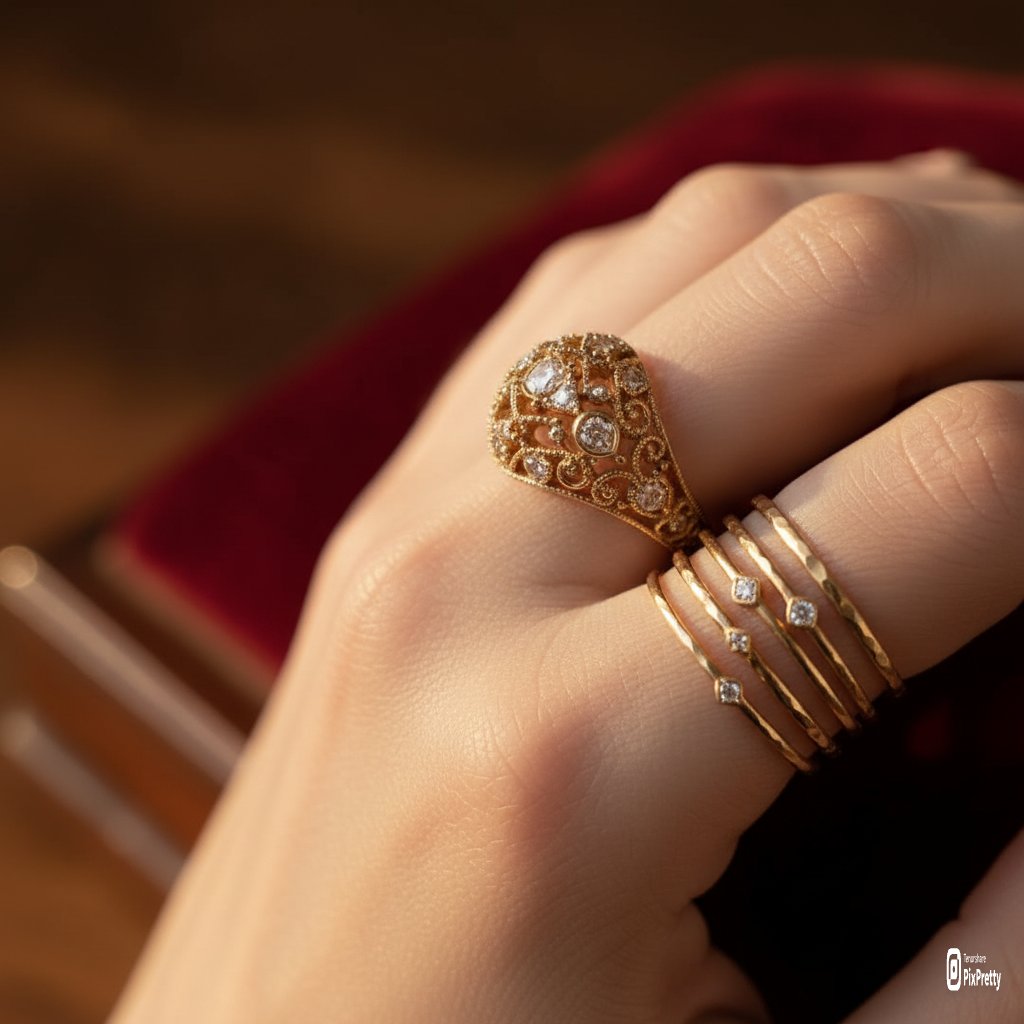
Macro Product Photography of Jewelry Worn by a Model
Browse template categories
Storybook Times Square Photo Transformation questions
How do I use the Storybook Times Square Photo Transformation template?
Add your photo if the template asks for one, edit the prompt if you like — the template's model and format are already selected — and press Generate. Your version opens in PicX Studio.
Can I customize the Storybook Times Square Photo Transformation template?
Yes. You can change the subject, setting, lighting, mood, format, and available model controls before creating your image.
Is the Storybook Times Square Photo Transformation template free?
Opening and editing this template is free. Generating uses credits, shown on the Generate button when you are signed in.
Which AI model should I use?
Start with GPT Image 2, which is the model associated with this template. You can compare another compatible model for a different finish.
Looking for something else? Browse all templates.

Your photo, any look
Thousands of ready templates for every top image and video model, from one credit balance.