
Trash Polka Urban Digital Painting
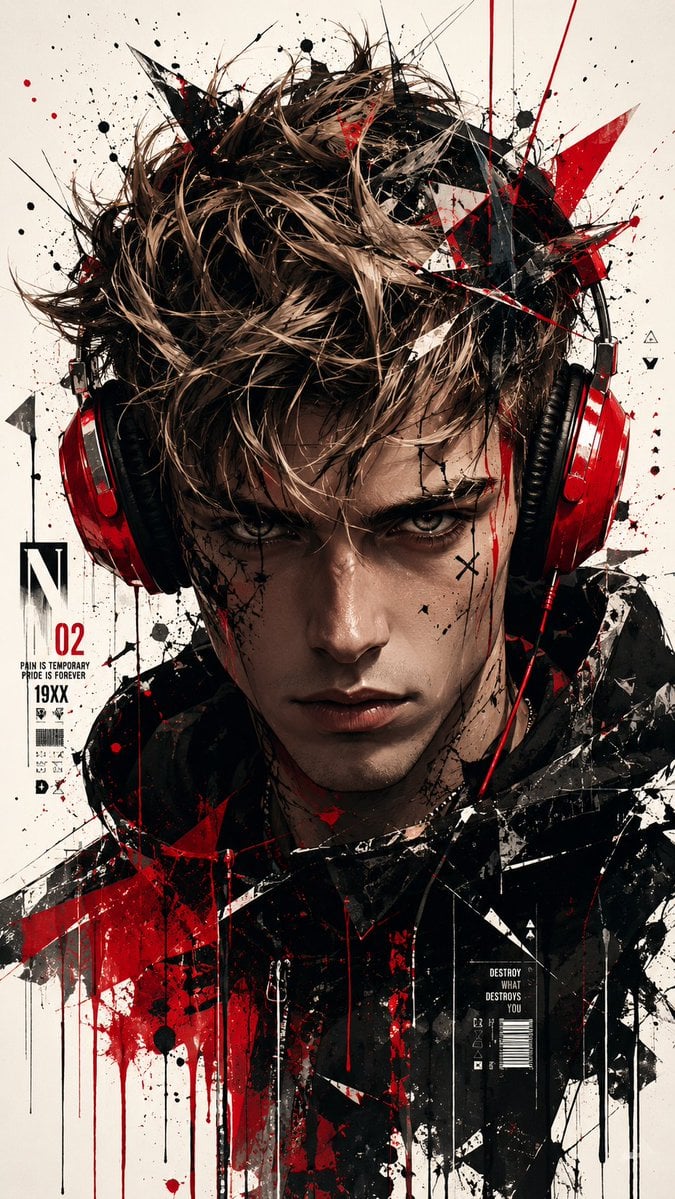
A high-contrast digital painting prompt fusing stylized realism with urban abstract expressionism, using a 'trash polka' ink-drip art style.
- Prompt included
- Model and format preset
- Free template
The prompt behind this image
Copy the exact prompt behind Trash Polka Urban Digital Painting, or open it in the studio and make it yours.
A high-detail digital painting of a young man wearing large, vibrant red over-ear headphones, looking directly at the viewer with a piercing gaze. The art style is a fusion of stylized realism and urban abstract expressionism. Her hair is messy, light brown/blonde with loose strands and sharp, geometric shards integrated into the locks. The composition features heavy ink splatters, paint drips, and chaotic red and black brushstrokes reminiscent of 'trash polka' art. The background is a clean, minimalist off-white, making the bold red accents and fine linework pop. High contrast, sharp focus on the eyes, cinematic lighting, 8k resolution, trendy street art aesthetic. Key Technical Elements to Capture Color Palette: Dominated by Red, Black, and White. This high-contrast triad is essential for that aggressive, modern look. Artistic Influence: Mentioning "Trash Polka" or "Ink Drip Art" helps the AI understand the messy, splatter-heavy background and the "shattered" look of the hair. Character Features: Use terms like "piercing gaze" and "stylized realism" to ensure the face isn't too cartoonish or too photographic, hitting that perfect "concept art" middle ground. Graphic Elements: The image uses geometric shards and abstract textures overlapping the subject, which creates a sense of depth and digital glitchiness. Aspect ratio is 9:16
How to use Trash Polka Urban Digital Painting in 3 steps
- 1
Open
The prompt is already in the box next to the preview, with the template's model and format selected.
- 2…a portrait of your subject in softgolden-hour light, 85mm…
Personalize
Edit the subject and creative details for your destination.
- 3Generate
Generate
Press Generate — your image is created in PicX Studio, so you can compare it with the original and refine one variable at a time.
More like this
Templates with the same subject, style or setup. Open one to see its prompt.
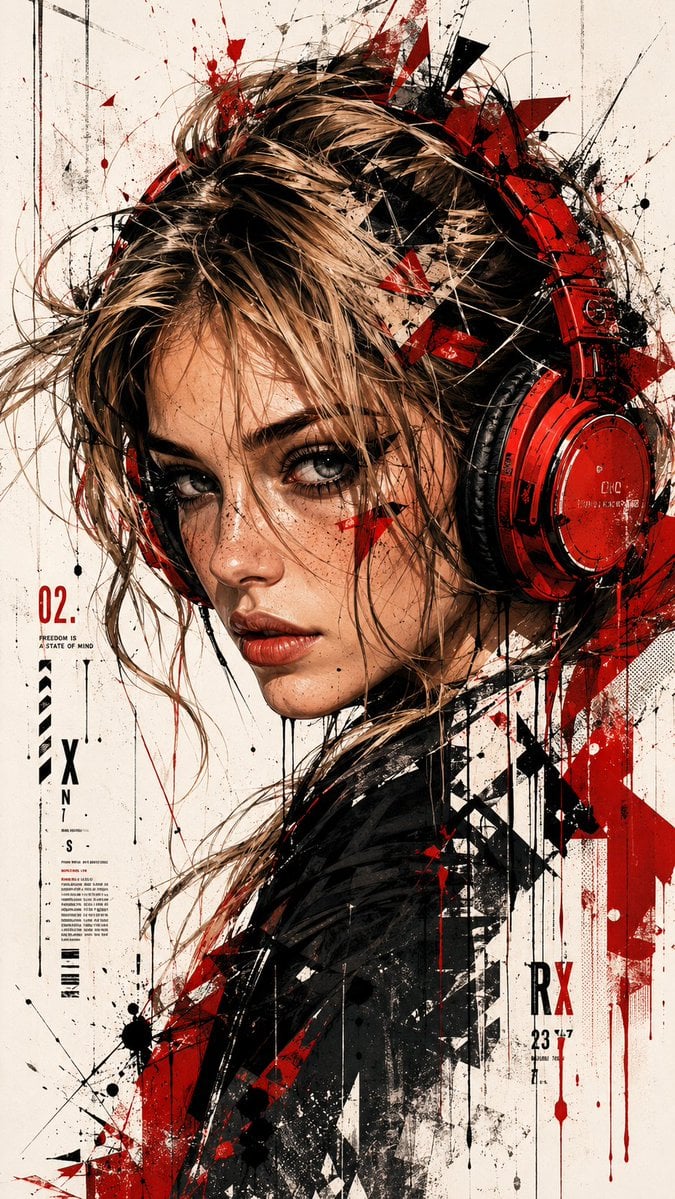
Trash Polka Urban Digital Painting

Urban Fashion Editorial Collage Streetwear Poster

Korean Streetwear Minimalist Campaign Portrait

Cinematic Korean Streetwear Street Portrait

Frozen Street Luxe Graffiti Fashion Campaign

Urban Fashion Editorial Collage Poster

Cinematic Street Fashion Portrait Motion Blur Crowd

Subway Platform Quiet Introspective Portrait

Night City Bridge Triptych Portrait Session
Subway Platform Quiet Introspective Portrait
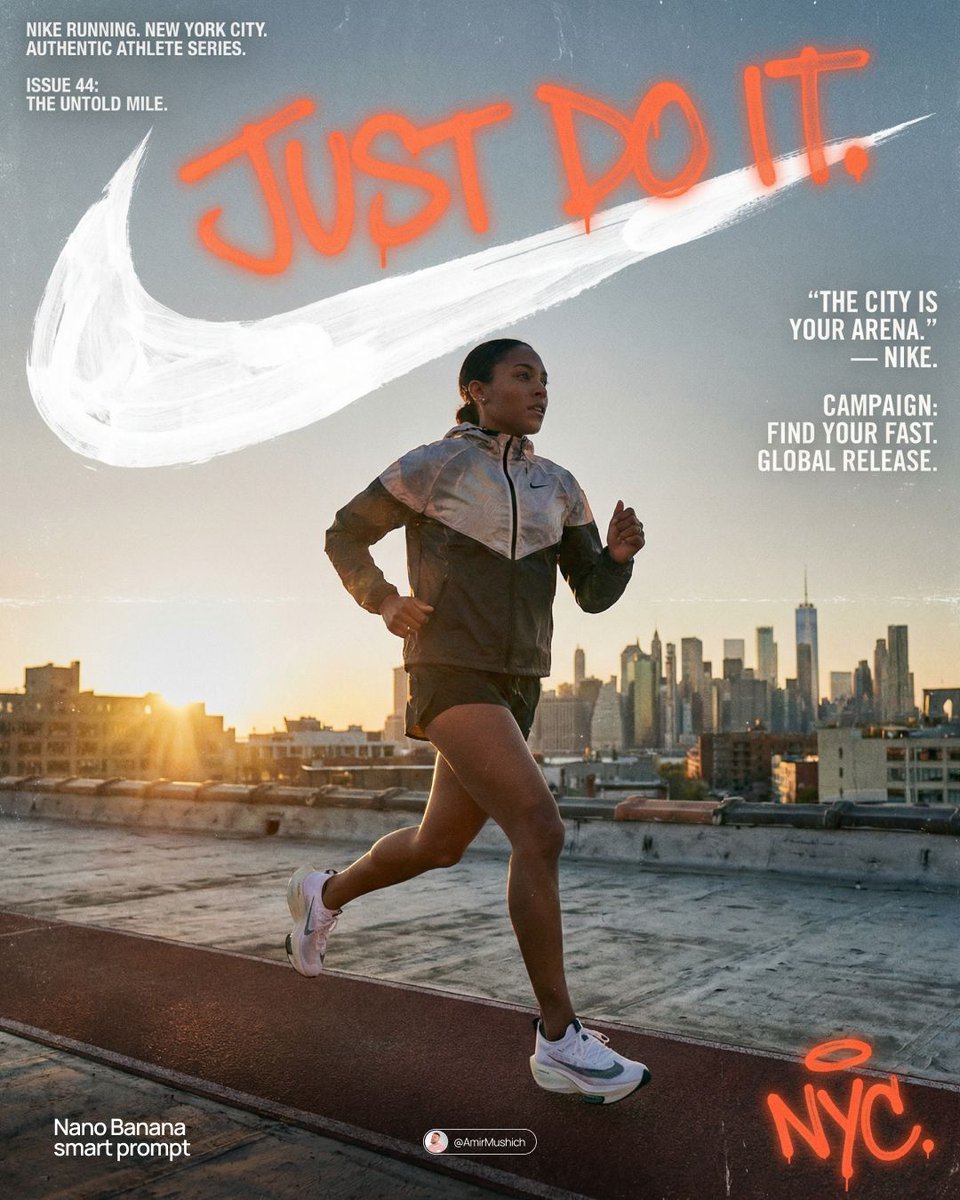
Miles Morales Spider-Man Brooklyn Graffiti

Giant Forced Perspective Street Product Selfie
Make it yours
Trash Polka Urban Digital Painting works as-is. These are the safest ways to change it without losing the look.
Change one field
Copy a single group, rewrite it, and generate again so you can see what that field is doing.
Keep the frame, change the subject
Hold the composition and light of Trash Polka Urban Digital Painting, then swap wardrobe, props or the person for a new take.
| If the result… | Why | Fix |
|---|---|---|
| The result drifts from the preview | Too many fields changed at once. | Reuse Trash Polka Urban Digital Painting as-is first, then change one group — subject, light, or setting. |
| The model over-stylizes the scene | The prose prompt leaves finish and camera underspecified. | Add one camera or lighting sentence and stay on GPT Image 2. |
More GPT Image 2 templates
Other prompts made for GPT Image 2.

Six VTuber Japanese Logo Sheet

Realistic Portrait of Woman and Deer

The Vista Modular Condo Poster

AI Model Routing Comparison Infographic

2.5D Anime Art Board

Isometric Productivity Desk Scene

New York Double Exposure Poster

Four-Panel AI Landscape Comparison

Japanese Tatami Lifestyle Magazine Cover

NESCAFÉ Coffee Map Poster
More image prompts
Fresh picks from across the catalog.
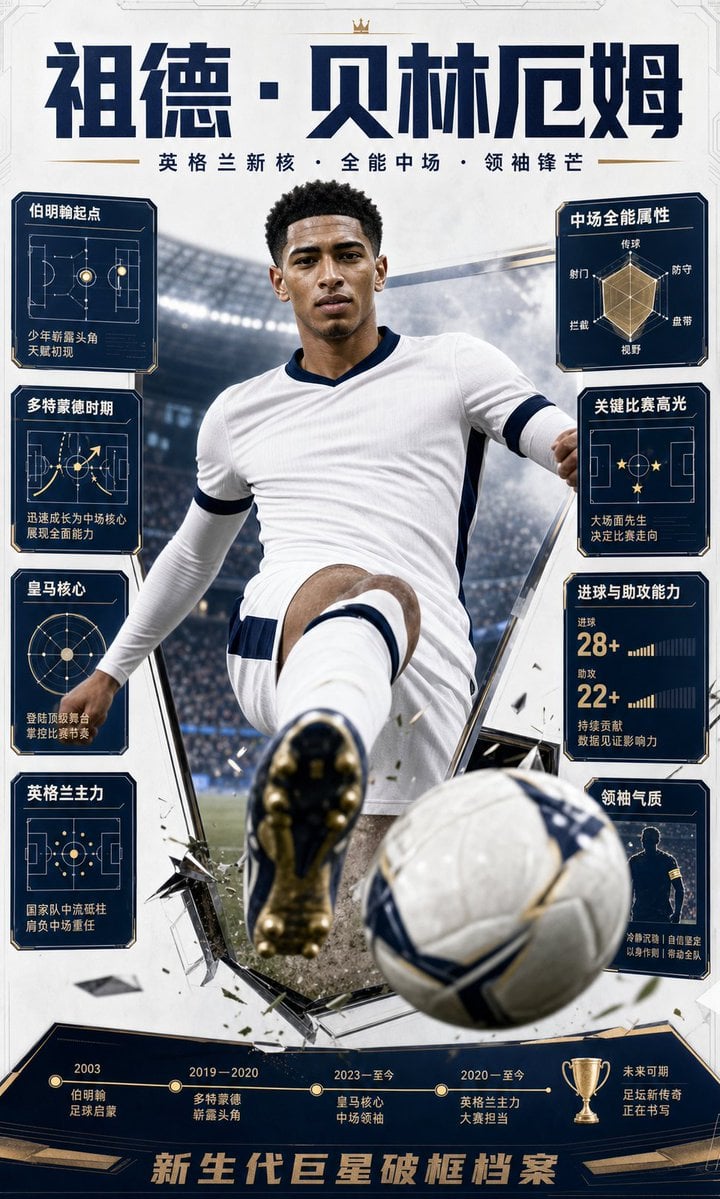
Bellingham Star Dossier Poster
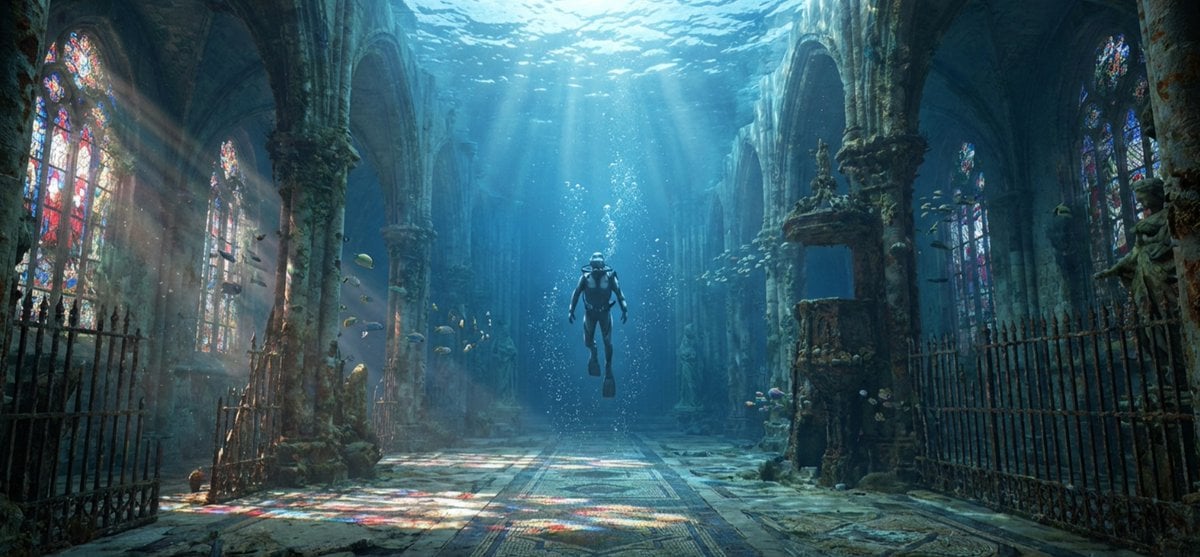
Cinematic rainy street, underwater cathedral, and design-to-photo
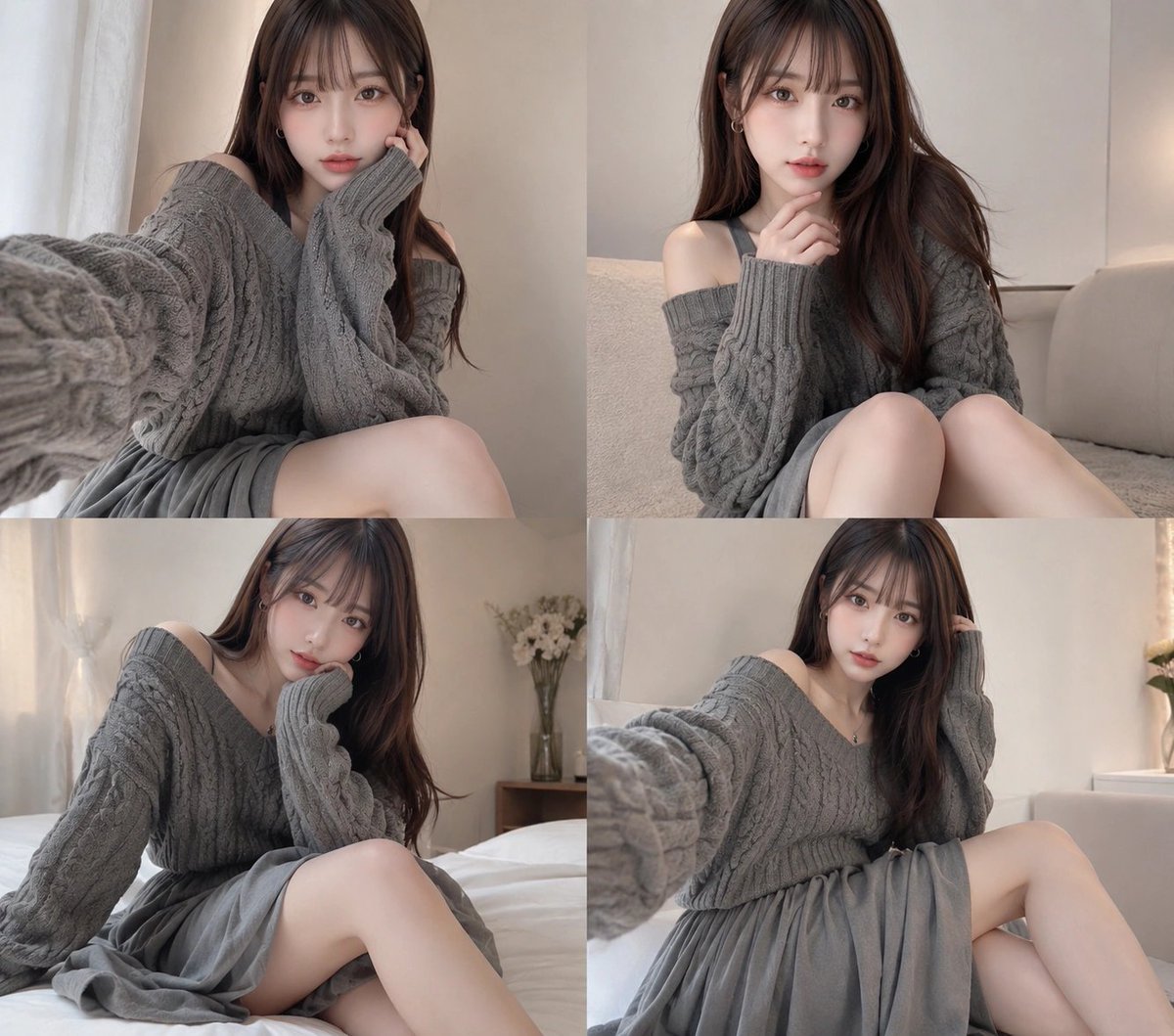
Four-Panel Cozy Gray Sweater Selfie Collage

Chanel Perfume Product Shot Prompt
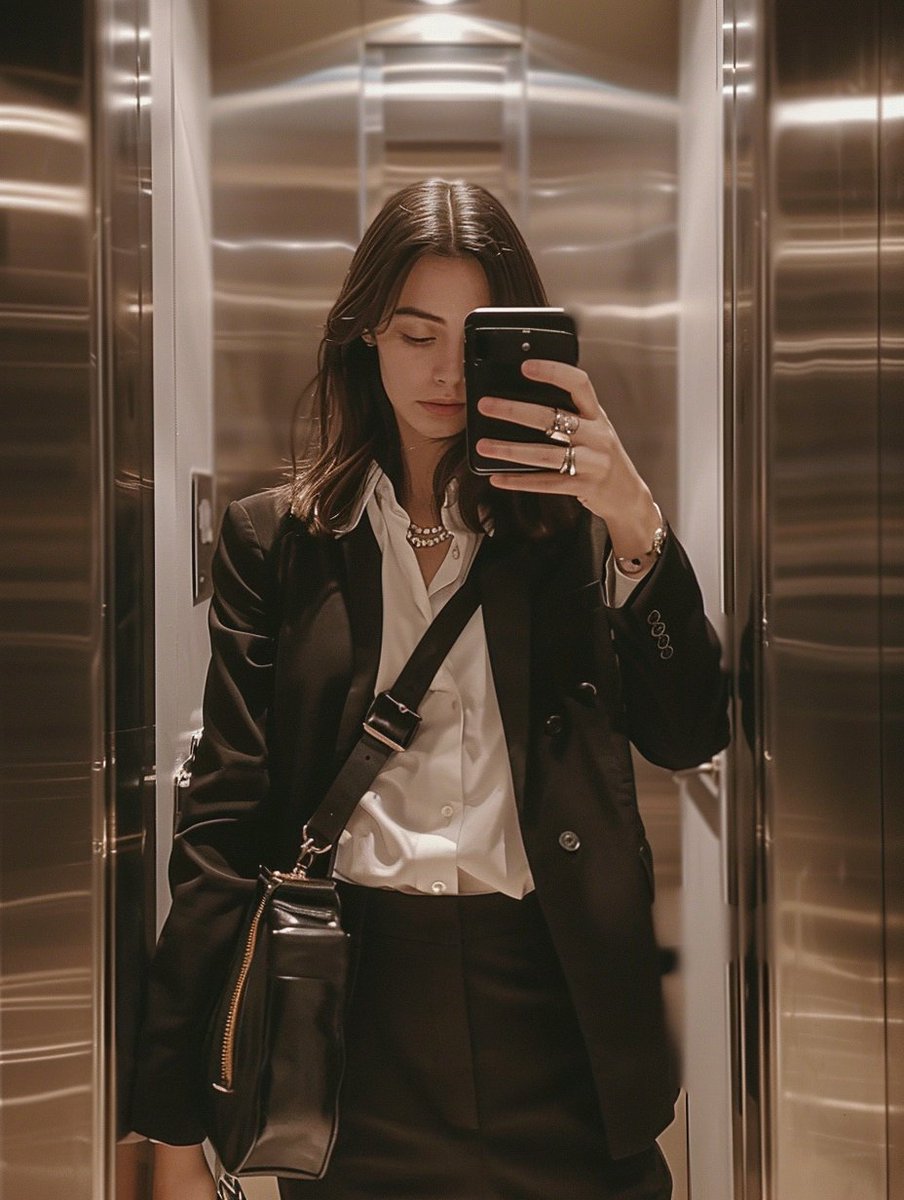
iPhone Mirror Selfie with Old Money Corporate Elegance Vibe

Y2K Japanese editorial collage poster

Ultra-Realistic Beach Portrait with Identity Lock

Dreamy Glam Portrait with Soft Focus Vintage Realism
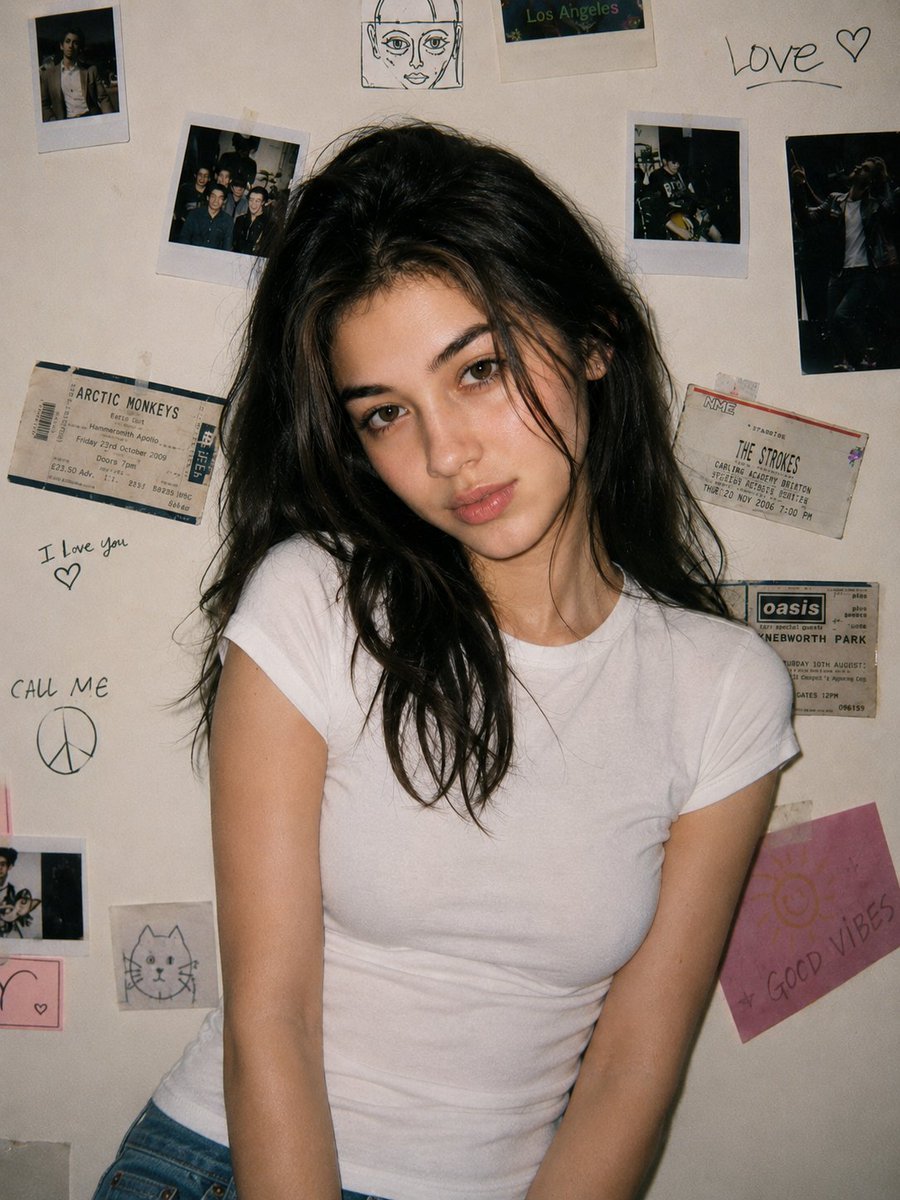
90s Disposable Camera Portrait

Gemini Nano Banana Ultra Realistic Eveni
Browse template categories
Trash Polka Urban Digital Painting questions
How do I use the Trash Polka Urban Digital Painting template?
Add your photo if the template asks for one, edit the prompt if you like — the template's model and format are already selected — and press Generate. Your version opens in PicX Studio.
Can I customize the Trash Polka Urban Digital Painting template?
Yes. You can change the subject, setting, lighting, mood, format, and available model controls before creating your image.
Is the Trash Polka Urban Digital Painting template free?
Opening and editing this template is free. Generating uses credits, shown on the Generate button when you are signed in.
Which AI model should I use?
Start with GPT Image 2, which is the model associated with this template. You can compare another compatible model for a different finish.
Looking for something else? Browse all templates.

Your photo, any look
Thousands of ready templates for every top image and video model, from one credit balance.