
Dreamy Glam Portrait with Soft Focus Vintage Realism
A detailed JSON-formatted prompt for Nano Banana Pro focusing on generating a dreamy, soft-focus, vintage-style glam portrait.
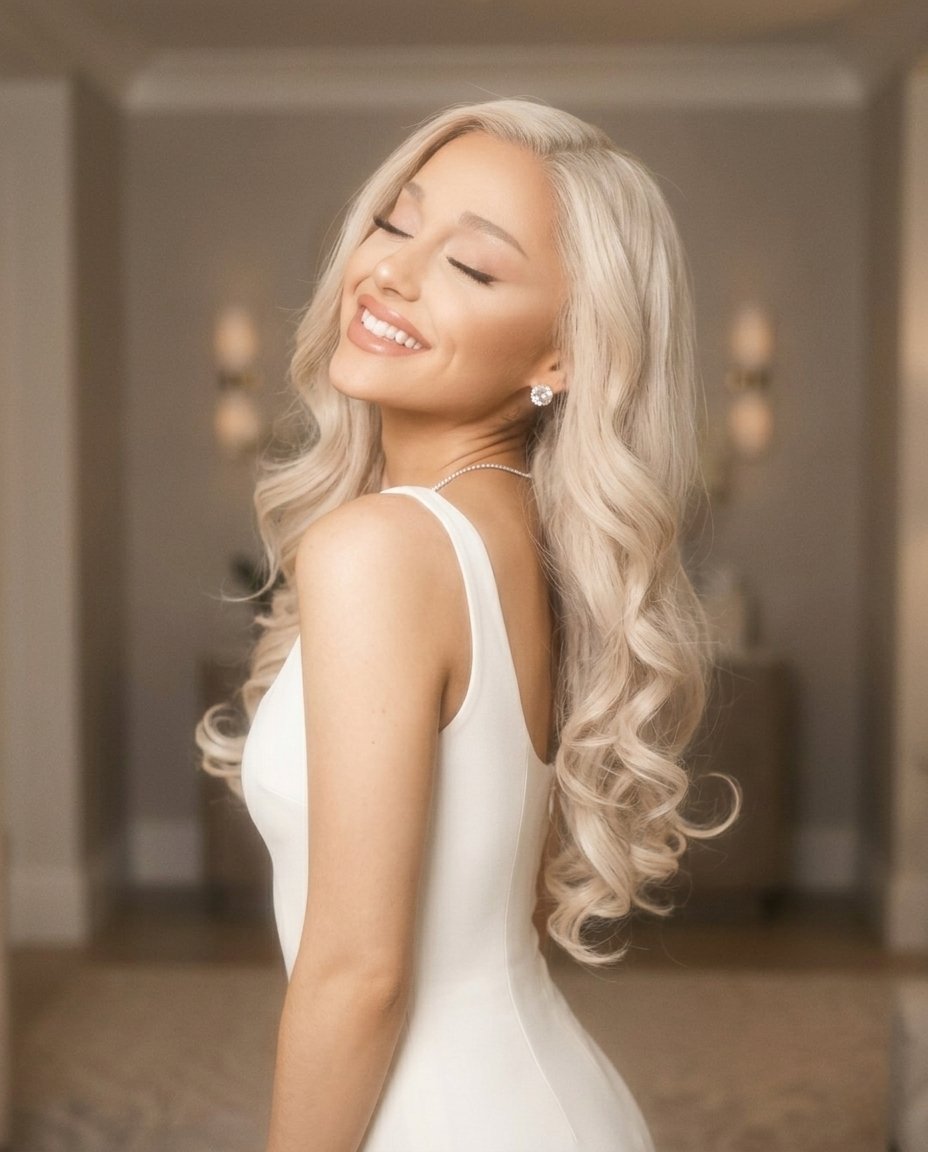
- Prompt included
- Model and format preset
- Free template
The prompt behind this image
Copy the exact prompt behind Dreamy Glam Portrait with Soft Focus Vintage Realism, or open it in the studio and make it yours.
{ "photo_type": "Dreamy glam portrait (soft focus vintage realism)", "subject": { "face": { "description": "Use uploaded reference image, keep identity 100% unchanged" }, "pose_description": "Over-the-shoulder pose, body turned away slightly, head tilted back toward camera", "expression": "Eyes closed, wide soft smile, relaxed joyful emotion", "body_details": [ "shoulder slightly raised", "neck extended", "natural curve in posture" ] }, "clothing": { "type": "white fitted dress", "details": [ "smooth fabric", "soft highlights", "clean minimal look" ] }, "accessories": { "details": [ "sparkling earrings", "thin necklace", "subtle jewelry shine" ] }, "hair": { "details": [ "long styled waves", "defined curls at ends", "smooth glossy texture", "controlled volume" ] }, "lighting": { "type": "soft diffused indoor light", "setup": [ "overhead warm lights", "diffused ambient lighting", "no harsh shadows" ], "effects": [ "soft glow on skin", "light bloom effect", "reduced contrast", "highlight softness" ], "color_temperature": "neutral-warm 3500K" }, "lens_effects": { "details": [ "soft focus filter", "slight haze", "light bloom around highlights", "reduced sharpness intentionally" ] }, "camera": { "type": "vintage digital / soft portrait lens", "lens": "50mm", "settings": { "aperture": "f/1.8", "iso": "ISO 400", "shutter_speed": "1/100s" }, "focus": "soft focus on face", "sensor_behavior": [ "slight grain", "soft dynamic range", "gentle tonal transitions" ] }, "background": { "setting": "indoor room", "details": [ "soft blurred background", "neutral tones", "ceiling lights slightly visible", "no sharp details" ] }, "skin_realism": { "details": [ "natural glow", "softened texture", "light makeup reflection", "not overly sharp" ] }, "color_grading": { "style": "soft vintage glow", "rules": [ "slightly faded contrast", "warm highlights", "muted shadows", "pastel softness" ] }, "imperfections": [ "soft blur", "light haze", "minor grain", "focus falloff" ], "composition": { "camera_angle": "slightly above shoulder level", "framing": "close portrait", "depth": "shallow, background heavily blurred" }, "resolution_and_aspect_ratio": "4K, 4:5", "vibe": "romantic, dreamy, soft glam, elegant", "strict_rules": { "must_have": [ "over shoulder pose", "eyes closed smile", "soft glow effe
How to use Dreamy Glam Portrait with Soft Focus Vintage Realism in 3 steps
- 1Upload ImagePNG, JPG or paste
Add your photo
Upload the photo the template builds on. The prompt, model and format are already set.
- 2…a portrait of your subject in softgolden-hour light, 85mm…
Personalize
Edit the subject and creative details for your destination.
- 3Generate
Generate
Press Generate — your image is created in PicX Studio, so you can compare it with the original and refine one variable at a time.
More like this
Templates with the same subject, style or setup. Open one to see its prompt.

Found Photograph: Us, 1970

80s Couple Studio Portrait

80s Bollywood Star

80s Golden Hour Cinema
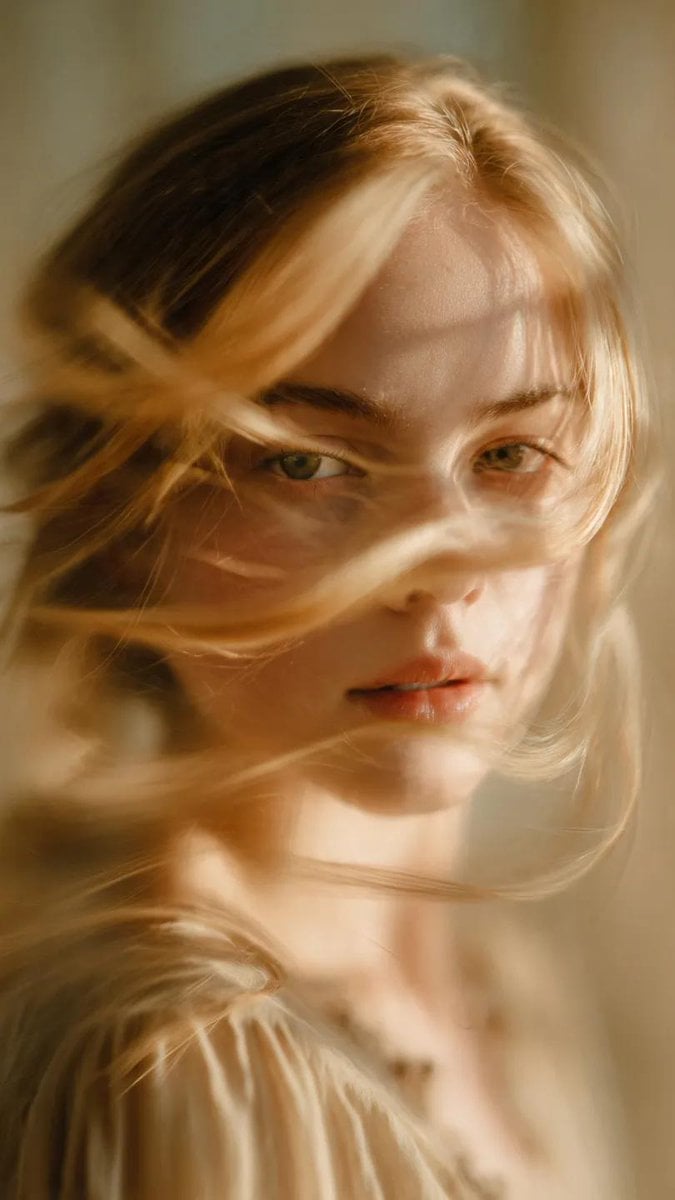
Soft-Focus Ethereal Portrait with Motion Blur

Comparing Realism Keywords in Midjourney

Two Tickets, One Night

If We Met in 1985

One Dance Before Midnight

Before We said Goodbye

Our Song was on a Cassette

Meet Me When It Rains
Make it yours
Dreamy Glam Portrait with Soft Focus Vintage Realism works as-is. These are the safest ways to change it without losing the look.
Change one field
Copy a single group, rewrite it, and generate again so you can see what that field is doing.
Keep the frame, change the subject
Hold the composition and light of Dreamy Glam Portrait with Soft Focus Vintage Realism, then swap wardrobe, props or the person for a new take.
| If the result… | Why | Fix |
|---|---|---|
| The result drifts from the preview | Too many fields changed at once. | Reuse Dreamy Glam Portrait with Soft Focus Vintage Realism as-is first, then change one group — subject, light, or setting. |
| The model over-stylizes the scene | The prose prompt leaves finish and camera underspecified. | Add one camera or lighting sentence and stay on Nano Banana 2. |
More Nano Banana 2 templates
Other prompts made for Nano Banana 2.

Photorealistic Leaf Shaped Like a Dragon

K-Pop Idol Portrait Grid for Rapid Selection

Poetic Rain Forest Portrait During Golden Hour

Urban Street Portrait with Cartoon Inner Self Duo

Candid Nighttime Photo with Cat Prompt

High-Concept 3D Diorama Generation Prompt

Cinematic Futuristic Studio Portrait Template

Skincare Editorial Photography Collage Prompt

Hyper-Realistic Commercial Product Photography (Splash Effect)

Hyper-Realistic Nightclub Portrait Prompt
More image prompts
Fresh picks from across the catalog.
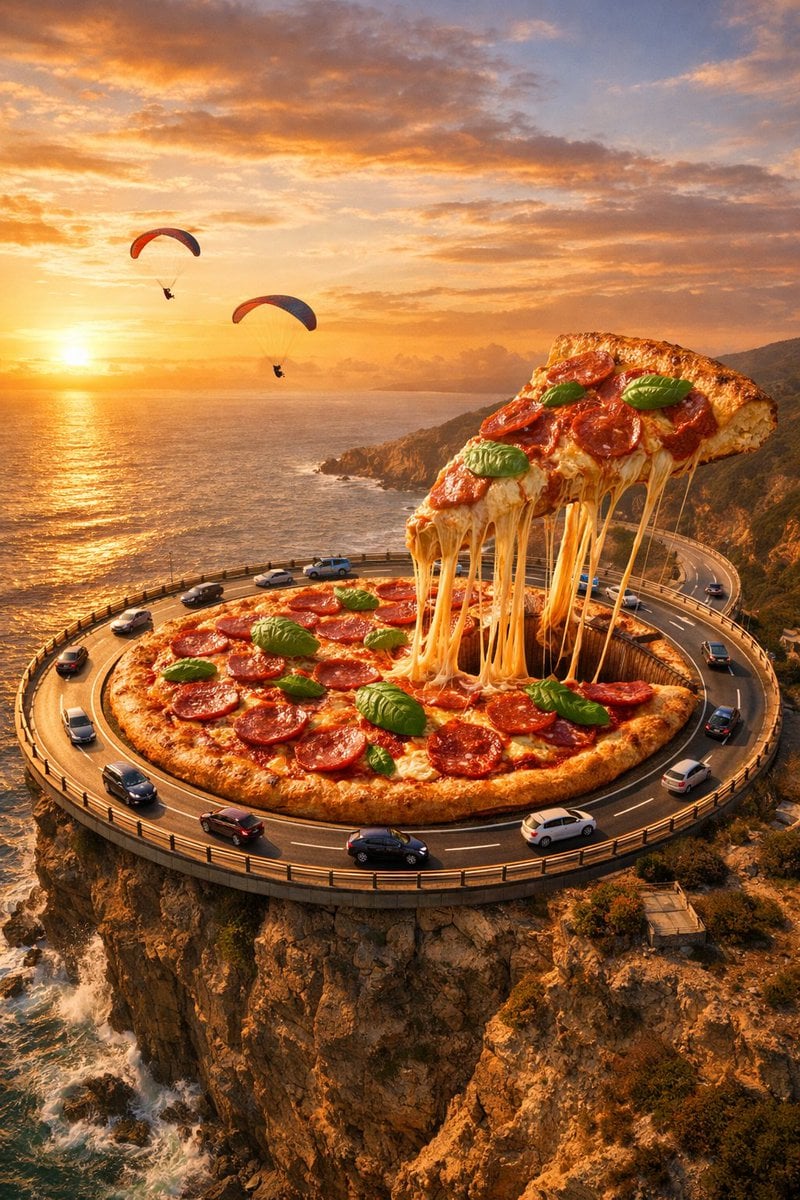
Surreal Food Photography: Pizza Roundabout
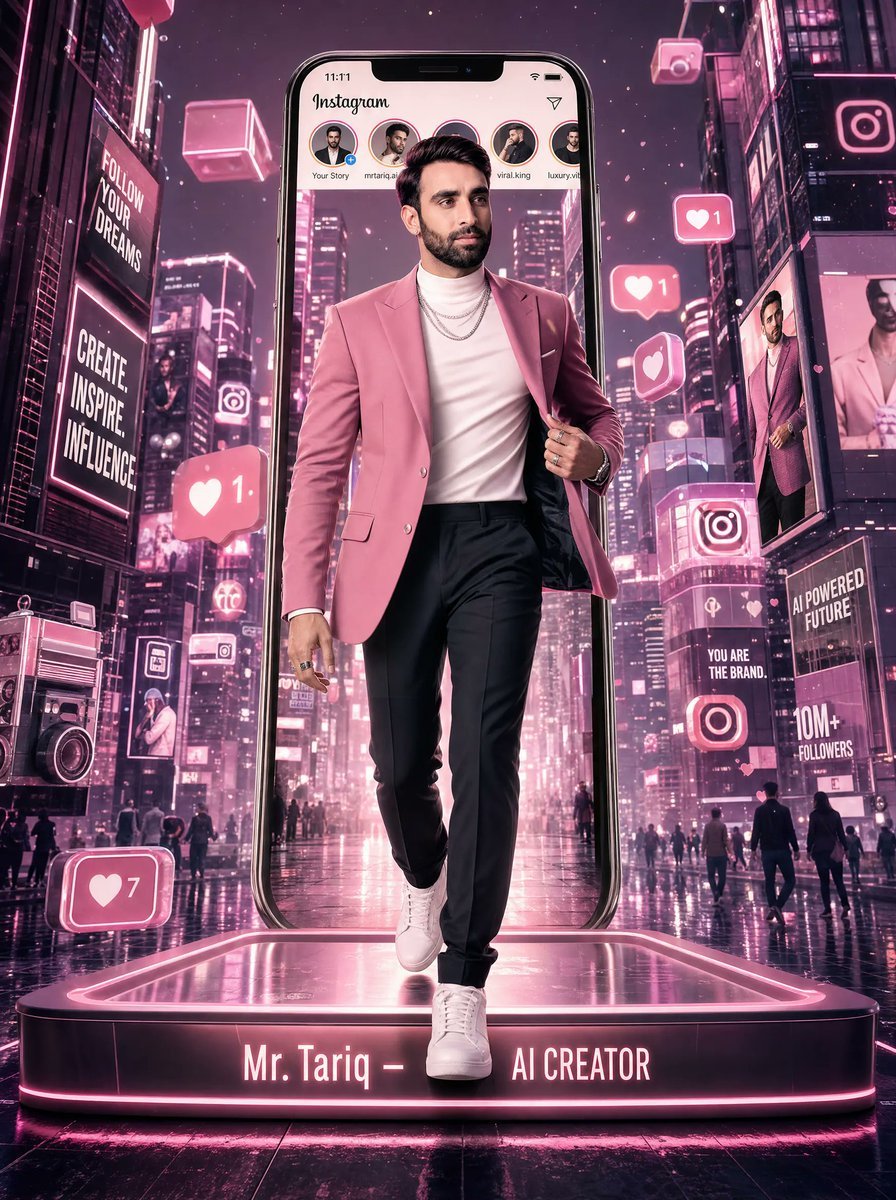
Neon Instagram AI Creator Poster
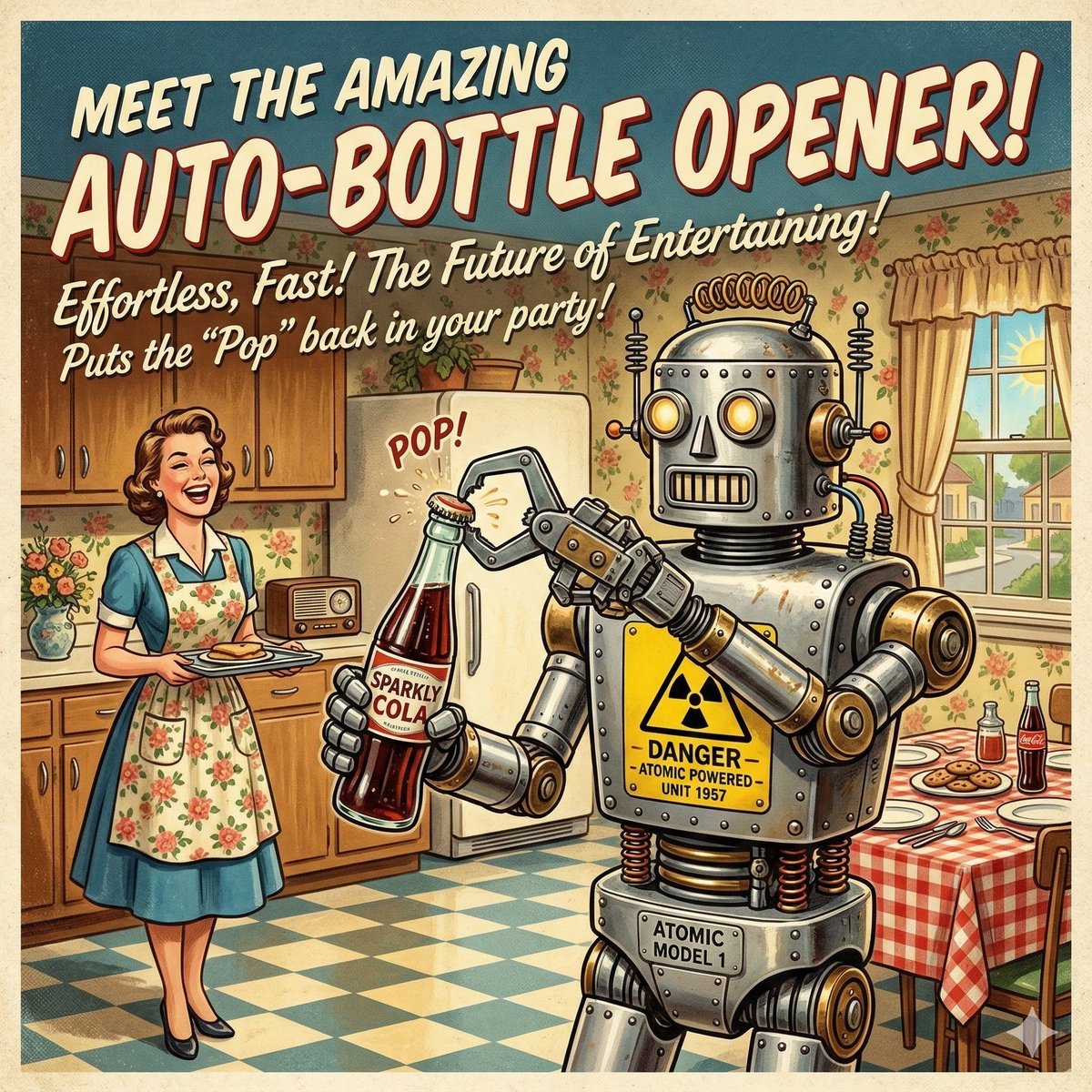
Retro Futurism Auto-Bottle Opener
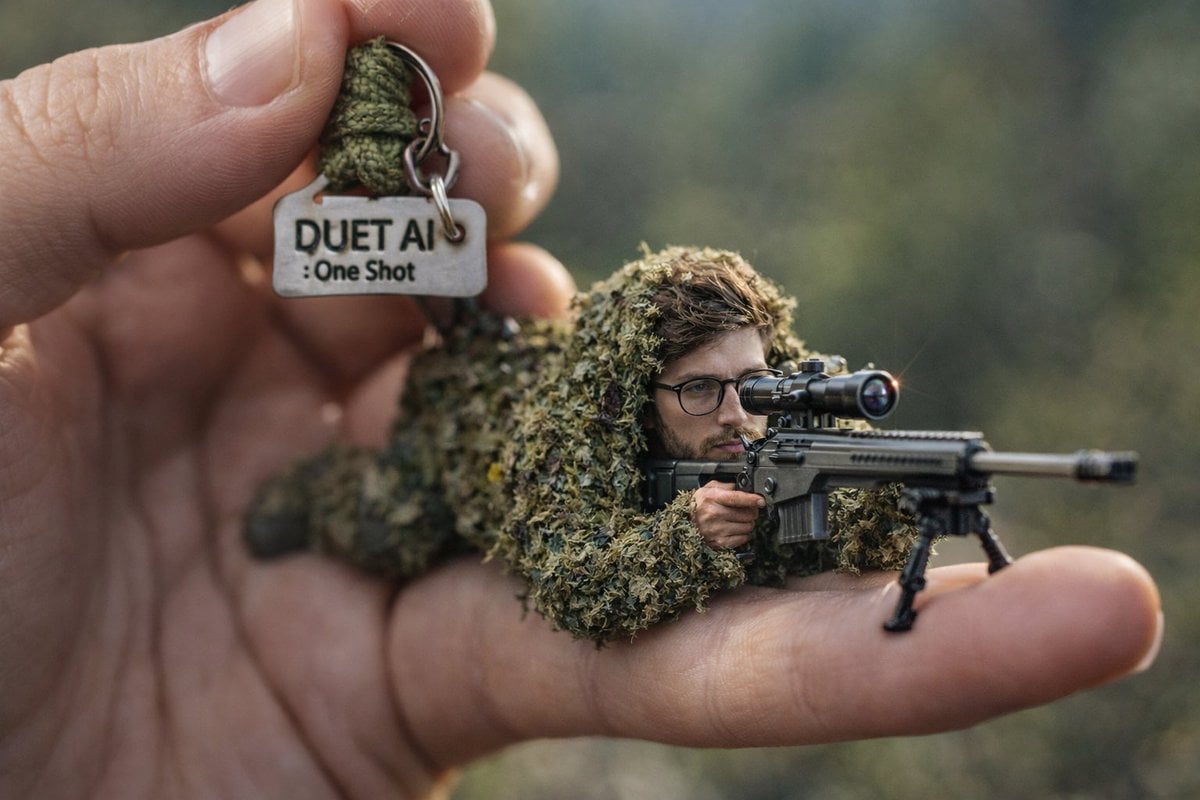
Macro Shot of Miniature Sniper Scene
![Nano Banana — One Day In [CITY] Travel Route](https://cdn.picxstudio.com/cdn-cgi/image/format=auto,quality=85,fit=scale-down,onerror=redirect,width=3840,metadata=none/uploads/ai_gezgini_travel_d9a86f2e-c1f5-41a8-a4ef-5d96a8a7a023.jpg)
Nano Banana — One Day In [CITY] Travel Route
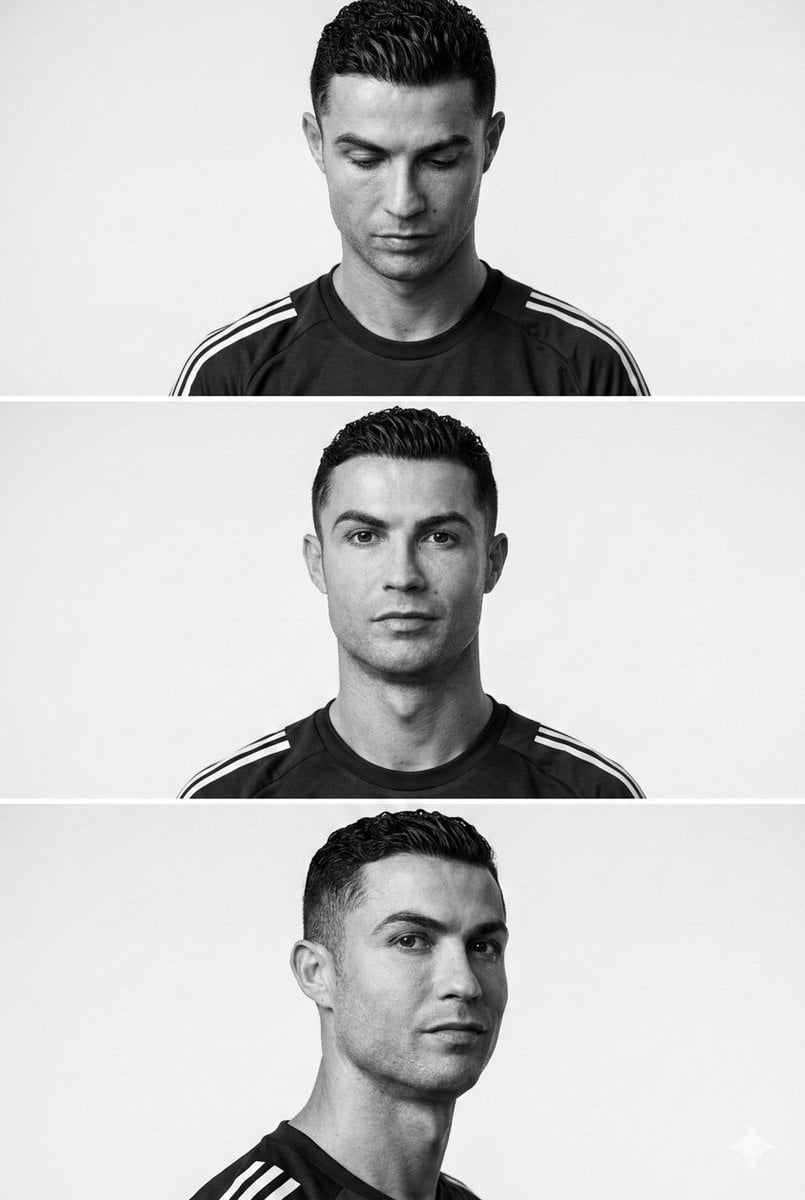
Minimalist Editorial Portrait Series Prompt
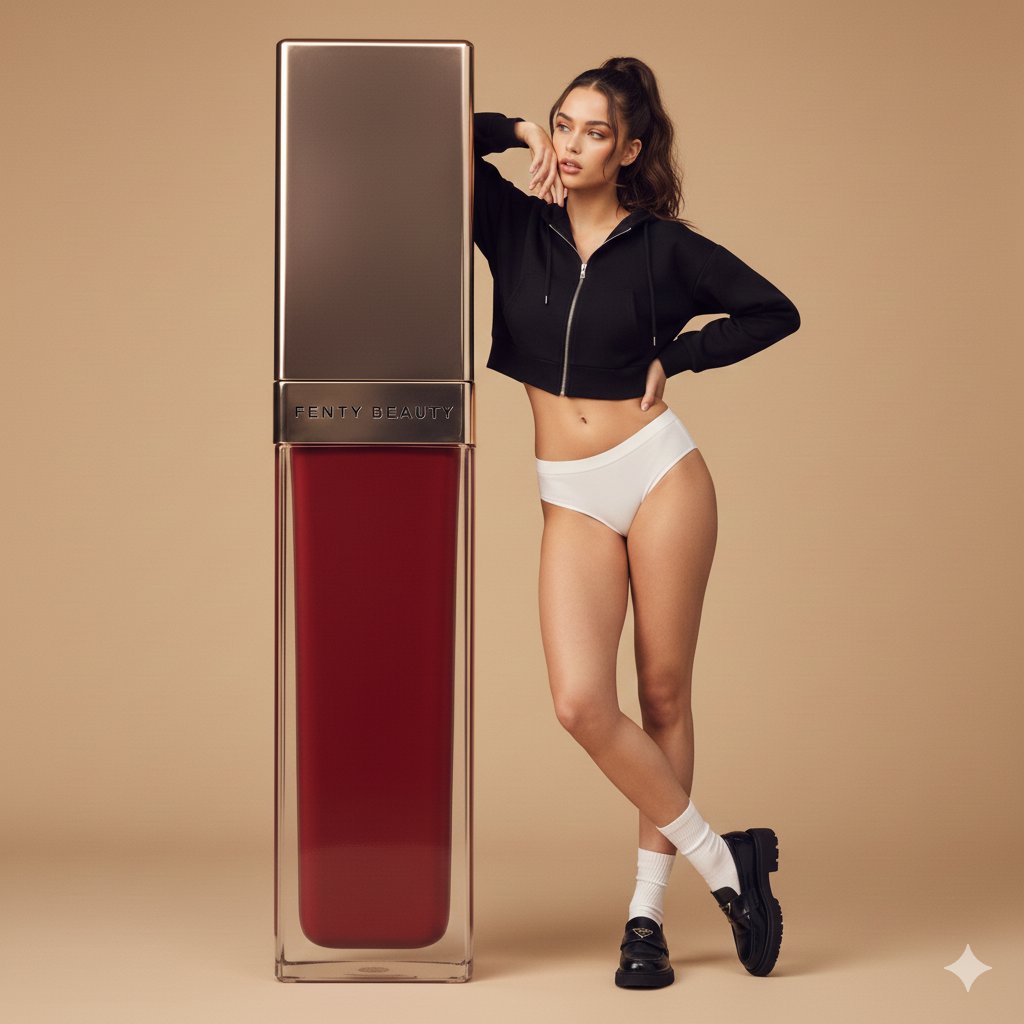
Structured Prompt for Fashion Editorial with Oversized Product
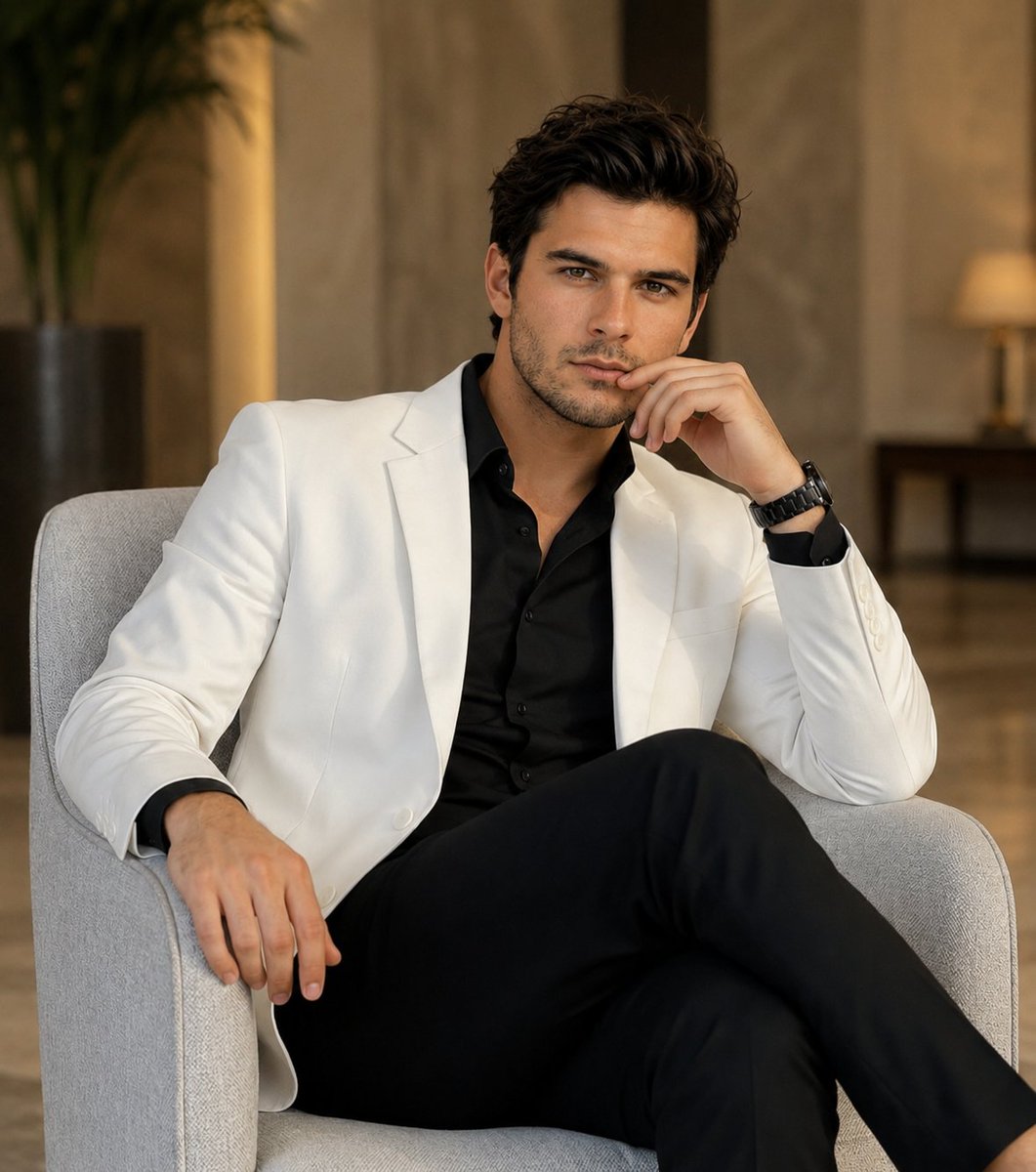
Luxury Fashion Hotel Lobby Portrait
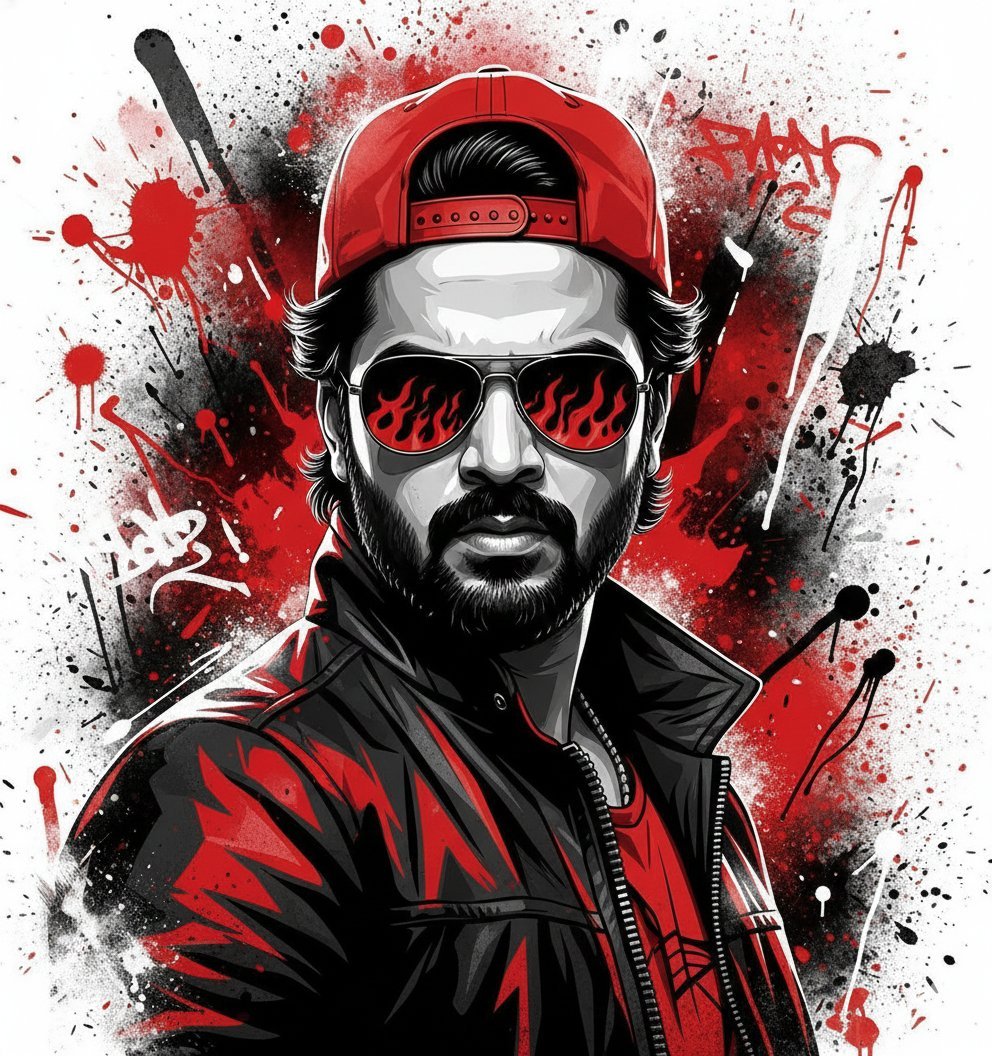
Street Art Style Portrait of a Man with Face Preservation
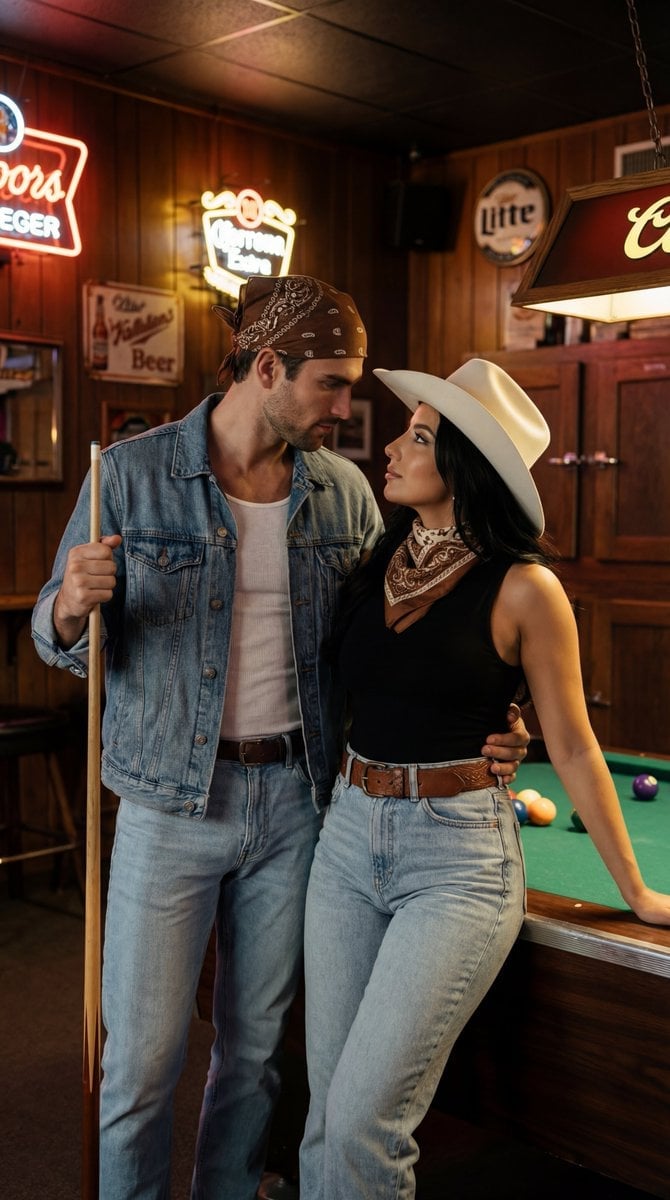
Americana Dive Bar Editorial Scene
Browse template categories
Dreamy Glam Portrait with Soft Focus Vintage Realism questions
How do I use the Dreamy Glam Portrait with Soft Focus Vintage Realism template?
Add your photo if the template asks for one, edit the prompt if you like — the template's model and format are already selected — and press Generate. Your version opens in PicX Studio.
Can I customize the Dreamy Glam Portrait with Soft Focus Vintage Realism template?
Yes. You can change the subject, setting, lighting, mood, format, and available model controls before creating your image.
Is the Dreamy Glam Portrait with Soft Focus Vintage Realism template free?
Opening and editing this template is free. Generating uses credits, shown on the Generate button when you are signed in.
Which AI model should I use?
Start with Nano Banana 2, which is the model associated with this template. You can compare another compatible model for a different finish.
Looking for something else? Browse all templates.

Your photo, any look
Thousands of ready templates for every top image and video model, from one credit balance.