
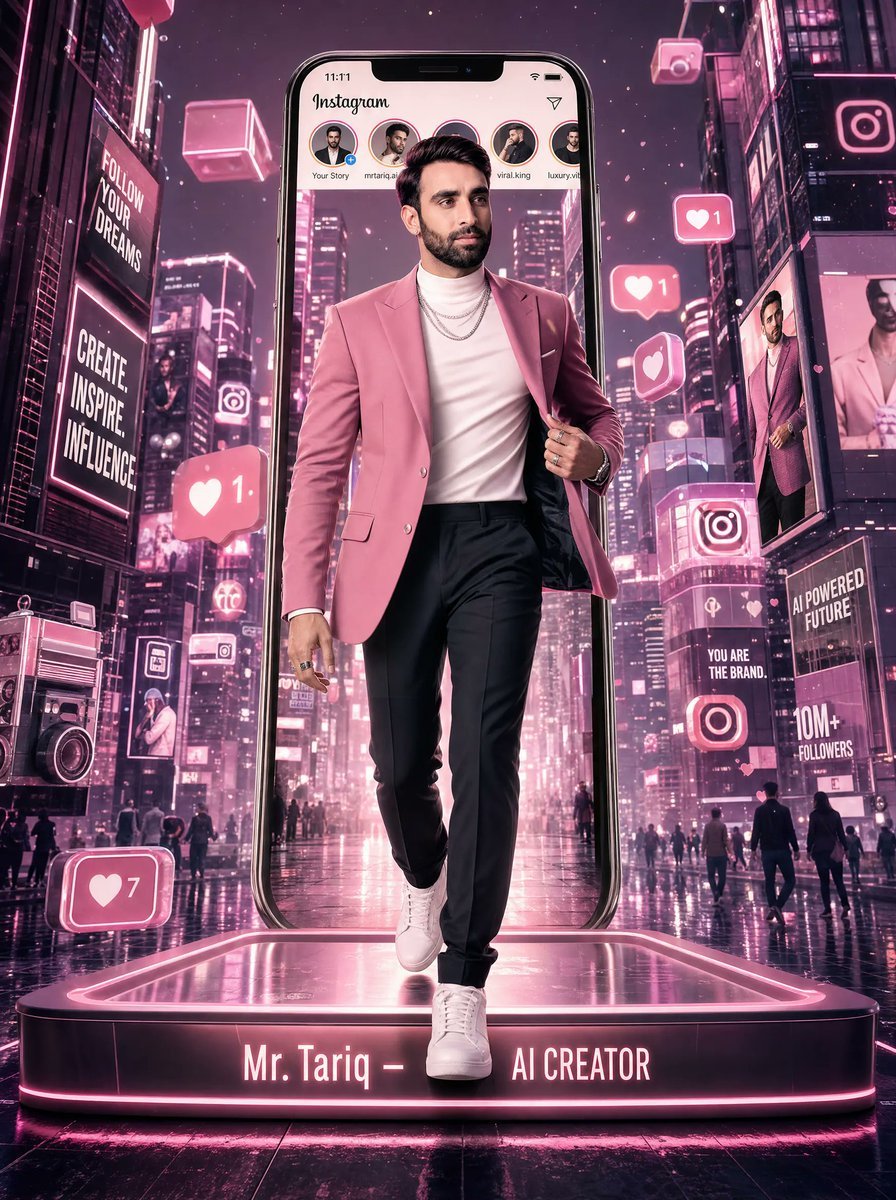
Neon Instagram AI Creator Poster
Generates a cinematic cyberpunk social-media creator poster for personal branding, influencer visuals, or viral profile artwork.
- Prompt included
- Model and format preset
- Free template
The prompt behind this image
Copy the exact prompt behind Neon Instagram AI Creator Poster, or open it in the studio and make it yours.
Create a cinematic vertical cyberpunk influencer poster in a neon pink and magenta nighttime city, with wet reflective pavement, skyscrapers covered in glowing billboards, and a futuristic social-media atmosphere. Center one confident male AI creator walking forward out of an enormous upright smartphone shaped like an Instagram screen, wearing a {argument name="blazer color" default="rose pink"} tailored blazer, white turtleneck, layered silver chains, black slim trousers, and clean white sneakers; his face should be softly anonymized with a square blur while keeping the hair and body sharp. The phone interface shows the Instagram wordmark at top, time 11:11, and exactly 5 story circles across the top labeled Your Story, mtariq.ai, an obscured center profile, viral.king, and luxury.vibe. Place the figure on a glowing rounded rectangular platform with hot-pink edge lighting and the front text {argument name="platform name text" default="Mr. Tariq –"} followed by {argument name="platform role text" default="AI CREATOR"}. Surround the scene with exactly 4 large floating social engagement badges: a left-center heart notification with 1, a bottom-left heart notification with 7, an upper-right heart notification with 1, and a mid-right heart-only notification. Add exactly 3 floating neon tech cubes near the upper sky, plus Instagram logo panels and holographic billboards throughout the buildings. Include readable billboard slogans: {argument name="left billboard slogan" default="FOLLOW YOUR DREAMS"}, CREATE. INSPIRE. INFLUENCE, AI POWERED FUTURE, YOU ARE THE BRAND., and 10M+ FOLLOWERS. On the right side, include a tall billboard showing a full-body duplicate of the man and another portrait billboard. On the lower-left street, include a large retro camera prop with neon outlines. Use dramatic low-angle perspective, glossy reflections, volumetric pink light, high contrast, ultra-detailed 3D realism, sharp fashion editorial lighting, futuristic Instagram branding energy, 4:5 poster composition.
How to use Neon Instagram AI Creator Poster in 3 steps
- 1Upload ImagePNG, JPG or paste
Add your photo
Upload the photo the template builds on. The prompt, model and format are already set.
- 2…a portrait of your subject in softgolden-hour light, 85mm…
Personalize
Edit the subject and creative details for your destination.
- 3Generate
Generate
Press Generate — your image is created in PicX Studio, so you can compare it with the original and refine one variable at a time.
More like this
Templates with the same subject, style or setup. Open one to see its prompt.

Cartoon TV Show Poster Pack

Neon Glitch Cyber Symbiote Music Poster
Victory Aura Superhero Neon Poster
Synthwave Retro Superhero Music Poster
Victory Aura Football Poster
Neon TikTok AI Creator Poster
Neon AI Creator Poster
Neon Facebook Creator Poster
Neon WhatsApp AI Creator Poster
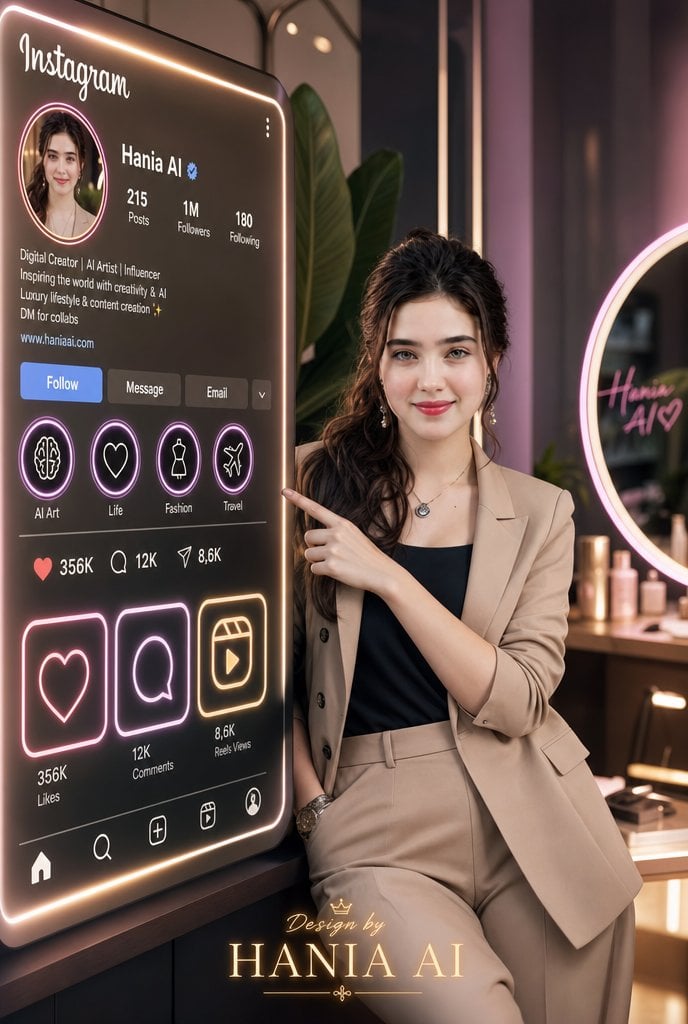
Luxury Instagram Profile Creator Poster

80s Neon Disco Night

Japan Travel Brochure Poster
Make it yours
Neon Instagram AI Creator Poster works as-is. These are the safest ways to change it without losing the look.
Change one field
Copy a single group, rewrite it, and generate again so you can see what that field is doing.
Keep the frame, change the subject
Hold the composition and light of Neon Instagram AI Creator Poster, then swap wardrobe, props or the person for a new take.
| If the result… | Why | Fix |
|---|---|---|
| The result drifts from the preview | Too many fields changed at once. | Reuse Neon Instagram AI Creator Poster as-is first, then change one group — subject, light, or setting. |
| The model over-stylizes the scene | The prose prompt leaves finish and camera underspecified. | Add one camera or lighting sentence and stay on GPT Image 2. |
More GPT Image 2 templates
Other prompts made for GPT Image 2.

Six VTuber Japanese Logo Sheet

Realistic Portrait of Woman and Deer

The Vista Modular Condo Poster

AI Model Routing Comparison Infographic

2.5D Anime Art Board

Isometric Productivity Desk Scene

New York Double Exposure Poster

Four-Panel AI Landscape Comparison

Japanese Tatami Lifestyle Magazine Cover

NESCAFÉ Coffee Map Poster
More image prompts
Fresh picks from across the catalog.
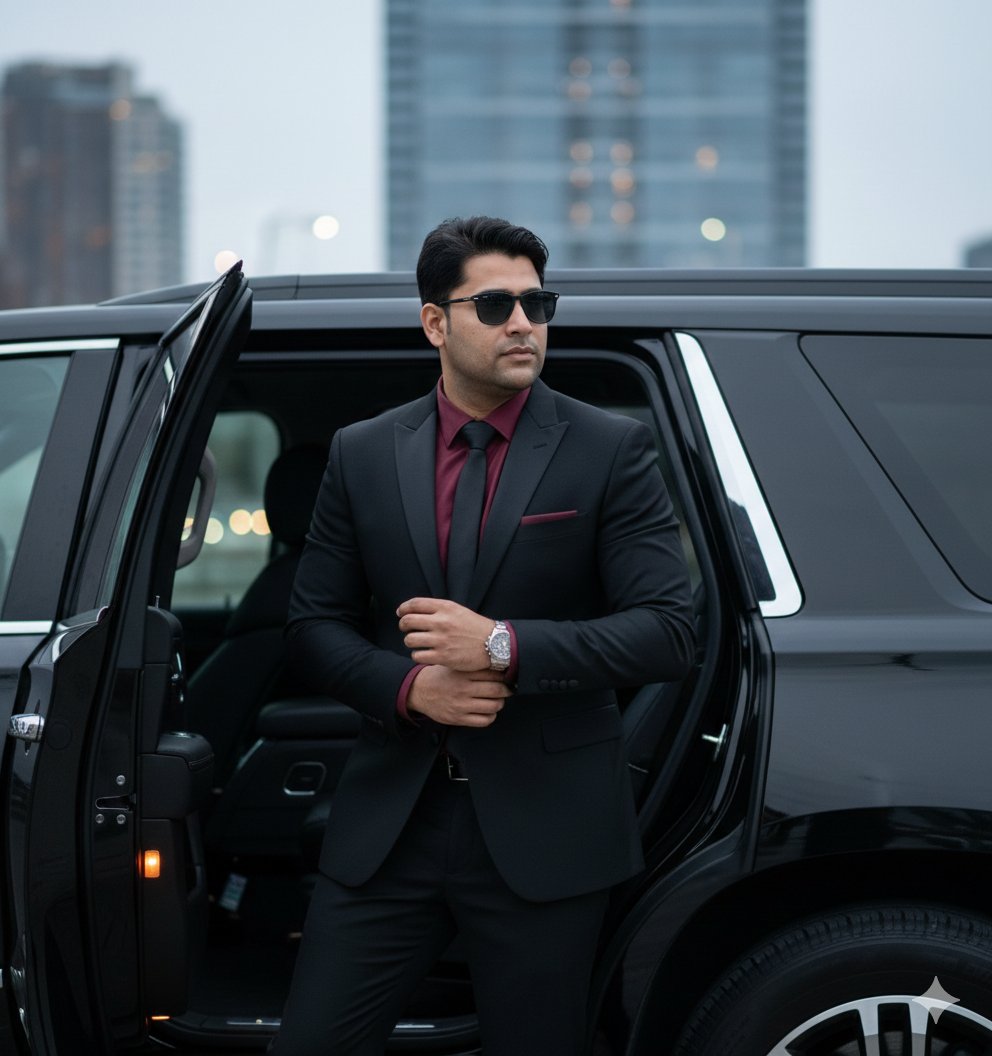
Hyper-Realistic Indian Man Exiting Luxury SUV
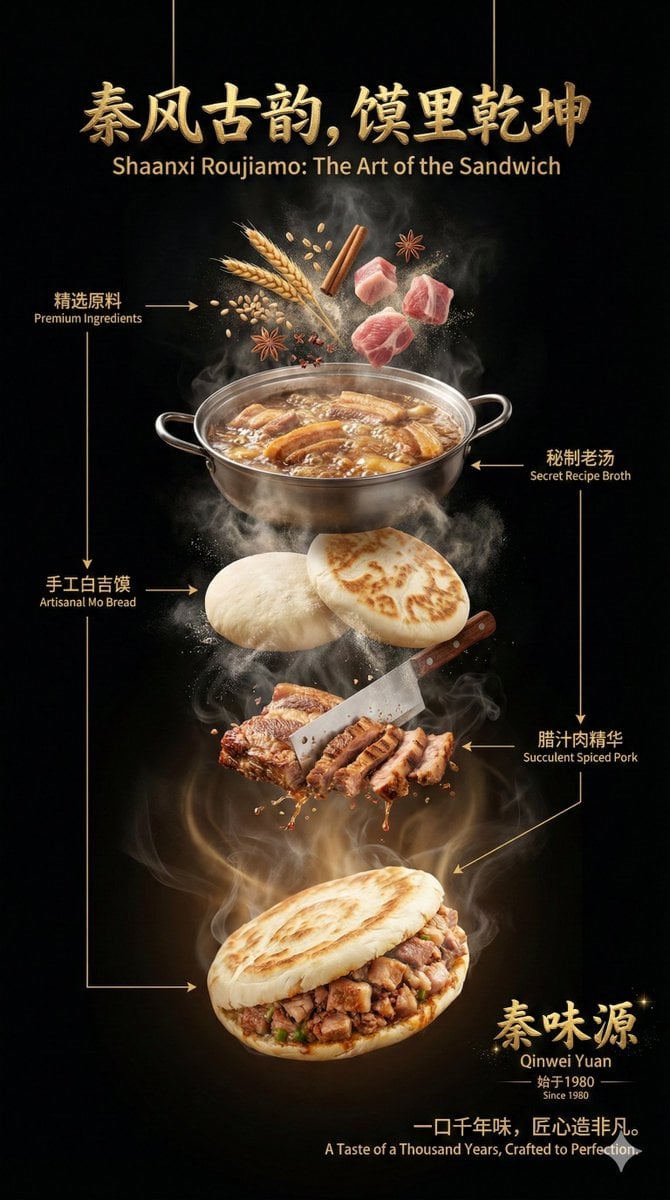
Advanced Commercial Food/Product Poster Template with Vertical Layering
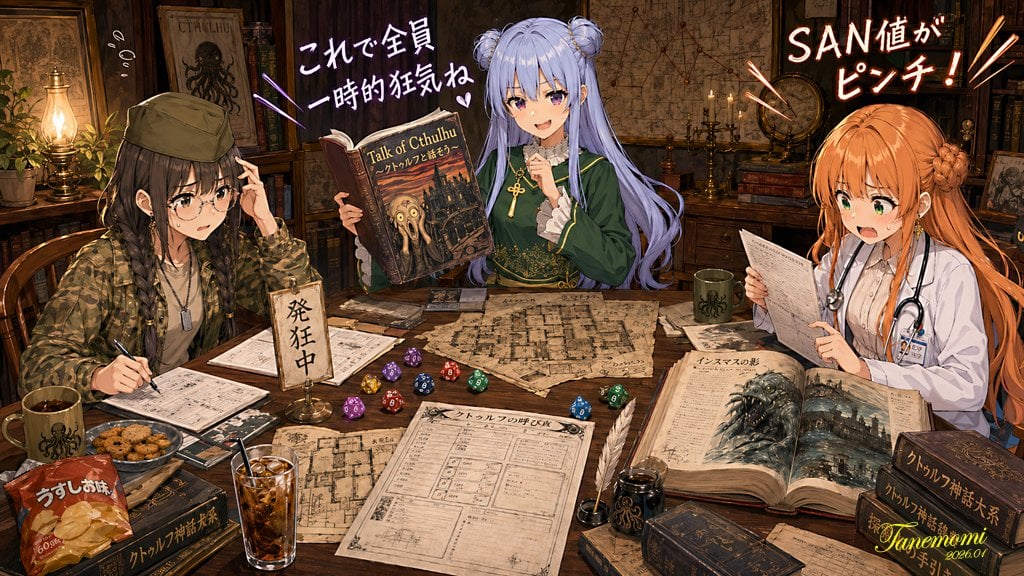
Anime Cthulhu TRPG Study Session
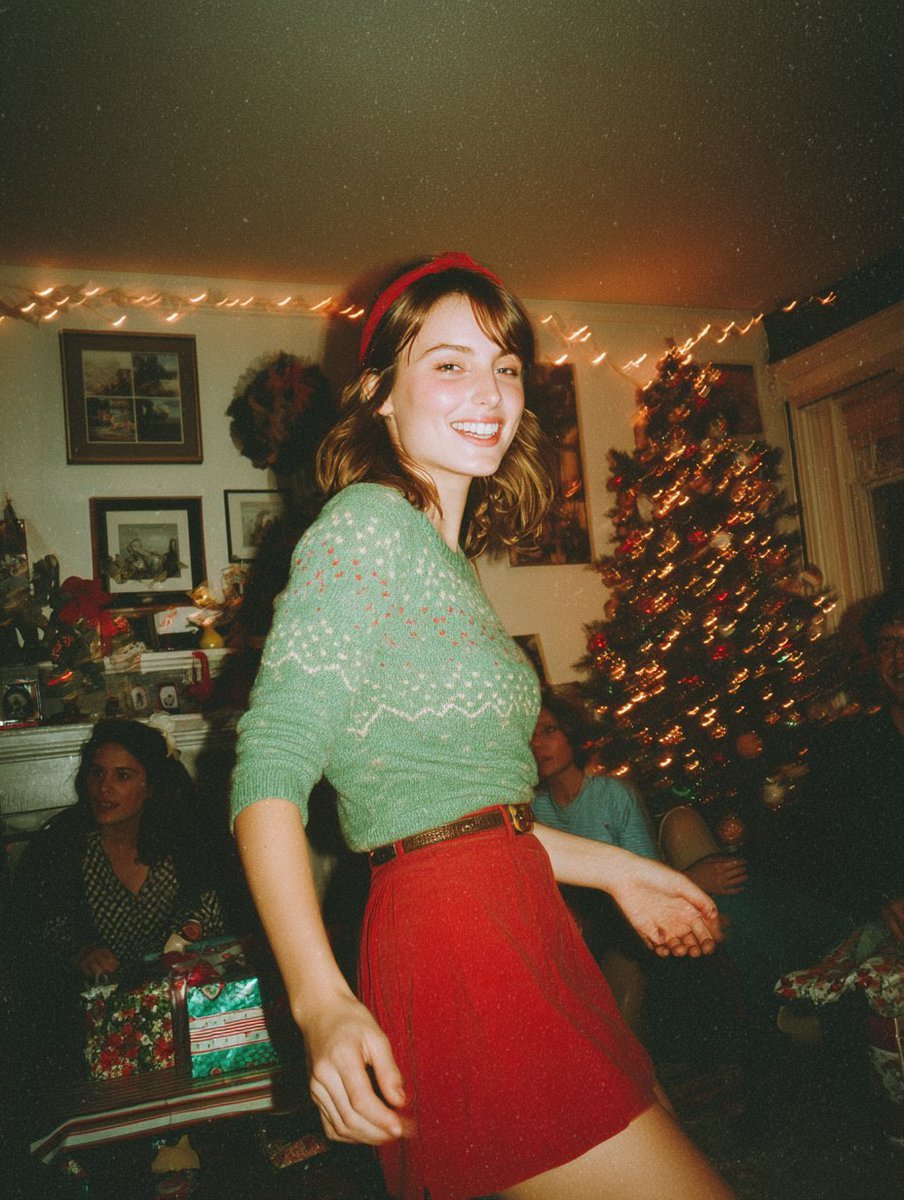
Candid Vintage Holiday Scene Photography Prompt
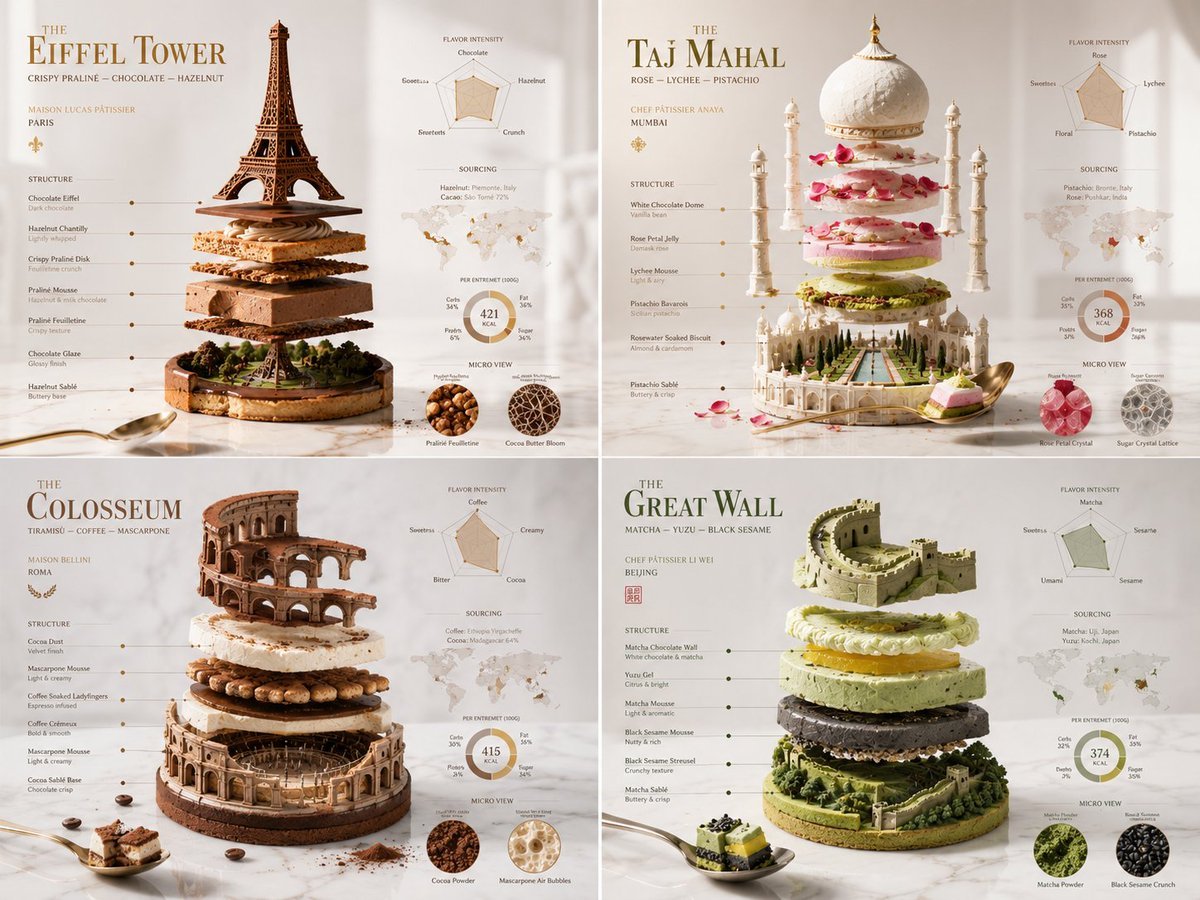
Exploded Monument Pastry Art
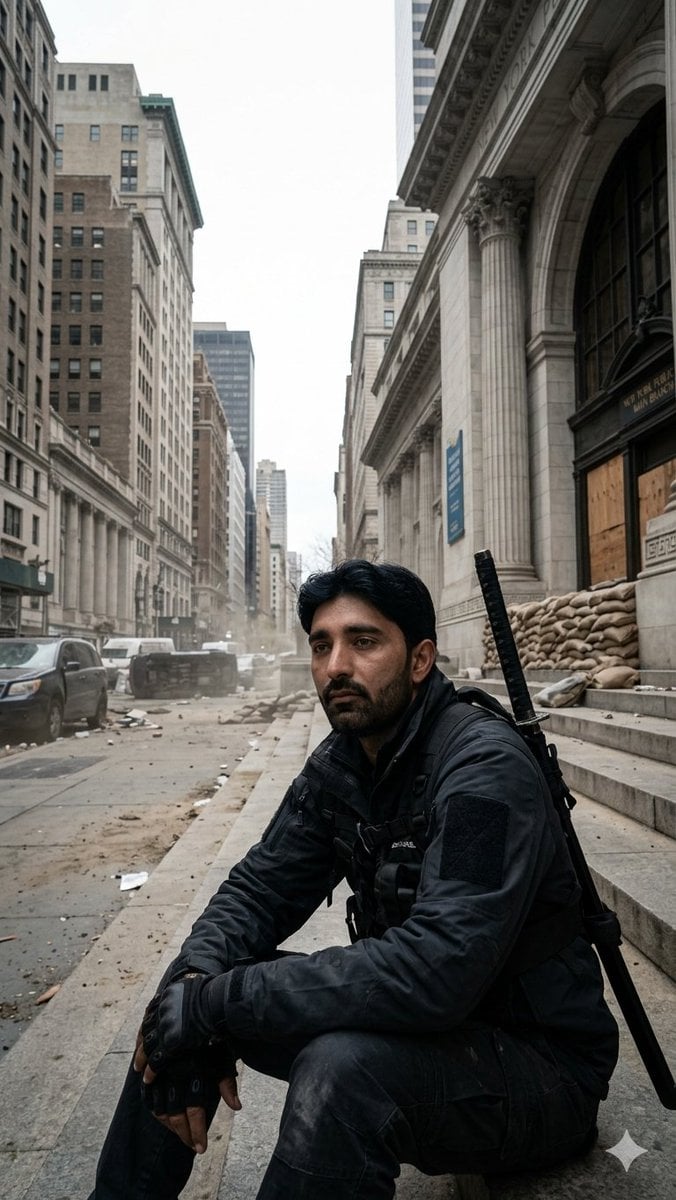
Fortified NYPL Survivor Scene
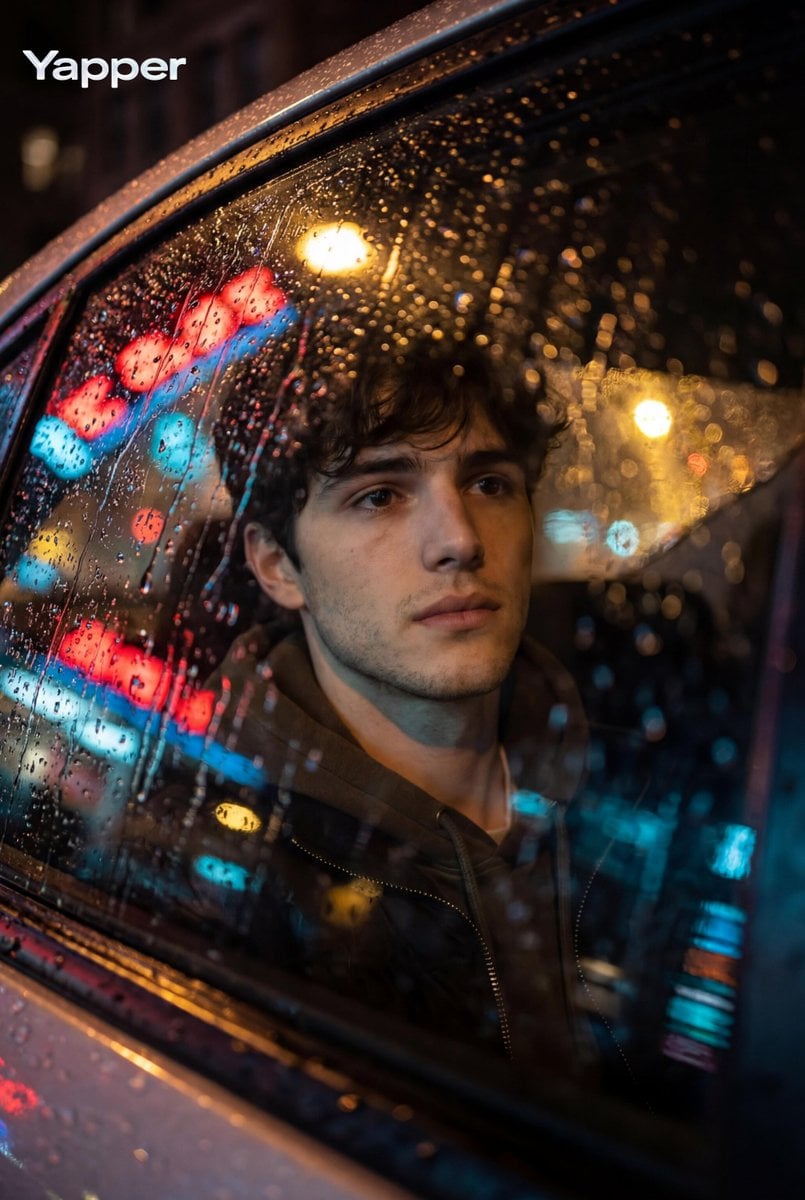
Cinematic Photo Inside a Car at Night with Rain
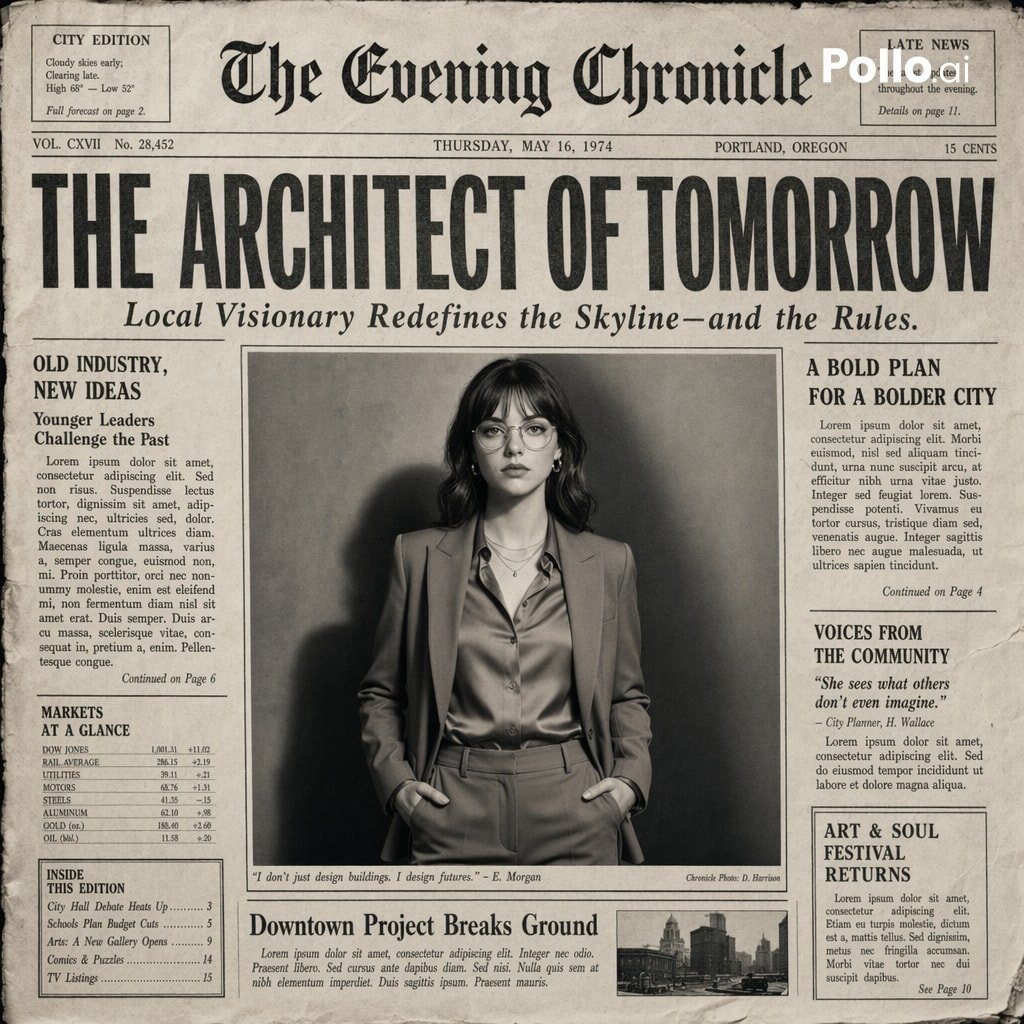
Vintage Newspaper Front Page Generator
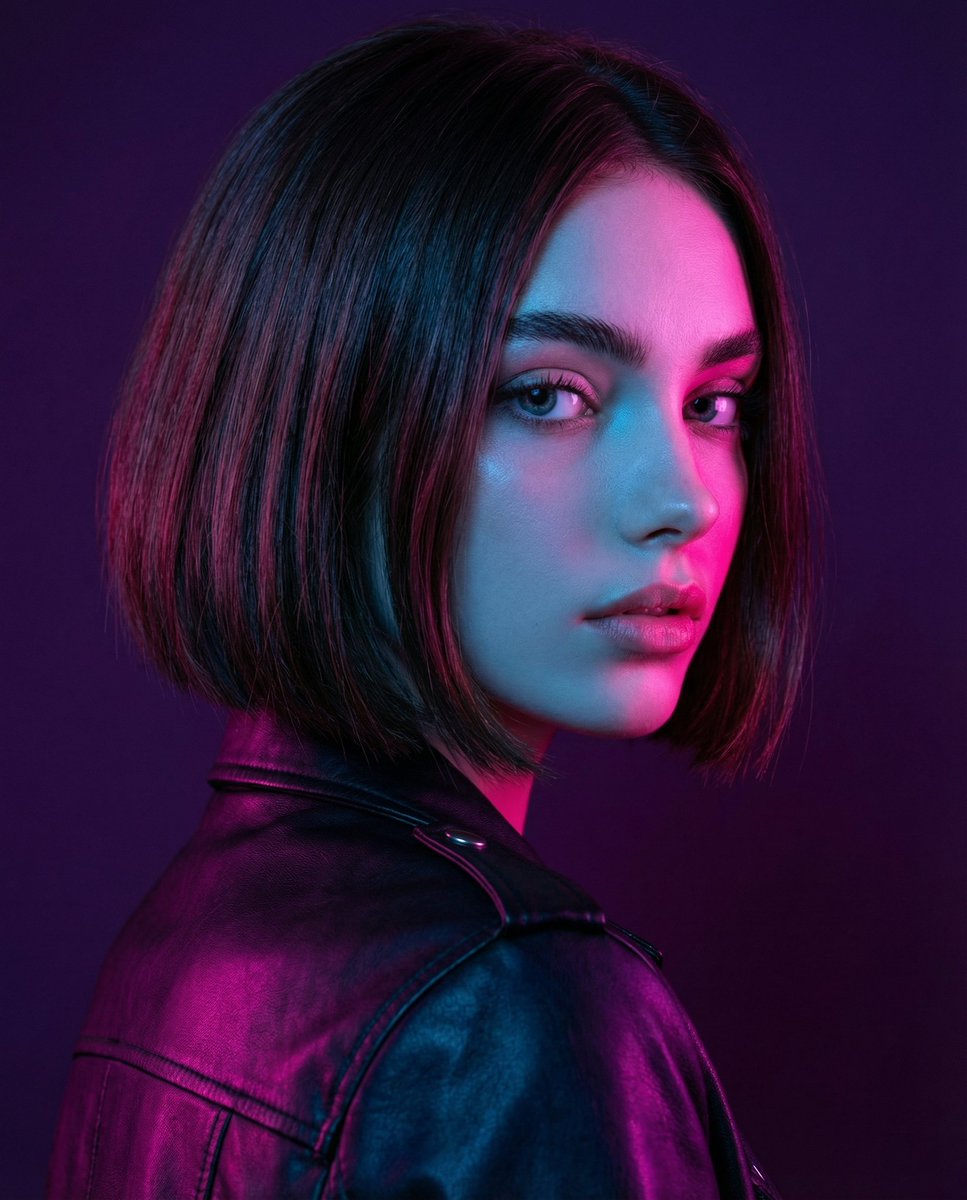
Neon Portrait Prompt
Debug Test
Browse template categories
Neon Instagram AI Creator Poster questions
How do I use the Neon Instagram AI Creator Poster template?
Add your photo if the template asks for one, edit the prompt if you like — the template's model and format are already selected — and press Generate. Your version opens in PicX Studio.
Can I customize the Neon Instagram AI Creator Poster template?
Yes. You can change the subject, setting, lighting, mood, format, and available model controls before creating your image.
Is the Neon Instagram AI Creator Poster template free?
Opening and editing this template is free. Generating uses credits, shown on the Generate button when you are signed in.
Which AI model should I use?
Start with GPT Image 2, which is the model associated with this template. You can compare another compatible model for a different finish.
Looking for something else? Browse all templates.

Your photo, any look
Thousands of ready templates for every top image and video model, from one credit balance.