
Neon Facebook Creator Poster
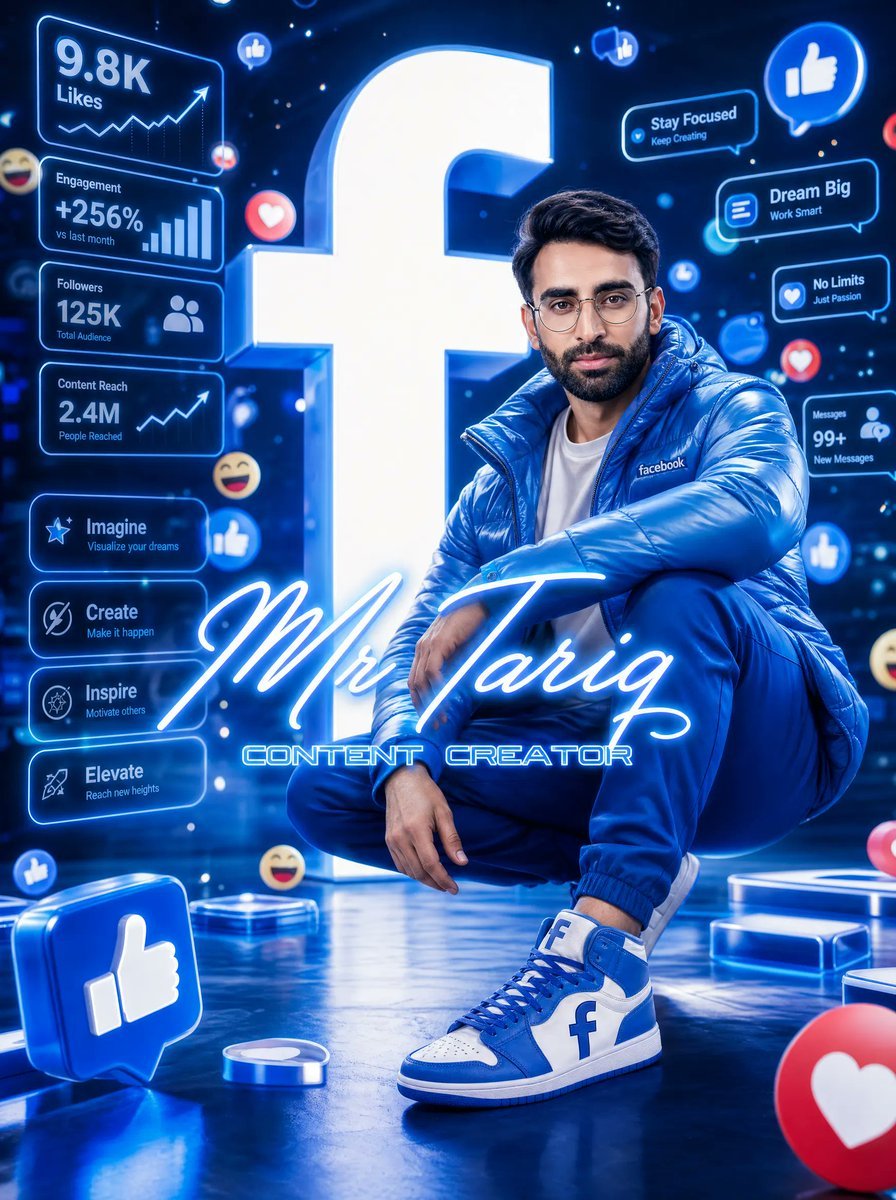
A cinematic blue neon 3D poster featuring a stylish content creator, social media analytics panels, floating reaction icons, and bold creator branding.
- Prompt included
- Model and format preset
- Free template
The prompt behind this image
Copy the exact prompt behind Neon Facebook Creator Poster, or open it in the studio and make it yours.
Goal: Create an ultra-detailed cinematic 3D digital poster for a social media content creator, centered on a stylish young man squatting confidently in a futuristic neon-lit studio dominated by Facebook-like branding. Canvas: Vertical poster, 3:4 aspect ratio, high-resolution glossy 3D render, deep electric-blue color palette, bright white neon highlights, reflective black-blue floor, shallow depth of field, dramatic rim lighting, floating holographic UI elements, energetic social-media atmosphere. Main subject: A fashionable young man with short dark hair and modern styling, face intentionally covered by a soft rectangular blur/mosaic censor block. He is squatting in a confident pose, one arm resting across his knee and one hand hanging relaxed. Outfit: shiny {argument name="jacket color" default="electric blue"} oversized puffer jacket with a small white “facebook” wordmark on the chest, white T-shirt, fitted blue jogger pants, and custom blue-and-white high-top sneakers. The sneakers have a bold lowercase {argument name="platform logo letter" default="f"} on the side panels. Make the fabric glossy and premium, with realistic folds and reflections. Background centerpiece: A huge glowing white lowercase {argument name="platform logo letter" default="f"} standing behind the subject like a luminous monument, with thick 3D depth and blue rim glow. Foreground title typography: Across the lower center, overlay a large elegant glowing cursive signature reading {argument name="character name" default="Mr Tariq"}. Directly below it, add smaller futuristic block lettering reading {argument name="role text" default="CONTENT CREATOR"}. Both text layers should be bright neon blue-white and partially overlap the subject’s legs. Left-side holographic analytics panels: Include exactly 4 stacked rectangular blue neon dashboard cards with these visible labels and values: 1) “9.8K Likes” with a rising line chart and arrow, 2) “Engagement +256% vs last month” with vertical bar chart, 3) “Followers 125K Total Audience” with two-person icon, 4) “Content Reach 2.4M People Reached” with rising line chart. Beneath them, include exactly 4 smaller rounded motivational buttons: 1) “Imagine — Visualize your dreams” with star icon, 2) “Create — Make it happen” with compass/target icon, 3) “Inspire — Motivate others” with spark icon, 4) “Elevate — Reach new heights” with rocket icon. Right-side holographic panels: Include exactly 4 small floating message cards: 1) “Stay Focused — Keep Creating”, 2) “Dream Big — Work Smart”, 3) “No Limits — Just Passion”, 4) “Messages 99+ — New Messages”. Style them as glowing rounded blue speech bubbles with tiny icons. Floating social reactions: Add exactly 12 visible reaction elements distributed around the scene: 4 thumbs-up icons, 3 heart icons, 3 laughing-face emojis, 1 small profile notification dot, and 1 chat/message bubble. Include a large 3D blue thumbs-up cube in the bottom-left foreground and a partially cropped red heart reaction sphere in the bottom-right foreground. Visual style: Hyper-polished cinematic 3D advertising poster, glossy blue neon reflections, volumetric light beams, bokeh particles, holographic UI glow, futuristic creator economy aesthetic, crisp typography, premium render quality, no extra people, no watermark, no unintended text.
How to use Neon Facebook Creator Poster in 3 steps
- 1Upload ImagePNG, JPG or paste
Add your photo
Upload the photo the template builds on. The prompt, model and format are already set.
- 2…a portrait of your subject in softgolden-hour light, 85mm…
Personalize
Edit the subject and creative details for your destination.
- 3Generate
Generate
Press Generate — your image is created in PicX Studio, so you can compare it with the original and refine one variable at a time.
More like this
Templates with the same subject, style or setup. Open one to see its prompt.

Cartoon TV Show Poster Pack

Neon Glitch Cyber Symbiote Music Poster
Victory Aura Superhero Neon Poster
Synthwave Retro Superhero Music Poster
Victory Aura Football Poster
Neon TikTok AI Creator Poster
Neon AI Creator Poster
Neon WhatsApp AI Creator Poster

80s Neon Disco Night

Japan Travel Brochure Poster

Trendy Cafe Drink Promo Poster

Urban Fashion Editorial Collage Streetwear Poster
Make it yours
Neon Facebook Creator Poster works as-is. These are the safest ways to change it without losing the look.
Change one field
Copy a single group, rewrite it, and generate again so you can see what that field is doing.
Keep the frame, change the subject
Hold the composition and light of Neon Facebook Creator Poster, then swap wardrobe, props or the person for a new take.
| If the result… | Why | Fix |
|---|---|---|
| The result drifts from the preview | Too many fields changed at once. | Reuse Neon Facebook Creator Poster as-is first, then change one group — subject, light, or setting. |
| The model over-stylizes the scene | The prose prompt leaves finish and camera underspecified. | Add one camera or lighting sentence and stay on GPT Image 2. |
More GPT Image 2 templates
Other prompts made for GPT Image 2.

Six VTuber Japanese Logo Sheet

Realistic Portrait of Woman and Deer

The Vista Modular Condo Poster

AI Model Routing Comparison Infographic

2.5D Anime Art Board

Isometric Productivity Desk Scene

New York Double Exposure Poster

Four-Panel AI Landscape Comparison

Japanese Tatami Lifestyle Magazine Cover

NESCAFÉ Coffee Map Poster
More image prompts
Fresh picks from across the catalog.
Giant Coffee Cup Bath Image Prompt
Cinematic Black and White Portrait with Low-Key Lighting
Multi-Exposure Indian Woman Fashion Poster
JSON Prompt for Hyper-Realistic Commercial Energy Drink Photography
Dreamy Y2K Soft Girl Magazine Grid
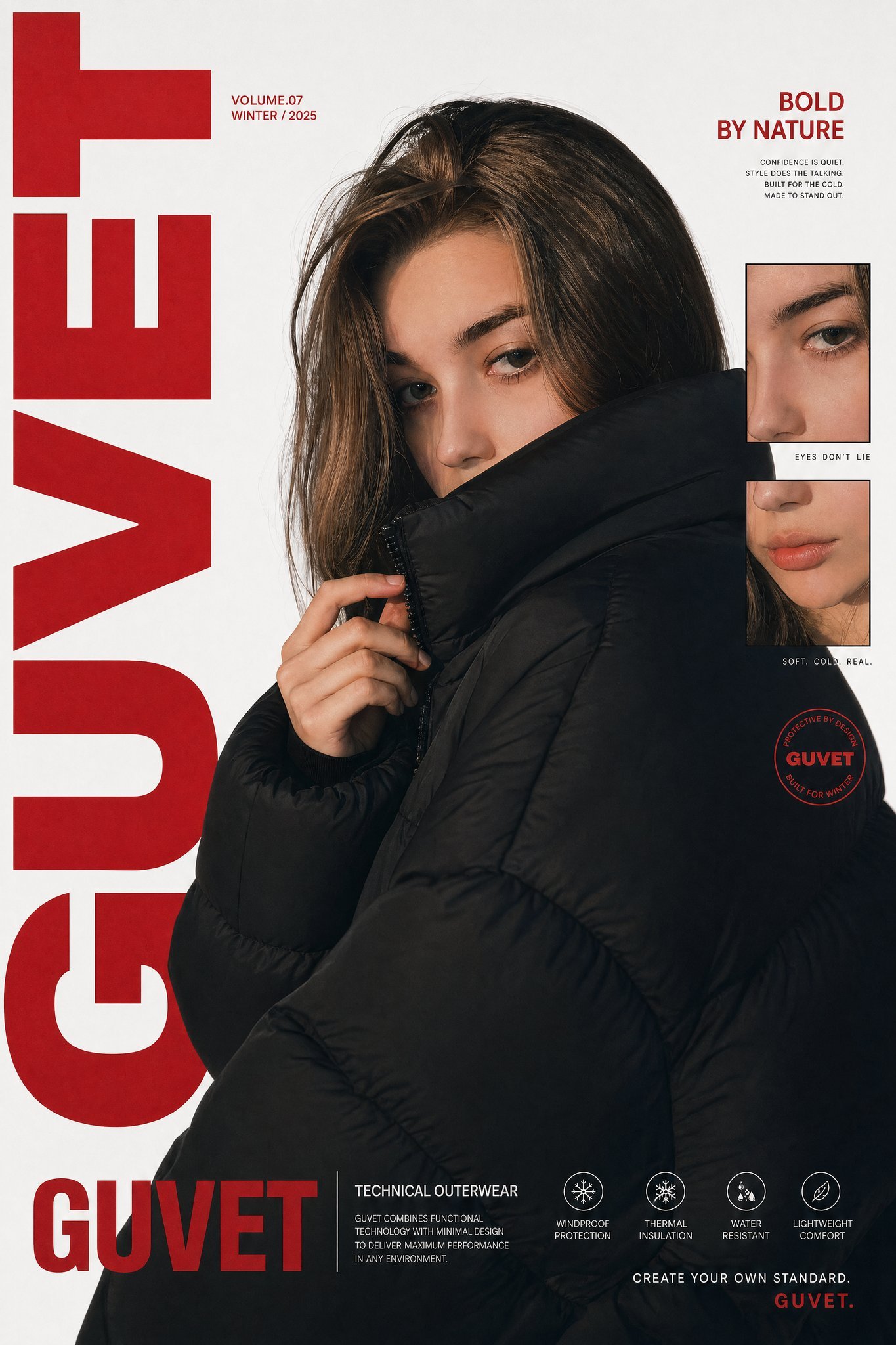
X Saniaspeaks Created with Gpt Image 2 on Chatgpt
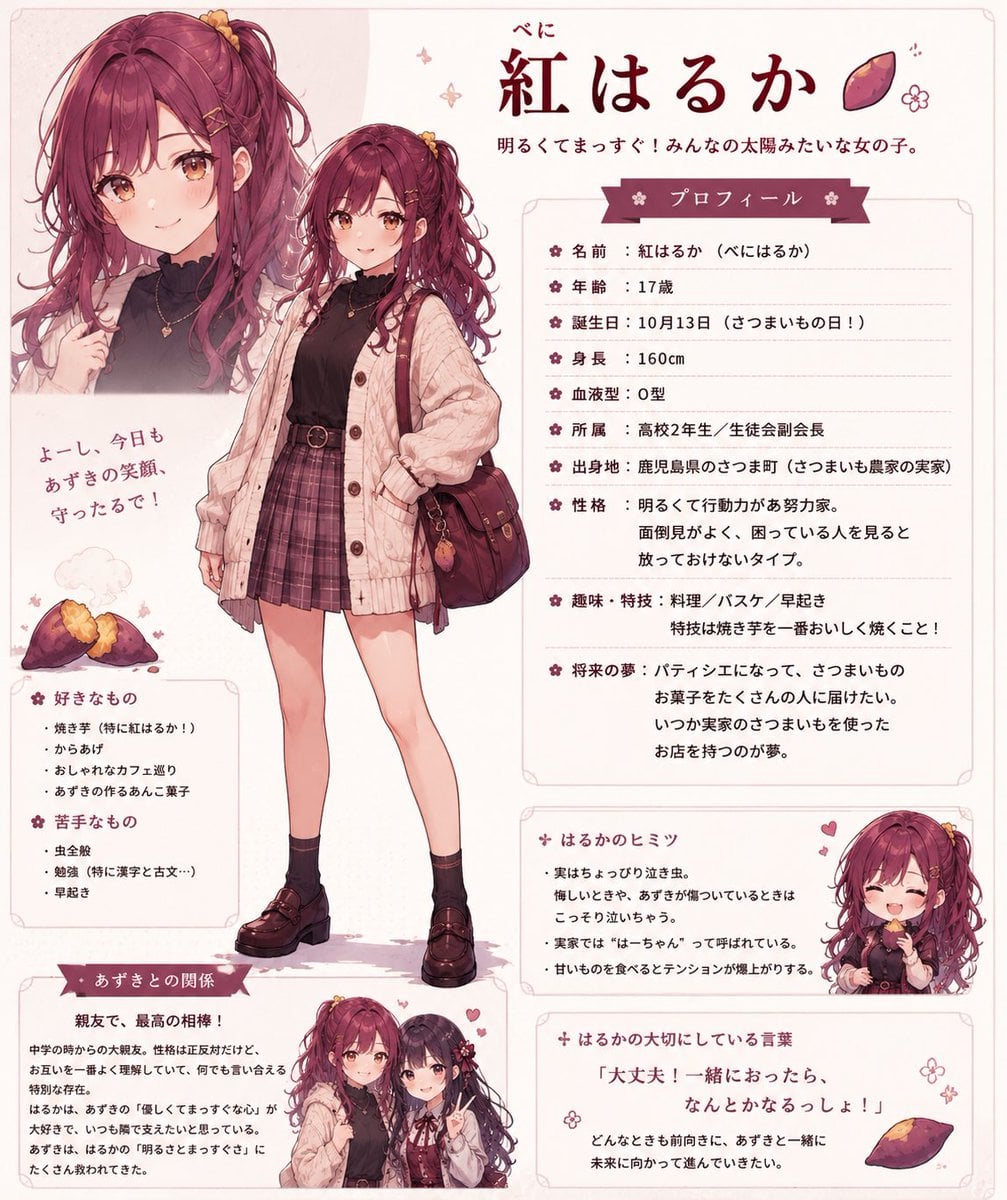
Beni Haruka Anime Character Sheet
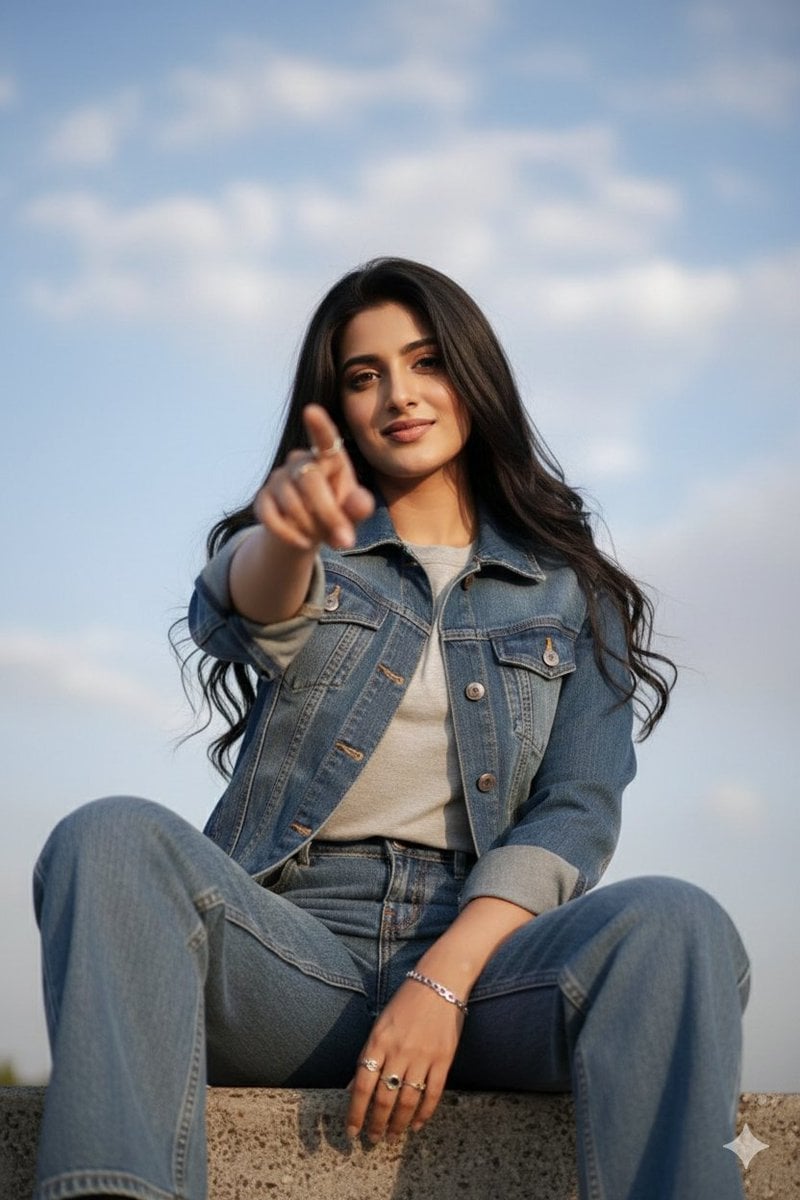
Low-Angle Cinematic Portrait with Identity Lock
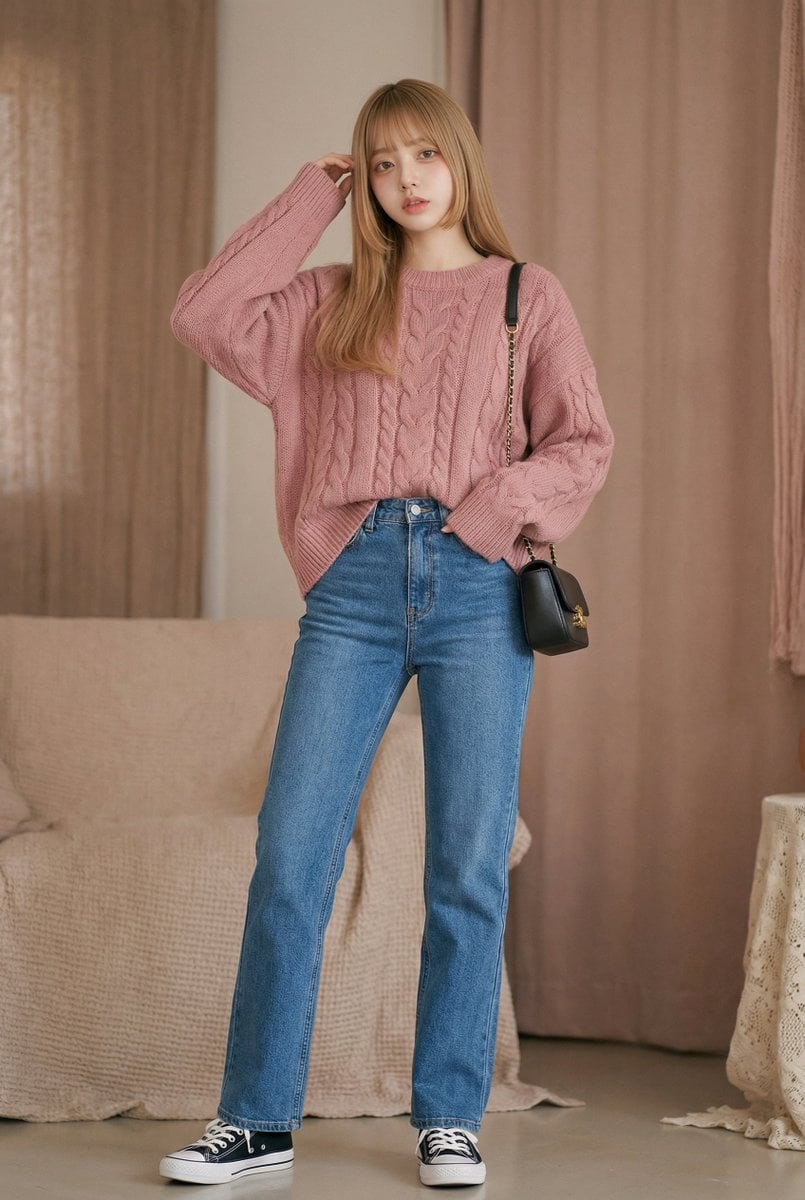
Vlog Style Video Generation from Nano Banana Pro Image using Google Veo 3.1
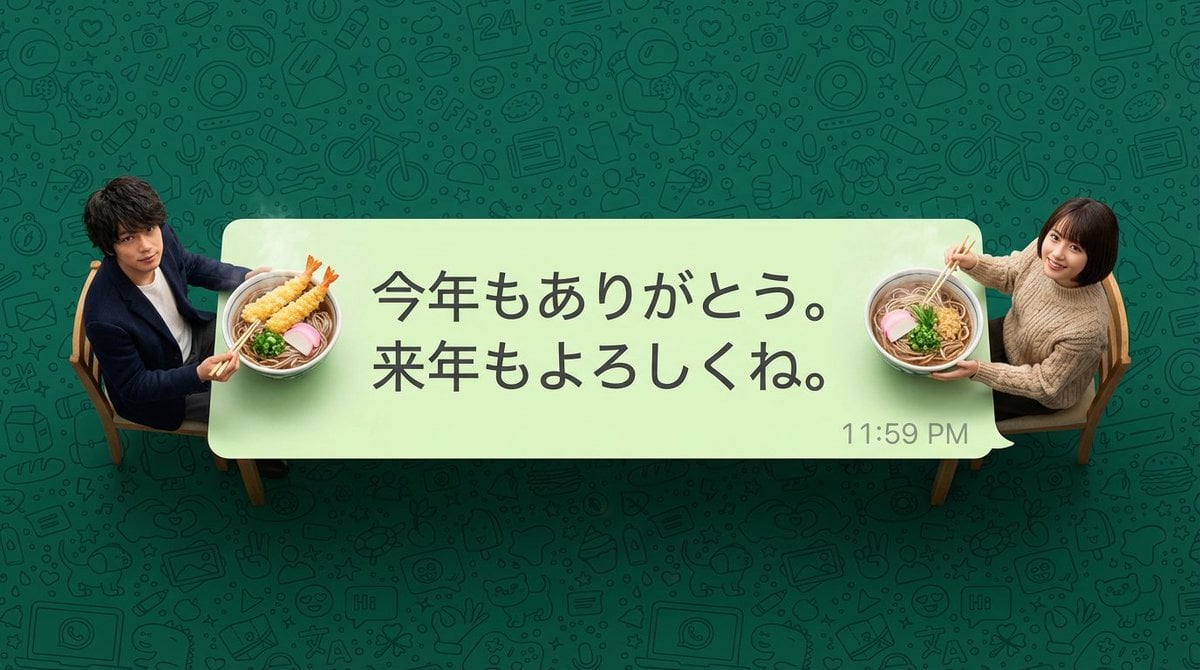
New Year's Soba Message Card Prompt
Browse template categories
Neon Facebook Creator Poster questions
How do I use the Neon Facebook Creator Poster template?
Add your photo if the template asks for one, edit the prompt if you like — the template's model and format are already selected — and press Generate. Your version opens in PicX Studio.
Can I customize the Neon Facebook Creator Poster template?
Yes. You can change the subject, setting, lighting, mood, format, and available model controls before creating your image.
Is the Neon Facebook Creator Poster template free?
Opening and editing this template is free. Generating uses credits, shown on the Generate button when you are signed in.
Which AI model should I use?
Start with GPT Image 2, which is the model associated with this template. You can compare another compatible model for a different finish.
Looking for something else? Browse all templates.

Your photo, any look
Thousands of ready templates for every top image and video model, from one credit balance.