
Cinematic Black and White Portrait with Low-Key Lighting
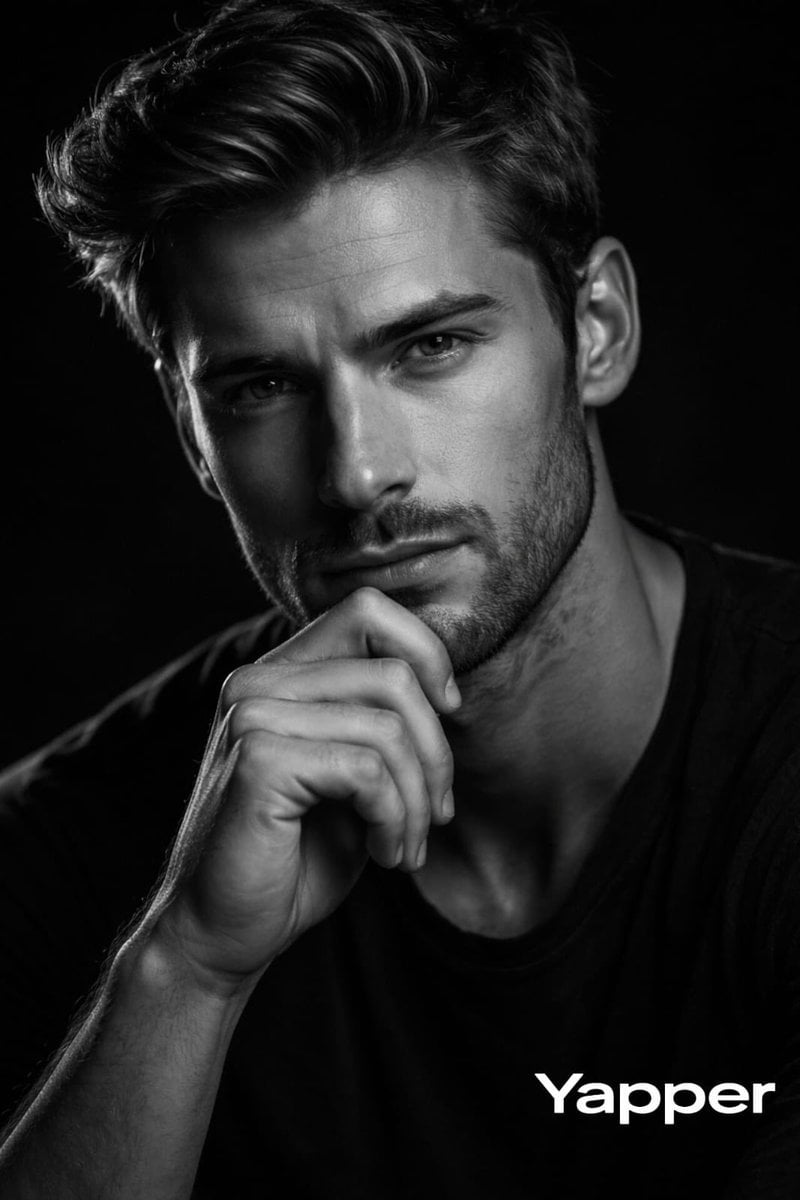
A prompt for generating a high-contrast, ultra-realistic black-and-white cinematic portrait of a man, emphasizing detailed skin texture, a thoughtful pose, and professional low-key studio lighting with subtle rim light…
- Prompt included
- Model and format preset
- Free template
The prompt behind this image
Copy the exact prompt behind Cinematic Black and White Portrait with Low-Key Lighting, or open it in the studio and make it yours.
Create a high-contrast black-and-white cinematic portrait of a man around 30 years old. He has natural facial proportions, strong jawline, expressive eyes, defined cheekbones, and realistic skin texture with visible pores and fine details. His expression is serious, confident, and introspective, looking directly into the camera. Pose him in a thoughtful pose with one hand resting gently on his chin, head slightly angled toward the camera. His hair should look natural with visible strand detail, and if facial hair is present, it should appear well-defined and realistic. Use low-key studio lighting with a key light slightly above eye level from the viewer’s left, creating sculpted highlights on the forehead, nose bridge, cheekbones, and beard texture, with deep but detailed shadows. Add very subtle rim light along the hair and shoulders for separation. Background should be pure black with no texture. Composition is a tight head-and-shoul{argument name="composition" default="ders portrait (4:5)"} with sharp focus on the eyes and shallow depth of field. Style: cinematic fine-art monochrome photography, ultra-realistic, editorial studio quality, 8K resolution, sharp micro-details.
How to use Cinematic Black and White Portrait with Low-Key Lighting in 3 steps
- 1
Open
The prompt is already in the box next to the preview, with the template's model and format selected.
- 2…a portrait of your subject in softgolden-hour light, 85mm…
Personalize
Edit the subject and creative details for your destination.
- 3Generate
Generate
Press Generate — your image is created in PicX Studio, so you can compare it with the original and refine one variable at a time.
More like this
Templates with the same subject, style or setup. Open one to see its prompt.
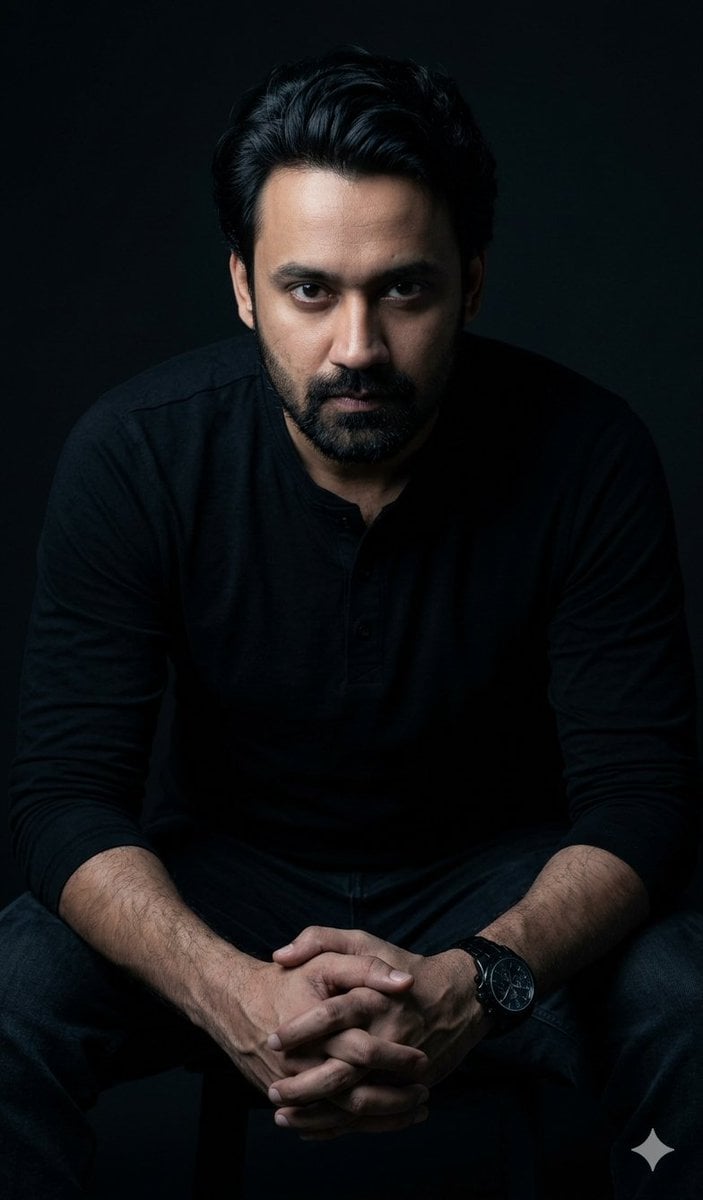
Powerful Studio Portrait with Low-Key Lighting

Comparing Realism Keywords in Midjourney
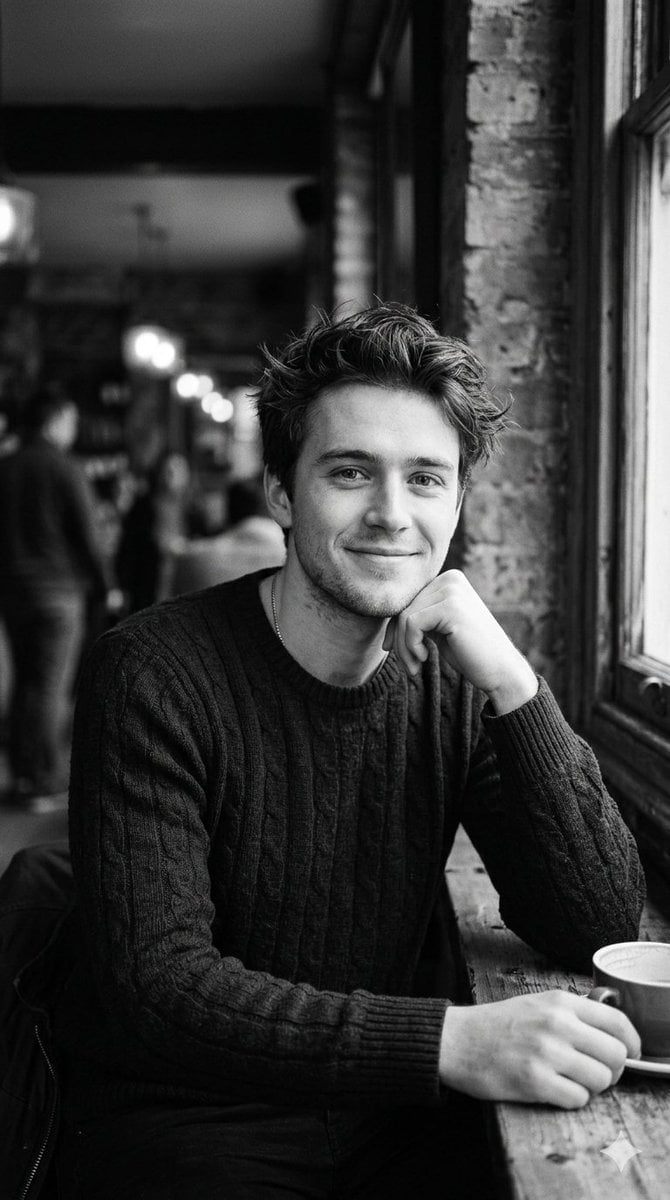
Black and White Cafe Portrait
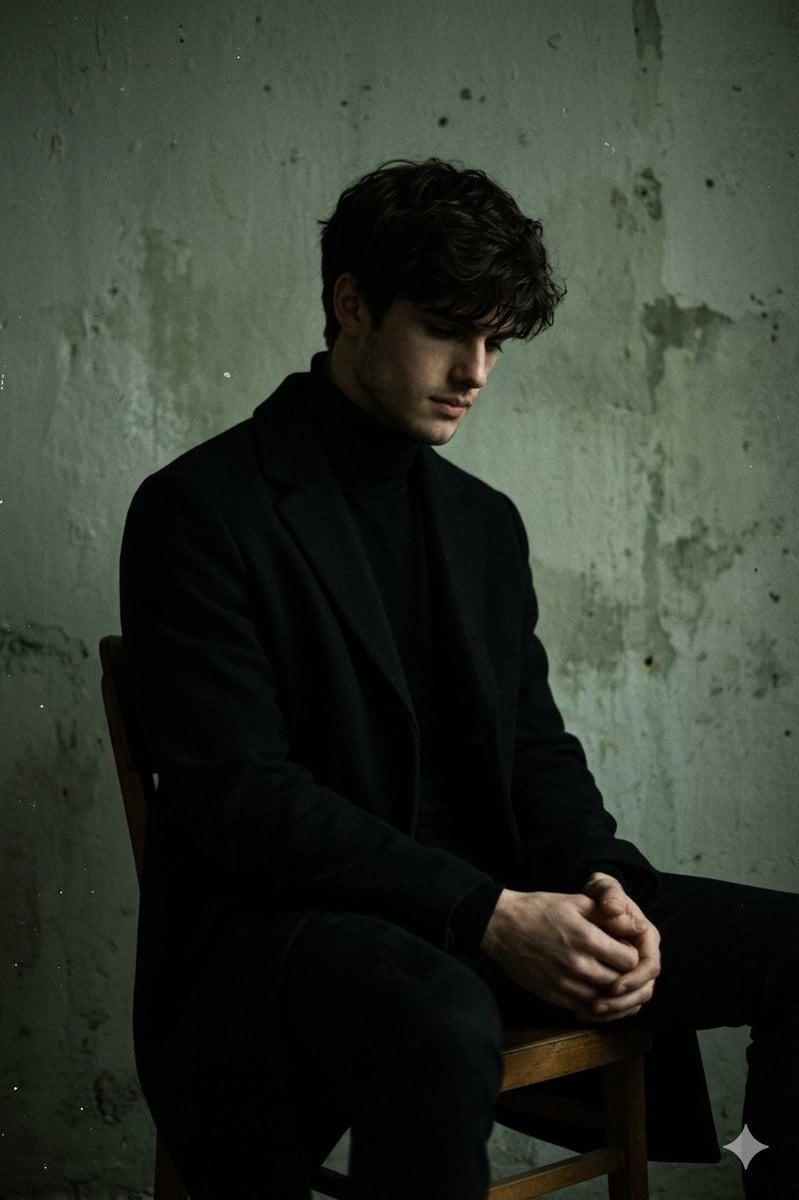
Moody Low-Key Male Portrait
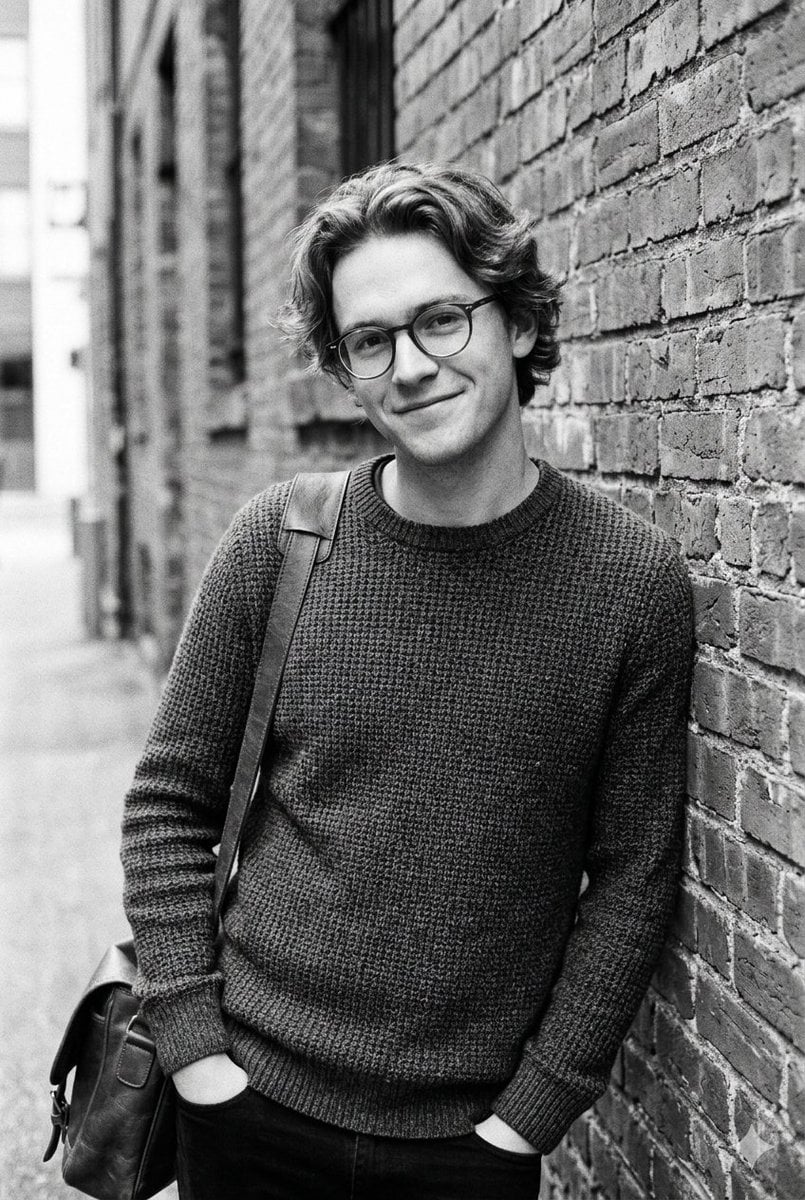
Black and White Urban Male Portrait
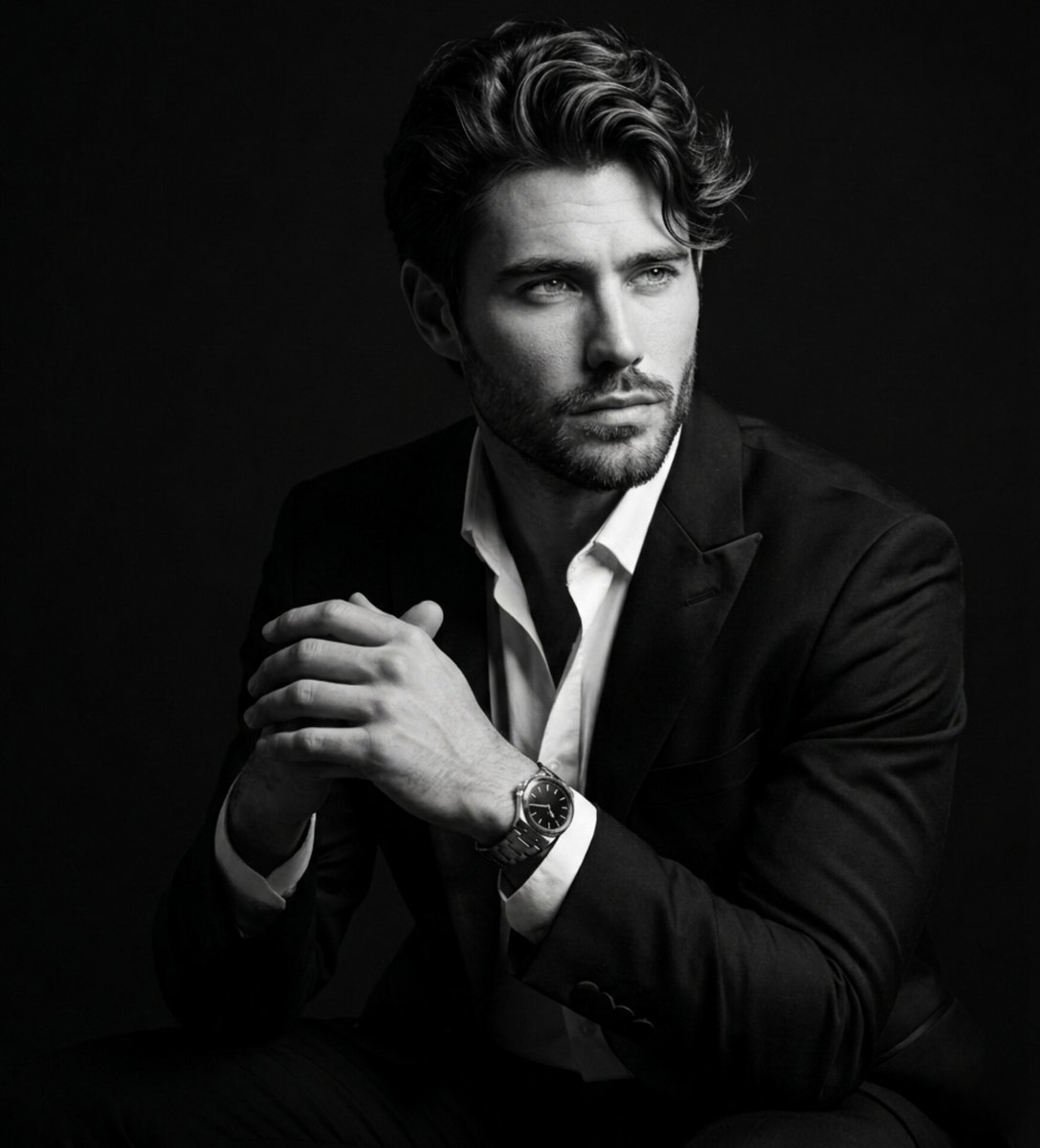
Fine Art Black and White Portrait
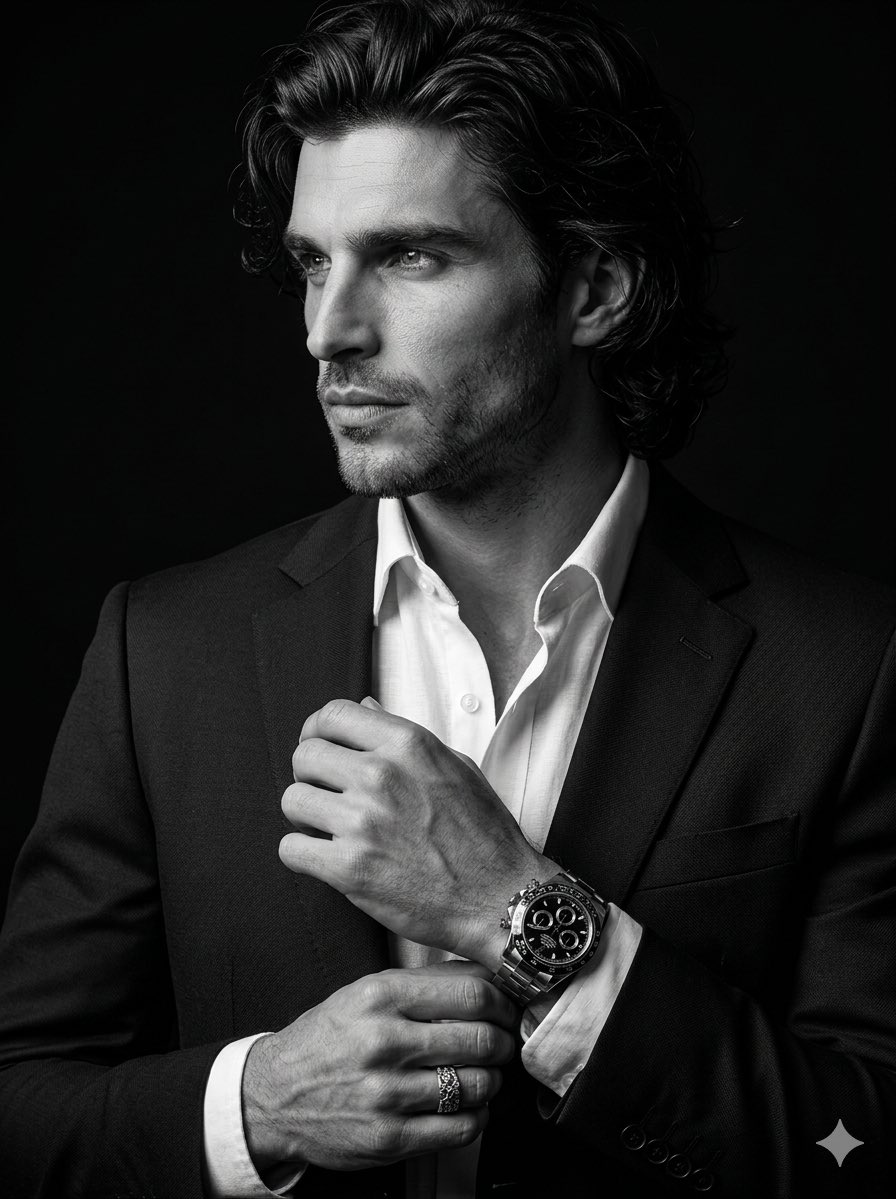
Cinematic Black-and-White Suit Portrait
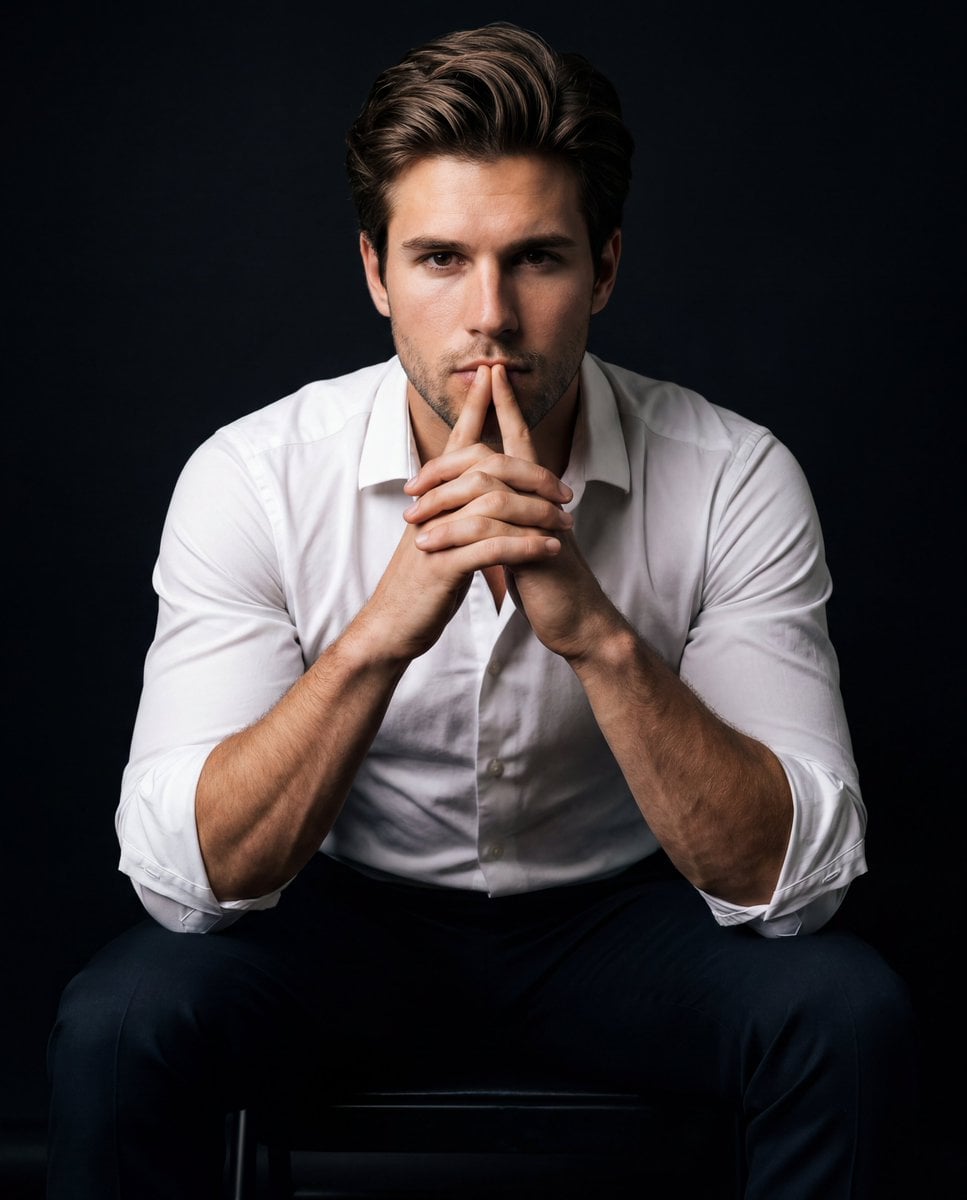
Intense Low-Key Studio Portrait
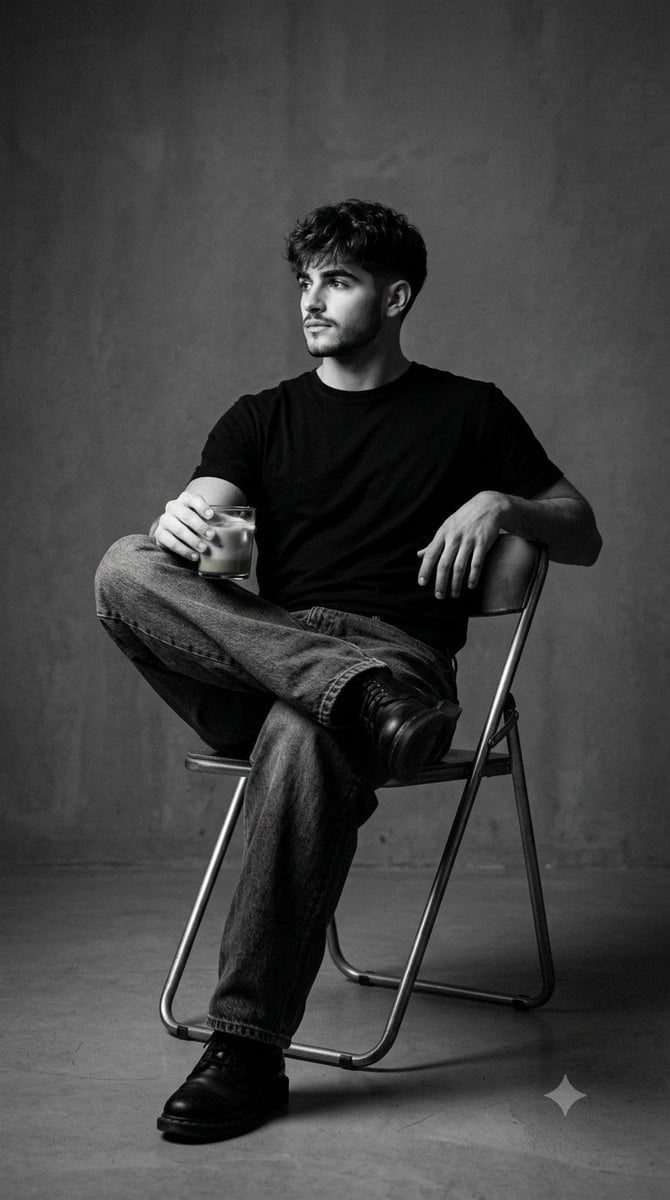
Black and White Studio Portrait
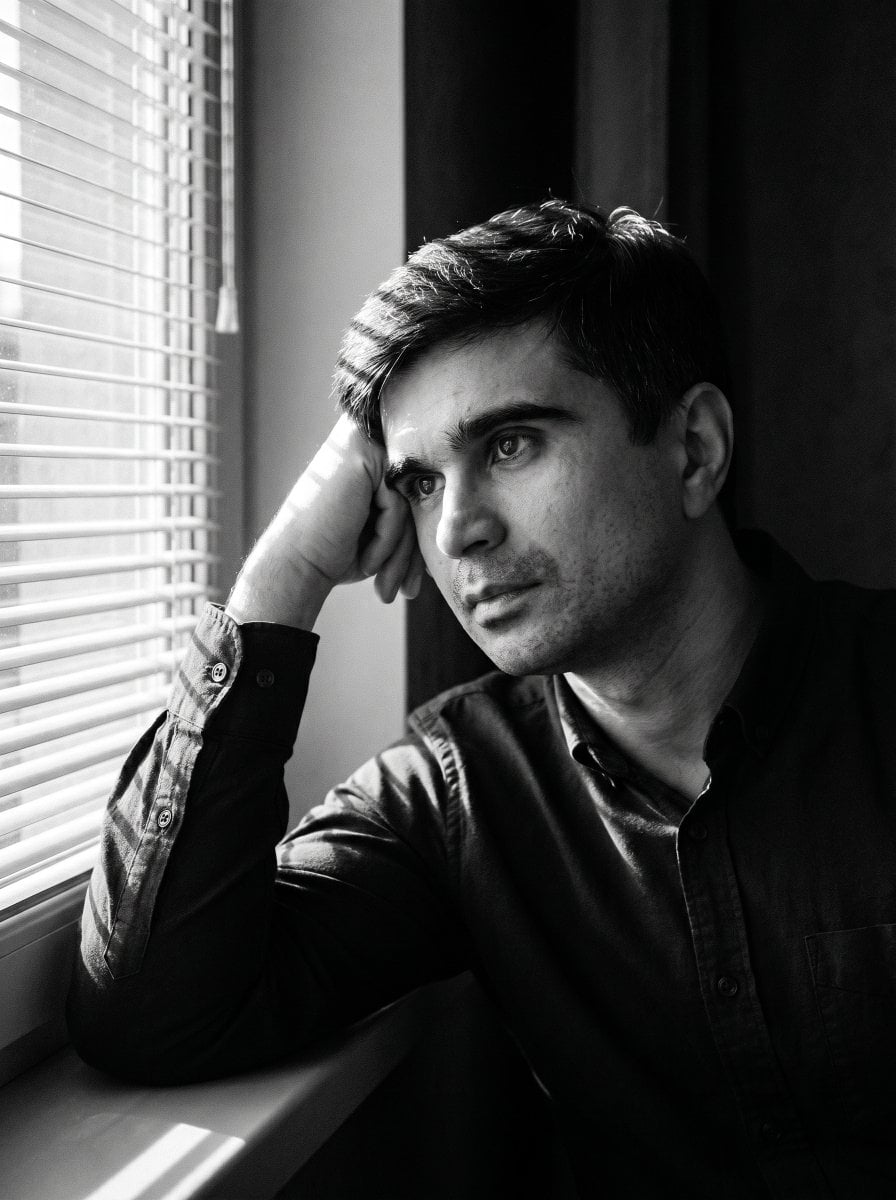
Moody Black and White Portrait
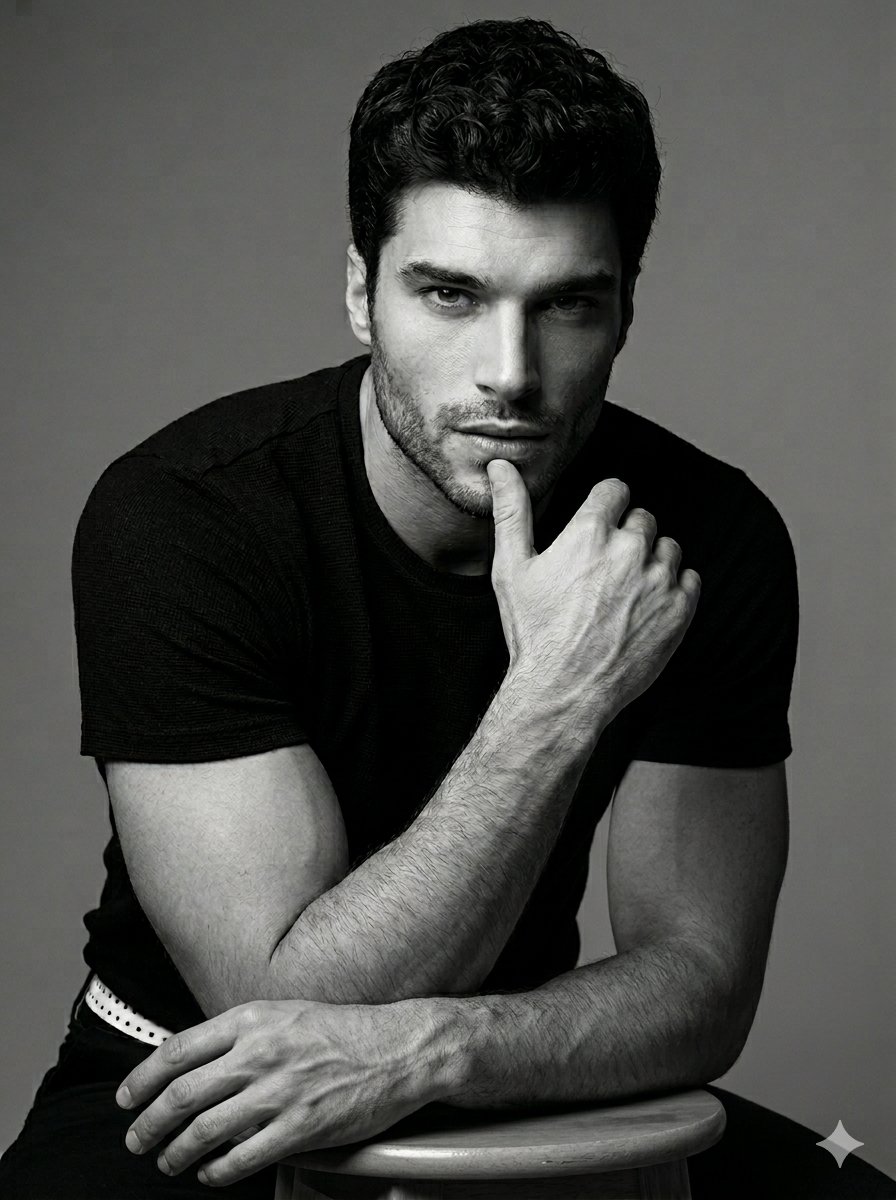
Black and White Male Studio Portrait
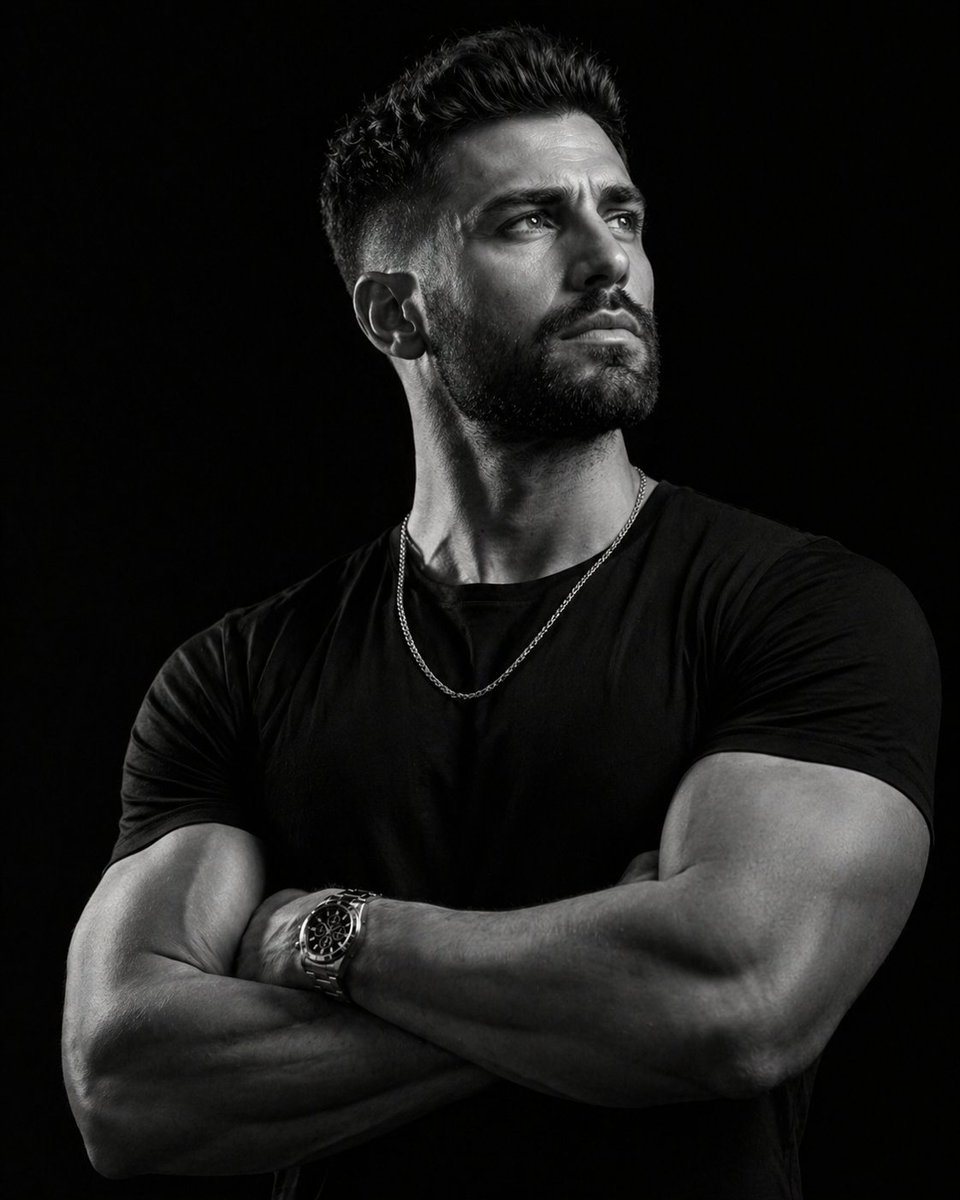
Low-key monochrome editorial portrait
Make it yours
Cinematic Black and White Portrait with Low-Key Lighting works as-is. These are the safest ways to change it without losing the look.
Change one field
Copy a single group, rewrite it, and generate again so you can see what that field is doing.
Keep the frame, change the subject
Hold the composition and light of Cinematic Black and White Portrait with Low-Key Lighting, then swap wardrobe, props or the person for a new take.
| If the result… | Why | Fix |
|---|---|---|
| The result drifts from the preview | Too many fields changed at once. | Reuse Cinematic Black and White Portrait with Low-Key Lighting as-is first, then change one group — subject, light, or setting. |
| The model over-stylizes the scene | The prose prompt leaves finish and camera underspecified. | Add one camera or lighting sentence and stay on Nano Banana 2. |
More Nano Banana 2 templates
Other prompts made for Nano Banana 2.

Photorealistic Leaf Shaped Like a Dragon

K-Pop Idol Portrait Grid for Rapid Selection

Poetic Rain Forest Portrait During Golden Hour

Urban Street Portrait with Cartoon Inner Self Duo

Candid Nighttime Photo with Cat Prompt

High-Concept 3D Diorama Generation Prompt

Cinematic Futuristic Studio Portrait Template

Skincare Editorial Photography Collage Prompt

Hyper-Realistic Commercial Product Photography (Splash Effect)

Hyper-Realistic Nightclub Portrait Prompt
More image prompts
Fresh picks from across the catalog.
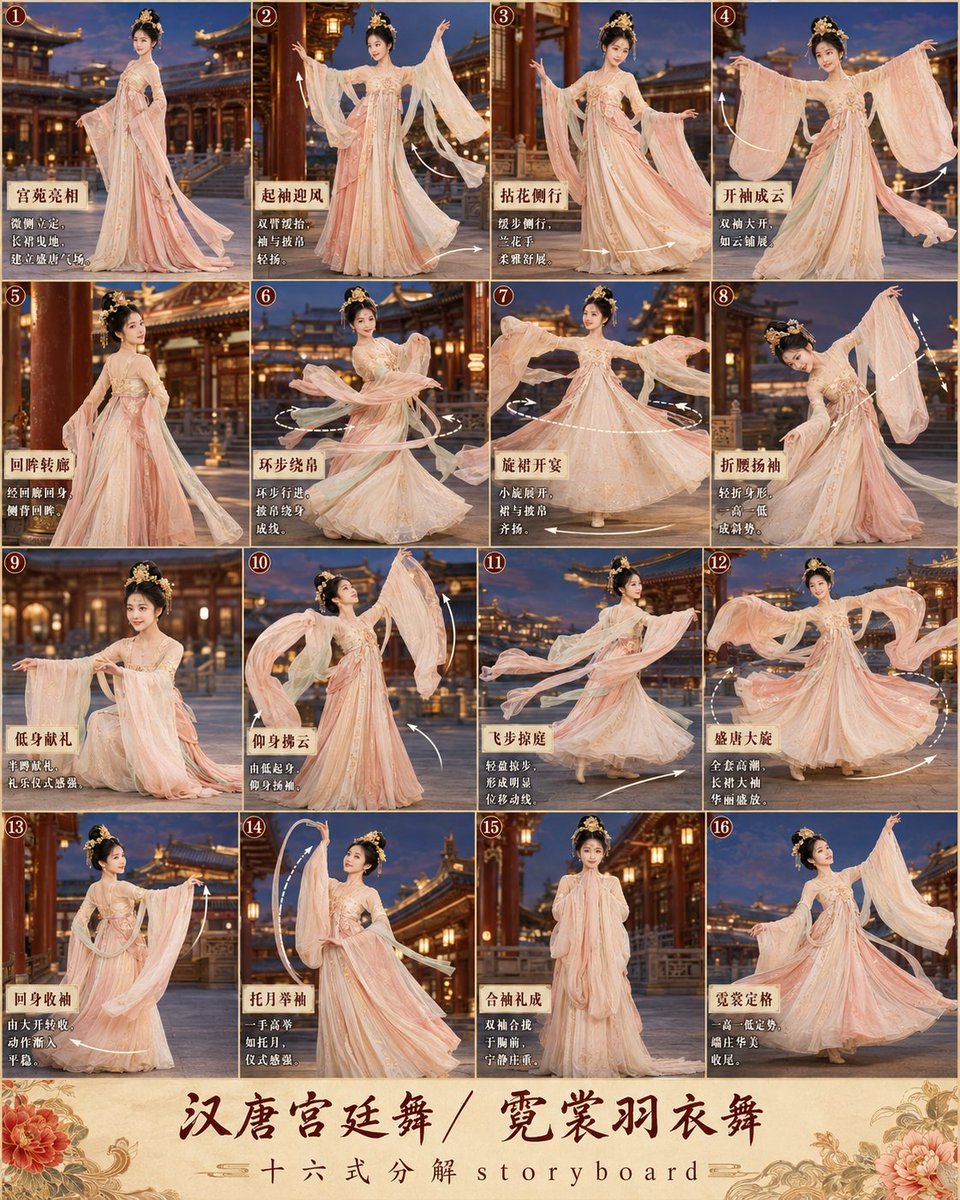
第3张分镜图提示词: 请创作一张高完成度、高清晰度的「汉唐宫廷舞 / 霓裳羽衣舞 · 16宫格分镜图
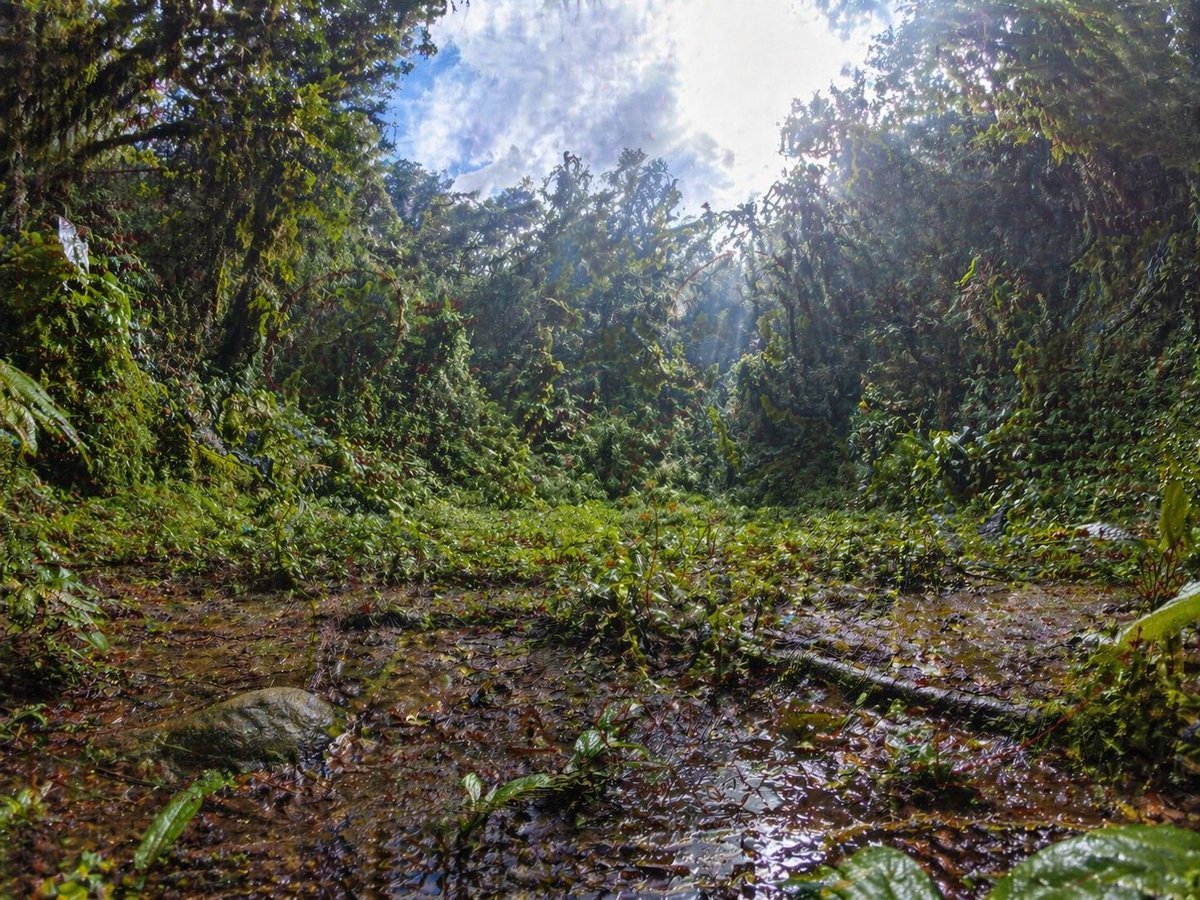
Rainforest Clearing with Speckle Artifacts
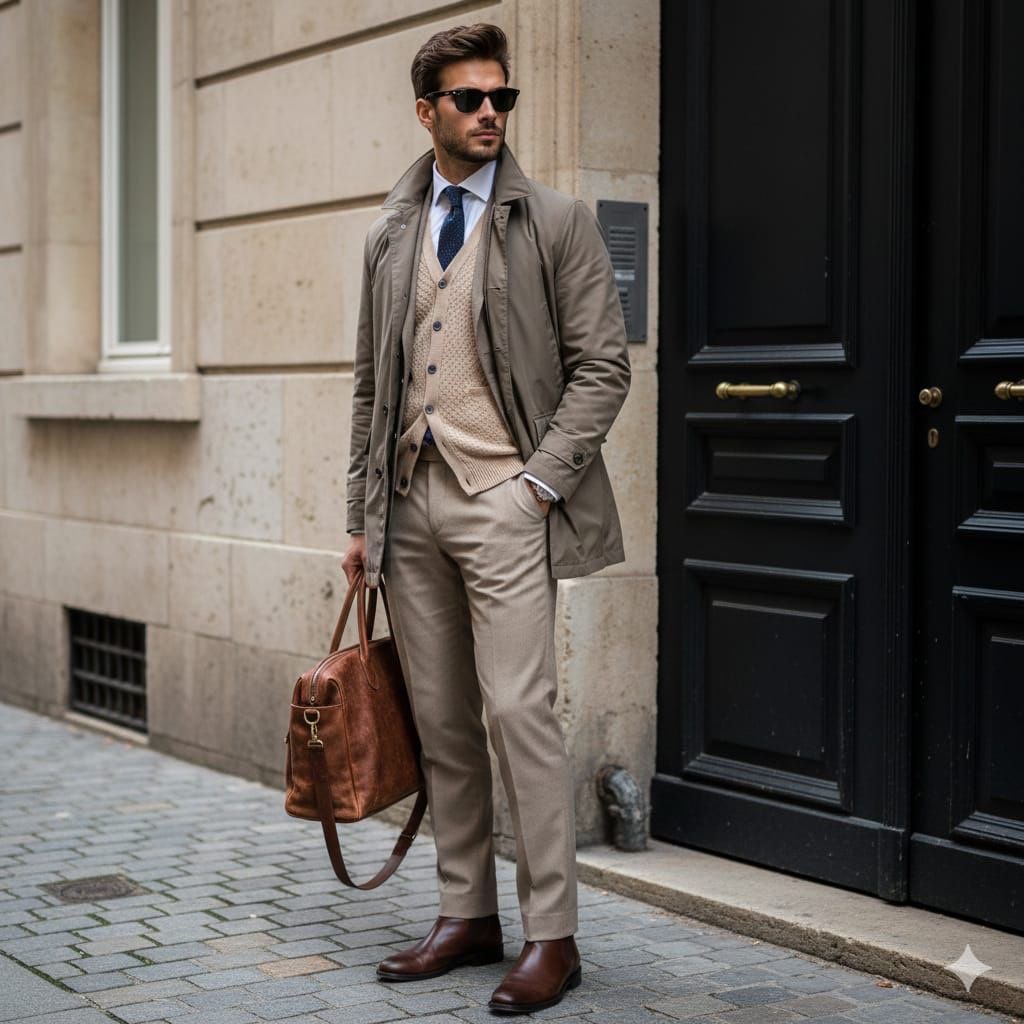
Stylish European Street Portrait
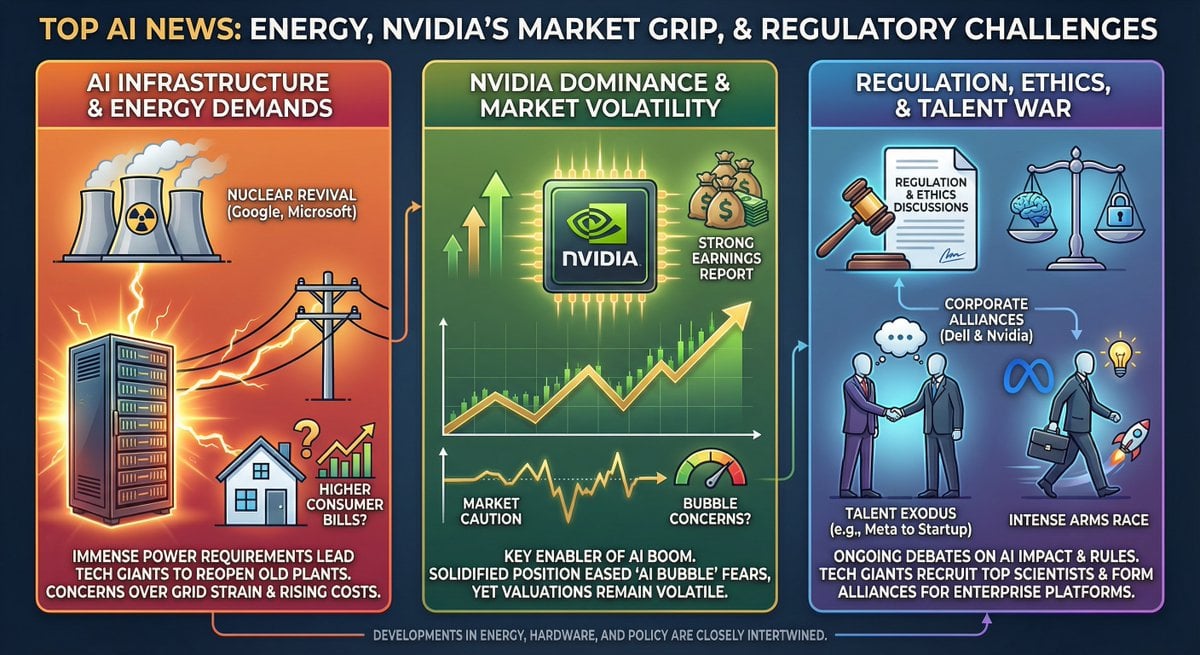
Infographic from pasted text
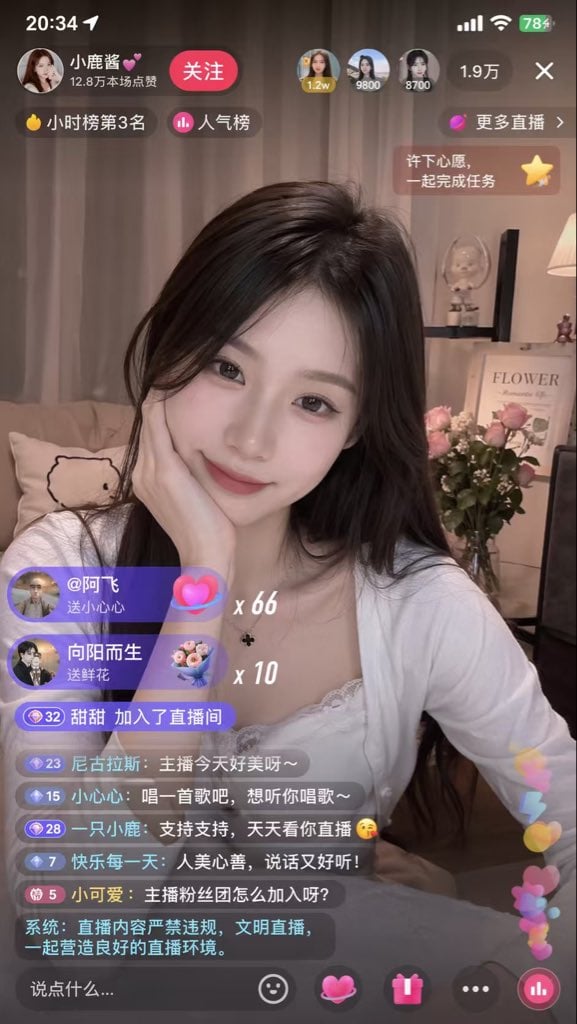
Live Streaming App UI Mockup
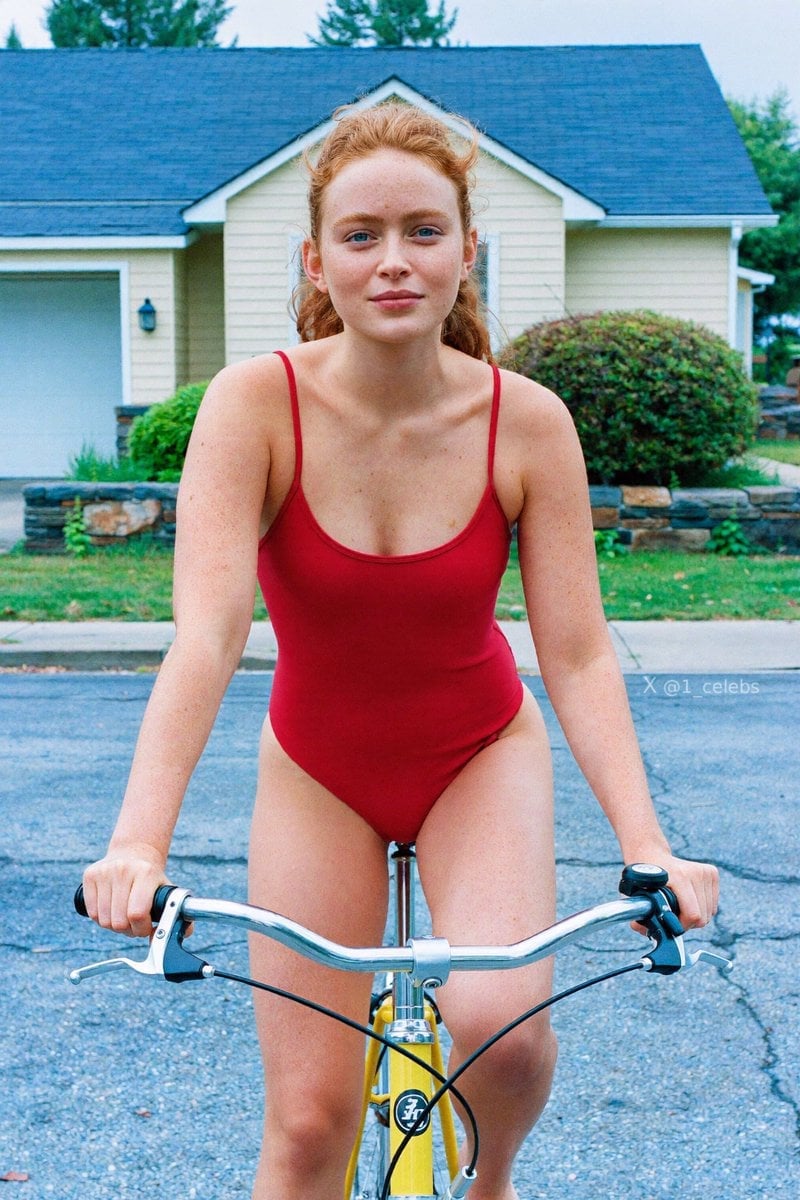
Scarlet Street Serenity
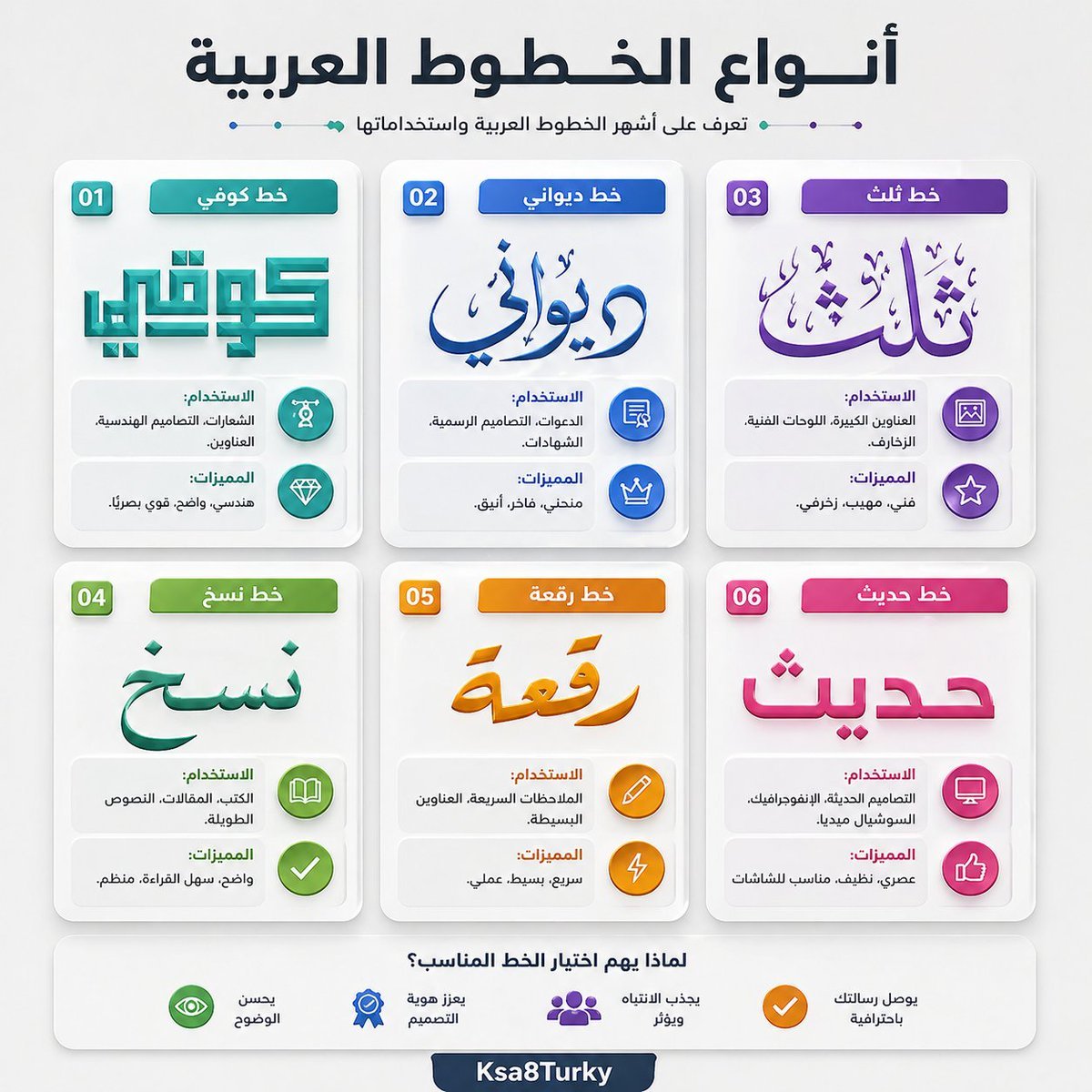
Arabic Font Types Infographic
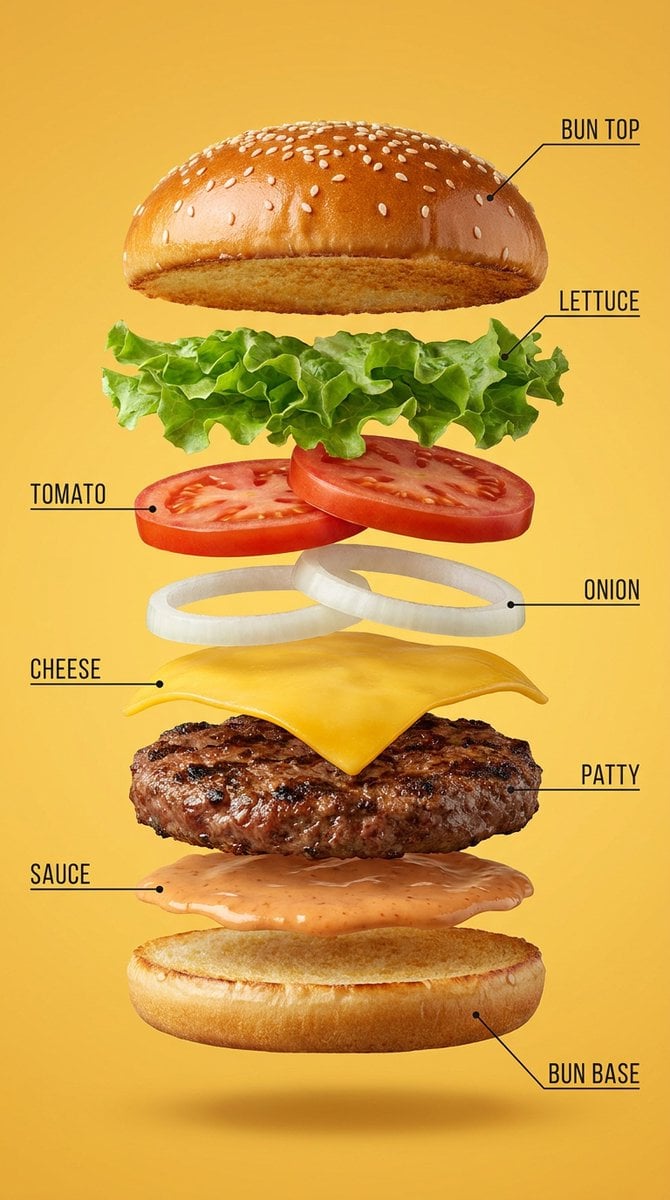
Vertical Exploded Food Infographic
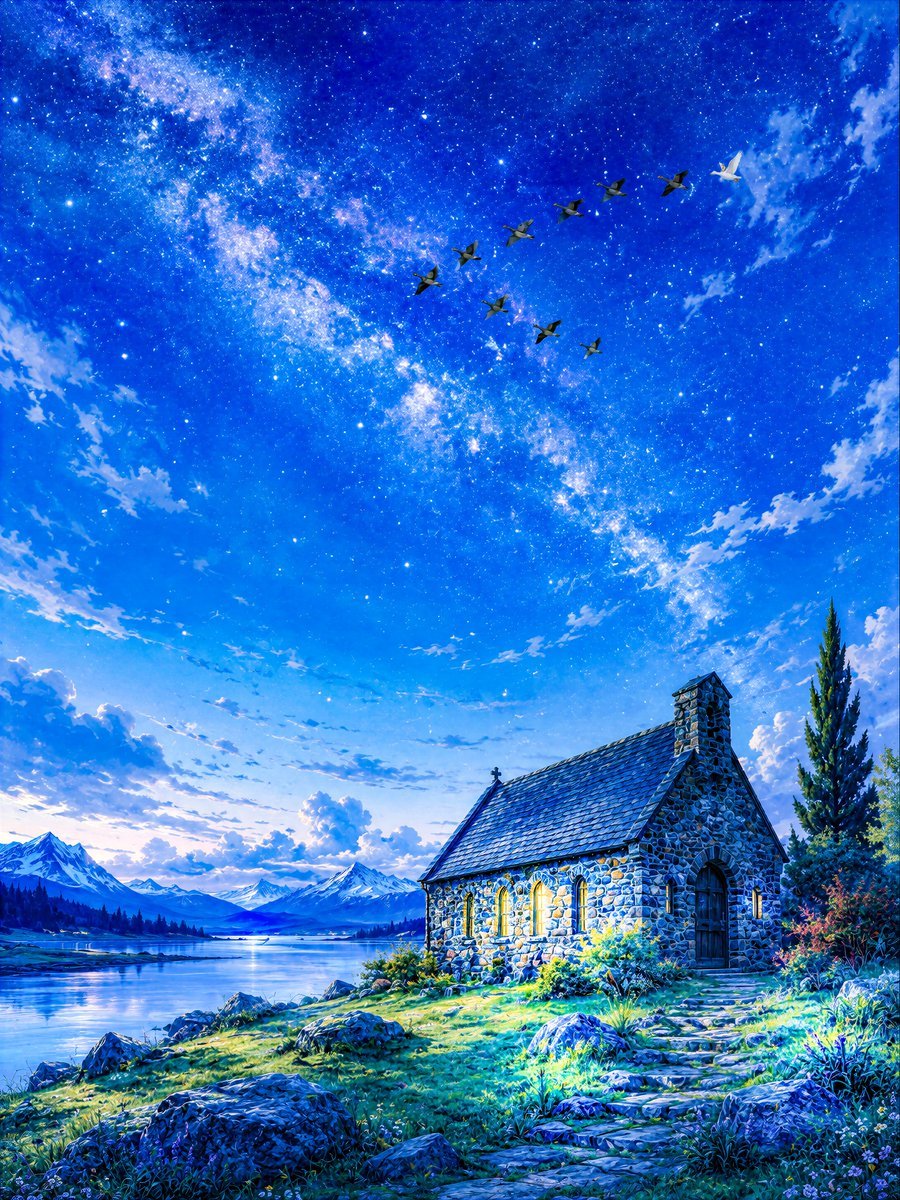
Geese Crossing the Galaxy at Dawn
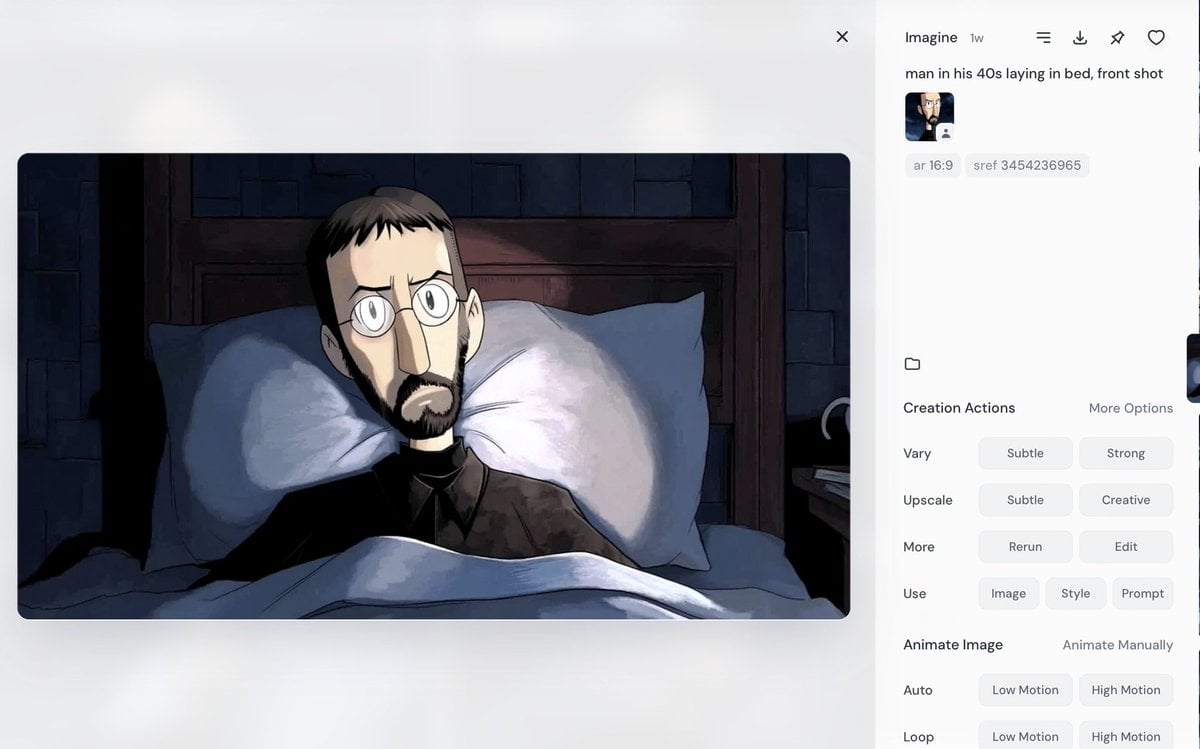
Portrait of a Middle-Aged Man Lying Down
Browse template categories
Cinematic Black and White Portrait with Low-Key Lighting questions
How do I use the Cinematic Black and White Portrait with Low-Key Lighting template?
Add your photo if the template asks for one, edit the prompt if you like — the template's model and format are already selected — and press Generate. Your version opens in PicX Studio.
Can I customize the Cinematic Black and White Portrait with Low-Key Lighting template?
Yes. You can change the subject, setting, lighting, mood, format, and available model controls before creating your image.
Is the Cinematic Black and White Portrait with Low-Key Lighting template free?
Opening and editing this template is free. Generating uses credits, shown on the Generate button when you are signed in.
Which AI model should I use?
Start with Nano Banana 2, which is the model associated with this template. You can compare another compatible model for a different finish.
Looking for something else? Browse all templates.

Your photo, any look
Thousands of ready templates for every top image and video model, from one credit balance.