How do I use the Black and White Cafe Portrait template?
Choose the primary action to open PicX Studio with the available template settings. Review the model and format, personalize the creative direction, and generate when ready.
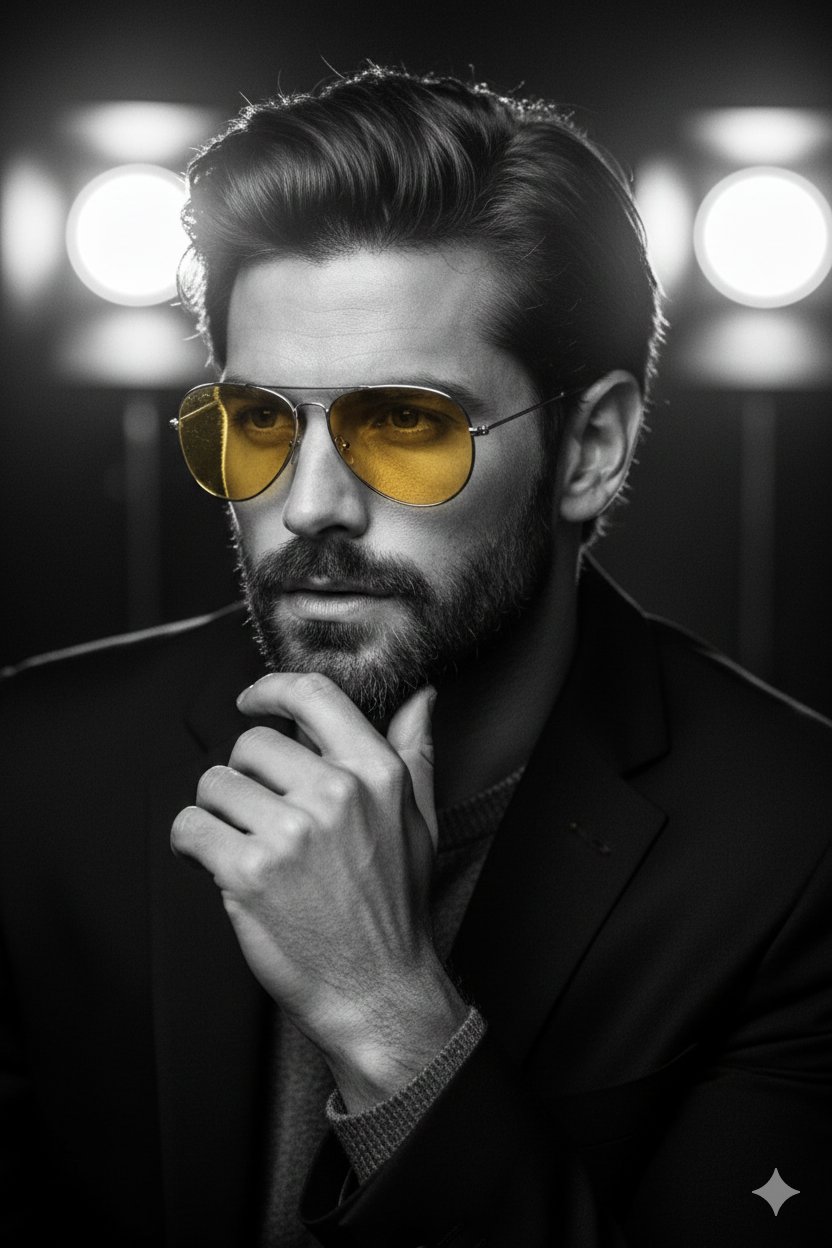
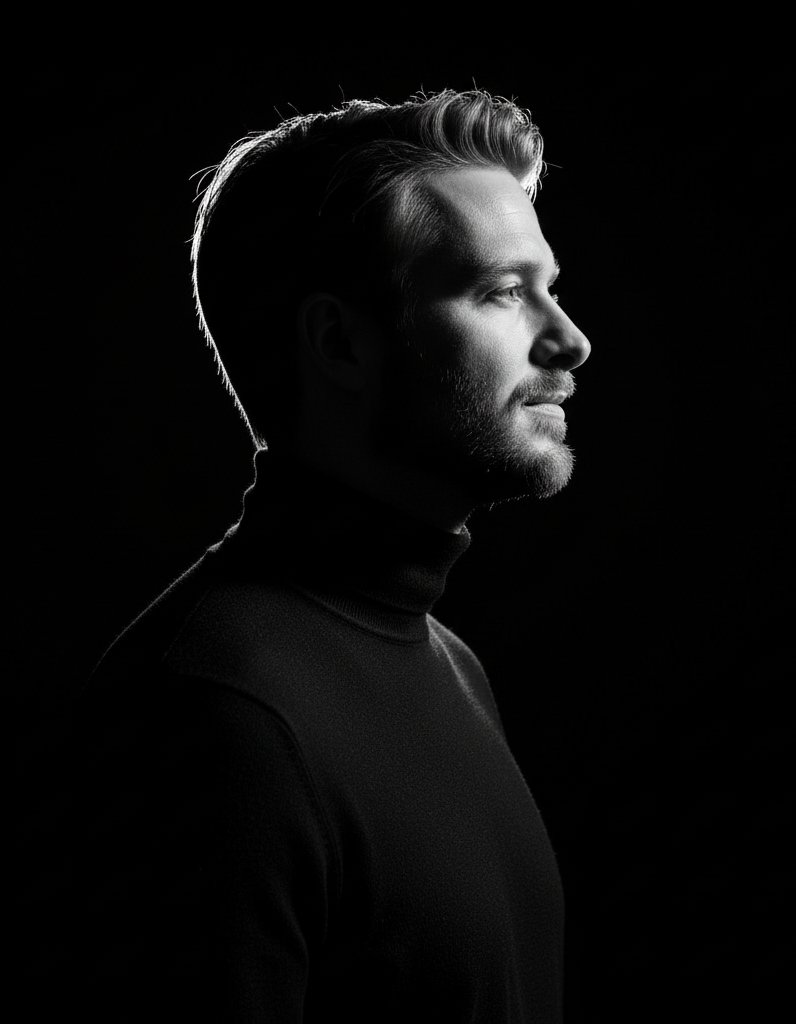
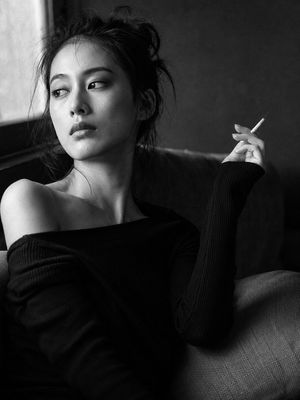
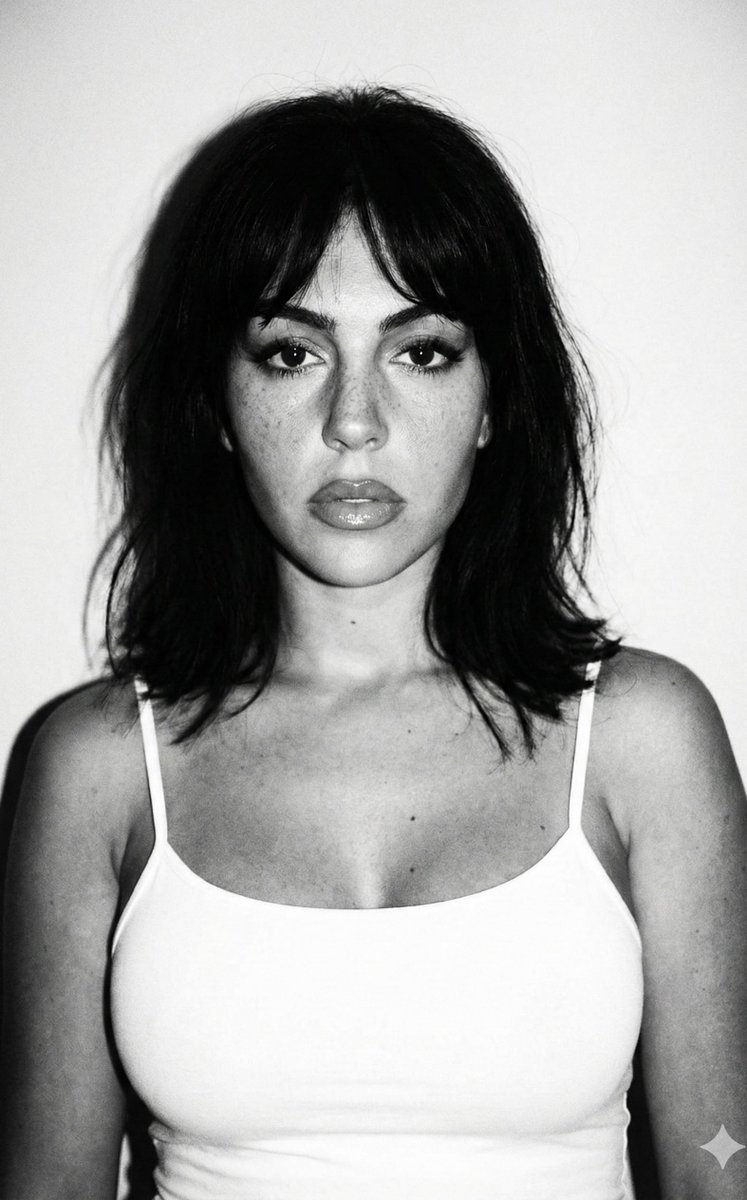
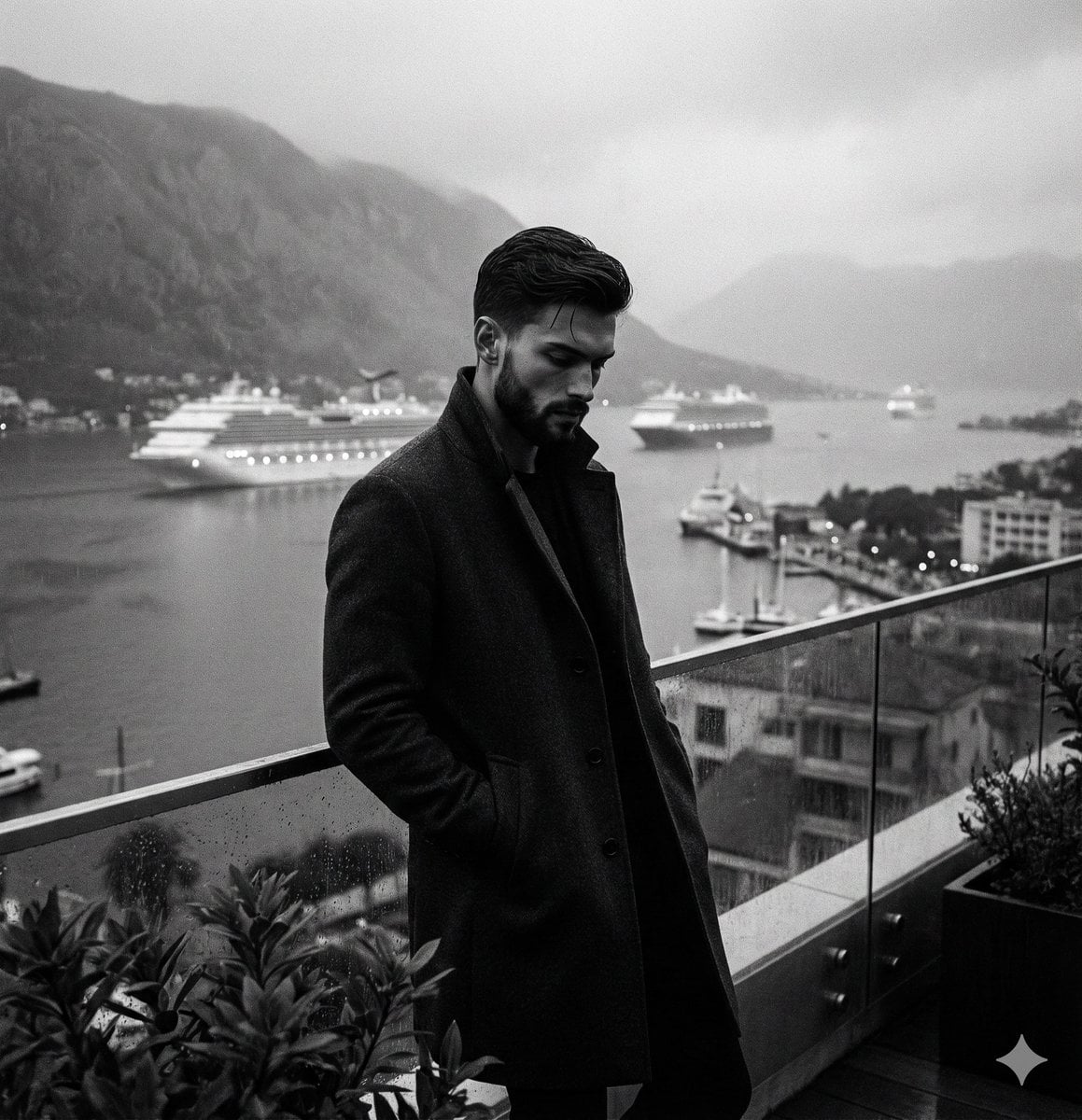
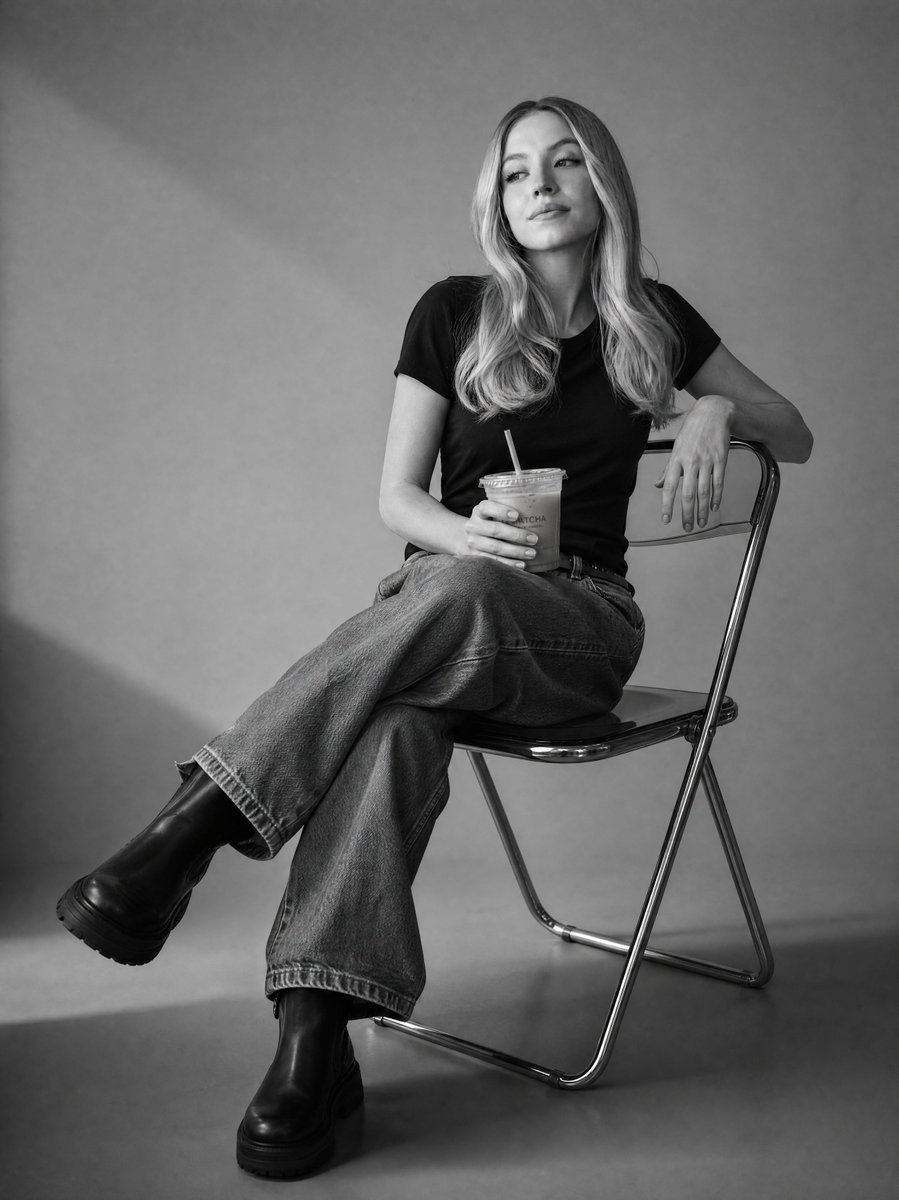
A cinematic black and white portrait prompt of a young man in a rustic cafe setting.

A high-quality black and white portrait of a {argument name="subject" default="young man"} with tousled, textured hair sitting in a {argument name="setting" default="rustic cafe"}. He is wearing a {argument name="clothing" default="dark, cable-knit sweater"} and looking directly at the camera with a subtle, warm smile. One hand is resting under his chin, and the other is holding a coffee cup on a weathered wooden table. The background features soft bokeh with blurred cafe lights and a brick wall by a window. Cinematic lighting, 8k resolution, film grain.
Choose the primary action to open PicX Studio with the available template settings. Review the model and format, personalize the creative direction, and generate when ready.
Yes. You can change the subject, setting, lighting, mood, format, and available model controls before creating your image.
This template is free to open and customize. Generation usage is shown in PicX Studio before you create.
Start with Nano Banana 2, which is the model associated with this template. You can compare another compatible model for a different finish.
Follow a topic to a crawlable collection of related PicX Studio templates.