How do I use the Black and White Male Studio Portrait template?
Edit the prompt in the box under the preview — the template's model and format are already selected — and press Generate. Your version appears right on this page.
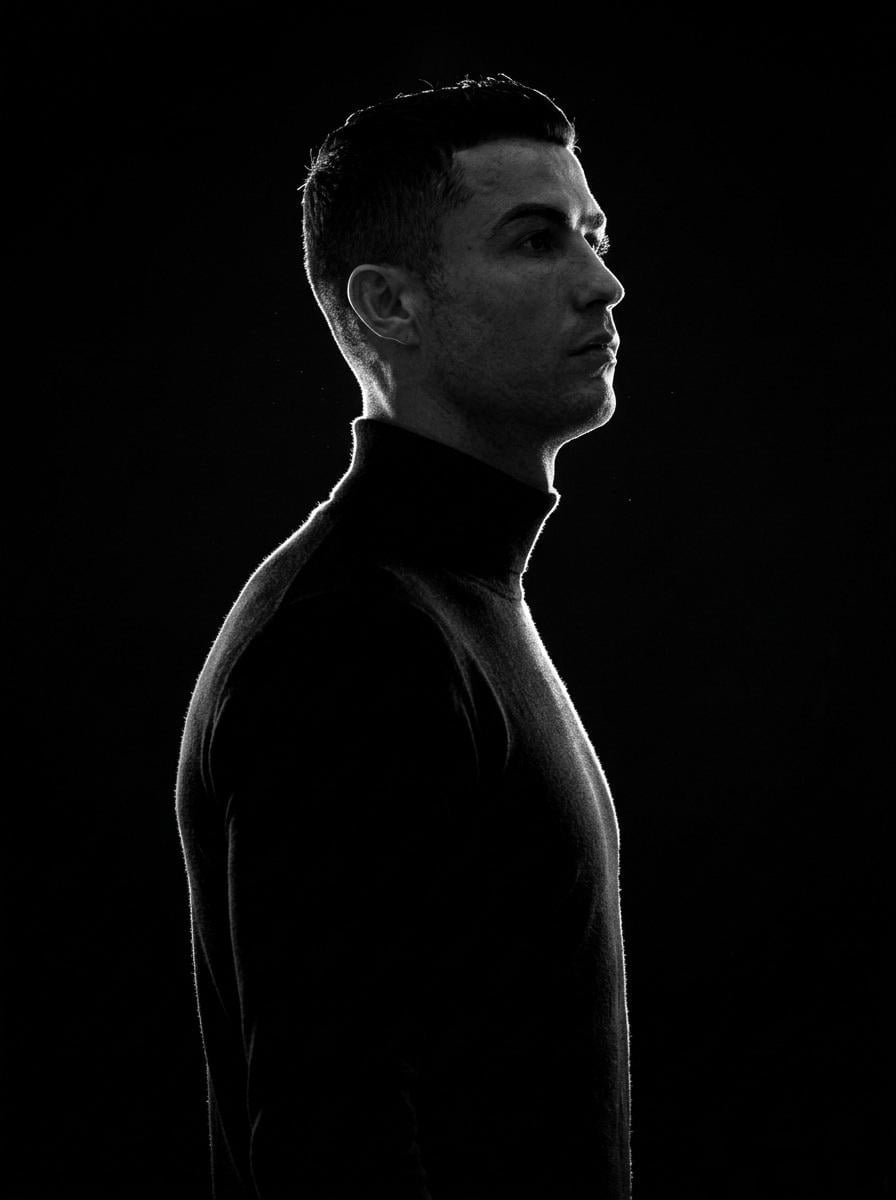
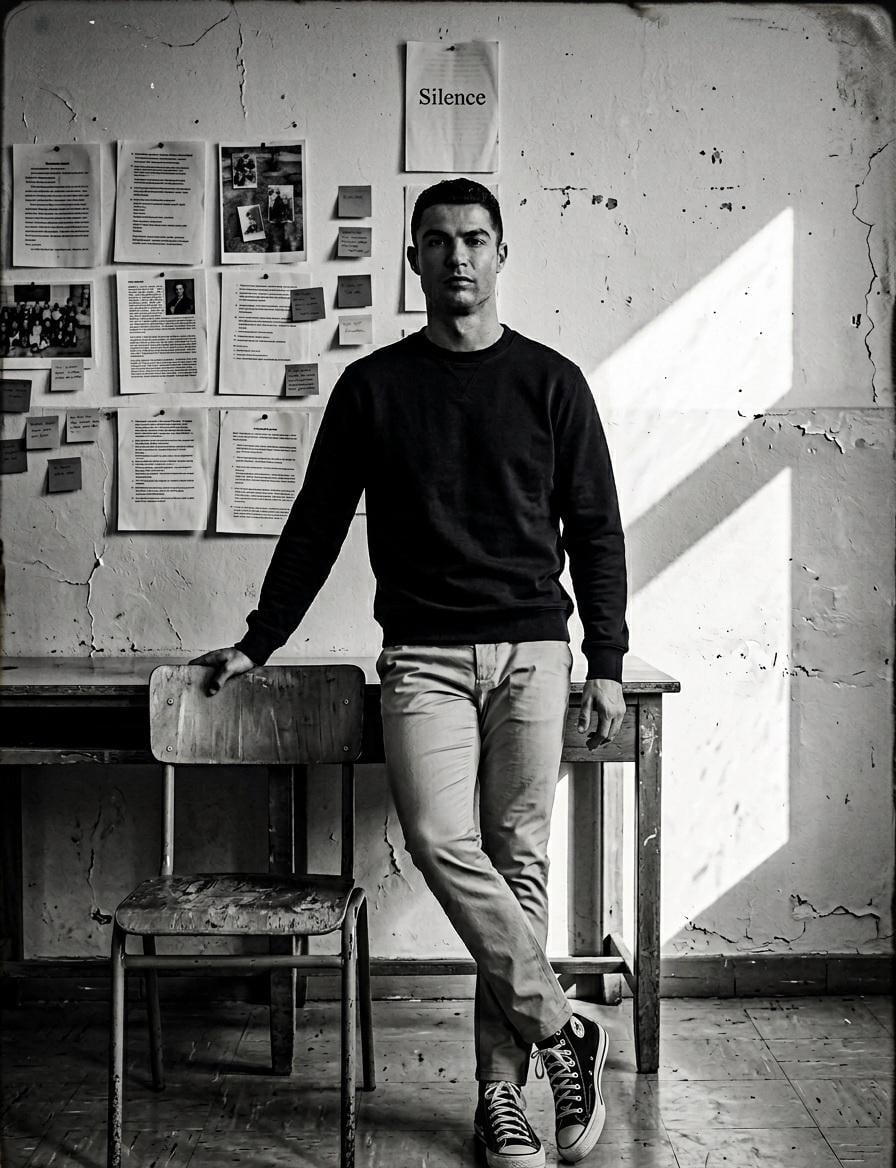
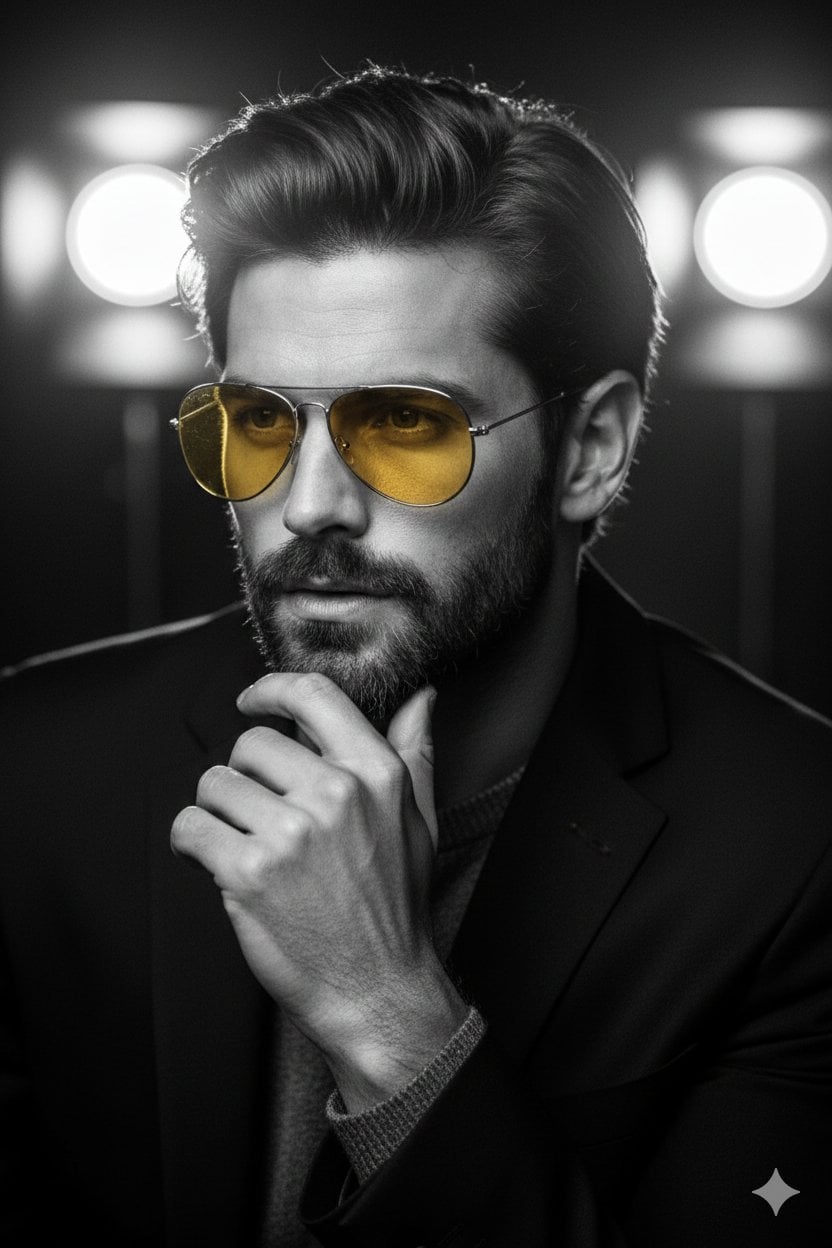
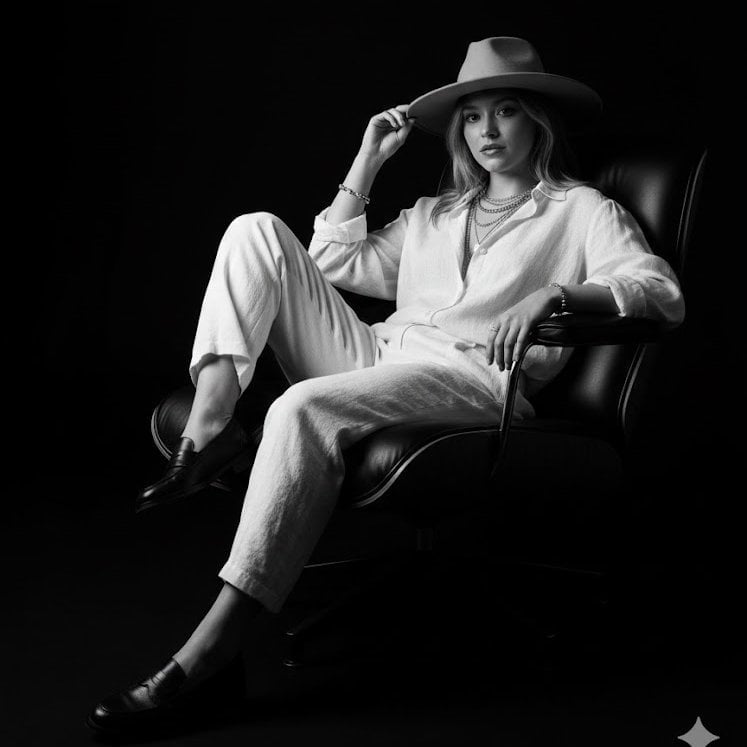
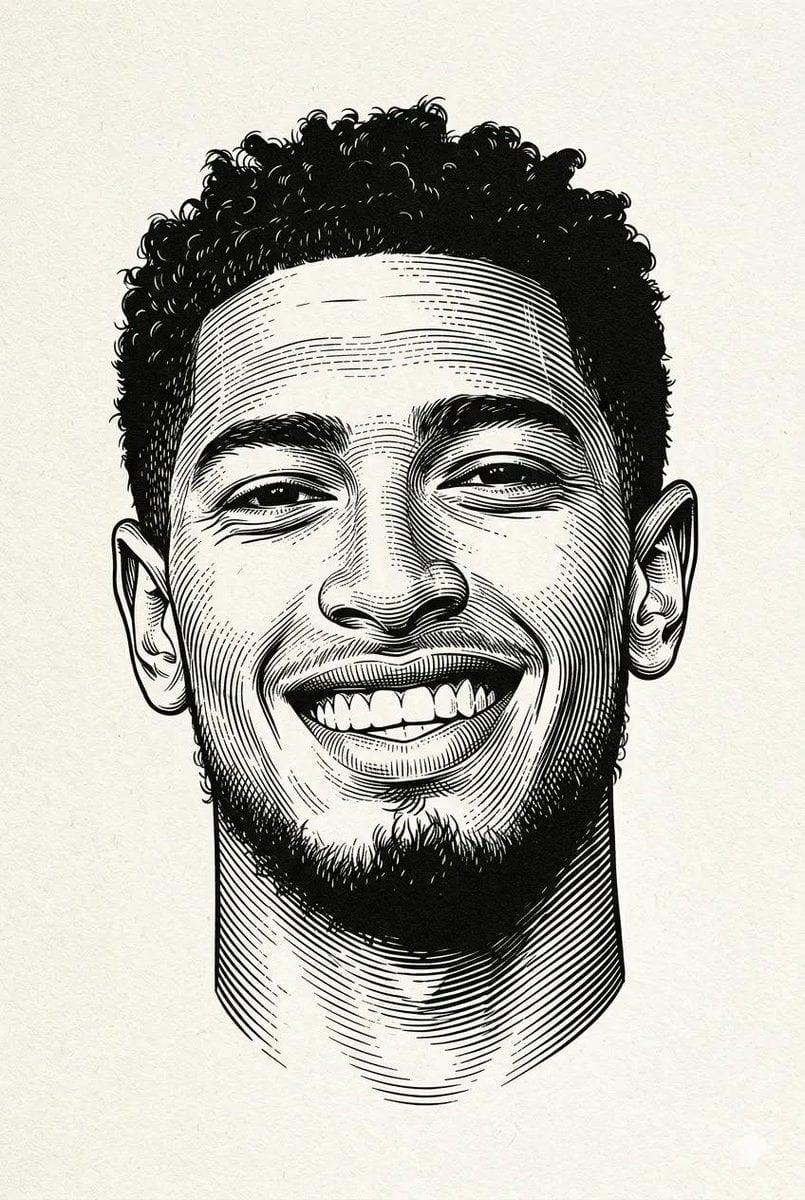
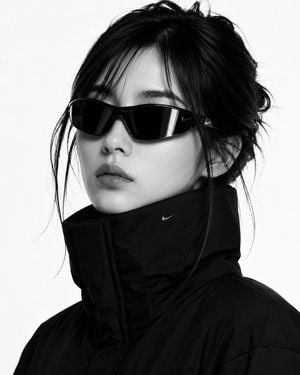
A professional monochromatic studio portrait of a man with sharp features, featuring soft directional lighting.

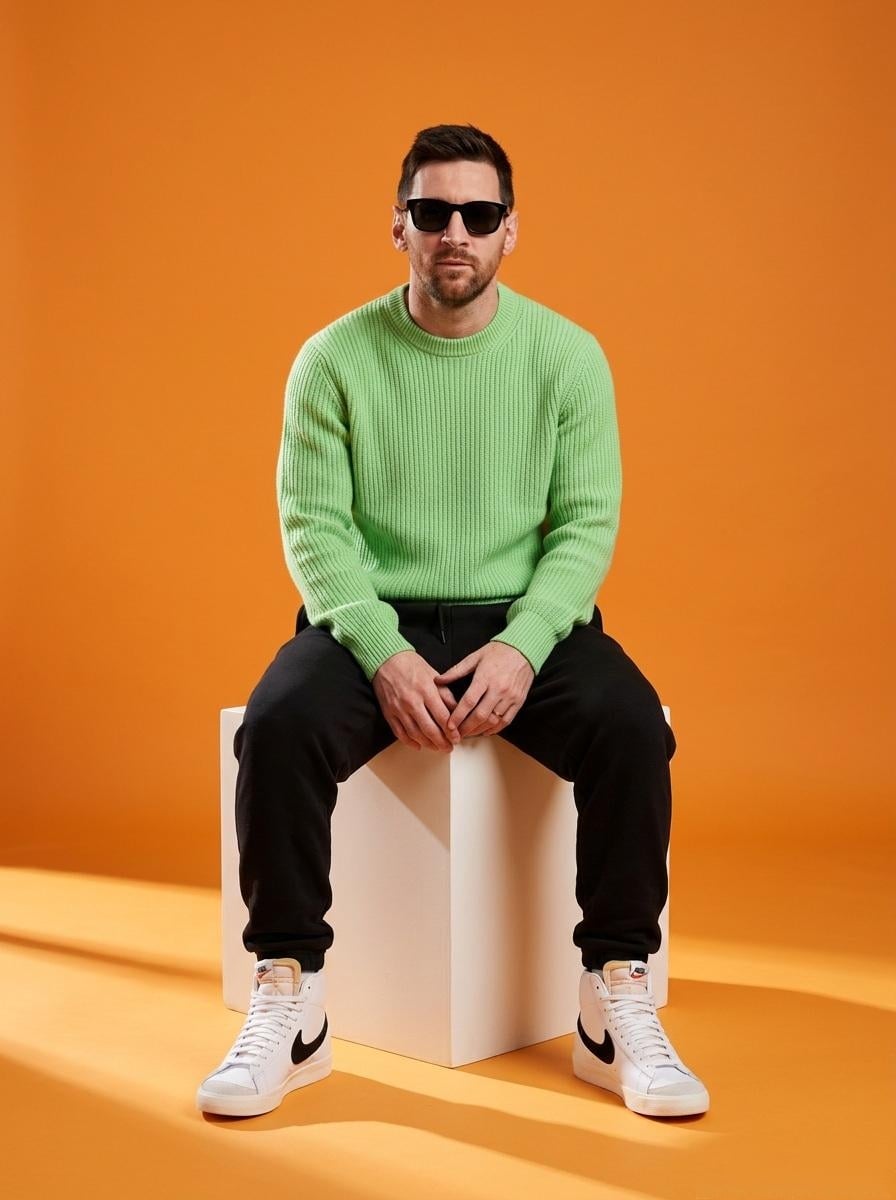
A professional {argument name="style" default="black and white studio portrait"} of a handsome man with sharp, masculine features, short dark curly hair, and light stubble. He is wearing a {argument name="outfit" default="simple black t-shirt and dark pants with a white patterned belt"}, seated and leaning forward over a wooden stool. The composition captures an intense, direct gaze toward the camera with a subtle, confident expression. In one variation, he poses thoughtfully with his index finger lightly touching his chin, while in an alternative stance, his hand shifts slightly higher, resting gently near his collarbone. The lighting is soft and directional, casting subtle shadows that emphasize his athletic build, strong jawline, and the defined texture of his arms, all set against a {argument name="background" default="clean, neutral gray studio backdrop"}.
A professional {argument name="style" default="black and white studio portrait"} of a handsome man with sharp, masculine features, short dark curly hair, and light stubble. He is wearing a {argument name="outfit" default="simple black t-shirt and dark pants with a white patterned belt"}, seated and leaning forward over a wooden stool. The composition captures an intense, direct gaze toward the camera with a subtle, confident expression. In one variation, he poses thoughtfully with his index finger lightly touching his chin, while in an alternative stance, his hand shifts slightly higher, resting gently near his collarbone. The lighting is soft and directional, casting subtle shadows that emphasize his athletic build, strong jawline, and the defined texture of his arms, all set against a {argument name="background" default="clean, neutral gray studio backdrop"}.
Edit the prompt in the box under the preview — the template's model and format are already selected — and press Generate. Your version appears right on this page.
Yes. You can change the subject, setting, lighting, mood, format, and available model controls before creating your image.
Opening and editing this template is free. Generating uses credits, shown on the Generate button when you are signed in.
Start with Nano Banana 2, which is the model associated with this template. You can compare another compatible model for a different finish.
Follow a topic to a crawlable collection of related PicX Studio templates.