
Y2K Surrealism Scale Shift Editorial Prompt
An extensive JSON-formatted prompt for Nano Banana Pro designed to create a hyper-pop editorial image using Y2K Surrealism style.
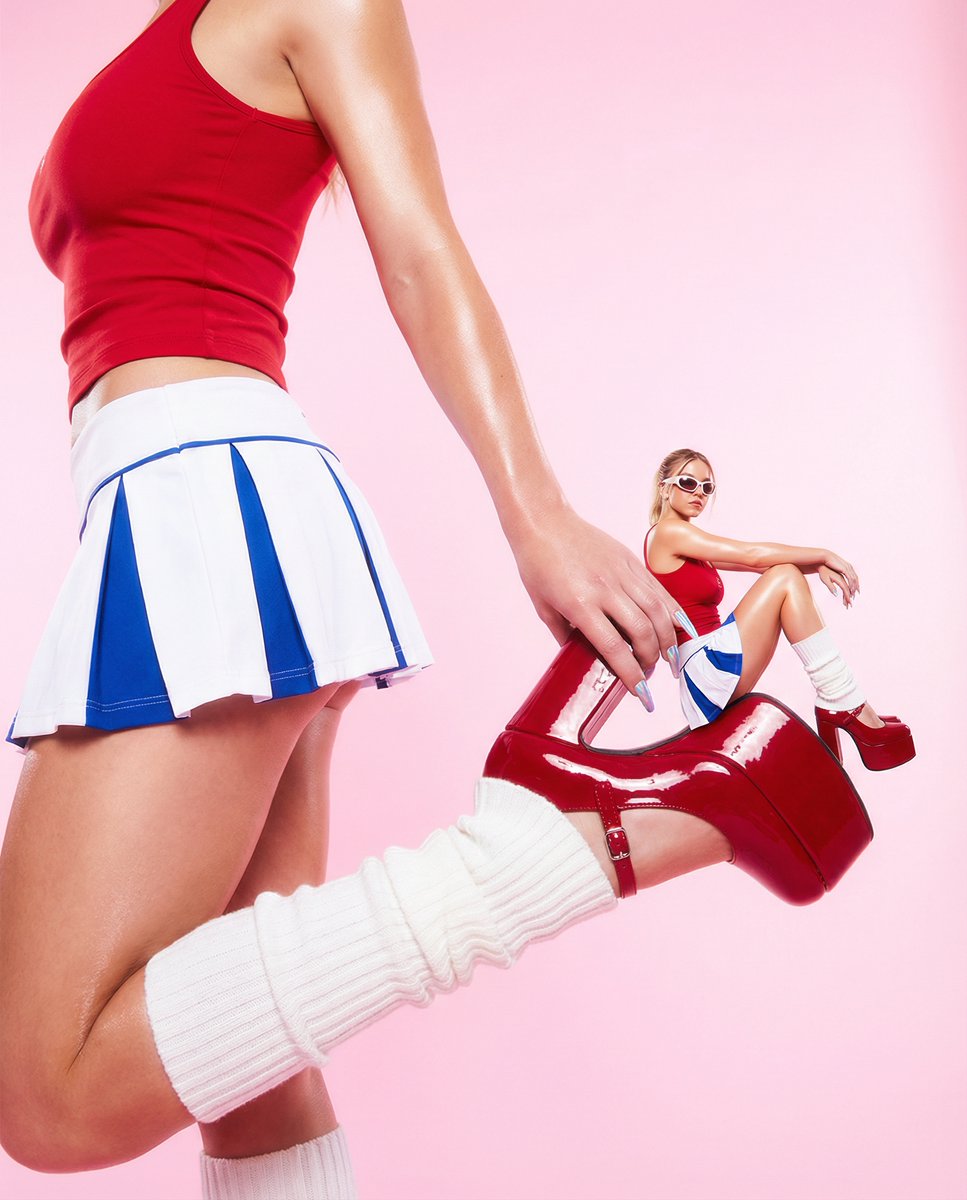
- Prompt included
- Model and format preset
- Free template
The prompt behind this image
Copy the exact prompt behind Y2K Surrealism Scale Shift Editorial Prompt, or open it in the studio and make it yours.
- Visual Style › Aesthetic
- Y2K Surrealism / Hyper-Pop Editorial
- Visual Style › Pose › Large Figure
- Body cropped at the torso, arm reaching back to hold the heel of a raised platform shoe.
- Visual Style › Pose › Miniature Figure
- Seated casually on the platform of the shoe, one leg bent, leaning back slightly on arms.
- Visual Style › Pose › Interaction
- The miniature figure uses the larger figure's footwear as a functional piece of furniture.
- Visual Style › Colors › Primary
- #D31D24, Cherry Red
- Visual Style › Colors › Secondary
- #FBD7E1, Powder Pink
- Visual Style › Colors › Accents
- #FFFFFF, Bright White, #0047AB, Cobalt Blue
- Visual Style › Colors › Palette Description
- A high-energy, feminine palette. The vibrant red dominates the foreground, grounded by white and blue, all set against a soft, glowing pink backdrop.
- Visual Style › Composition › Type
- Surrealist Scale Shift (Macro vs. Micro)
- Visual Style › Composition › Framing
- A tight, vertical crop focusing on the torso and the shoe, creating a structural landscape for the miniature subject.
- Visual Style › Composition › Balance
- Asymmetrical; the weight is concentrated on the left and center-right where the shoe and hand meet.
- Visual Style › Composition › Depth
- Layered depth created by the 'giant' foreground elements and the 'tiny' middle-ground subject against a flat, infinite background.
- Visual Style › Outfits And Styling › Apparel
- Red athletic-style tank top with thin straps, White and blue pleated cheerleader-style mini skirt, Thick, white ribbed-knit leg warmers
- Visual Style › Outfits And Styling › Accessories
- Red high-gloss patent leather platform heels, White-framed retro sunglasses (worn by miniature figure), Extra-long holographic/chrome stiletto nails
- Visual Style › Outfits And Styling › Grooming
- Glossy, 'glass skin' finish; long, dark wavy hair.
- Visual Style › Lighting › Style
- High-Key Studio Lighting
- Visual Style › Lighting › Characteristics
- Hard directional light creating sharp specular highlights on the skin and patent leather, Soft, even fill light to maintain vibrant color saturation, Subtle backlighting to create a halo effect against the pink background
- Visual Style › Effects And Post Processing › Details
- Hyper-saturated color grading, Glow/Bloom effect on highlights for a 'dreamy' look, Pristine, airbrushed skin retouching, Sharp edge definition on the miniature composite to emphasize the scale difference
Raw JSON
{
  "visual_style": {
    "aesthetic": "Y2K Surrealism / Hyper-Pop Editorial",
    "pose": {
      "large_figure": "Body cropped at the torso, arm reaching back to hold the heel of a raised platform shoe.",
      "miniature_figure": "Seated casually on the platform of the shoe, one leg bent, leaning back slightly on arms.",
      "interaction": "The miniature figure uses the larger figure's footwear as a functional piece of furniture."
    },
    "colors": {
      "primary": ["#D31D24", "Cherry Red"],
      "secondary": ["#FBD7E1", "Powder Pink"],
      "accents": ["#FFFFFF", "Bright White", "#0047AB", "Cobalt Blue"],
      "palette_description": "A high-energy, feminine palette. The vibrant red dominates the foreground, grounded by white and blue, all set against a soft, glowing pink backdrop."
    },
    "composition": {
      "type": "Surrealist Scale Shift (Macro vs. Micro)",
      "framing": "A tight, vertical crop focusing on the torso and the shoe, creating a structural landscape for the miniature subject.",
      "balance": "Asymmetrical; the weight is concentrated on the left and center-right where the shoe and hand meet.",
      "depth": "Layered depth created by the 'giant' foreground elements and the 'tiny' middle-ground subject against a flat, infinite background."
    },
    "outfits_and_styling": {
      "apparel": [
        "Red athletic-style tank top with thin straps",
        "White and blue pleated cheerleader-style mini skirt",
        "Thick, white ribbed-knit leg warmers"
      ],
      "accessories": [
        "Red high-gloss patent leather platform heels",
        "White-framed retro sunglasses (worn by miniature figure)",
        "Extra-long holographic/chrome stiletto nails"
      ],
      "grooming": "Glossy, 'glass skin' finish; long, dark wavy hair."
    },
    "lighting": {
      "style": "High-Key Studio Lighting",
      "characteristics": [
        "Hard directional light creating sharp specular highlights on the skin and patent leather",
        "Soft, even fill light to maintain vibrant color saturation",
        "Subtle backlighting to create a halo effect against the pink background"
      ]
    },
    "effects_and_post_processing": {
      "details": [
        "Hyper-saturated color grading",
        "Glow/Bloom effect on highlights for a 'dreamy' look",
        "Pristine, airbrushed skin retouching",
        "Sharp edge definition on the miniature composite to emphasize the scale difference"
      ]
    }
  }
}How to use Y2K Surrealism Scale Shift Editorial Prompt in 3 steps
- 1
Open
The prompt is already in the box next to the preview, with the template's model and format selected.
- 2…a portrait of your subject in softgolden-hour light, 85mm…
Personalize
Edit the subject and creative details for your destination.
- 3Generate
Generate
Press Generate — your image is created in PicX Studio, so you can compare it with the original and refine one variable at a time.
More like this
Templates with the same subject, style or setup. Open one to see its prompt.
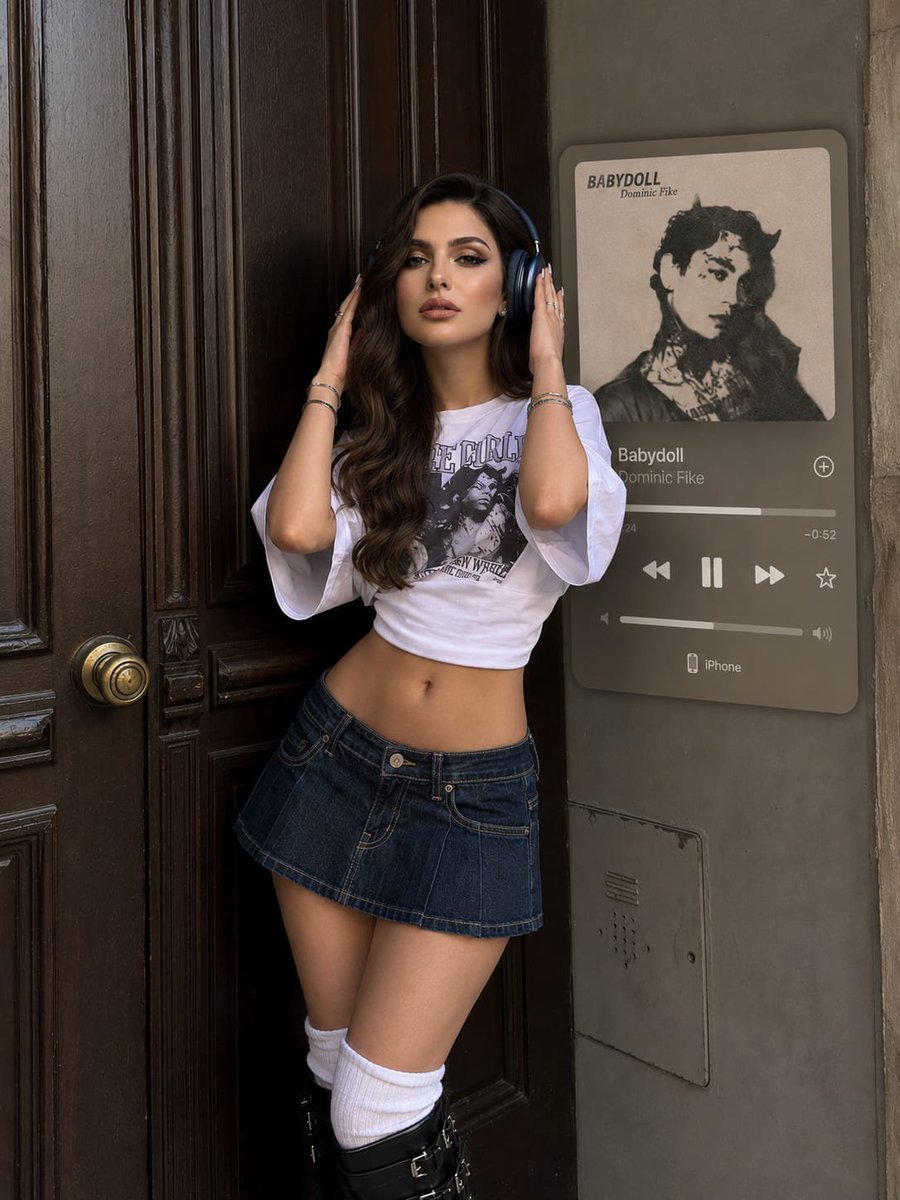
Y2K Music Editorial Portrait

Urban Fashion Editorial Collage Streetwear Poster

Monochrome Hypebeast Street Fashion Editorial Motion

Elegant Green Evening Gown Studio Fashion Portrait

Artistic Patchwork Fashion Portrait Spring Festival

Japanese Architectural Concrete Studio Fashion Campaign

Monroe and Ash Mediterranean Luxury Fashion Campaign

Premium Fashion Editorial Cover Layout System

Korean Luxury Fashion Editorial 2x2 Grid Series

Monochrome Halftone Editorial Fashion Poster

Retro Mirror Luxury Fashion Campaign Poster

Luxury Fashion Campaign Typography Poster System
Make it yours
Y2K Surrealism Scale Shift Editorial Prompt works as-is. These are the safest ways to change it without losing the look.
Swap the setting
Keep the rest of the prompt and replace the location block. The current setting is “Glossy, 'glass skin' finish; long, dark wavy hair.”.
Swap the light
One lighting change is enough to compare takes. Current light: “High-Key Studio Lighting”.
Change one field
Copy a single group, rewrite it, and generate again so you can see what that field is doing.
| If the result… | Why | Fix |
|---|---|---|
| The result drifts from the preview | Too many fields changed at once. | Reuse Y2K Surrealism Scale Shift Editorial Prompt as-is first, then change one group — subject, light, or setting. |
| Nano Banana 2 ignores part of the JSON | Some models flatten or skip nested keys. | Keep the same values and paste them as a short paragraph instead. |
More Nano Banana 2 templates
Other prompts made for Nano Banana 2.

Photorealistic Leaf Shaped Like a Dragon

K-Pop Idol Portrait Grid for Rapid Selection

Poetic Rain Forest Portrait During Golden Hour

Urban Street Portrait with Cartoon Inner Self Duo

Candid Nighttime Photo with Cat Prompt

High-Concept 3D Diorama Generation Prompt

Cinematic Futuristic Studio Portrait Template

Skincare Editorial Photography Collage Prompt

Hyper-Realistic Commercial Product Photography (Splash Effect)

Hyper-Realistic Nightclub Portrait Prompt
More image prompts
Fresh picks from across the catalog.
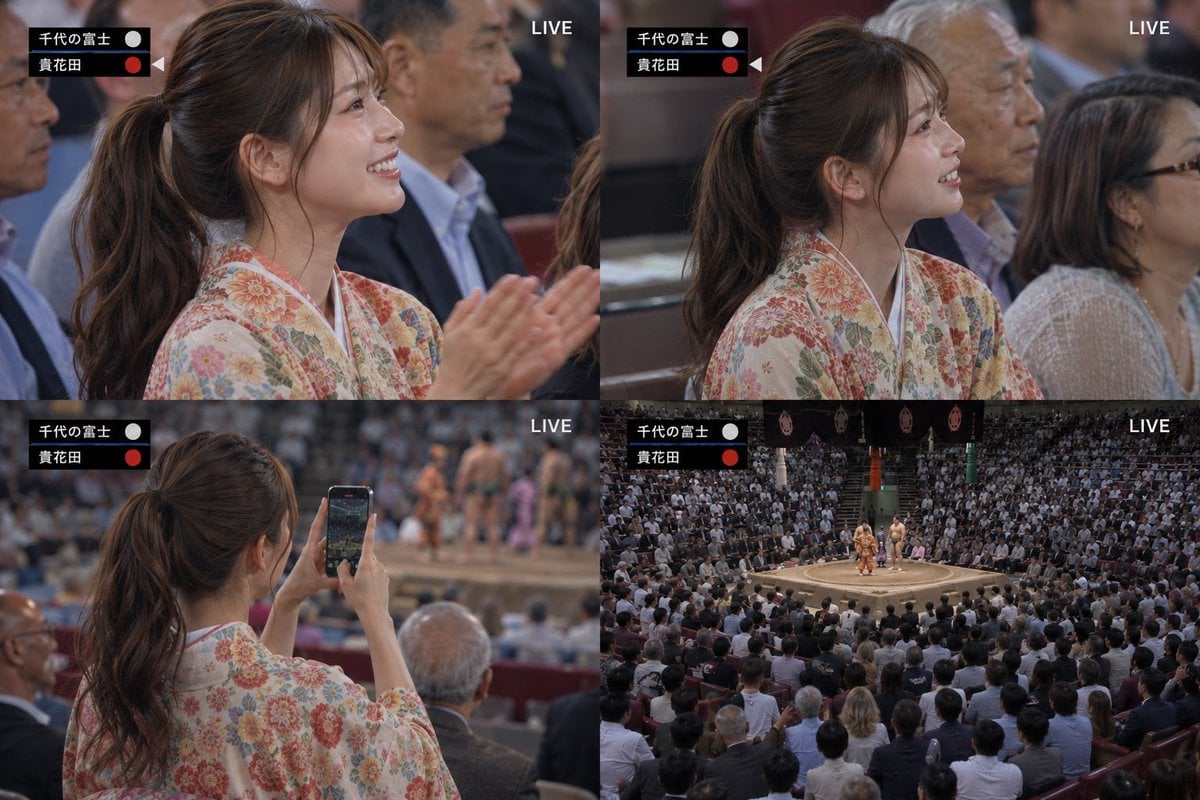
Live Sumo Broadcast Collage
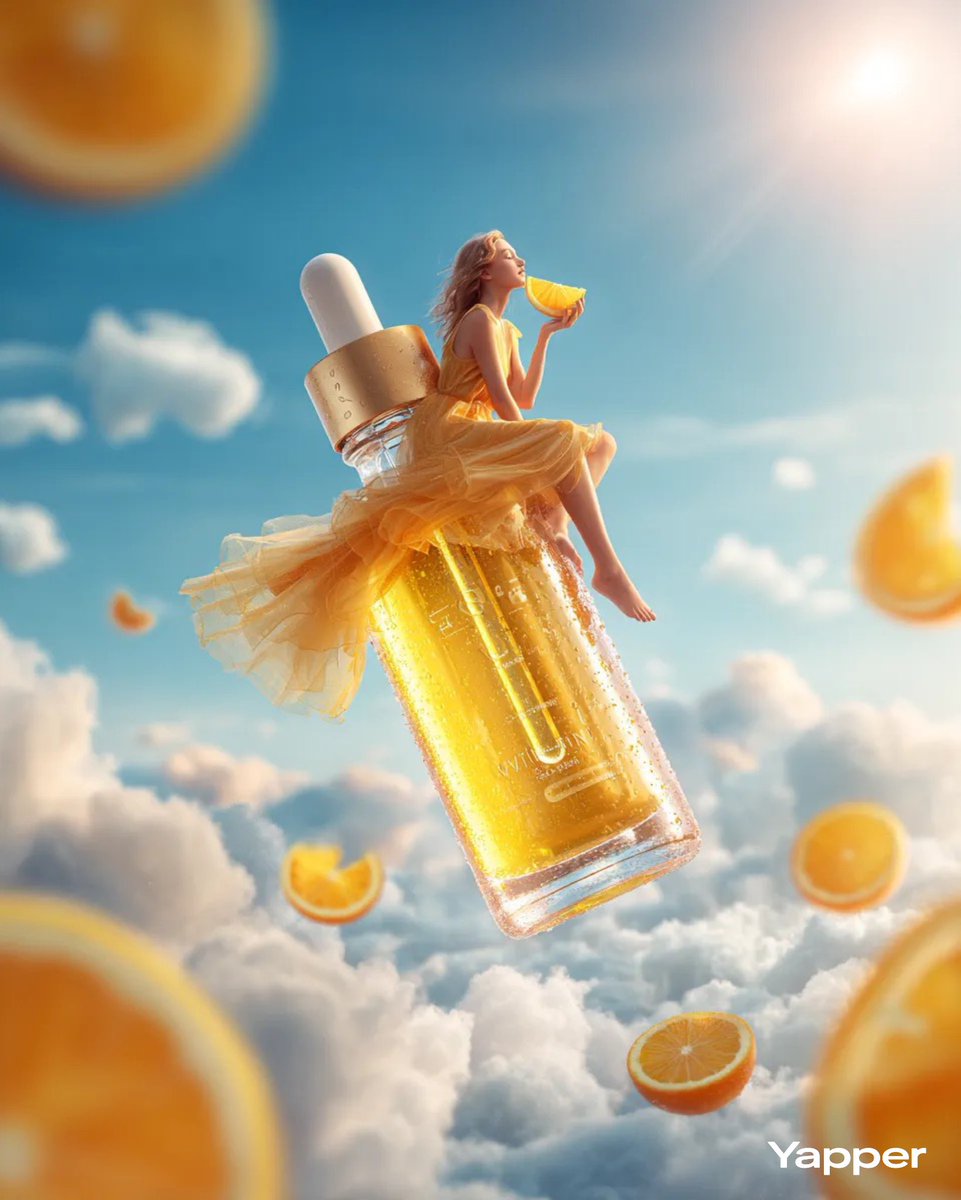
Surreal Skincare Product Ad
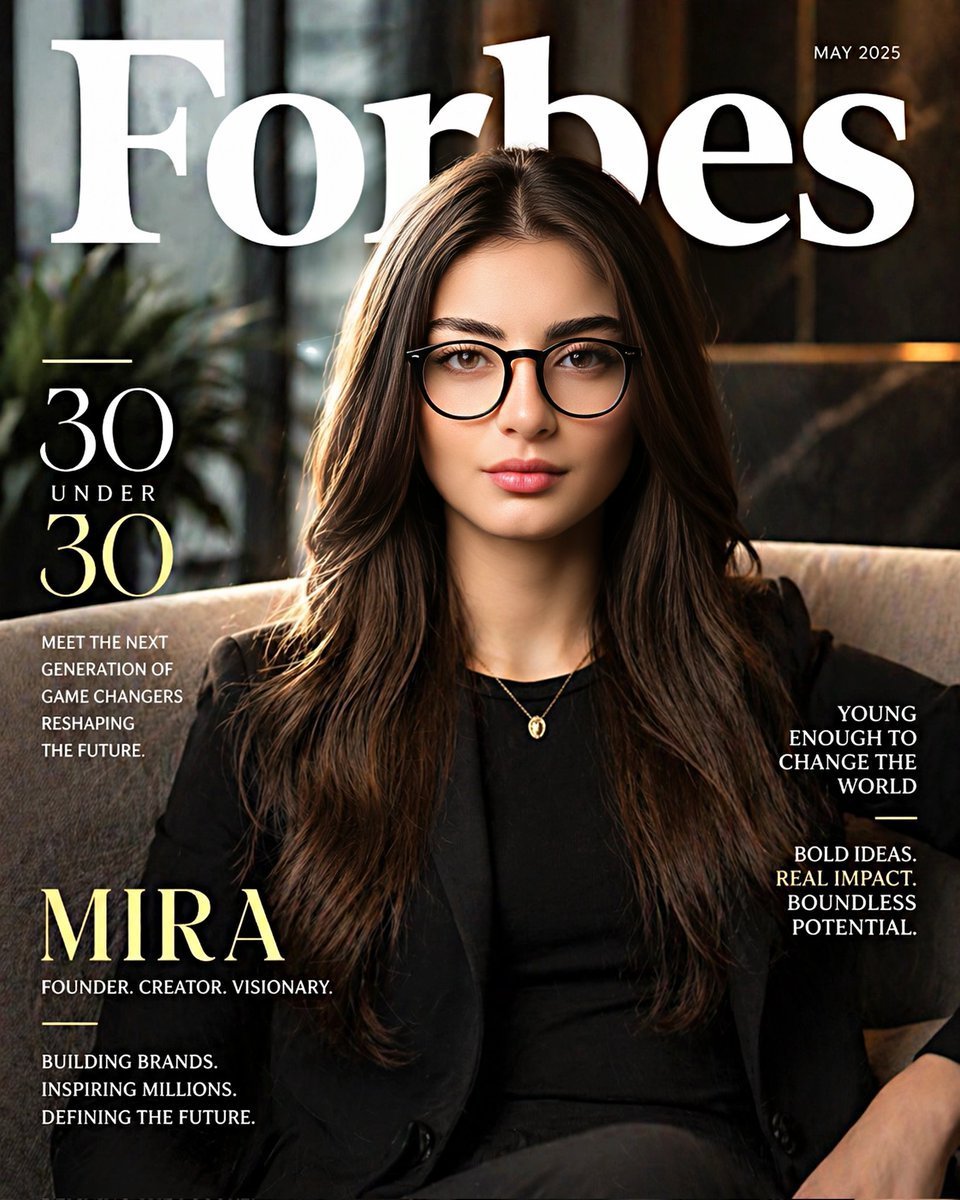
Forbes-Style 30 Under 30 Cover

Anime Samurai Character Poster
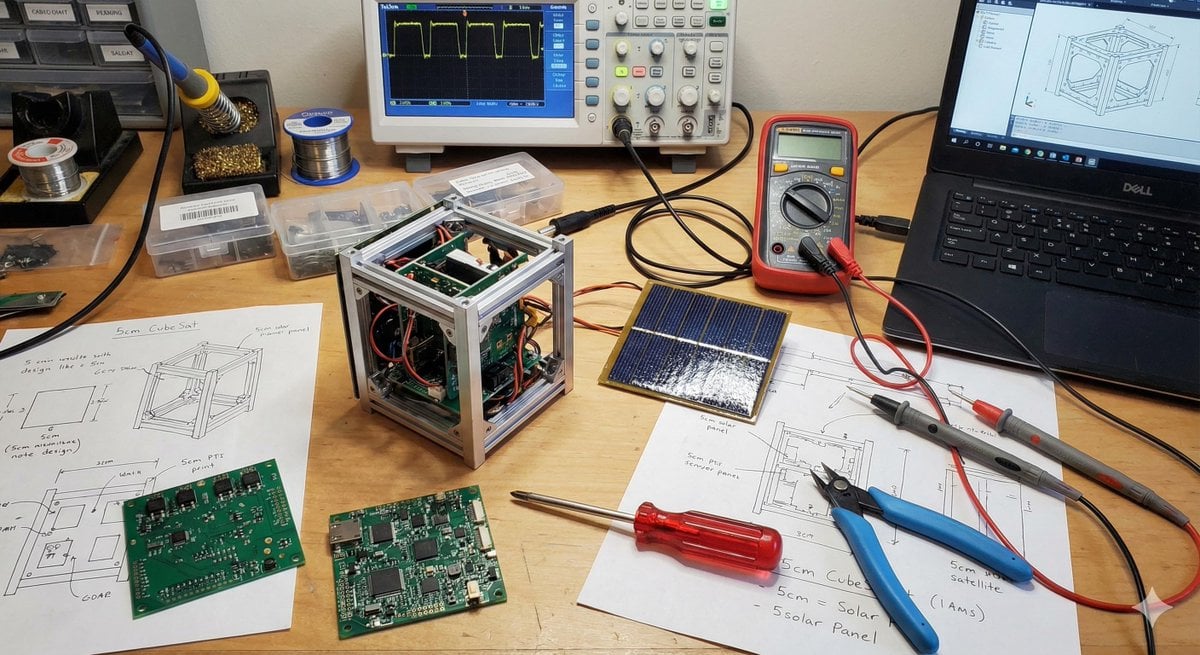
Generating Cubesat Satellite Images
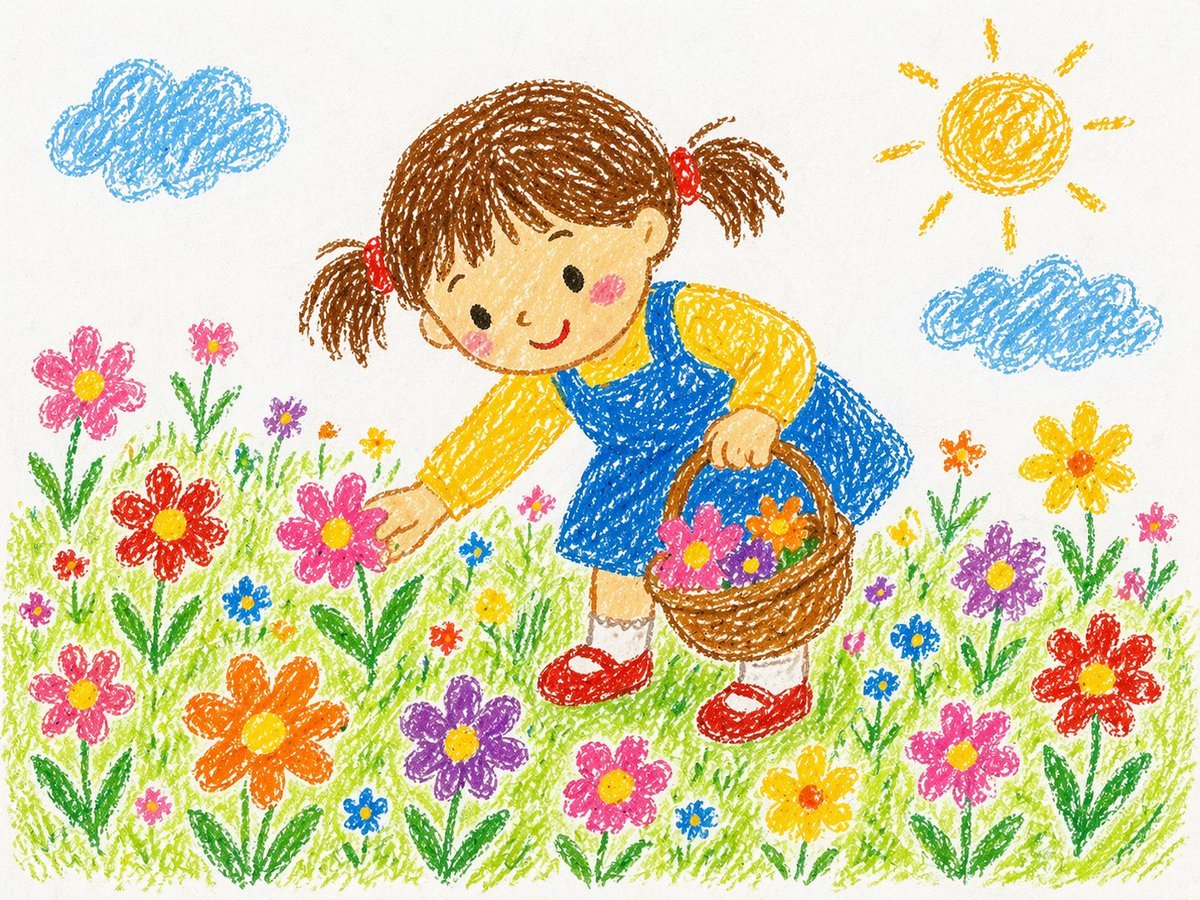
Crayon Style Drawing Prompt
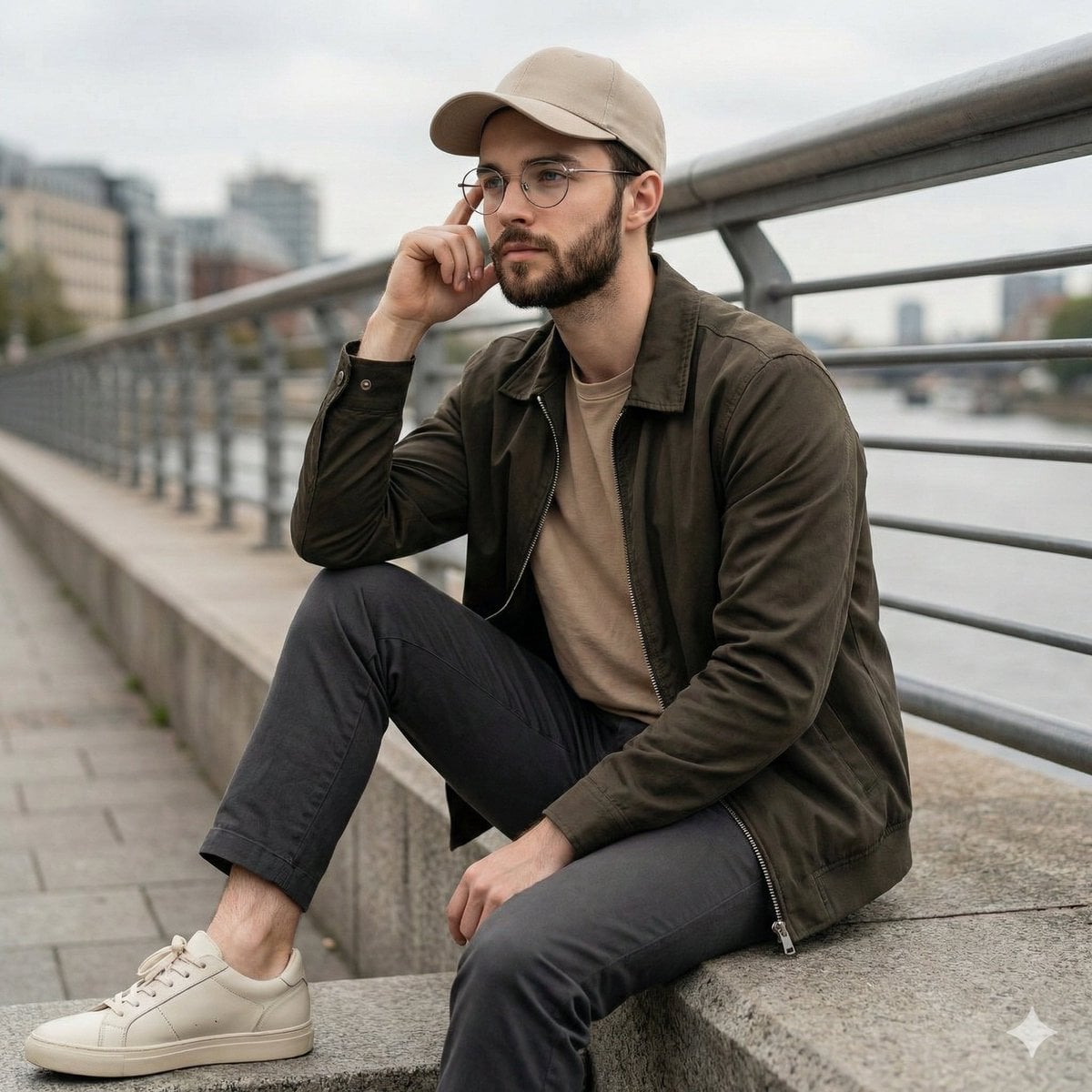
Cinematic Lifestyle Portrait on Urban Promenade
Lumina Mecha Figure Product Shot
Realistic Cheerleader Portrait
Noir Mirror Reflection Portrait
Browse template categories
Y2K Surrealism Scale Shift Editorial Prompt questions
How do I use the Y2K Surrealism Scale Shift Editorial Prompt template?
Add your photo if the template asks for one, edit the prompt if you like — the template's model and format are already selected — and press Generate. Your version opens in PicX Studio.
Can I customize the Y2K Surrealism Scale Shift Editorial Prompt template?
Yes. You can change the subject, setting, lighting, mood, format, and available model controls before creating your image.
Is the Y2K Surrealism Scale Shift Editorial Prompt template free?
Opening and editing this template is free. Generating uses credits, shown on the Generate button when you are signed in.
Which AI model should I use?
Start with Nano Banana 2, which is the model associated with this template. You can compare another compatible model for a different finish.
Looking for something else? Browse all templates.

Your photo, any look
Thousands of ready templates for every top image and video model, from one credit balance.