How do I use the Lumina Mecha Figure Product Shot template?
Edit the prompt in the box under the preview — the template's model and format are already selected — and press Generate. Your version appears right on this page.
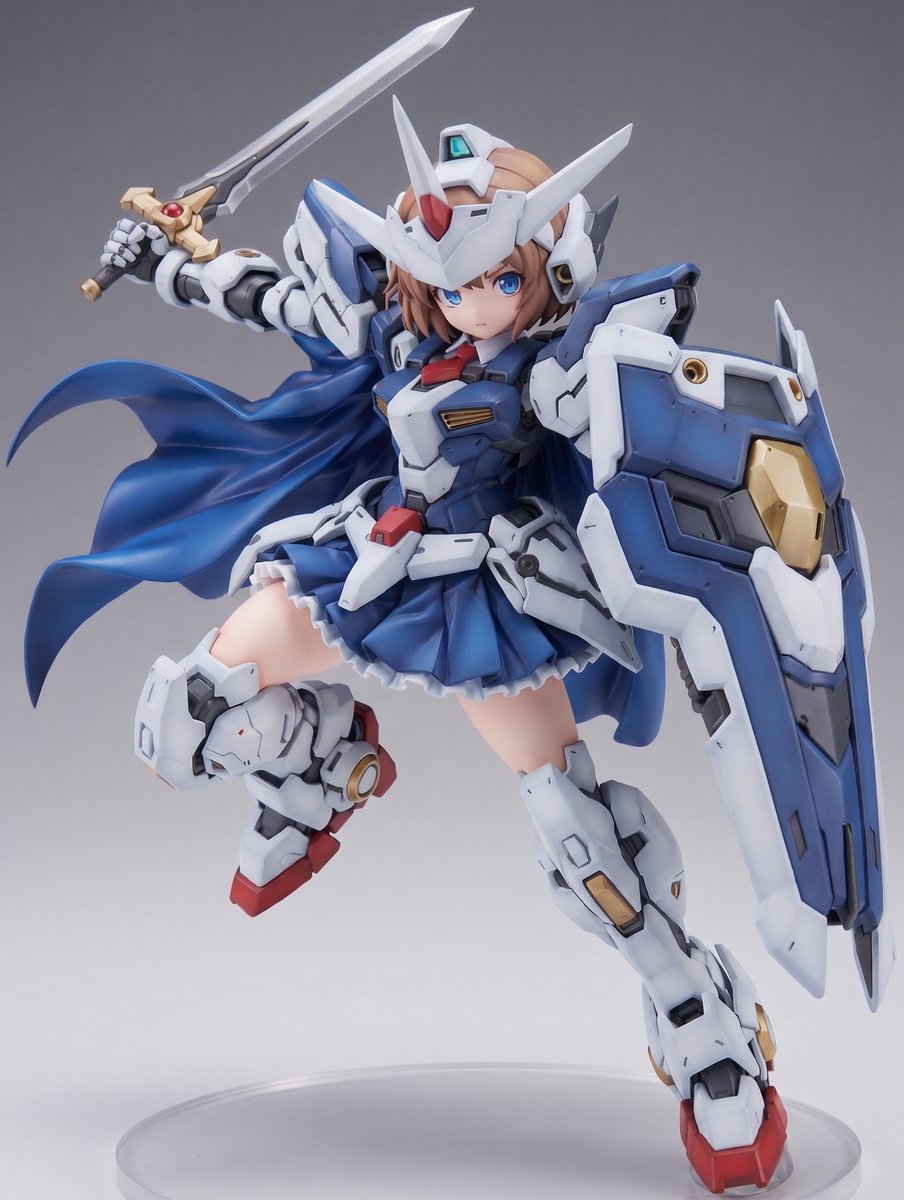
A photorealistic premium toy photography prompt for generating a boxed anime-style armored android model kit named Lumina.

This template uses your photo — add one with the + button.
Create a photorealistic studio product shot of a futuristic collectible model kit figure named {argument name="character name" default="LUMINA"}. The scene shows exactly 4 main display elements: 1 large retail box on the left, 1 fully assembled figure on a black display base on the right, 1 freestanding black information plaque in front, and 1 small nameplate attached to the figure base. The figure is a tall anime-inspired female android / sentinel unit with a strong armored build, cream-white segmented armor plates, black mechanical joints, exposed pistons, circular shoulder and knee mechanisms, tiny rivets, panel lines, and subtle metallic gold accents. She has long pale blonde twin-tail hair, cat-ear-like mechanical head fins, and a smooth intentionally obscured square face area with no facial features. Pose her standing upright with legs apart and arms relaxed at her sides, supported by a vertical black rear stand attached to the base. The armor should feel like an intricate premium plastic model kit, bulky and detailed rather than sleek, with visible individual brick-like plates and assembly seams. The retail box behind her is tall and rectangular, matte gray on the front with a black side spine. The box front shows a large printed image of the same armored figure, also with an obscured square face area, plus faint technical line art in the background. Add a red-and-white brand mark at the top left reading "MECHA BRIX". On the black side spine, print large vertical text "LUMINA" and smaller vertical text "SENTINEL UNIT". Include exactly 3 small stacked preview thumbnails on the lower side panel showing alternate views of the figure. Add product markings on the lower box front: "18+", "MBX-001", "2386 PCS", and a gold strip reading "MECHA BRIX COLLECTOR SERIES". The freestanding front plaque should be black with a silver border and white text: large title "LUMINA", subtitle "MBX-001", and four spec lines: "HEIGHT: 40.2 cm", "CLASS: MULTI-PURPOSE ANDROID", "FRAME: LUMINITE ALLOY", "SYSTEM: LUMINA OS VER 1.0". The base nameplate should read "LUMINA" with smaller text "SENTINEL UNIT". Use a dark charcoal seamless studio background, glossy black floor with soft reflections, dramatic softbox lighting from above-left, high contrast, sharp focus, realistic shadows, premium toy photography aesthetic, 3/4 front view, square composition. Avoid extra characters, extra boxes, extra text, logos other than the specified fictional branding, and avoid showing a realistic human face.
Create a photorealistic studio product shot of a futuristic collectible model kit figure named {argument name="character name" default="LUMINA"}. The scene shows exactly 4 main display elements: 1 large retail box on the left, 1 fully assembled figure on a black display base on the right, 1 freestanding black information plaque in front, and 1 small nameplate attached to the figure base. The figure is a tall anime-inspired female android / sentinel unit with a strong armored build, cream-white segmented armor plates, black mechanical joints, exposed pistons, circular shoulder and knee mechanisms, tiny rivets, panel lines, and subtle metallic gold accents. She has long pale blonde twin-tail hair, cat-ear-like mechanical head fins, and a smooth intentionally obscured square face area with no facial features. Pose her standing upright with legs apart and arms relaxed at her sides, supported by a vertical black rear stand attached to the base. The armor should feel like an intricate premium plastic model kit, bulky and detailed rather than sleek, with visible individual brick-like plates and assembly seams. The retail box behind her is tall and rectangular, matte gray on the front with a black side spine. The box front shows a large printed image of the same armored figure, also with an obscured square face area, plus faint technical line art in the background. Add a red-and-white brand mark at the top left reading "MECHA BRIX". On the black side spine, print large vertical text "LUMINA" and smaller vertical text "SENTINEL UNIT". Include exactly 3 small stacked preview thumbnails on the lower side panel showing alternate views of the figure. Add product markings on the lower box front: "18+", "MBX-001", "2386 PCS", and a gold strip reading "MECHA BRIX COLLECTOR SERIES". The freestanding front plaque should be black with a silver border and white text: large title "LUMINA", subtitle "MBX-001", and four spec lines: "HEIGHT: 40.2 cm", "CLASS: MULTI-PURPOSE ANDROID", "FRAME: LUMINITE ALLOY", "SYSTEM: LUMINA OS VER 1.0". The base nameplate should read "LUMINA" with smaller text "SENTINEL UNIT". Use a dark charcoal seamless studio background, glossy black floor with soft reflections, dramatic softbox lighting from above-left, high contrast, sharp focus, realistic shadows, premium toy photography aesthetic, 3/4 front view, square composition. Avoid extra characters, extra boxes, extra text, logos other than the specified fictional branding, and avoid showing a realistic human face.
Edit the prompt in the box under the preview — the template's model and format are already selected — and press Generate. Your version appears right on this page.
Yes. You can change the subject, setting, lighting, mood, format, and available model controls before creating your image.
Opening and editing this template is free. Generating uses credits, shown on the Generate button when you are signed in.
Start with GPT Image 2, which is the model associated with this template. You can compare another compatible model for a different finish.
Follow a topic to a crawlable collection of related PicX Studio templates.