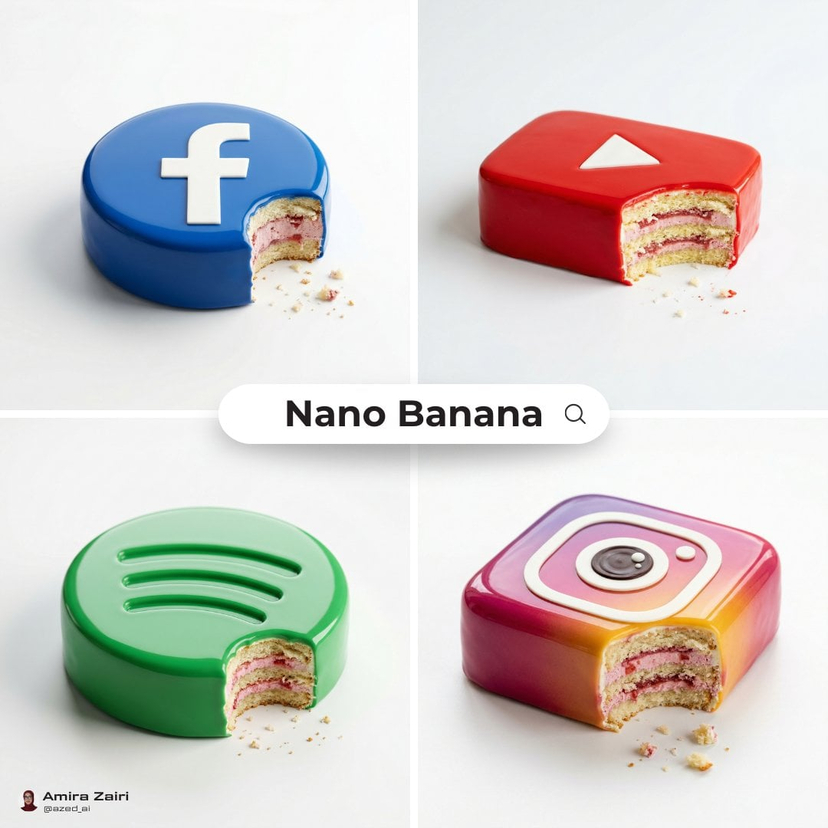
How do I use the Luxury Dessert Logo Product Photography template?
Choose the primary action to open PicX Studio with the available template settings. Review the model and format, personalize the creative direction, and generate when ready.
Curated from MeiGen gallery ID 2038254924207886653: Luxury Dessert Logo Product Photography. Change the subject, setting, or lighting one variable at a time.

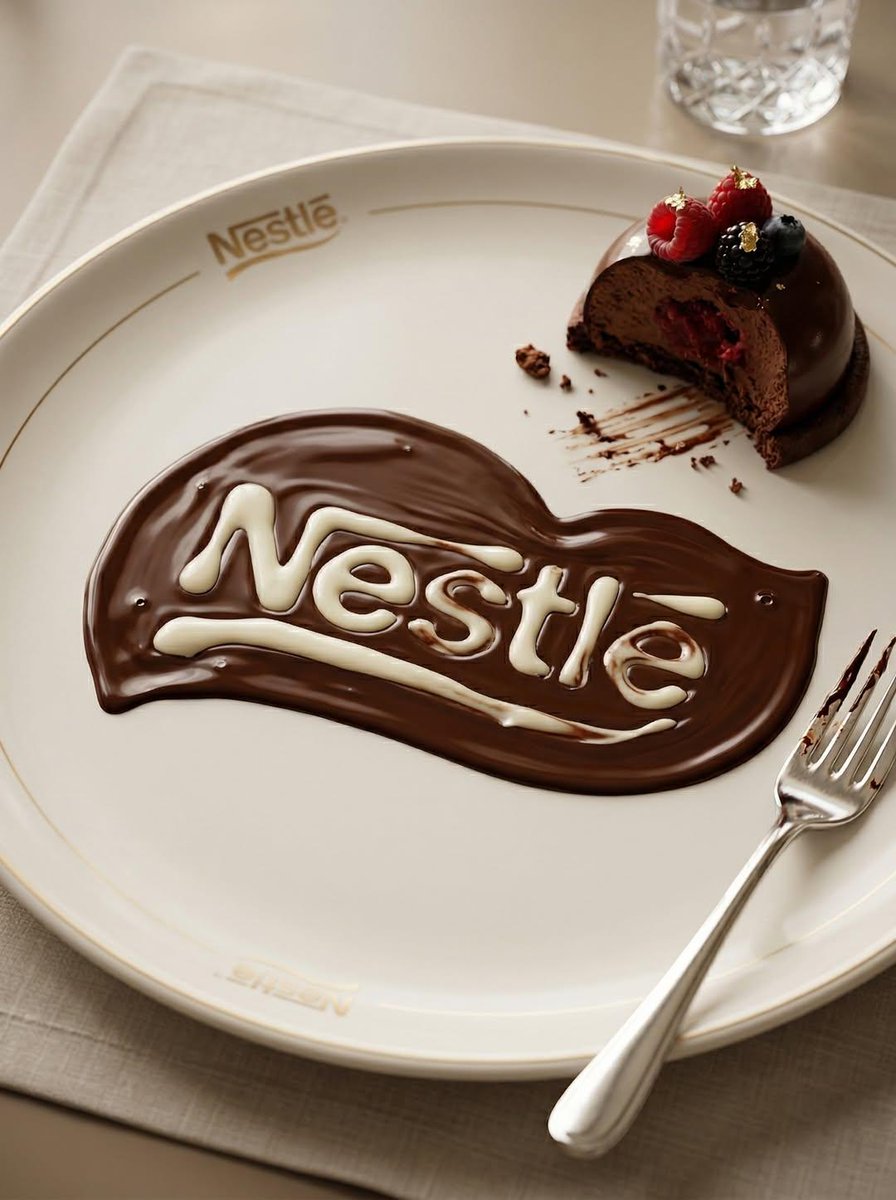
Minimalist luxury product photography of an edible sculpture inspired by the [brand name] logo. Logo transformed into refined dessert object with bold monochrome mirror glaze matching brand identity, ultra smooth glossy surface, realistic light reflections, isolated on pure white background, subtle soft shadow grounding the object, single elegant bite mark revealing layered sponge and creamy filling inside, visible texture contrast between glaze and cake interior, delicate natural crumbs, soft high-key studio lighting, clean minimal composition with balanced negative space, contemporary premium advertising aesthetic, hyper-realistic detail, ultra sharp focus.
Choose the primary action to open PicX Studio with the available template settings. Review the model and format, personalize the creative direction, and generate when ready.
Yes. You can change the subject, setting, lighting, mood, format, and available model controls before creating your image.
This template is free to open and customize. Generation usage is shown in PicX Studio before you create.
Choose a compatible model in PicX Studio based on the style, speed, and output controls your project needs.
Follow a topic to a crawlable collection of related PicX Studio templates.
43,449 public templates available. Verified via the PicX Studio public templates API; refreshed hourly.

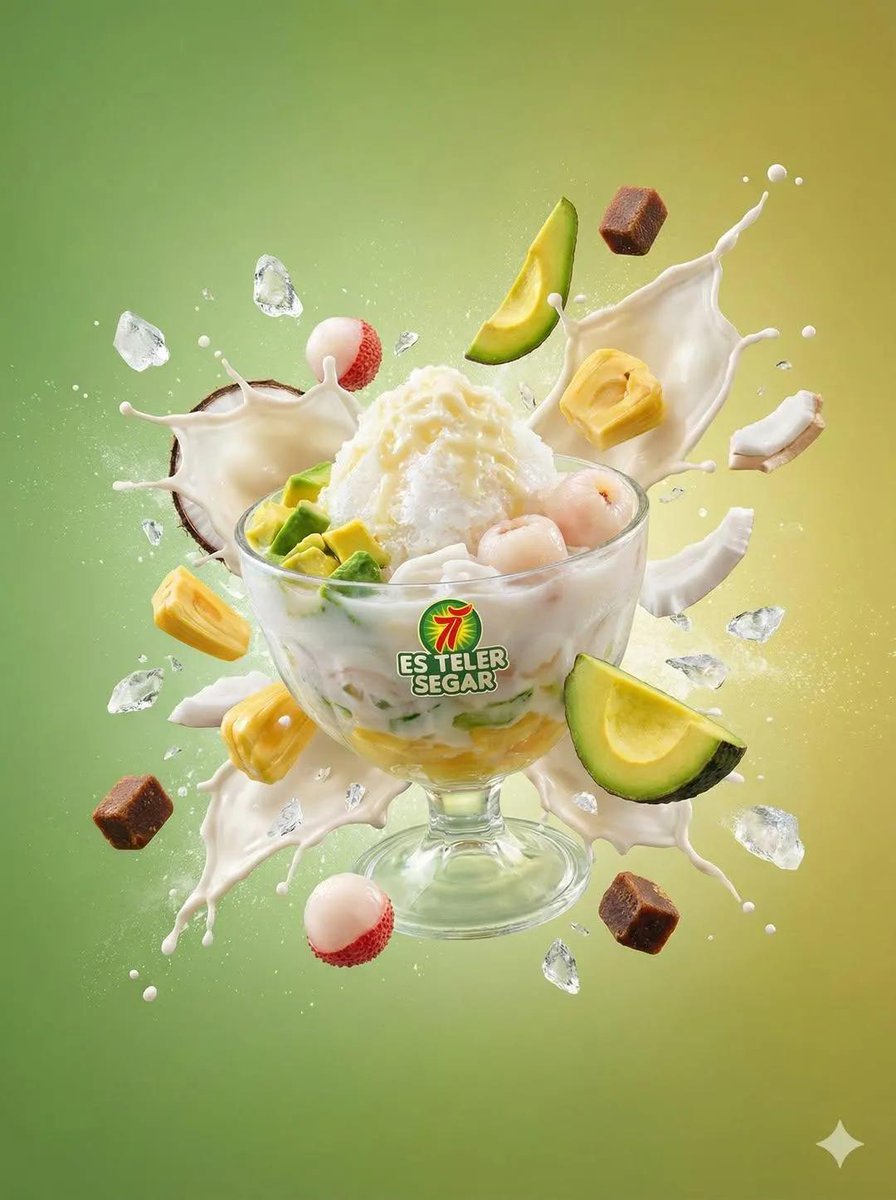

![A bitten realistic classic product on the dish, revealed inner dessert — A bitten realistic classic [brand] product on the dish, revealed inner dessert layers,](https://images.meigen.ai/tweets/2003072041889800346/0.jpg)
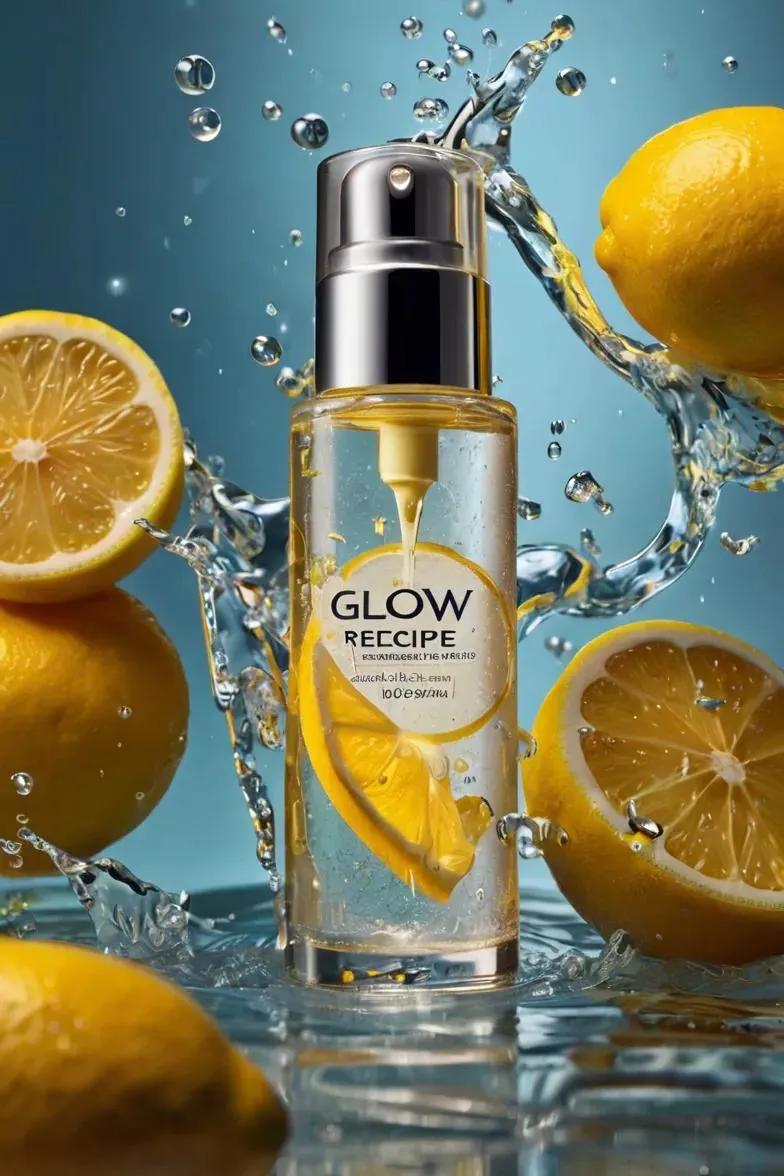




![Cosmetic Product Photography — Create an ultra-realistic, high-end cosmetics product photo featuring a [PRODUCT NAME] from [BRAND NAME], embedded inside a dram](/_next/image?url=https%3A%2F%2Fcdn.picxstudio.com%2Fpicx%2Fgenerated%2Fshared-generation_a3359da5-1873-42e7-84cd-0d2a02da776e.png&w=828&q=100)
![High-end product advertising, white seamless background, exploded view — [PRODUCT], high-end product advertising, white seamless background, exploded view with](https://images.meigen.ai/tweets/2010665188731785382/0.jpg)
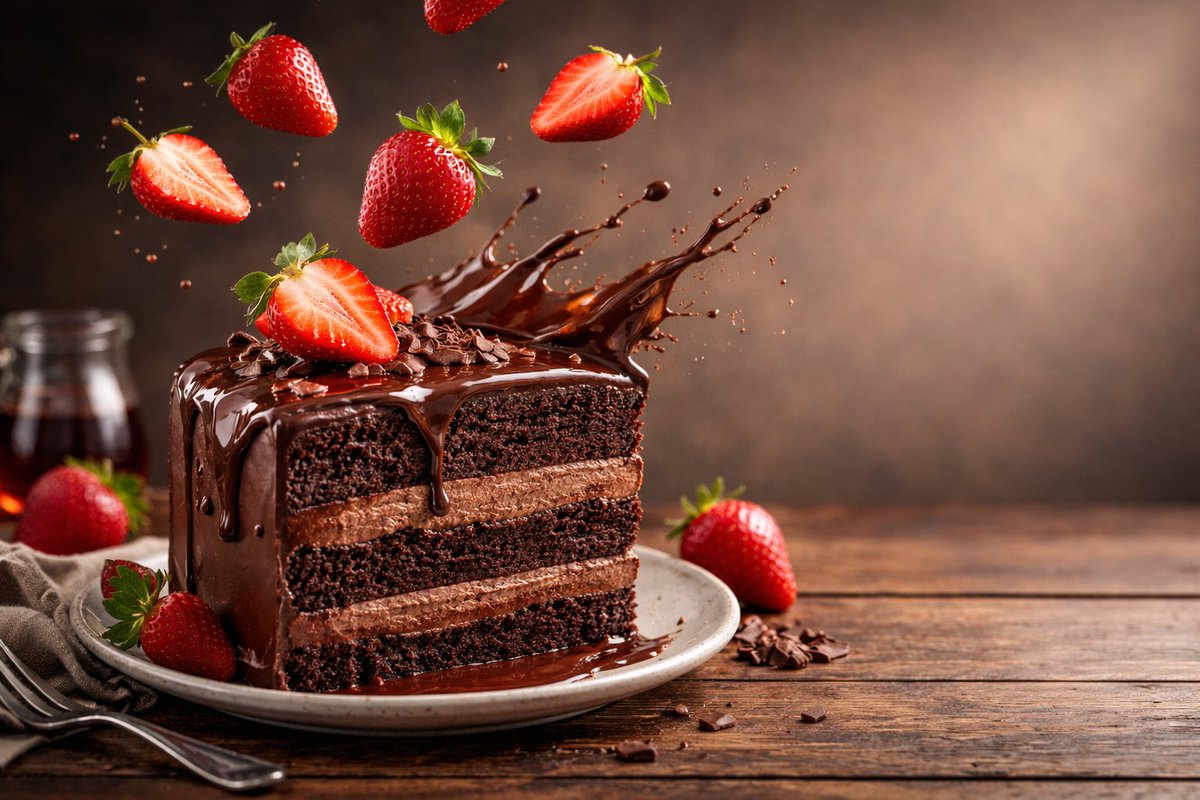
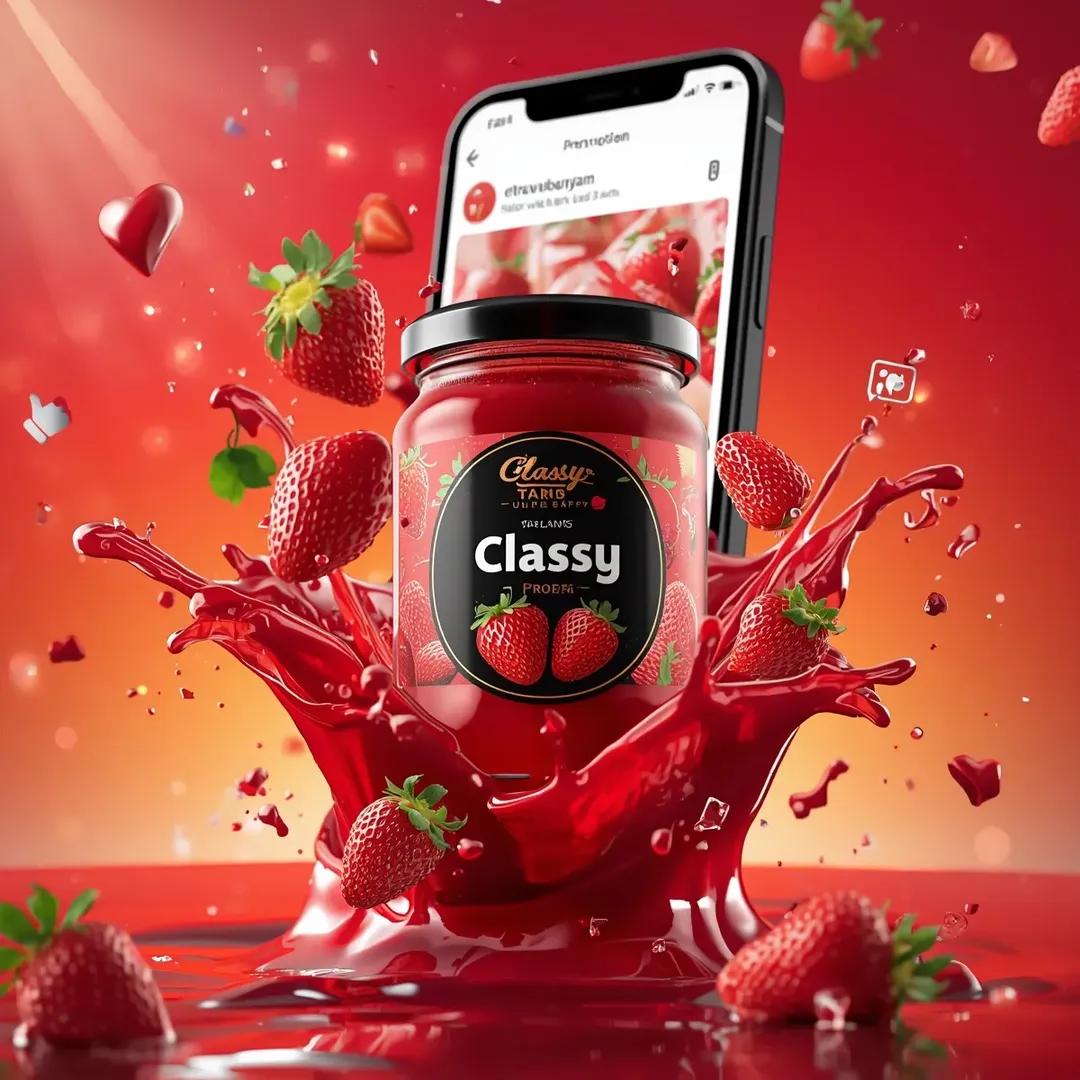



![High-end product advertising, white seamless background, exploded view — [product], high-end product advertising, white seamless background, exploded view with](https://images.meigen.ai/tweets/2041516871133122581/0.jpg)
![Exploded products with inner mechanics, high-end product advertising — Create an exploded products with inner mechanics [product], high-end product advertising,](https://images.meigen.ai/tweets/2010350005870276897/0.jpg)










![Pixar Style Celebrity Astronaut Caricature — A stylized 3D caricature of {argument name="celebrity" default="[celebrity]"} wearing a cute mini astronaut suit, f](https://pbs.twimg.com/media/G7umWQOagAAp8Ft.jpg)
![Minimalist 3D Isometric Car Showroom Model — A clean, minimalist 3D isometric model showcasing a [{argument name="location" default="car showroom"}], where [{ar](https://pbs.twimg.com/media/G_CbppYW0AEbevq.jpg)


![360-Degree Panorama Generation Formula — 创建一副 360 度全景图像 + {argument name="画面描述" default="[你的画面描述]"}](https://cms-assets.youmind.com/media/1776936762150_62uep7_HGgveVNbEAATOUi.jpg)