
Ultra-realistic, glossy magazine-style portrait of a young male model
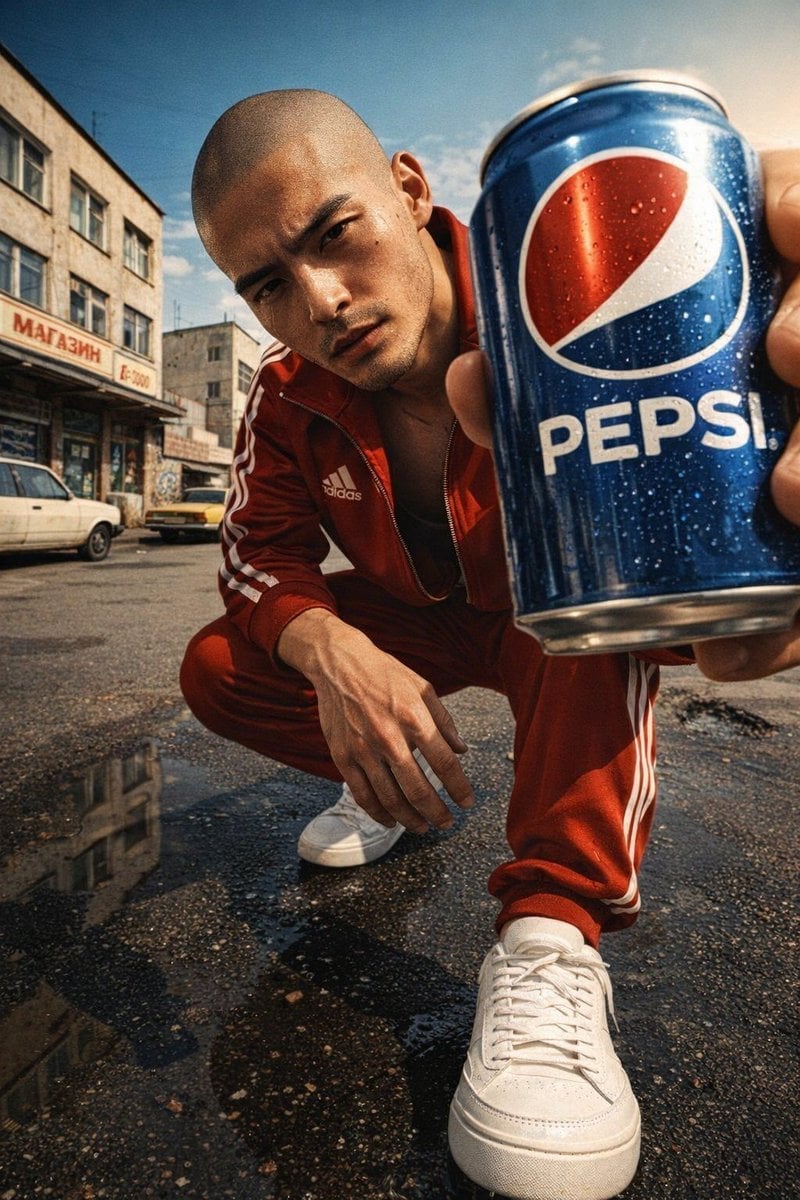
Ultra-realistic, glossy magazine-style portrait of a young male model, bald, with a stem, rugged expression and defined facial texture (pores, stubble shadows, subtle scars).
- Prompt included
- Model and format preset
- Free template
The prompt behind this image
Copy the exact prompt behind Ultra-realistic, glossy magazine-style portrait of a young male model, or open it in the studio and make it yours.
Ultra-realistic, glossy magazine-style portrait of a young male model, bald, with a stem, rugged expression and defined facial texture (pores, stubble shadows, subtle scars). Camera at shoe level (very low angle), wide-angle perspective, model tilted toward the lens, leaning forward and holding a Pepsi can extremely close to the camera - can label perfectly facing viewer and crisply legible with realistic metal reflections. Wearing a red Adidas tracksuit with visible Adidas logo and clean white sneakers, one foot stepped forward in the foreground. Urban USSR 1990s street environment: weathered concrete, vintage shop signs, old cars, period graffiti, small puddles. Bright sunny daytime with strong direct sunlight casting sharp cinematic shadows, warm sunlight highlights, slight wet reflections on asphalt and subtle water splashes near shoes for dynamism. Shallow depth of field (pin-sharp on face and can, creamy bokeh), ultra high detail, high contrast, vivid colors, warm sunlight with subtle teal-orange grade. Commercial editorial retouching style but preserving skin texture, enhanced clarity on label and metal, realistic specular highlights, natural micro-contrast. Composition: Pepsi can prominent in right foreground, eye-line slightly above center, negative space for masthead/logo--v 7 --style raw --quality 2 --ar 9:16 --chaos 3 --stylize 499-weird 99--exp 50
How to use Ultra-realistic, glossy magazine-style portrait of a young male model in 3 steps
- 1
Open
The prompt is already in the box next to the preview, with the template's model and format selected.
- 2…a portrait of your subject in softgolden-hour light, 85mm…
Personalize
Edit the subject and creative details for your destination.
- 3Generate
Generate
Press Generate — your image is created in PicX Studio, so you can compare it with the original and refine one variable at a time.
More like this
Templates with the same subject, style or setup. Open one to see its prompt.

Portrait of a young woman in her early 20s walking calmly on a beautiful
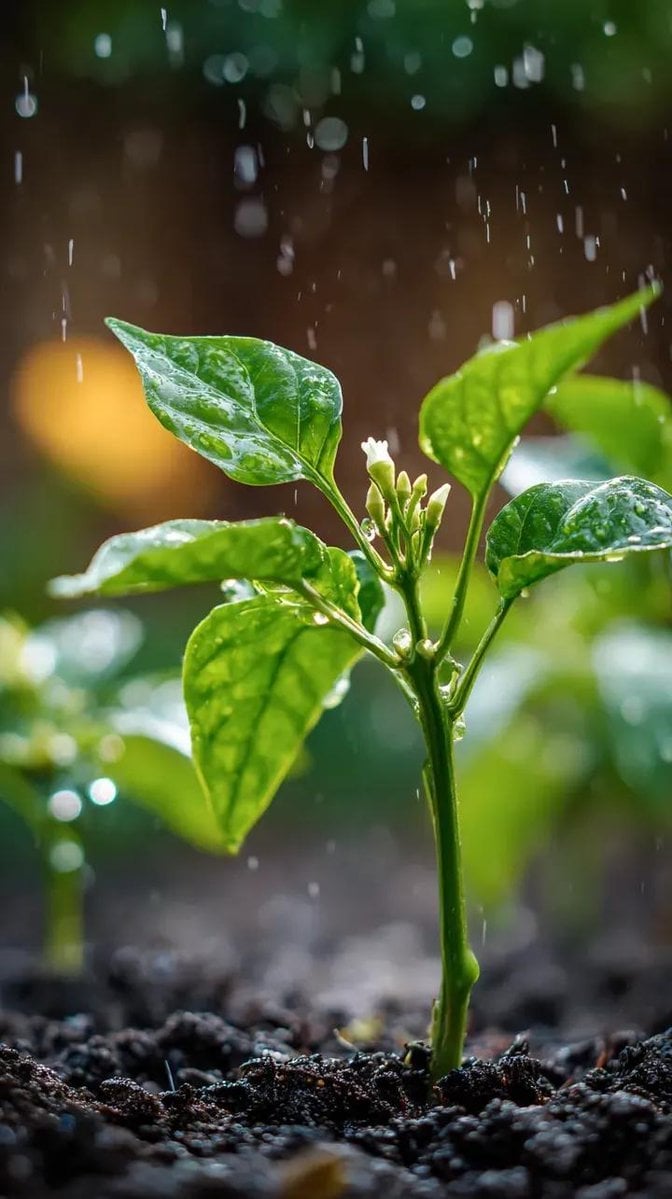
A small chili plant with glossy green leaves and one tiny white flower

Realistic portrait 100 identical face, no editing allowed
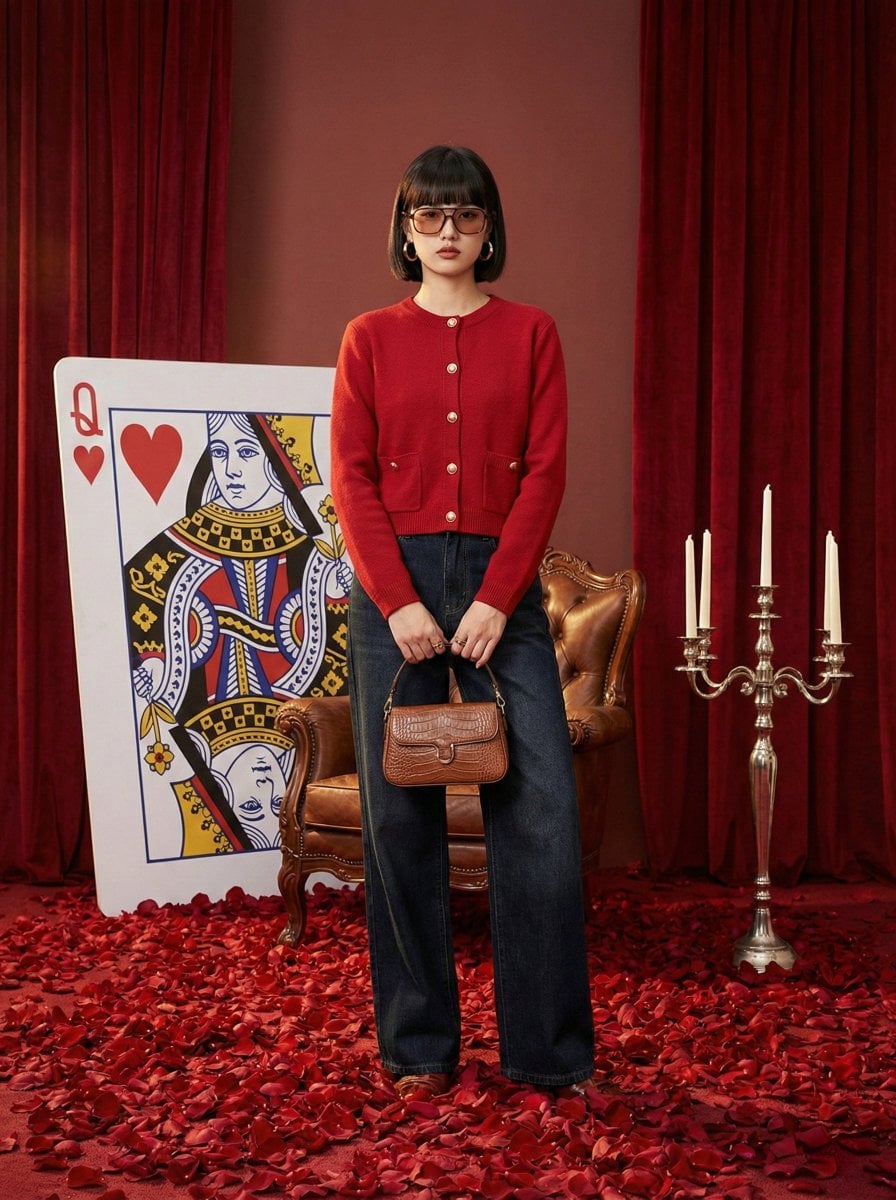
Photography Prompt #982
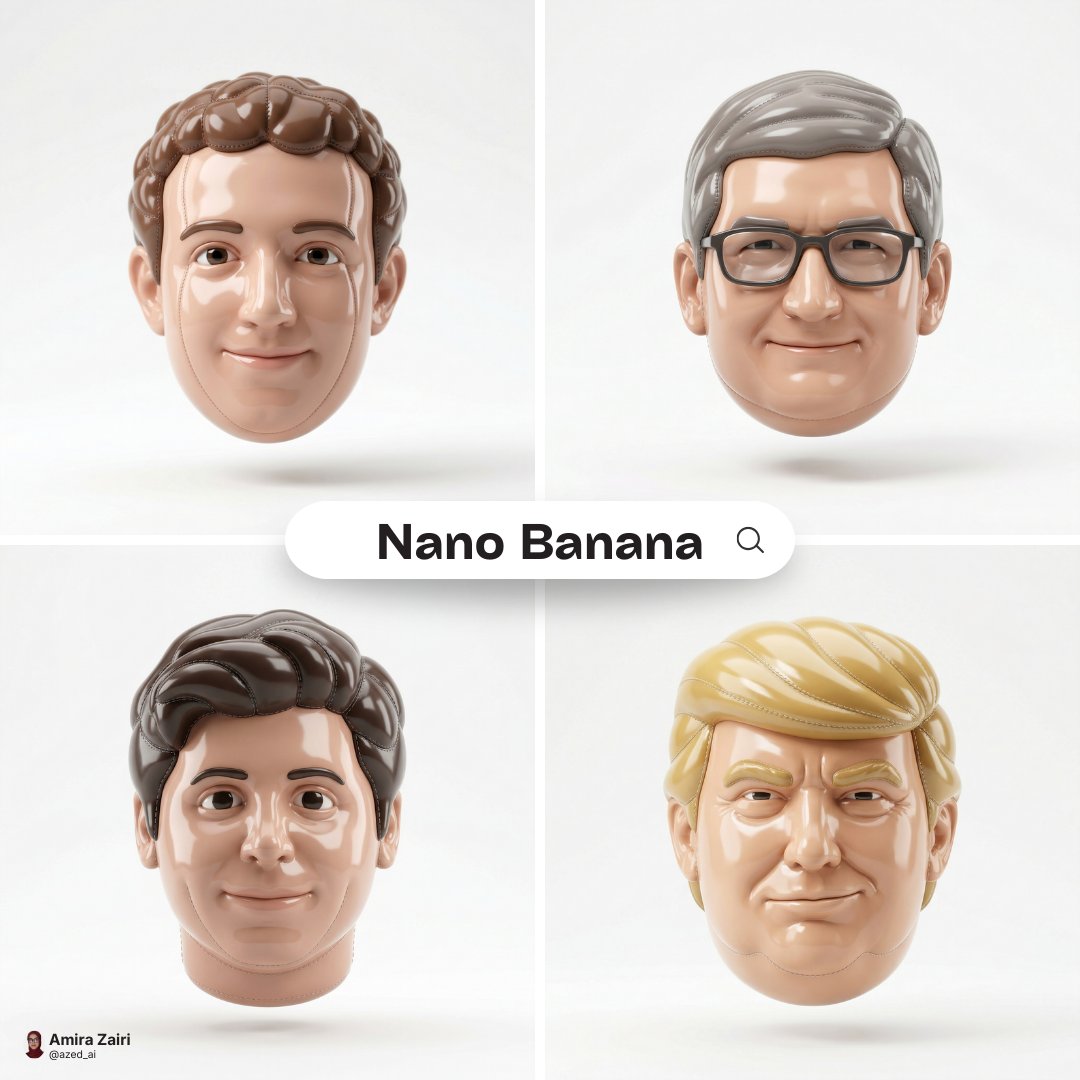
Made of smooth inflated glossy vinyl plastic, ultra-realistic 3D render
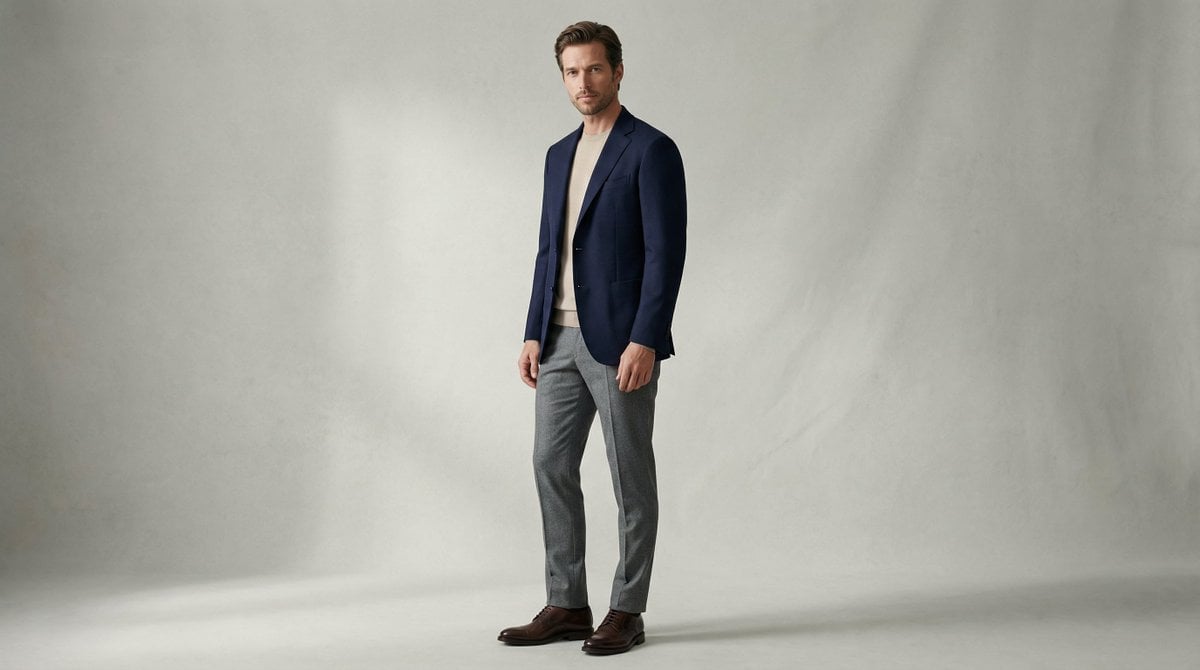
Fashion Magazine Style Photo of a Male Model in Office Casual
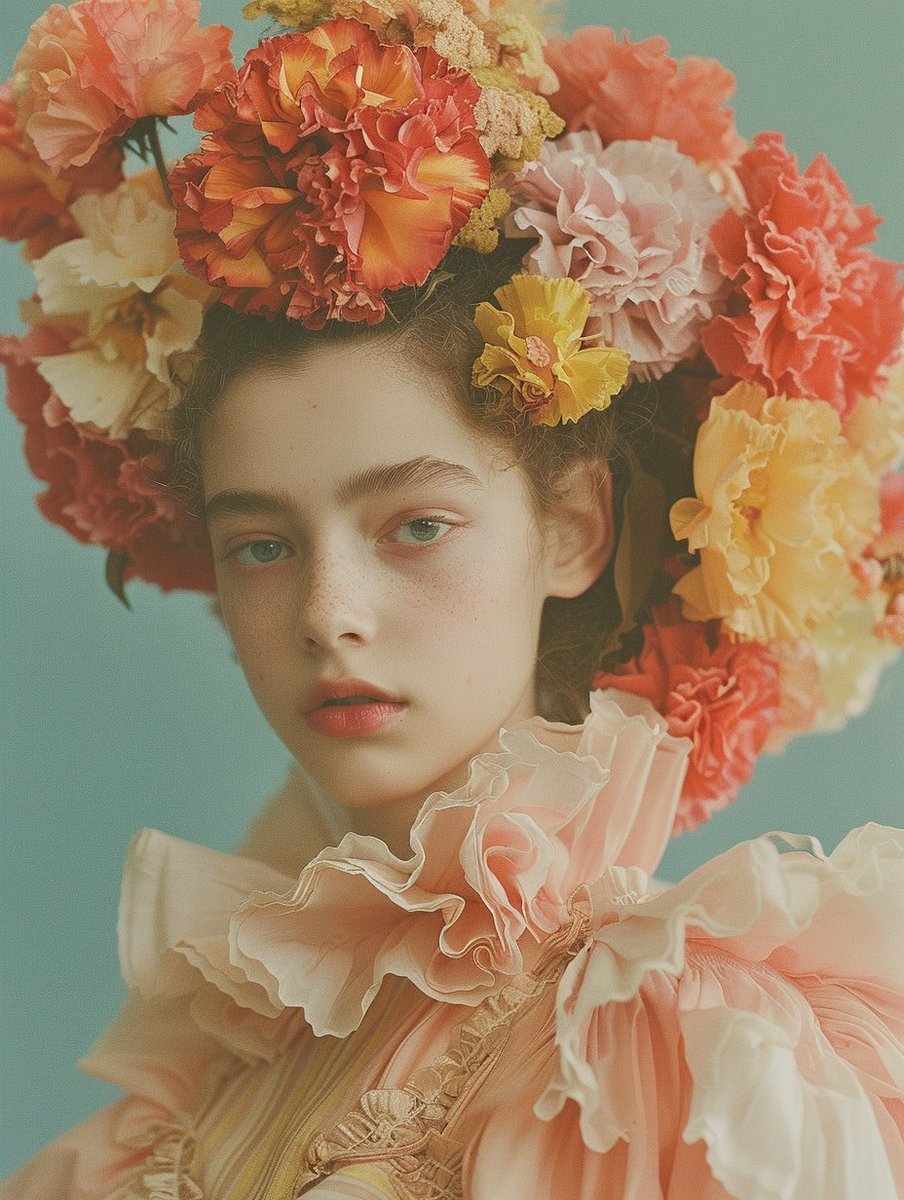
Disposable Photography Style Fashion Model Portrait

Christmas Ornament Portrait Glossy Glass Resin Finish with Hand Painted Details Holiday Lighting

2025 Aesthetic Photography

Found Photograph: Us, 1970

80s Couple Studio Portrait

80s Bollywood Star
Make it yours
Ultra-realistic, glossy magazine-style portrait of a young male model works as-is. These are the safest ways to change it without losing the look.
Change one field
Copy a single group, rewrite it, and generate again so you can see what that field is doing.
Keep the frame, change the subject
Hold the composition and light of Ultra-realistic, glossy magazine-style portrait of a young male model, then swap wardrobe, props or the person for a new take.
| If the result… | Why | Fix |
|---|---|---|
| The result drifts from the preview | Too many fields changed at once. | Reuse Ultra-realistic, glossy magazine-style portrait of a young male model as-is first, then change one group — subject, light, or setting. |
| The model over-stylizes the scene | The prose prompt leaves finish and camera underspecified. | Add one camera or lighting sentence and stay on GPT Image 2. |
More GPT Image 2 templates
Other prompts made for GPT Image 2.

Six VTuber Japanese Logo Sheet

Realistic Portrait of Woman and Deer

The Vista Modular Condo Poster

AI Model Routing Comparison Infographic

2.5D Anime Art Board

Isometric Productivity Desk Scene

New York Double Exposure Poster

Four-Panel AI Landscape Comparison

Japanese Tatami Lifestyle Magazine Cover

NESCAFÉ Coffee Map Poster
More image prompts
Fresh picks from across the catalog.
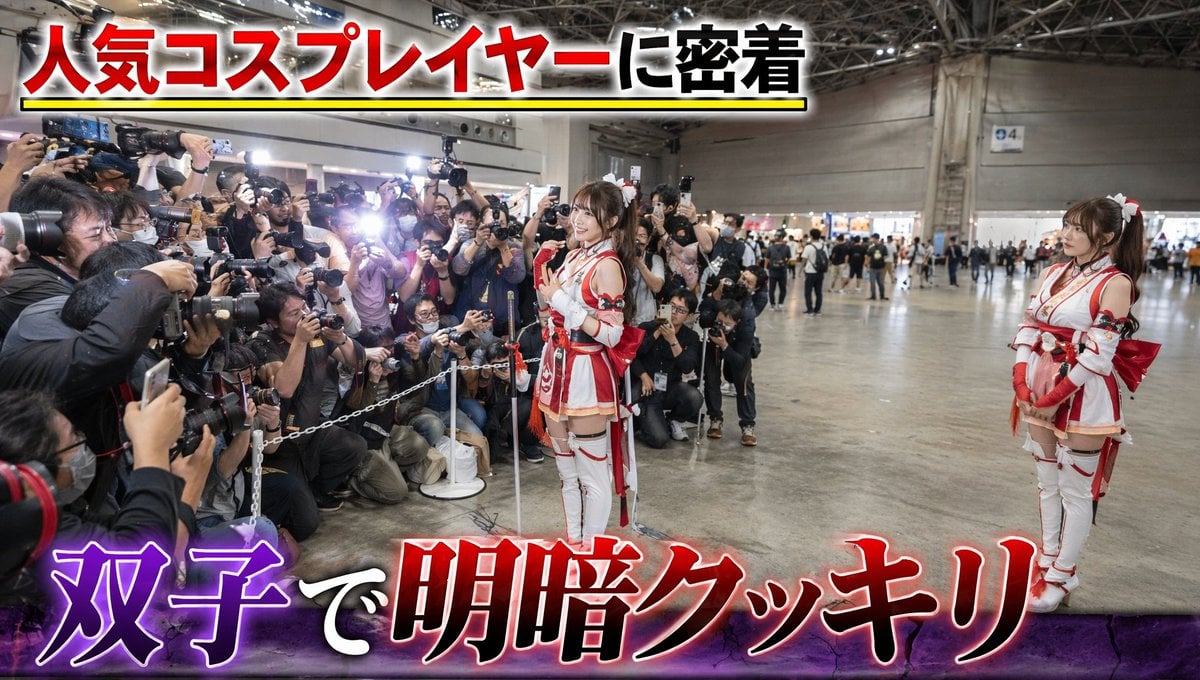
Twin Cosplayers Popularity Contrast
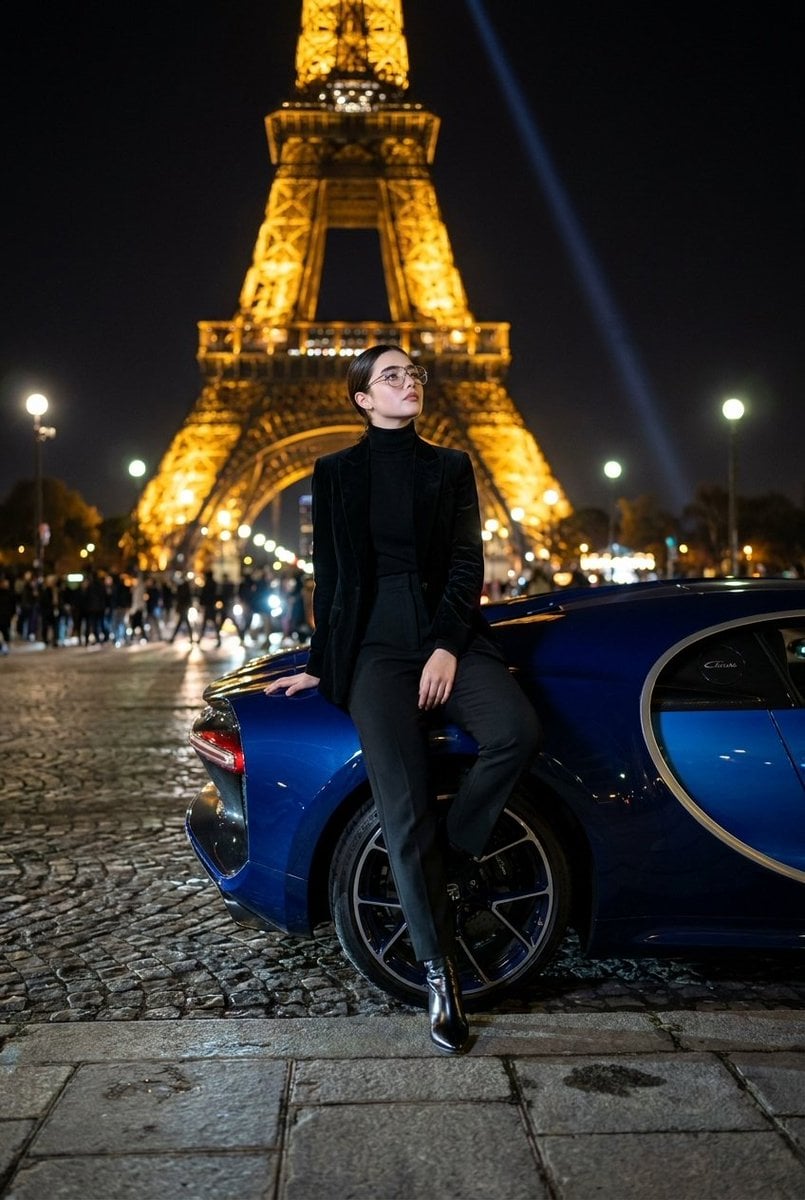
Fashion Editorial at Trocadéro
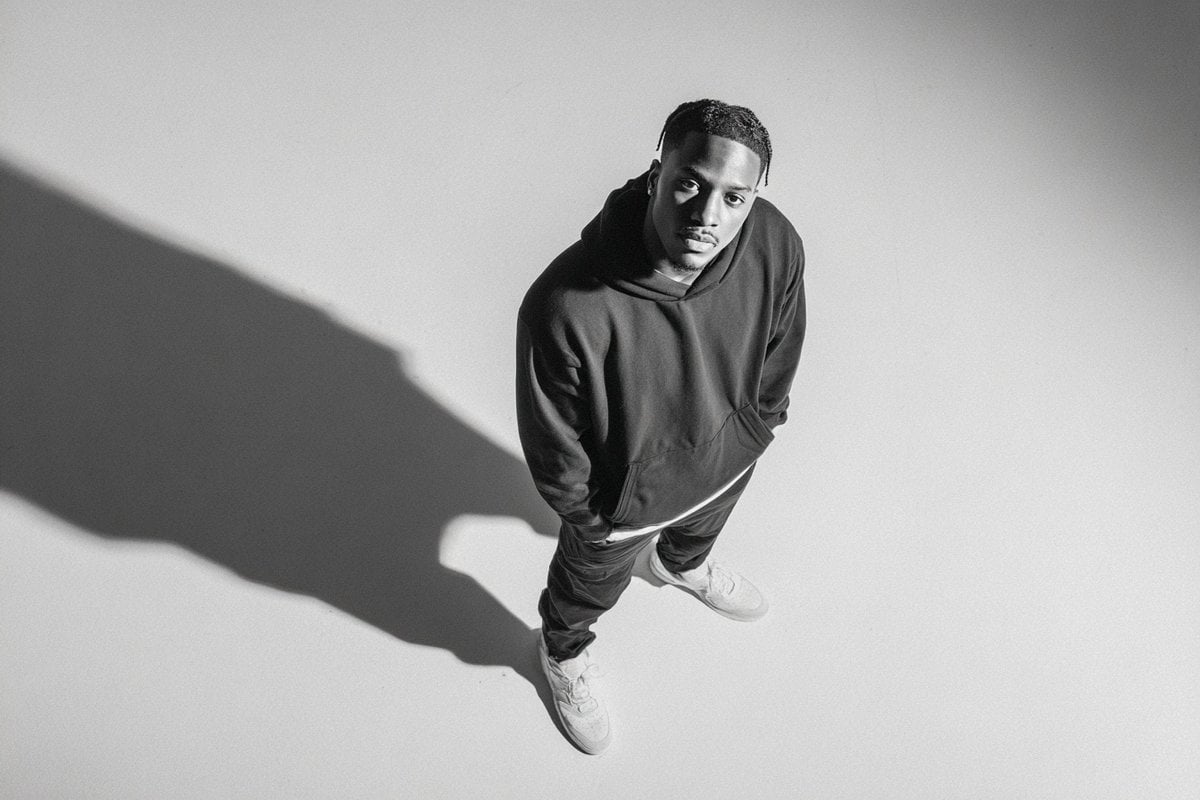
Studio Editorial Fashion Portrait
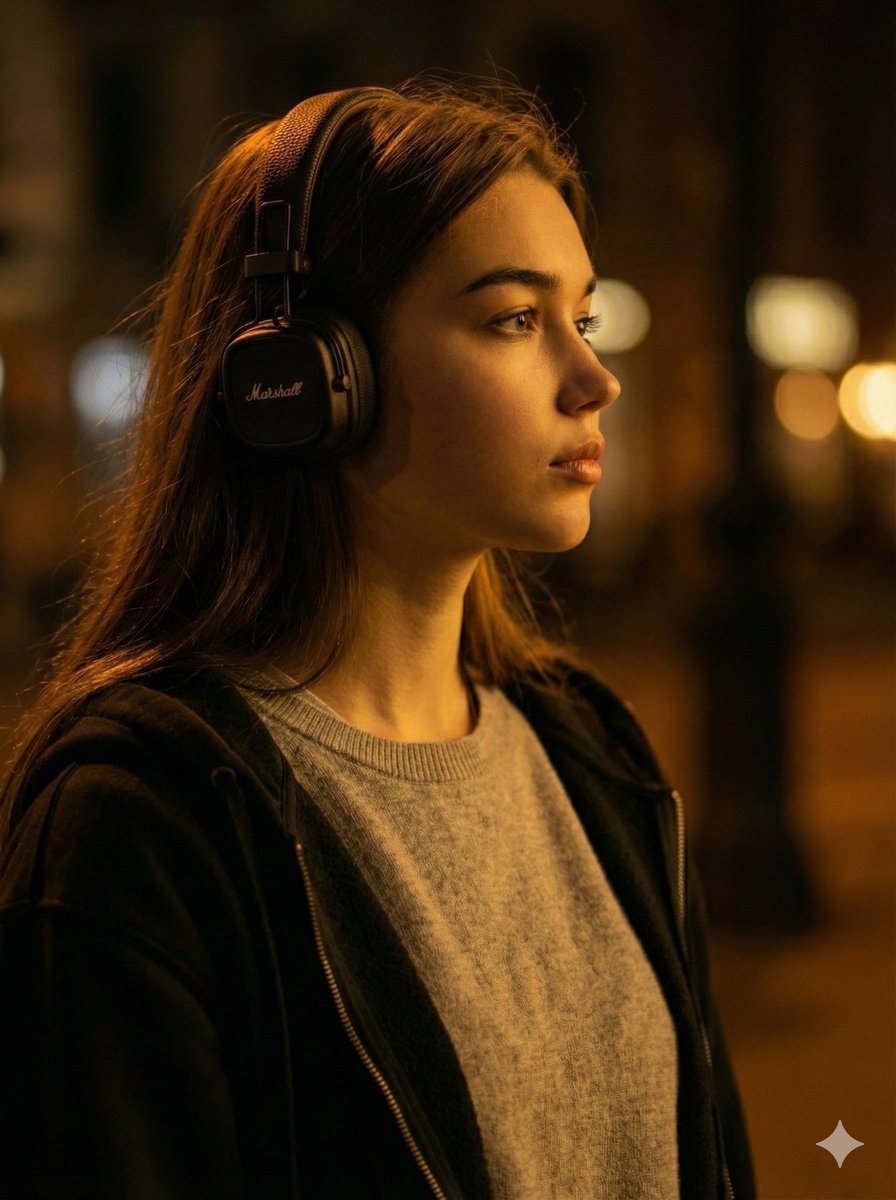
Moody Cinematic Profile Portrait Prompt
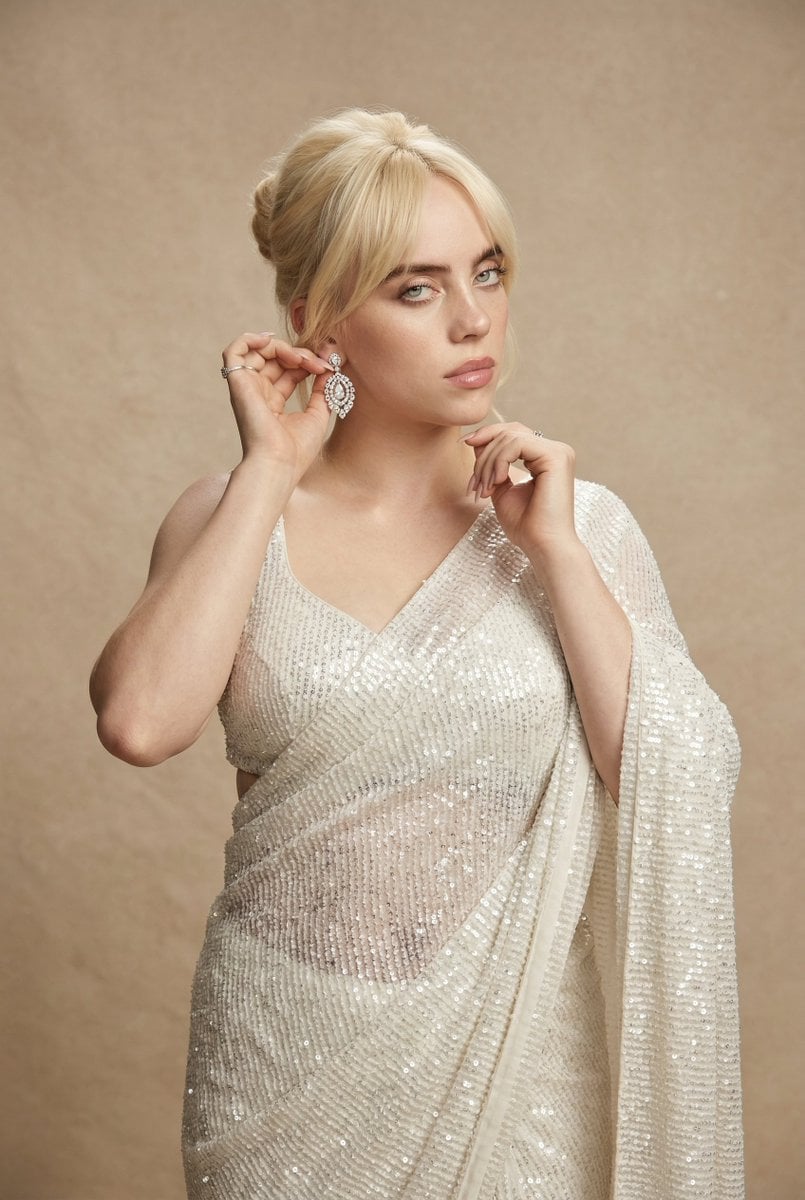
Ultra-detailed high fashion ethnic portrait prompt
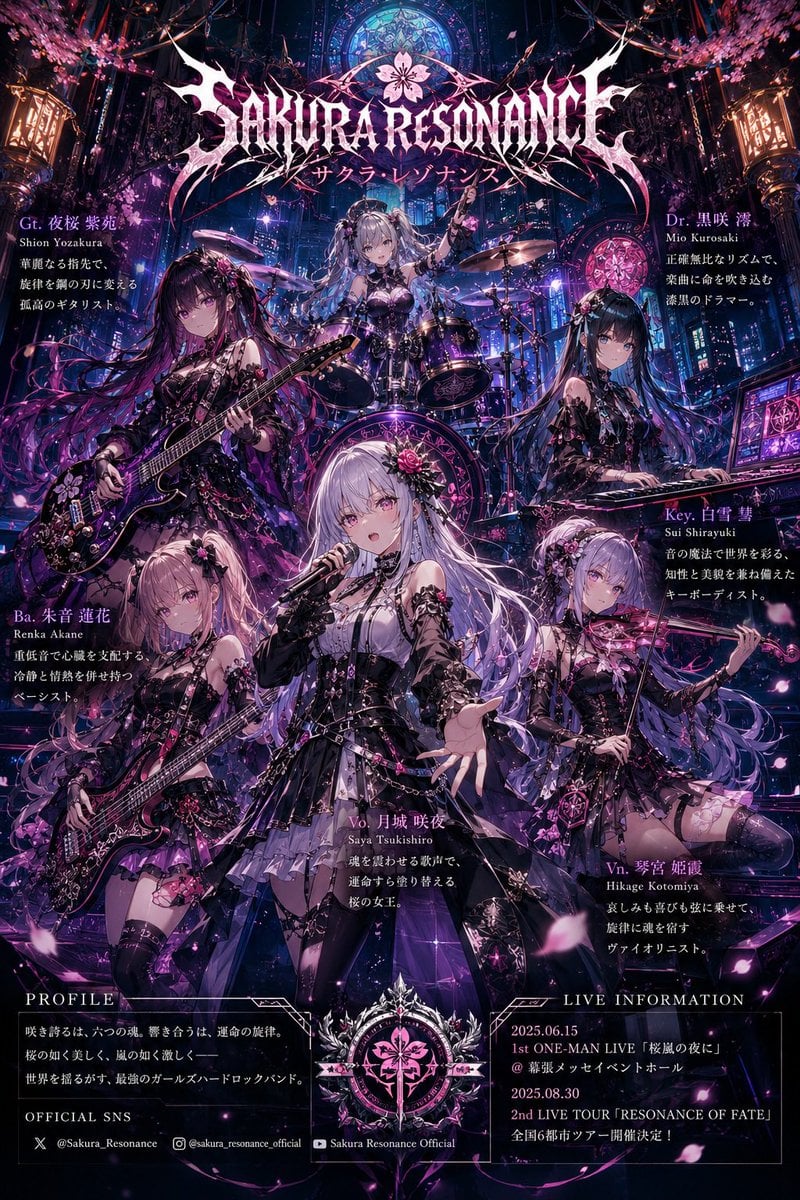
Anime Hard Rock Band Poster
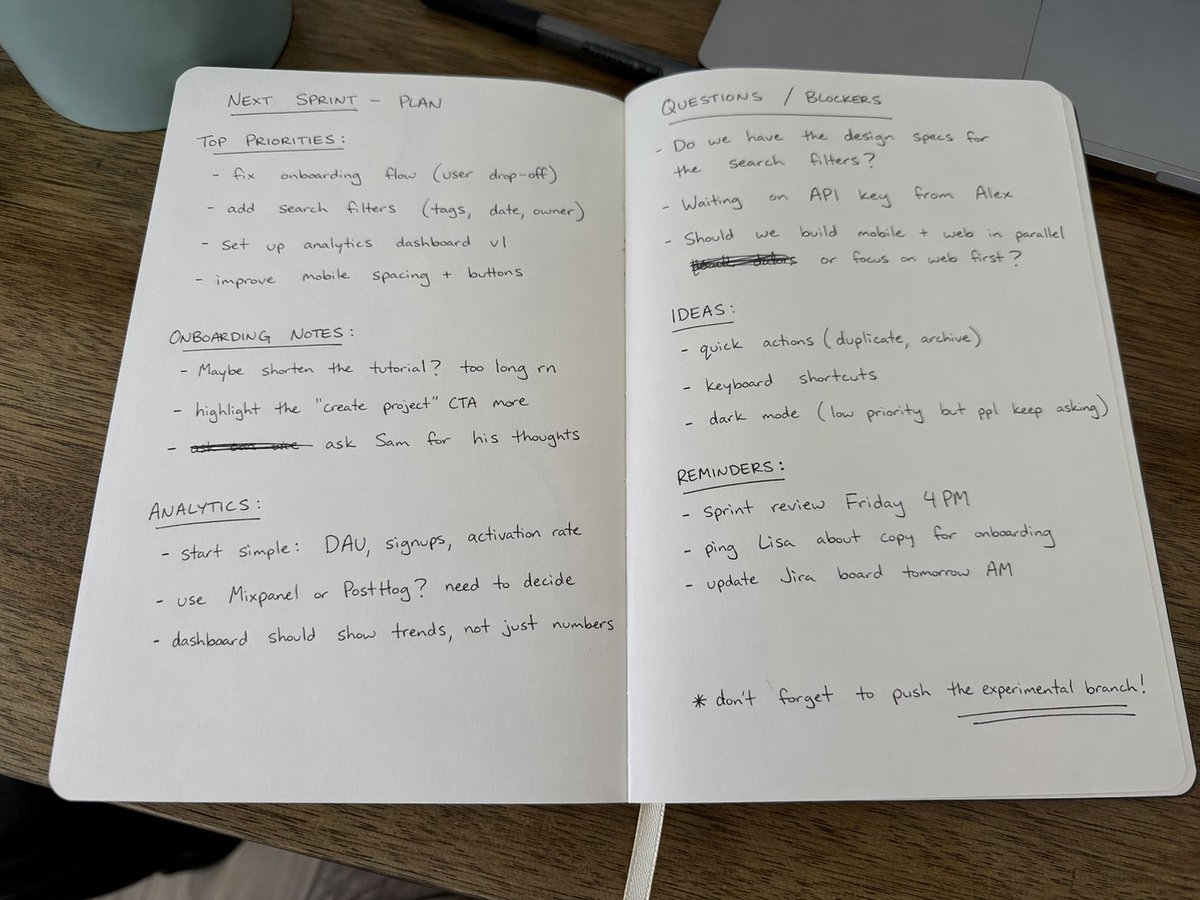
Amateur Handwritten Notebook Photo Prompt
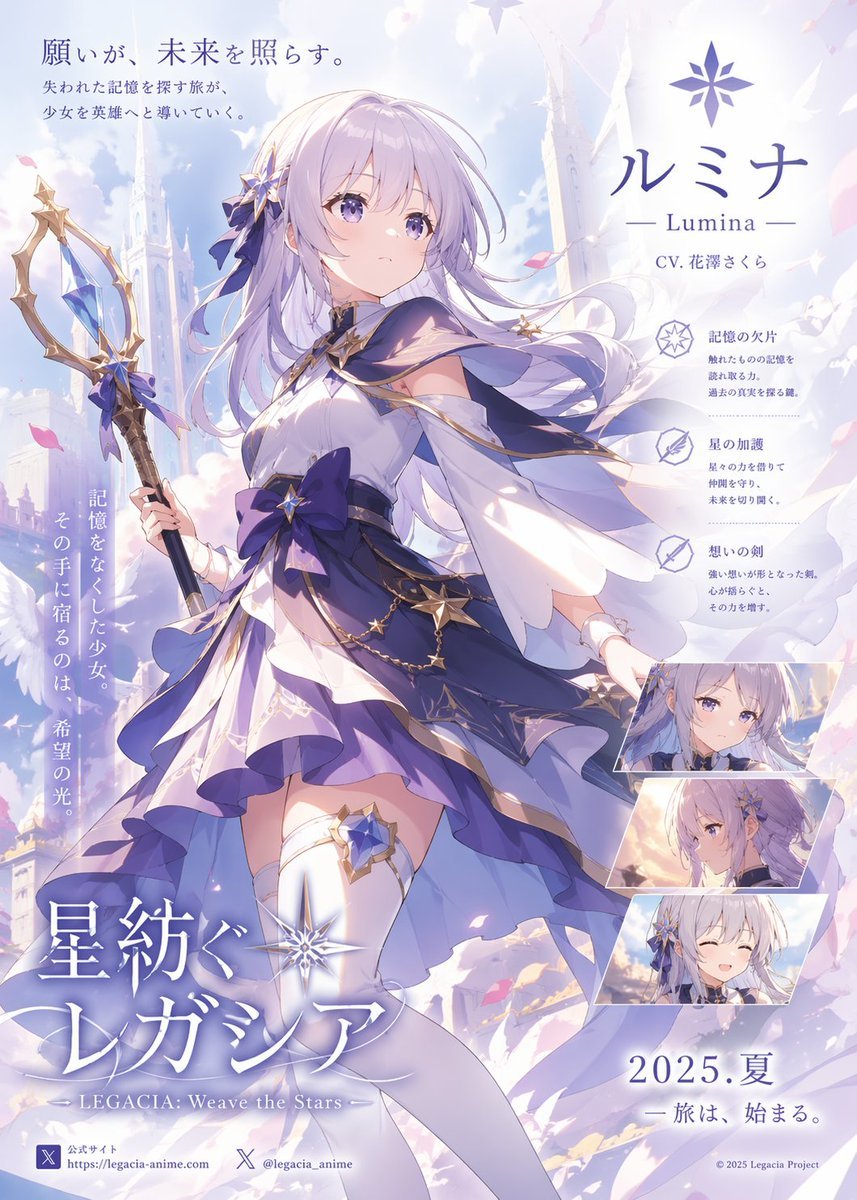
Pastel Anime Fantasy Poster with Heroine
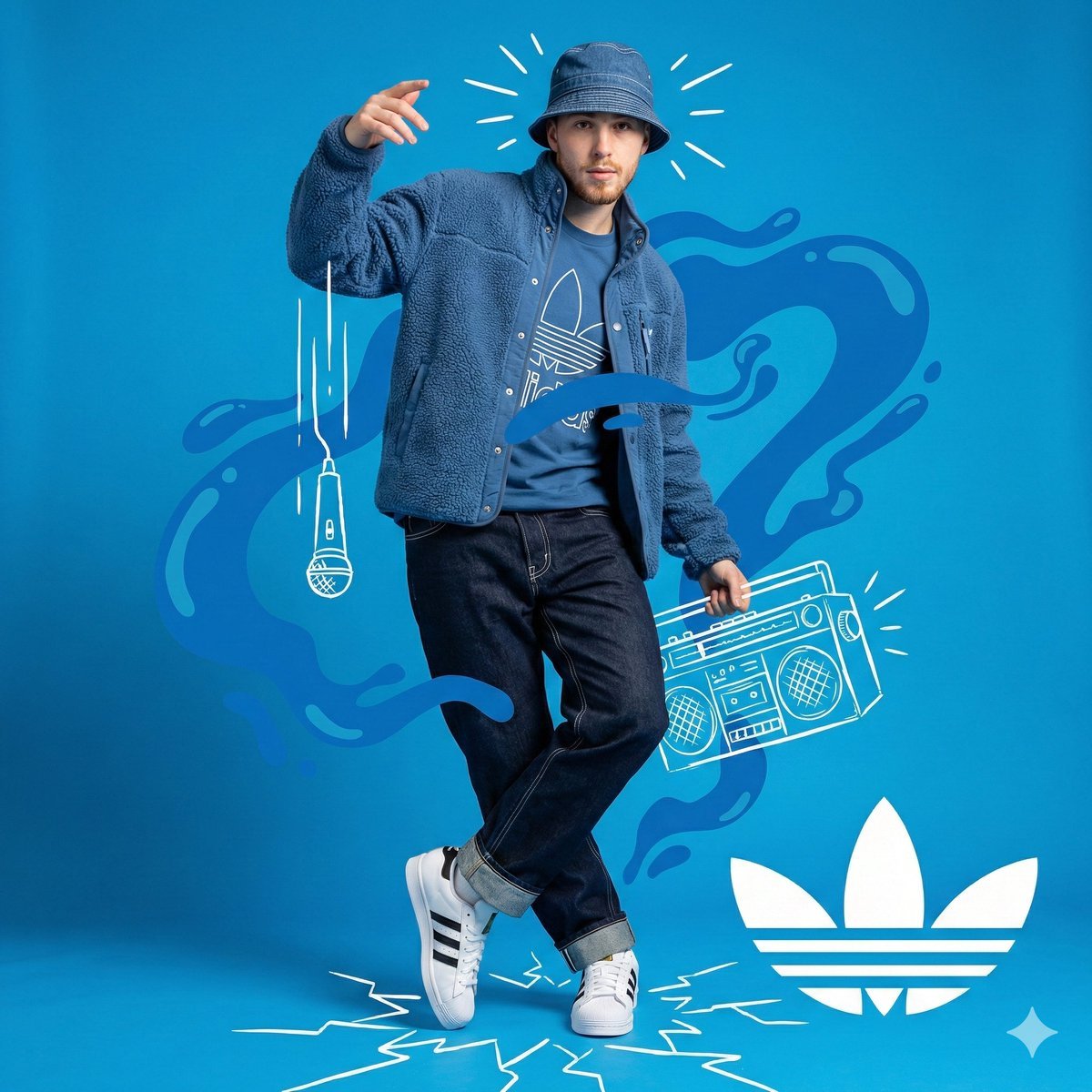
Mixed-Media Streetwear Poster
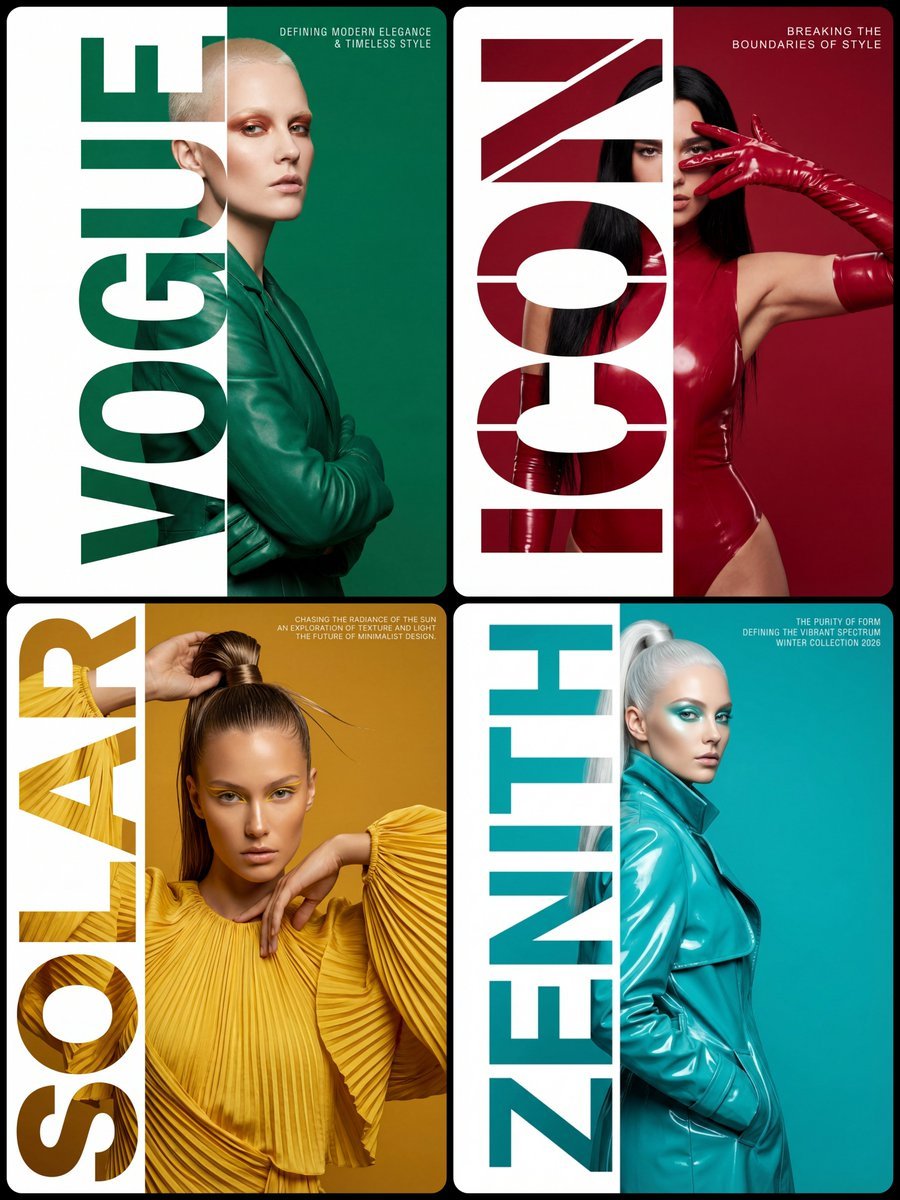
High-Fashion Typography Poster Template
Browse template categories
Ultra-realistic, glossy magazine-style portrait of a young male model questions
How do I use the Ultra-realistic, glossy magazine-style portrait of a young male model template?
Add your photo if the template asks for one, edit the prompt if you like — the template's model and format are already selected — and press Generate. Your version opens in PicX Studio.
Can I customize the Ultra-realistic, glossy magazine-style portrait of a young male model template?
Yes. You can change the subject, setting, lighting, mood, format, and available model controls before creating your image.
Is the Ultra-realistic, glossy magazine-style portrait of a young male model template free?
Opening and editing this template is free. Generating uses credits, shown on the Generate button when you are signed in.
Which AI model should I use?
Start with GPT Image 2, which is the model associated with this template. You can compare another compatible model for a different finish.
Looking for something else? Browse all templates.

Your photo, any look
Thousands of ready templates for every top image and video model, from one credit balance.