
Twin Cosplayers Popularity Contrast
A detailed documentary-style prompt for generating a scene at a cosplay event contrasting the popularity of two identical twin ninjas.
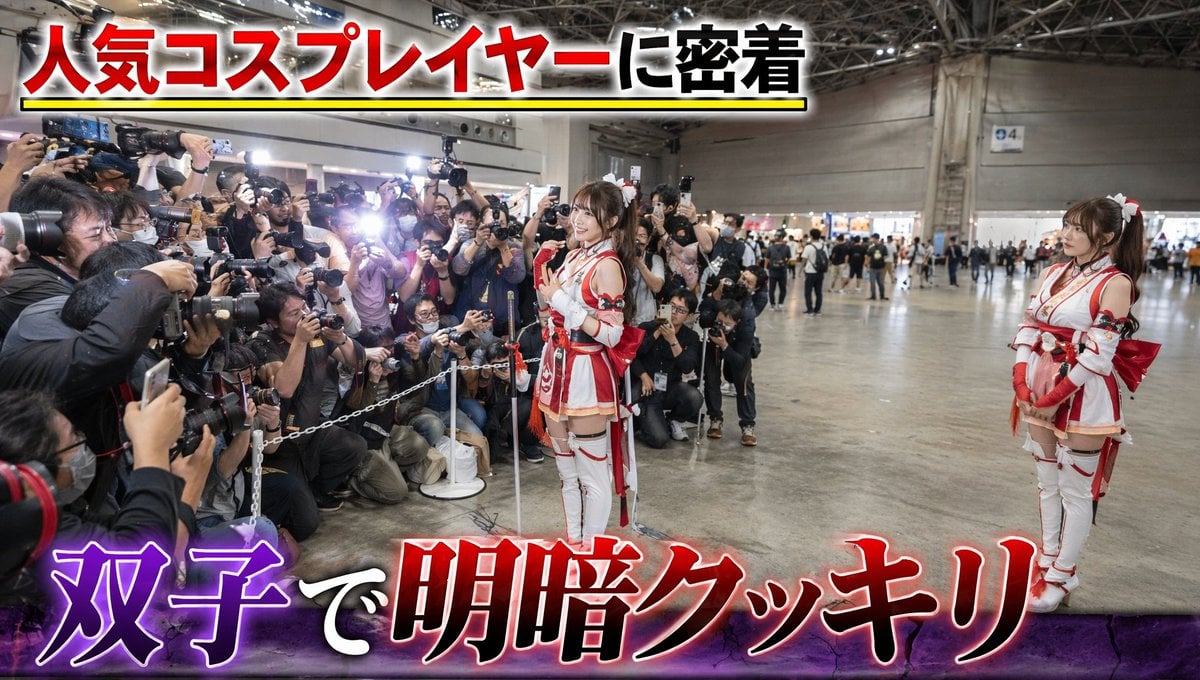
- Prompt included
- Model and format preset
- Free template
The prompt behind this image
Copy the exact prompt behind Twin Cosplayers Popularity Contrast, or open it in the studio and make it yours.
参照画像の双子の人物を維持、リアルな実写風、大規模なコスプレイベント会場。屋内展示ホール。多くのコスプレイヤーやカメラマンが集まる華やかな空間。イベントらしい照明と活気ある雰囲気。 双子の二人は人気ゲームやアニメに登場しそうな{argument name="衣装" default="女忍者"}コスプレをしている。二人とも全く同じ衣装。赤色と白色を基調とした美しい忍者装束。忍者風のトップス、アームカバー、腰布、ブーツ、小物まで完全にお揃い。髪型やメイクも揃えており、一見すると見分けがつかないほど似ている。 しかし会場での人気には極端な差がある。 片方の双子の前には大勢のカメラマンやファンが集まっている。望遠レンズ付きのカメラ、一眼レフ、スマートフォンを向けるファンたち。フラッシュが光り、撮影待ちの列までできている。人気側の双子は笑顔でポーズを取っている。周囲は大盛況で、イベントの注目スポットになっている。 一方、もう片方の双子は数メートル離れた場所に立っているが、周囲には誰もいない。同じ衣装、同じ顔なのに誰一人カメラを向けていない。本人は少し寂しそうな表情で人気者の双子を見つめている。手持ち無沙汰に立ち尽くしている。切ない表情。 カメラは会場全体を広角で捉え、左側には大勢のファンに囲まれた人気コスプレイヤー、右側には完全に人がいない不人気コスプレイヤーという極端な対比を映す。同じ顔・同じ衣装なのに扱いだけが大きく異なるコミカルな状況。 イベント会場のリアルな空気感、自然な人混み、コスプレイベントらしい熱気、ドキュメンタリー風のリアリティ。自然な表情、リアルな肌質、フォトリアル、超高精細、リアルなイベント撮影品質。 リアルなテレビ番組・ドキュメンタリー品質。企業ロゴや実在グループ名は一切入れない。 画面上部には『{argument name="上部テロップ" default="人気コスプレイヤーに密着"}』、下部には『{argument name="下部テロップ" default="双子で明暗クッキリ"}』というテレビ番組風テロップ。
How to use Twin Cosplayers Popularity Contrast in 3 steps
- 1Upload ImagePNG, JPG or paste
Add your photo
Upload the photo the template builds on. The prompt, model and format are already set.
- 2…a portrait of your subject in softgolden-hour light, 85mm…
Personalize
Edit the subject and creative details for your destination.
- 3Generate
Generate
Press Generate — your image is created in PicX Studio, so you can compare it with the original and refine one variable at a time.
More like this
Templates with the same subject, style or setup. Open one to see its prompt.
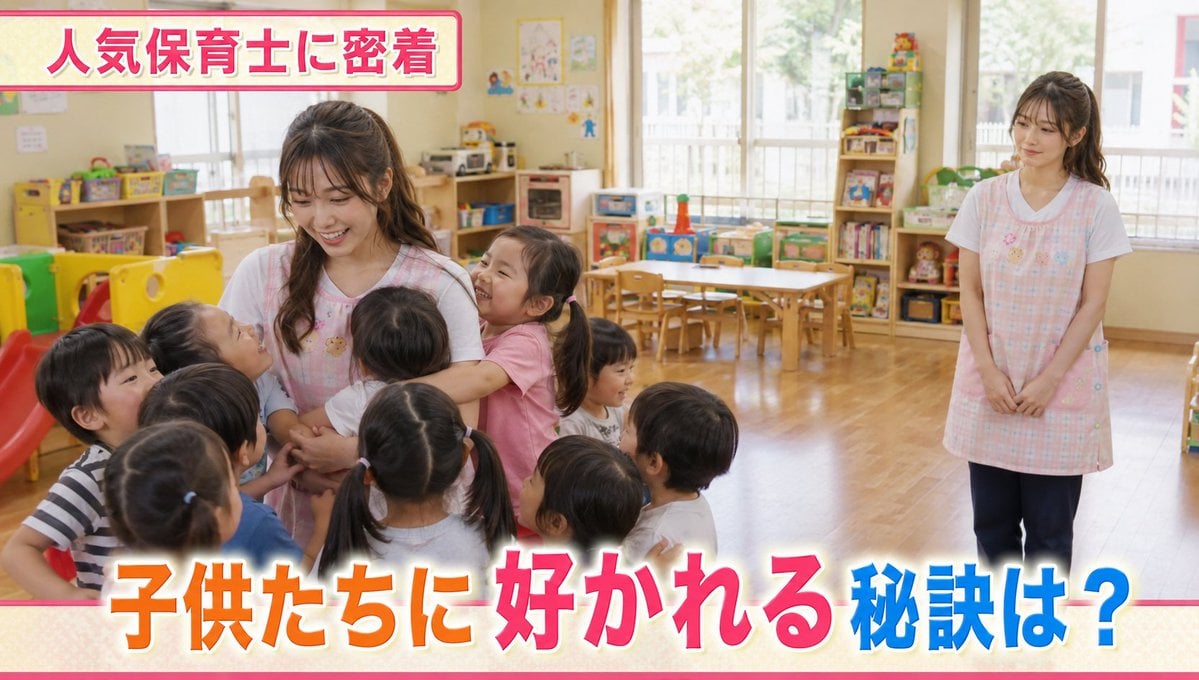
Contrast in Popularity Twin Teachers
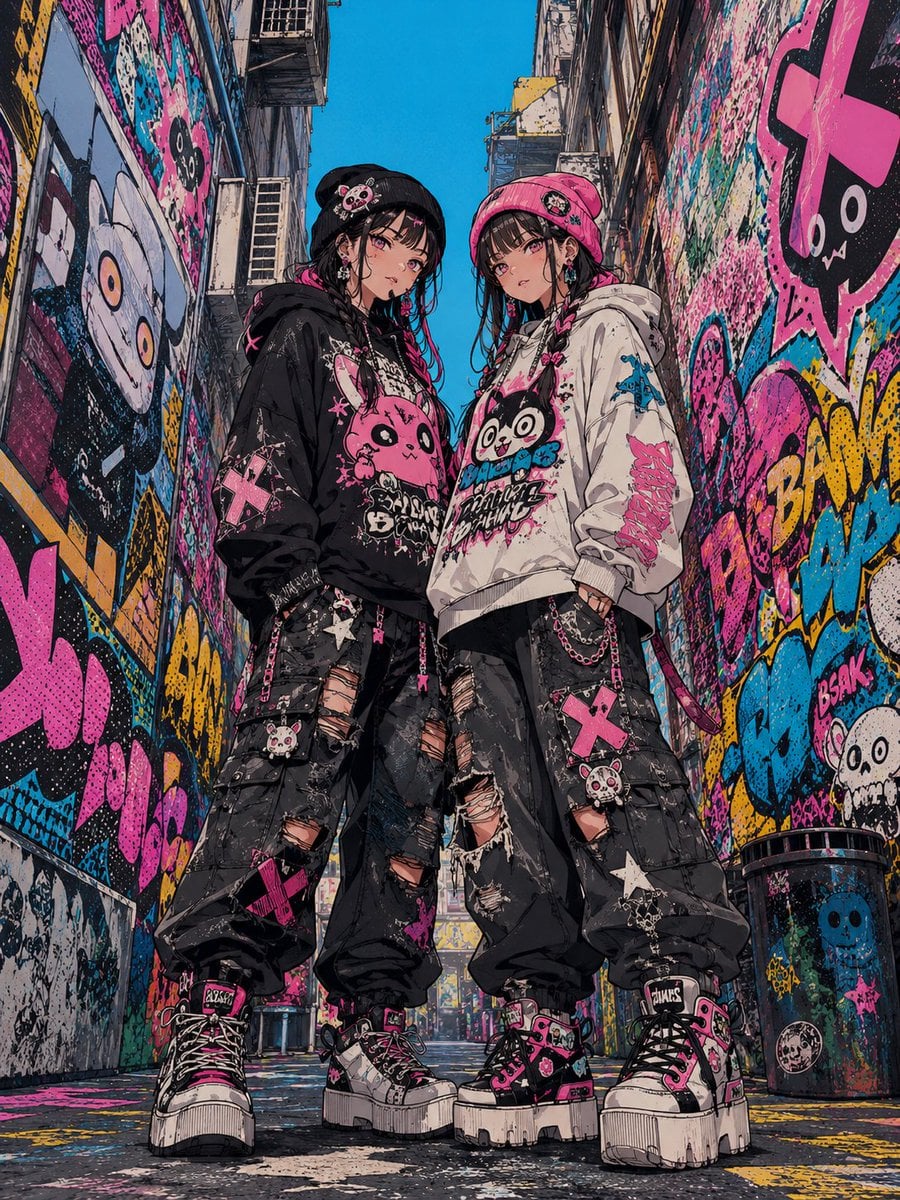
Dark Pop Horror Alley Twins
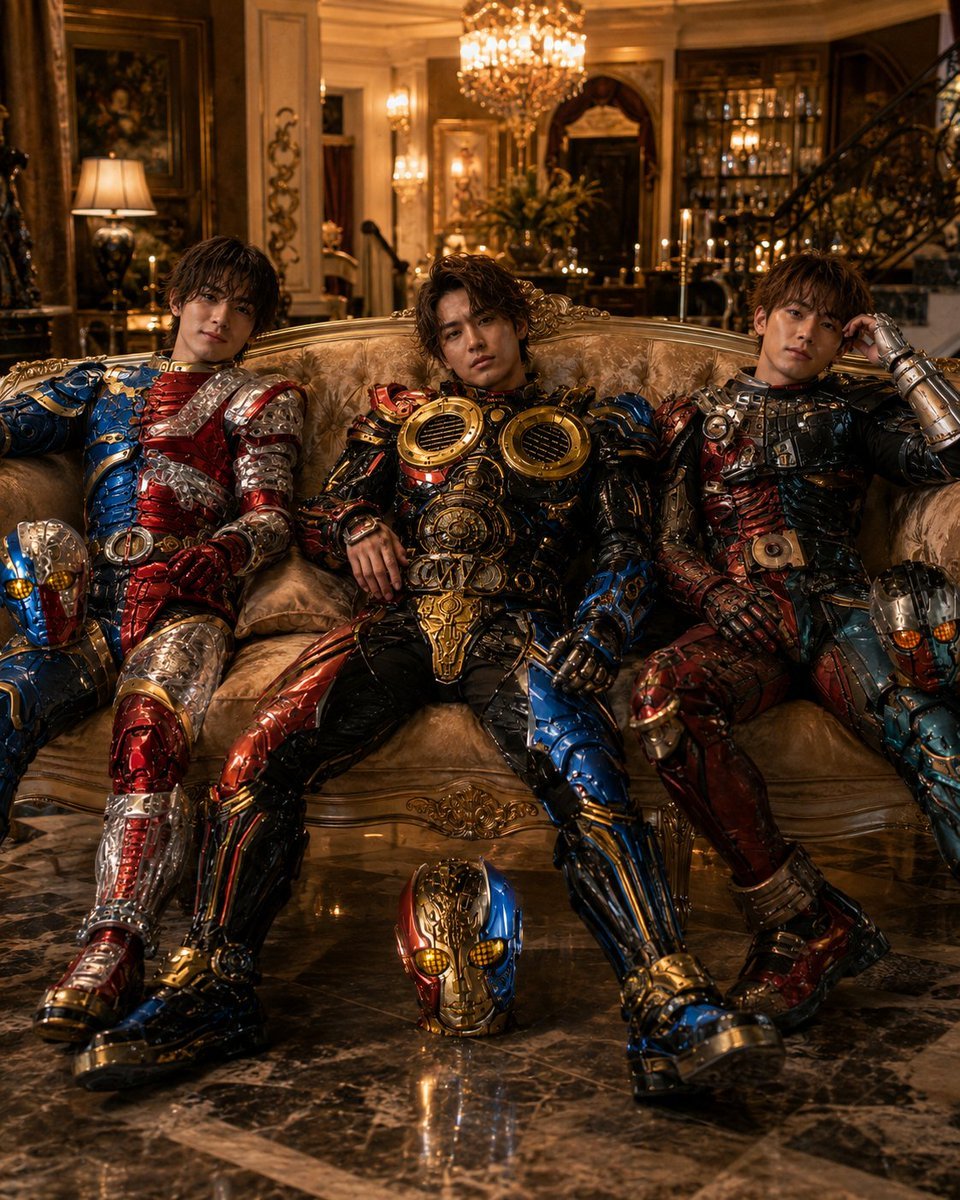
Armored Tokusatsu Cosplayers Resting
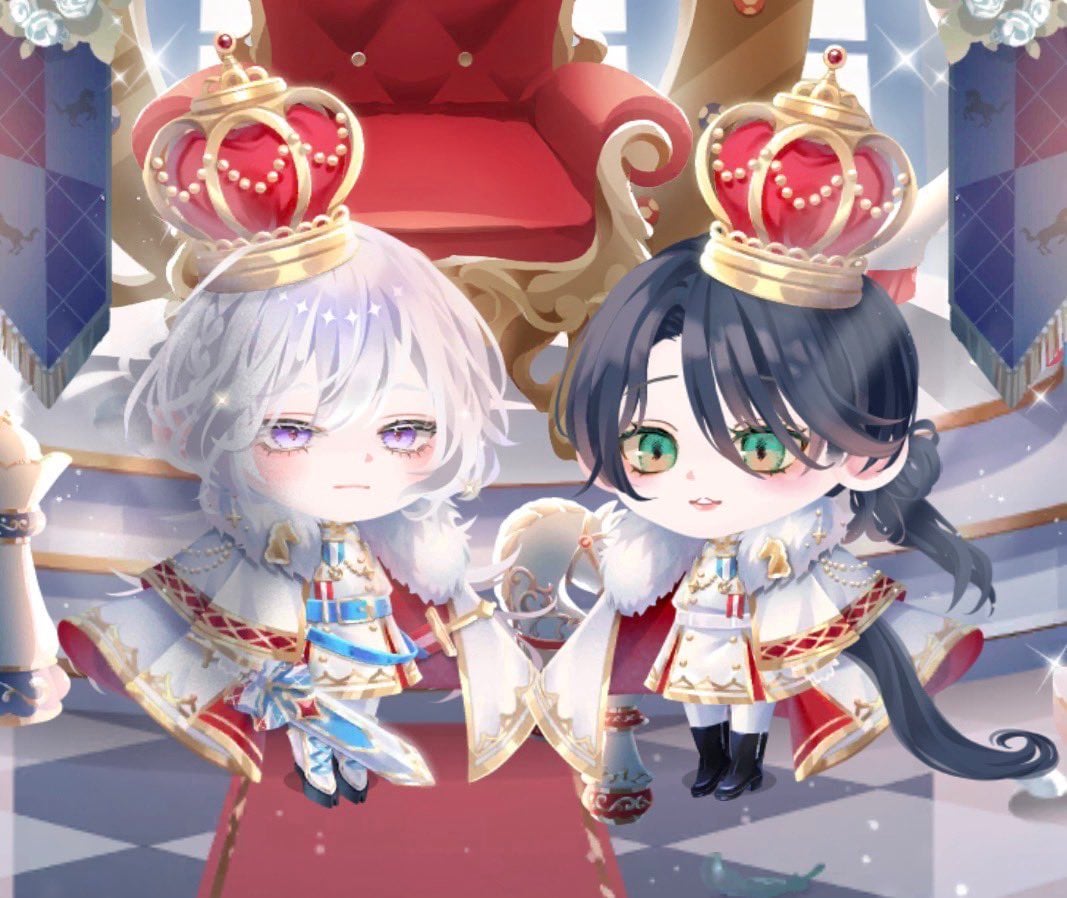
Chibi Royal Horse Twin Princes
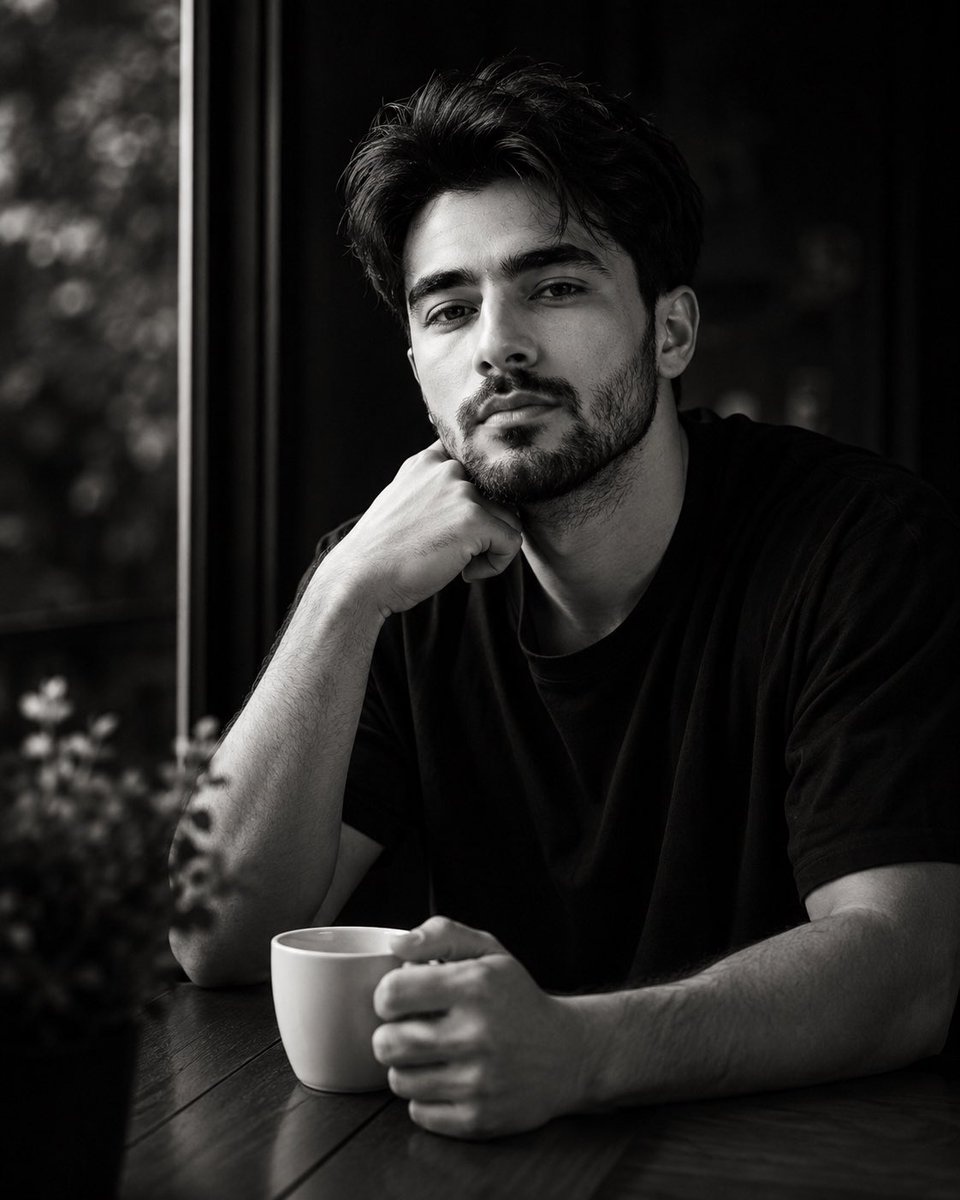
High-Contrast Monochrome Identity Portrait
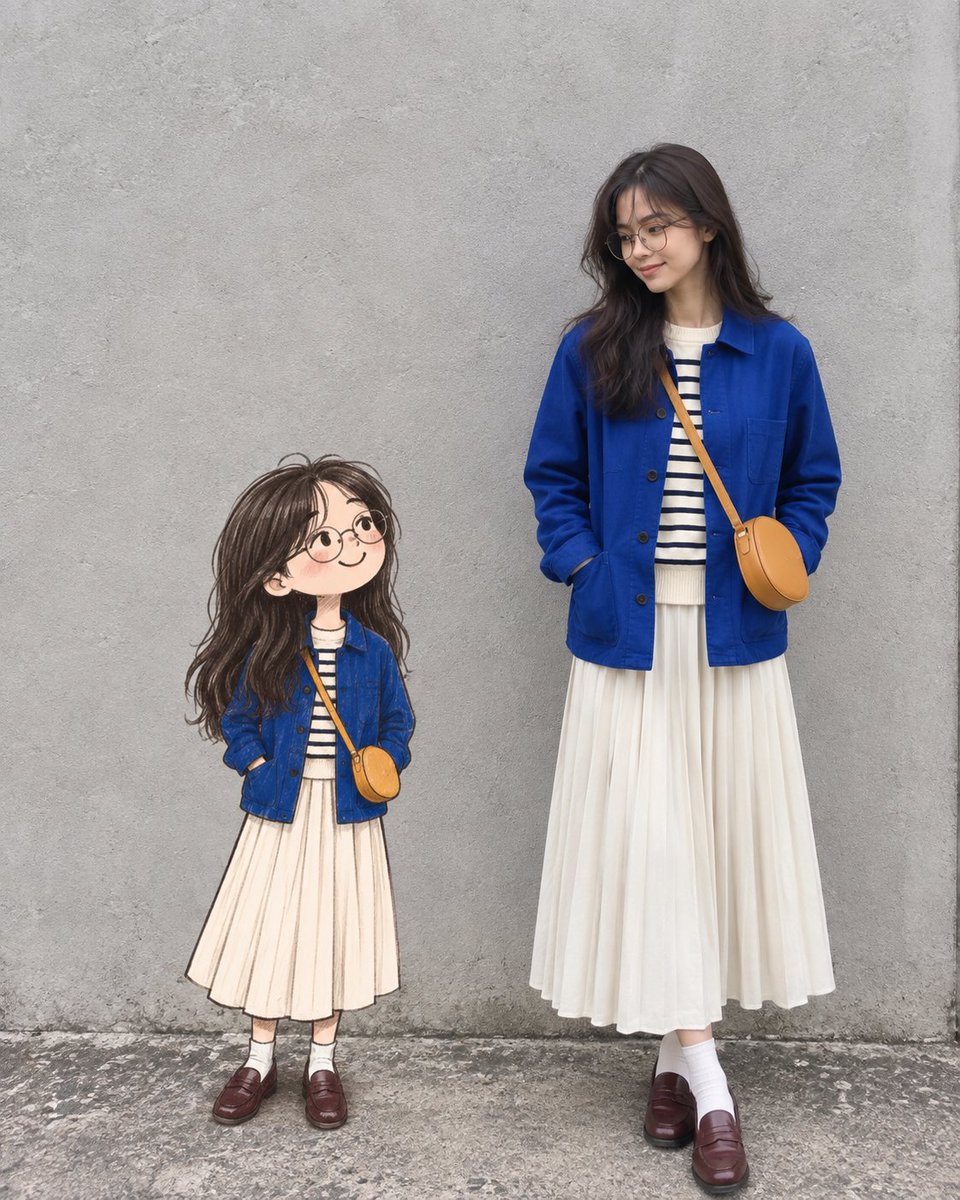
Real Woman with Illustrated Twin

High Contrast Cinematic Face Portrait

Blonde Twin Tails Girl Drinking Tea
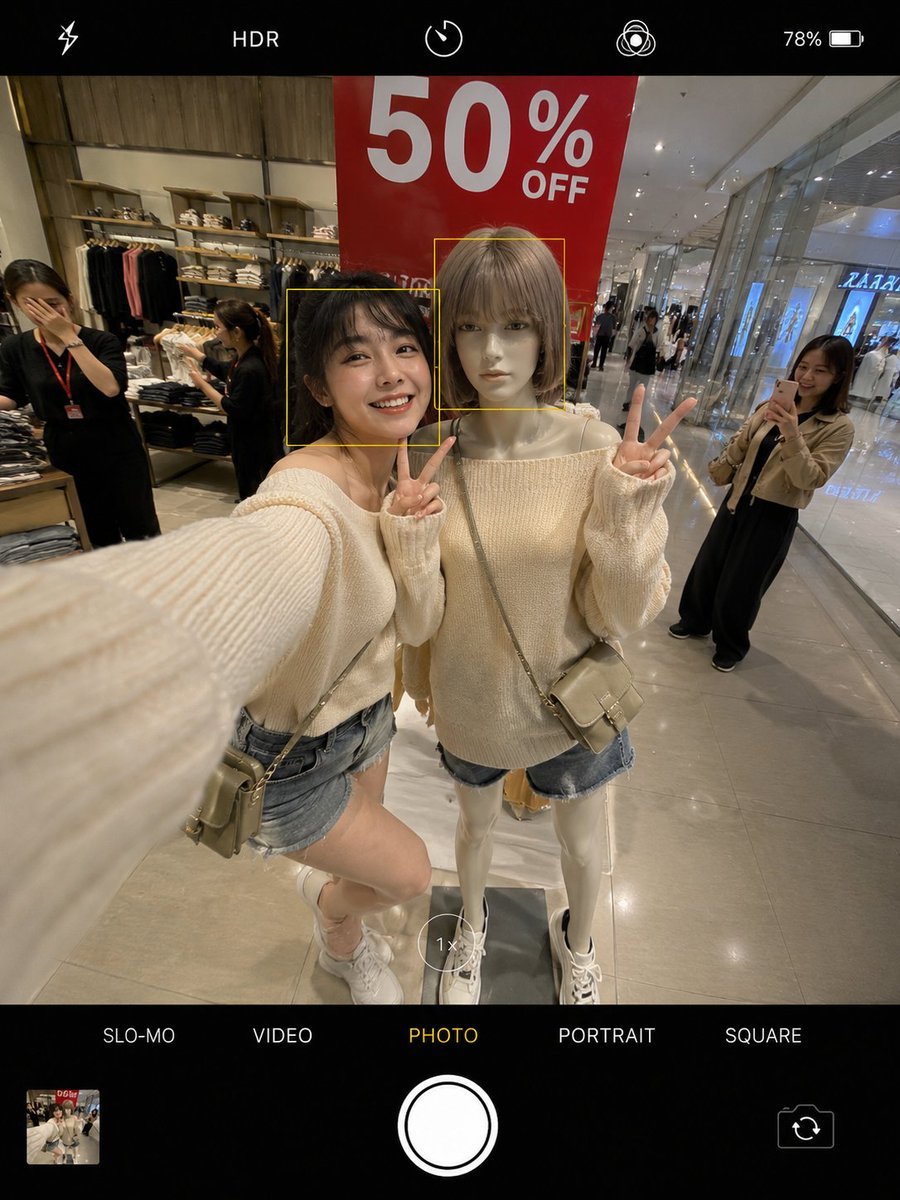
Realistic Smartphone Selfie Twins
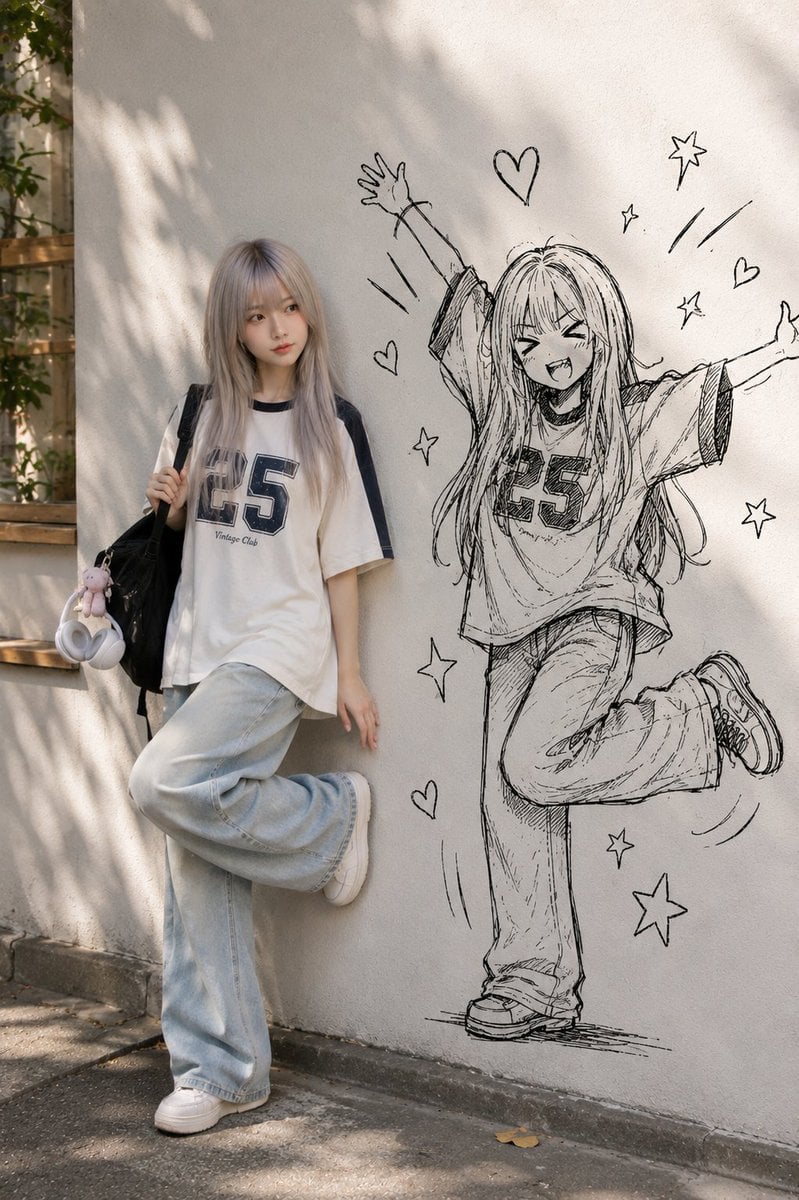
Real Person and Ink-Twin Doodle
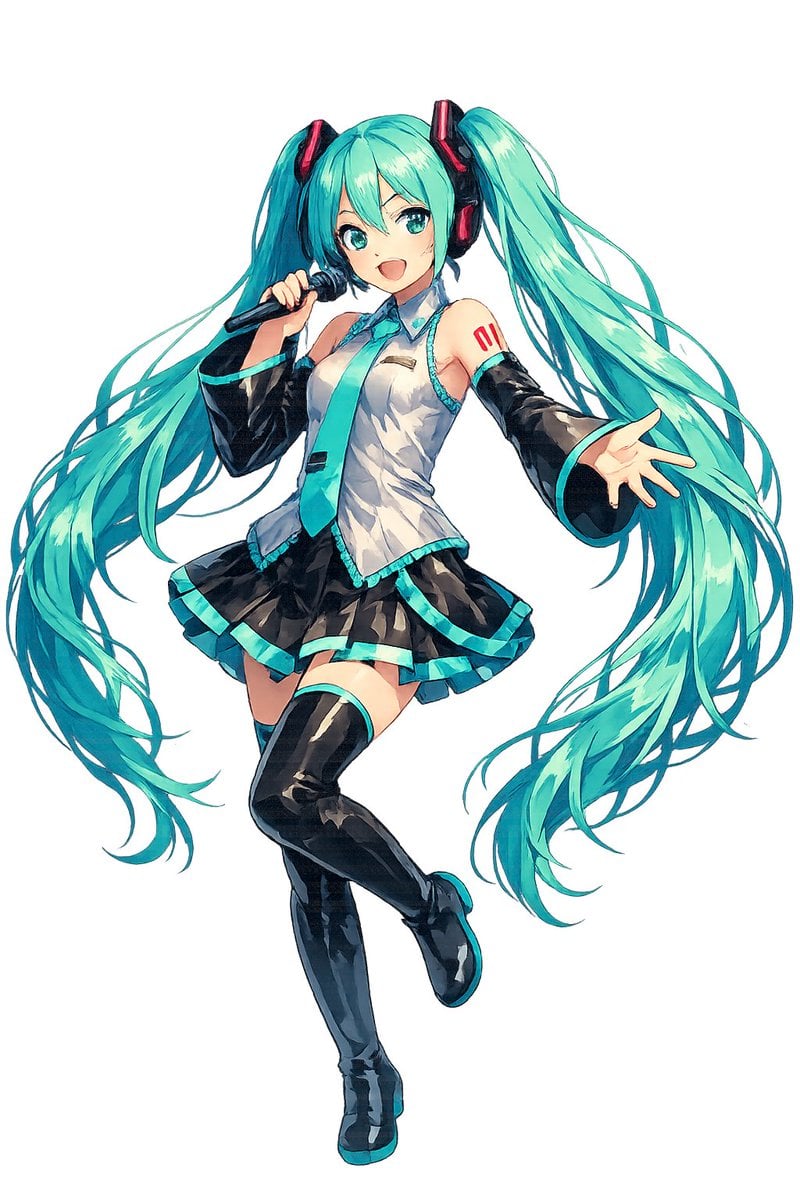
Full-Body Teal Twin-Tail Anime Idol
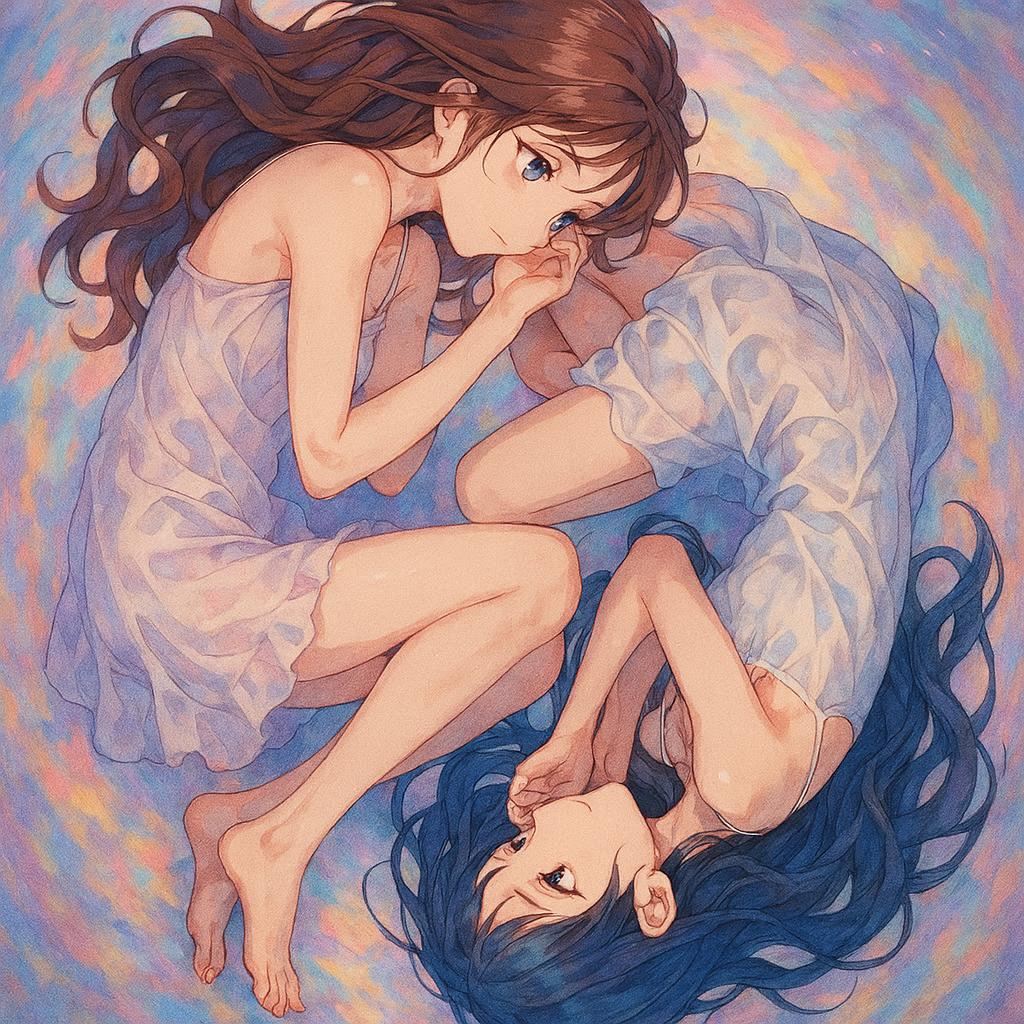
Anime Yin-Yang Twin Girls
Make it yours
Twin Cosplayers Popularity Contrast works as-is. These are the safest ways to change it without losing the look.
Change one field
Copy a single group, rewrite it, and generate again so you can see what that field is doing.
Keep the frame, change the subject
Hold the composition and light of Twin Cosplayers Popularity Contrast, then swap wardrobe, props or the person for a new take.
| If the result… | Why | Fix |
|---|---|---|
| The result drifts from the preview | Too many fields changed at once. | Reuse Twin Cosplayers Popularity Contrast as-is first, then change one group — subject, light, or setting. |
| The model over-stylizes the scene | The prose prompt leaves finish and camera underspecified. | Add one camera or lighting sentence and stay on GPT Image 2. |
More GPT Image 2 templates
Other prompts made for GPT Image 2.

Six VTuber Japanese Logo Sheet

Realistic Portrait of Woman and Deer

The Vista Modular Condo Poster

AI Model Routing Comparison Infographic

2.5D Anime Art Board

Isometric Productivity Desk Scene

New York Double Exposure Poster

Four-Panel AI Landscape Comparison

Japanese Tatami Lifestyle Magazine Cover

NESCAFÉ Coffee Map Poster
More image prompts
Fresh picks from across the catalog.
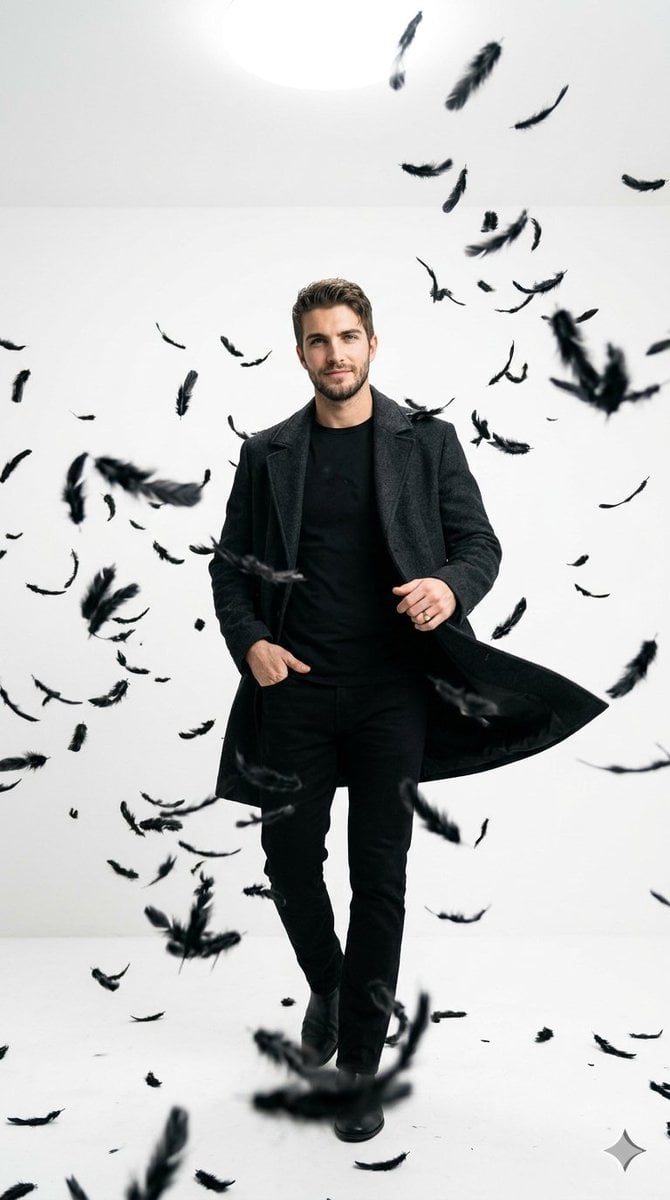
Cinematic Studio Portrait with Floating Feathers
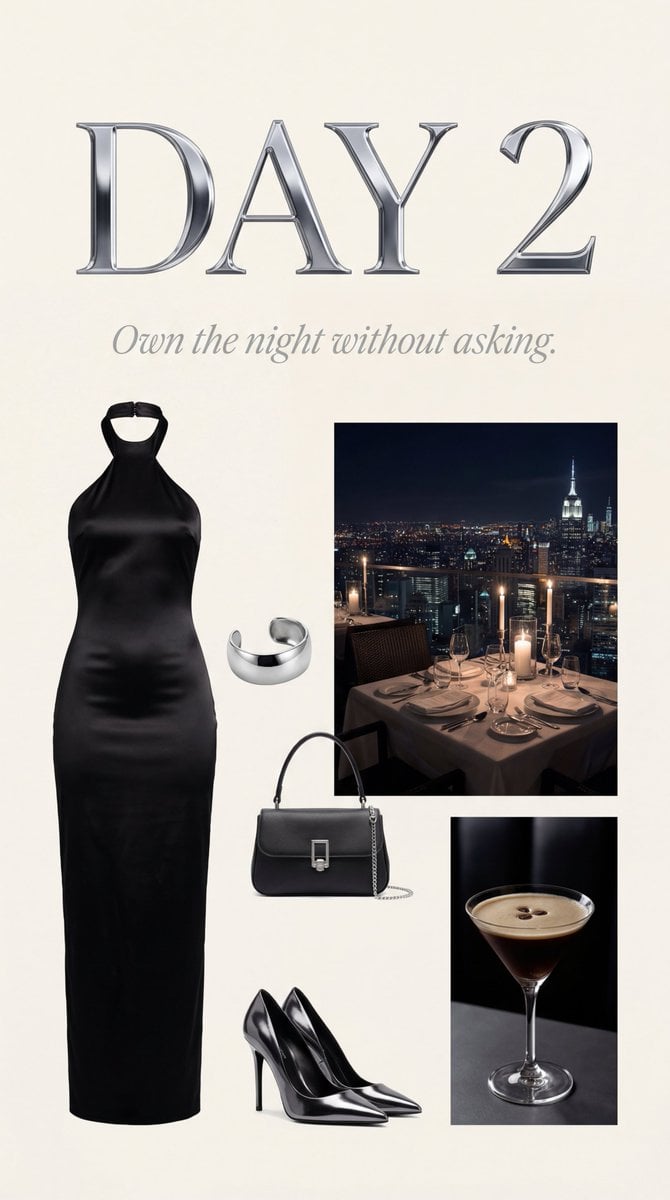
Luxury Night Fashion Moodboard (Day 2)
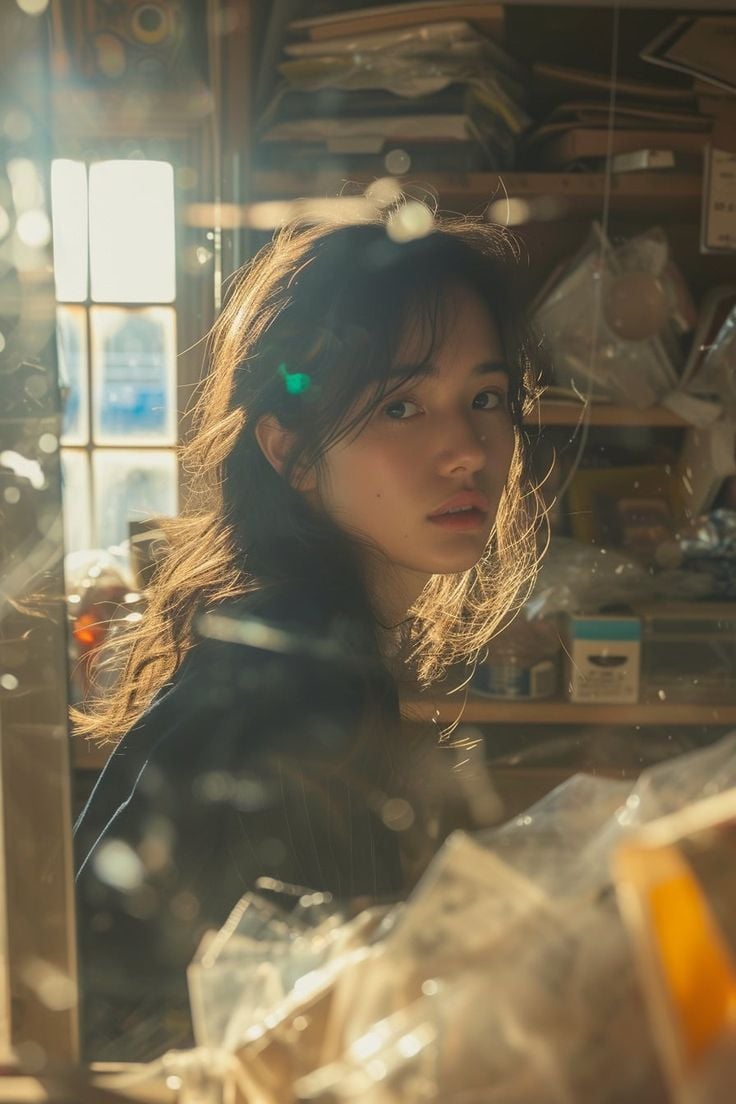
Cinematic Portrait with Backlighting and Clutter
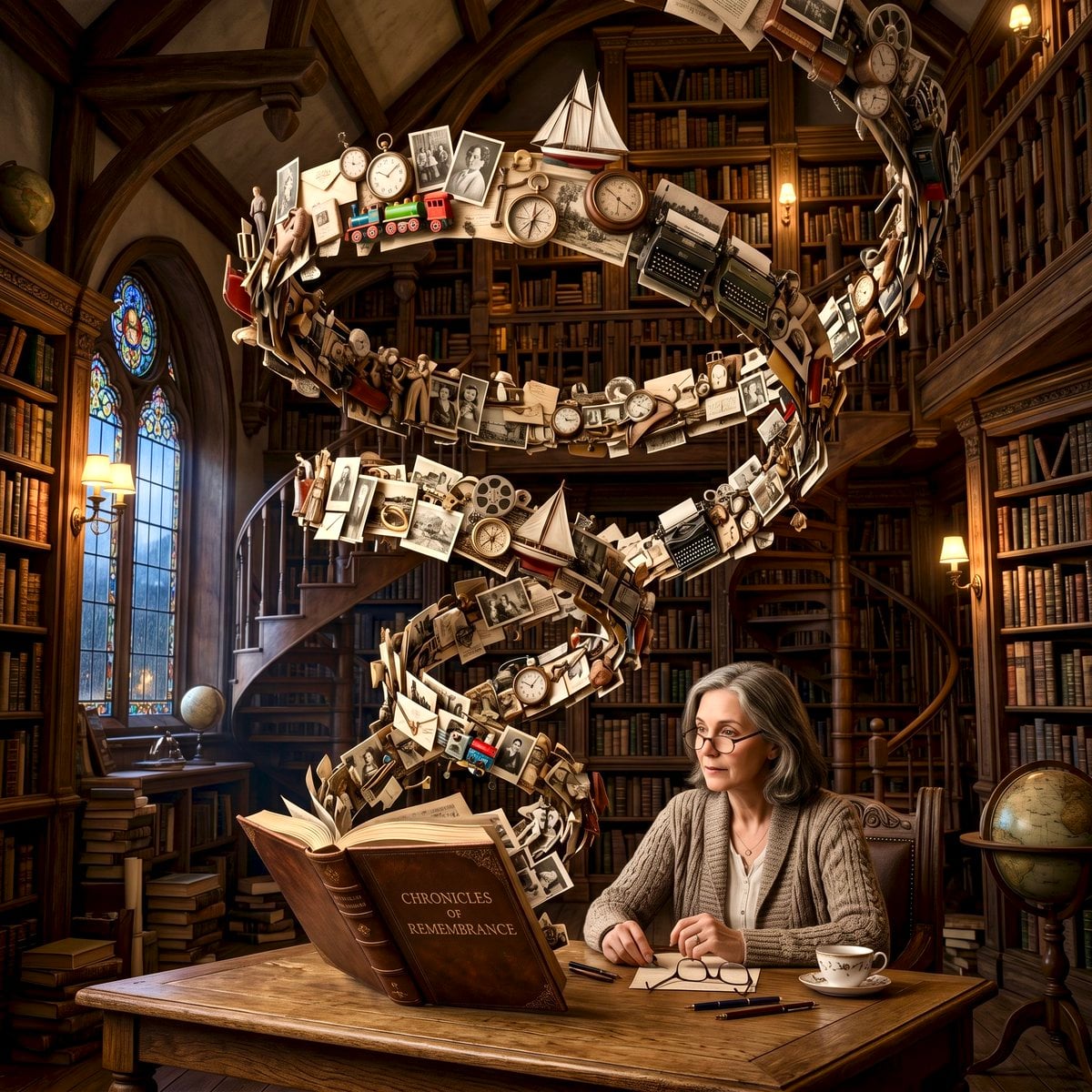
Surreal Memory Scene
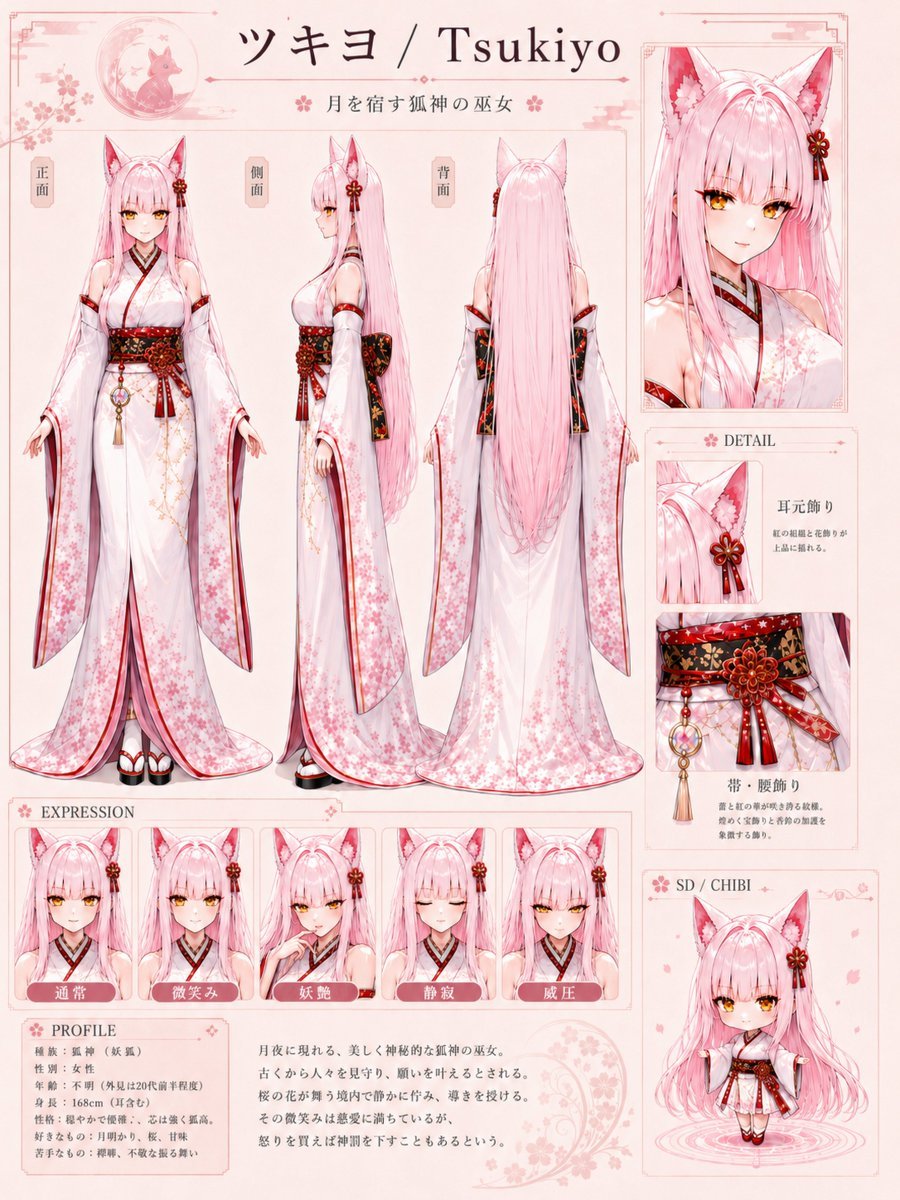
Tsukiyo Fox Shrine Maiden Reference Sheet
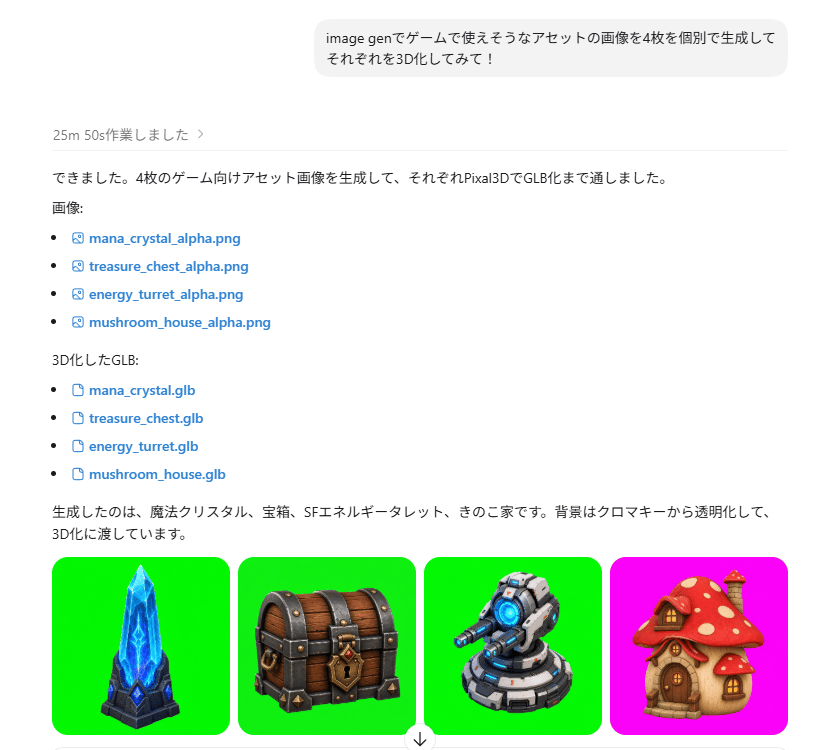
ChatGPT Game Asset Generation Screenshot
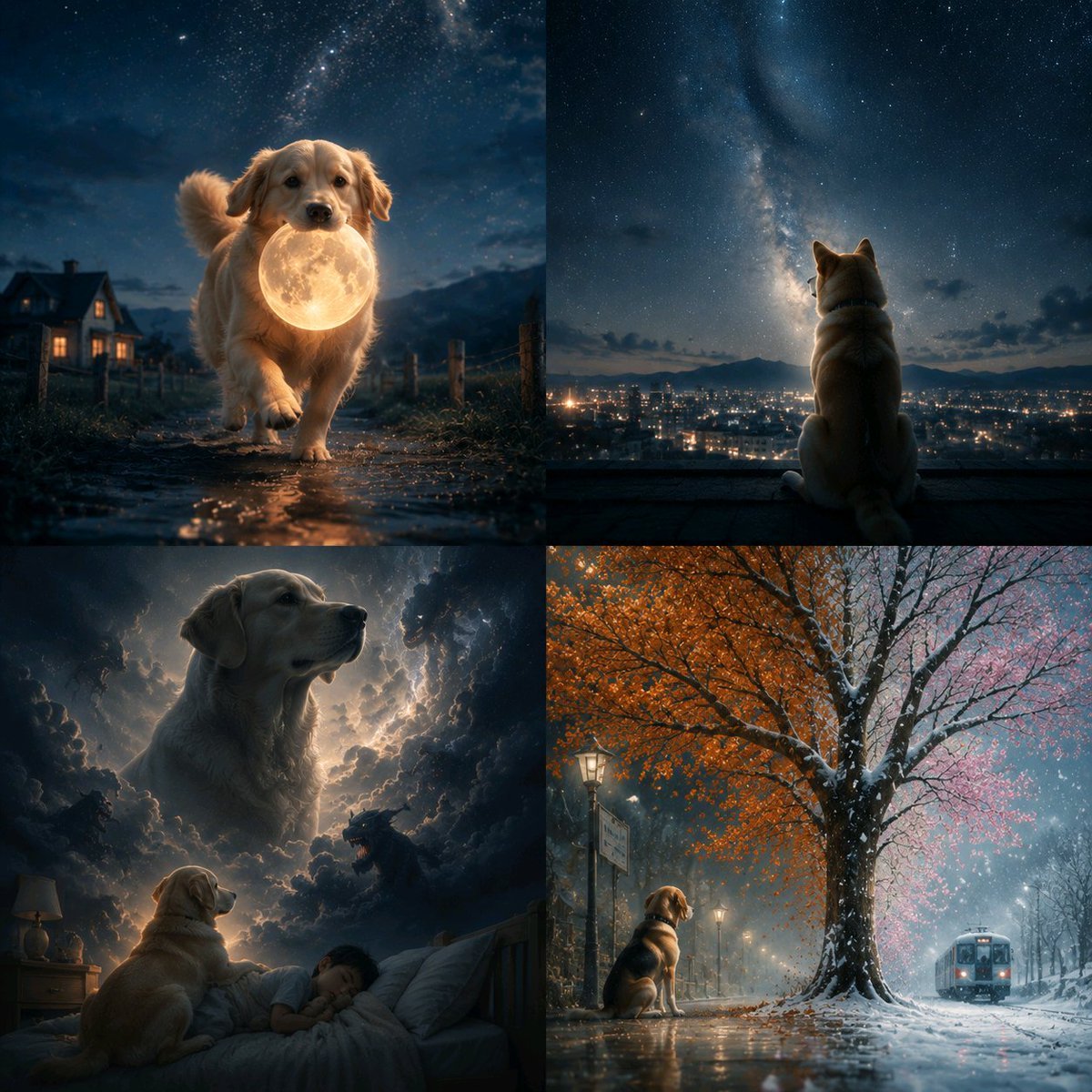
Abstract Surreal Visual Metaphor
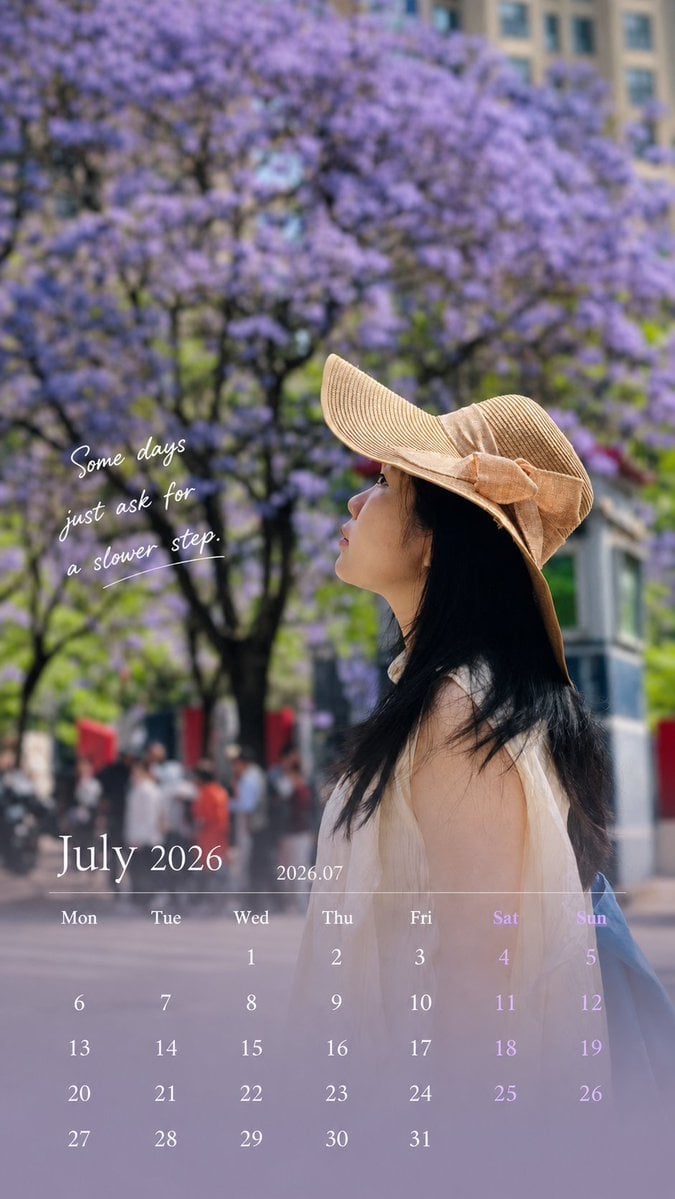
Healing Travel Calendar Card
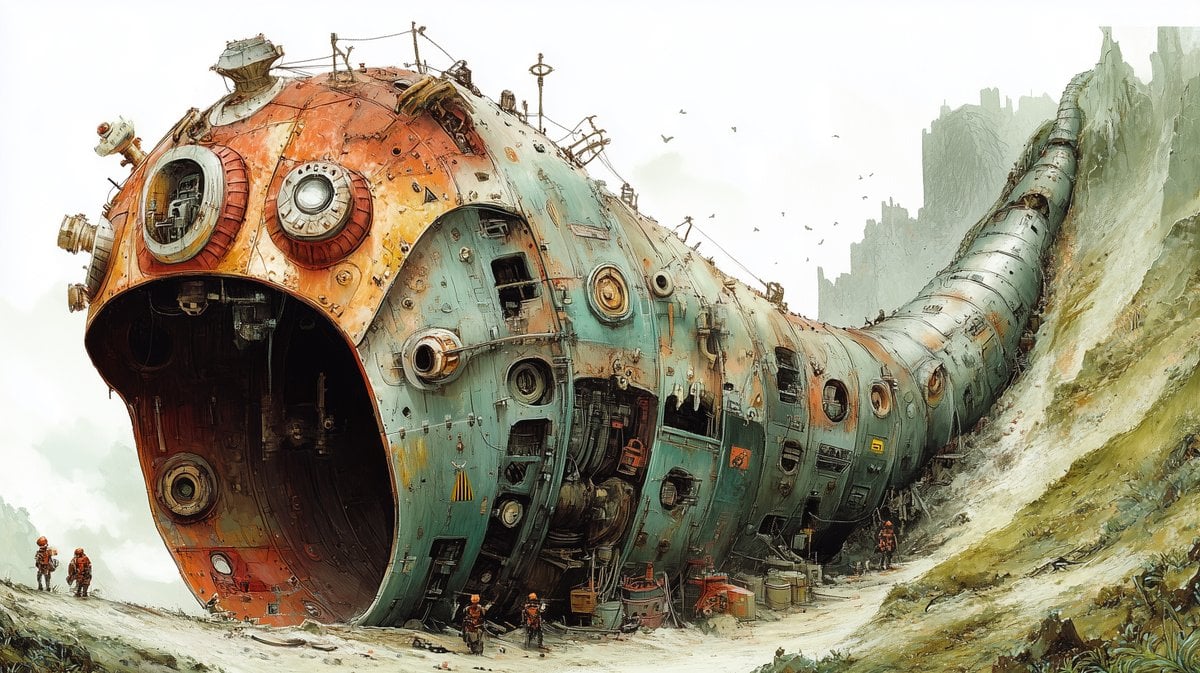
Massive Ancient Abandoned Alien Mining Machine Prompt
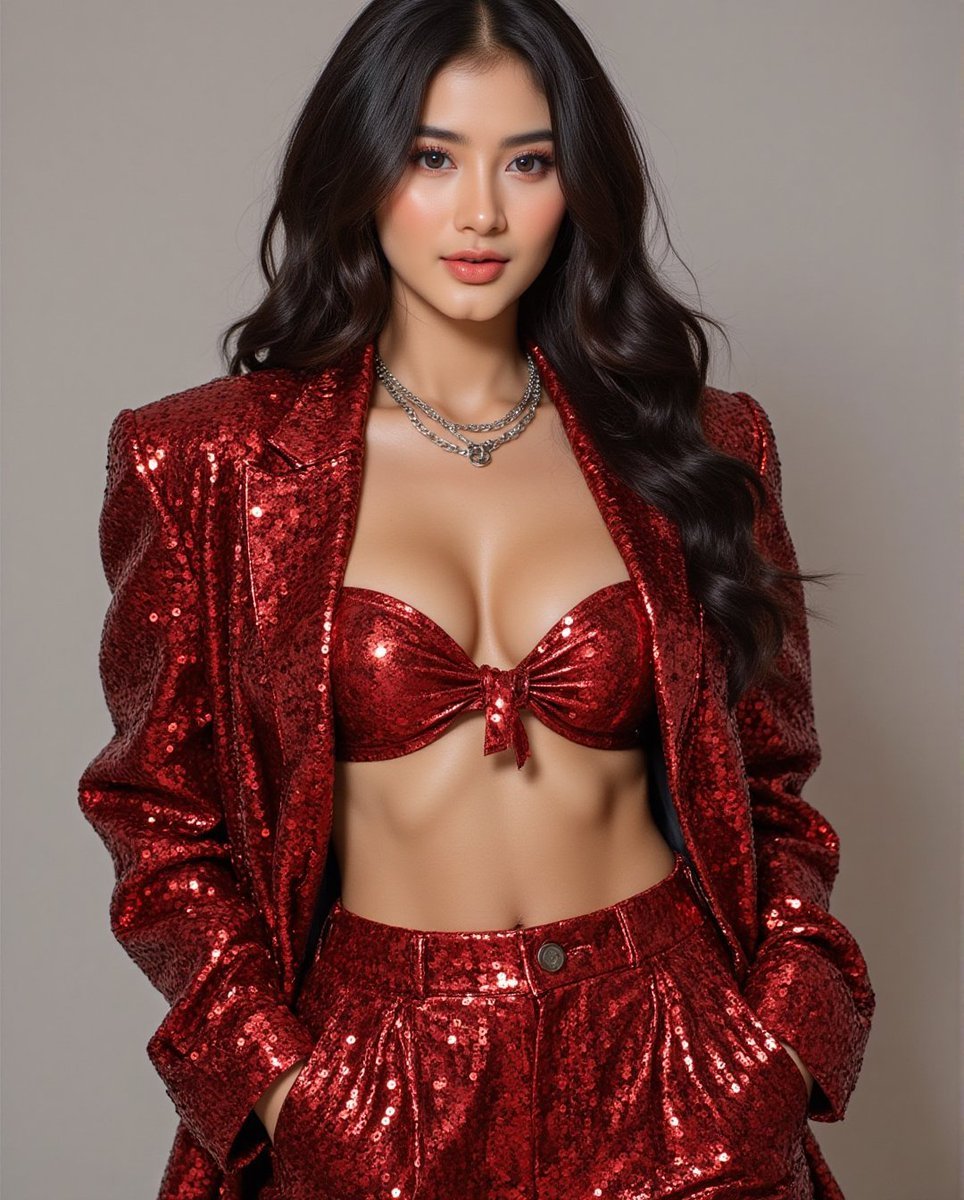
Fashion Photo in Metallic Red Sequin Suit
Browse template categories
Twin Cosplayers Popularity Contrast questions
How do I use the Twin Cosplayers Popularity Contrast template?
Add your photo if the template asks for one, edit the prompt if you like — the template's model and format are already selected — and press Generate. Your version opens in PicX Studio.
Can I customize the Twin Cosplayers Popularity Contrast template?
Yes. You can change the subject, setting, lighting, mood, format, and available model controls before creating your image.
Is the Twin Cosplayers Popularity Contrast template free?
Opening and editing this template is free. Generating uses credits, shown on the Generate button when you are signed in.
Which AI model should I use?
Start with GPT Image 2, which is the model associated with this template. You can compare another compatible model for a different finish.
Looking for something else? Browse all templates.

Your photo, any look
Thousands of ready templates for every top image and video model, from one credit balance.