
Dark Pop Horror Alley Twins
Generates a neon dark-pop horror anime illustration of two punk streetwear girls posing in a graffiti-filled alley.
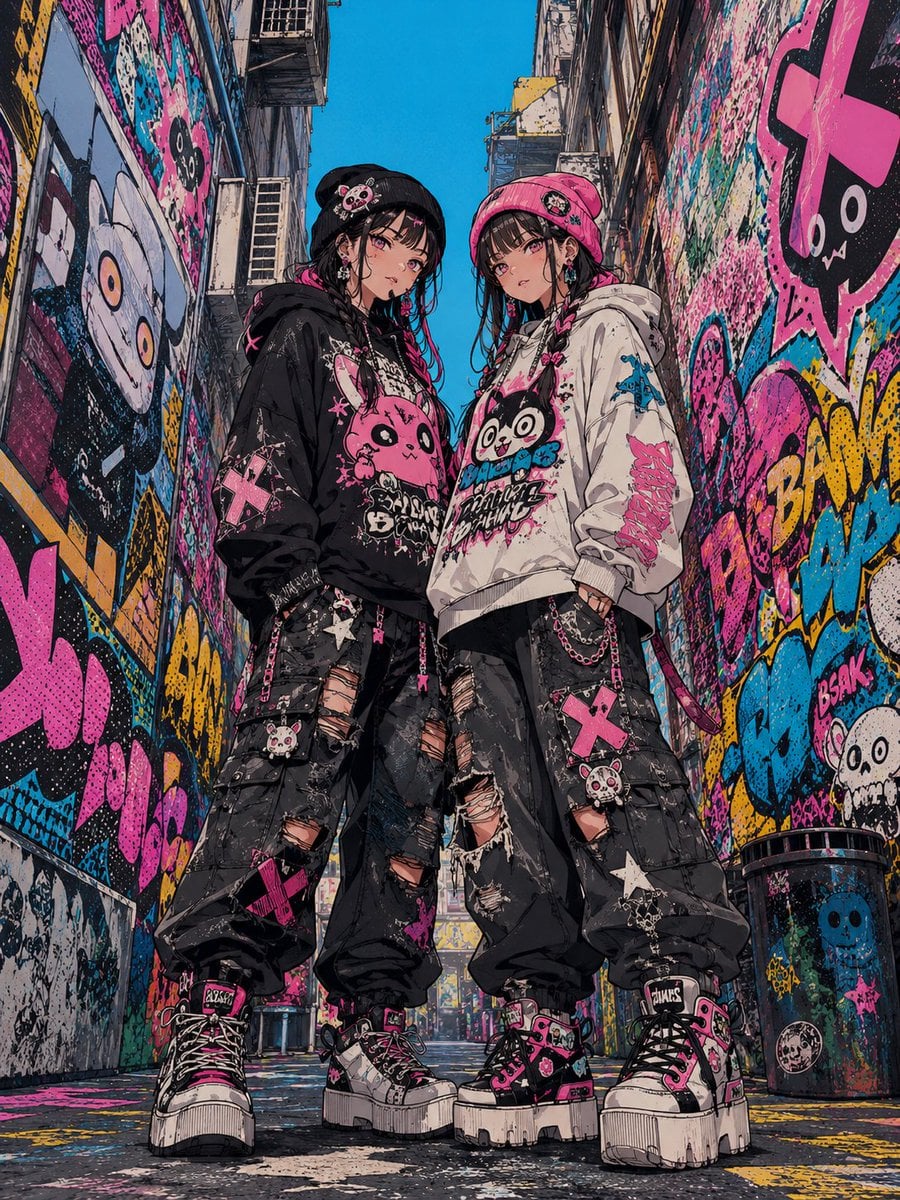
- Prompt included
- Model and format preset
- Free template
The prompt behind this image
Copy the exact prompt behind Dark Pop Horror Alley Twins, or open it in the studio and make it yours.
Create a vivid dark-pop horror anime street-fashion illustration of two young punk girls standing close together in a narrow urban alley covered wall-to-wall in graffiti. The scene should feel like Harajuku streetwear mixed with cute horror, neon pop art, and gritty cyberpunk alley photography. Use a low-angle full-body composition, vertical 3:4 canvas, with the girls centered and towering slightly over the viewer, framed by tall buildings on both sides and a bright cyan-blue sky visible above. The alley walls, pavement, utility pipes, fire escapes, trash bin, and distant background must be saturated with layered graffiti in hot pink, cyan, yellow, black, white, and teal, including cute skulls, one-eyed monsters, cartoon ghosts, crosses, splatter paint, halftone dots, and bold bubble-letter tags. Subject details: show exactly 2 girls. Both have pale skin, slim builds, long black hair with bangs, pink streaks, heavy eyeliner, small blush, and a cool melancholic expression. The left girl wears a black beanie with a small cute skull-bunny patch, a black oversized hoodie with a large pink monster graphic, black ripped cargo pants covered in patches, chains, straps, safety pins, pink crosses, and skull charms, plus chunky black-and-white platform sneakers with pink laces. The right girl wears a hot-pink beanie with a small patch, a white oversized hoodie with a black-and-pink cute monster face graphic, black ripped cargo pants with chains and pink cross patches, and matching chunky platform sneakers. Their poses should be relaxed and confident, hands partly in pockets, shoulders angled inward as if they are close friends or twins. Counted visible fashion elements to emphasize: exactly 2 beanies, exactly 2 oversized hoodies, exactly 2 pairs of ripped cargo pants, exactly 2 pairs of chunky platform sneakers, multiple silver chains on both pants, at least 4 prominent pink cross patches, at least 4 cute skull or monster patches, and repeated horror-cute motifs across clothing and walls. Use expressive manga/anime linework with detailed ink hatching, rough screen-tone texture, paint splatters, sticker-like graphics, and high-contrast neon colors. Make the illustration dense and maximalist but keep the two characters clearly readable. Avoid realism, avoid clean minimal backgrounds, avoid extra people, and avoid legible brand names or readable copyrighted logos.
How to use Dark Pop Horror Alley Twins in 3 steps
- 1Upload ImagePNG, JPG or paste
Add your photo
Upload the photo the template builds on. The prompt, model and format are already set.
- 2…a portrait of your subject in softgolden-hour light, 85mm…
Personalize
Edit the subject and creative details for your destination.
- 3Generate
Generate
Press Generate — your image is created in PicX Studio, so you can compare it with the original and refine one variable at a time.
More like this
Templates with the same subject, style or setup. Open one to see its prompt.

Horror Cinematic Portrait

Selective Color Monochrome Football Poster
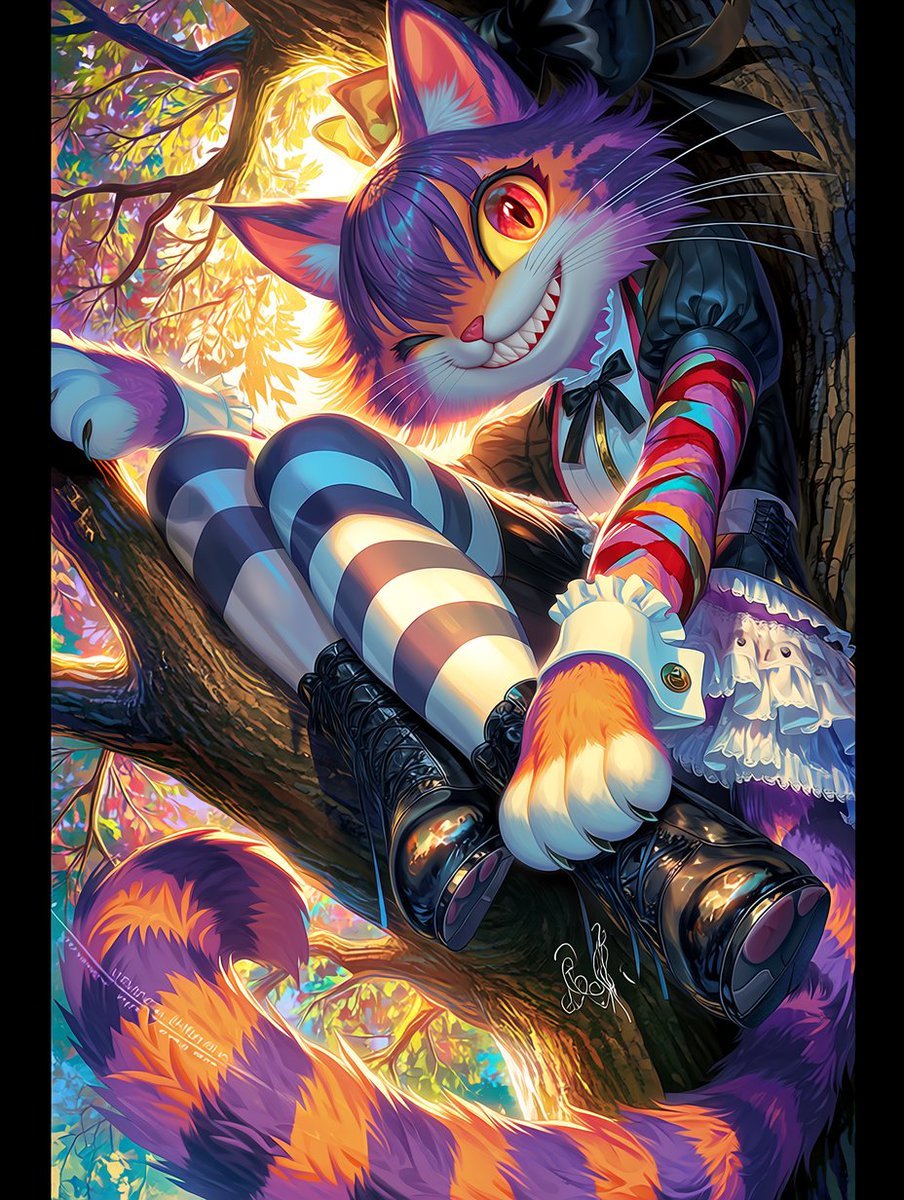
Dark Pop Cheshire Cat Girl

Night Sports Car Portrait — Cinematic Moody

Cinematic Eye Light Portraits — 3 Nano Banana Prompts
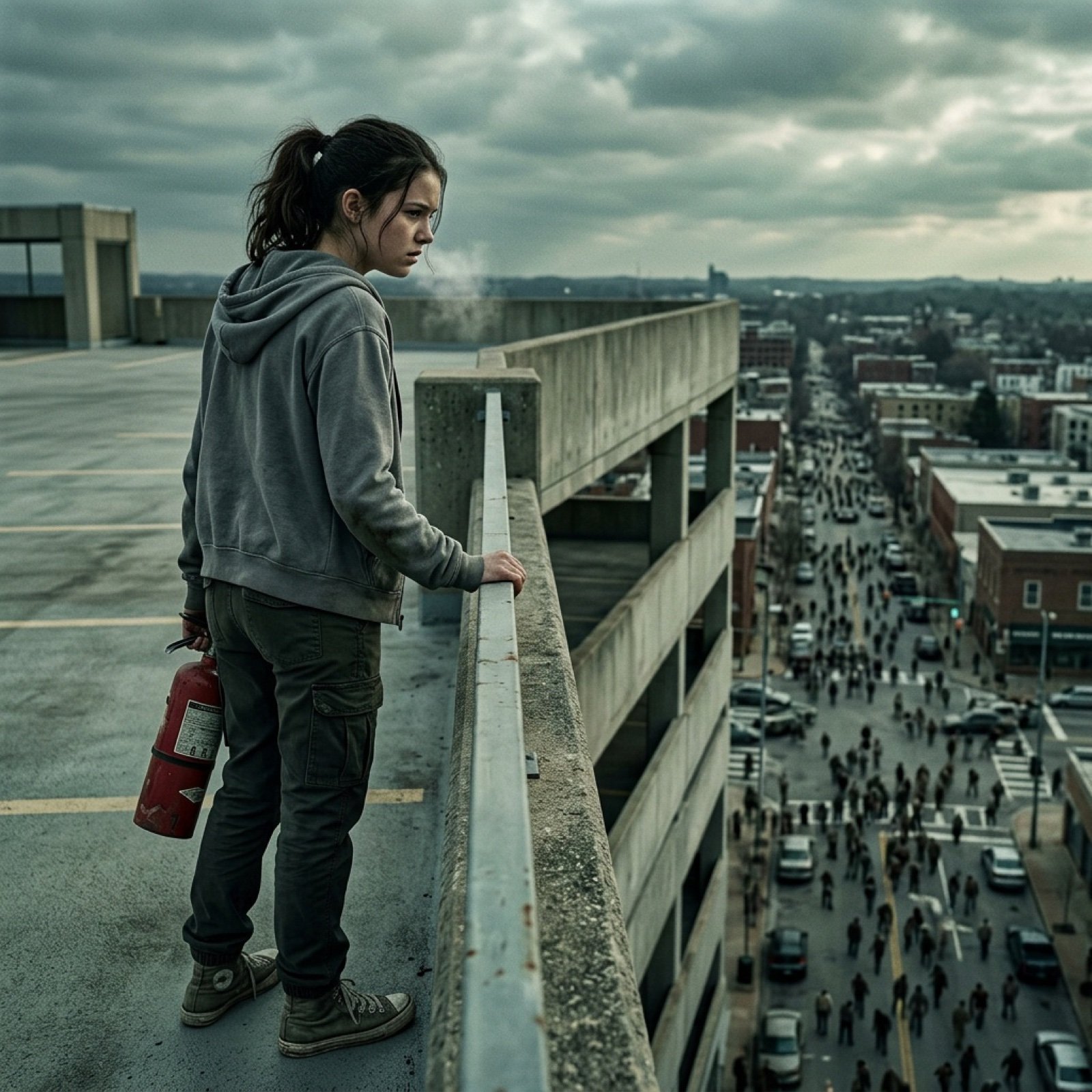
Seedance 2.0 - Zombie Girl Escapes
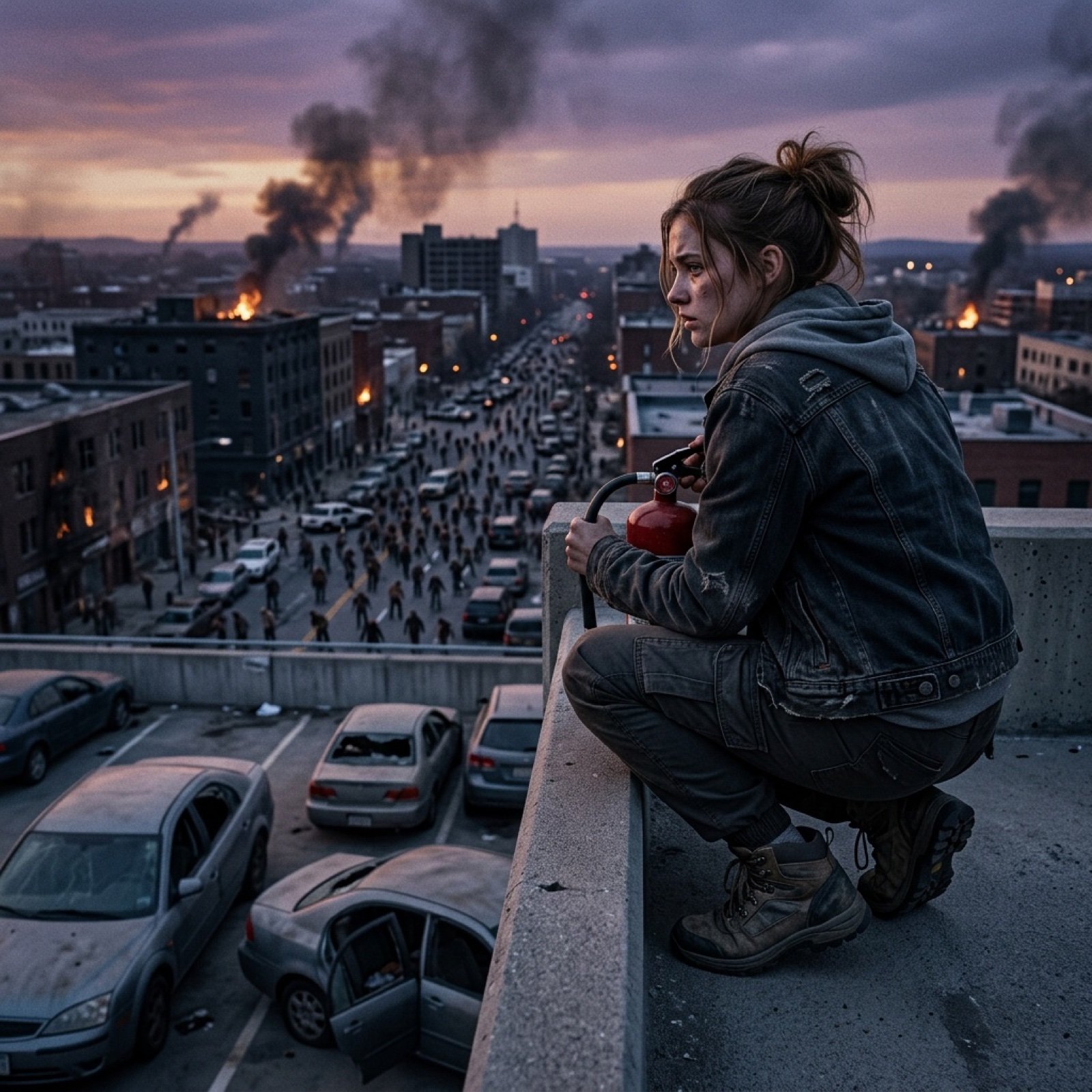
Seedance 2.0 - Zombie Girl Escapes
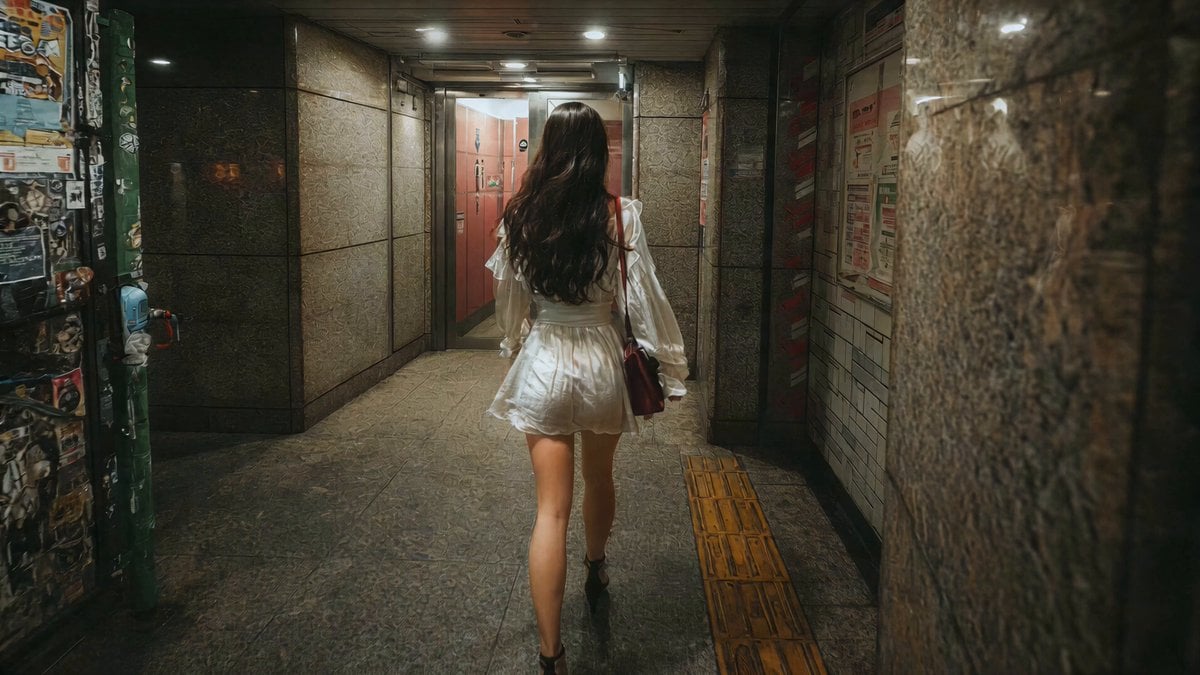
J-Horror Shibuya Station - Seedance 2.0
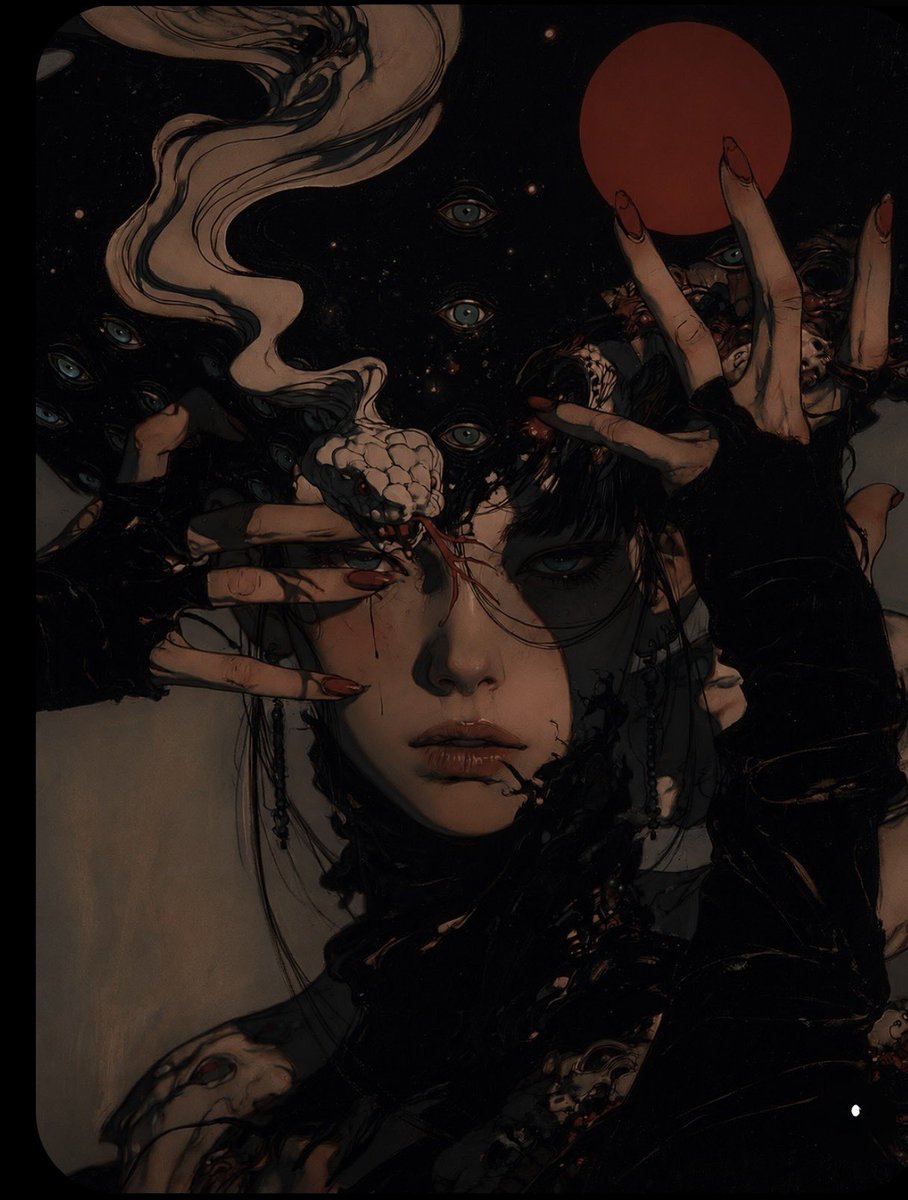
Surreal Gothic Horror Portrait

Pop Art Summer Fruit Fashion Illustration

Multiple dark purple berries erupting from inside the can
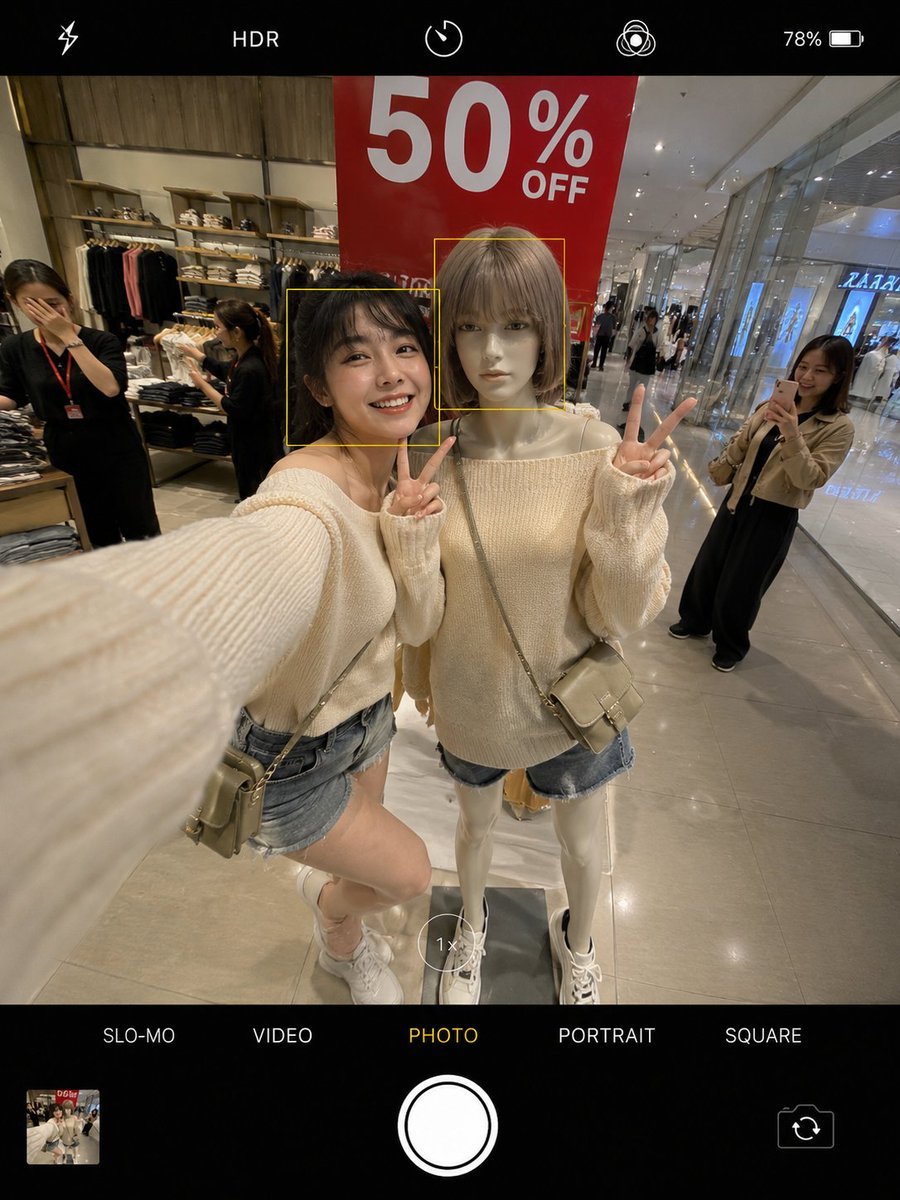
Realistic Smartphone Selfie Twins
Make it yours
Dark Pop Horror Alley Twins works as-is. These are the safest ways to change it without losing the look.
Change one field
Copy a single group, rewrite it, and generate again so you can see what that field is doing.
Keep the frame, change the subject
Hold the composition and light of Dark Pop Horror Alley Twins, then swap wardrobe, props or the person for a new take.
| If the result… | Why | Fix |
|---|---|---|
| The result drifts from the preview | Too many fields changed at once. | Reuse Dark Pop Horror Alley Twins as-is first, then change one group — subject, light, or setting. |
| The model over-stylizes the scene | The prose prompt leaves finish and camera underspecified. | Add one camera or lighting sentence and stay on GPT Image 2. |
More GPT Image 2 templates
Other prompts made for GPT Image 2.

Six VTuber Japanese Logo Sheet

Realistic Portrait of Woman and Deer

The Vista Modular Condo Poster

AI Model Routing Comparison Infographic

2.5D Anime Art Board

Isometric Productivity Desk Scene

New York Double Exposure Poster

Four-Panel AI Landscape Comparison

Japanese Tatami Lifestyle Magazine Cover

NESCAFÉ Coffee Map Poster
More image prompts
Fresh picks from across the catalog.
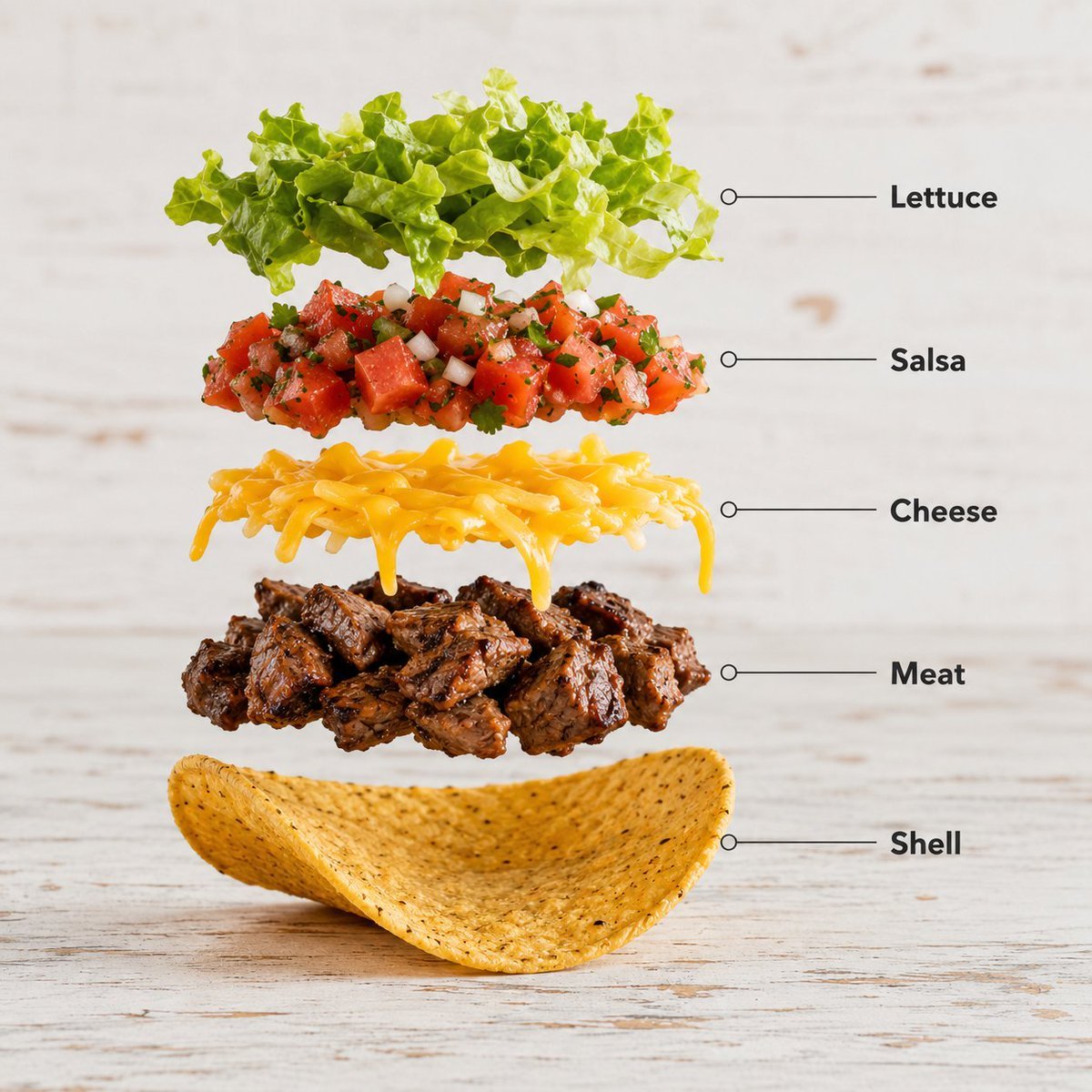
Exploded Food Infographic Composition

Social Media Meme Cover
Tiny Clay World Diorama Generator
Anonymous Pink Hoodie Skater
Clean Girl Aesthetic Selfie in Upscale Apartment (JSON Format)
3D Pixar-Style Sticker Pack Generation from Reference Image
Minimalist Wallpaper Generation Prompt
Cinematic Gourmet Burger Explosion Prompt (Code Style)
Day and Night Split Portrait Prompt for Nano Banana Pro
Anime Cyber Streetwear Full-Body Portrait
Browse template categories
Dark Pop Horror Alley Twins questions
How do I use the Dark Pop Horror Alley Twins template?
Add your photo if the template asks for one, edit the prompt if you like — the template's model and format are already selected — and press Generate. Your version opens in PicX Studio.
Can I customize the Dark Pop Horror Alley Twins template?
Yes. You can change the subject, setting, lighting, mood, format, and available model controls before creating your image.
Is the Dark Pop Horror Alley Twins template free?
Opening and editing this template is free. Generating uses credits, shown on the Generate button when you are signed in.
Which AI model should I use?
Start with GPT Image 2, which is the model associated with this template. You can compare another compatible model for a different finish.
Looking for something else? Browse all templates.

Your photo, any look
Thousands of ready templates for every top image and video model, from one credit balance.