
Anime Cyber Streetwear Full-Body Portrait
Generates a full-body anime-style fashion portrait of a young Japanese woman in futuristic streetwear for character design or style reference.
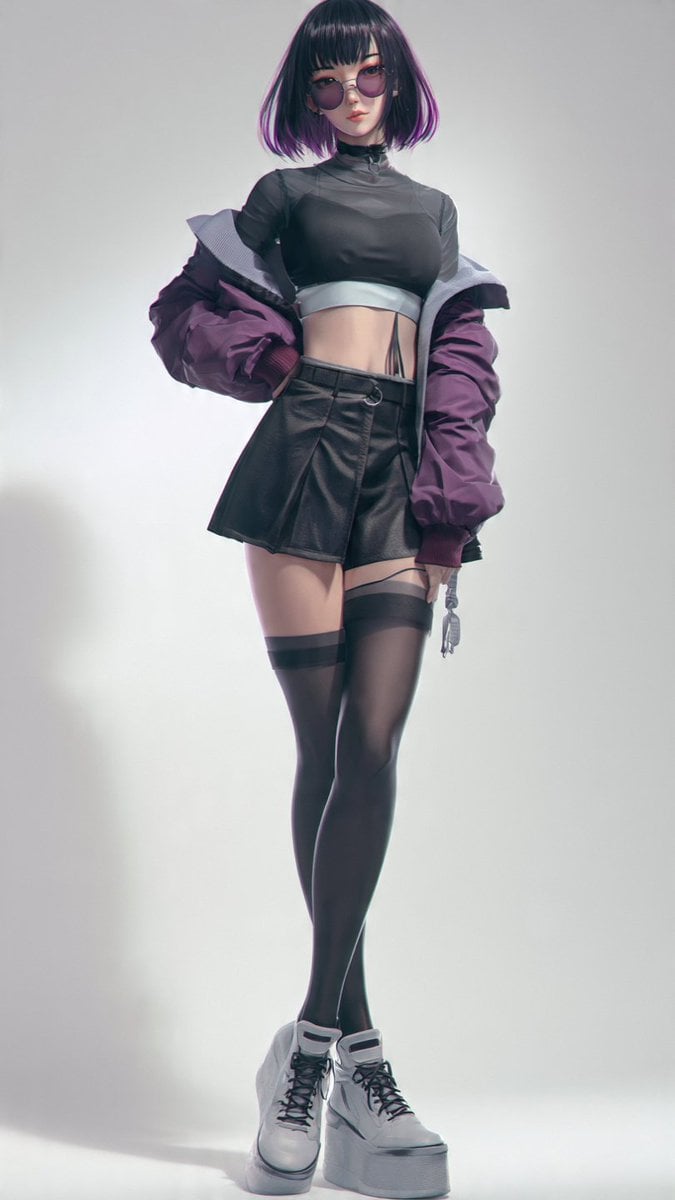
- Prompt included
- Model and format preset
- Premium template
The prompt behind this image
Copy the exact prompt behind Anime Cyber Streetwear Full-Body Portrait, or open it in the studio and make it yours.
Create a full-body studio fashion portrait of a stylish young Japanese female anime-inspired character with a deliberately soft, indistinct face, standing confidently against a clean light gray background. She has a short blunt bob haircut with straight bangs, {argument name="hair color" default="black hair with vivid purple highlights at the ends"}, and a slim athletic figure. Her outfit is a futuristic streetwear look: a sheer black cropped high-neck top with short sleeves, a pale metallic band under the bust, visible midriff, an oversized puffy bomber jacket worn off the shoulders in {argument name="jacket color" default="deep purple"} with a light gray lining, a high-waisted black faux-leather mini skirt with asymmetric wrap panels and a small ring detail at the waist, black thigh-high stockings with garter straps, and chunky white platform lace-up boots. Pose her full length with one hand near the hip, shoulders relaxed, one leg crossing slightly in front of the other, creating a runway-model stance. Use realistic anime character rendering, highly detailed fabric textures, glossy leather, soft nylon jacket folds, clean studio lighting, sharp focus, subtle shadow on the floor, vertical portrait composition, fashionable modern cyber-streetwear mood, no text, no watermark.
How to use Anime Cyber Streetwear Full-Body Portrait in 3 steps
- 1Upload ImagePNG, JPG or paste
Add your photo
Upload the photo the template builds on. The prompt, model and format are already set.
- 2…a portrait of your subject in softgolden-hour light, 85mm…
Personalize
Edit the subject and creative details for your destination.
- 3Generate
Generate
Press Generate — your image is created in PicX Studio, so you can compare it with the original and refine one variable at a time.
More like this
Templates with the same subject, style or setup. Open one to see its prompt.
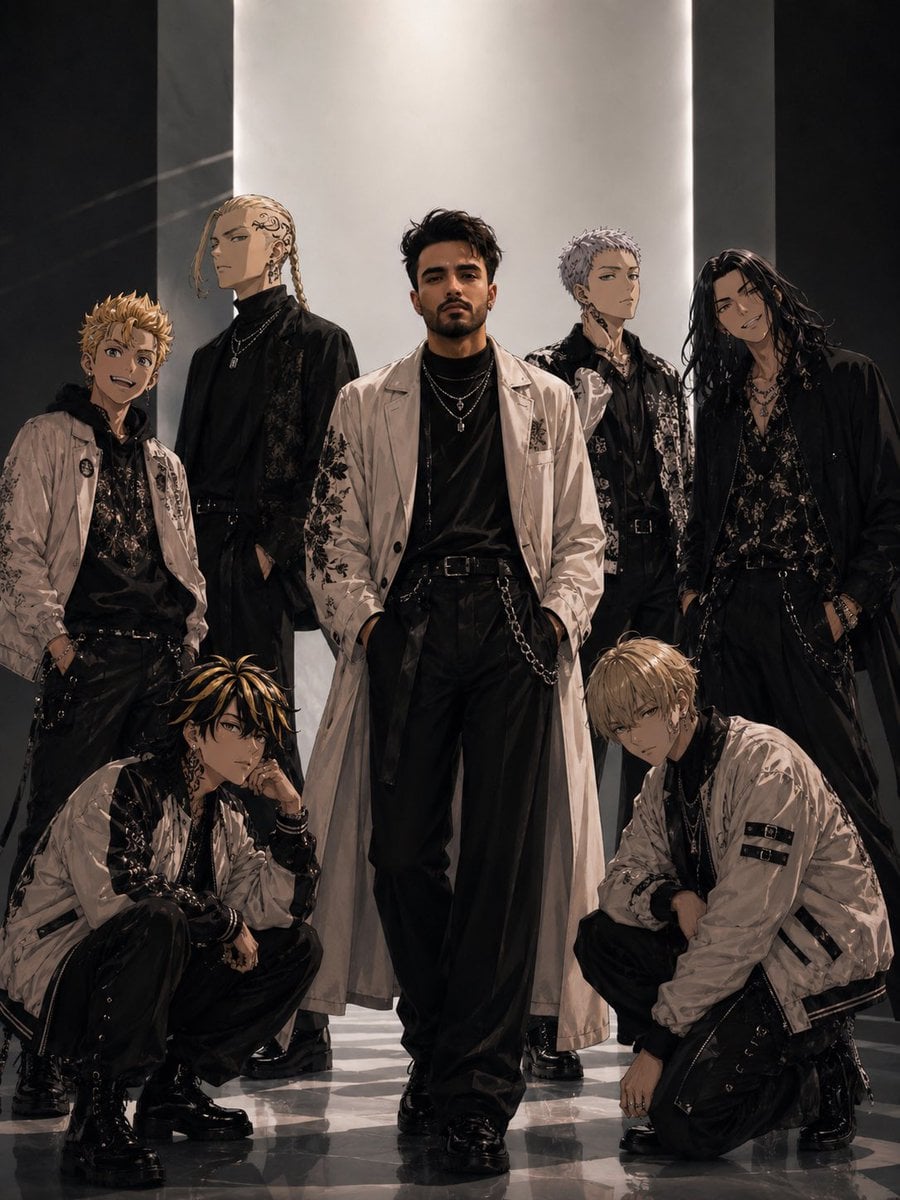
Tokyo Streetwear Anime Leader Portrait
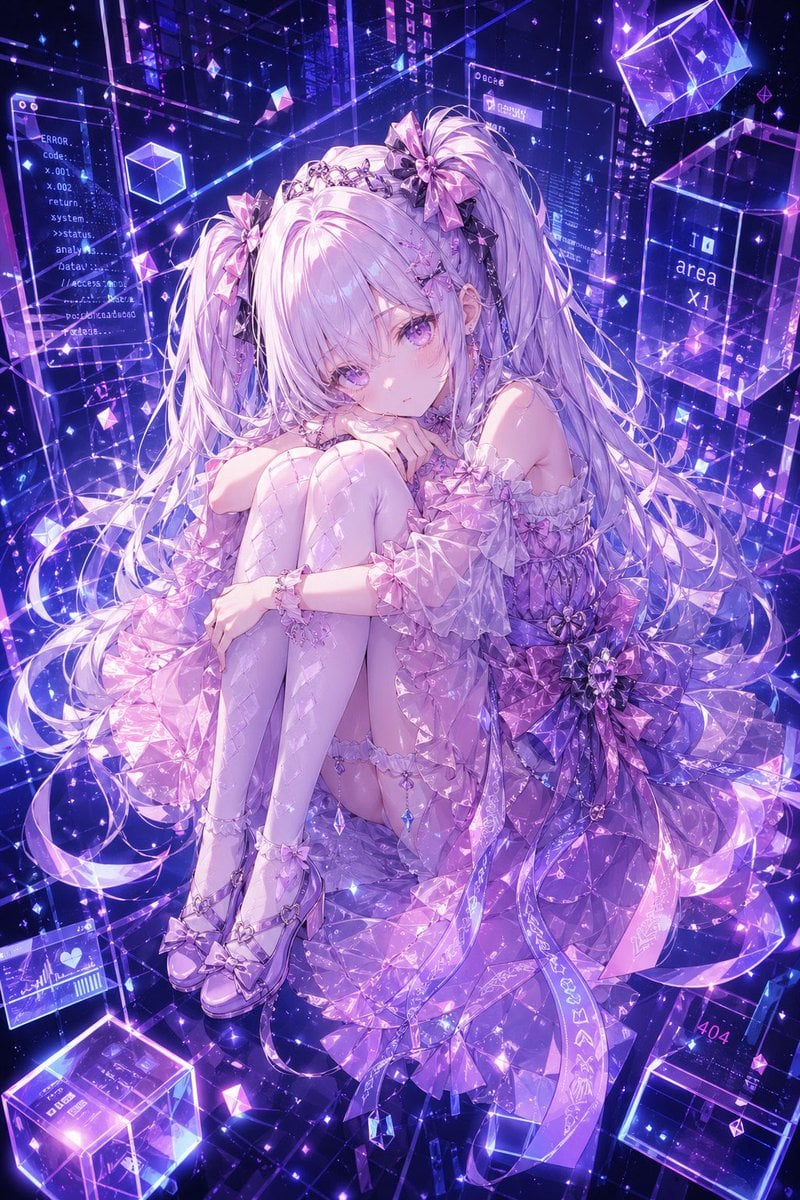
Cyber Crystal Anime Girl Portrait
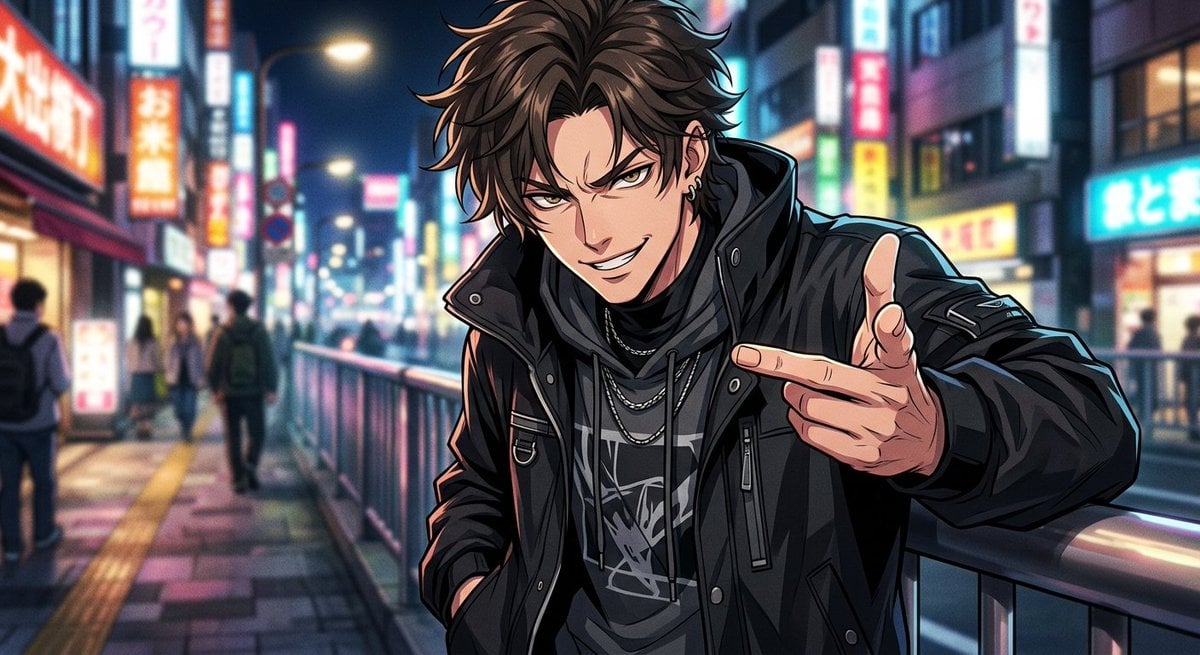
Neon Anime Streetwear Portrait
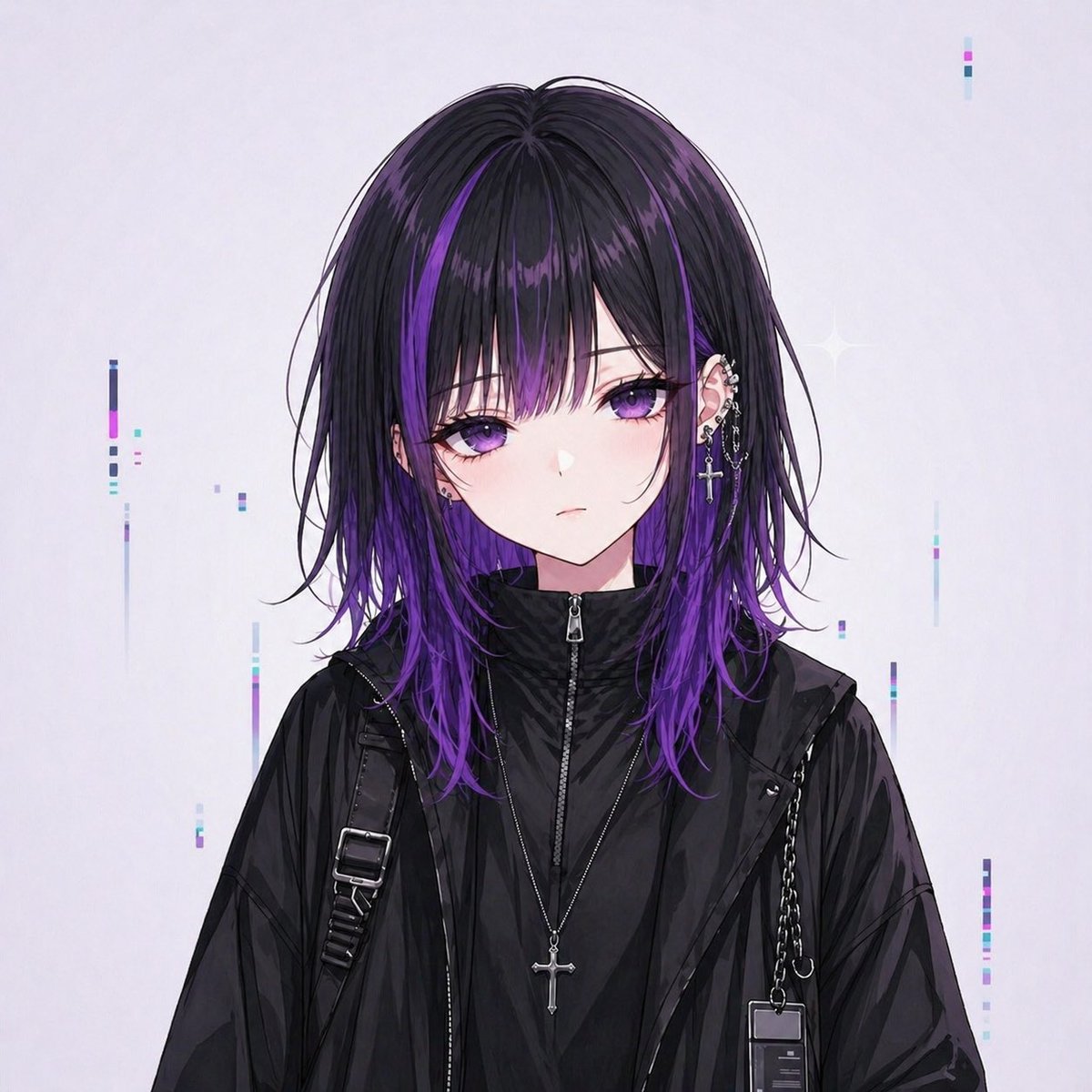
Goth Streetwear Anime Icon Portrait
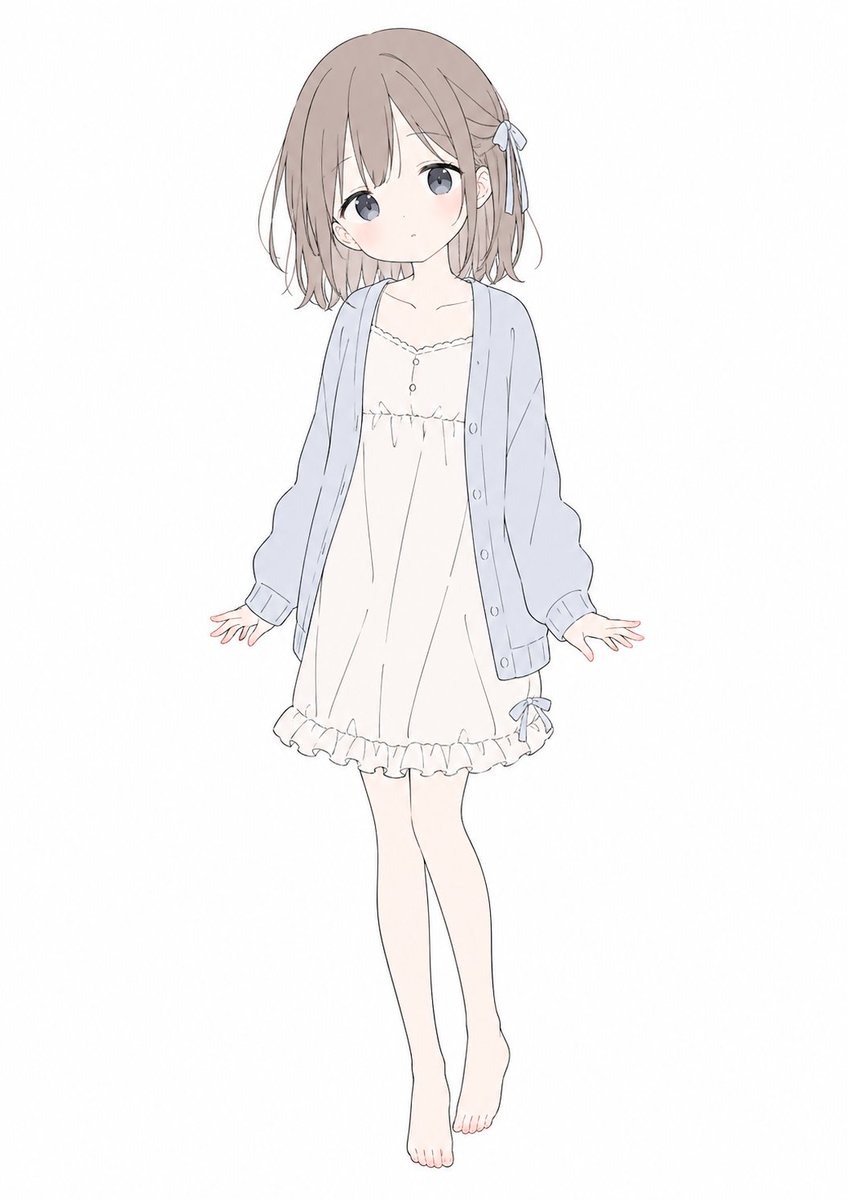
Soft Pastel Anime Girl Full Body
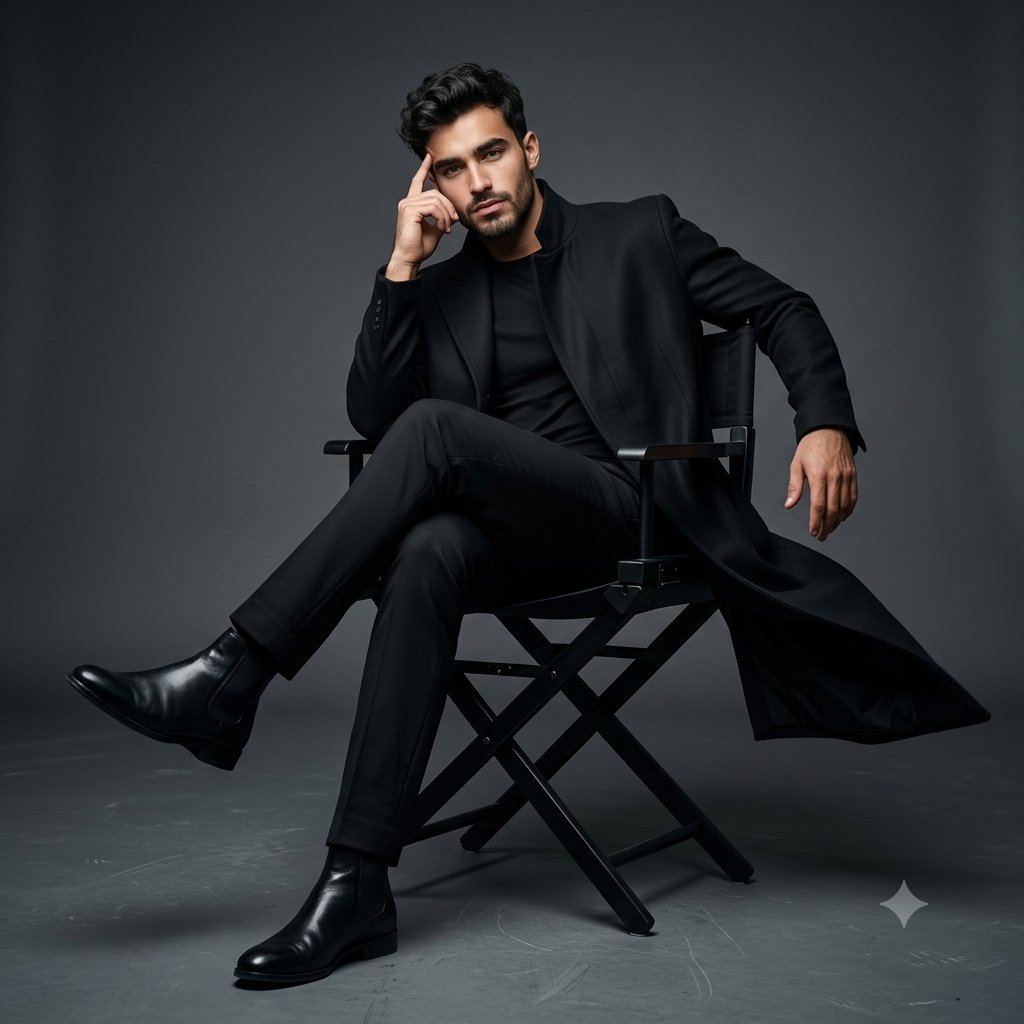
Full Body Cinematic Studio Portrait
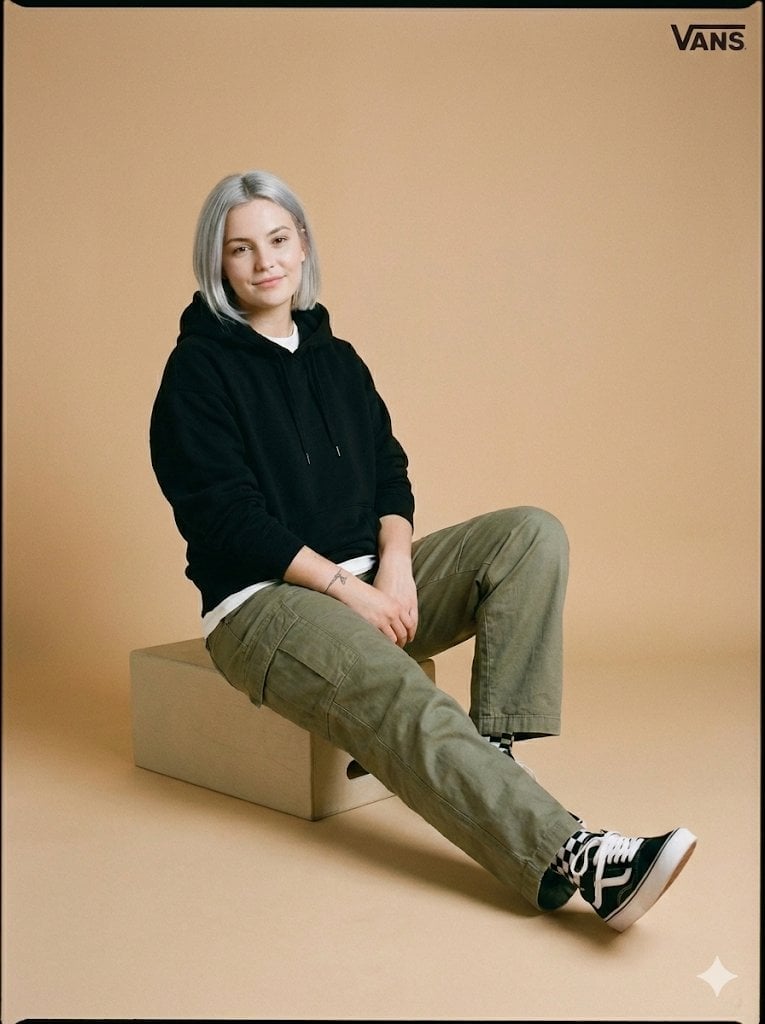
Full-Body Studio Photo in Streetwear
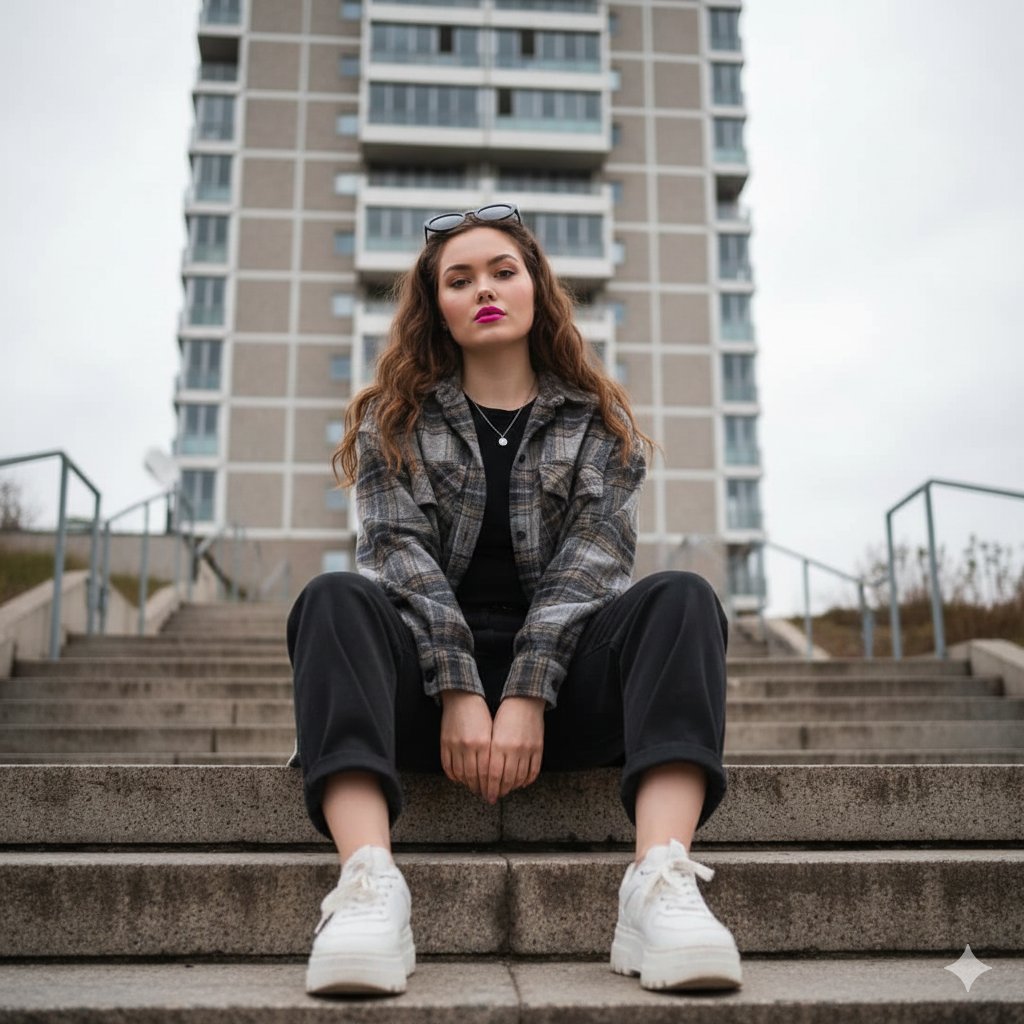
Low-Angle Full-Body Portrait on Concrete Steps
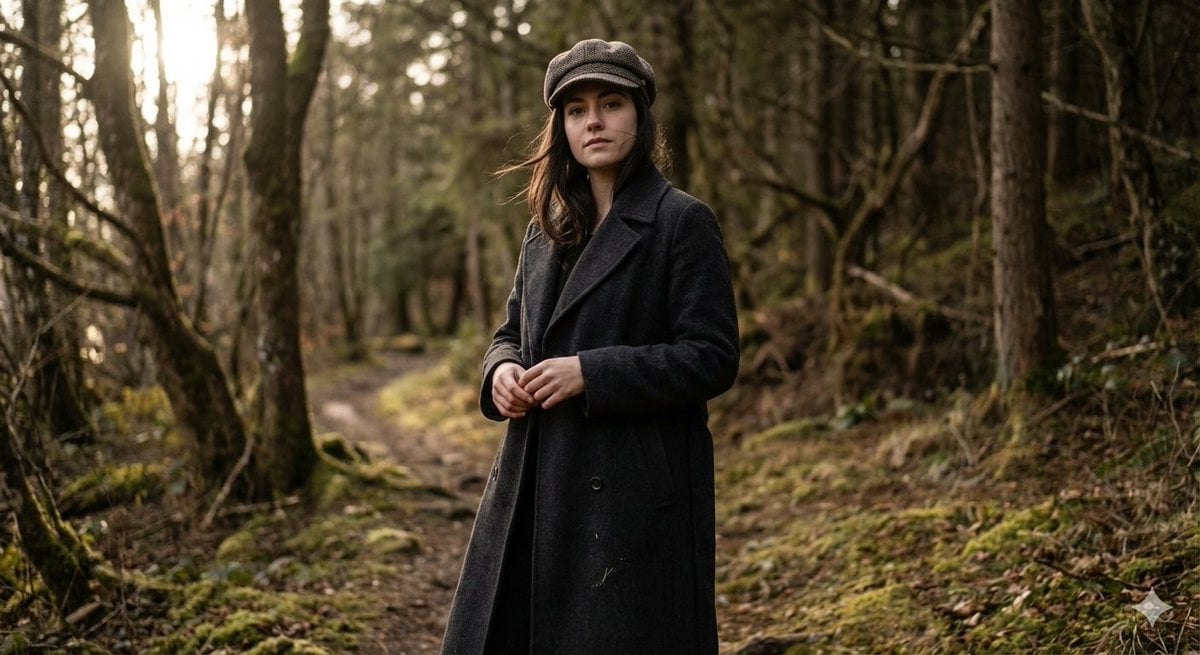
Realistic Full-Body Portrait in Forest Prompt
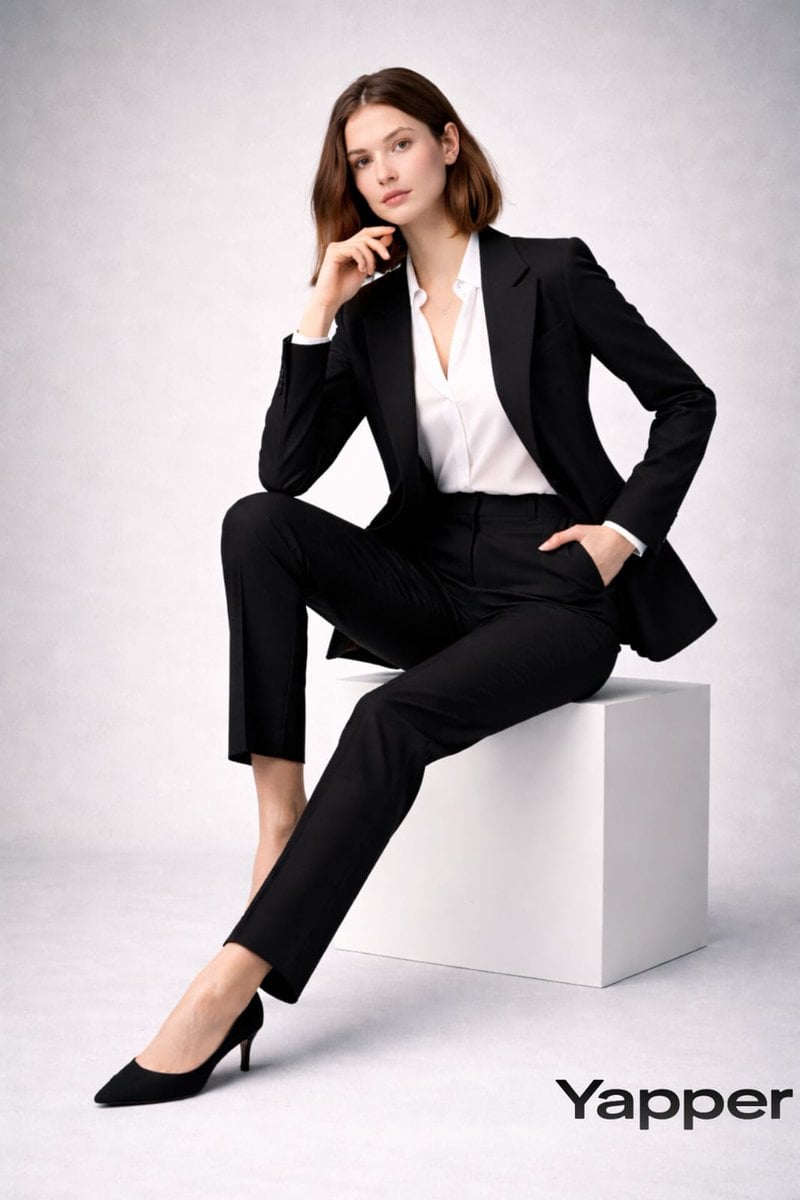
Full-body fashion magazine editorial portrait

Full Body Portrait with Identity Reference
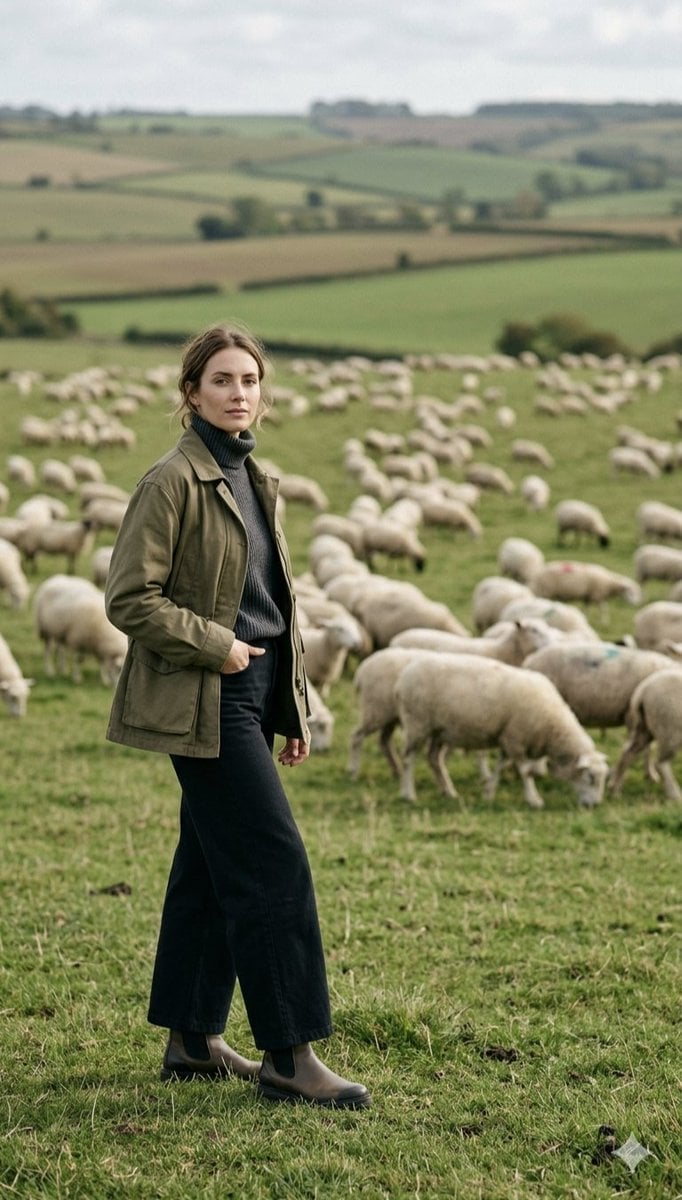
Pastoral Full-Body Portrait in Sheep Pasture
Make it yours
Anime Cyber Streetwear Full-Body Portrait works as-is. These are the safest ways to change it without losing the look.
Change one field
Copy a single group, rewrite it, and generate again so you can see what that field is doing.
Keep the frame, change the subject
Hold the composition and light of Anime Cyber Streetwear Full-Body Portrait, then swap wardrobe, props or the person for a new take.
| If the result… | Why | Fix |
|---|---|---|
| The result drifts from the preview | Too many fields changed at once. | Reuse Anime Cyber Streetwear Full-Body Portrait as-is first, then change one group — subject, light, or setting. |
| The model over-stylizes the scene | The prose prompt leaves finish and camera underspecified. | Add one camera or lighting sentence and stay on GPT Image 2. |
More GPT Image 2 templates
Other prompts made for GPT Image 2.

Six VTuber Japanese Logo Sheet

Realistic Portrait of Woman and Deer

The Vista Modular Condo Poster

AI Model Routing Comparison Infographic

2.5D Anime Art Board

Isometric Productivity Desk Scene

New York Double Exposure Poster

Four-Panel AI Landscape Comparison

Japanese Tatami Lifestyle Magazine Cover

NESCAFÉ Coffee Map Poster
More image prompts
Fresh picks from across the catalog.
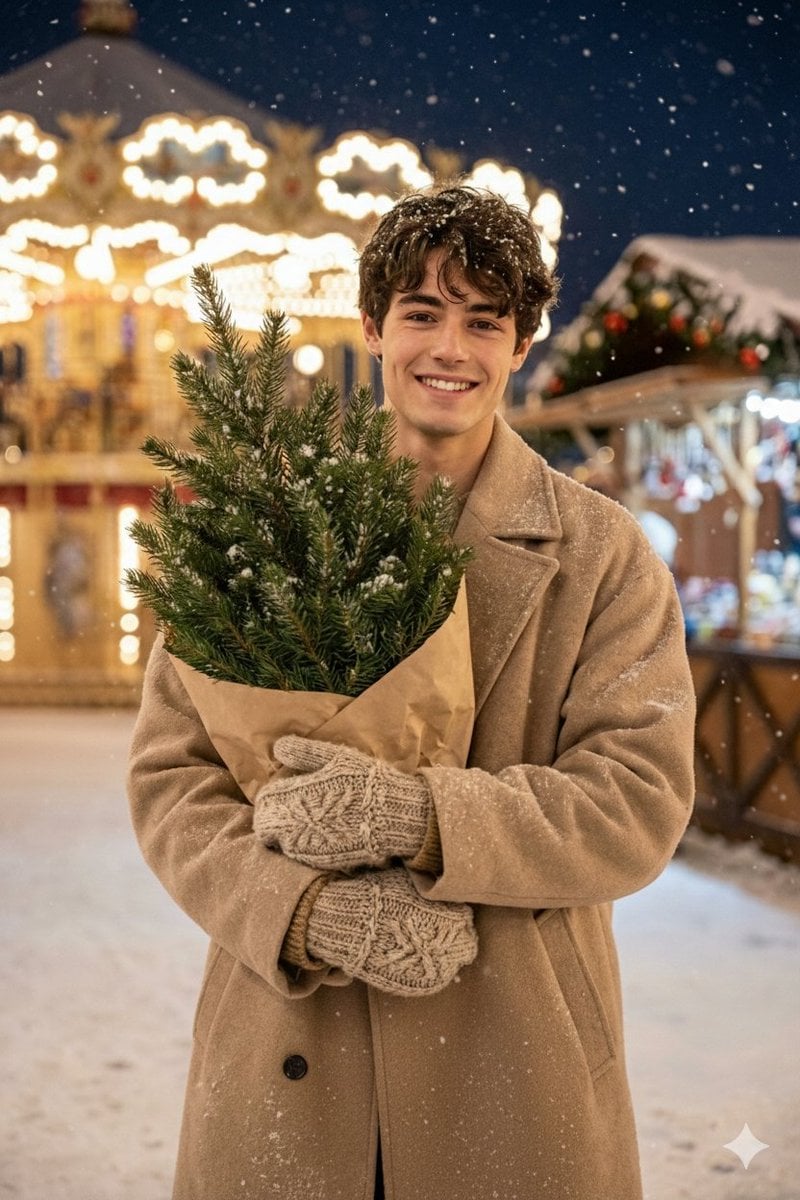
Hyper-realistic Christmas Village Portrait
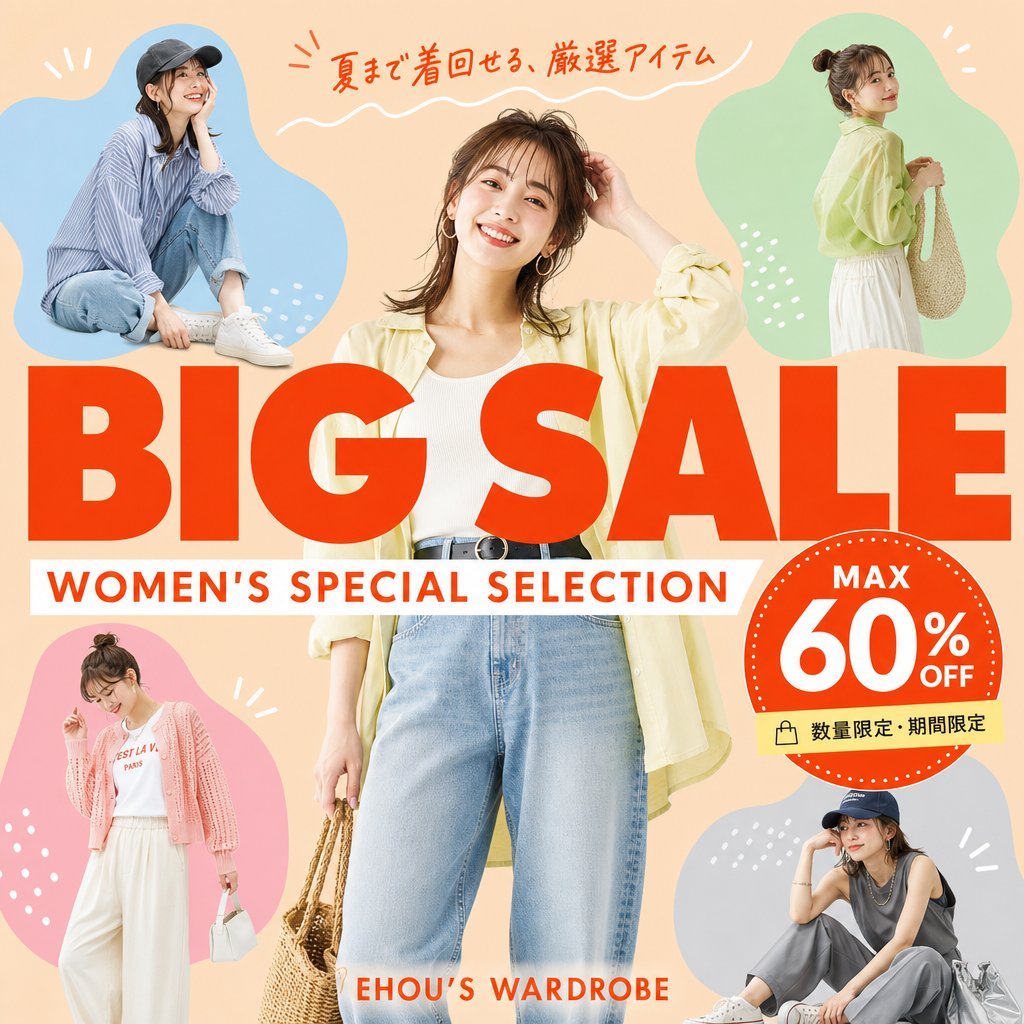
Women's Summer Big Sale Banner
Image-to-Photorealistic Scene Conversion

Pixel Art Games with Nano Banana Pro Are
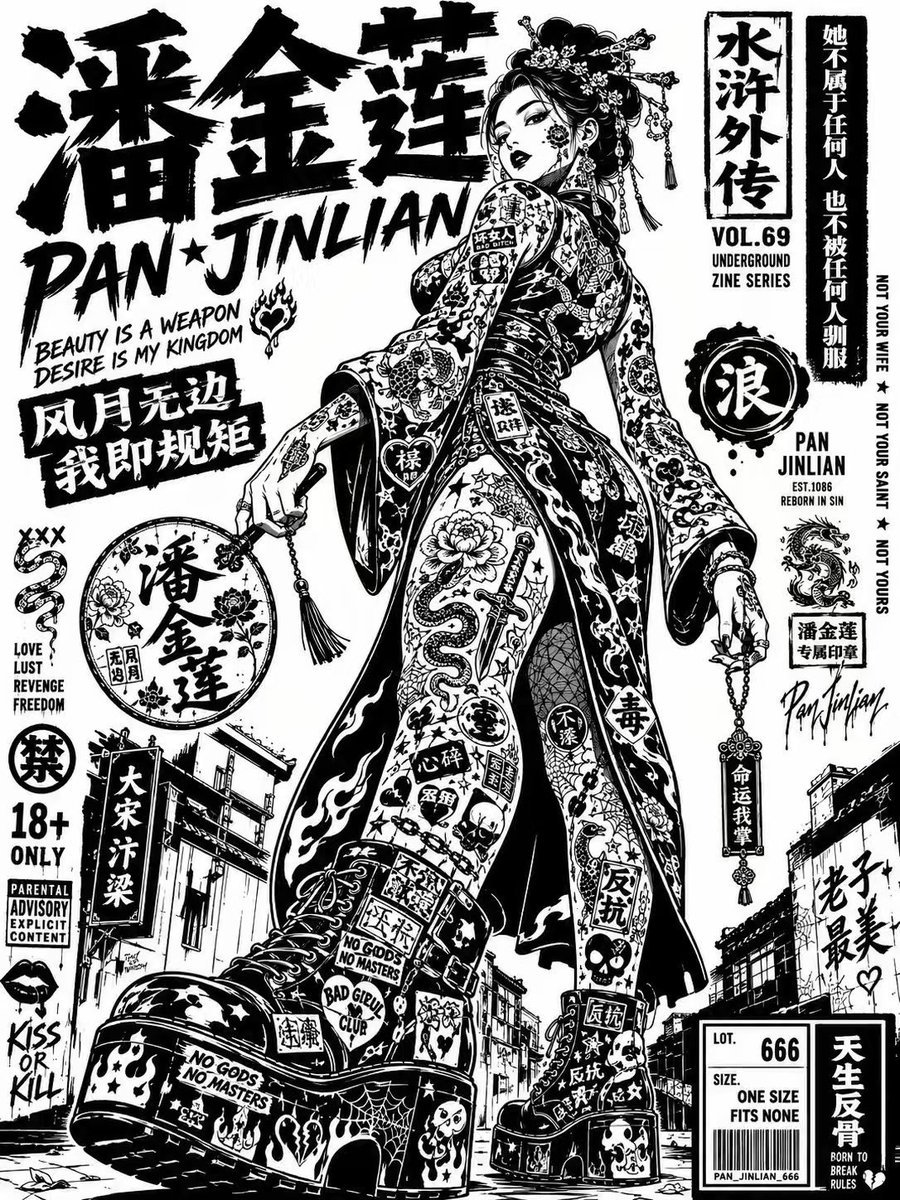
Noir Street Poster Illustration
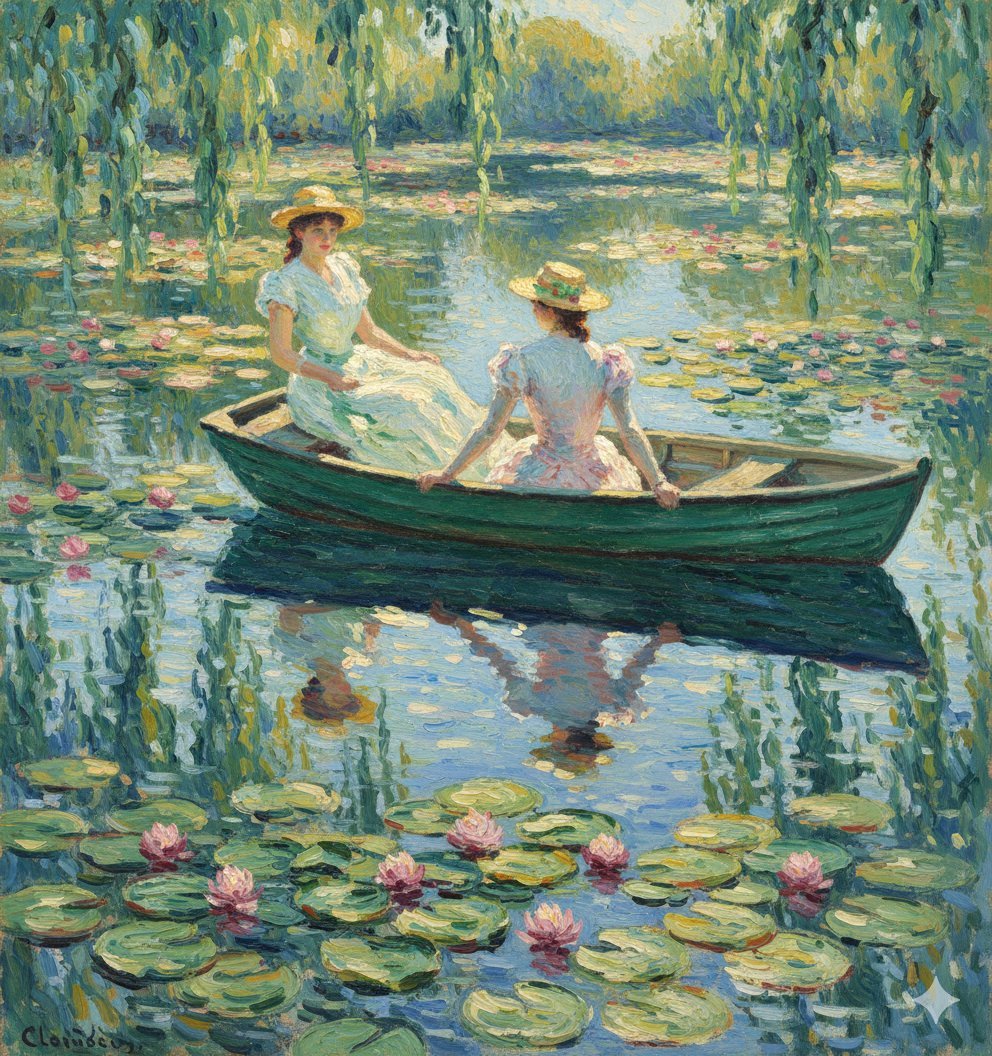
Monet Style Boat Ride Image Generation
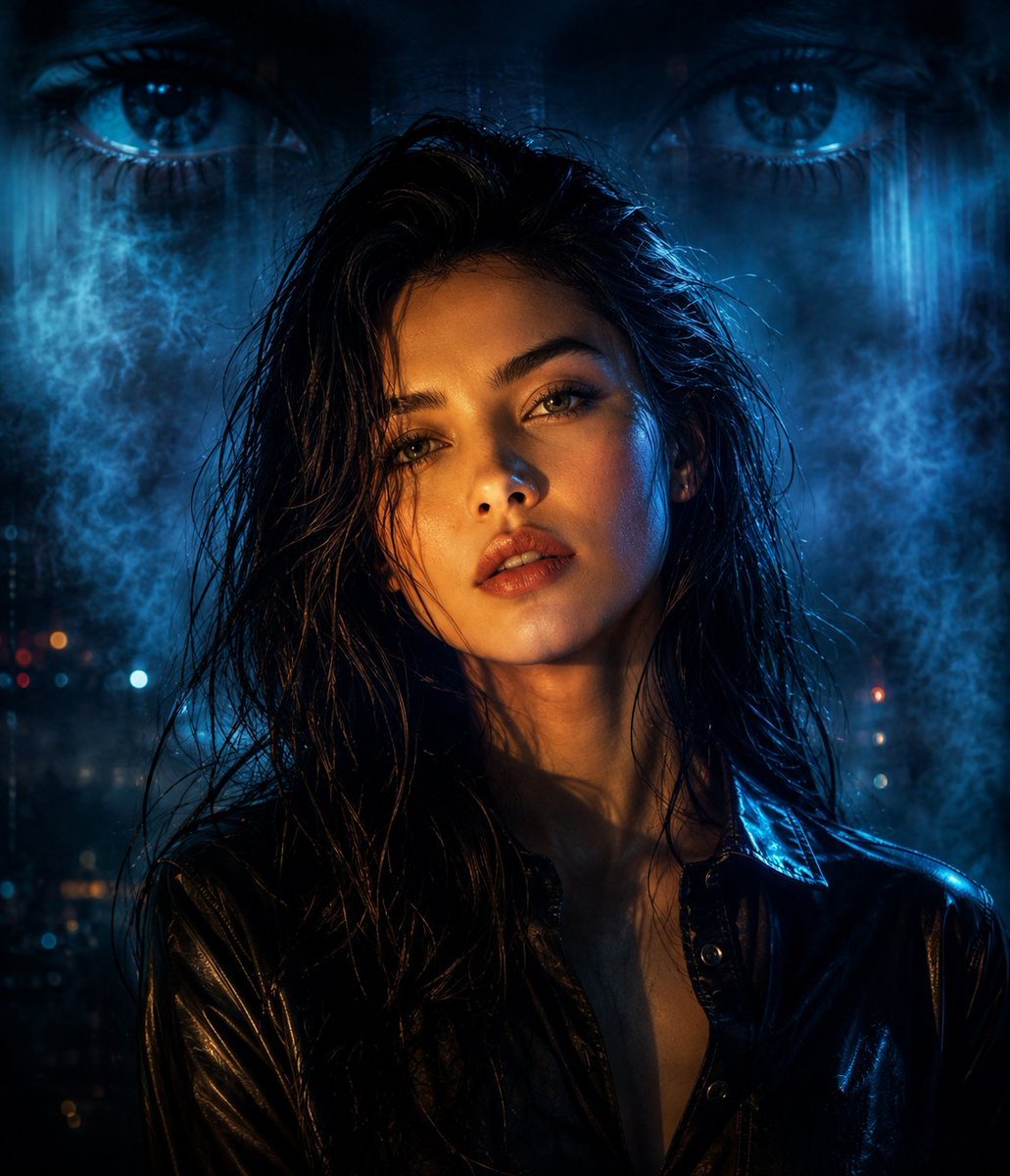
Cyberpunk Split Lighting Portrait
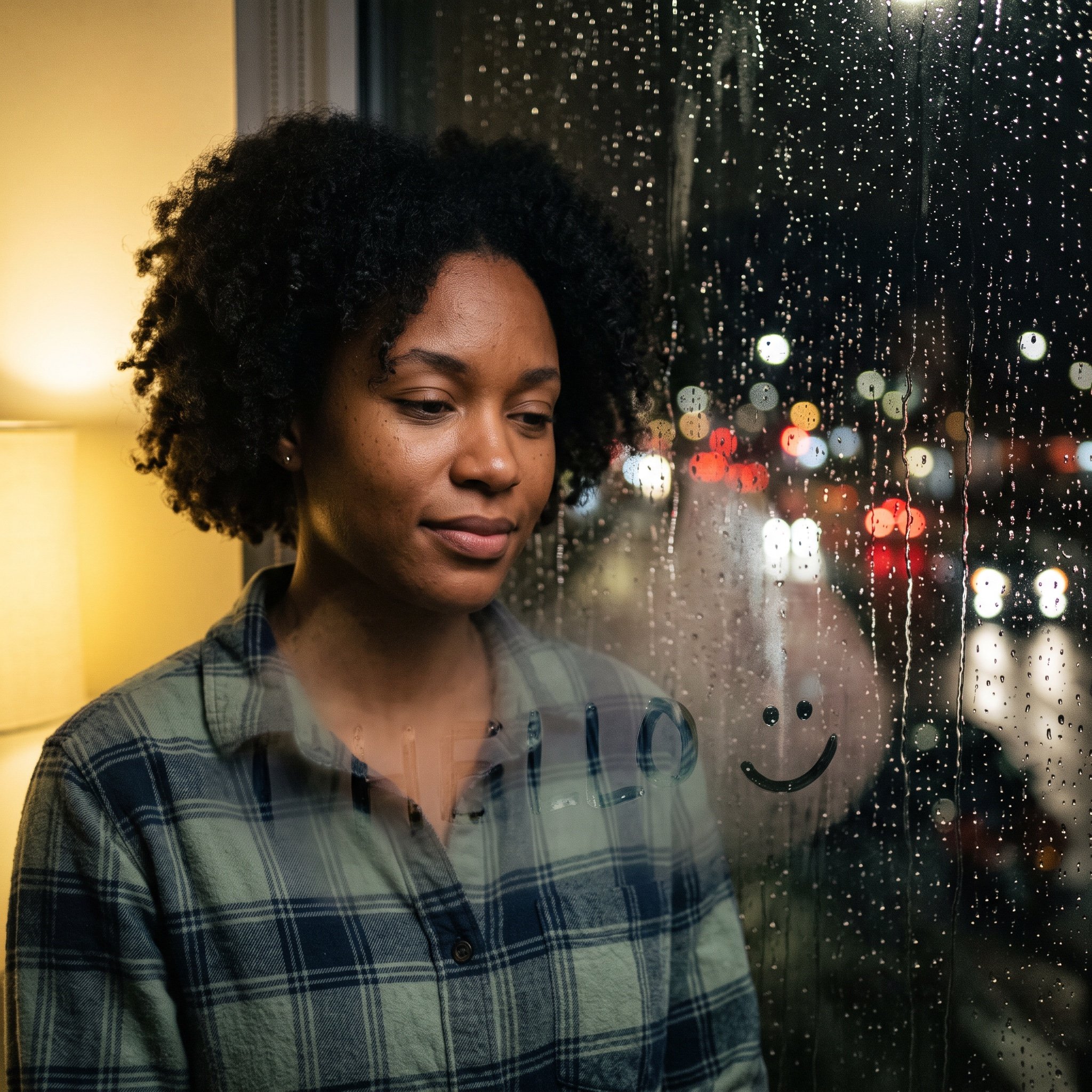
Rainy Window Doodle Portrait Prompt

Hyper-Detailed Pop-Up Paper City
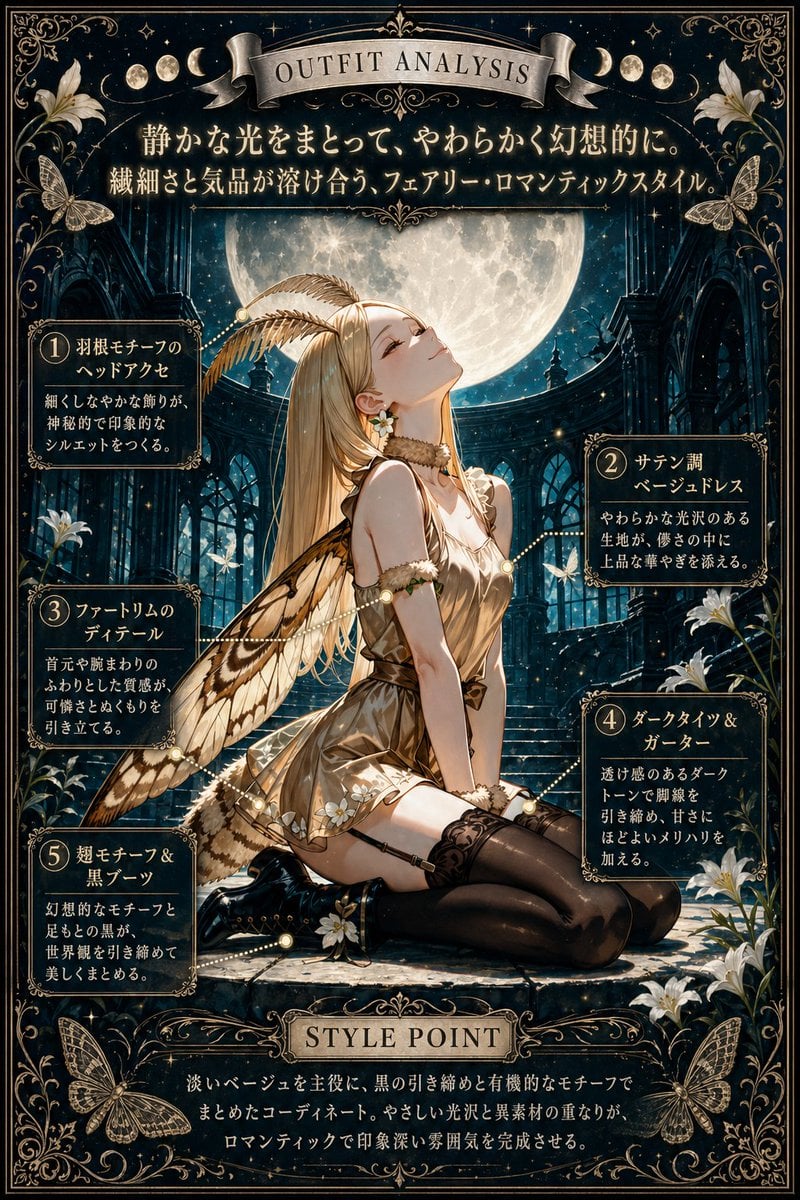
Moonlit Fairy Outfit Analysis Poster
Browse template categories
Anime Cyber Streetwear Full-Body Portrait questions
How do I use the Anime Cyber Streetwear Full-Body Portrait template?
Add your photo if the template asks for one, edit the prompt if you like — the template's model and format are already selected — and press Generate. Your version opens in PicX Studio.
Can I customize the Anime Cyber Streetwear Full-Body Portrait template?
Yes. You can change the subject, setting, lighting, mood, format, and available model controls before creating your image.
Is the Anime Cyber Streetwear Full-Body Portrait template free?
Opening and editing this template is free. Generating uses credits, shown on the Generate button when you are signed in.
Which AI model should I use?
Start with GPT Image 2, which is the model associated with this template. You can compare another compatible model for a different finish.
Looking for something else? Browse all templates.

Your photo, any look
Thousands of ready templates for every top image and video model, from one credit balance.