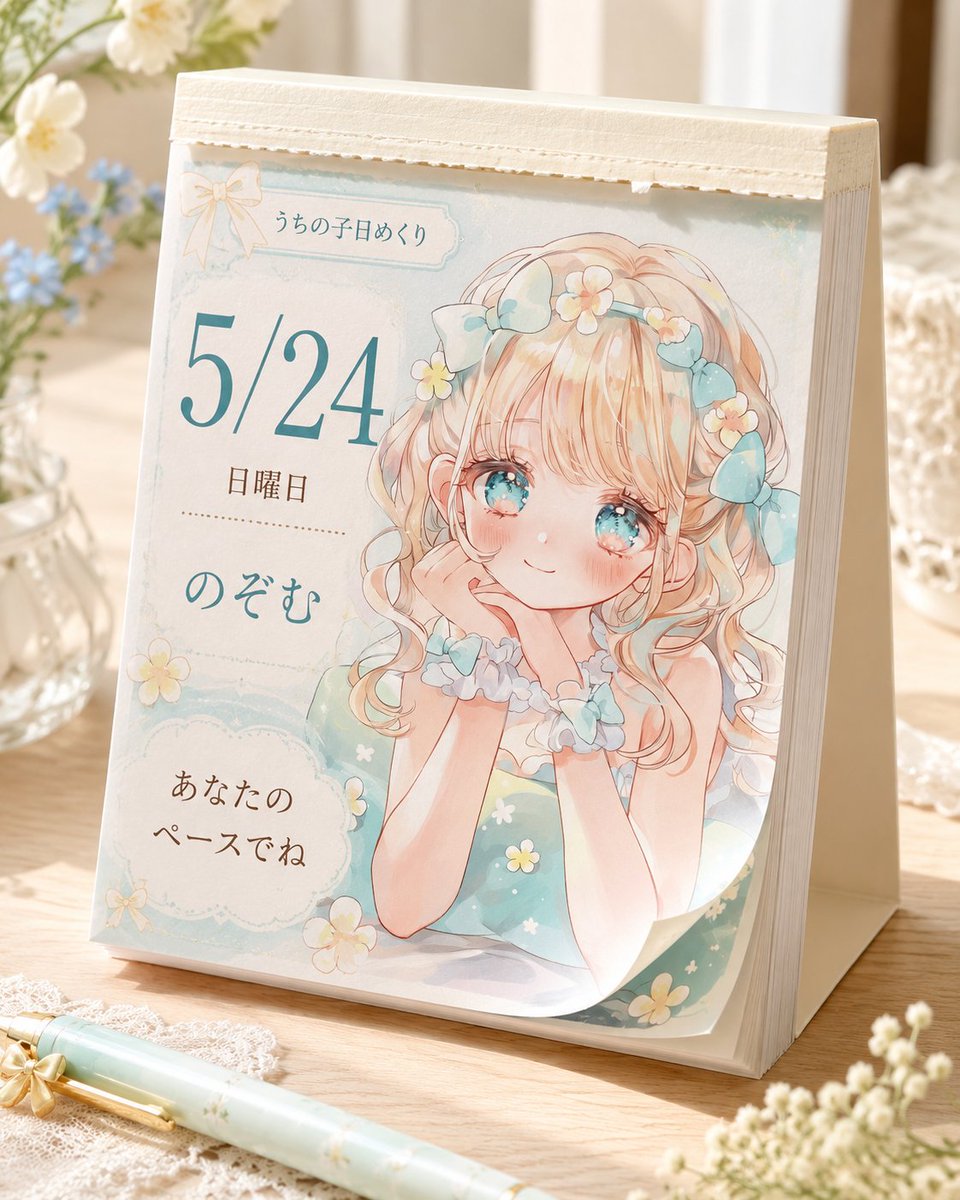
How do I use the Soft Pastel Anime Girl Full Body template?
Choose the primary action to open PicX Studio with the available template settings. Review the model and format, personalize the creative direction, and generate when ready.
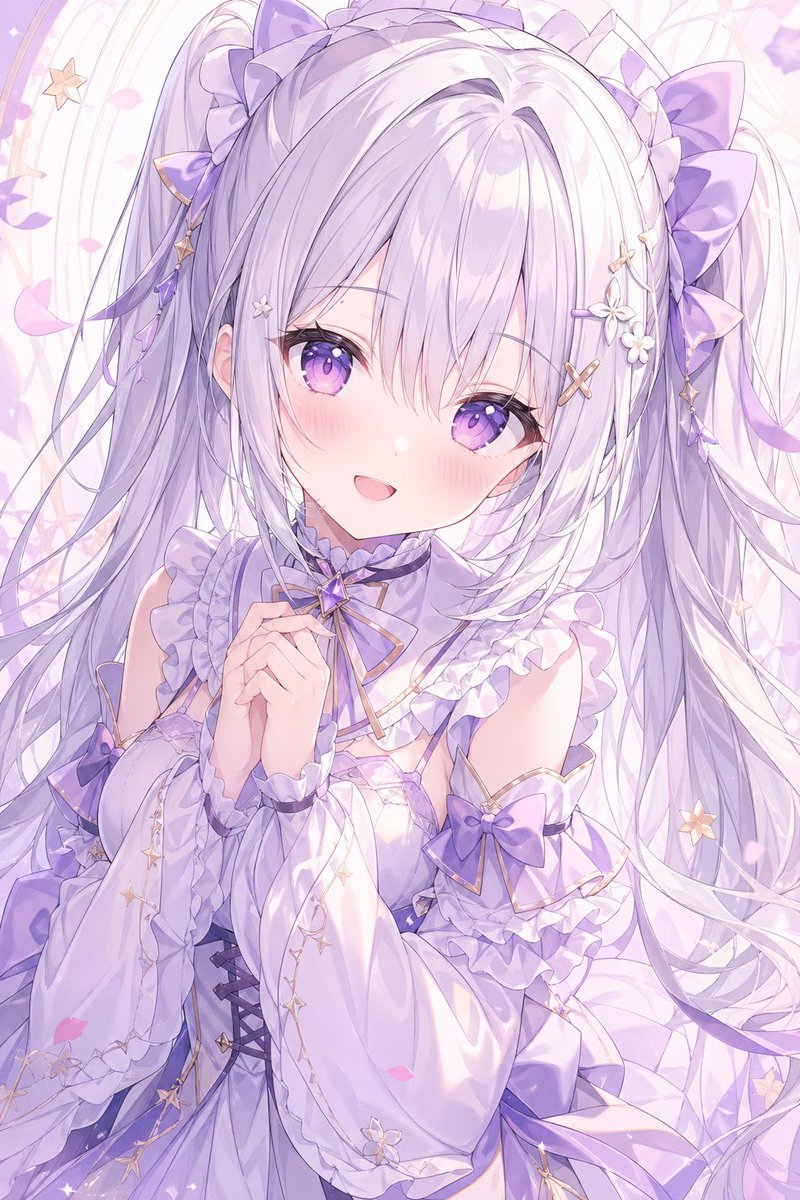
This generates a clean full-body anime character illustration in a minimalist pastel style, useful for testing character proportions, clothing design, and facia
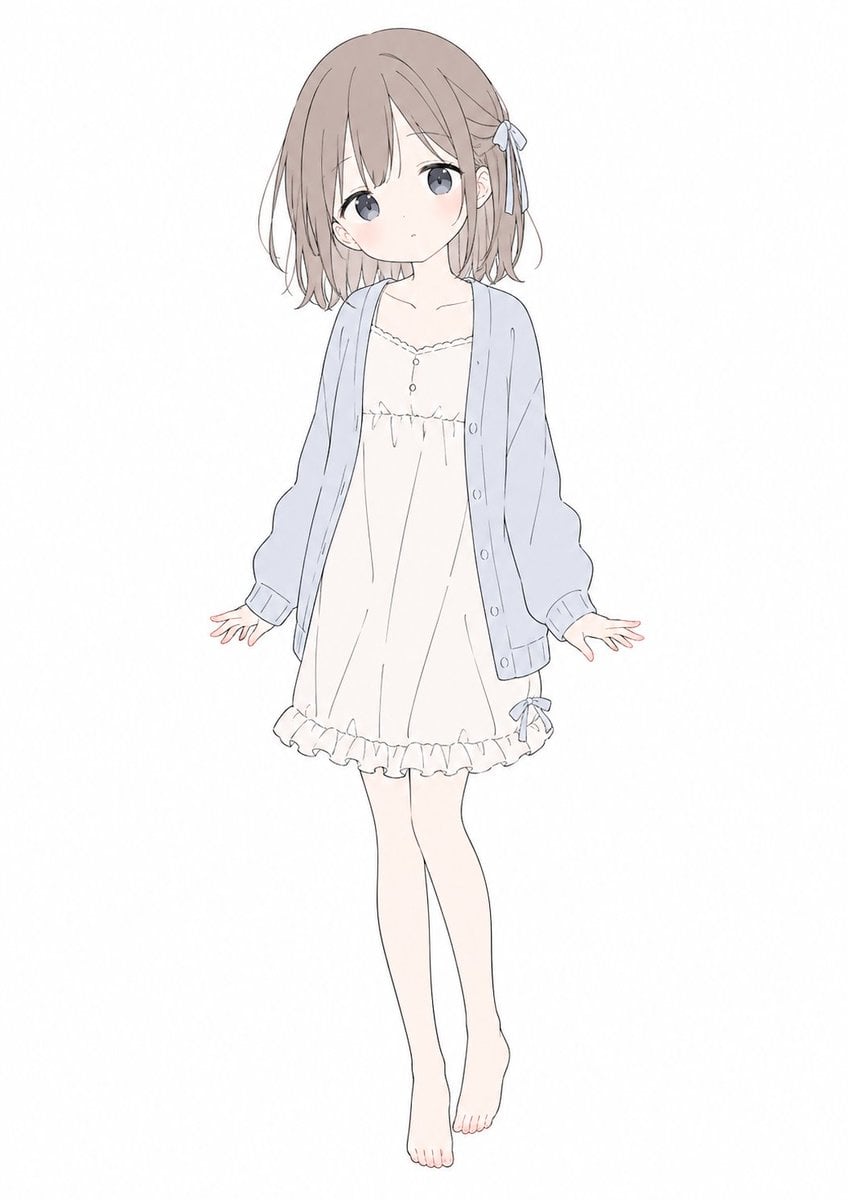
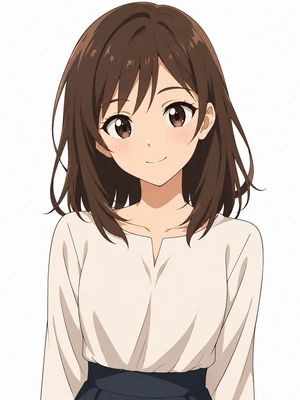
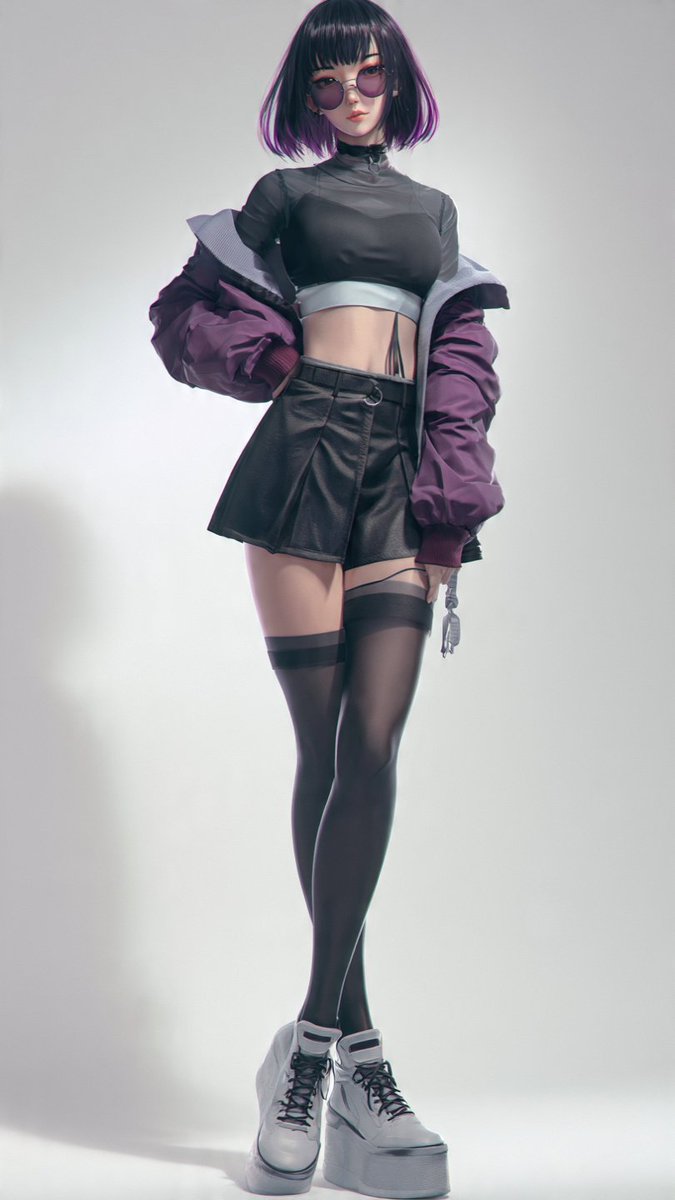
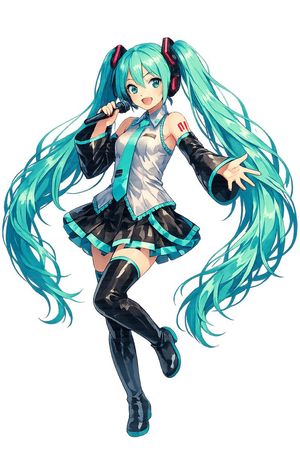
A full-body anime girl character design on a plain white background, centered and floating slightly, drawn in a soft minimalist pastel style with very thin gray linework and delicate flat colors. She has a petite youthful build and a cute, gentle silhouette, with special emphasis on a soft rounded face shape, smooth cheeks, and a softened jawline and chin. Her face is completely obscured by a blank skin-colored rectangular block with no facial features visible. She has short bob hair in {argument name="hair color" default="light ash brown"}, slightly tousled with wispy ends, long bangs covering part of the forehead, and a small ribbon hair tie on the right side in pale blue-gray. She wears 3 visible clothing pieces: an oversized pale blue cardigan with loose sleeves and front buttons, a cream-white slip dress with a scalloped neckline and a tiny button detail at the chest, and a frilled hem with a small ribbon near the right thigh. She is barefoot with slim pale legs, posed front-facing with both arms relaxed slightly outward, open hands, one leg straight and the other gently bent inward for a shy, weightless look. The illustration should feel airy, cute, understated, and clean, like a simple Japanese anime fashion sketch, with lots of negative space and no props, no shadows, and no background elements.
Choose the primary action to open PicX Studio with the available template settings. Review the model and format, personalize the creative direction, and generate when ready.
Yes. You can change the subject, setting, lighting, mood, format, and available model controls before creating your image.
This template is free to open and customize. Generation usage is shown in PicX Studio before you create.
Start with GPT Image 2, which is the model associated with this template. You can compare another compatible model for a different finish.
Follow a topic to a crawlable collection of related PicX Studio templates.