
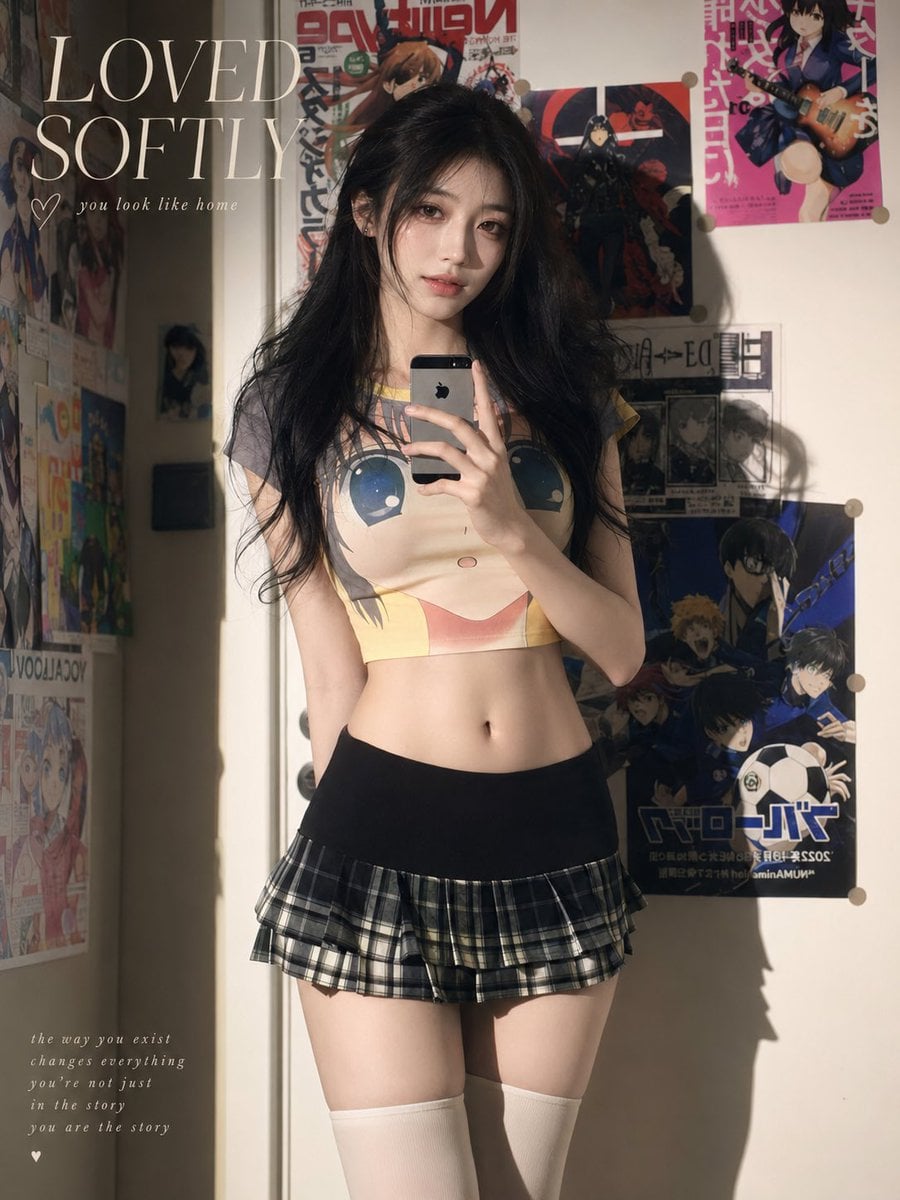
Soft Sunlit Anime Bedroom Selfie
Generates a warm editorial mirror-selfie portrait in an anime-poster bedroom with soft sunlight and romantic text overlays.
- Prompt included
- Model and format preset
- Free template
The prompt behind this image
Copy the exact prompt behind Soft Sunlit Anime Bedroom Selfie, or open it in the studio and make it yours.
Create a soft, sunlit mirror-selfie fashion portrait of a young woman named {argument name="character name" default="the girl next door"} standing in a cozy bedroom covered with anime posters. She has long, slightly messy {argument name="hair color" default="black"} hair and a slim build, holding a silver smartphone in front of her face so the face is mostly hidden by the phone and a soft rectangular privacy blur. She wears a cropped anime-face graphic T-shirt, a low-waisted black-and-gray plaid micro pleated skirt, and white thigh-high socks. Use warm late-afternoon sunlight entering from the left, creating strong rectangular highlights, deep soft shadows, and a distinct shadow of her body on the wall to the right. The background is an off-white wall and door corner with exactly 9 visible anime wall decorations: 1 large poster on the far left edge, 1 smaller vertical poster below it, 1 small dark poster near the doorframe, 1 large red-and-white poster above her head, 1 dark action poster behind her head, 1 pink poster at the upper right, 1 newspaper-style manga print at mid-right, 1 large blue soccer-anime poster at lower right, and 1 partially visible colorful poster at lower left. Add elegant editorial text overlay in the upper left reading {argument name="headline text" default="LOVED SOFTLY"} in large cream serif capitals, with a small hand-drawn heart and the cursive line {argument name="small quote" default="you look like home"} beneath it. Add a tiny poetic caption in the lower left reading {argument name="bottom caption" default="the way you exist changes everything you're not just in the story you are the story"}, plus a small heart below. Overall style: realistic gpt-image-2 photorealism with gentle feminine mood, nostalgic bedroom aesthetic, natural skin texture, no plastic beauty retouching, soft grain, muted warm colors, vertical 3:4 composition, intimate snapshot framing, not overly glamorous.
How to use Soft Sunlit Anime Bedroom Selfie in 3 steps
- 1Upload ImagePNG, JPG or paste
Add your photo
Upload the photo the template builds on. The prompt, model and format are already set.
- 2…a portrait of your subject in softgolden-hour light, 85mm…
Personalize
Edit the subject and creative details for your destination.
- 3Generate
Generate
Press Generate — your image is created in PicX Studio, so you can compare it with the original and refine one variable at a time.
More like this
Templates with the same subject, style or setup. Open one to see its prompt.
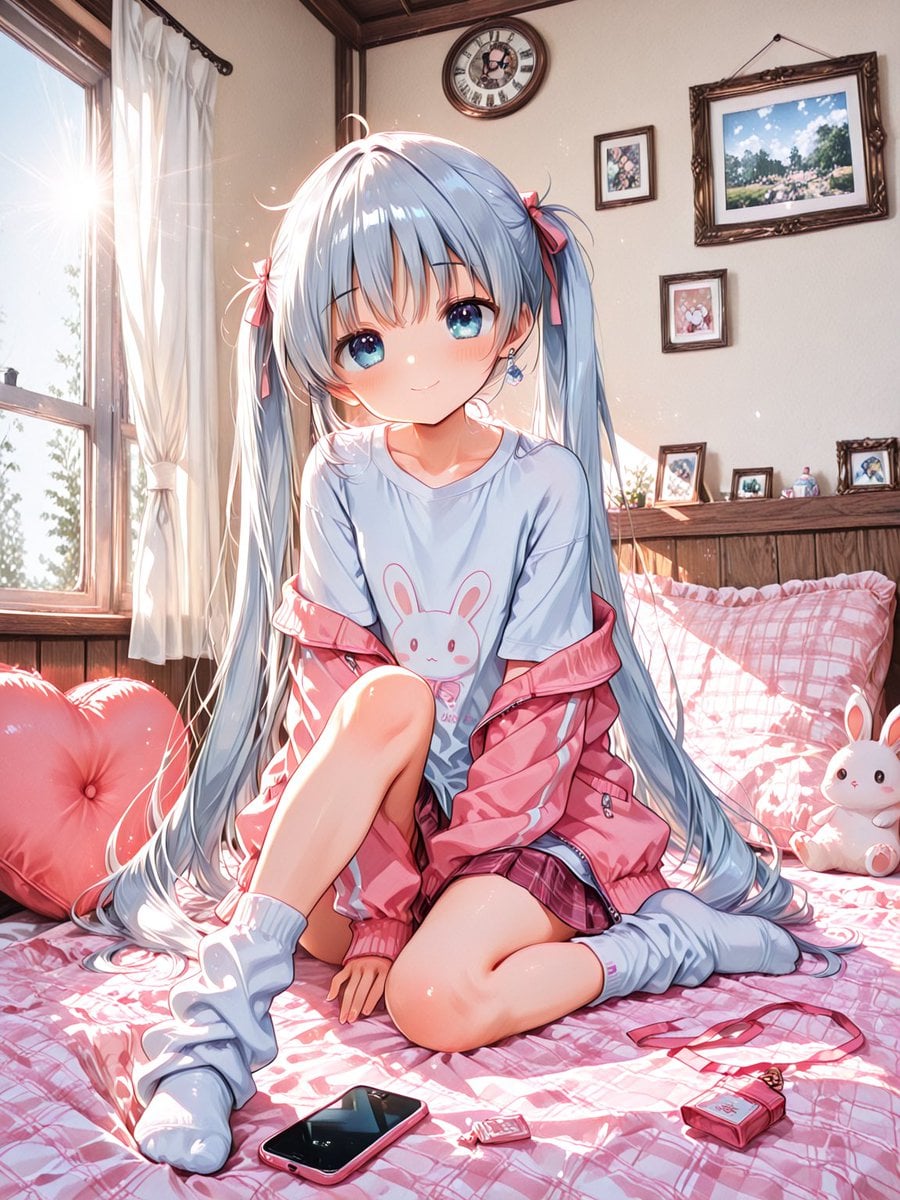
Sunlit Anime Bedroom Portrait

Rooftop Fisheye — Cat-Ear Balaclava at Golden Hour

Felt & Knit 3D Character — Photo-Exact Face, Pixar-Quality Plush Figurine

Surreal Cat Astronaut — Humanoid Face Freefall

Soft Handcrafted Paper-Cut Layered Illustration
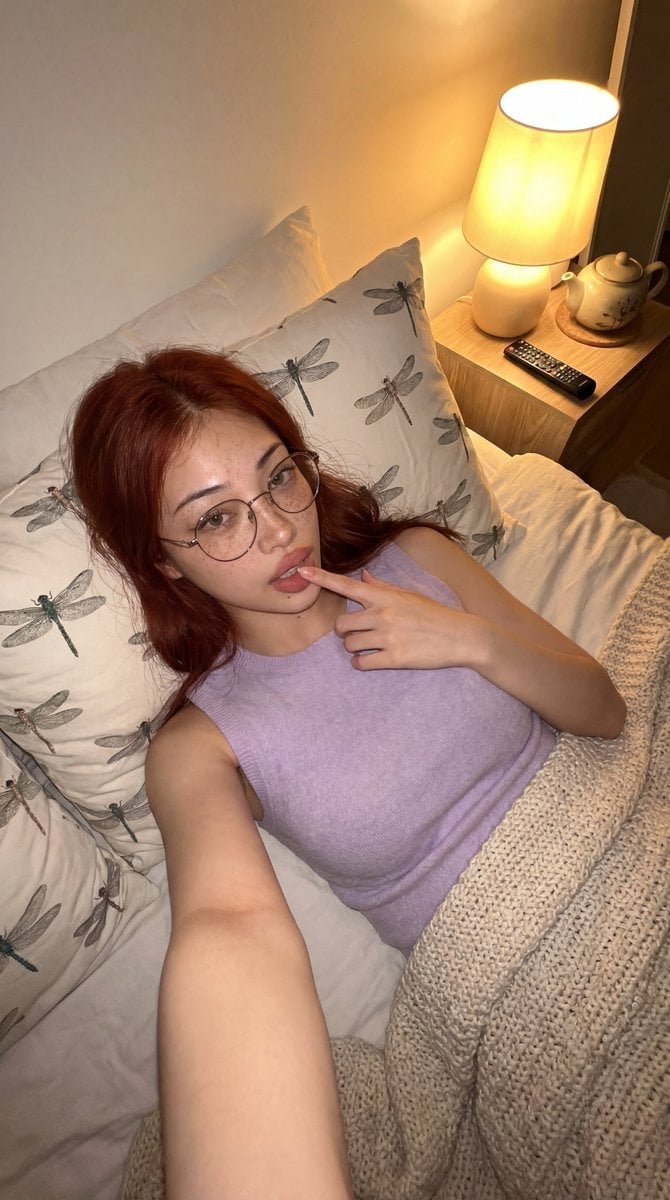
Cozy Bedroom Lifestyle Selfie
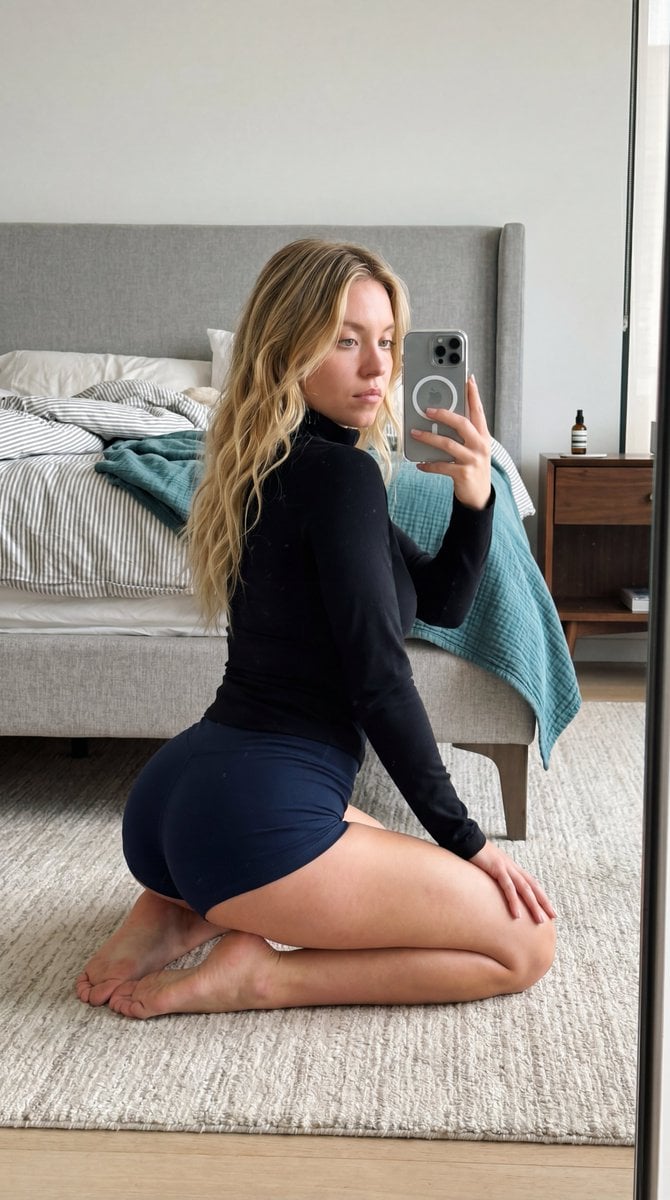
Intimate Bedroom Mirror Selfie
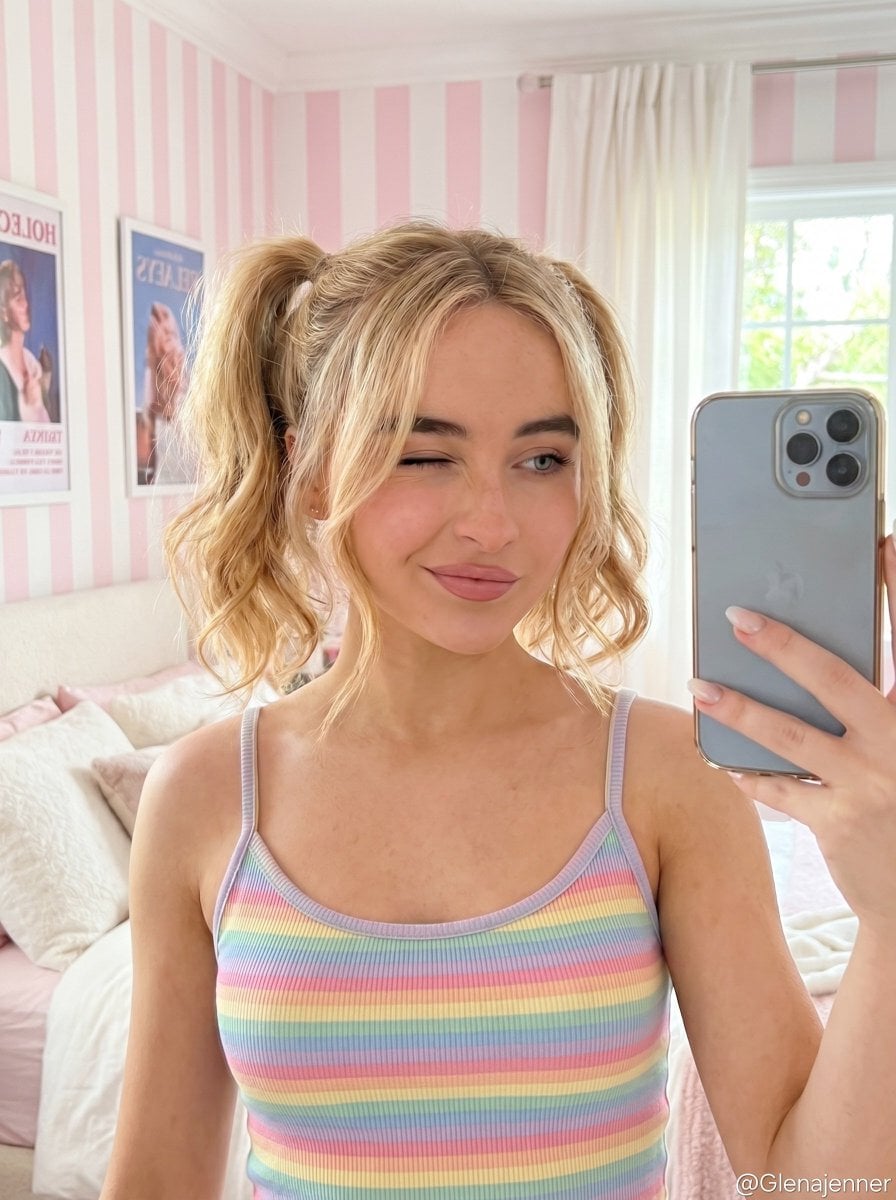
Soft Girl Selfie Portrait
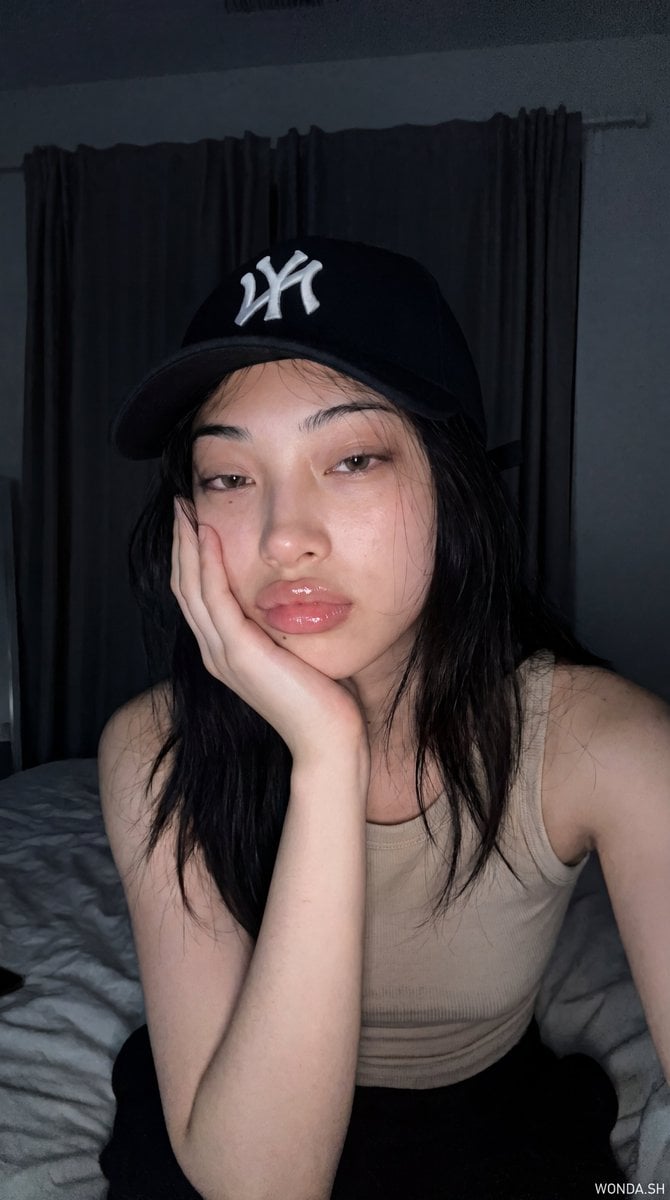
Hyper-Photorealistic Bedroom Flash Selfie
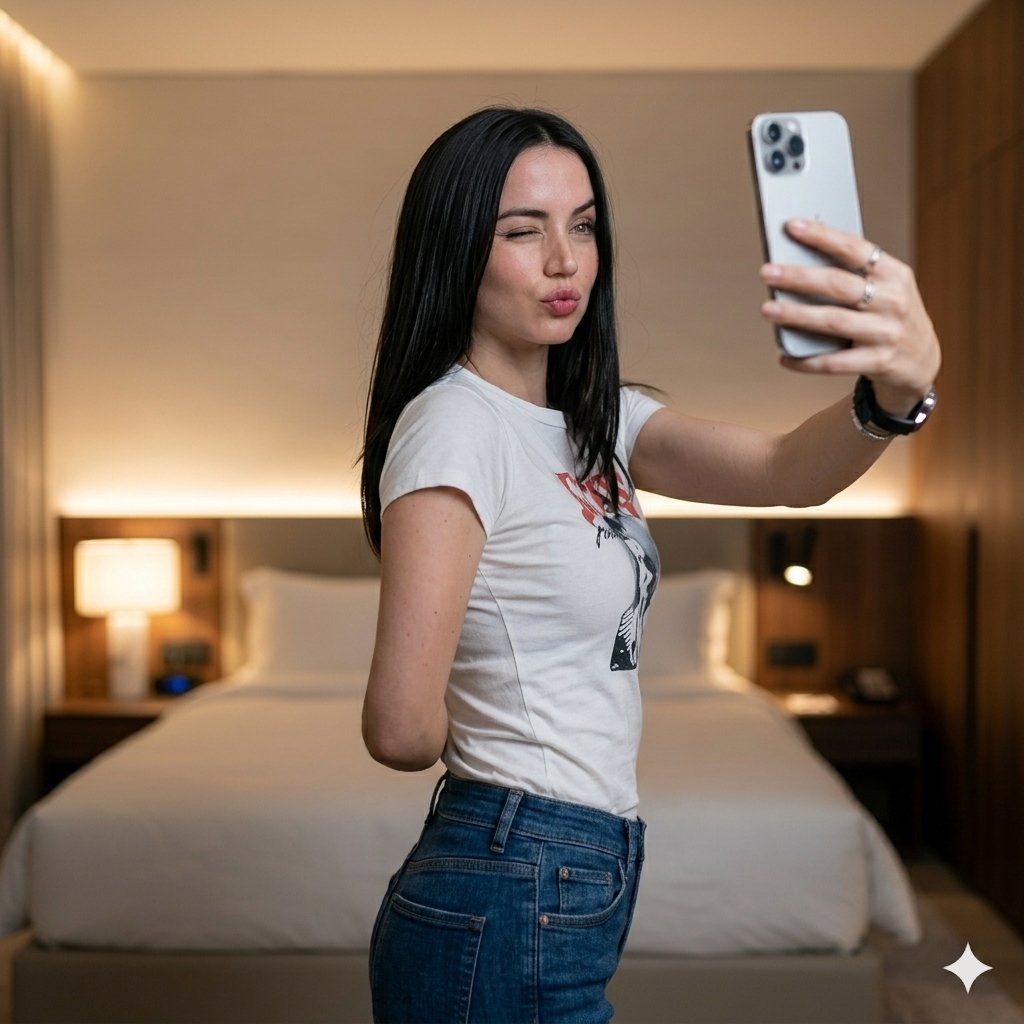
Luxury Bedroom Selfie Portrait

Watercolor Anim Finale Fireworks

Watercolor Anim Garden Maze
Make it yours
Soft Sunlit Anime Bedroom Selfie works as-is. These are the safest ways to change it without losing the look.
Change one field
Copy a single group, rewrite it, and generate again so you can see what that field is doing.
Keep the frame, change the subject
Hold the composition and light of Soft Sunlit Anime Bedroom Selfie, then swap wardrobe, props or the person for a new take.
| If the result… | Why | Fix |
|---|---|---|
| The result drifts from the preview | Too many fields changed at once. | Reuse Soft Sunlit Anime Bedroom Selfie as-is first, then change one group — subject, light, or setting. |
| The model over-stylizes the scene | The prose prompt leaves finish and camera underspecified. | Add one camera or lighting sentence and stay on GPT Image 2. |
More GPT Image 2 templates
Other prompts made for GPT Image 2.

Six VTuber Japanese Logo Sheet

Realistic Portrait of Woman and Deer

The Vista Modular Condo Poster

AI Model Routing Comparison Infographic

2.5D Anime Art Board

Isometric Productivity Desk Scene

New York Double Exposure Poster

Four-Panel AI Landscape Comparison

Japanese Tatami Lifestyle Magazine Cover

NESCAFÉ Coffee Map Poster
More image prompts
Fresh picks from across the catalog.
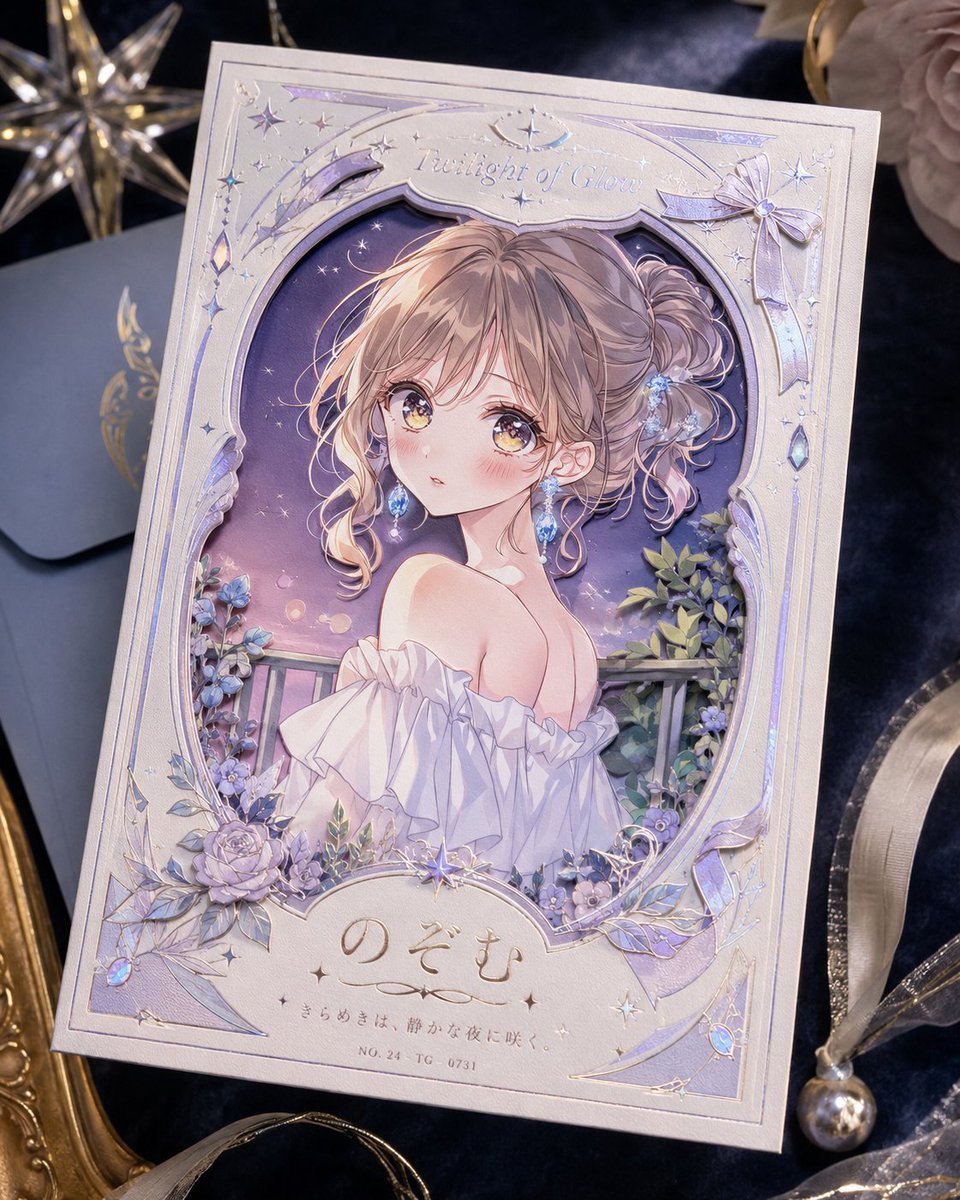
Foil Anime Postcard Design
Dynamic Wide-Angle Perspective Transformation

Old Photo Restoration Prompt
High-Fashion Street Editorial in European City
Generate an image in the style of a given moodboard
Y2K Aesthetic Mirror Selfie Prompt
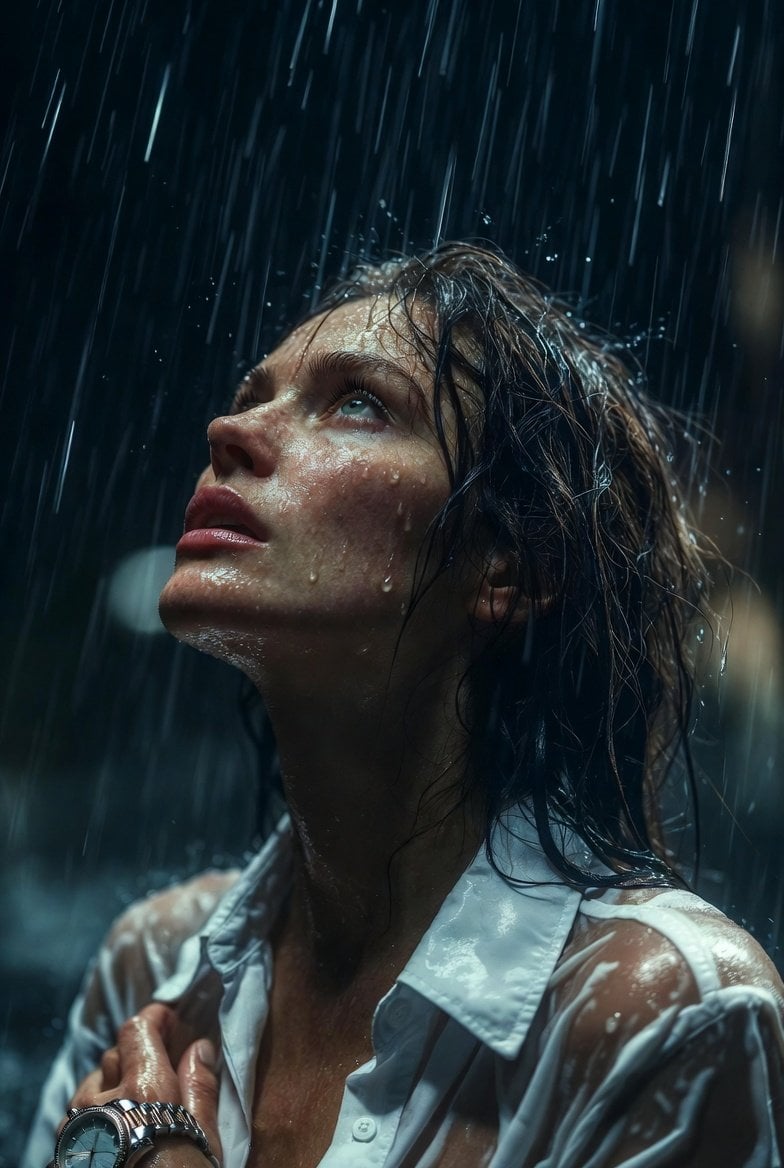
Hyper-Realistic Cinematic Night Rain Portrait JSON Prompt

Cinematic Orange Soda Ad Poster
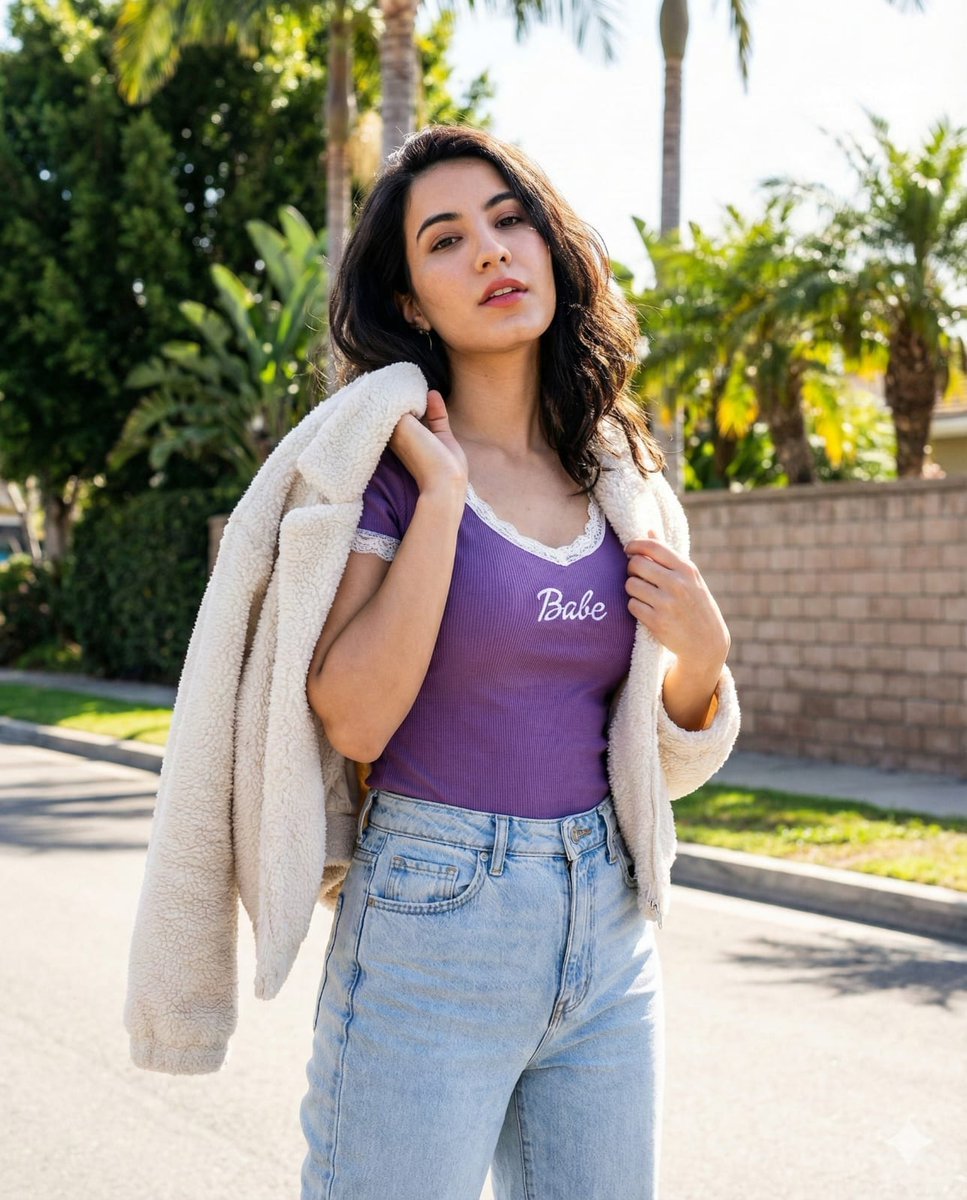
Vertical Street Portrait of a Young Woman

American Comic Strip Template
Browse template categories
Soft Sunlit Anime Bedroom Selfie questions
How do I use the Soft Sunlit Anime Bedroom Selfie template?
Add your photo if the template asks for one, edit the prompt if you like — the template's model and format are already selected — and press Generate. Your version opens in PicX Studio.
Can I customize the Soft Sunlit Anime Bedroom Selfie template?
Yes. You can change the subject, setting, lighting, mood, format, and available model controls before creating your image.
Is the Soft Sunlit Anime Bedroom Selfie template free?
Opening and editing this template is free. Generating uses credits, shown on the Generate button when you are signed in.
Which AI model should I use?
Start with GPT Image 2, which is the model associated with this template. You can compare another compatible model for a different finish.
Looking for something else? Browse all templates.

Your photo, any look
Thousands of ready templates for every top image and video model, from one credit balance.