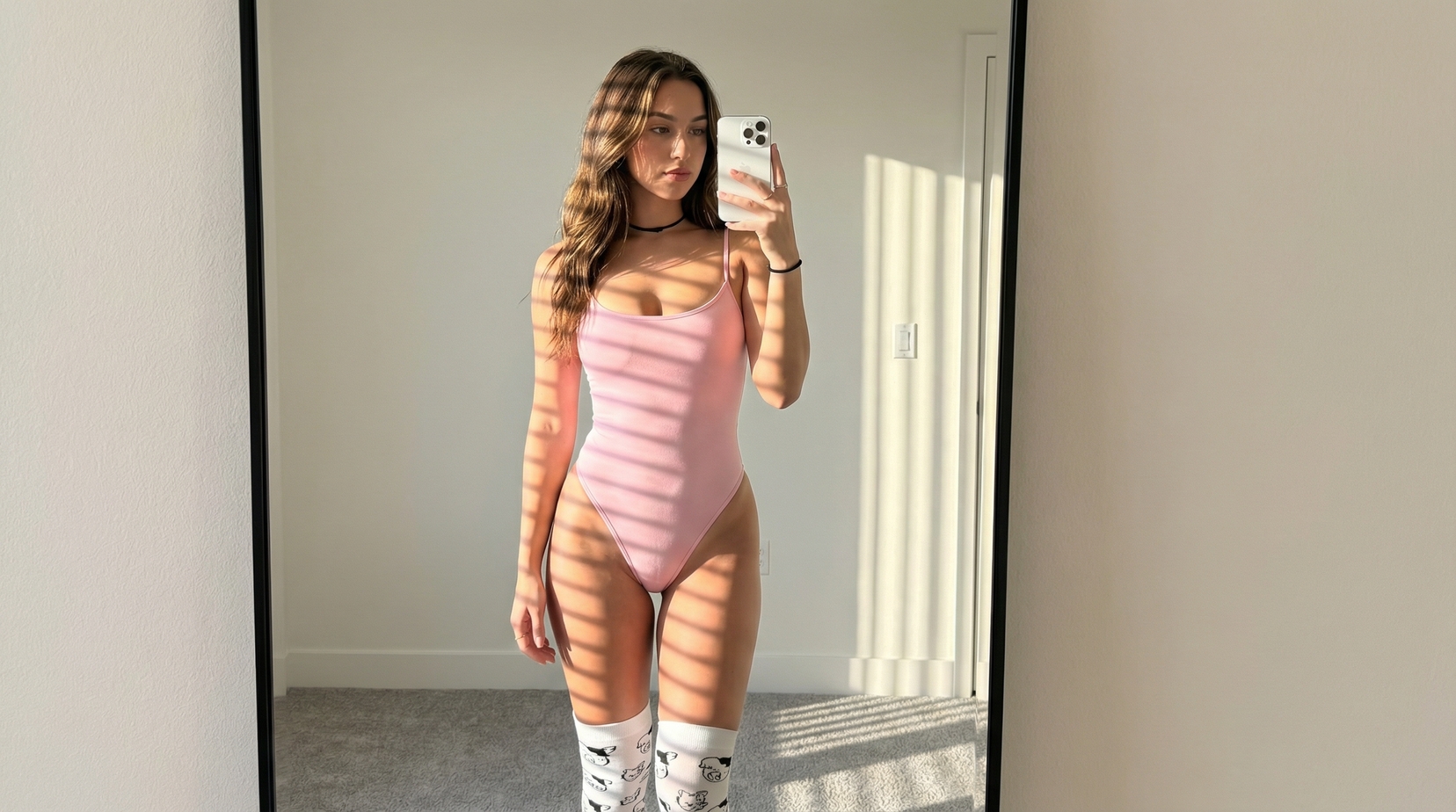
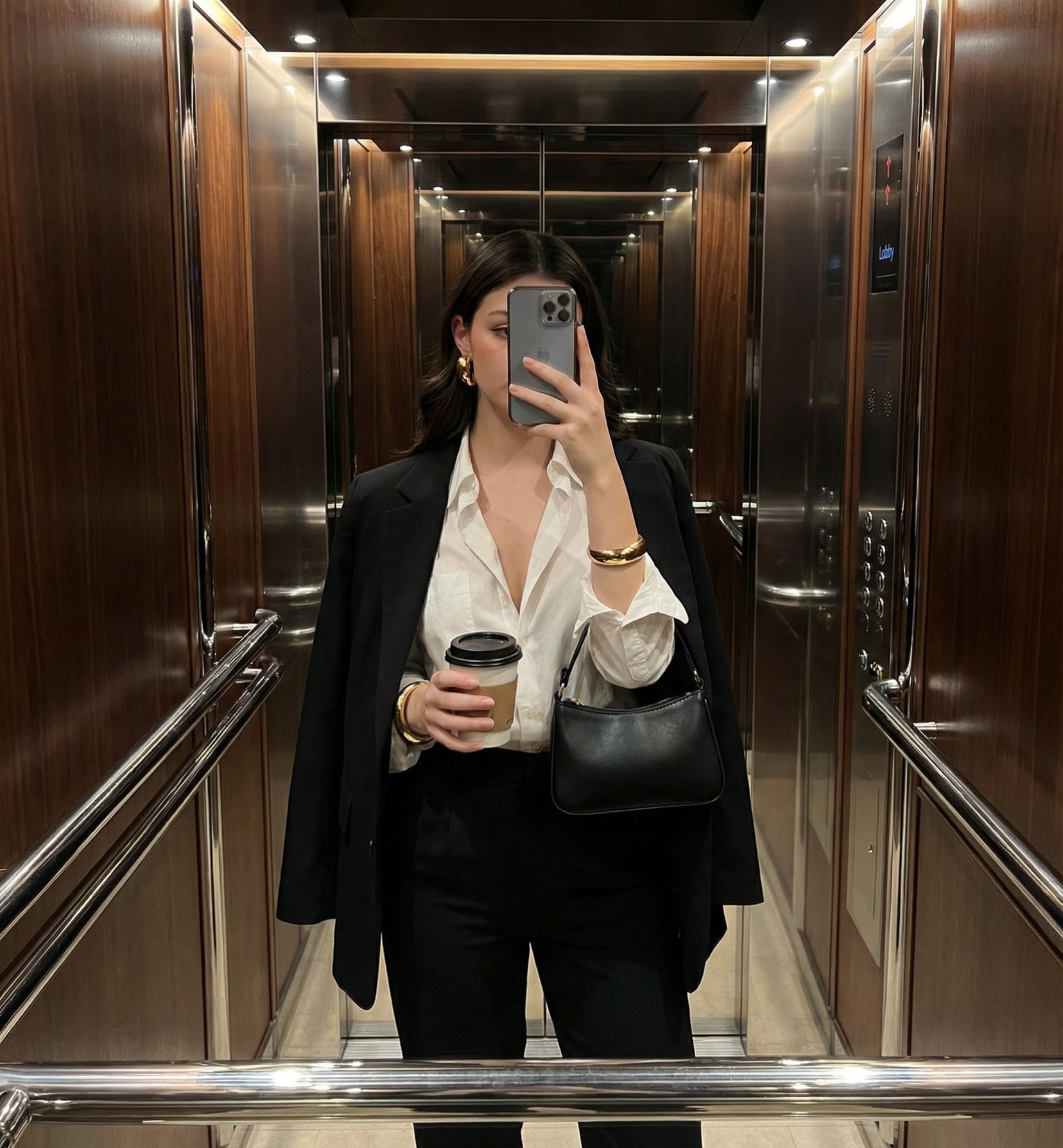
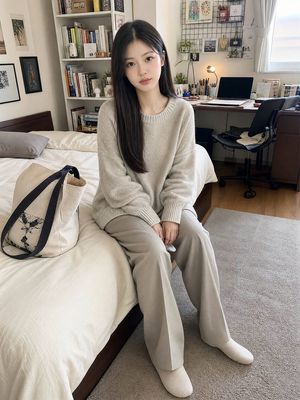
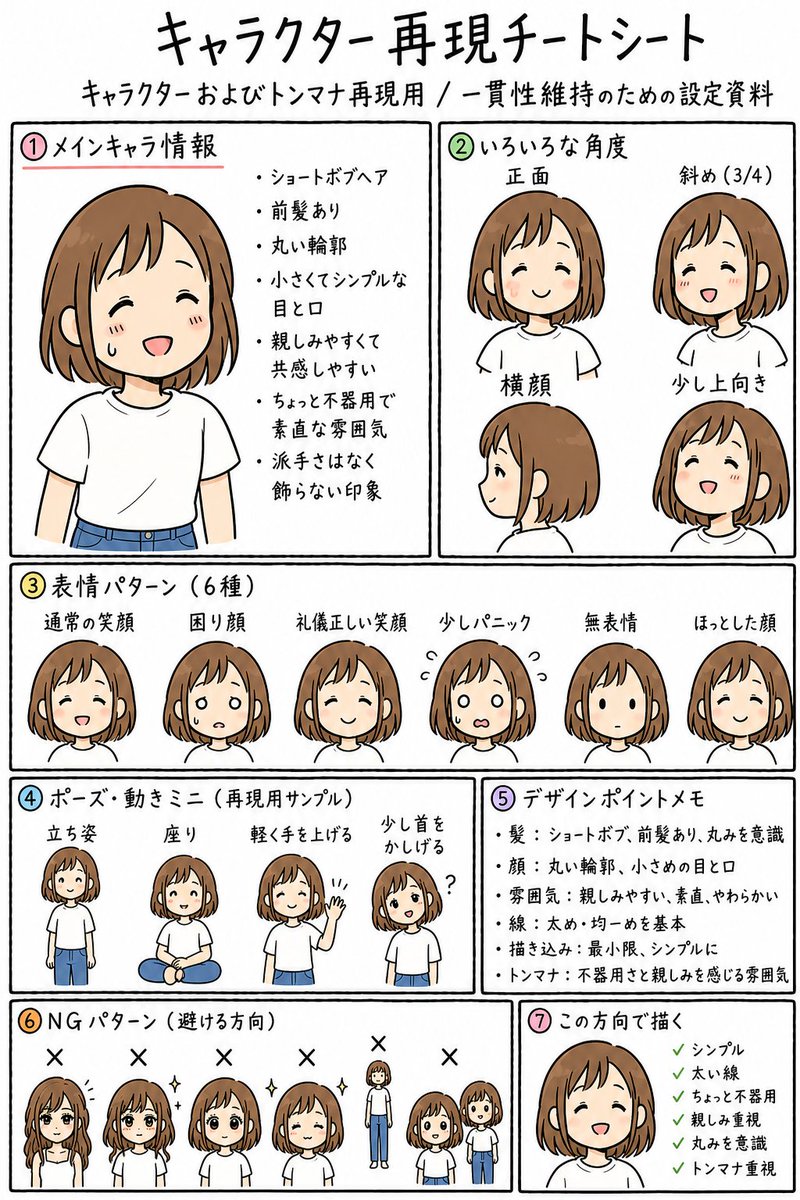
How do I use the Cozy Bedroom Lifestyle Selfie template?
Choose the primary action to open PicX Studio with the available template settings. Review the model and format, personalize the creative direction, and generate when ready.
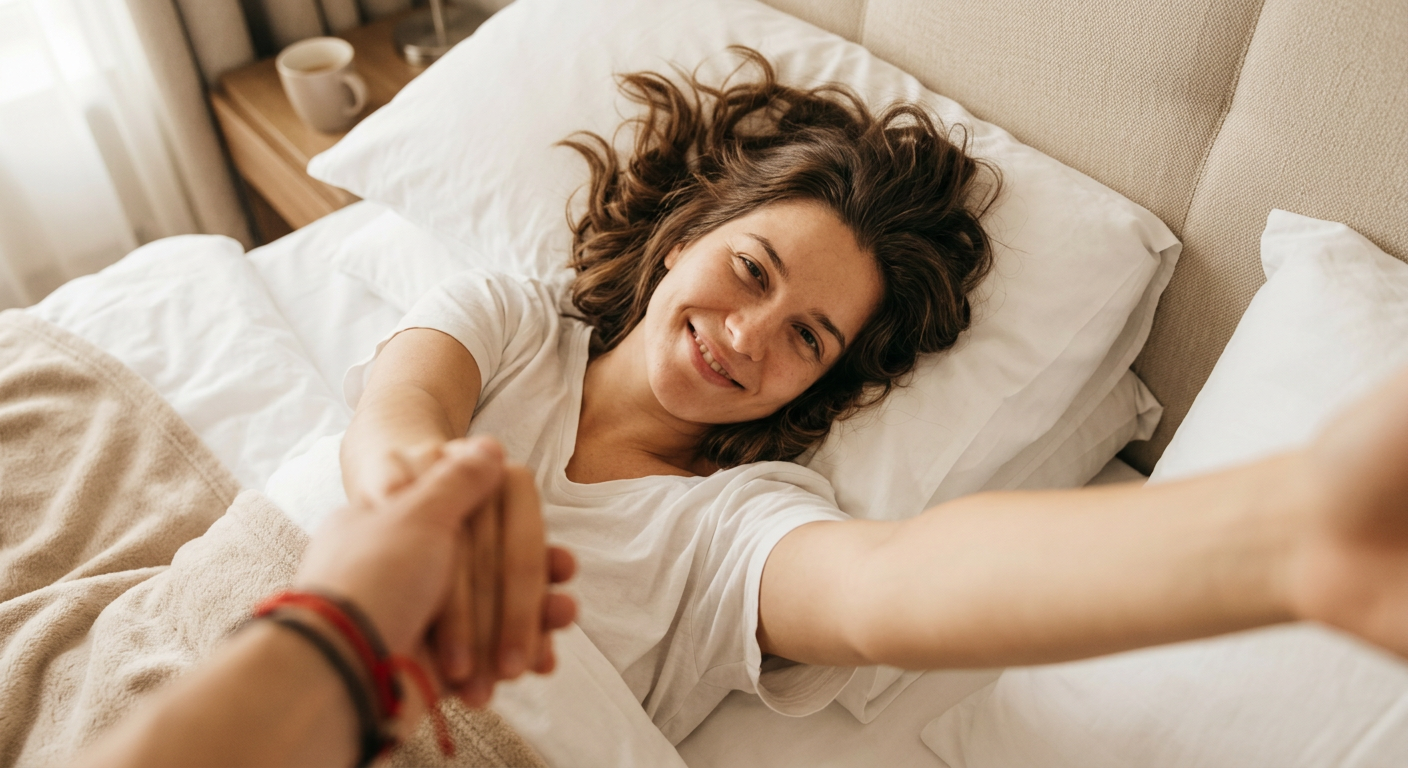
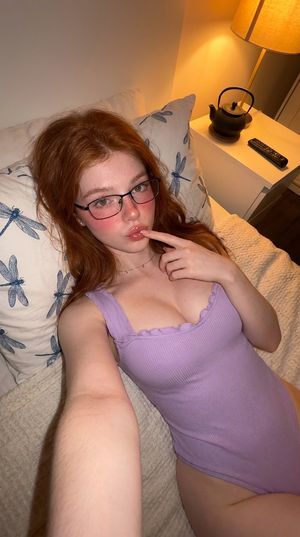
A natural and warm prompt for a relaxed bedroom selfie from a high angle, focusing on intimate home lighting and a casual, playful mood.
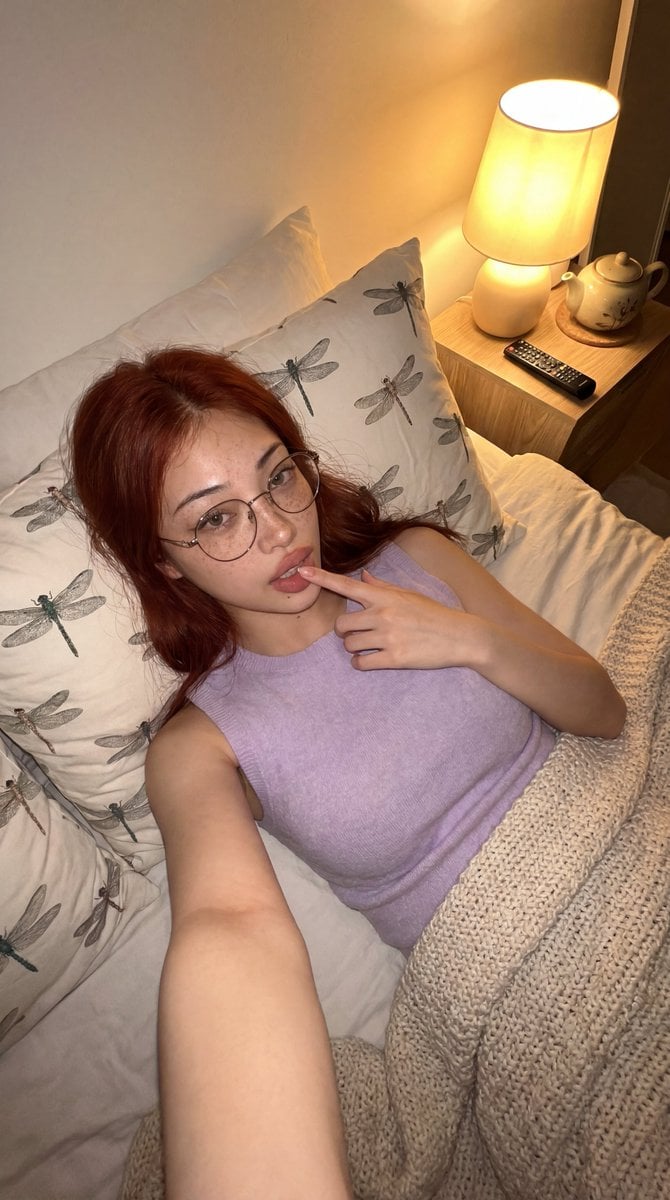
{ "prompt": "A warm, cozy bedroom selfie taken from a high angle. A {argument name="hair color" default="red-haired"} woman with freckles and glasses reclines on a bed with {argument name="pillow pattern" default="dragonfly-patterned"} pillows and a textured blanket, wearing a soft {argument name="clothing color" default="lavender"} sleeveless top. She poses casually with a playful expression, one finger near her lips. A bedside table with a glowing lamp, teapot, and remote control adds to the relaxed, intimate home atmosphere. Soft warm lighting and natural shadows create a calm nighttime mood.", "style": "realistic lifestyle photography", "lighting": "warm bedside lamp lighting with soft shadows", "composition": "high-angle selfie, close framing, bedroom setting", "mood": "cozy, relaxed, intimate" }
Choose the primary action to open PicX Studio with the available template settings. Review the model and format, personalize the creative direction, and generate when ready.
Yes. You can change the subject, setting, lighting, mood, format, and available model controls before creating your image.
This template is free to open and customize. Generation usage is shown in PicX Studio before you create.
Start with Nano Banana 2, which is the model associated with this template. You can compare another compatible model for a different finish.
Follow a topic to a crawlable collection of related PicX Studio templates.