
Tang Dynasty Aesthetic CG Illustration
A highly detailed prompt for creating an elegant Eastern beauty in a traditional Tang Dynasty style with cinematic lighting.
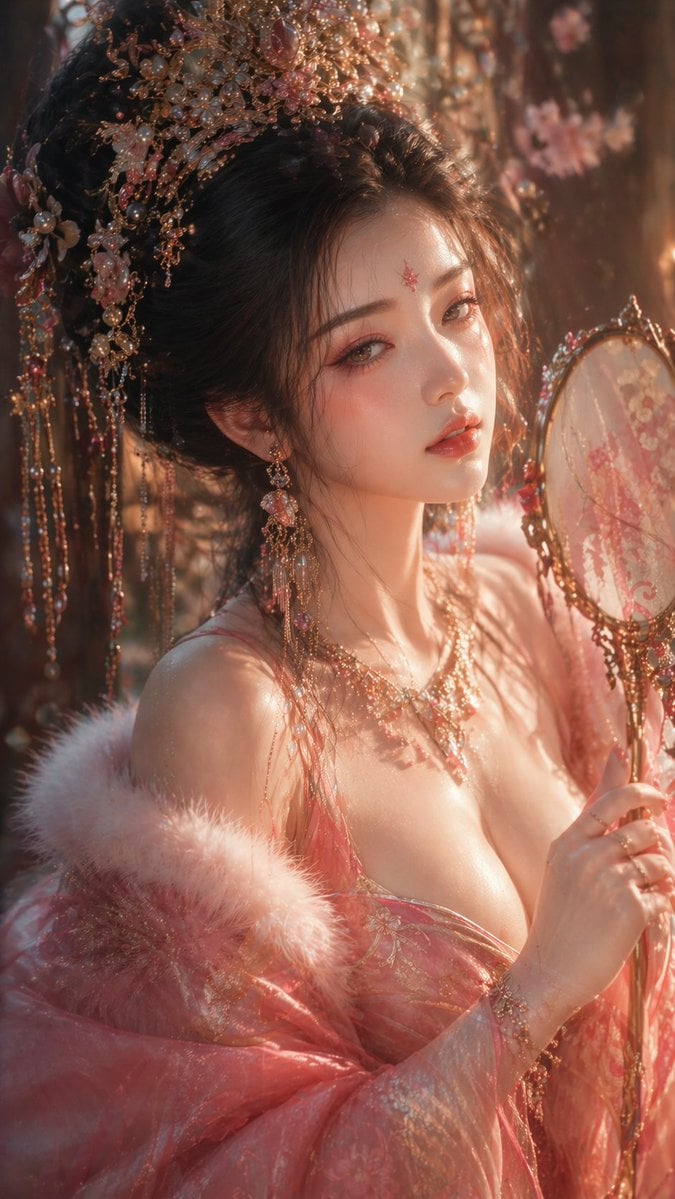
- Prompt included
- Model and format preset
- Free template
The prompt behind this image
Copy the exact prompt behind Tang Dynasty Aesthetic CG Illustration, or open it in the studio and make it yours.
{argument name="风格" default="国风CG插画"},唐风美学,{argument name="人物设定" default="古代绝美女子"},半身近景特写,画面重心聚焦面部与上半身,高级人像构图,电影级镜头语言与空间透视 人物设定: 东亚古典美人,冷白通透肌肤,细腻真实皮肤质感,柔润微光; 五官精致立体但自然不过度夸张,狭长凤眼,眼尾微挑,眼神含情带羞、微醺朦胧,长睫毛投下细微阴影; 唇色如胭脂晕染,微启唇,神态柔美而富有情绪张力,呈现“含蓄东方美” 造型设计: 粉色系华丽唐风服饰,轻柔贴合身体曲线,层次丰富但不过度堆叠; 适度低领设计,强调锁骨与颈肩线条,视觉引导自然不过分直白; 头戴精工凤冠(金属、珍珠、宝石、流苏),材质真实反光,随动作轻微摆动 动态与姿态: 身体微侧或轻旋转姿态,颈部延展,肩线舒展,手部形成柔性引导线,增强画面韵律与女性柔美张力 光影系统: 电影级布光 主光:暖金侧前方光聚焦面部与肌肤高光 辅光:冷色环境光塑造体积与空间 边缘光勾勒发丝与肩颈轮廓 高光控制不过曝,阴影保留细节,面部光影柔和过渡 画面风格: 超写实CG人像融合东方写意气韵,轻微朦胧美学 氛围与质感: 梦幻、含蓄、东方审美的高级氛围; 背景虚化,弱化环境强化人物; 轻微胶片颗粒+ 柔焦辉光,增强情绪与质感 色彩体系: 主色:胭脂粉、鎏金 辅色:冷青蓝灰 整体低饱和高质感,避免艳俗 镜头参数: 85mm portrait lens, f1.4–f2, shallow depth of field, cinematic framing 画质: ultra detailed, 8K–16K, extreme detail, high resolution, cinematic lighting 比例: {argument name="比例" default="9:16"}
How to use Tang Dynasty Aesthetic CG Illustration in 3 steps
- 1
Open
The prompt is already in the box next to the preview, with the template's model and format selected.
- 2…a portrait of your subject in softgolden-hour light, 85mm…
Personalize
Edit the subject and creative details for your destination.
- 3Generate
Generate
Press Generate — your image is created in PicX Studio, so you can compare it with the original and refine one variable at a time.
More like this
Templates with the same subject, style or setup. Open one to see its prompt.

Tang Dynasty Royal Banquet Cinematography
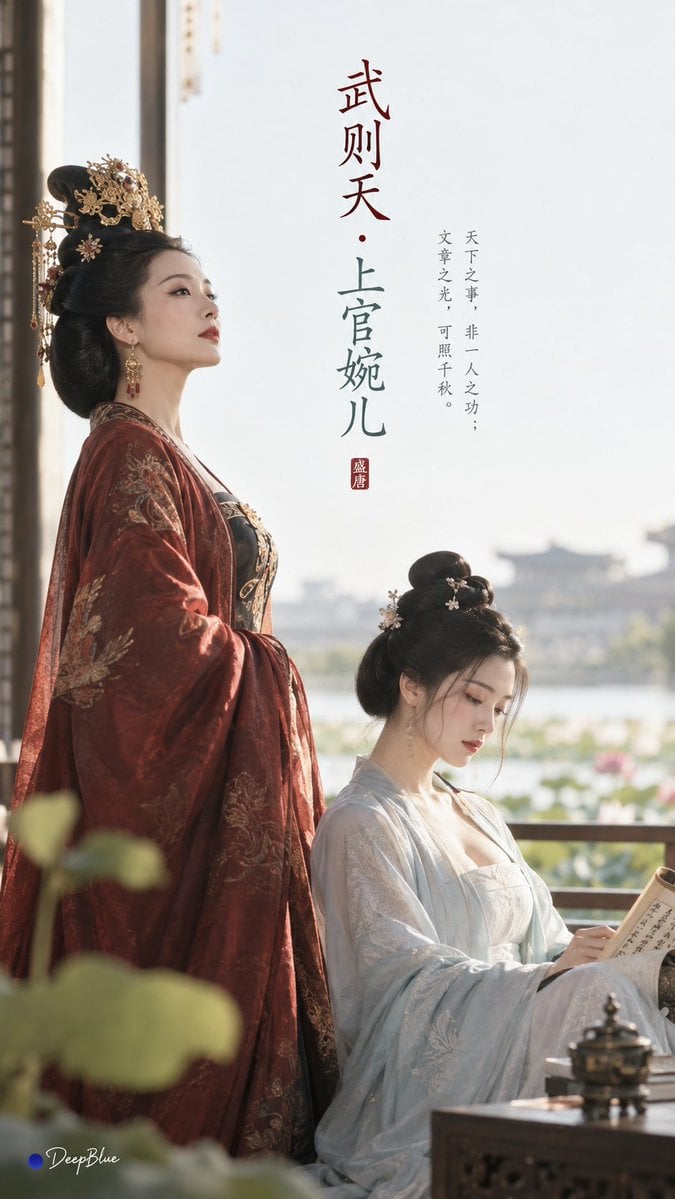
Tang Dynasty Minimalist Editorial
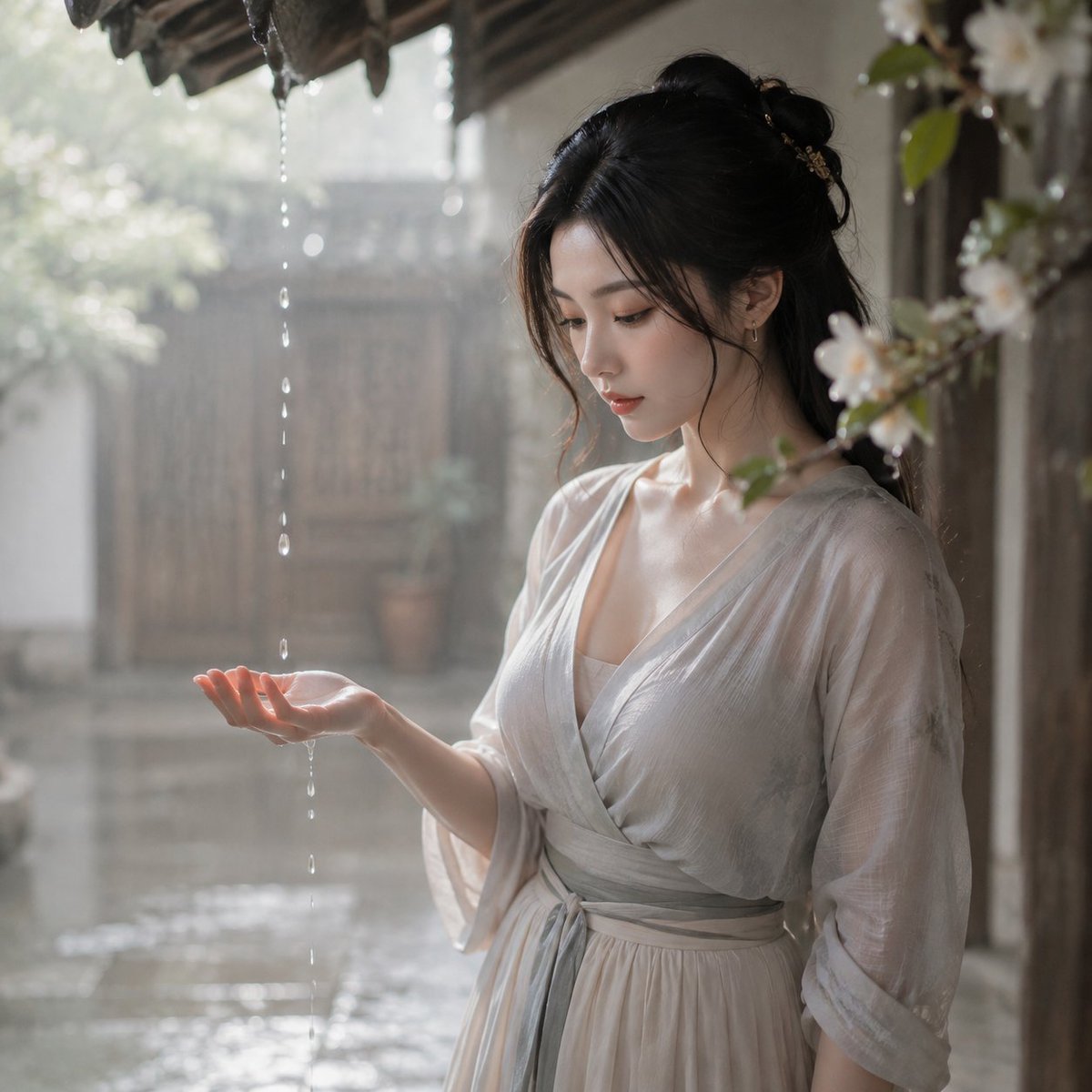
Tang Dynasty Courtyard Rain Scene
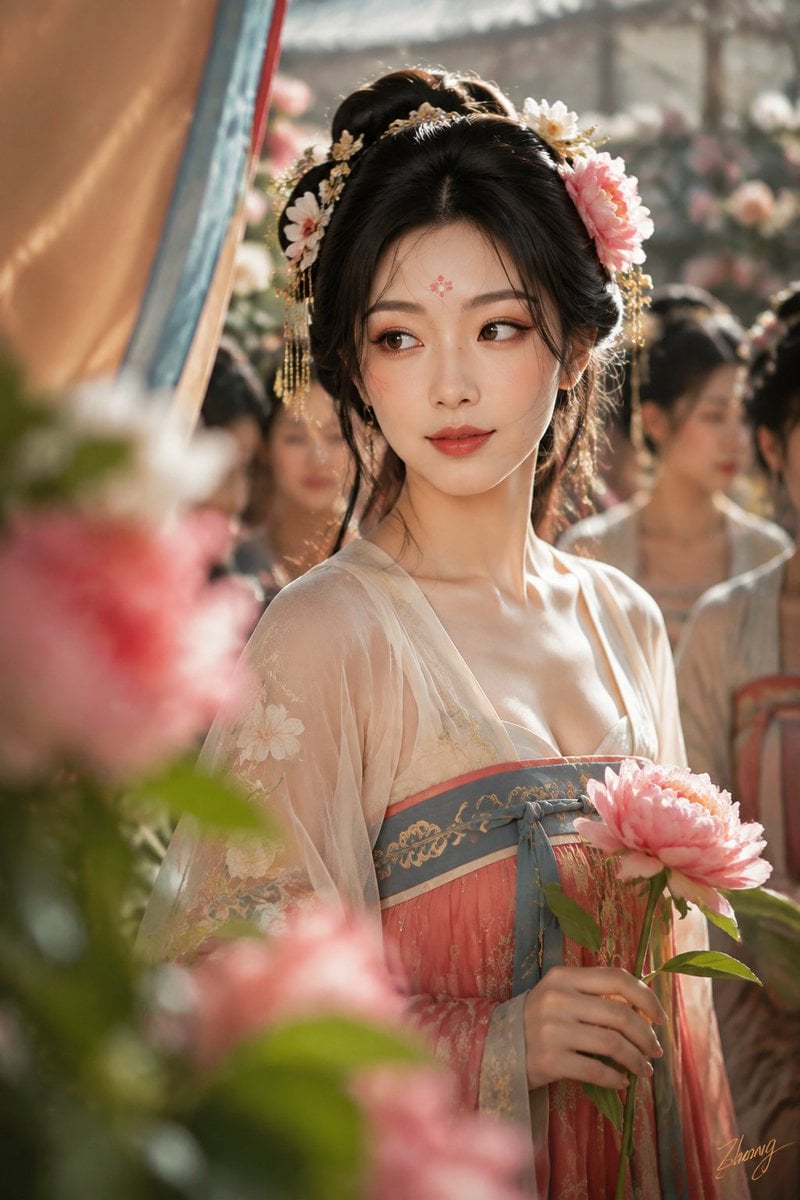
Tang Dynasty Cinematic Photography
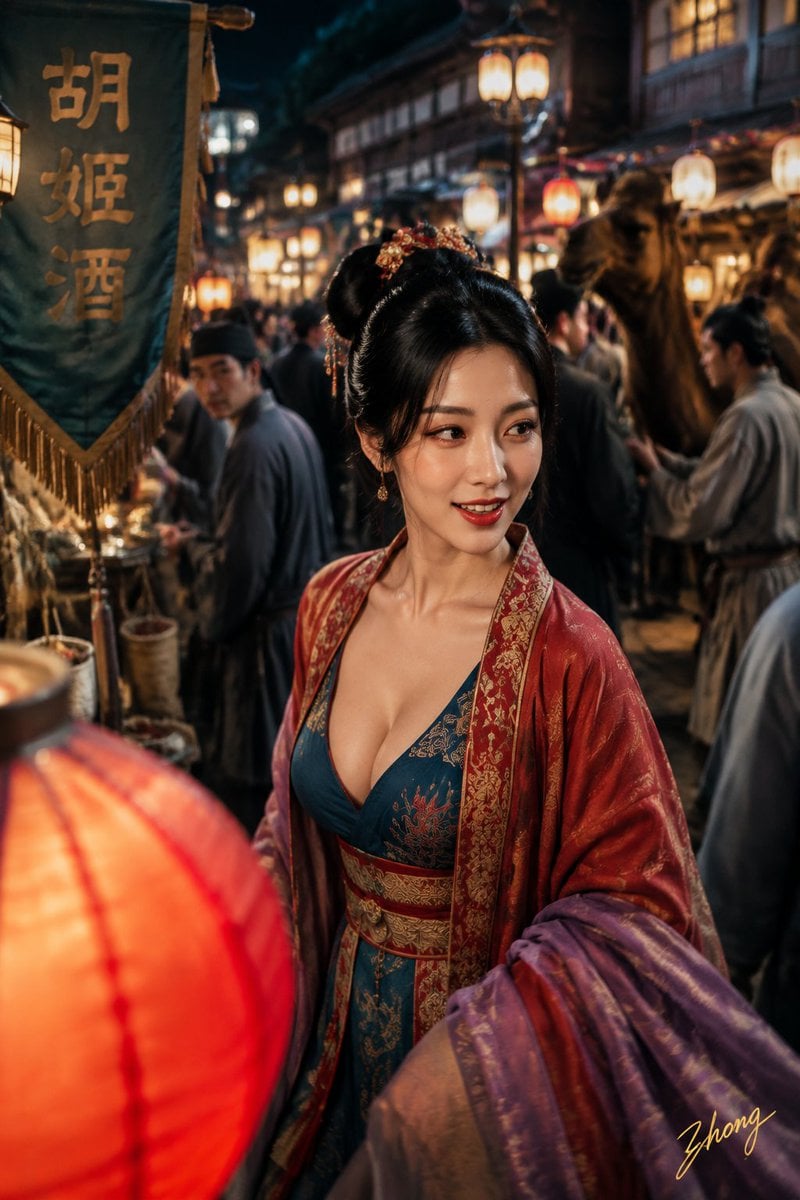
Tang Dynasty Aesthetics Photography Series
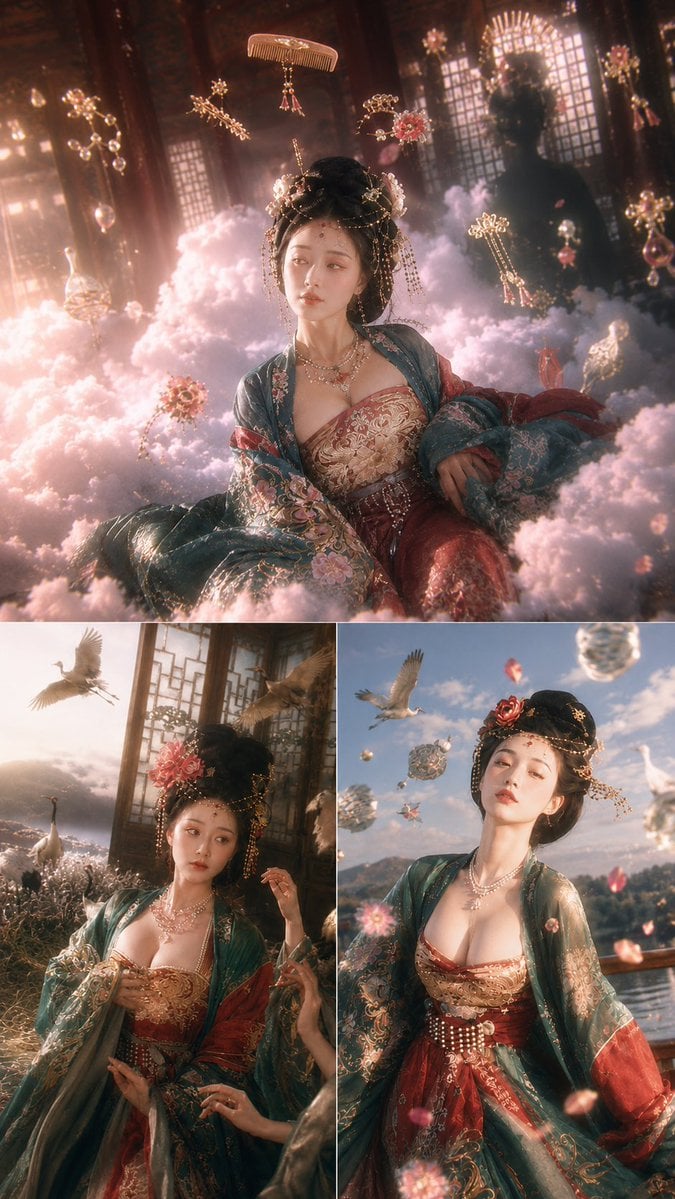
Tang Dynasty Fantasy Triptych

Quiet Minimalist Anime Style Guide

Real Illustration Split Portrait Transition
Quiet Minimalist Anime Style Guide

Watercolor Café Cheesecake Editorial Illustration
Real Illustration Split Portrait Transition

Bold Side Profile Superhero Poster
Make it yours
Tang Dynasty Aesthetic CG Illustration works as-is. These are the safest ways to change it without losing the look.
Change one field
Copy a single group, rewrite it, and generate again so you can see what that field is doing.
Keep the frame, change the subject
Hold the composition and light of Tang Dynasty Aesthetic CG Illustration, then swap wardrobe, props or the person for a new take.
| If the result… | Why | Fix |
|---|---|---|
| The result drifts from the preview | Too many fields changed at once. | Reuse Tang Dynasty Aesthetic CG Illustration as-is first, then change one group — subject, light, or setting. |
| The model over-stylizes the scene | The prose prompt leaves finish and camera underspecified. | Add one camera or lighting sentence and stay on GPT Image 2. |
More GPT Image 2 templates
Other prompts made for GPT Image 2.

Six VTuber Japanese Logo Sheet

Realistic Portrait of Woman and Deer

The Vista Modular Condo Poster

AI Model Routing Comparison Infographic

2.5D Anime Art Board

Isometric Productivity Desk Scene

New York Double Exposure Poster

Four-Panel AI Landscape Comparison

Japanese Tatami Lifestyle Magazine Cover

NESCAFÉ Coffee Map Poster
More image prompts
Fresh picks from across the catalog.
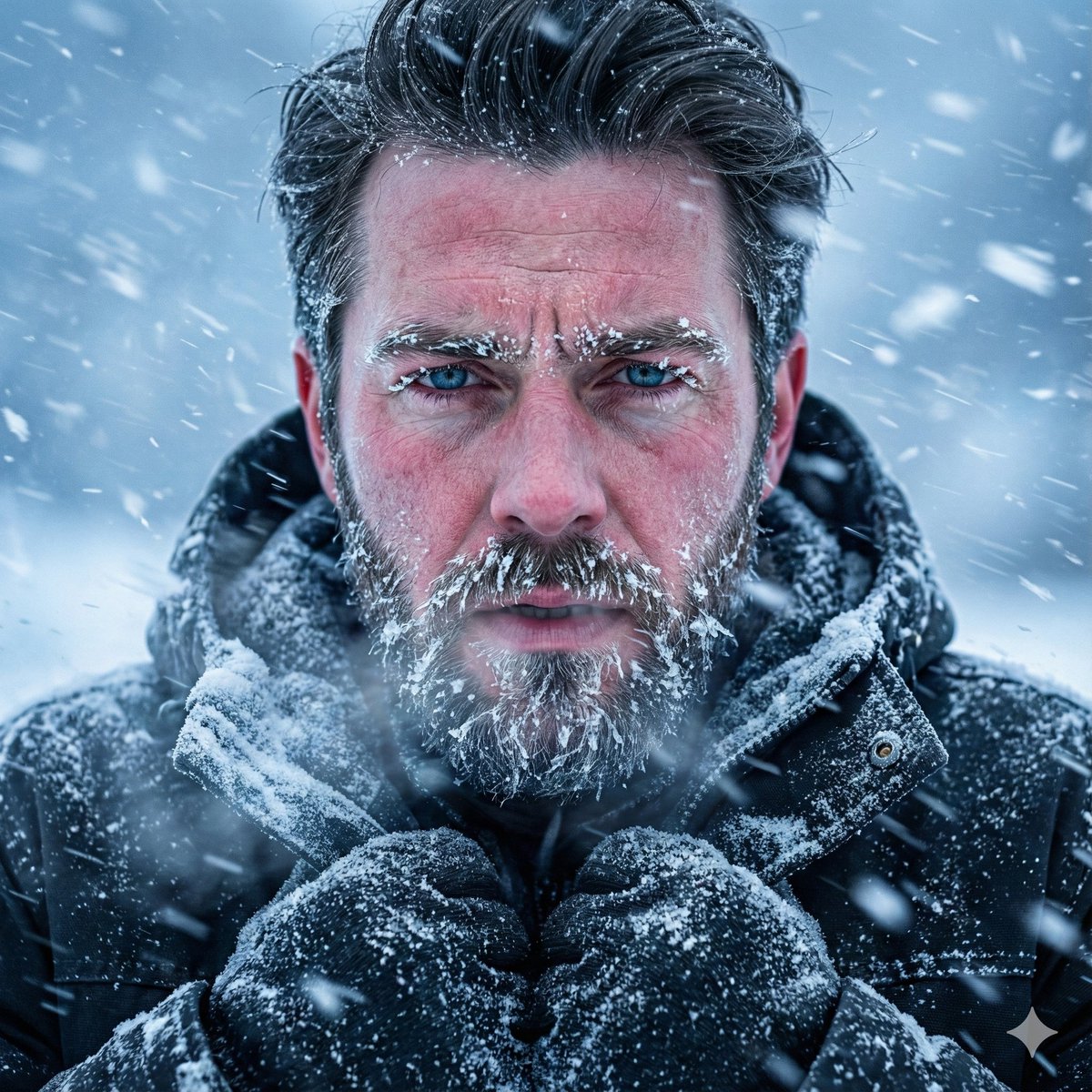
Structured Prompt for Ultra-Realistic Portrait of Man in Snowstorm
Image-to-Snow Sculpture Conversion Prompt for Nano Banana Pro
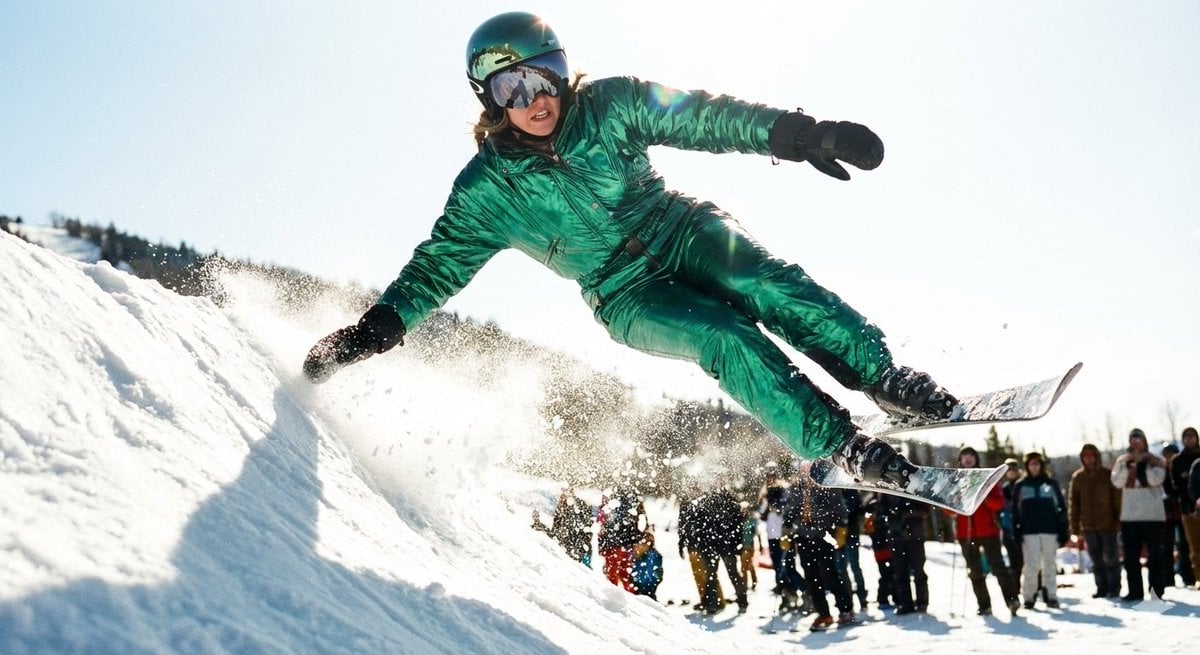
Extreme Ski Jump Action Shot (Cinestill Film Style)
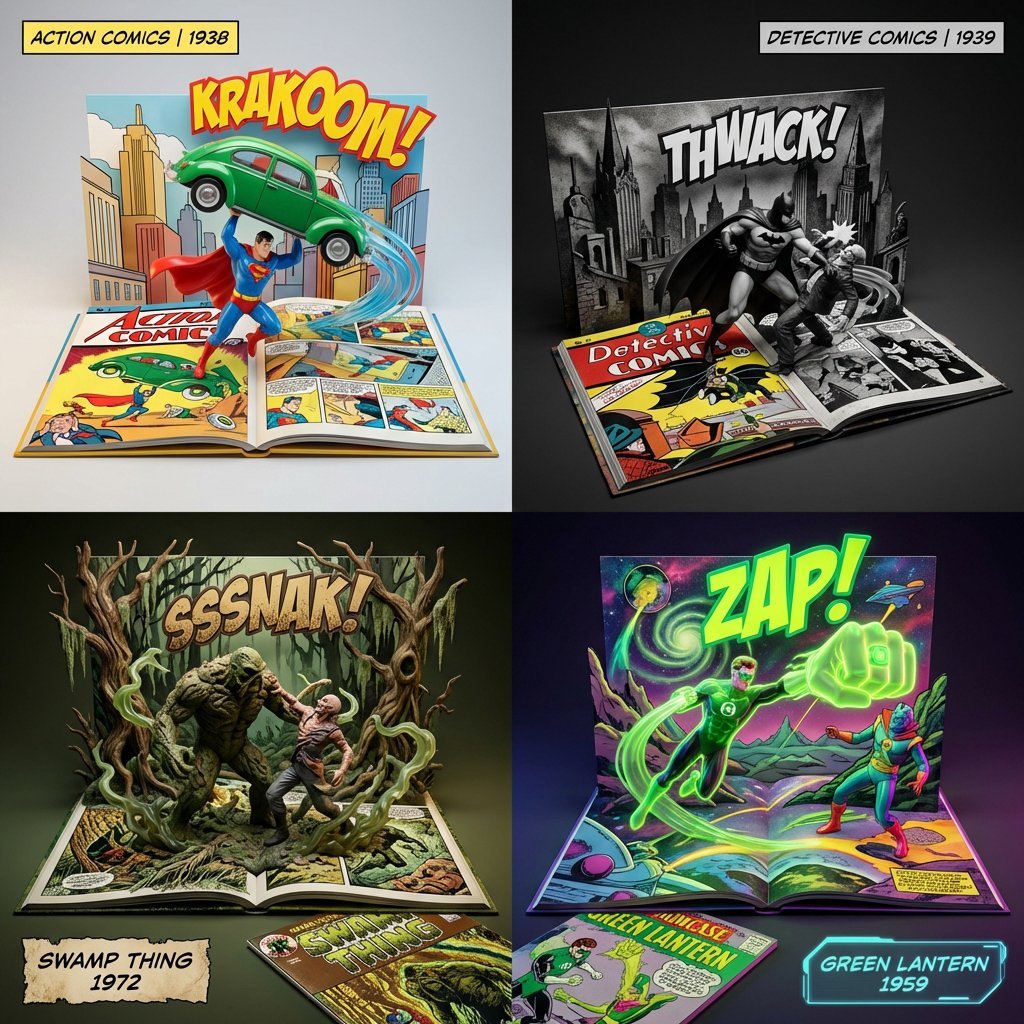
3D Diorama of Comic Book Covers and Toys
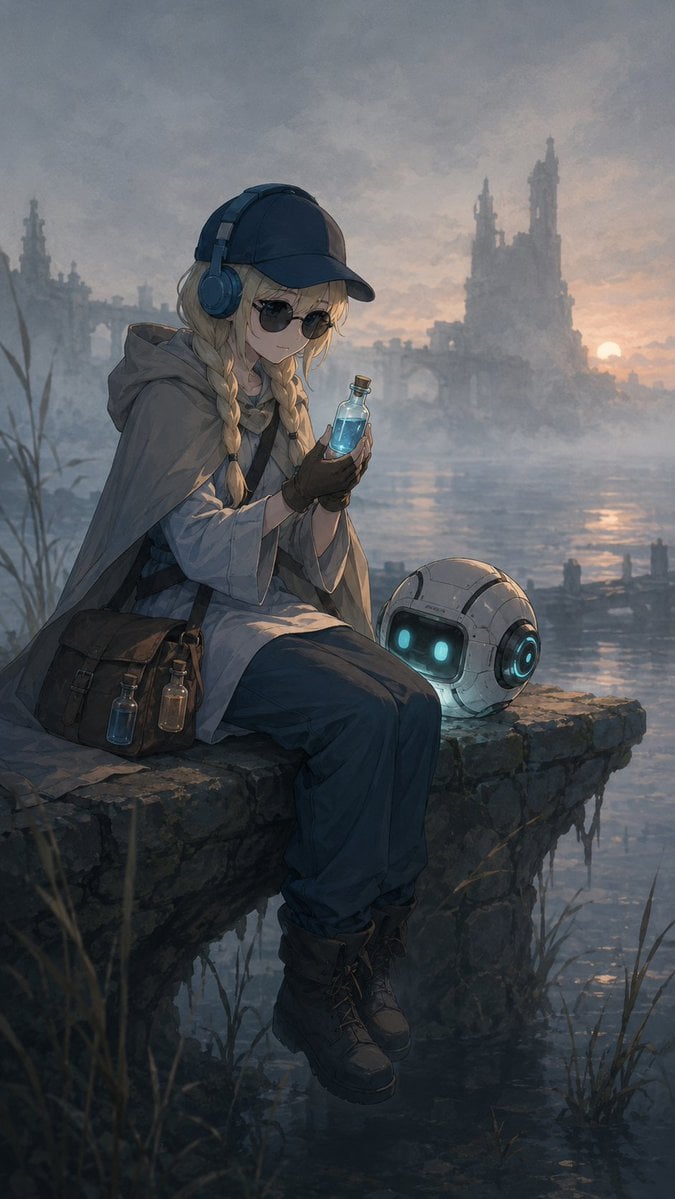
Traveling Alchemist at Misty Ruins
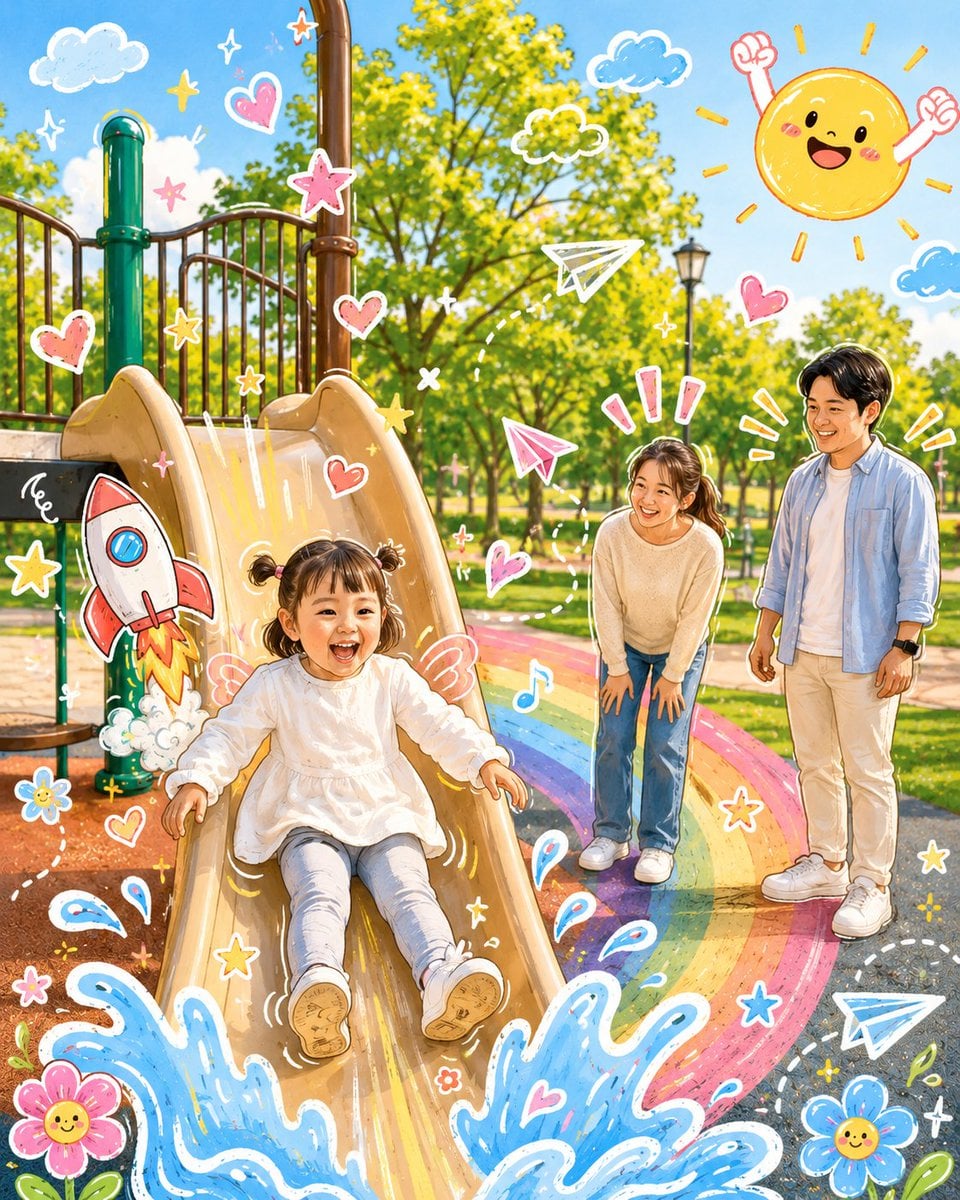
Cartoon Doodle Transformation
Surreal Baroque Still Life Perfume Ad Prompt
City tallest buildings 3D cartoon showcase prompt
Monochrome Fine-Art Fashion Editorial with Horse
Sunset Beach Fashion Documentary
Browse template categories
Tang Dynasty Aesthetic CG Illustration questions
How do I use the Tang Dynasty Aesthetic CG Illustration template?
Add your photo if the template asks for one, edit the prompt if you like — the template's model and format are already selected — and press Generate. Your version opens in PicX Studio.
Can I customize the Tang Dynasty Aesthetic CG Illustration template?
Yes. You can change the subject, setting, lighting, mood, format, and available model controls before creating your image.
Is the Tang Dynasty Aesthetic CG Illustration template free?
Opening and editing this template is free. Generating uses credits, shown on the Generate button when you are signed in.
Which AI model should I use?
Start with GPT Image 2, which is the model associated with this template. You can compare another compatible model for a different finish.
Looking for something else? Browse all templates.

Your photo, any look
Thousands of ready templates for every top image and video model, from one credit balance.