
Tang Dynasty Aesthetics Photography Series
A complex, multi-scene prompt for GPT Image 2 that generates a series of consistent portraits set in the Tang Dynasty, covering diverse social activities.
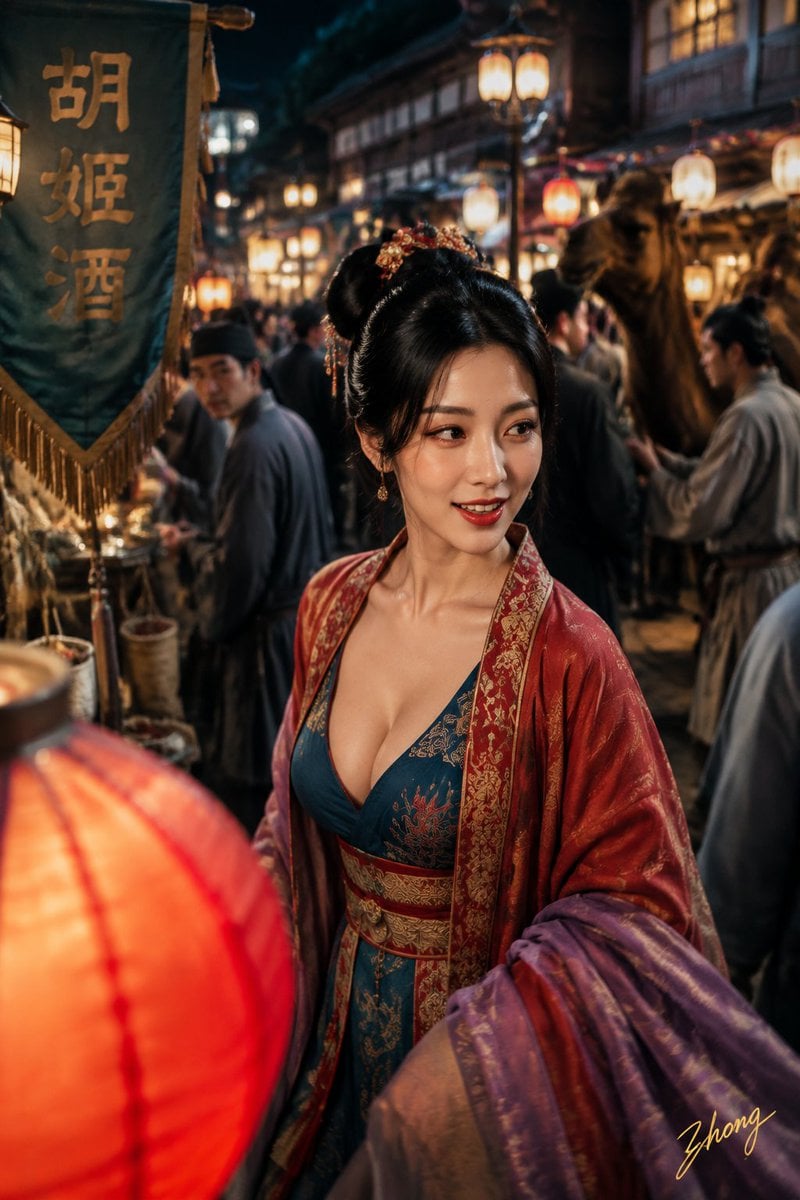
- Prompt included
- Model and format preset
- Free template
The prompt behind this image
Copy the exact prompt behind Tang Dynasty Aesthetics Photography Series, or open it in the studio and make it yours.
面部身份:使用附带的面部身份作为唯一面部参考。四张照片必须让人一眼认出是完全相同的女性。身体:{argument name="年龄" default="20岁出头"}的成年女性。使用附带的身体参考作为唯一身体比例参考。主题:盛唐彩色摄影实验:东市夜游、曲池游船、坊间蹴鞠、曲江春宴。主体:分别生成四张独立的纵向2:3写实照片,不要拼图。人物身份保持一致,但发型、服装、动作、机位和摄影语言必须根据各自场景合理变化。第一张「东市灯影里的突然一笑」:人物穿过长安东市拥挤灯市,发型为{argument name="发型" default="唐代反绾髻"},搭配{argument name="服装配色" default="孔雀蓝织锦内层"}。第二张「曲池游船的短暂停顿」...第三张「蹴鞠越线前的一次救球」...第四张「曲江春宴的一次抬头」...光线:所有人物面部使用宽而连续的自然光。质感:色彩明净但不过度饱和,保留真实颗粒。
How to use Tang Dynasty Aesthetics Photography Series in 3 steps
- 1Upload ImagePNG, JPG or paste
Add your photo
Upload the photo the template builds on. The prompt, model and format are already set.
- 2…a portrait of your subject in softgolden-hour light, 85mm…
Personalize
Edit the subject and creative details for your destination.
- 3Generate
Generate
Press Generate — your image is created in PicX Studio, so you can compare it with the original and refine one variable at a time.
More like this
Templates with the same subject, style or setup. Open one to see its prompt.
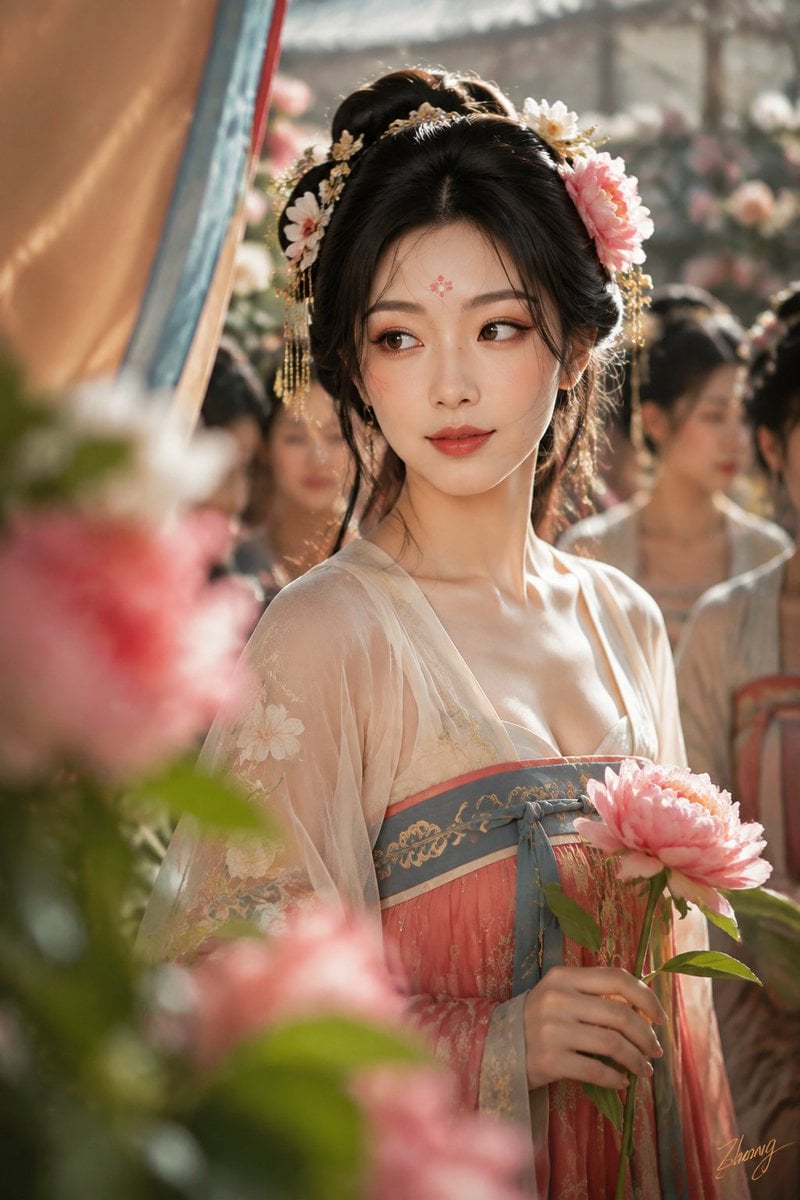
Tang Dynasty Cinematic Photography
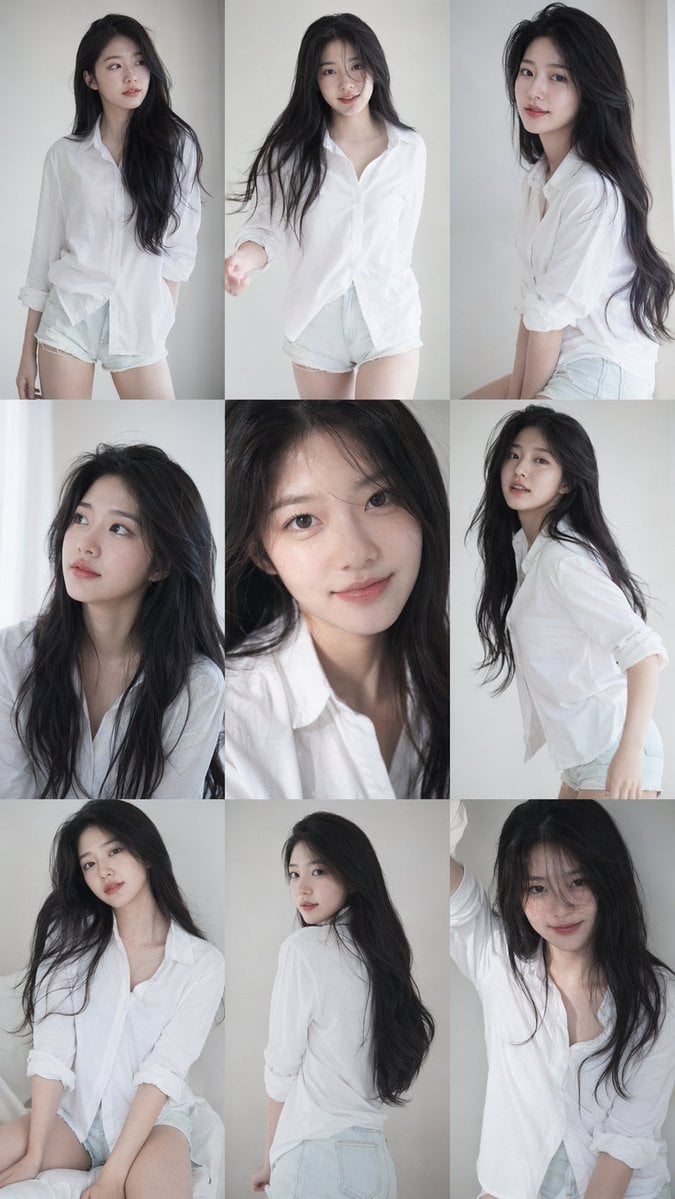
Korean Idol 3x3 Photobook Grid Portrait Series

Tang Dynasty Royal Banquet Cinematography
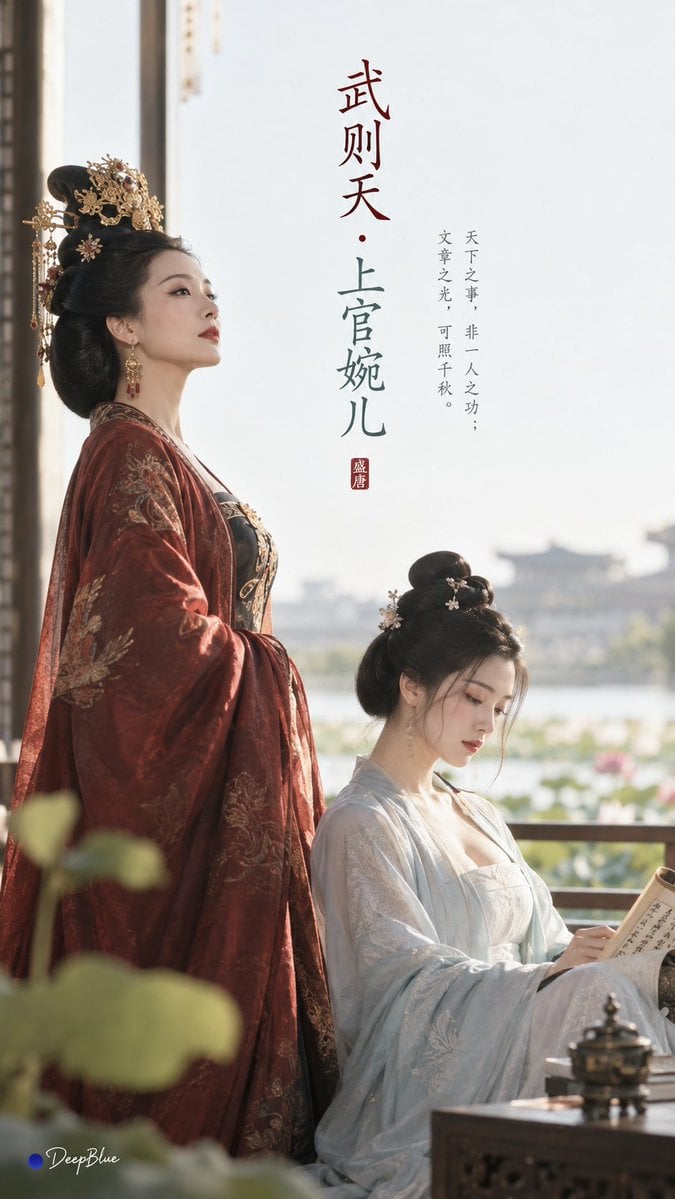
Tang Dynasty Minimalist Editorial
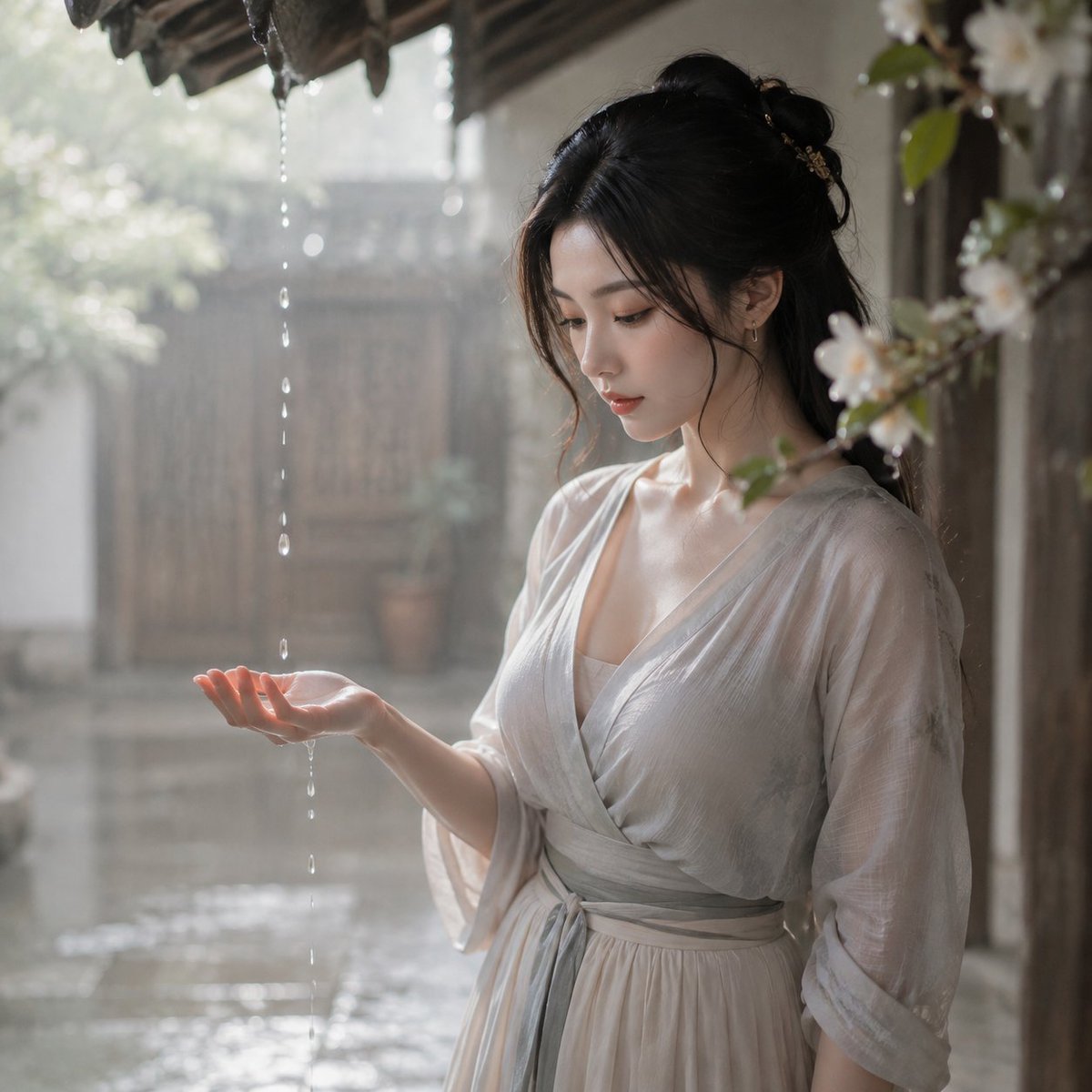
Tang Dynasty Courtyard Rain Scene

Mirror Selfie Chibi Characters Pixar Style

Flower Petal Sunglasses Couture Portrait

Fashion Portrait Colored Smoke Studio

Mountain Valley Lifestyle Portrait

青蛇小青写真大片,绿色紧身蛇鳞裙,湿发红唇,妖娆妩媚

A double exposure, long exposure editorial photograph of a man Use image

Portrait of a young woman in her early 20s walking calmly on a beautiful
Make it yours
Tang Dynasty Aesthetics Photography Series works as-is. These are the safest ways to change it without losing the look.
Change one field
Copy a single group, rewrite it, and generate again so you can see what that field is doing.
Keep the frame, change the subject
Hold the composition and light of Tang Dynasty Aesthetics Photography Series, then swap wardrobe, props or the person for a new take.
| If the result… | Why | Fix |
|---|---|---|
| The result drifts from the preview | Too many fields changed at once. | Reuse Tang Dynasty Aesthetics Photography Series as-is first, then change one group — subject, light, or setting. |
| The model over-stylizes the scene | The prose prompt leaves finish and camera underspecified. | Add one camera or lighting sentence and stay on GPT Image 2. |
More GPT Image 2 templates
Other prompts made for GPT Image 2.

Six VTuber Japanese Logo Sheet

Realistic Portrait of Woman and Deer

The Vista Modular Condo Poster

AI Model Routing Comparison Infographic

2.5D Anime Art Board

Isometric Productivity Desk Scene

New York Double Exposure Poster

Four-Panel AI Landscape Comparison

Japanese Tatami Lifestyle Magazine Cover

NESCAFÉ Coffee Map Poster
More image prompts
Fresh picks from across the catalog.
Cold Authority Tech Poster
FIFA World Cup Poster Design
Ornate Box Diorama Prompt (Cyberpunk Pub)
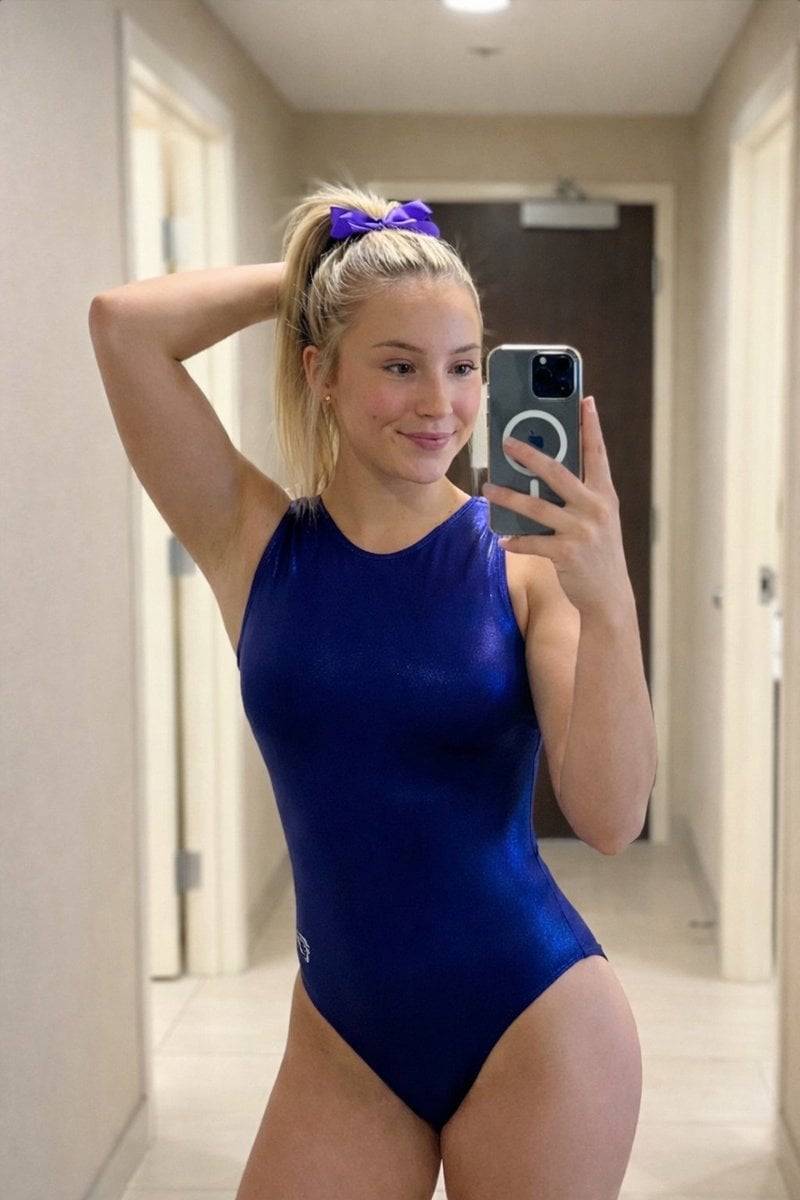
Photorealistic Mirror Selfie Portrait Prompt (Gymnastics Leotard)
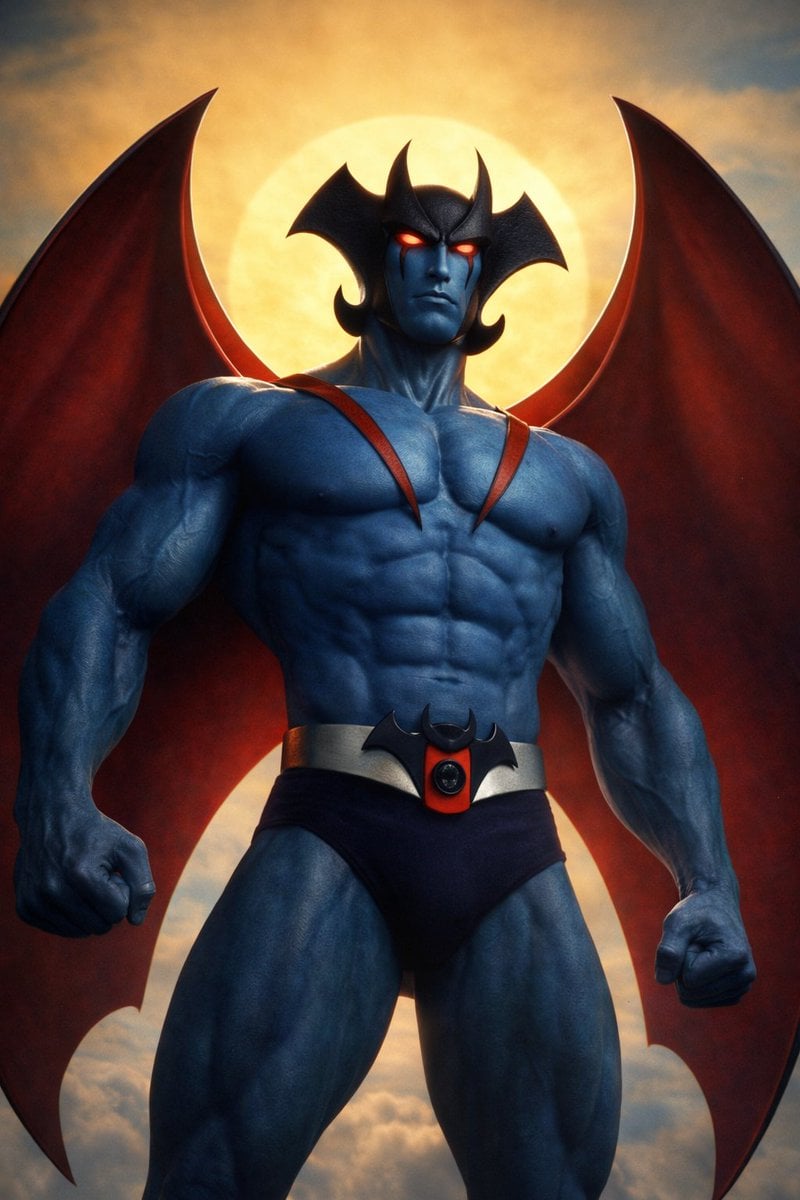
Devilman Anime Keyframe in 3DCG Style
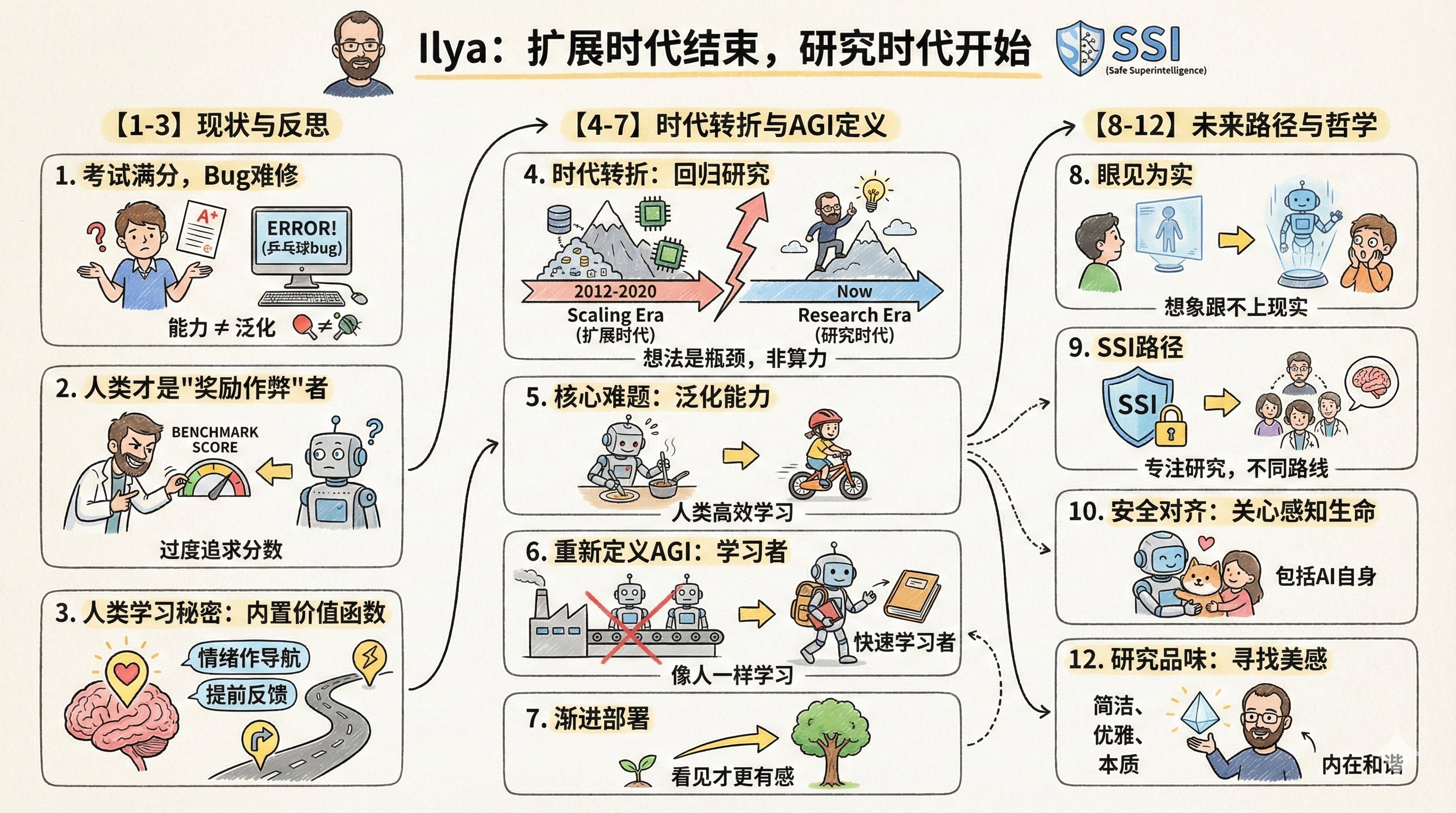
Convert Your Article Content to a Cartoo
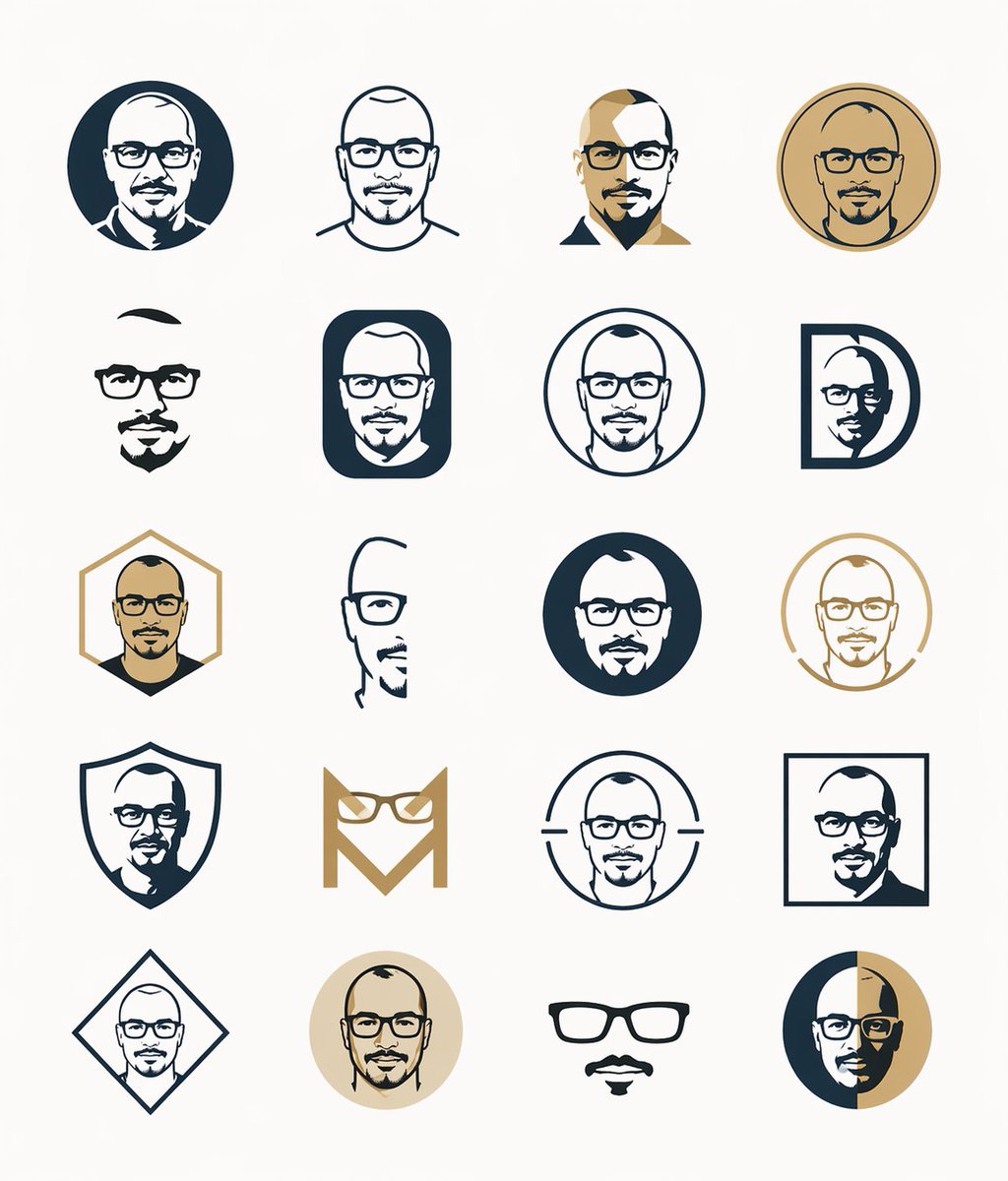
Minimal Male Avatar Logo Grid
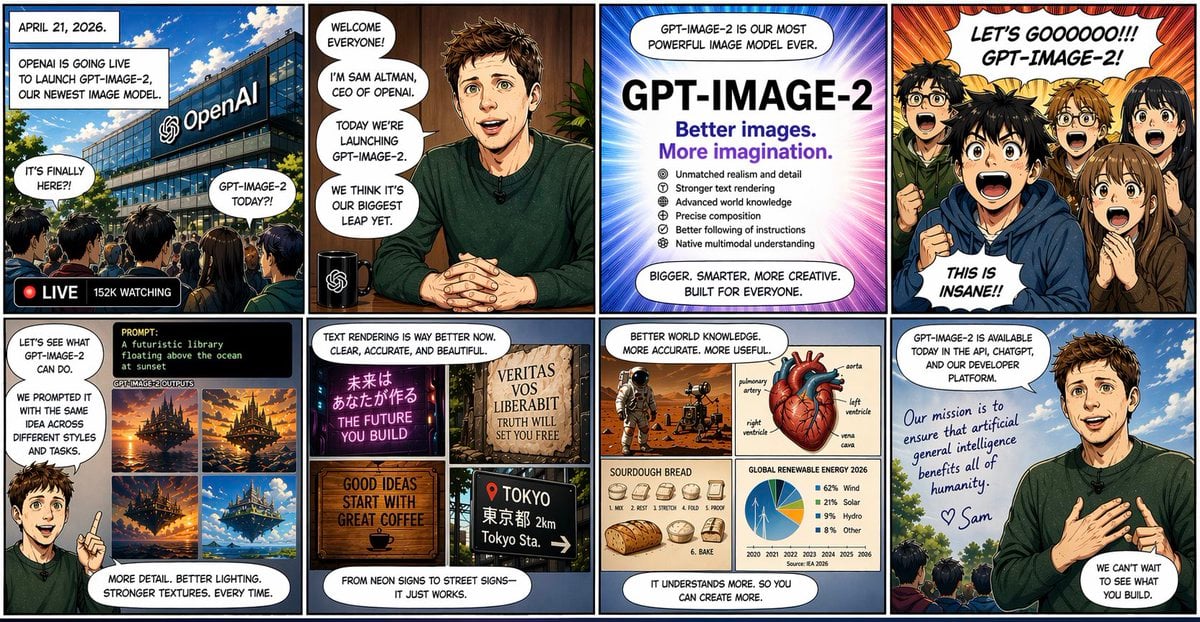
Eight Panel Manga Story
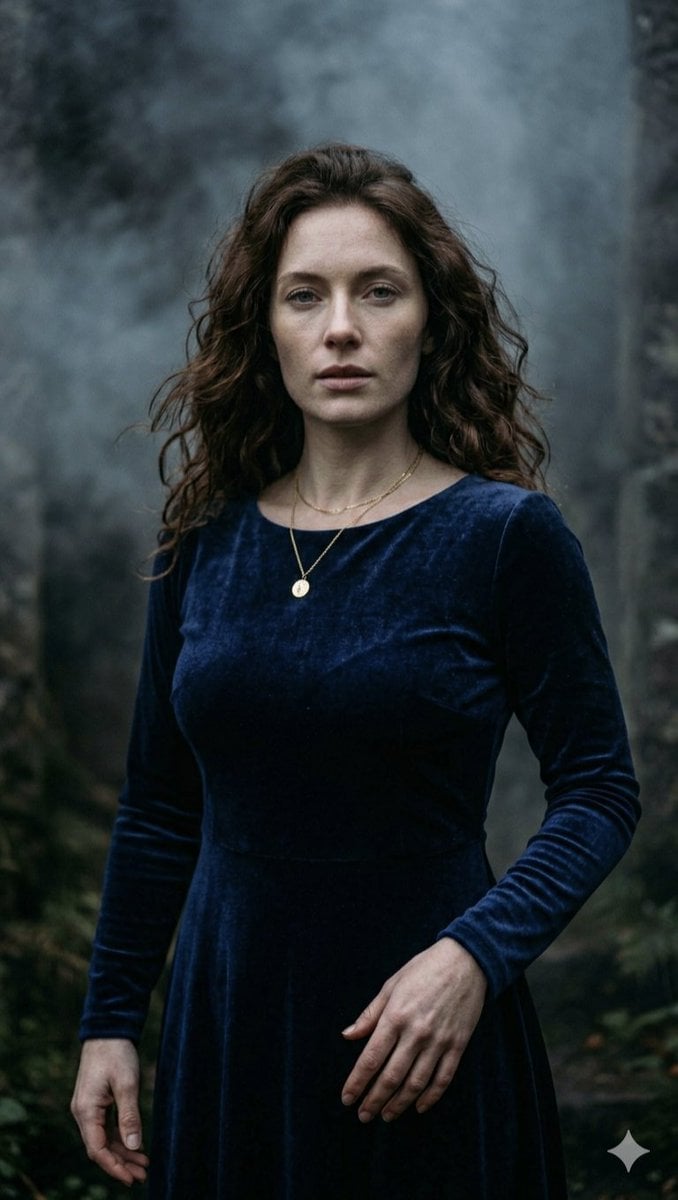
Gothic Forest Ethereal Portrait
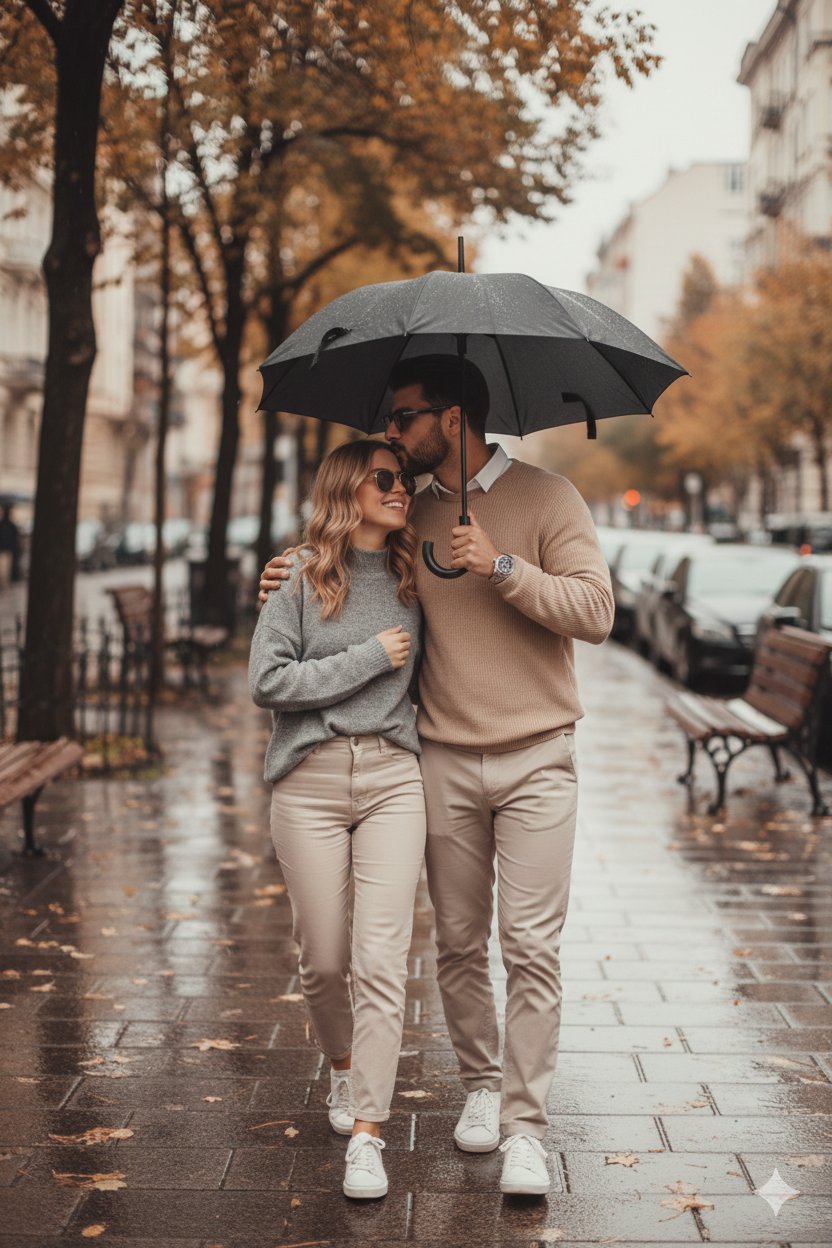
Hyper Realistic Cinematic Street
Browse template categories
Tang Dynasty Aesthetics Photography Series questions
How do I use the Tang Dynasty Aesthetics Photography Series template?
Add your photo if the template asks for one, edit the prompt if you like — the template's model and format are already selected — and press Generate. Your version opens in PicX Studio.
Can I customize the Tang Dynasty Aesthetics Photography Series template?
Yes. You can change the subject, setting, lighting, mood, format, and available model controls before creating your image.
Is the Tang Dynasty Aesthetics Photography Series template free?
Opening and editing this template is free. Generating uses credits, shown on the Generate button when you are signed in.
Which AI model should I use?
Start with GPT Image 2, which is the model associated with this template. You can compare another compatible model for a different finish.
Looking for something else? Browse all templates.

Your photo, any look
Thousands of ready templates for every top image and video model, from one credit balance.