
Ornate Box Diorama Prompt (Cyberpunk Pub)
A highly detailed, structured prompt template (AUTO-THEME MASTER PROMPT) for generating an ultra-realistic miniature diorama inside an ornate box, specifically themed as a Cyberpunk pub.
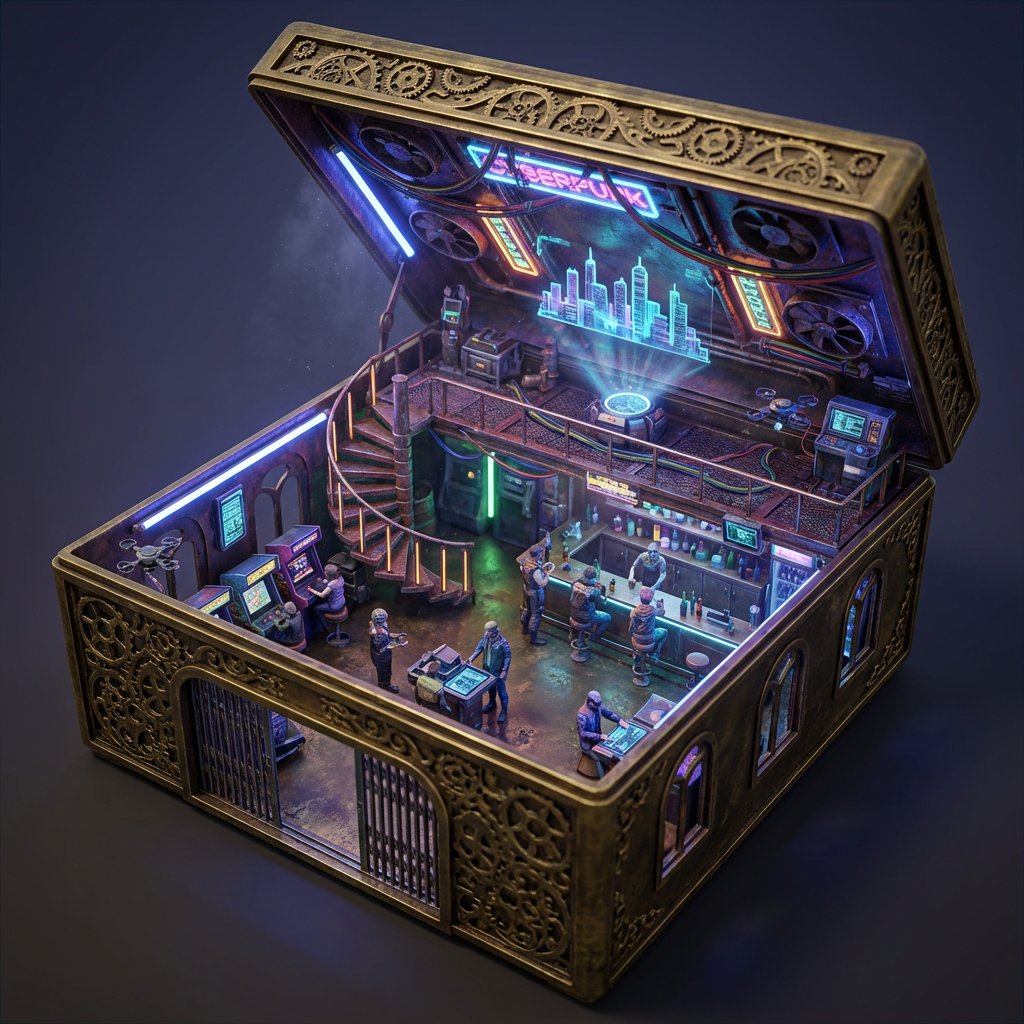
- Prompt included
- Model and format preset
- Free template
The prompt behind this image
Copy the exact prompt behind Ornate Box Diorama Prompt (Cyberpunk Pub), or open it in the studio and make it yours.
Scene: ORNATE BOX DIORAMA — AUTO-THEME MASTER PROMPT ======================== SMART VARIABLE GUIDE THEME_LOCATION = {argument name="主题位置" default="Cyberpunk pub"} AUTO RULES: • If THEME_LOCATION is filled → automatically infer: PRIMARY_ACTIVITY STAIR_TYPE CEILING_DETAILS THEME_MATERIAL_STYLE PROP_LIST THEME_LIGHT_SOURCE BASE_MATERIAL_COLOR THEME_PALETTE FOCAL_SUBJECT All inferred values must be logically consistent with THEME_LOCATION. • If THEME_LOCATION is blank → first invent a visually rich miniature environment theme, assign it to THEME_LOCATION, then automatically infer all other variables from it. • Always prioritize strong environmental storytelling, believable materials, and handcrafted miniature realism when inferring values. ======================== SUBJECT: A two-level miniature THEME_LOCATION where the ornate open box itself forms the architecture, the base container acting as the full ground floor chamber with the box walls serving directly as the structural walls. The sides of the box must contain functional doors and windows, with the front-facing side featuring a wide open doorway and visible windows. No side of the box may be removed, cut away, or missing. The box height:width:length ratio is 1:4:7 (the width four times the height). The scene features PRIMARY_ACTIVITY actively interacting with the environment. The structure must be fully integrated into the box material itself — not a room inserted inside, not a display frame, not a cutaway model. The ground floor must be constructed from the same material as the box exterior. ENVIRONMENT: The base of the ornate box forms the ground floor surface and foundation. Its interior sides transform into the architectural walls containing carved doorways and window openings seamlessly cut into the box sides and aligned with exterior ornamentation. A mezzanine or upper level is built above with structural elements attached directly to the box walls and connected via STAIR_TYPE. The inside of the open lid functions as the vaulted ceiling decorated with CEILING_DETAILS. DETAILS: Intricately carved ornate box styled according to THEME_MATERIAL_STYLE. Exterior ornamentation must continue logically into interior architecture. Doors and windows must be precisely cut into the box sides following decorative carving patterns. Include believable miniature structural joins where beams meet the container walls. Include ultra-fine theme-specific props such as PROP_LIST. Include floating dust, micro-surface wear, tactile handcrafted realism, and environmental storytelling details. STYLE: Ultra-realistic cinematic miniature diorama photography, museum-grade handcrafted realism, extreme macro detail, physically believable materials, strong architectural integration of container and structure. LIGHTING: Primary lighting motivated by THEME_LIGHT_SOURCE combined with subtle environmental secondary lighting entering through box windows and openings. Volumetric dus
How to use Ornate Box Diorama Prompt (Cyberpunk Pub) in 3 steps
- 1Upload ImagePNG, JPG or paste
Add your photo
Upload the photo the template builds on. The prompt, model and format are already set.
- 2…a portrait of your subject in softgolden-hour light, 85mm…
Personalize
Edit the subject and creative details for your destination.
- 3Generate
Generate
Press Generate — your image is created in PicX Studio, so you can compare it with the original and refine one variable at a time.
More like this
Templates with the same subject, style or setup. Open one to see its prompt.
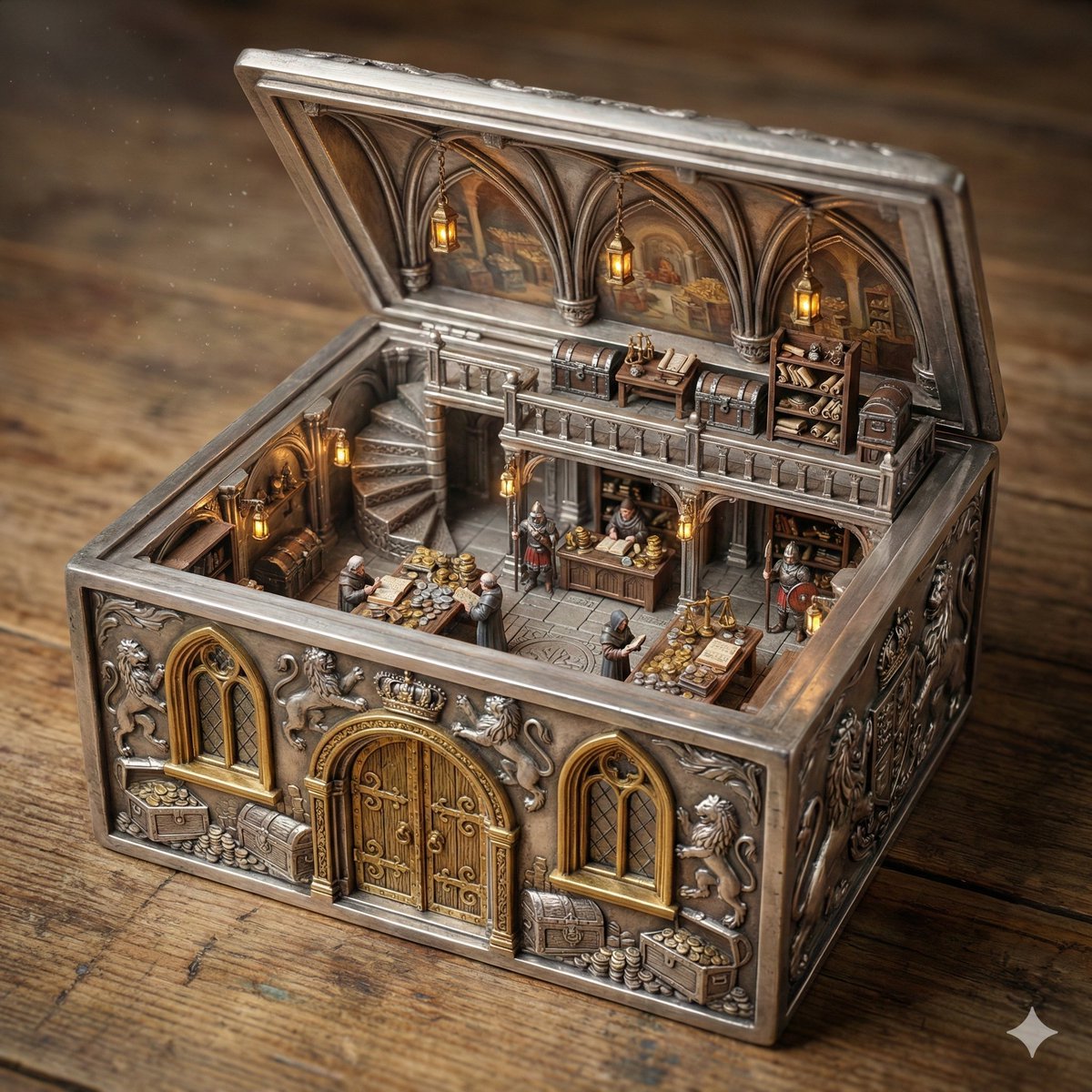
Ornate Box Diorama of a Royal Treasury Counting Room
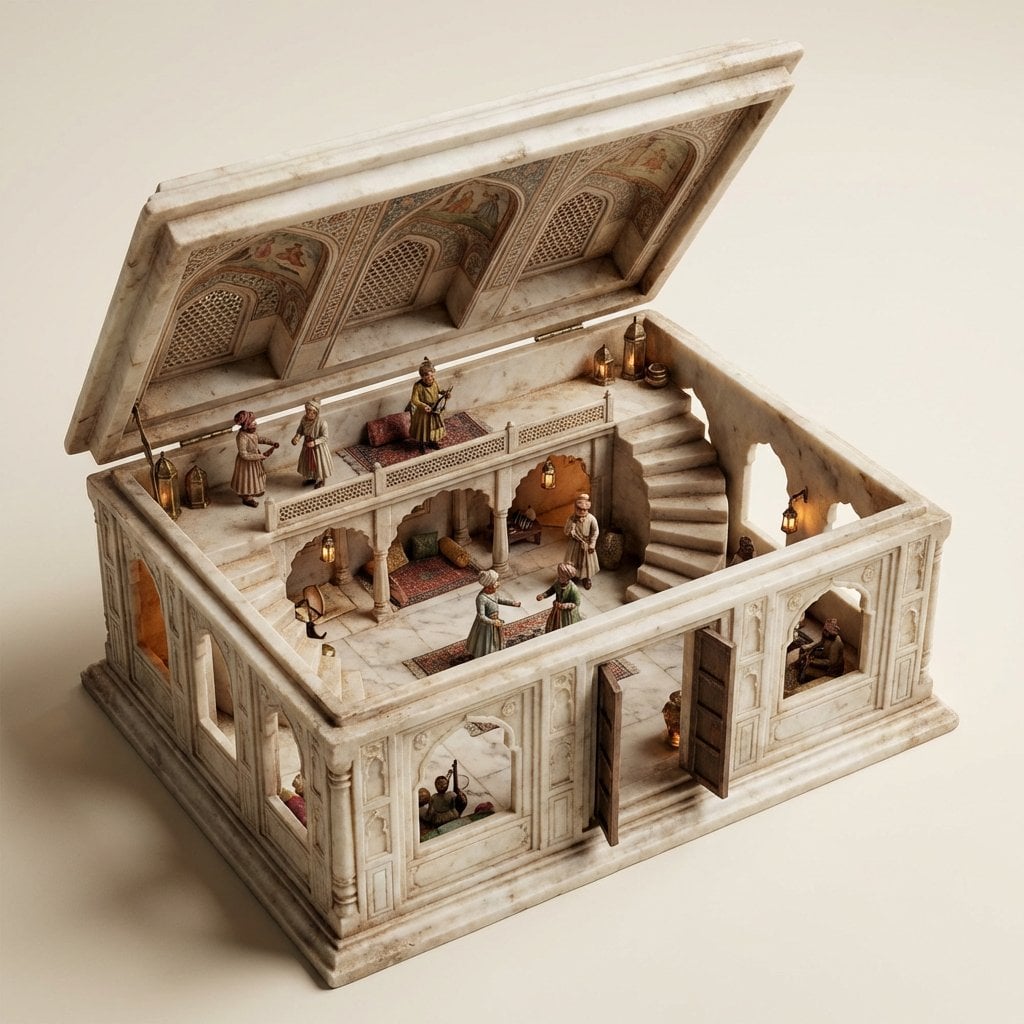
Ornate Box Diorama Master Prompt (Mughal Hall Interior)
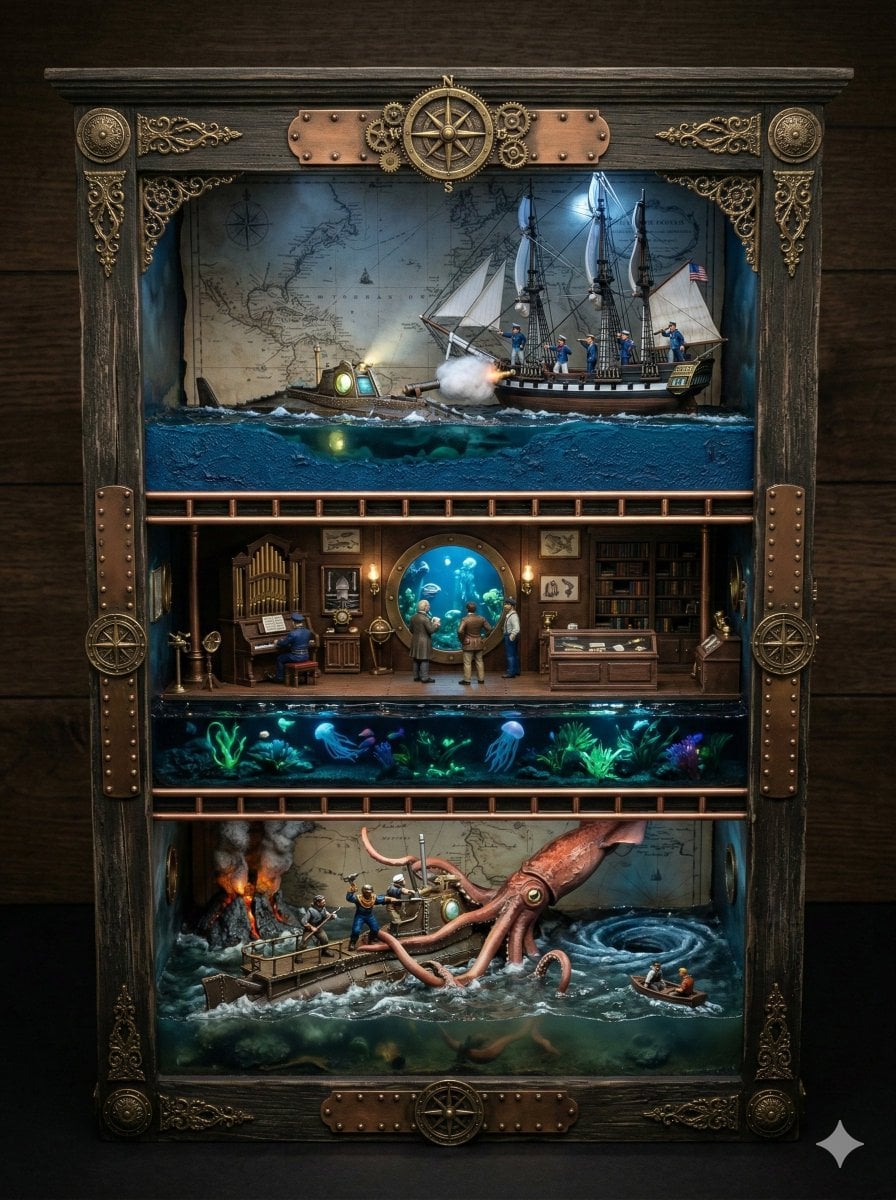
Ornate Box Diorama Prompt for Twenty Thousand Leagues Under the Sea

Layered Paper Cut Forest Diorama

Soft Handcrafted Paper-Cut Layered Illustration

Rainy Night Android Cyberpunk Portrait

Korean Idol Partial Shadow Editorial Portrait

Cinematic Sci-Fi Interface Side Profile

Cyberpunk Neon Profile Fashion Portrait

Cinematic Neon Light Strip Studio Portrait

Futuristic Studio Neon Ring Minimalist Portrait

Neon Violet Streetwear Fashion Portrait
Make it yours
Ornate Box Diorama Prompt (Cyberpunk Pub) works as-is. These are the safest ways to change it without losing the look.
Change one field
Copy a single group, rewrite it, and generate again so you can see what that field is doing.
Keep the frame, change the subject
Hold the composition and light of Ornate Box Diorama Prompt (Cyberpunk Pub), then swap wardrobe, props or the person for a new take.
| If the result… | Why | Fix |
|---|---|---|
| The result drifts from the preview | Too many fields changed at once. | Reuse Ornate Box Diorama Prompt (Cyberpunk Pub) as-is first, then change one group — subject, light, or setting. |
| The model over-stylizes the scene | The prose prompt leaves finish and camera underspecified. | Add one camera or lighting sentence and stay on Nano Banana 2. |
More Nano Banana 2 templates
Other prompts made for Nano Banana 2.

Photorealistic Leaf Shaped Like a Dragon

K-Pop Idol Portrait Grid for Rapid Selection

Poetic Rain Forest Portrait During Golden Hour

Urban Street Portrait with Cartoon Inner Self Duo

Candid Nighttime Photo with Cat Prompt

High-Concept 3D Diorama Generation Prompt

Cinematic Futuristic Studio Portrait Template

Skincare Editorial Photography Collage Prompt

Hyper-Realistic Commercial Product Photography (Splash Effect)

Hyper-Realistic Nightclub Portrait Prompt
More image prompts
Fresh picks from across the catalog.
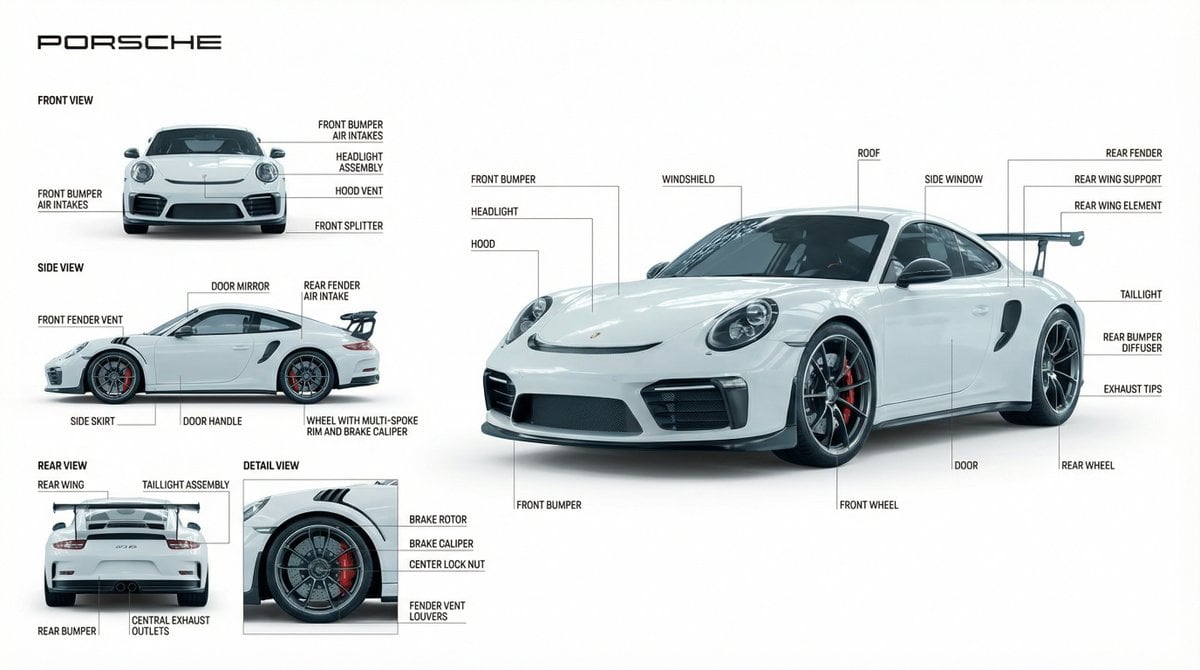
Technical Product Documentation Prompt (Porsche)
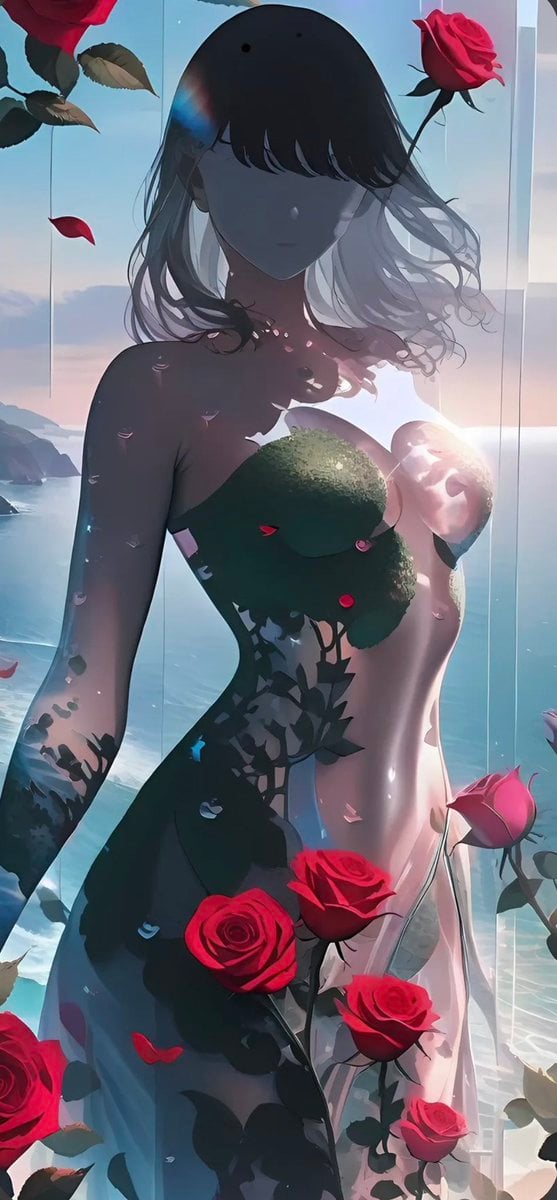
Rose Spirit Ocean Manhwa Portrait

Four-Panel Manga: 2026 Solo Camping Declaration of Independence
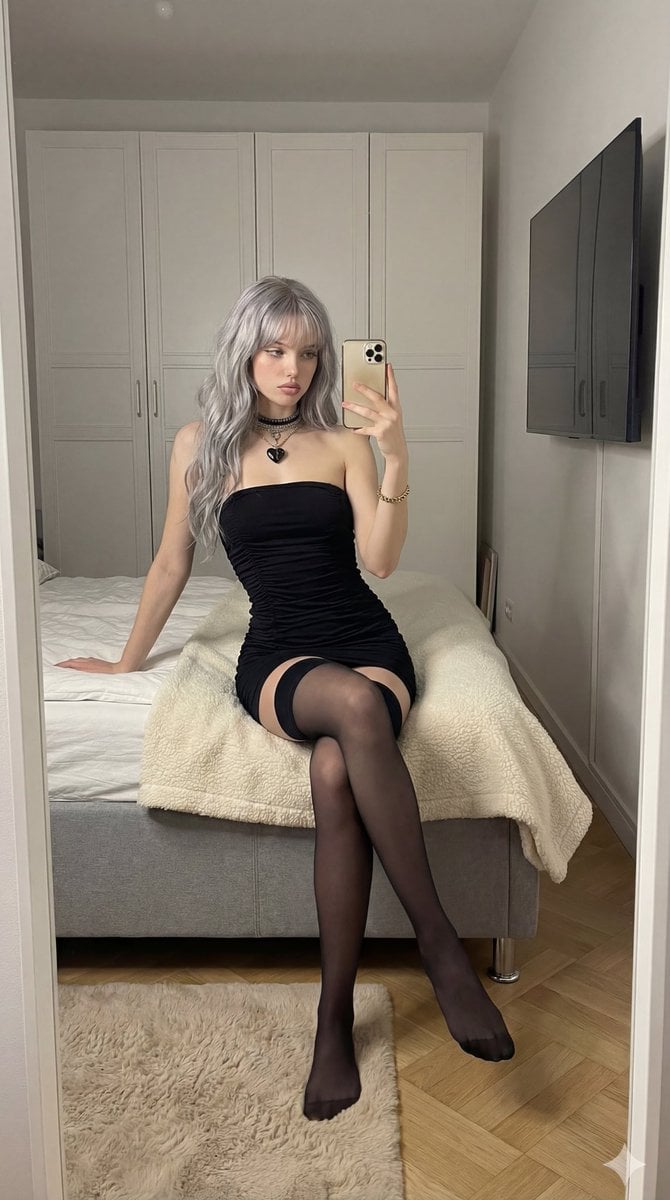
Mirror Selfie in Black Tube Dress Prompt
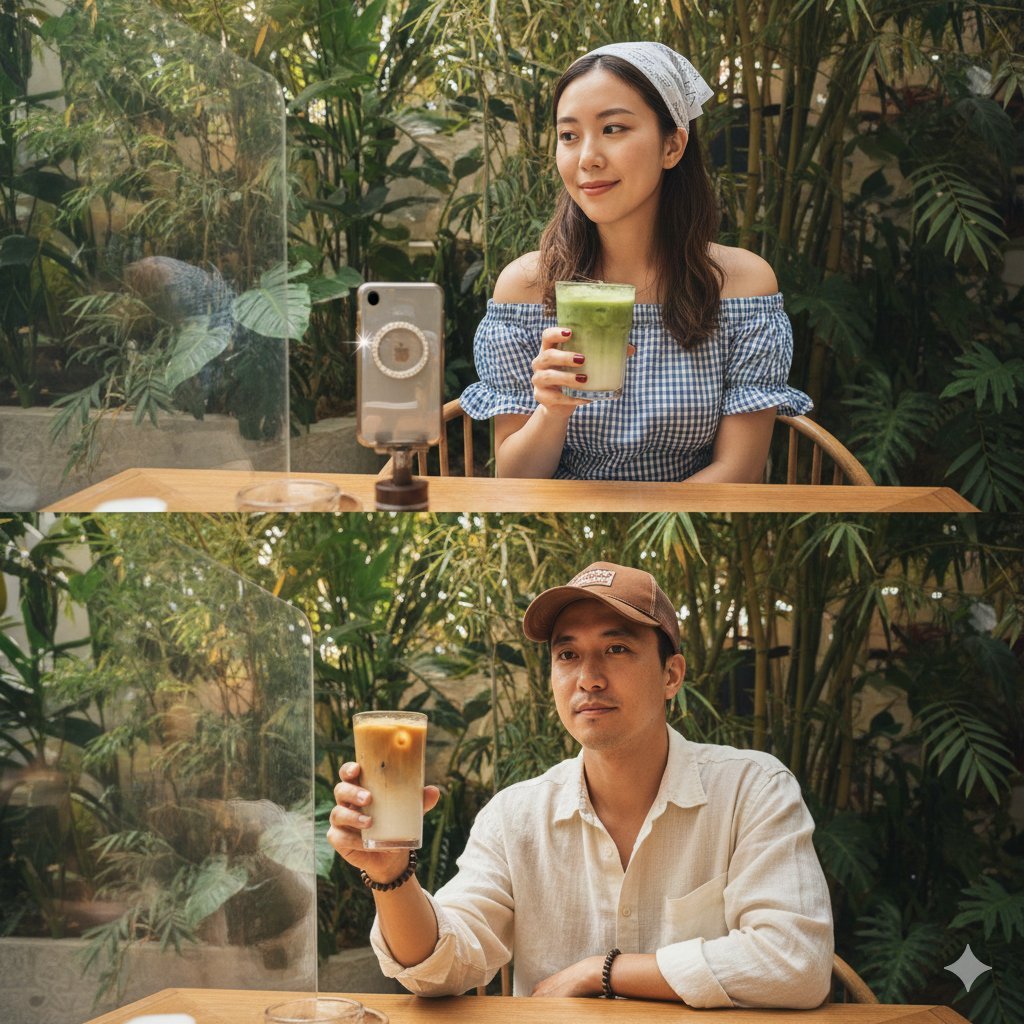
Hyper-Realistic Two-Panel iPhone Portrait Prompt
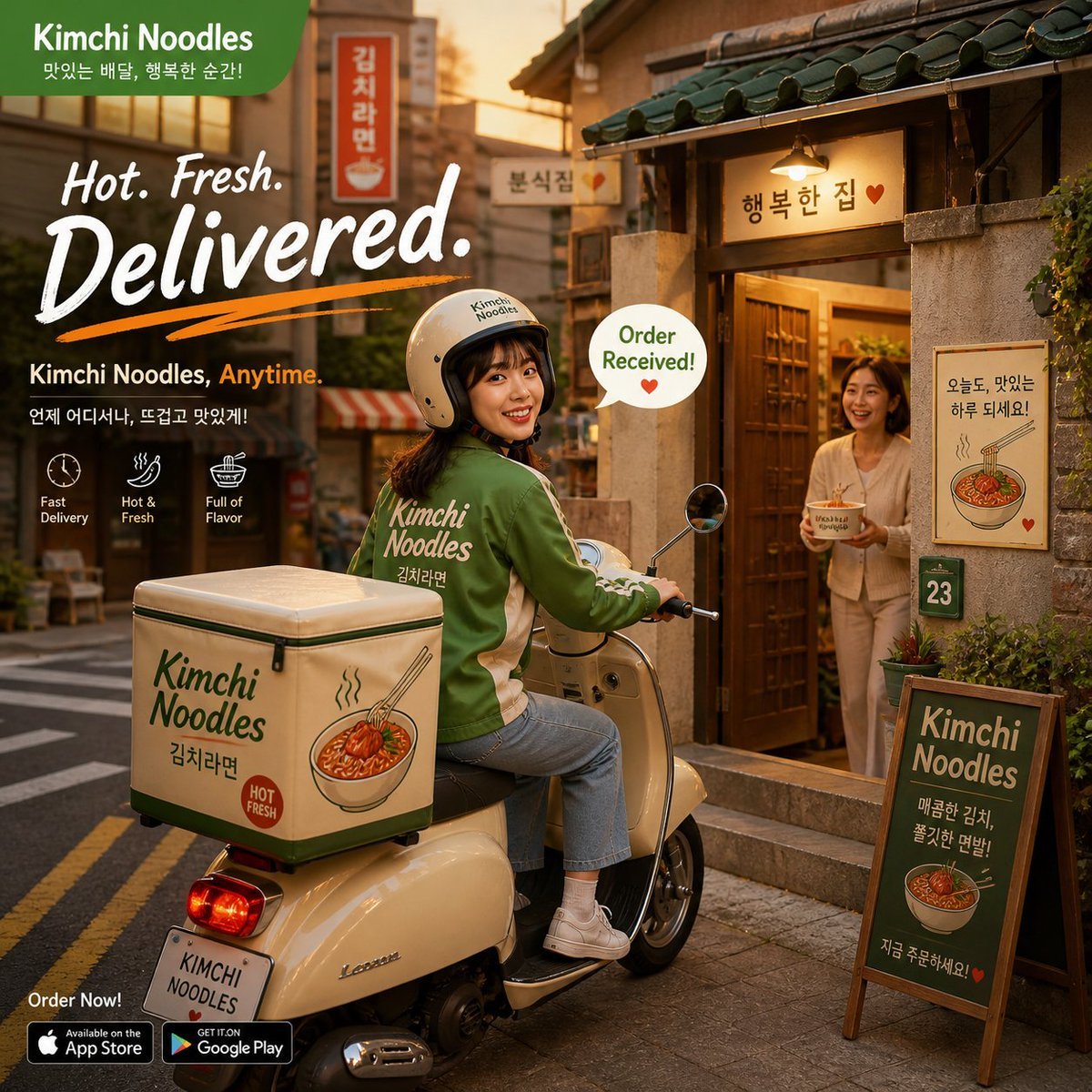
Warm Kimchi Noodles Delivery Ad
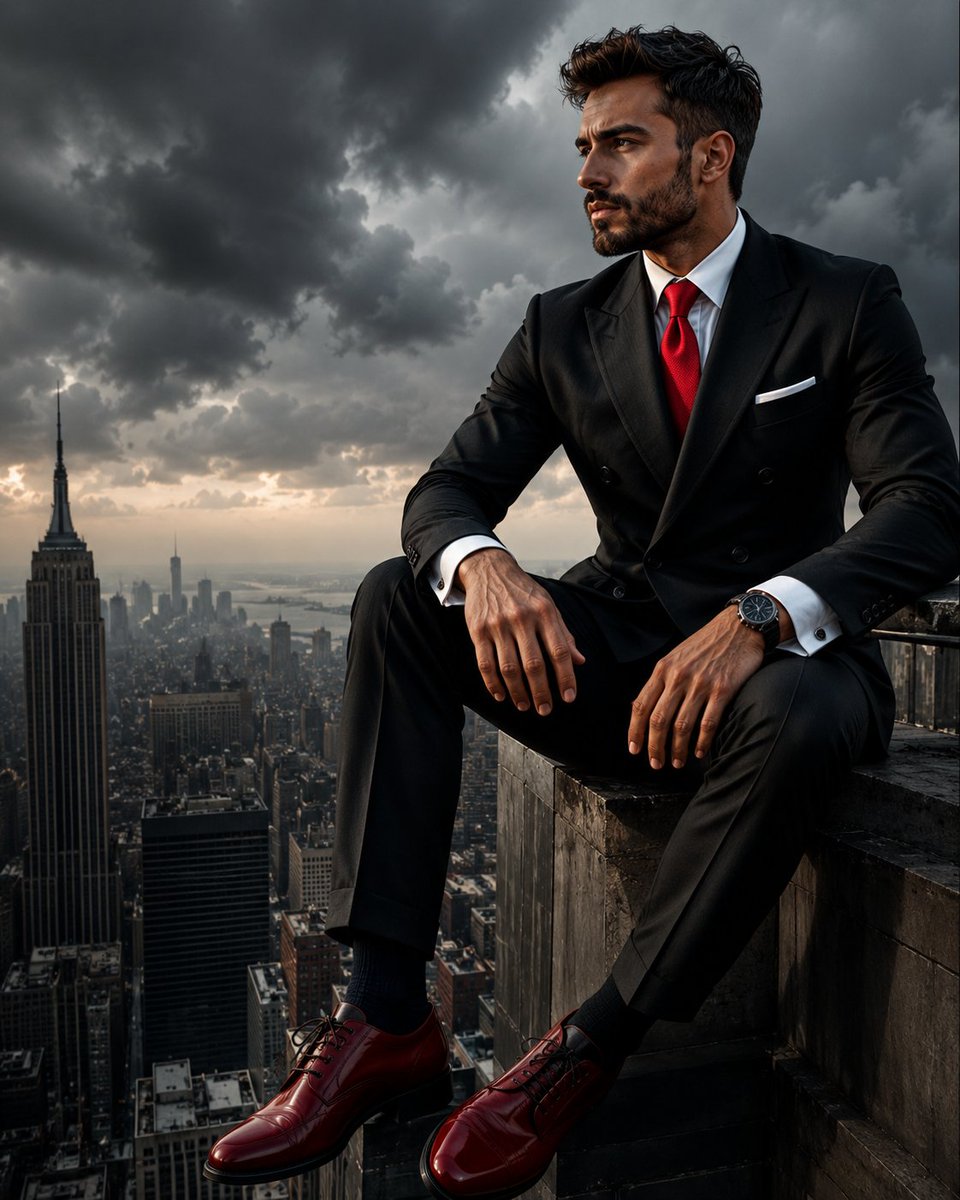
Colossal Male Model Skyscraper Artwork
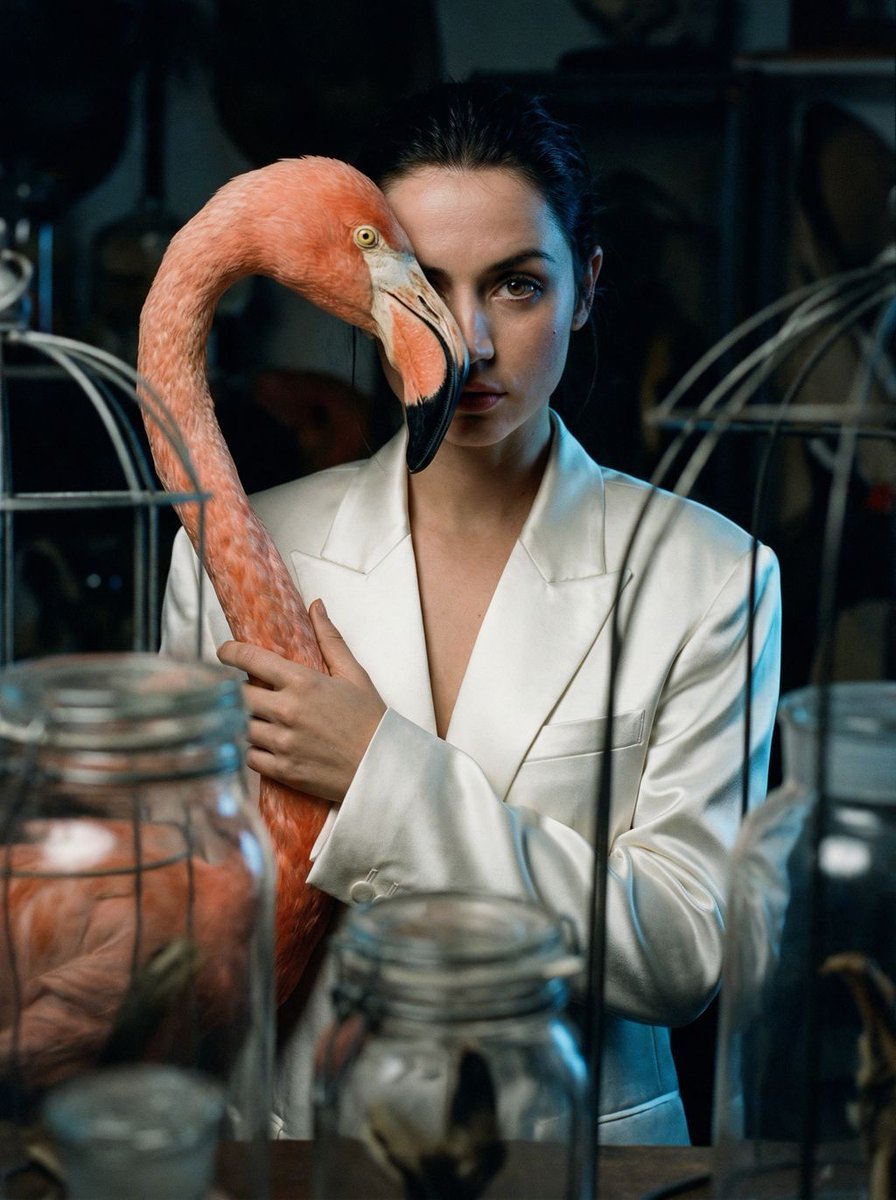
Surrealist Ornithology fashion editorial prompt
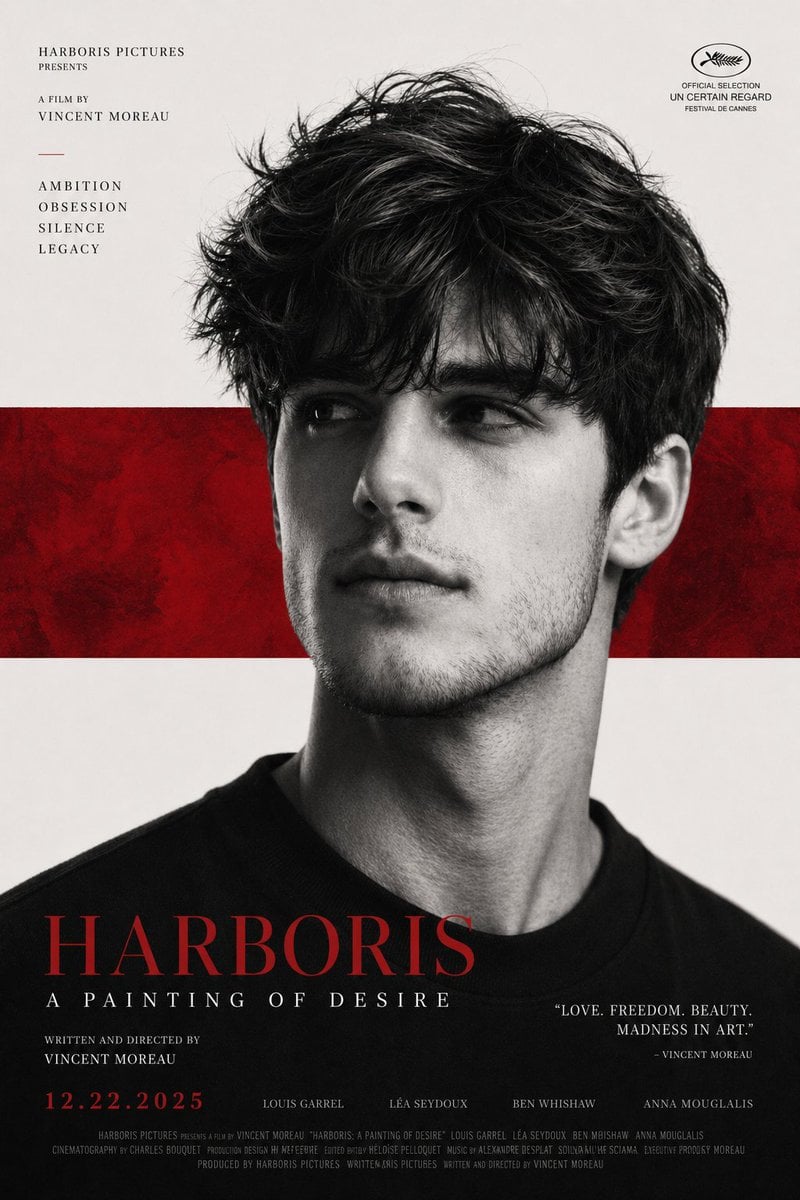
X Harboriis Use the Uploaded X Account
Yobikomi-kun Melody Prompt
Browse template categories
Ornate Box Diorama Prompt (Cyberpunk Pub) questions
How do I use the Ornate Box Diorama Prompt (Cyberpunk Pub) template?
Add your photo if the template asks for one, edit the prompt if you like — the template's model and format are already selected — and press Generate. Your version opens in PicX Studio.
Can I customize the Ornate Box Diorama Prompt (Cyberpunk Pub) template?
Yes. You can change the subject, setting, lighting, mood, format, and available model controls before creating your image.
Is the Ornate Box Diorama Prompt (Cyberpunk Pub) template free?
Opening and editing this template is free. Generating uses credits, shown on the Generate button when you are signed in.
Which AI model should I use?
Start with Nano Banana 2, which is the model associated with this template. You can compare another compatible model for a different finish.
Looking for something else? Browse all templates.

Your photo, any look
Thousands of ready templates for every top image and video model, from one credit balance.