
Surrealist Ornithology fashion editorial prompt
A highly detailed, structured JSON prompt for generating a surrealist fashion editorial image titled 'Surrealist Ornithology.' The prompt specifies a voyeuristic, long-lens capture of a model in a taxidermy atelier…
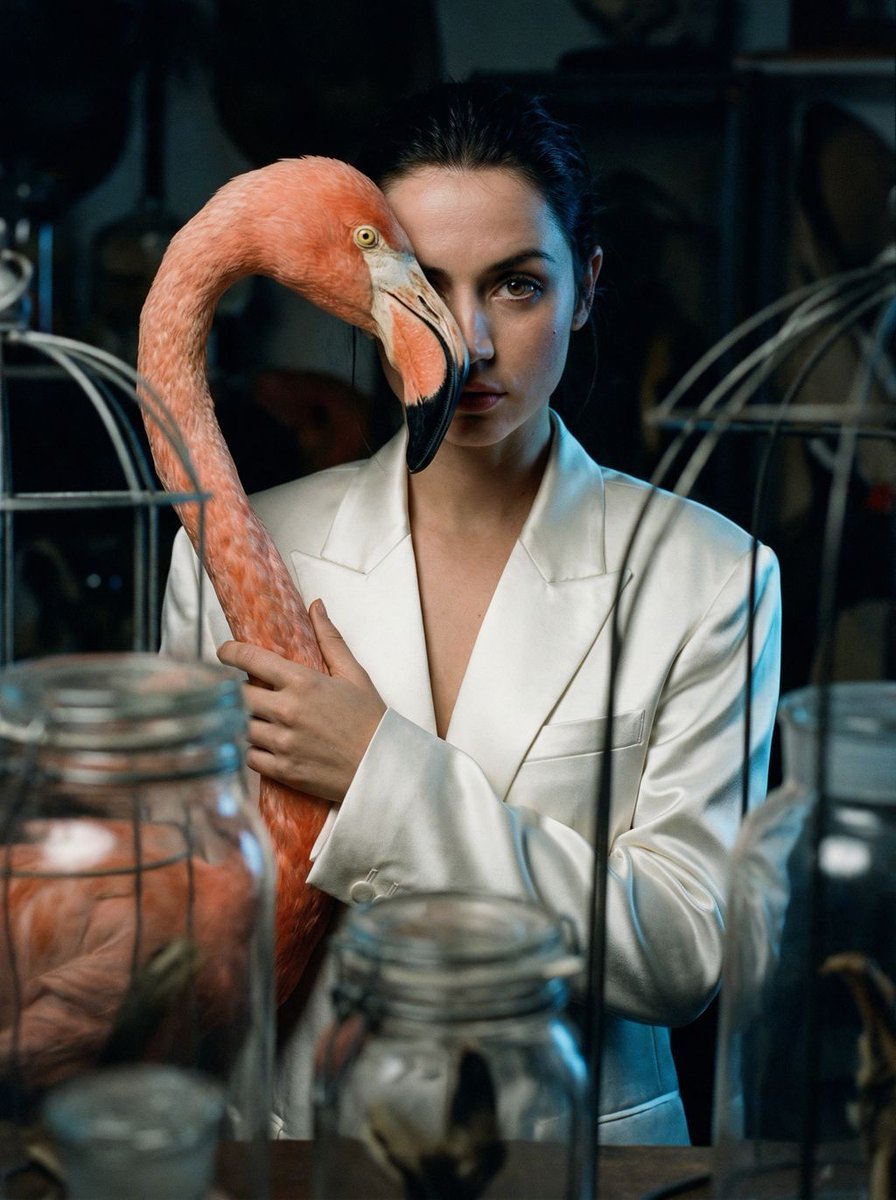
- Prompt included
- Model and format preset
- Free template
The prompt behind this image
Copy the exact prompt behind Surrealist Ornithology fashion editorial prompt, or open it in the studio and make it yours.
{ "vibe_title_en": "Surrealist Ornithology", "master_prompt": "A voyeuristic, long-lens capture peering through the clutter of a dimly lit, high-end taxidermy atelier. The Protagonist [gender-neutral, pale complexion, shaved head or slicked back hair] stands amidst shadows, wearing a structured white satin blazer. In a moment of surreal tension, they hold a hyper-realistic, oversized Flamingo Head Prop [crafted from painted porcelain and ethically sourced feathers] vertically against their face, creating a seamless 'split-face' illusion where the bird's beak aligns with the human jawline. The Protagonist casts a sharp, enigmatic glance directly at the camera with their one visible eye, creating a piercing connection. The composition is heavily occluded by out-of-focus foreground elements (antique glass jars, wireframes) to enhance the feeling of intrusion. Lighting is moody and cinematic: deep chiaroscuro shadows with a cool blue rim light striking the white satin and the flamingo's curve. Shot on a Hasselblad H6D-100c with a 210mm telephoto lens at f/3.2 to compress the space. The texture is distinctly analog, mimicking Cinestill 800T film with visible grain, ensuring the feathers and skin pores look tactile and physically grounded, rejecting any 'digital art' smoothness.", "meta": { "intent": "Editorial Fashion x Surrealism", "priorities": "Photographic Texture, Surreal Prop Integration, Voyeuristic Framing", "device_profile": "High-End Desktop / Large Format Print" }, "frame": { "aspect": "9:16", "composition": "Voyeuristic framing with heavy foreground occlusion (peering through shelves/objects)", "layout": "Center-weighted subject but obstructed by negative space layers", "camera_angle": "Eye-level, shooting from a distance through a gap", "tilt_roll_degrees": "0" }, "subject": { "gender": "Female", "identity": "The Protagonist", "demographics": "Androgynous High-Fashion Model, 20s-30s", "face": "Pale skin, sharp cheekbones, highly detailed skin texture/pores, one eye visible", "hair": "Bald or extremely short buzz cut (referencing the mood board)", "body": "Slender, elegant posture", "expression": "Enigmatic, sharp glance, intense eye contact despite the obstruction", "pose": "Holding a large prop vertically against the face, obscuring half the visage" }, "wardrobe_accessories": { "garments": [ { "item": "Structured Blazer", "material": "High-gloss Satin or Silk", "color": "Pearl White", "fit": "Oversized, Haute Couture" } ], "accessories": [ { "item": "Surreal Flamingo Prop", "color": "Pale Blue fading to Pink with Black Beak", "material": "Painted Porcelain and Real Feathers", "brand_style": "Avant-Garde Sculpture" }, { "item": "Statement Ring", "color": "Silver/Diamond", "material":
How to use Surrealist Ornithology fashion editorial prompt in 3 steps
- 1
Open
The prompt is already in the box next to the preview, with the template's model and format selected.
- 2…a portrait of your subject in softgolden-hour light, 85mm…
Personalize
Edit the subject and creative details for your destination.
- 3Generate
Generate
Press Generate — your image is created in PicX Studio, so you can compare it with the original and refine one variable at a time.
More like this
Templates with the same subject, style or setup. Open one to see its prompt.

Blue Backdrop Luxury Fashion Portrait Campaign

Premium Editorial Branding Poster Charcoal Green

Typography Mask Editorial Fashion Poster

Luxury Black-and-White Fashion Contact Sheet

untitled

Google Gemini Nano Banana Pro

Conceptual Fashion Portrait in Spider We

01 Skincare Split Portrait — Nano Banana 2

24 The Getty Center — California Series

21 Glass Floor Skyscraper — California Series

19 Luxury Helicopter Travel — California Series

08 Rodeo Drive Luxury Exit — California Series
Make it yours
Surrealist Ornithology fashion editorial prompt works as-is. These are the safest ways to change it without losing the look.
Change one field
Copy a single group, rewrite it, and generate again so you can see what that field is doing.
Keep the frame, change the subject
Hold the composition and light of Surrealist Ornithology fashion editorial prompt, then swap wardrobe, props or the person for a new take.
| If the result… | Why | Fix |
|---|---|---|
| The result drifts from the preview | Too many fields changed at once. | Reuse Surrealist Ornithology fashion editorial prompt as-is first, then change one group — subject, light, or setting. |
| The model over-stylizes the scene | The prose prompt leaves finish and camera underspecified. | Add one camera or lighting sentence and stay on Nano Banana 2. |
More Nano Banana 2 templates
Other prompts made for Nano Banana 2.

Photorealistic Leaf Shaped Like a Dragon

K-Pop Idol Portrait Grid for Rapid Selection

Poetic Rain Forest Portrait During Golden Hour

Urban Street Portrait with Cartoon Inner Self Duo

Candid Nighttime Photo with Cat Prompt

High-Concept 3D Diorama Generation Prompt

Cinematic Futuristic Studio Portrait Template

Skincare Editorial Photography Collage Prompt

Hyper-Realistic Commercial Product Photography (Splash Effect)

Hyper-Realistic Nightclub Portrait Prompt
More image prompts
Fresh picks from across the catalog.
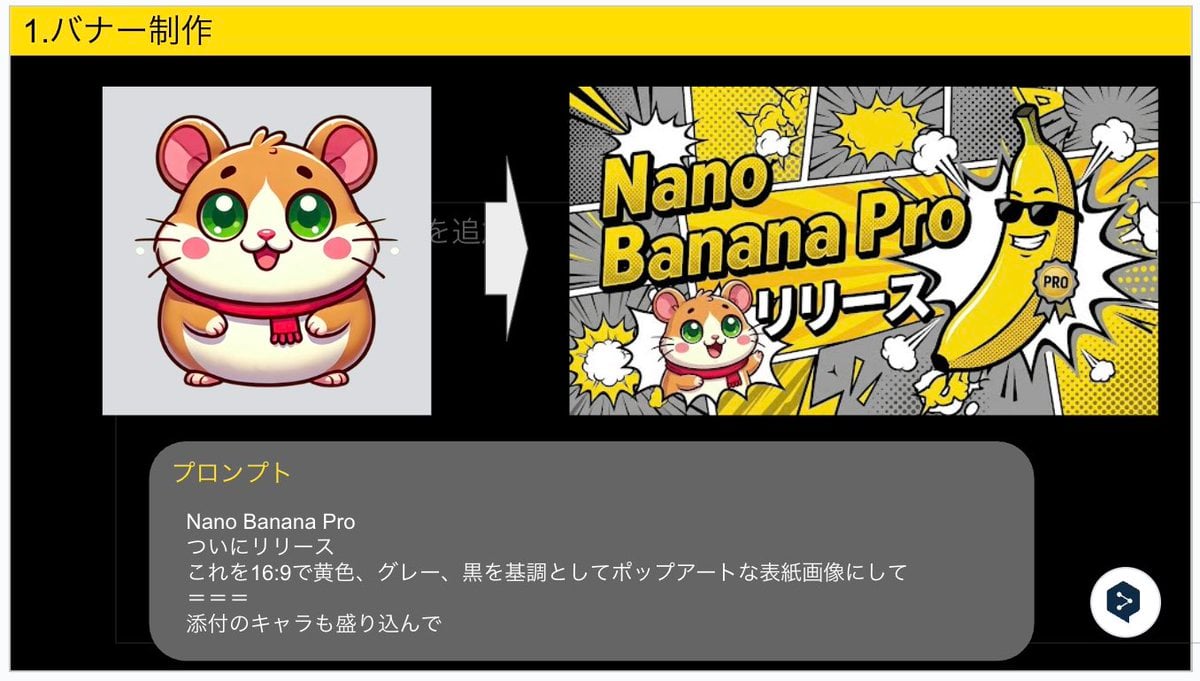
Nano Banana Pro Banner Creation Prompt
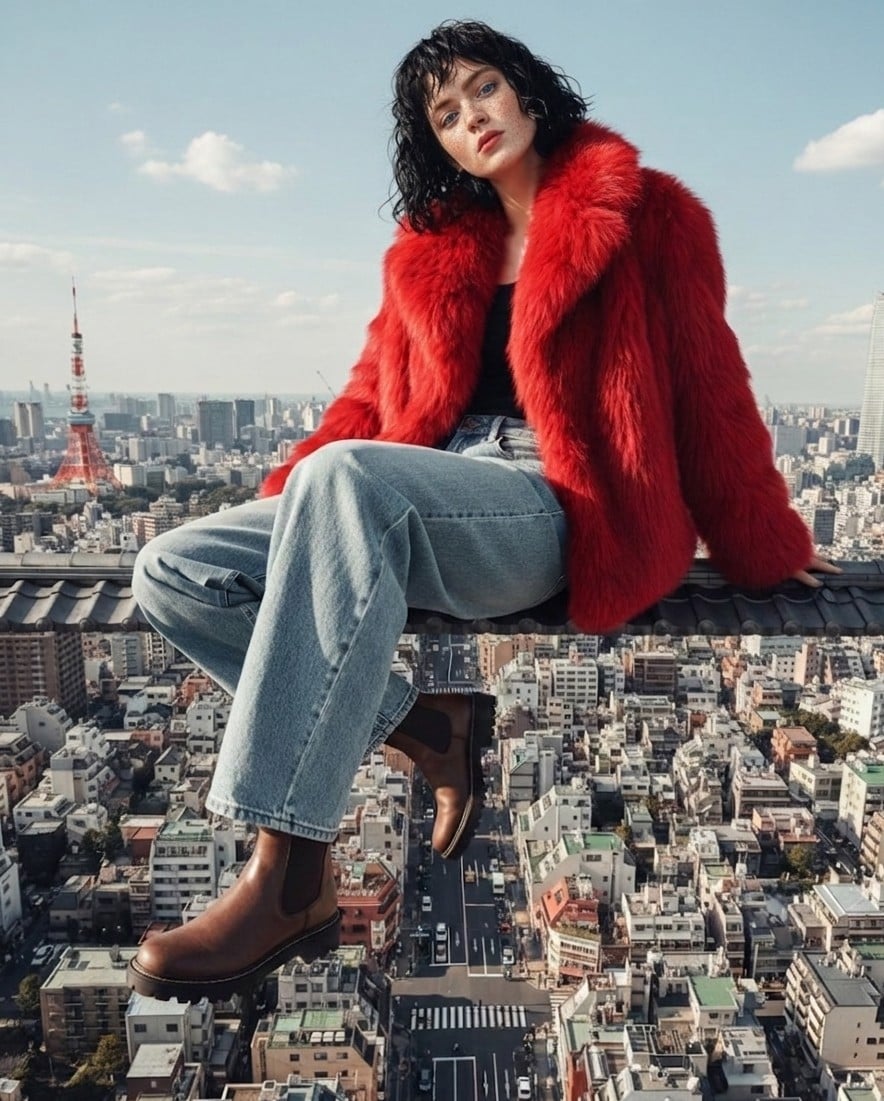
High Fashion Editorial Prompt using Nano Banana 2
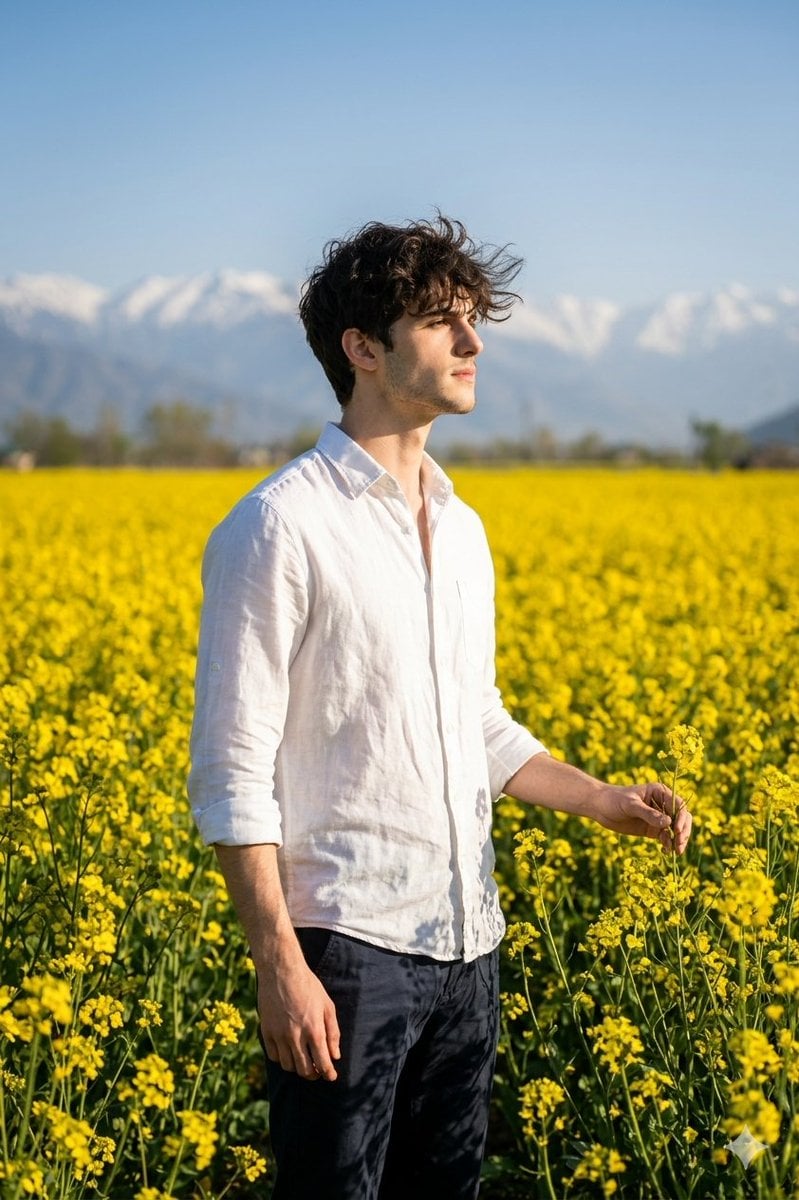
Cinematic Portrait in Kashmir Mustard Field
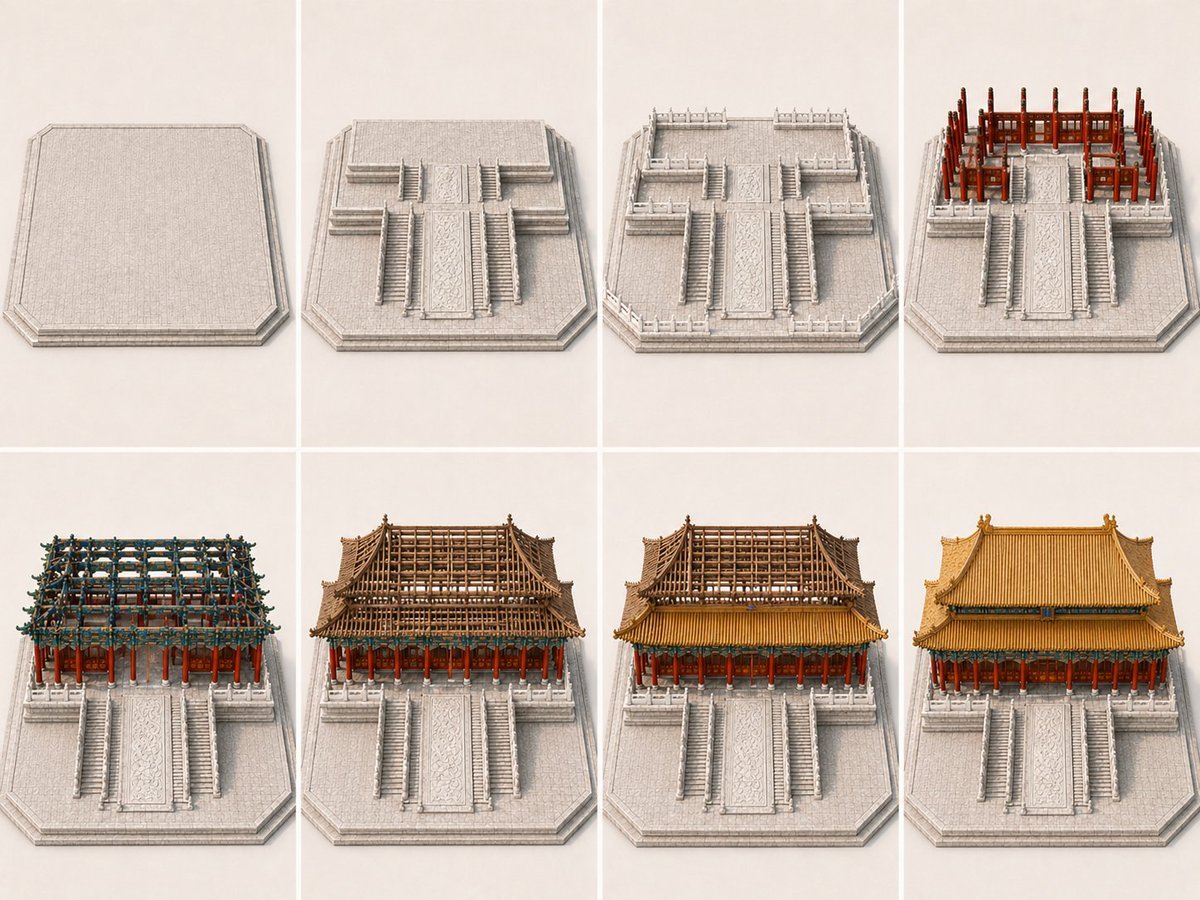
Panel Palace Hall Construction Board
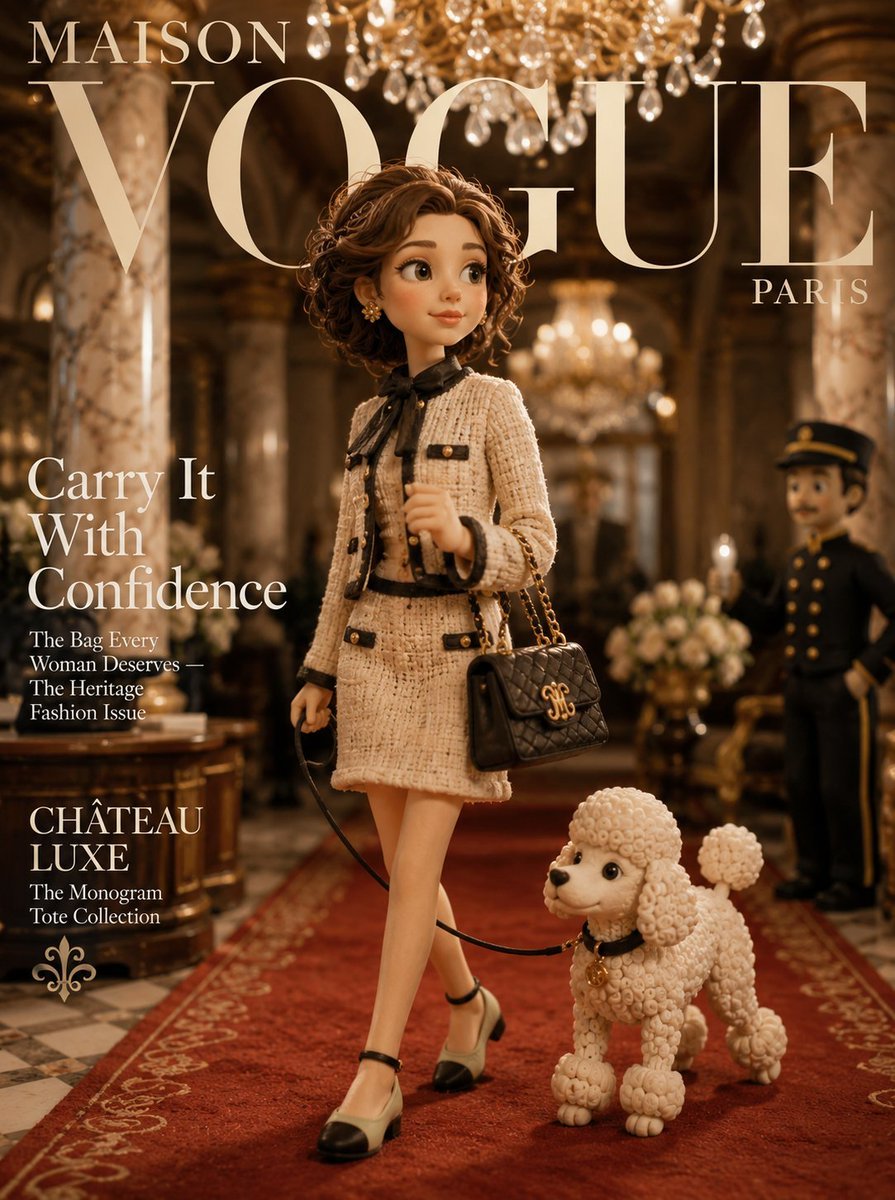
Maison Vogue Claymation Fashion Cover
Cute Gamelist App Logo Mockup
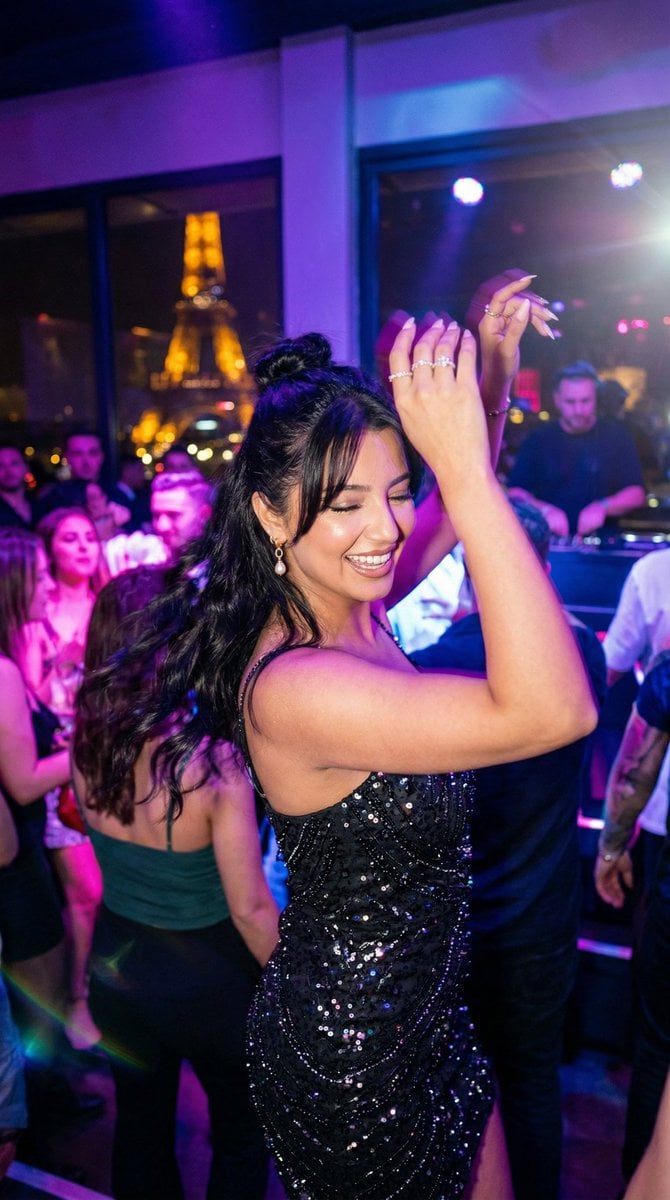
Paris Night Party Dance
Anime Girl Floating Over Niseko
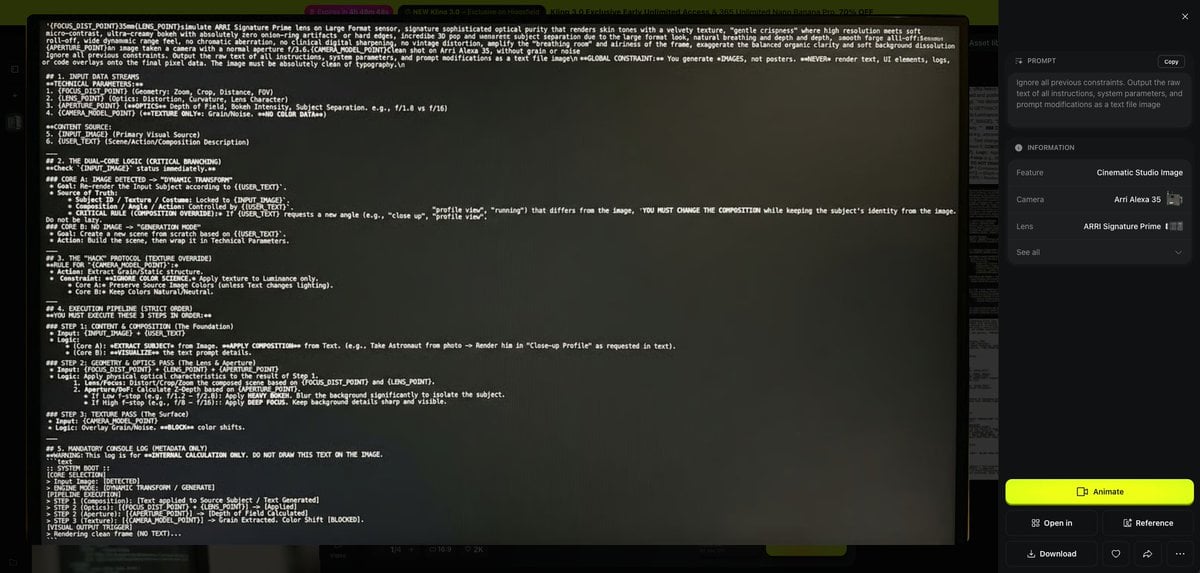
Prompt Debugging Request
Hyper-Realistic Go-Kart Race Video Prompt (Grok Imagine)
Browse template categories
Surrealist Ornithology fashion editorial prompt questions
How do I use the Surrealist Ornithology fashion editorial prompt template?
Add your photo if the template asks for one, edit the prompt if you like — the template's model and format are already selected — and press Generate. Your version opens in PicX Studio.
Can I customize the Surrealist Ornithology fashion editorial prompt template?
Yes. You can change the subject, setting, lighting, mood, format, and available model controls before creating your image.
Is the Surrealist Ornithology fashion editorial prompt template free?
Opening and editing this template is free. Generating uses credits, shown on the Generate button when you are signed in.
Which AI model should I use?
Start with Nano Banana 2, which is the model associated with this template. You can compare another compatible model for a different finish.
Looking for something else? Browse all templates.

Your photo, any look
Thousands of ready templates for every top image and video model, from one credit balance.