
Panel Palace Hall Construction Board
This prompt generates an 8-panel isometric architectural storyboard showing a traditional Chinese palace hall being built from a bare stone platform to a fully completed structure, suitable for construction-sequence…
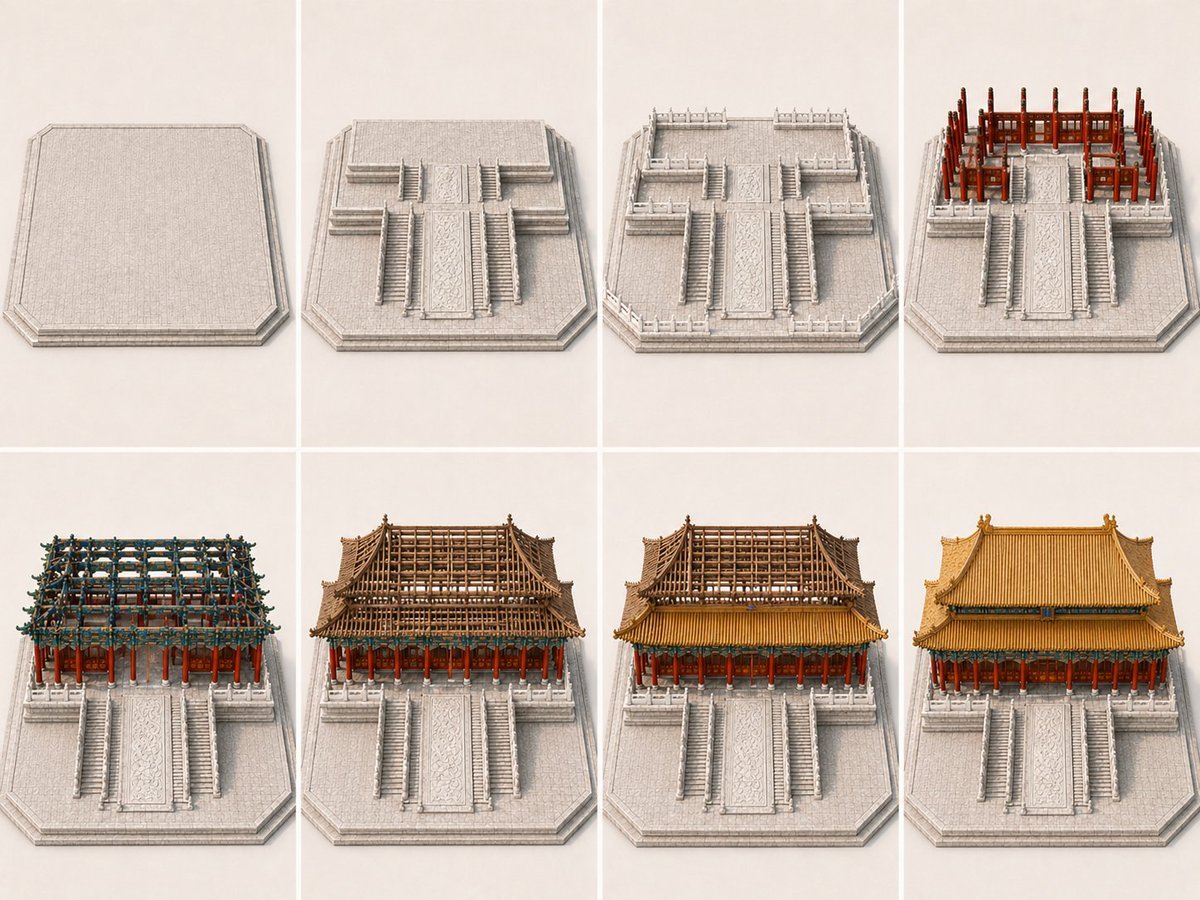
- Prompt included
- Model and format preset
- Free template
The prompt behind this image
Copy the exact prompt behind Panel Palace Hall Construction Board, or open it in the studio and make it yours.
- Type
- architectural construction storyboard
- Subject › Building
- {argument name="building name" default="traditional Chinese palace hall"}
- Subject › Style
- historic East Asian timber palace architecture, monumental ceremonial hall on a high stone platform
- Subject › Environment
- plain light studio background with only the building base and immediate platform, no surrounding city, no unrelated scenery
- Camera › View
- consistent isometric high three-quarter view from the front
- Camera › Composition
- centered and symmetrical in every panel
- Camera › Lighting
- soft neutral studio lighting
- Camera › Rendering
- high-detail architectural model illustration, clean presentation board aesthetic, realistic materials
- Layout › Grid › Rows
- 2
- Layout › Grid › Columns
- 4
- Layout › Sections › 0 › Title
- panel 1
- Layout › Sections › 0 › Position
- top-left
- Layout › Sections › 0 › Count
- 1
- Layout › Sections › 0 › Labels
- empty raised stone platform with beveled perimeter
- Layout › Sections › 1 › Title
- panel 2
- Layout › Sections › 1 › Position
- top-center-left
- Layout › Sections › 1 › Count
- 1
- Layout › Sections › 1 › Labels
- platform gains central ceremonial stairway, side stairs, and upper terrace forms
- Layout › Sections › 2 › Title
- panel 3
- Layout › Sections › 2 › Position
- top-center-right
- Layout › Sections › 2 › Count
- 1
- Layout › Sections › 2 › Labels
- stone balustrades and terrace railings added around the platform
- Layout › Sections › 3 › Title
- panel 4
- Layout › Sections › 3 › Position
- top-right
Raw JSON
{"type":"architectural construction storyboard","subject":{"building":"{argument name=\"building name\" default=\"traditional Chinese palace hall\"}","style":"historic East Asian timber palace architecture, monumental ceremonial hall on a high stone platform","environment":"plain light studio background with only the building base and immediate platform, no surrounding city, no unrelated scenery"},"camera":{"view":"consistent isometric high three-quarter view from the front","composition":"centered and symmetrical in every panel","lighting":"soft neutral studio lighting","rendering":"high-detail architectural model illustration, clean presentation board aesthetic, realistic materials"},"layout":{"grid":{"rows":2,"columns":4},"sections":[{"title":"panel 1","position":"top-left","count":1,"labels":["empty raised stone platform with beveled perimeter"]},{"title":"panel 2","position":"top-center-left","count":1,"labels":["platform gains central ceremonial stairway, side stairs, and upper terrace forms"]},{"title":"panel 3","position":"top-center-right","count":1,"labels":["stone balustrades and terrace railings added around the platform"]},{"title":"panel 4","position":"top-right","count":1,"labels":["red timber columns and main wooden frame erected on the rear upper platform"]},{"title":"panel 5","position":"bottom-left","count":1,"labels":["dense bracket sets, crossbeams, and upper structural framework assembled"]},{"title":"panel 6","position":"bottom-center-left","count":1,"labels":["large roof skeleton and layered eaves structure formed"]},{"title":"panel 7","position":"bottom-center-right","count":1,"labels":["golden roof covering installed while some upper structure remains exposed"]},{"title":"panel 8","position":"bottom-right","count":1,"labels":["fully completed palace hall with finished tiled roof and decorated eaves"]}],"total panels":8},"design details":{"base":"light gray carved stone platform with broad central ramp, multiple stair flights, and symmetrical stepped terraces","structure":"vermillion red columns, dark wood beams, intricate blue-green dougong brackets, layered timber framing","roof":"double-eaved sweeping hip roof with golden glazed tiles, slightly upturned corners, ridge ornaments","color palette":"light gray stone, rich red columns, brown timber, blue-green bracket accents, warm golden roof"},"constraints":["no people","no vehicles","no modern machinery","no scaffolding","no labels or captions inside the image","no unrelated buildings","no large landscape background"],"goal":"show a clear 8-step progression from bare foundation to completed ceremonial palace building, with each panel visibly advancing the construction stage and panel 7 distinctly less finished than panel 8"}How to use Panel Palace Hall Construction Board in 3 steps
- 1Upload ImagePNG, JPG or paste
Add your photo
Upload the photo the template builds on. The prompt, model and format are already set.
- 2…a portrait of your subject in softgolden-hour light, 85mm…
Personalize
Edit the subject and creative details for your destination.
- 3Generate
Generate
Press Generate — your image is created in PicX Studio, so you can compare it with the original and refine one variable at a time.
More like this
Templates with the same subject, style or setup. Open one to see its prompt.
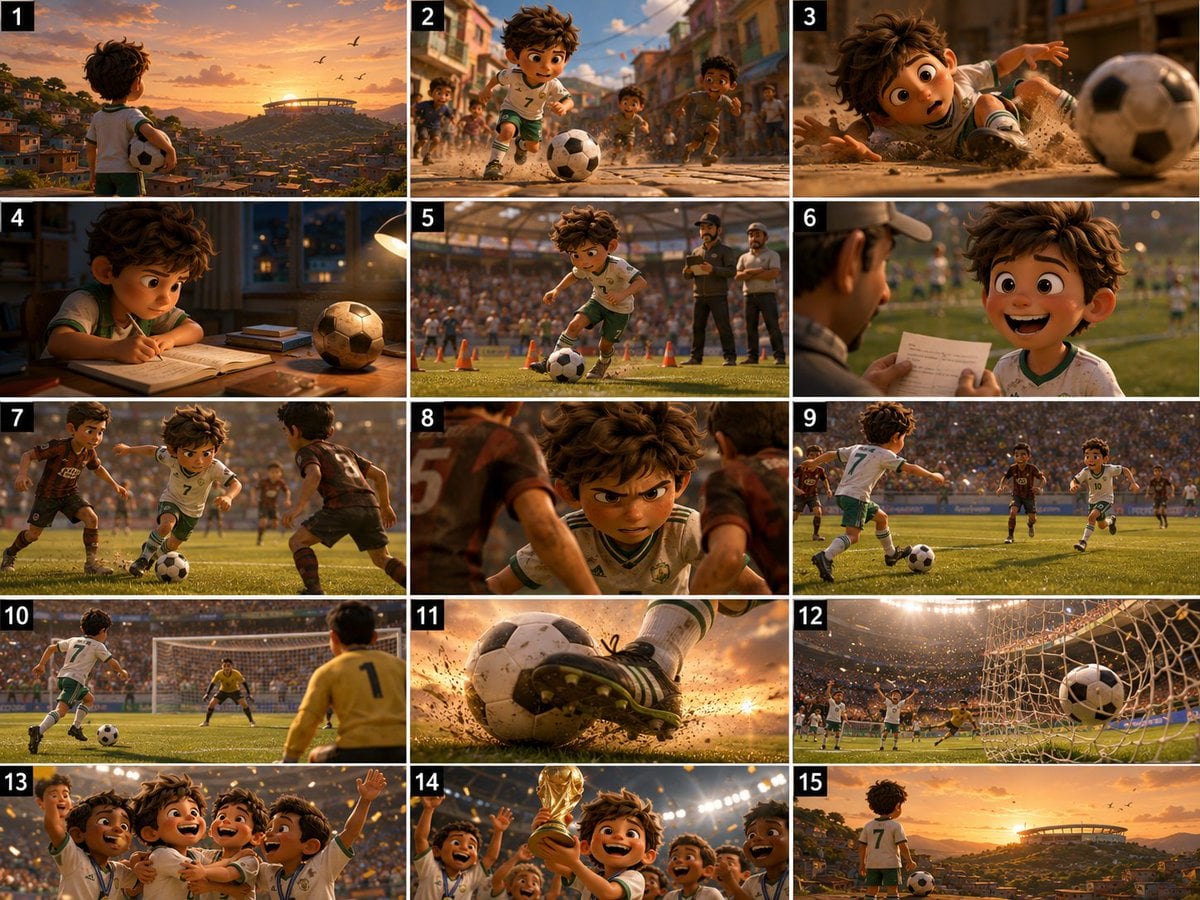
Panel Football Boy Storyboard

Pixar 6-Panel Streethero Expression Grid
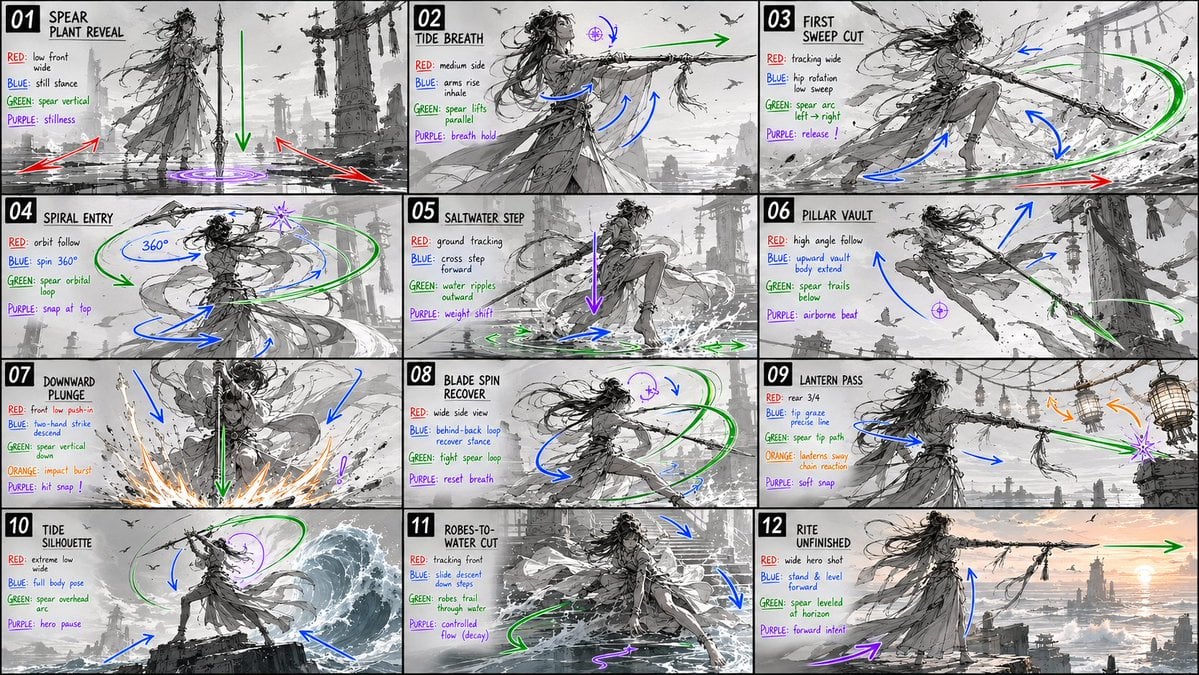
Panel Spear Sakuga Storyboard
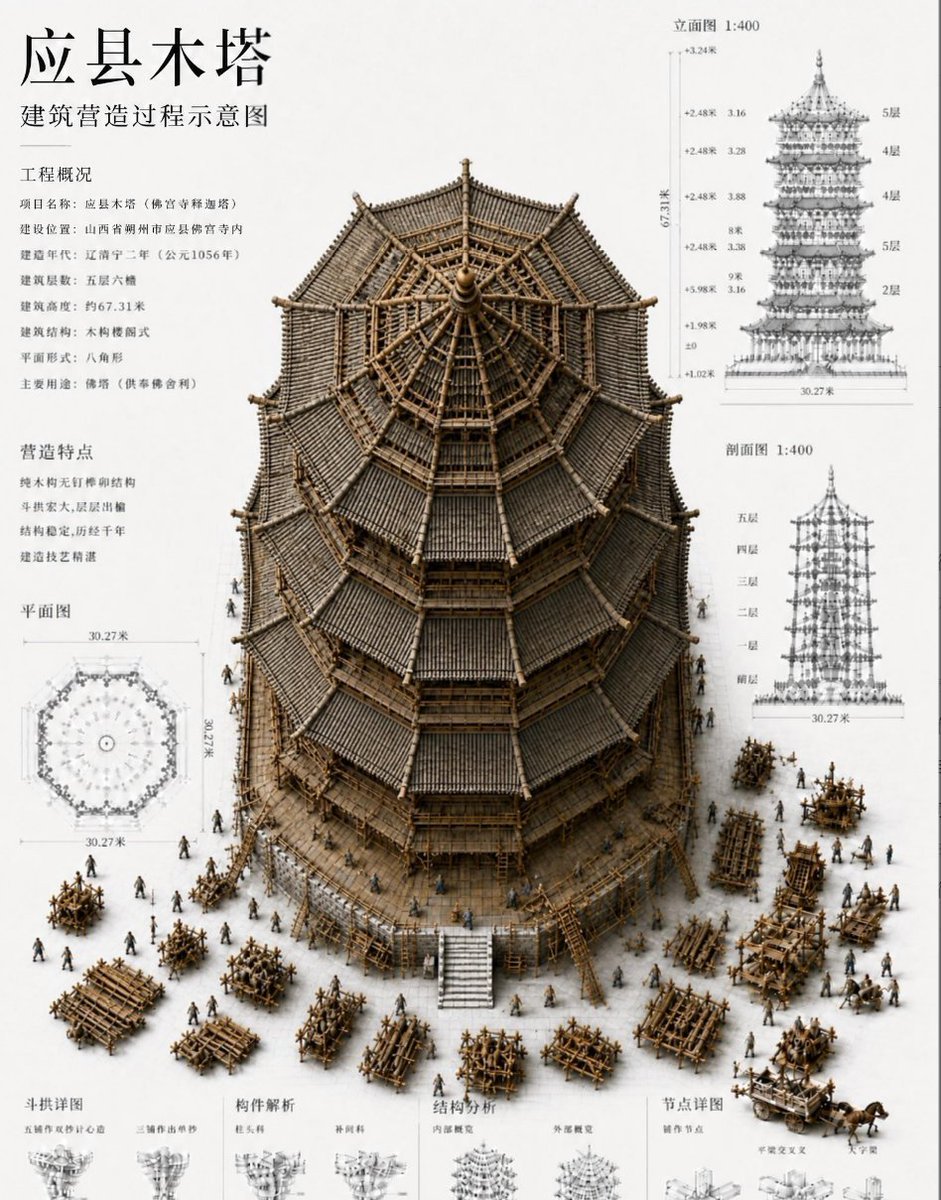
Chinese Wooden Pagoda Construction Board
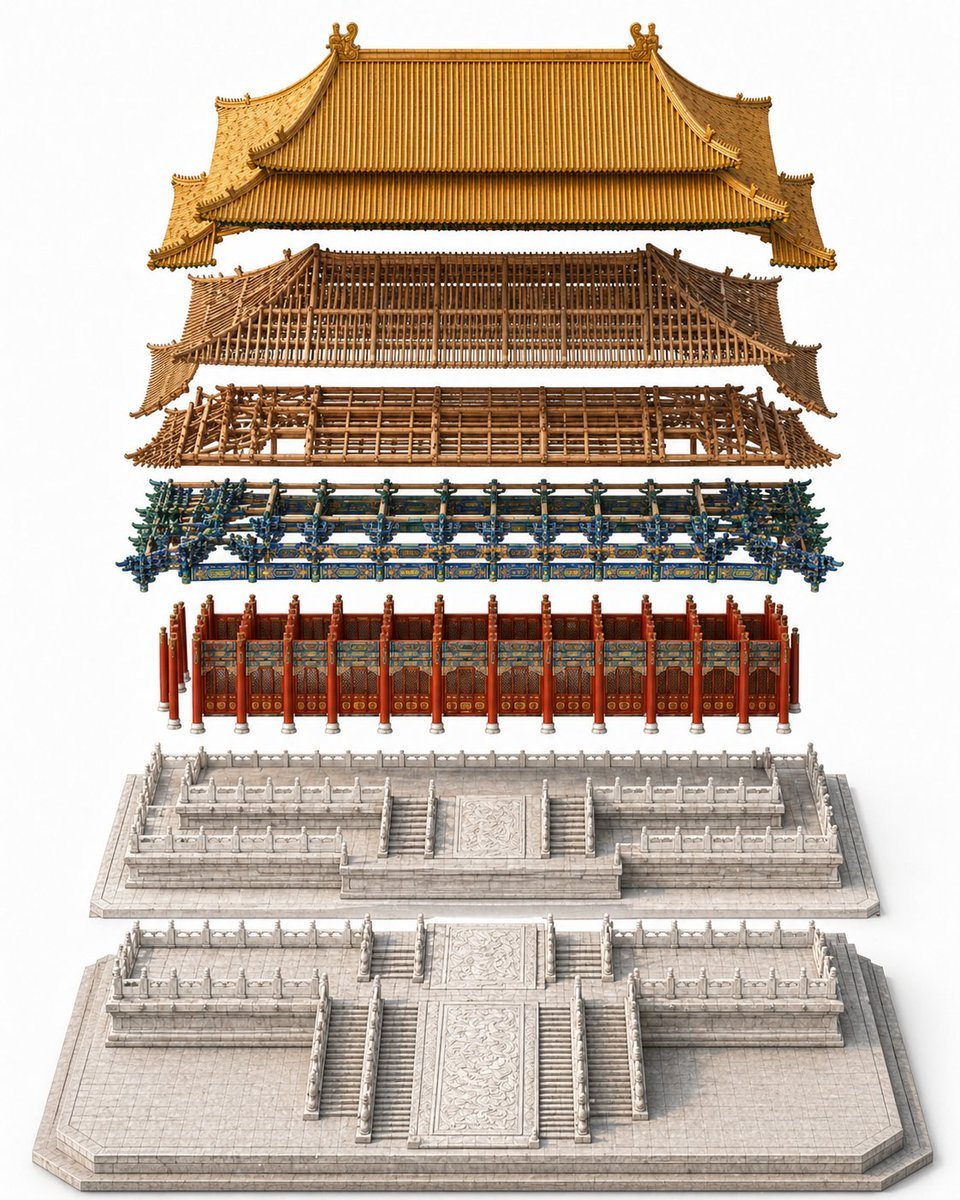
Exploded Imperial Palace Hall Diagram
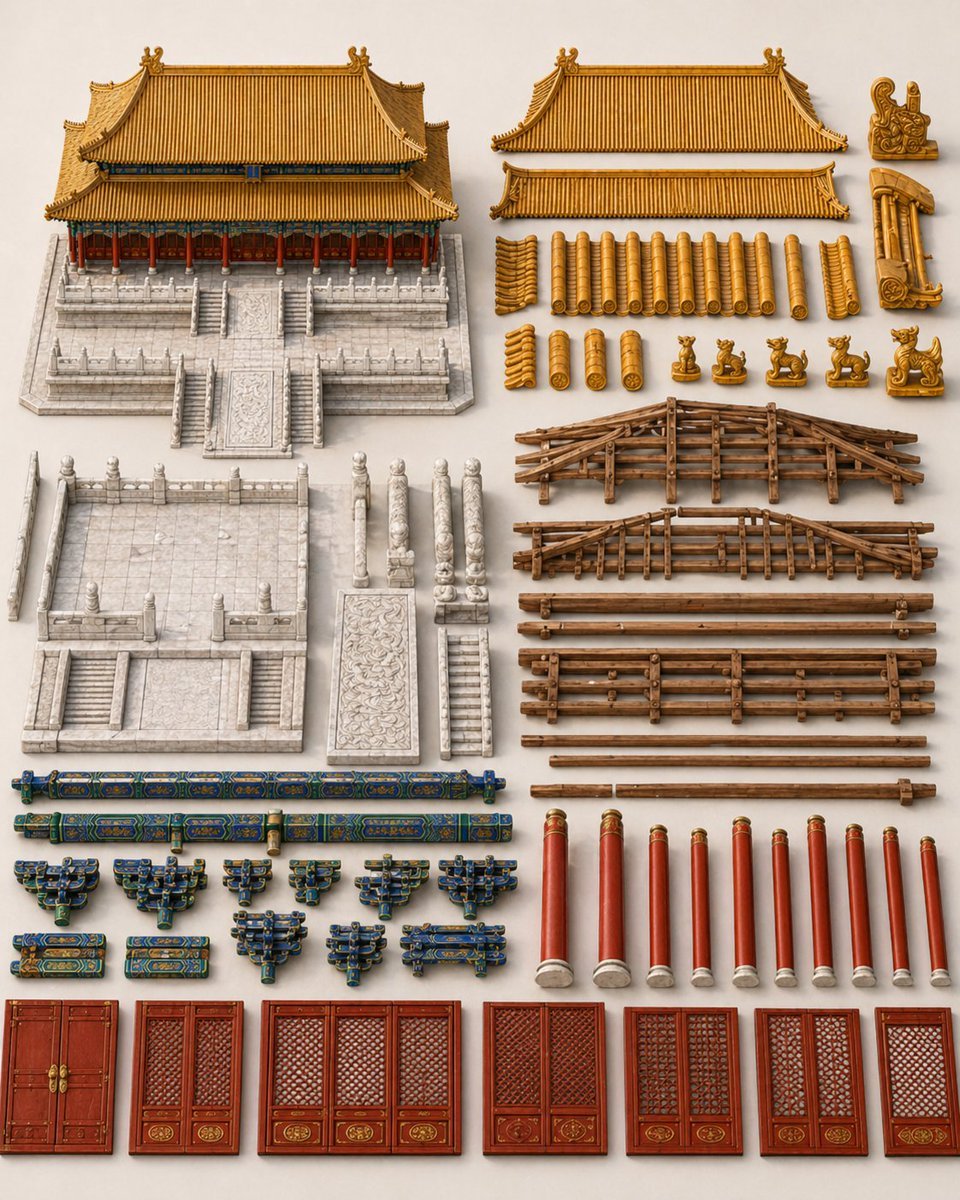
Chinese Palace Components Board
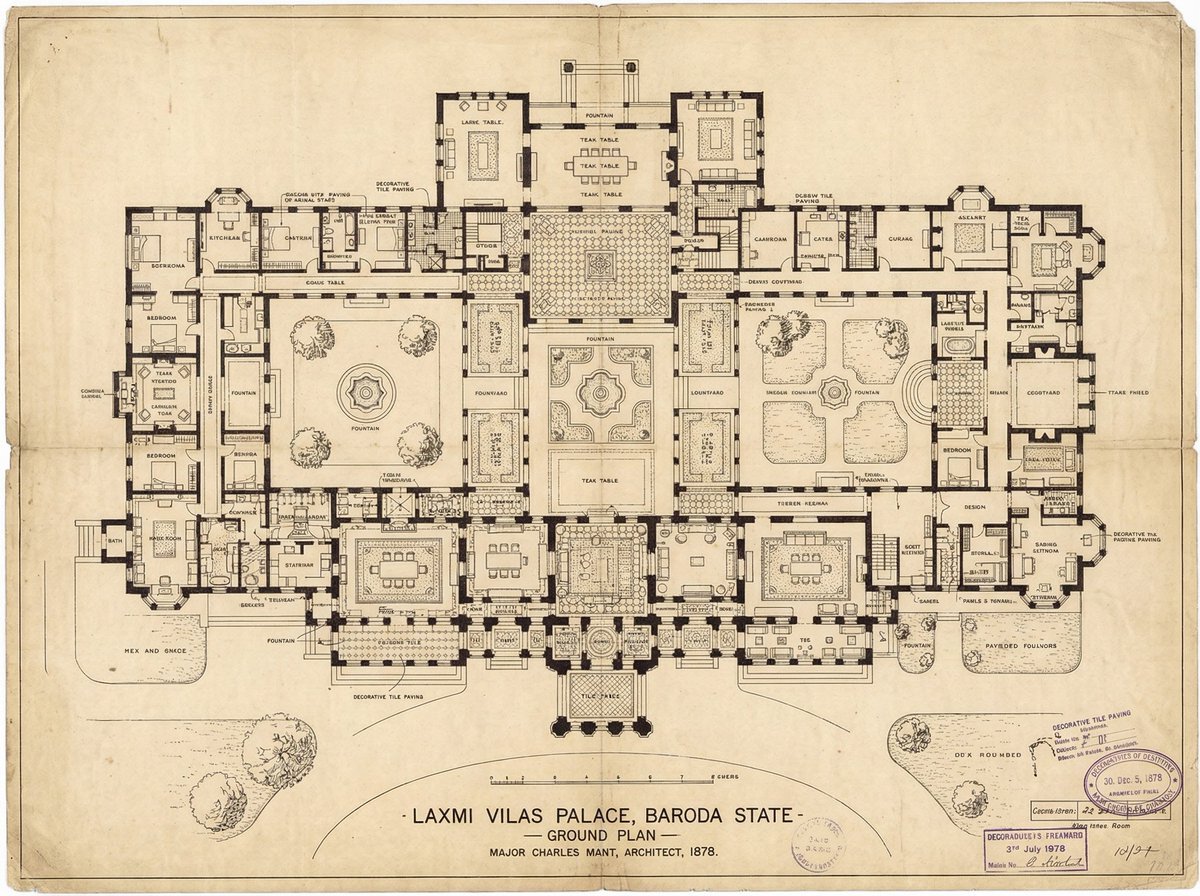
Generate detailed construction plan of Laxmi Vilas Palace from image
Surreal Gothic Hall with Floating Masks
Peaceful Multi-Legged Construction Machine

Vintage Billiards Hall Portrait
Giant Ice Cream Construction Site
Medieval Scriptorium Hall
Make it yours
Panel Palace Hall Construction Board works as-is. These are the safest ways to change it without losing the look.
Swap the setting
Keep the rest of the prompt and replace the location block. The current setting is “plain light studio background with only the building base and immediate platform”.
Swap the light
One lighting change is enough to compare takes. Current light: “soft neutral studio lighting”.
Change one field
Copy a single group, rewrite it, and generate again so you can see what that field is doing.
| If the result… | Why | Fix |
|---|---|---|
| The result drifts from the preview | Too many fields changed at once. | Reuse 8-Panel Palace Hall Construction Board as-is first, then change one group — subject, light, or setting. |
| GPT Image 2 ignores part of the JSON | Some models flatten or skip nested keys. | Keep the same values and paste them as a short paragraph instead. |
More GPT Image 2 templates
Other prompts made for GPT Image 2.

Six VTuber Japanese Logo Sheet

Realistic Portrait of Woman and Deer

The Vista Modular Condo Poster

AI Model Routing Comparison Infographic

2.5D Anime Art Board

Isometric Productivity Desk Scene

New York Double Exposure Poster

Four-Panel AI Landscape Comparison

Japanese Tatami Lifestyle Magazine Cover

NESCAFÉ Coffee Map Poster
More image prompts
Fresh picks from across the catalog.
High-Speed Food Splash Capture
Neumorphic Smart UI Kit

Caricature Bobblehead Figurine Prompt
Gothic Miniature Dollhouse Bedroom

Vector-Style Character Illustration Portrait
Three-Panel Dreamy AI Posting Styles

Winged Mecha Beam Cannon Battle
Anime Adventure Game UI

Sparkling Beverage Ad Banner

Flyer Redesign Prompt using Nano Banana Pro
Browse template categories
Panel Palace Hall Construction Board questions
How do I use the 8-Panel Palace Hall Construction Board template?
Add your photo if the template asks for one, edit the prompt if you like — the template's model and format are already selected — and press Generate. Your version opens in PicX Studio.
Can I customize the 8-Panel Palace Hall Construction Board template?
Yes. You can change the subject, setting, lighting, mood, format, and available model controls before creating your image.
Is the 8-Panel Palace Hall Construction Board template free?
Opening and editing this template is free. Generating uses credits, shown on the Generate button when you are signed in.
Which AI model should I use?
Start with GPT Image 2, which is the model associated with this template. You can compare another compatible model for a different finish.
Looking for something else? Browse all templates.

Your photo, any look
Thousands of ready templates for every top image and video model, from one credit balance.