
Giant Ice Cream Construction Site
A cinematic surreal miniature construction scene featuring tiny workers and machinery building a massive vanilla soft-serve cone in a snowy landscape.
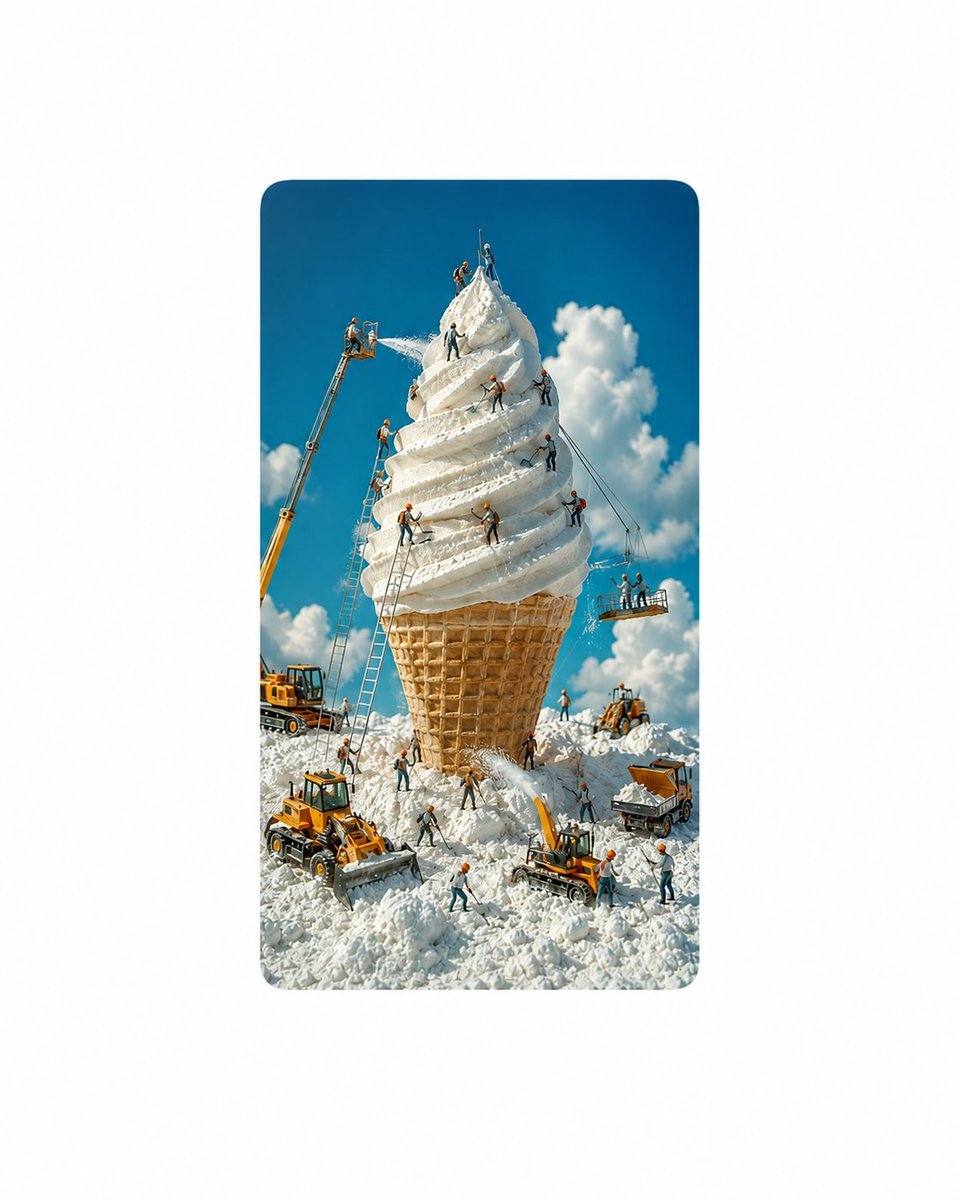
- Prompt included
- Model and format preset
- Free template
The prompt behind this image
Copy the exact prompt behind Giant Ice Cream Construction Site, or open it in the studio and make it yours.
Goal: Create a whimsical cinematic photoreal miniature scene of a giant vanilla soft-serve ice cream cone being constructed and maintained like a monumental building project in a snowy landscape. Canvas: Vertical image with a centered rounded-rectangle photo frame on a clean white page, 4:5 portrait composition inside the frame. Bright daylight, crisp 1080p-style detail, saturated blue sky, fluffy white clouds, high contrast, playful surreal scale. Main subject: A colossal waffle cone stands upright in the center, emerging from piles of churned white snow. On top is a towering spiral of creamy white vanilla soft serve, textured like thick whipped snow with sculpted ridges, peaks, flakes, and spray. The cone has a detailed golden-brown waffle grid pattern and looks enormous compared with the workers and vehicles. Layout and action: Show an active construction site around the ice cream tower. Use exactly 22 tiny construction workers in orange safety helmets and work clothes, each posed doing a different task: 1 worker standing at the very peak with a tool raised, 2 workers beside the peak shaping the top swirl, 1 worker spraying ice cream from a high boom lift on the upper left, 1 worker operating that boom lift basket, 1 worker climbing a tall ladder on the left side of the cone, 1 worker standing on the left mid-level swirl with a scraper, 1 worker on the front upper swirl smoothing cream, 1 worker on the right upper swirl using a shovel, 1 worker hanging by a rope on the right side, 1 worker on a suspended platform at right guiding ropes, 1 worker on the same platform gesturing upward, 1 worker on the central front swirl using a trowel, 1 worker at the base inspecting the cone, 1 worker shoveling snow near the cone foot, 1 worker walking across the snowy foreground with tools, 1 worker operating a front loader, 1 worker standing near the front loader giving directions, 1 worker operating an excavator, 1 worker beside the excavator raking snow, 1 worker near a dump truck checking the load, and 1 worker on the far right carrying a shovel. Machinery and props: Include exactly 6 yellow construction vehicles: a tall boom lift on the left spraying cream, a rear bulldozer/loader partly hidden on the left, a large front loader in the lower left foreground pushing snow, a small excavator in the lower center-right scooping snow, a dump truck on the right filled with white snow/cream, and a compact loader on the right hillside. Include exactly 3 visible ladders leaning against the cone and ice cream, plus 1 suspended work platform hanging from cables on the right. Visual style: Ultra-detailed cinematic miniature photography, tilt-shift feeling, realistic textures, warm sunlight, clean shadows, toy-like workers but believable construction gear, charming scale contrast, no text, no logos, no watermark.
How to use Giant Ice Cream Construction Site in 3 steps
- 1Upload ImagePNG, JPG or paste
Add your photo
Upload the photo the template builds on. The prompt, model and format are already set.
- 2…a portrait of your subject in softgolden-hour light, 85mm…
Personalize
Edit the subject and creative details for your destination.
- 3Generate
Generate
Press Generate — your image is created in PicX Studio, so you can compare it with the original and refine one variable at a time.
More like this
Templates with the same subject, style or setup. Open one to see its prompt.

Puppy and Robot Dog Ice Cream Scene
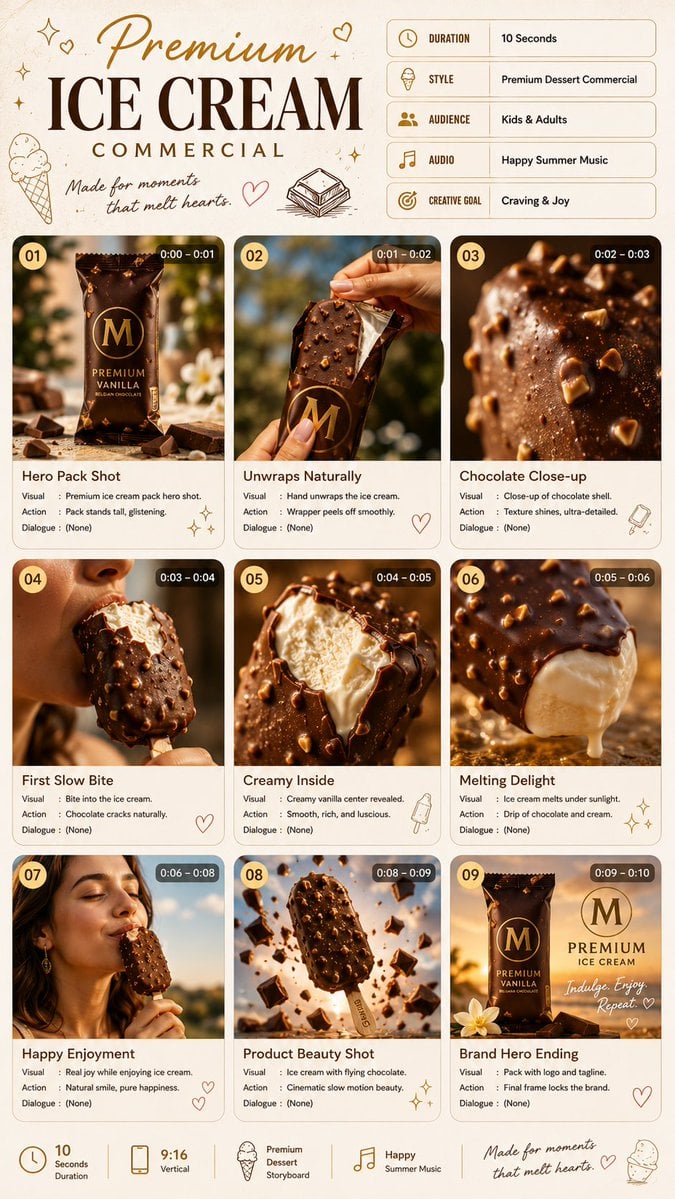
Premium Ice Cream Commercial Storyboard

Premium Ice Cream Product Grid Poster
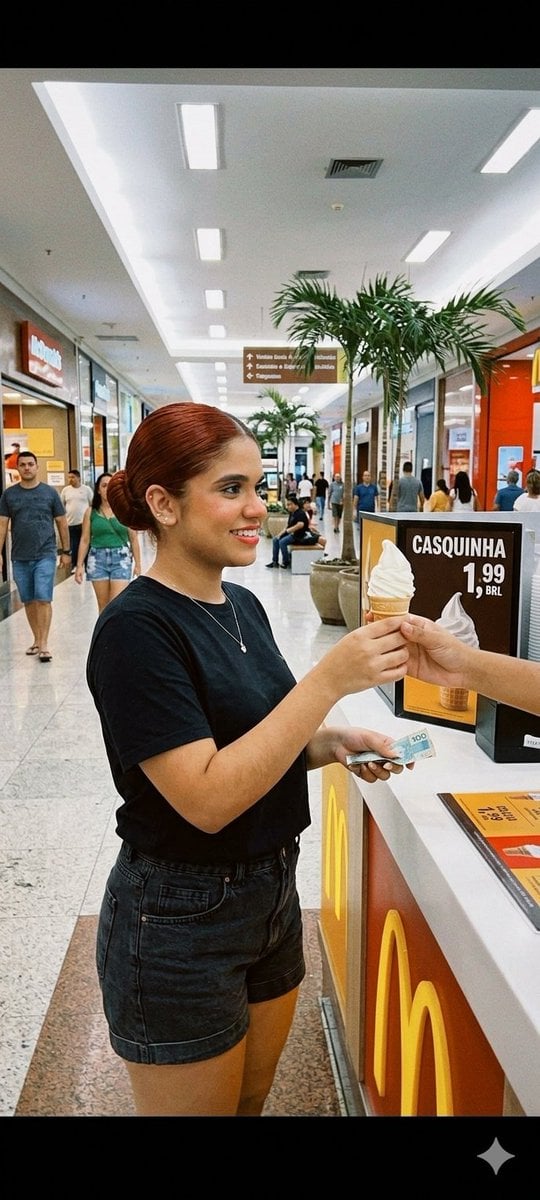
Candid Mall Ice Cream Kiosk Photo

Woman with Ice Cream Shop Portrait

Stressed Woman with Drip Ice Cream
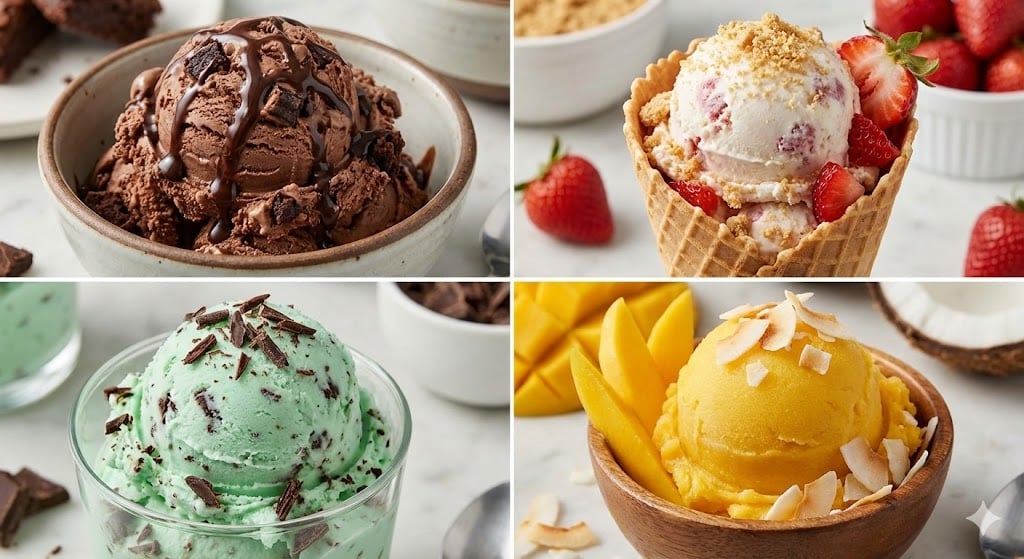
Assorted Ice Cream Flavors Grid

Miniature Pizza Construction Site
Anime Ice Cream Castle Cone

Ice Cream Truck Pastel

Cozy Café Ice Cream Hands Close-Up
Cozy Café Ice Cream Hands Close-Up
Make it yours
Giant Ice Cream Construction Site works as-is. These are the safest ways to change it without losing the look.
Change one field
Copy a single group, rewrite it, and generate again so you can see what that field is doing.
Keep the frame, change the subject
Hold the composition and light of Giant Ice Cream Construction Site, then swap wardrobe, props or the person for a new take.
| If the result… | Why | Fix |
|---|---|---|
| The result drifts from the preview | Too many fields changed at once. | Reuse Giant Ice Cream Construction Site as-is first, then change one group — subject, light, or setting. |
| The model over-stylizes the scene | The prose prompt leaves finish and camera underspecified. | Add one camera or lighting sentence and stay on GPT Image 2. |
More GPT Image 2 templates
Other prompts made for GPT Image 2.

Six VTuber Japanese Logo Sheet

Realistic Portrait of Woman and Deer

The Vista Modular Condo Poster

AI Model Routing Comparison Infographic

2.5D Anime Art Board

Isometric Productivity Desk Scene

New York Double Exposure Poster

Four-Panel AI Landscape Comparison

Japanese Tatami Lifestyle Magazine Cover

NESCAFÉ Coffee Map Poster
More image prompts
Fresh picks from across the catalog.

Giant Red Balloon Above Misty Mountains

Video Transition Prompt (Room Renovation Timelapse)
Magical Fantasy Book Diorama Grid

Watercolor Glasshouse Cafe Illustration

Moody 2x2 editorial collage of an androgynous woman

Luxury Beauty Brand Advertisement

Detailed Lifestyle Photography Prompt for Cozy Evening Scene

untitled

Surreal Blue Hour Avian Metamorphosis

Y2K Japanese editorial collage poster
Browse template categories
Giant Ice Cream Construction Site questions
How do I use the Giant Ice Cream Construction Site template?
Add your photo if the template asks for one, edit the prompt if you like — the template's model and format are already selected — and press Generate. Your version opens in PicX Studio.
Can I customize the Giant Ice Cream Construction Site template?
Yes. You can change the subject, setting, lighting, mood, format, and available model controls before creating your image.
Is the Giant Ice Cream Construction Site template free?
Opening and editing this template is free. Generating uses credits, shown on the Generate button when you are signed in.
Which AI model should I use?
Start with GPT Image 2, which is the model associated with this template. You can compare another compatible model for a different finish.
Looking for something else? Browse all templates.

Your photo, any look
Thousands of ready templates for every top image and video model, from one credit balance.