
Surreal Blue Hour Avian Metamorphosis
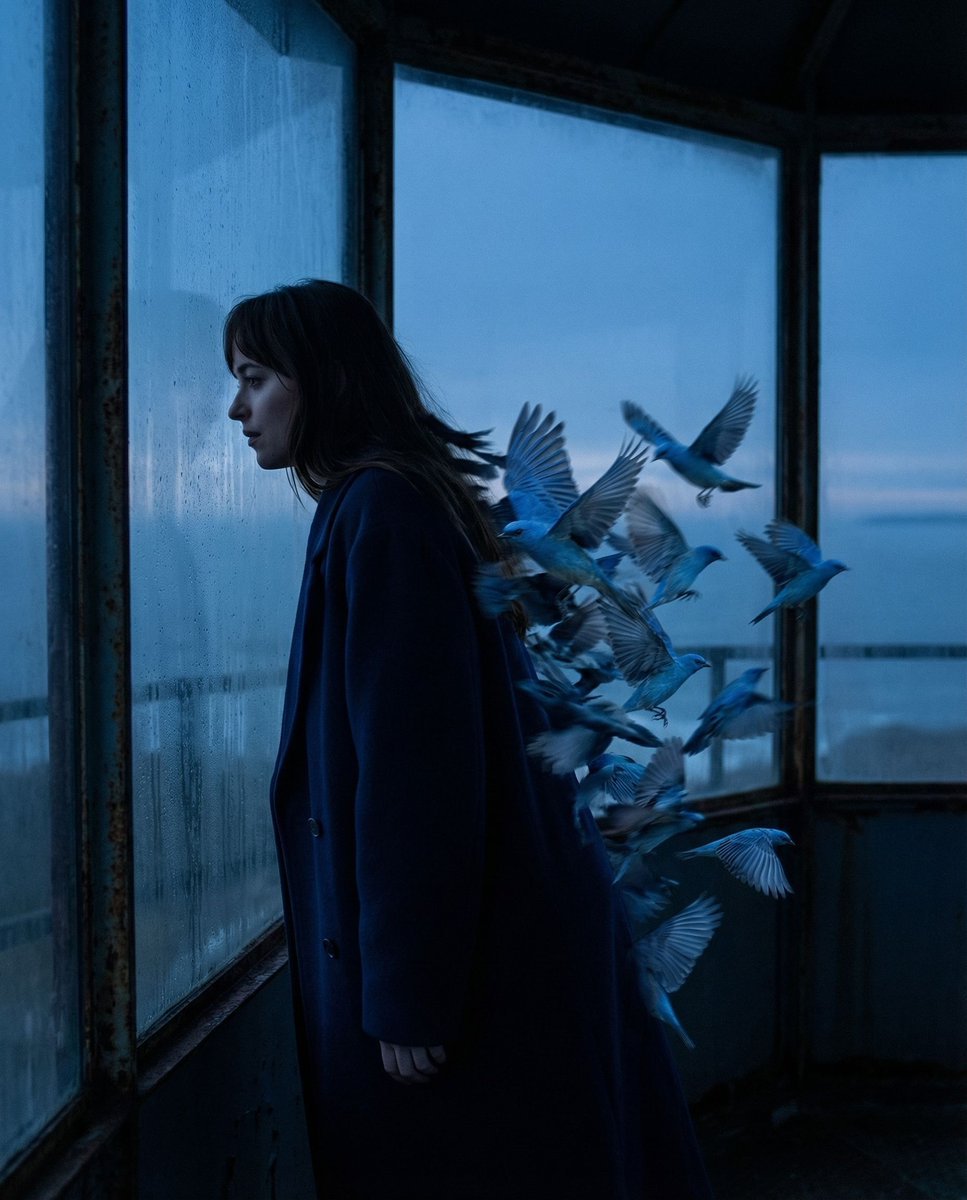
A surreal cinematic prompt featuring a profile silhouette at a coastal observatory where hair and shadows transform into a swarm of hyper-detailed azure birds.
- Prompt included
- Model and format preset
- Free template
The prompt behind this image
Copy the exact prompt behind Surreal Blue Hour Avian Metamorphosis, or open it in the studio and make it yours.
{ "vibe_title_en": "Blue Twilight Metamorphosis", "master_prompt": "A hyper-realistic, surreal cinematic shot of {argument name="subject" default="The Protagonist"} captured in a strict profile silhouette against the expansive, fogged glass wall of a dilapidated coastal observatory during the deep Blue Hour. The narrative energy captures 'The Aftermath Calm'; the subject is leaning heavily against the cold glass, shoulders dropped in exhaustion. In a display of photographic surrealism, the subject's trailing silhouette and hair do not cast a normal shadow but instead physically fracture into a dynamic, motion-blurred swarm of hyper-detailed azure birds. The birds are not cartoons but appear as high-budget practical effects with tangible feather textures catching the dim light. The scene is bathed in cool twilight tones, with a single warm rim light highlighting the subject's nose, lips, and the edges of the transforming feathers. Shot on a Hasselblad X2D with a 80mm f/1.9 lens to render the transition from human skin to avian texture with microscopic fidelity, overlaid with the grain structure of {argument name="film stock" default="Cinestill 800T film"}.", "meta": { "intent": "Editorial Surrealism", "priorities": "Texture, Silhouette, Mood", "device_profile": "Cinema-Grade Monitor" }, "frame": { "aspect": "4:5", "composition": "Profile Silhouette against negative space", "layout": "Rule of Thirds with surreal expansion", "camera_angle": "Eye-level, strictly side-on", "tilt_roll_degrees": "0" }, "subject": { "gender": "Female", "identity": "The Protagonist", "demographics": "Adult, ethereal presence", "face": "Neutral expression, eyes closed or gazing into distance", "hair": "Flowing, morphing into avian shapes", "body": "Relaxed, leaning heavily against surface", "expression": "Exhausted relief, introspective", "pose": "Leaning profile, weight distributed on the glass" }, "wardrobe_accessories": { "garments": [ { "item": "{argument name="clothing item" default="Structured Overcoat"}", "material": "Wool blend", "color": "Deep Midnight Blue", "fit": "Oversized, blending into shadows" } ], "accessories": [] }, "environment": { "setting": "Abandoned Coastal Observatory", "surfaces": "Condensation-covered glass, rusted metal frames", "depth": "Shallow depth of field inside, infinite horizon outside", "atmosphere": "Misty, cold, silent, melancholic", "lens_interaction": "Slight halation from the glass reflection" }, "lighting": { "key": "Soft moonlight (cool)", "fill": "Negative fill (creating silhouette)", "rim": "Sharp, cold rim light defining the profile", "shadows": "Deep, rich blacks morphing into blue textures", "color_temperature": "7500K (Twilight/Blue Hour)", "sensor_flare": "Subtle anamorphic streak" }, "camera": { "lens_type": "Prime Portrait Lens", }
How to use Surreal Blue Hour Avian Metamorphosis in 3 steps
- 1
Open
The prompt is already in the box next to the preview, with the template's model and format selected.
- 2…a portrait of your subject in softgolden-hour light, 85mm…
Personalize
Edit the subject and creative details for your destination.
- 3Generate
Generate
Press Generate — your image is created in PicX Studio, so you can compare it with the original and refine one variable at a time.
More like this
Templates with the same subject, style or setup. Open one to see its prompt.

Surreal Cat Astronaut — Humanoid Face Freefall
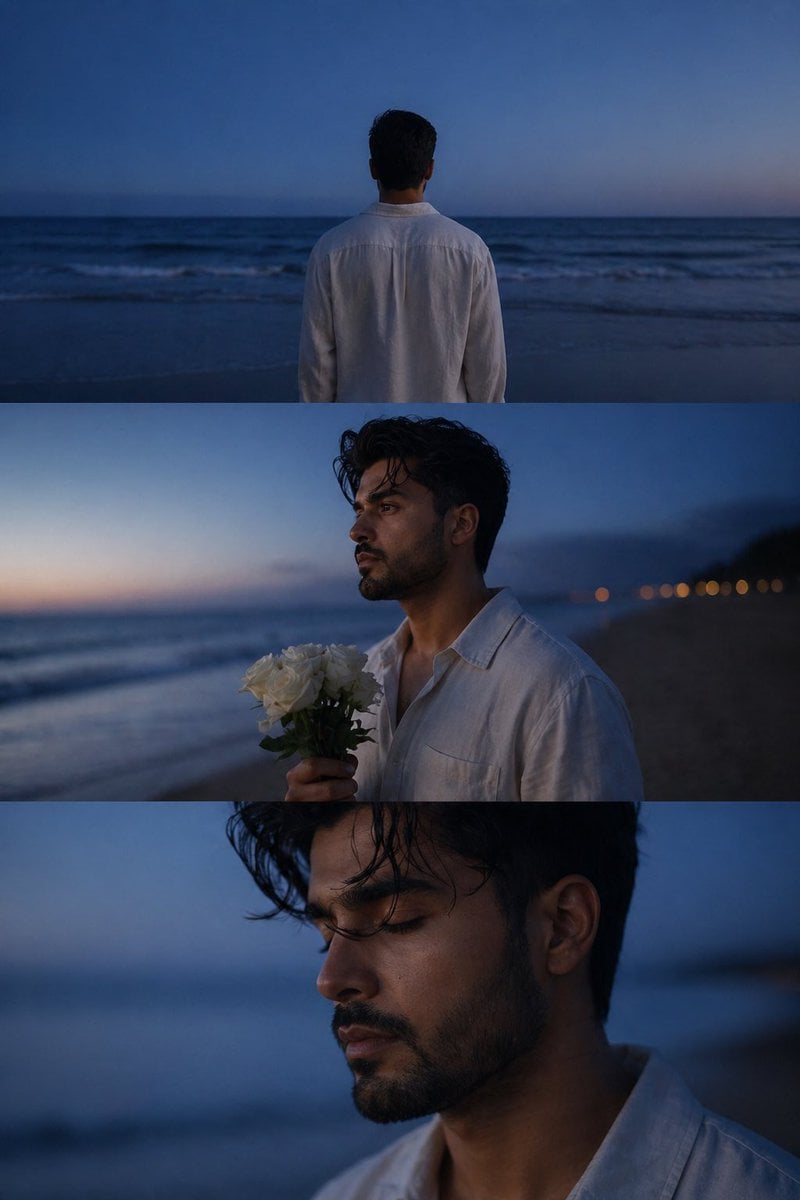
Melancholic blue hour portrait

Bold Red Contrast Fashion Editorial Newspaper Room

Stylized Fashion Portrait Bold Color Contrast Editorial

Monochrome Portrait Jersey Accent Poster
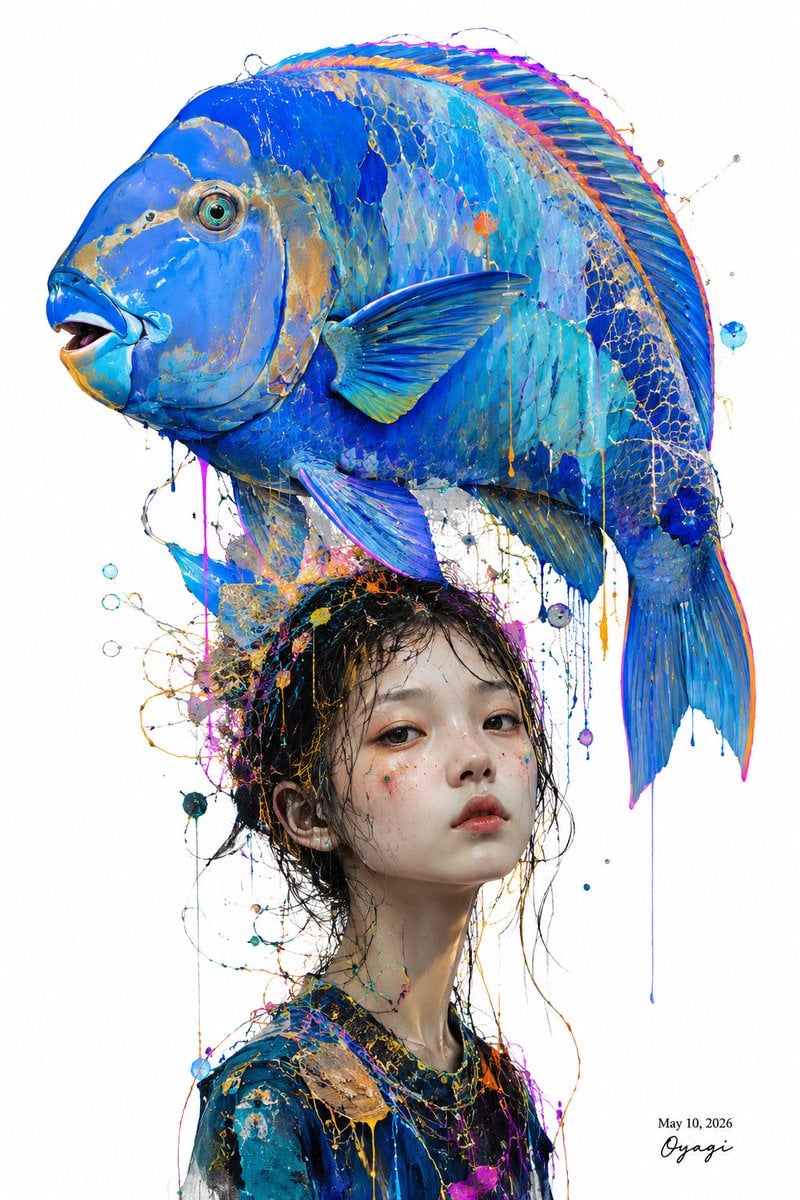
Surreal Blue Fish Hat Portrait

Floating Woman Above Cityscape with Notifications

Azed Double Exposure

Firefly Pixar Spill — Nano Banana Pro

Cosmetic Tube Product — Nano Banana 2

Nano Banana - Evening Champagne Blue

80s Golden Hour Cinema
Make it yours
Surreal Blue Hour Avian Metamorphosis works as-is. These are the safest ways to change it without losing the look.
Change one field
Copy a single group, rewrite it, and generate again so you can see what that field is doing.
Keep the frame, change the subject
Hold the composition and light of Surreal Blue Hour Avian Metamorphosis, then swap wardrobe, props or the person for a new take.
| If the result… | Why | Fix |
|---|---|---|
| The result drifts from the preview | Too many fields changed at once. | Reuse Surreal Blue Hour Avian Metamorphosis as-is first, then change one group — subject, light, or setting. |
| The model over-stylizes the scene | The prose prompt leaves finish and camera underspecified. | Add one camera or lighting sentence and stay on Nano Banana 2. |
More Nano Banana 2 templates
Other prompts made for Nano Banana 2.

Photorealistic Leaf Shaped Like a Dragon

K-Pop Idol Portrait Grid for Rapid Selection

Poetic Rain Forest Portrait During Golden Hour

Urban Street Portrait with Cartoon Inner Self Duo

Candid Nighttime Photo with Cat Prompt

High-Concept 3D Diorama Generation Prompt

Cinematic Futuristic Studio Portrait Template

Skincare Editorial Photography Collage Prompt

Hyper-Realistic Commercial Product Photography (Splash Effect)

Hyper-Realistic Nightclub Portrait Prompt
More image prompts
Fresh picks from across the catalog.
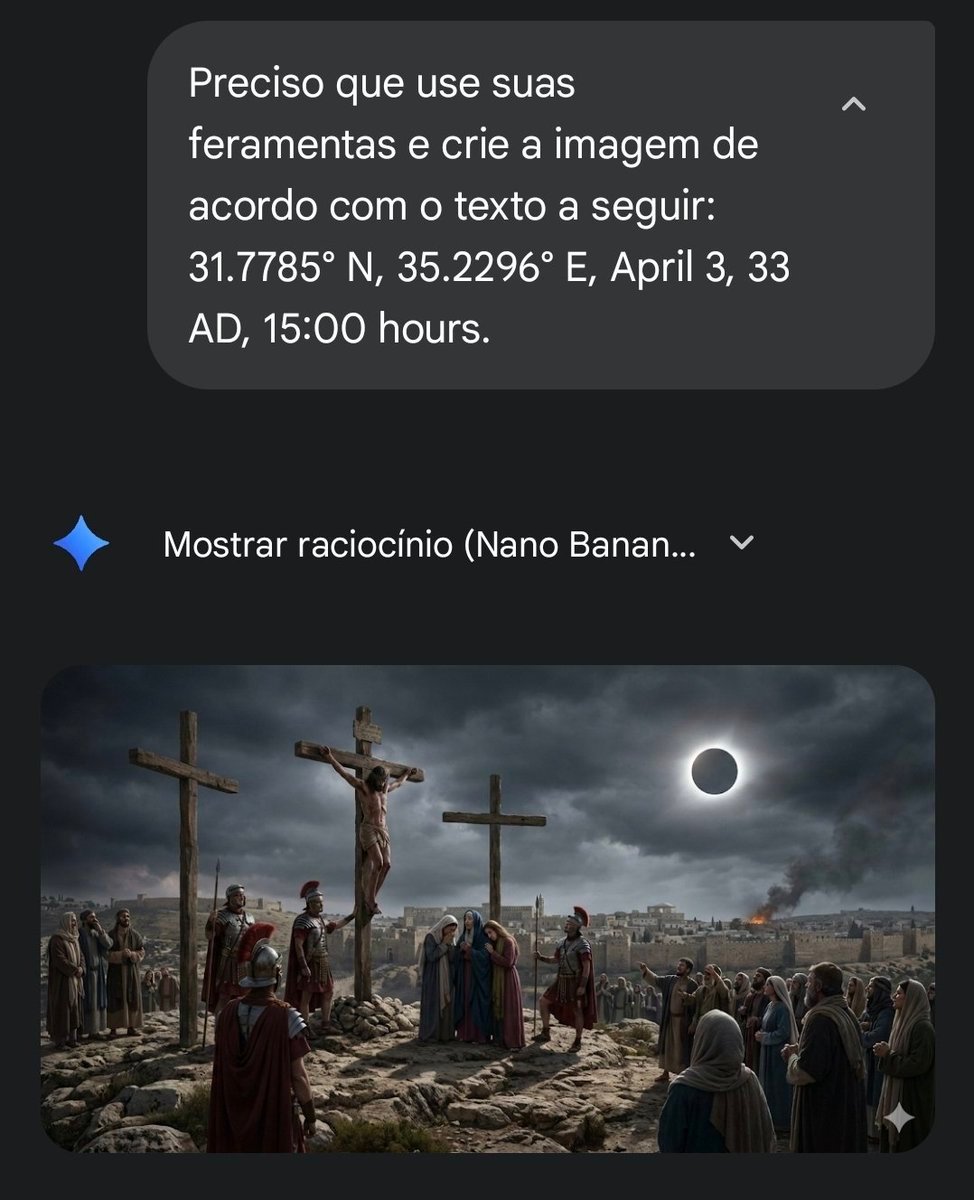
Geospatial and Temporal Prompt for Nano Banana Pro
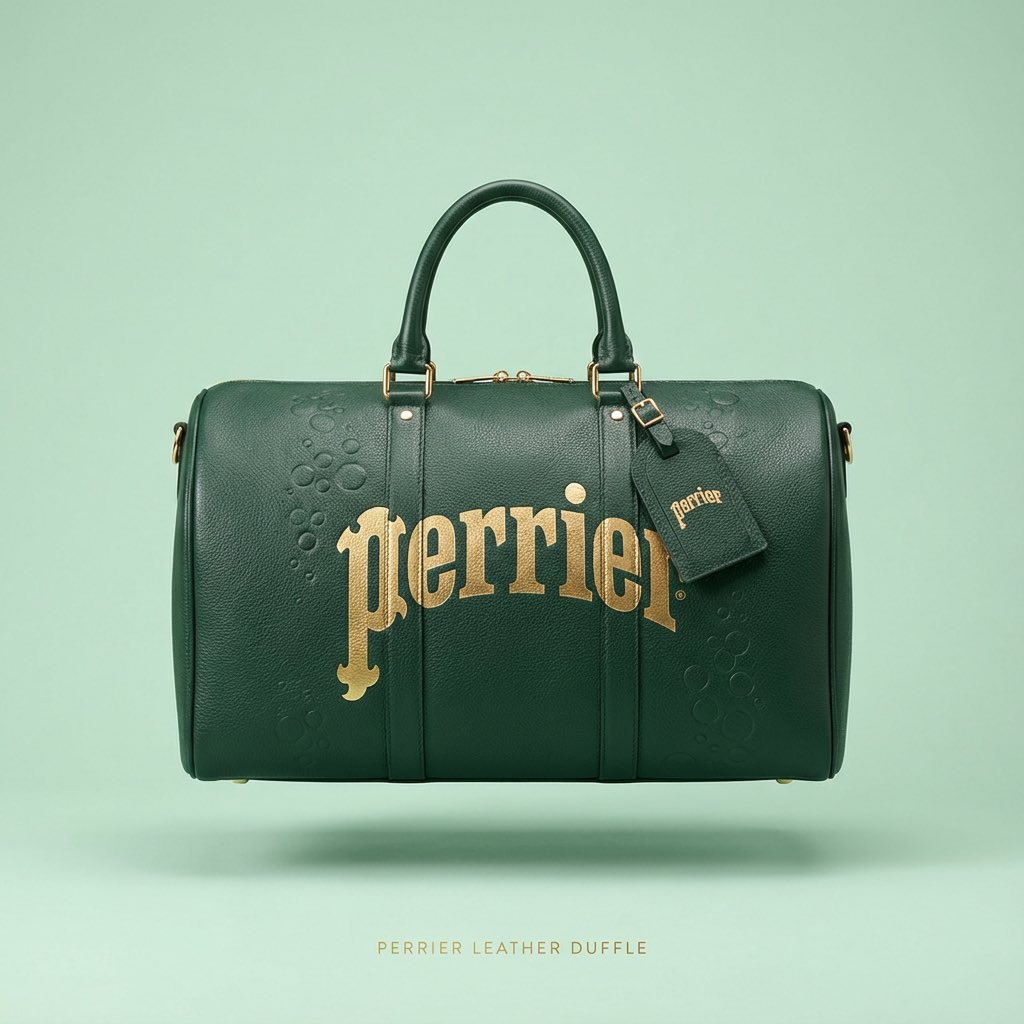
Nano Banana Prompt for Minimalist Branded Bag Concept
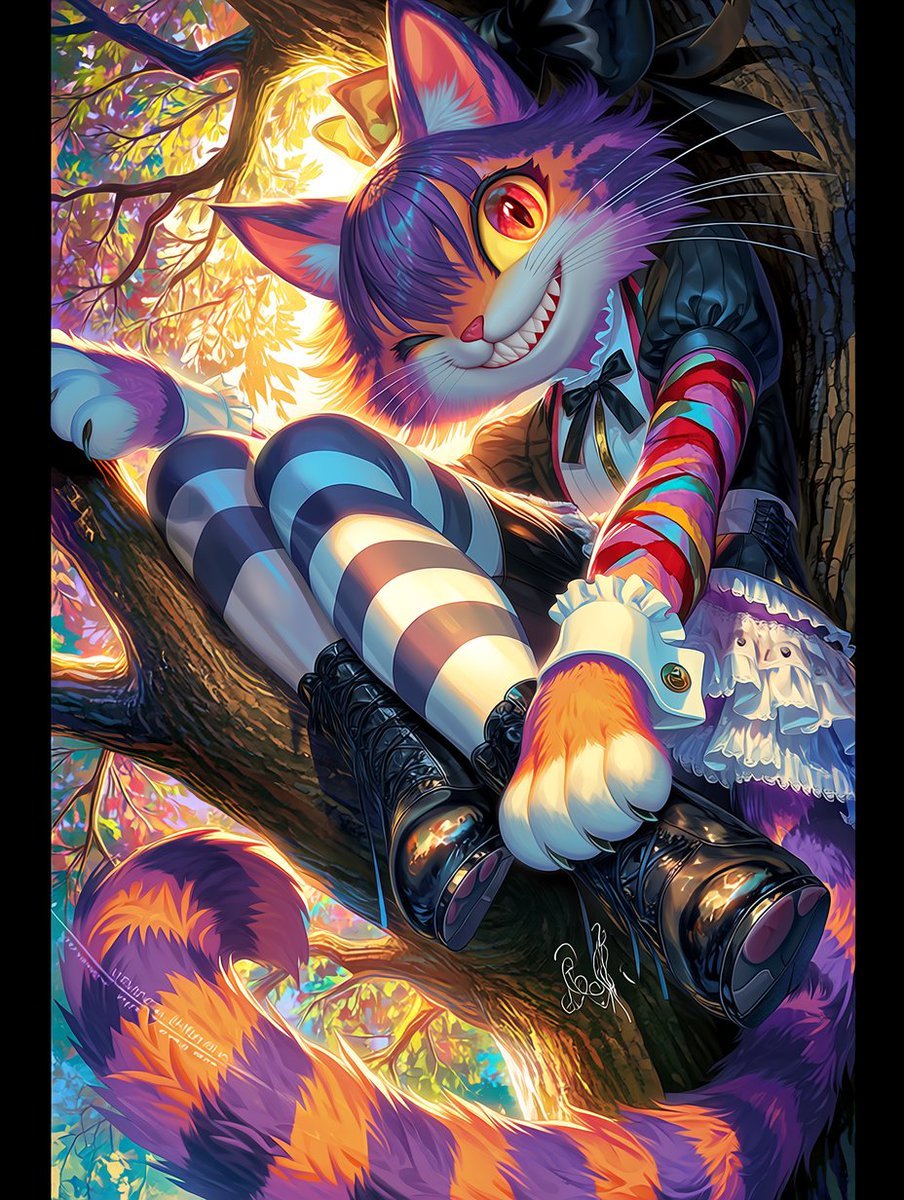
Dark Pop Cheshire Cat Girl

Four Japanese Travel Ad Panels
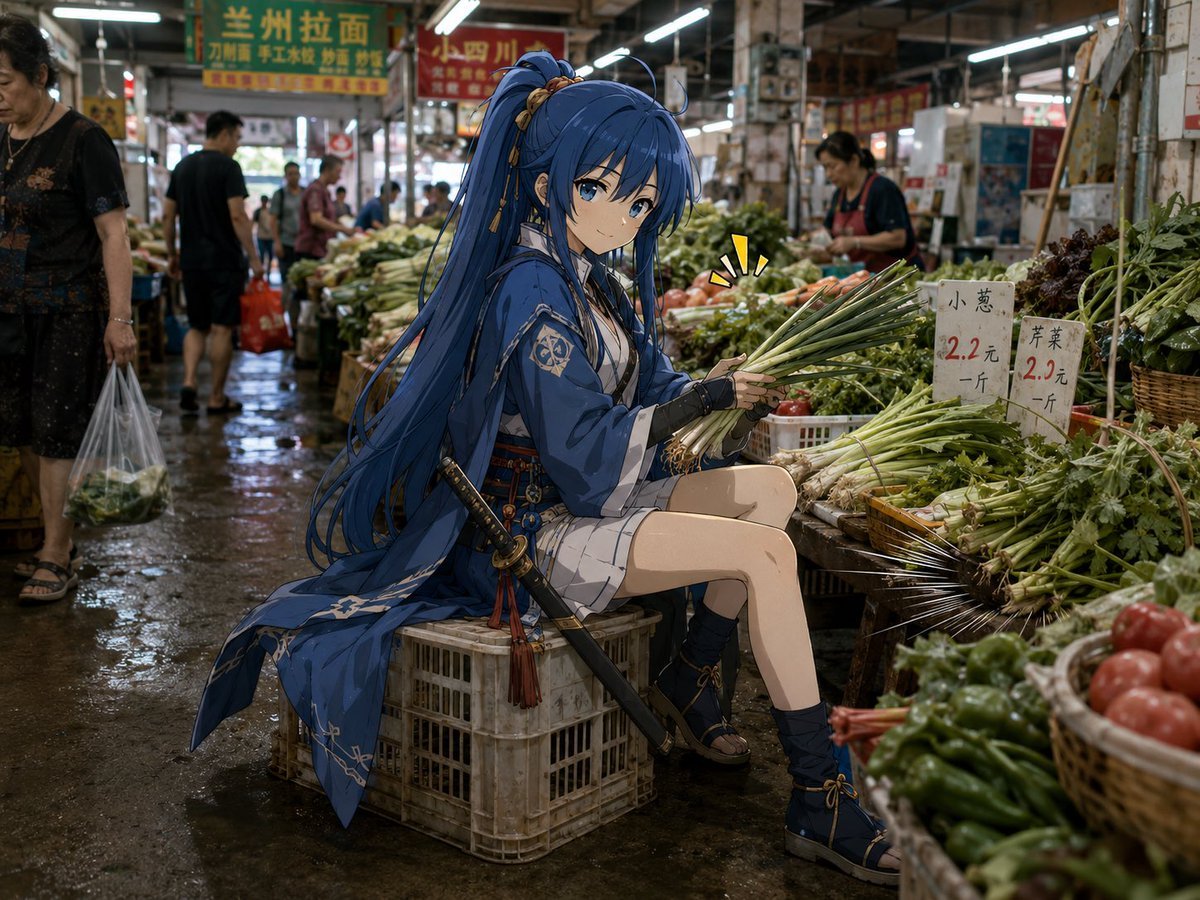
Anime Swordswoman in Wet Market
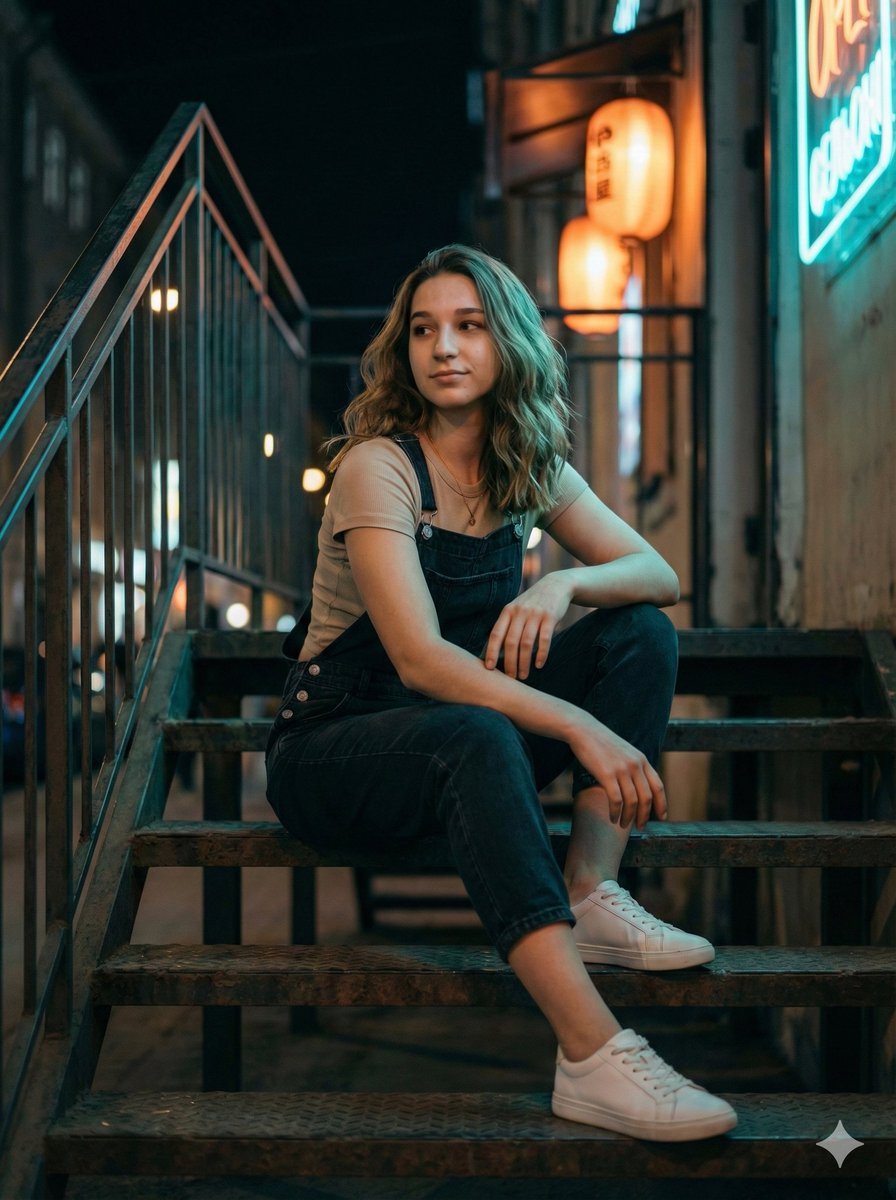
Cinematic Night Portrait on Urban Stairs
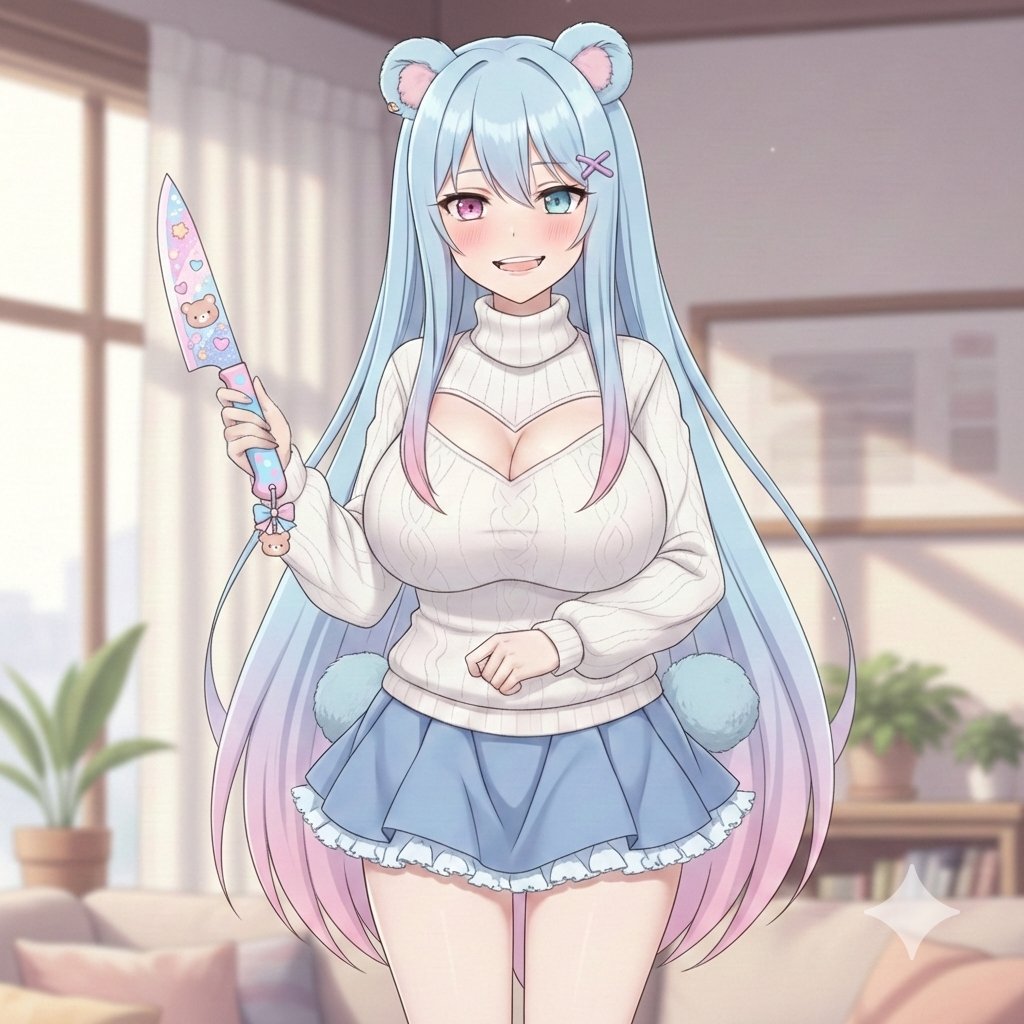
Welcome Home Scenario Prompt
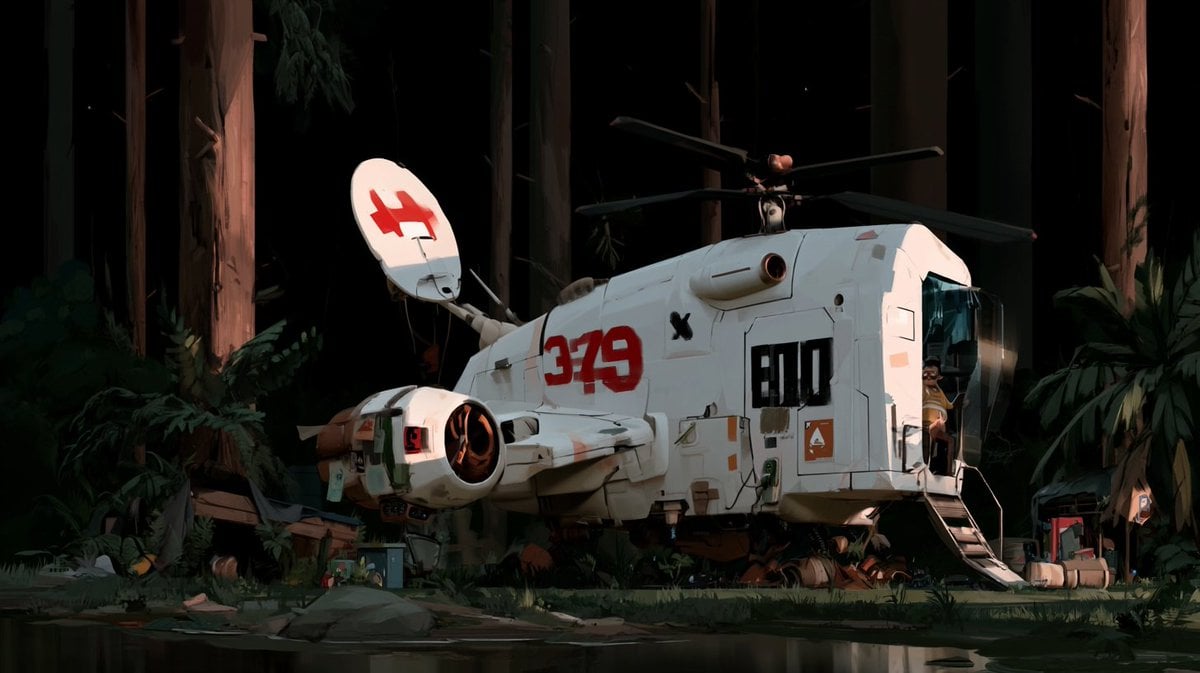
Night Forest Spaceship Landing
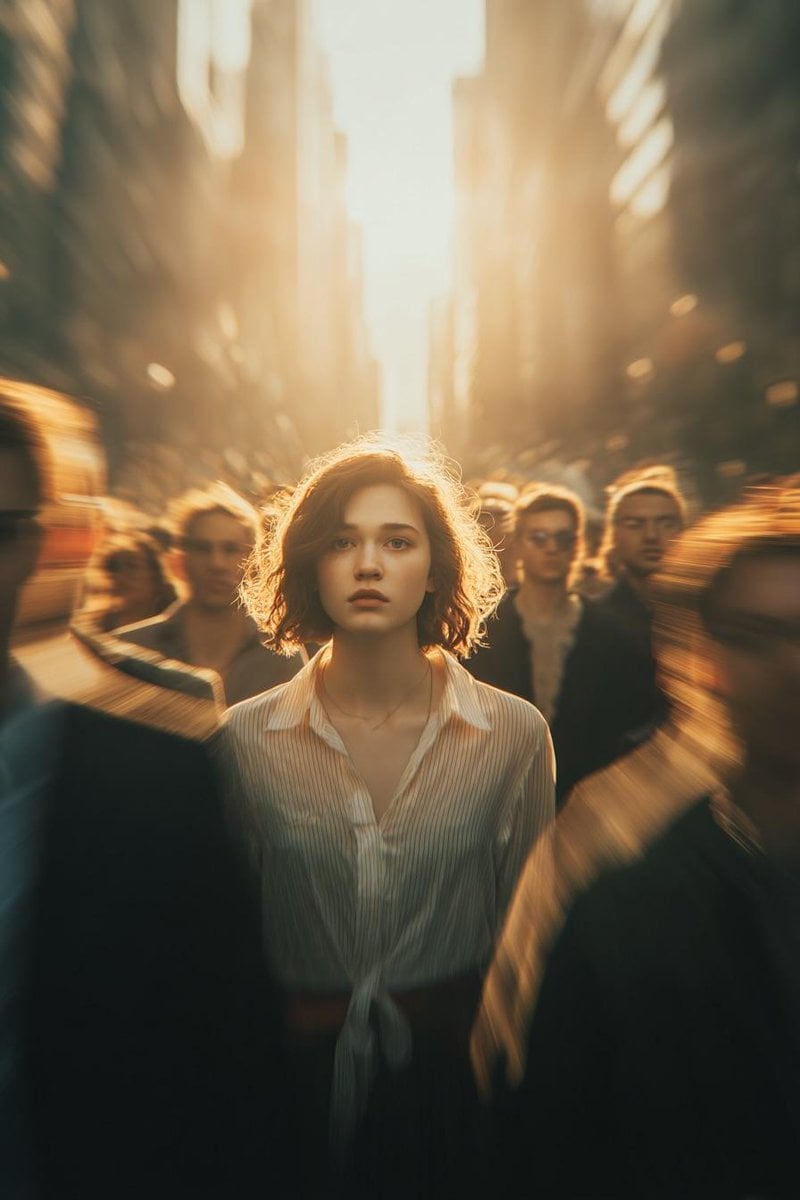
Cinematic Conceptual Portrait with Radial Motion Blur
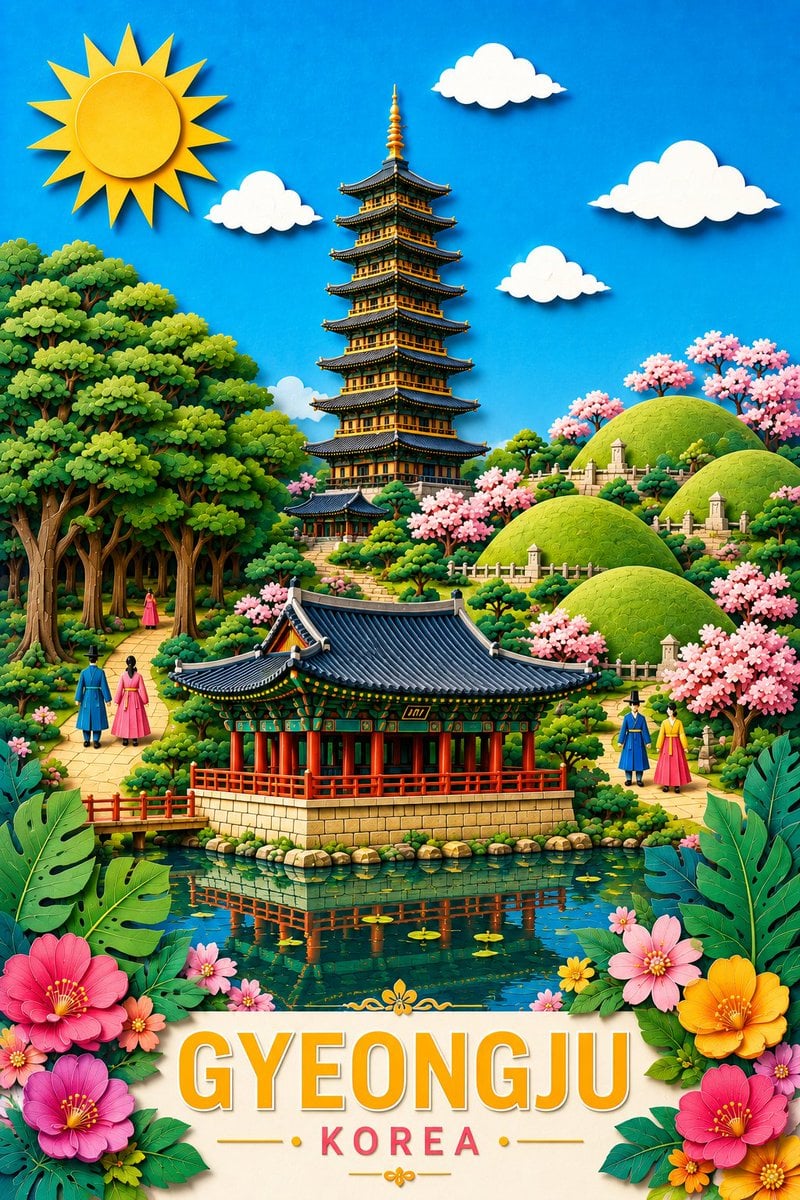
Gyeongju Korea Paper-Cut Travel Poster
Browse template categories
Surreal Blue Hour Avian Metamorphosis questions
How do I use the Surreal Blue Hour Avian Metamorphosis template?
Add your photo if the template asks for one, edit the prompt if you like — the template's model and format are already selected — and press Generate. Your version opens in PicX Studio.
Can I customize the Surreal Blue Hour Avian Metamorphosis template?
Yes. You can change the subject, setting, lighting, mood, format, and available model controls before creating your image.
Is the Surreal Blue Hour Avian Metamorphosis template free?
Opening and editing this template is free. Generating uses credits, shown on the Generate button when you are signed in.
Which AI model should I use?
Start with Nano Banana 2, which is the model associated with this template. You can compare another compatible model for a different finish.
Looking for something else? Browse all templates.

Your photo, any look
Thousands of ready templates for every top image and video model, from one credit balance.