
Night Forest Spaceship Landing
Generates a cinematic sci-fi concept art scene of a small worn utility spaceship landed in a dark forest clearing.
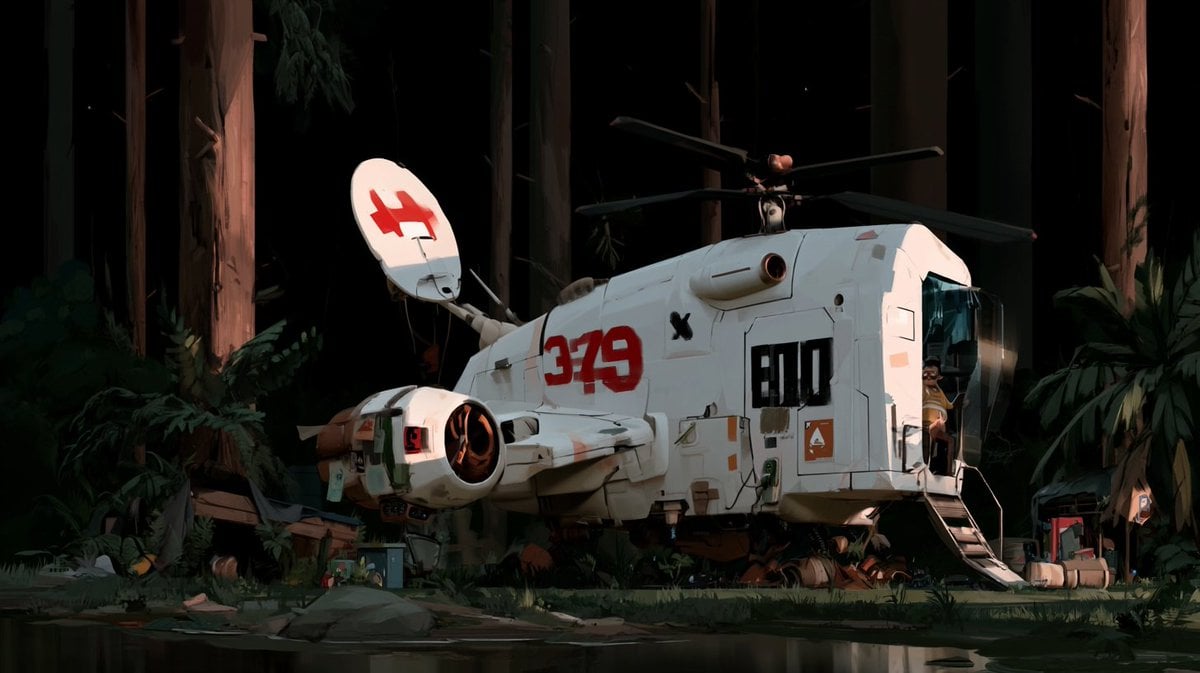
- Prompt included
- Model and format preset
- Free template
The prompt behind this image
Copy the exact prompt behind Night Forest Spaceship Landing, or open it in the studio and make it yours.
Create a cinematic wide 16:9 sci-fi environment concept art scene of a {argument name="spaceship type" default="small white utility spaceship"} landed in a dark ancient forest at night. The ship is parked side-on in a small clearing beside a shallow reflective pool in the foreground, surrounded by towering redwood-like tree trunks, deep black background shadows, ferns, broad-leaf plants, moss, rocks, scattered crates, hoses, and small ground equipment. The ship has a chunky retro-futuristic design like a compact shuttle/helicopter hybrid: rounded rectangular fuselage, white worn paint, panel seams, vents, grime streaks, landing struts, a rear ramp or stairs open on the right, a dark glass cockpit window at the front right, a side engine pod on the left with a glowing warm orange intake, a small top rotor assembly with 4 long dark blades, and a raised oval radar dish on the upper left side. Include exactly 5 prominent ship markings: a large red number "379" on the side, a black block label "E10" near the cockpit, a red angular emblem on the white radar dish, one orange triangular warning decal, and one small black X mark. A small seated pilot or mechanic is barely visible in the cockpit doorway area. Lighting should be dramatic and painterly: moonless night forest with strong warm spotlights hitting the ship and tree trunks, deep green-black shadows, subtle reflections in the water, high contrast, cinematic composition, detailed but not photorealistic, inspired by high-end animated sci-fi concept art. Use {argument name="main ship marking" default="379"} as the largest side number, {argument name="secondary ship marking" default="E10"} as the black cockpit-side label, {argument name="environment" default="dark redwood forest at night"}, and {argument name="mood" default="quiet mysterious landing site"}. Avoid extra readable text, avoid modern cars or buildings, avoid a bright daytime sky, and keep the ship grounded and partially integrated into the forest clearing.
How to use Night Forest Spaceship Landing in 3 steps
- 1Upload ImagePNG, JPG or paste
Add your photo
Upload the photo the template builds on. The prompt, model and format are already set.
- 2…a portrait of your subject in softgolden-hour light, 85mm…
Personalize
Edit the subject and creative details for your destination.
- 3Generate
Generate
Press Generate — your image is created in PicX Studio, so you can compare it with the original and refine one variable at a time.
More like this
Templates with the same subject, style or setup. Open one to see its prompt.

Layered Paper Cut Forest Diorama
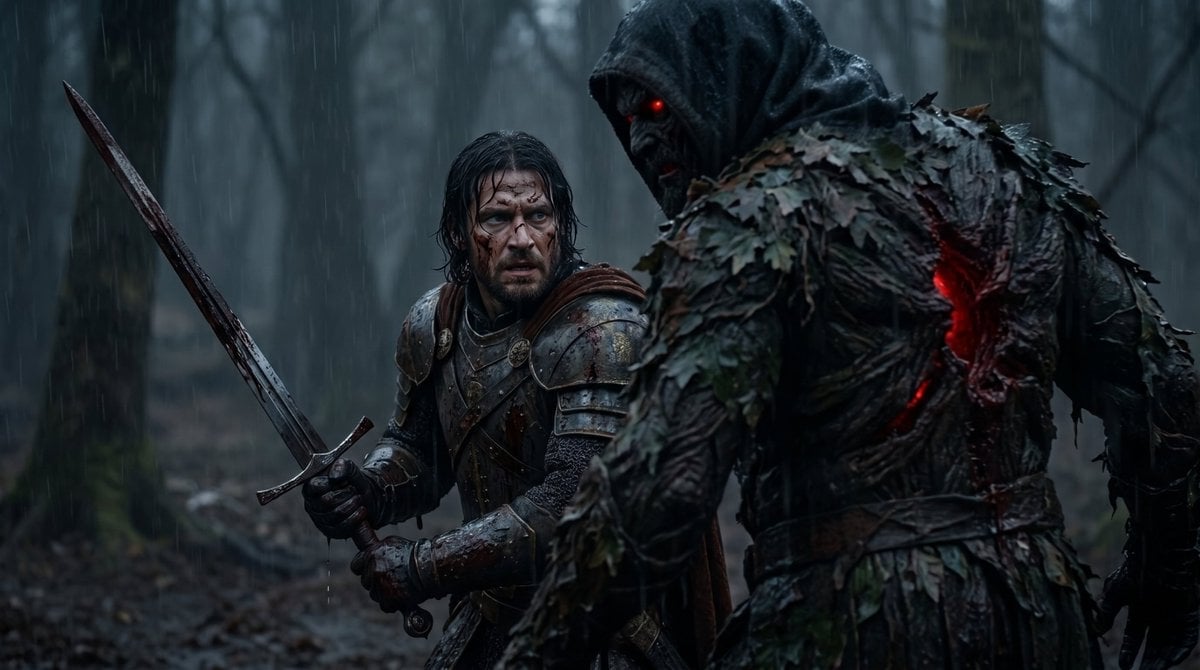
Battle-Worn Knight vs Forest Wraith

Subway Platform Quiet Introspective Portrait
Subway Platform Quiet Introspective Portrait

Spider-Man Night Swing New York Cinematic
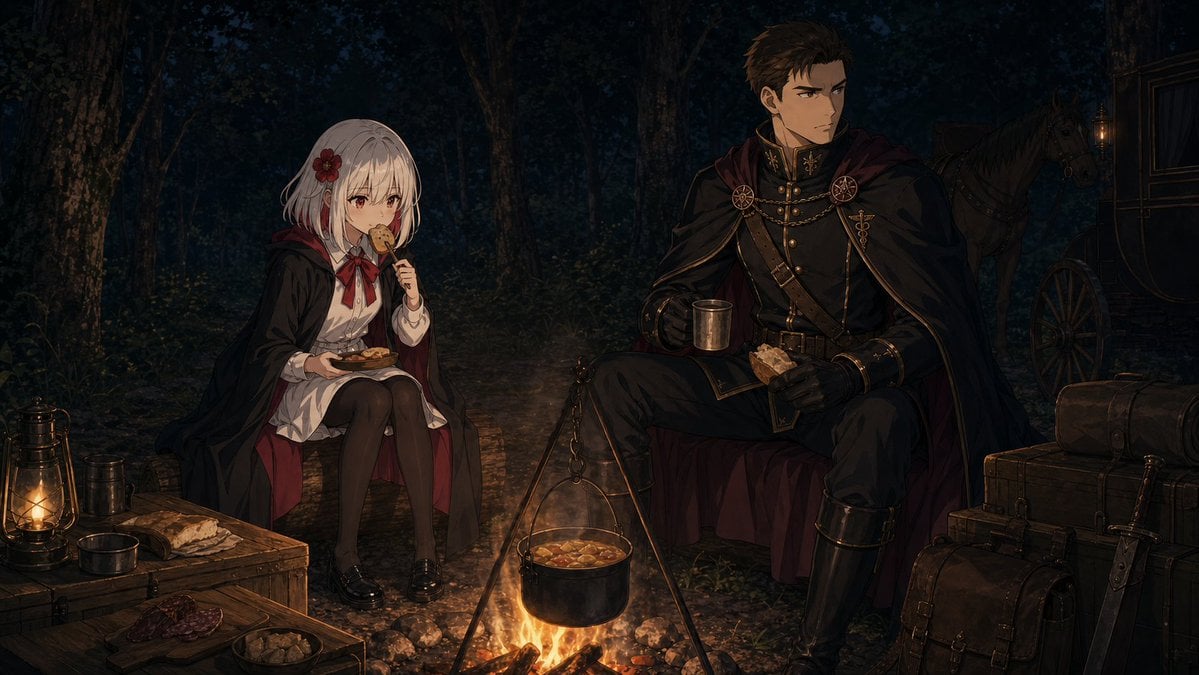
Night Forest Fantasy Camp

Floating Woman Above Cityscape with Notifications

Night Sports Car Portrait — Cinematic Moody

Nano Banana - Cozy Cafe Night
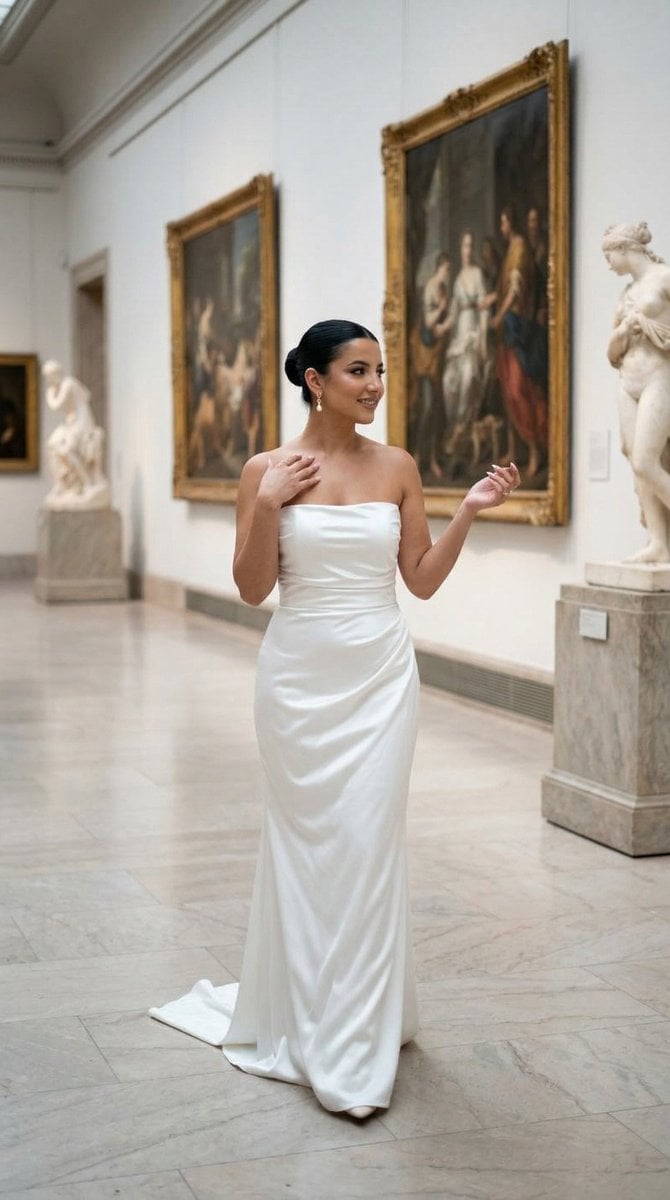
Nano Banana - Dancing Carefree Paris

Nano Banana - Paris Night Party Dancing
Nano Banana - Bathtub Eiffel Night
Make it yours
Night Forest Spaceship Landing works as-is. These are the safest ways to change it without losing the look.
Change one field
Copy a single group, rewrite it, and generate again so you can see what that field is doing.
Keep the frame, change the subject
Hold the composition and light of Night Forest Spaceship Landing, then swap wardrobe, props or the person for a new take.
| If the result… | Why | Fix |
|---|---|---|
| The result drifts from the preview | Too many fields changed at once. | Reuse Night Forest Spaceship Landing as-is first, then change one group — subject, light, or setting. |
| The model over-stylizes the scene | The prose prompt leaves finish and camera underspecified. | Add one camera or lighting sentence and stay on GPT Image 2. |
More GPT Image 2 templates
Other prompts made for GPT Image 2.

Six VTuber Japanese Logo Sheet

Realistic Portrait of Woman and Deer

The Vista Modular Condo Poster

AI Model Routing Comparison Infographic

2.5D Anime Art Board

Isometric Productivity Desk Scene

New York Double Exposure Poster

Four-Panel AI Landscape Comparison

Japanese Tatami Lifestyle Magazine Cover

NESCAFÉ Coffee Map Poster
More image prompts
Fresh picks from across the catalog.
Summer Street Lifestyle Photography
Neo-Noir Synthwave Triptych Montage
Perler Beads Style Structural Poster
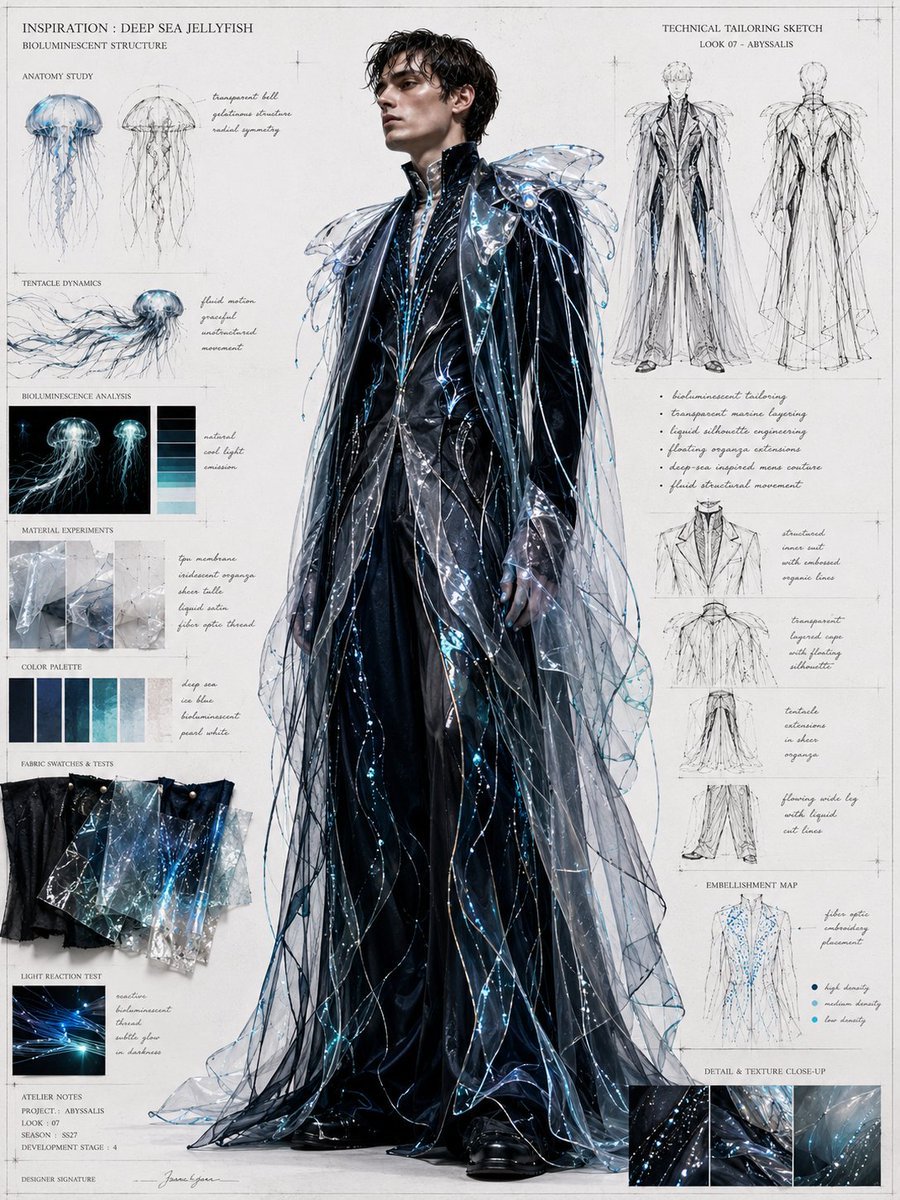
Deep Sea Jellyfish Couture Board
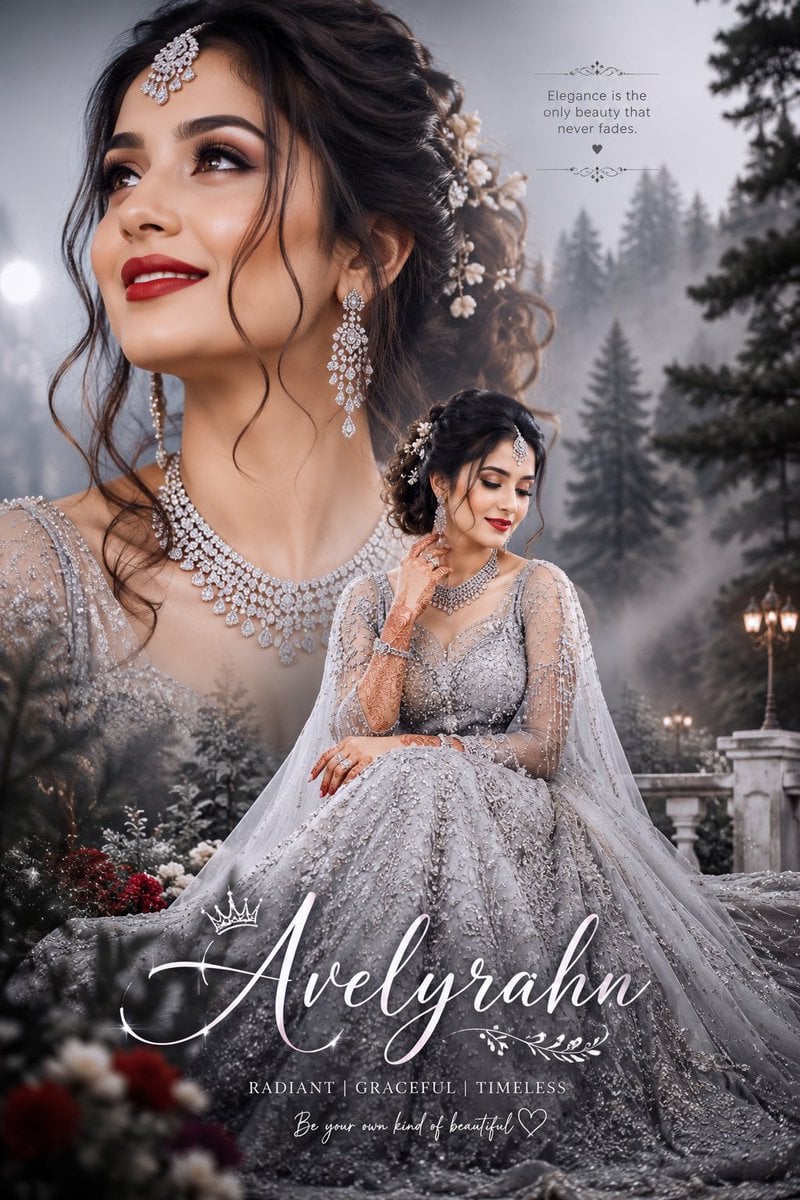
Silver Lehenga Bridal Portrait
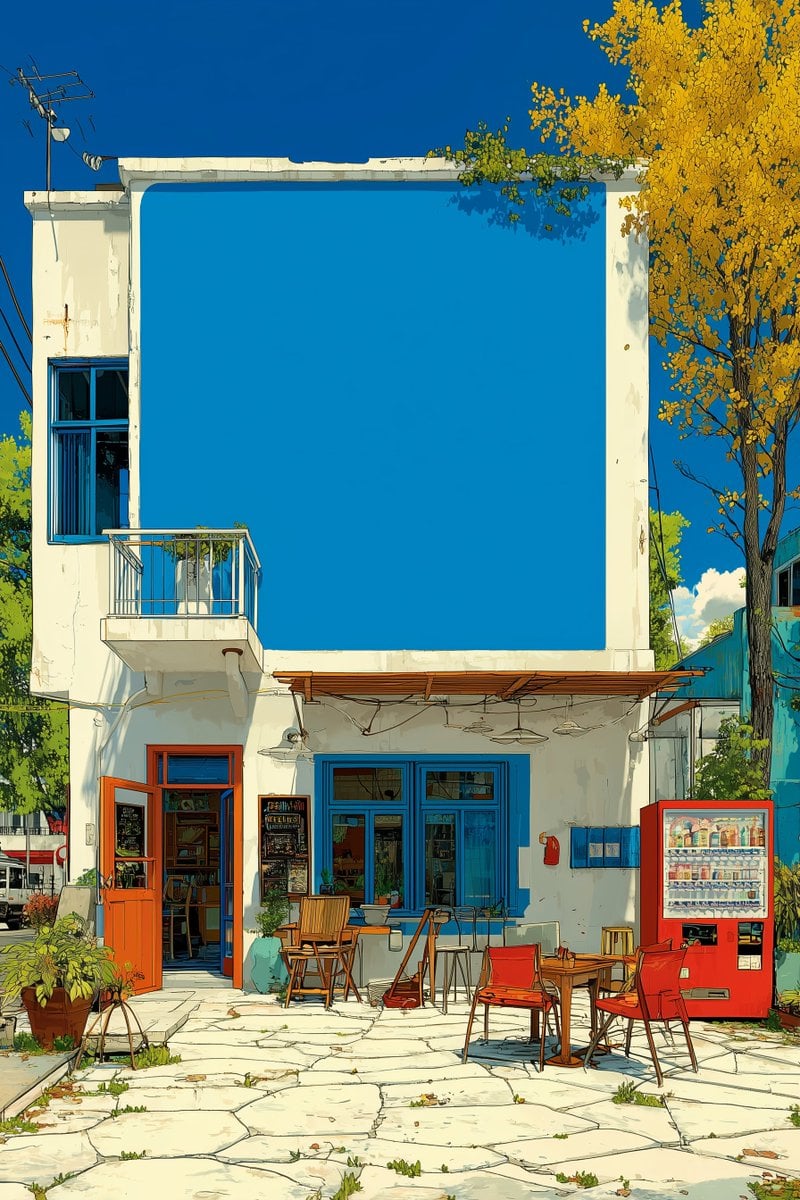
Image Manipulation Prompt for Advertising Placement
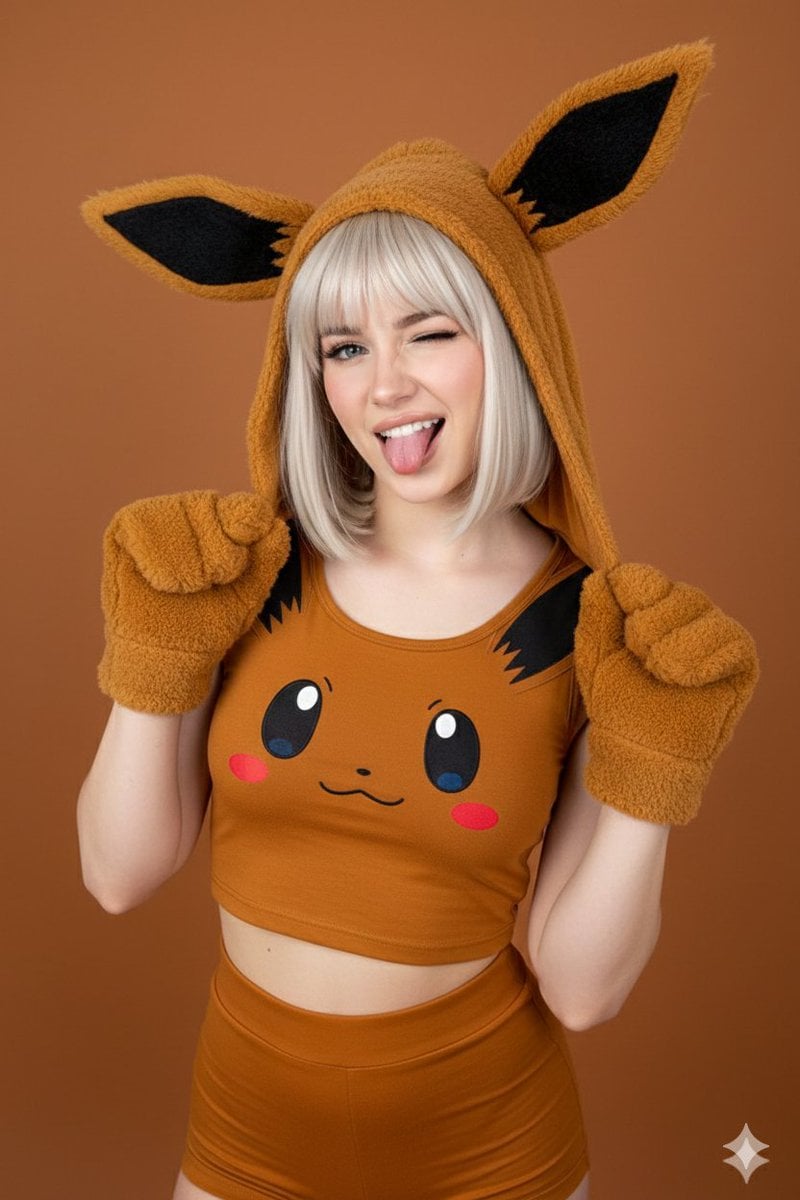
Ultra-photorealistic Eevee Cosplay Portrait
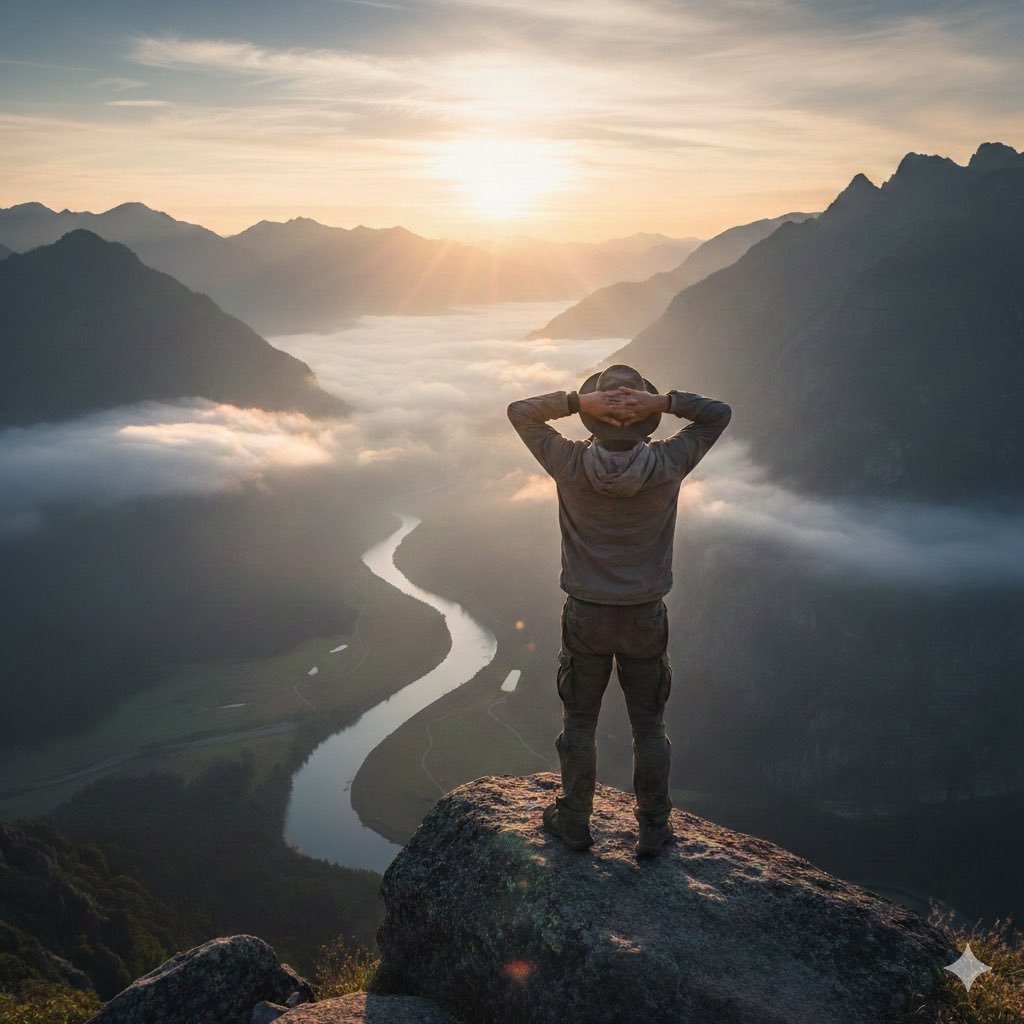
Generating 'The Watcher' in Nano Banana
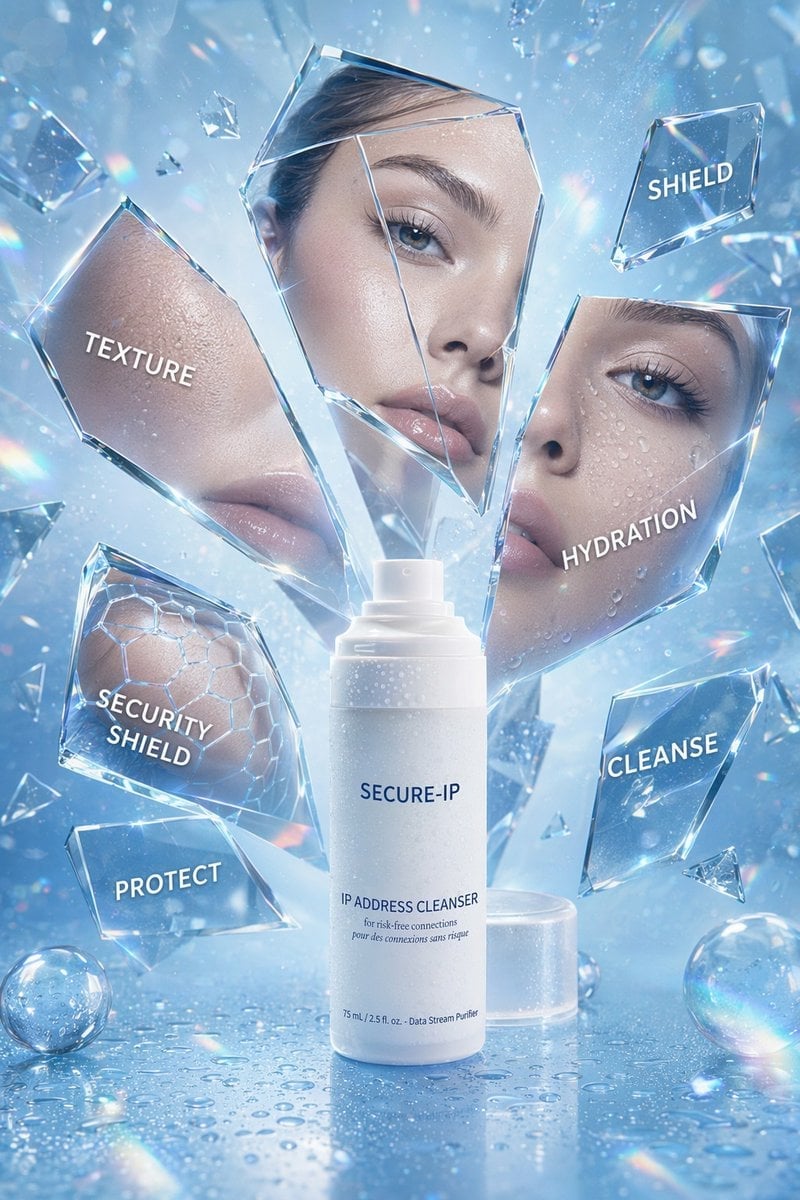
Futuristic Cyber Skincare Product Ad
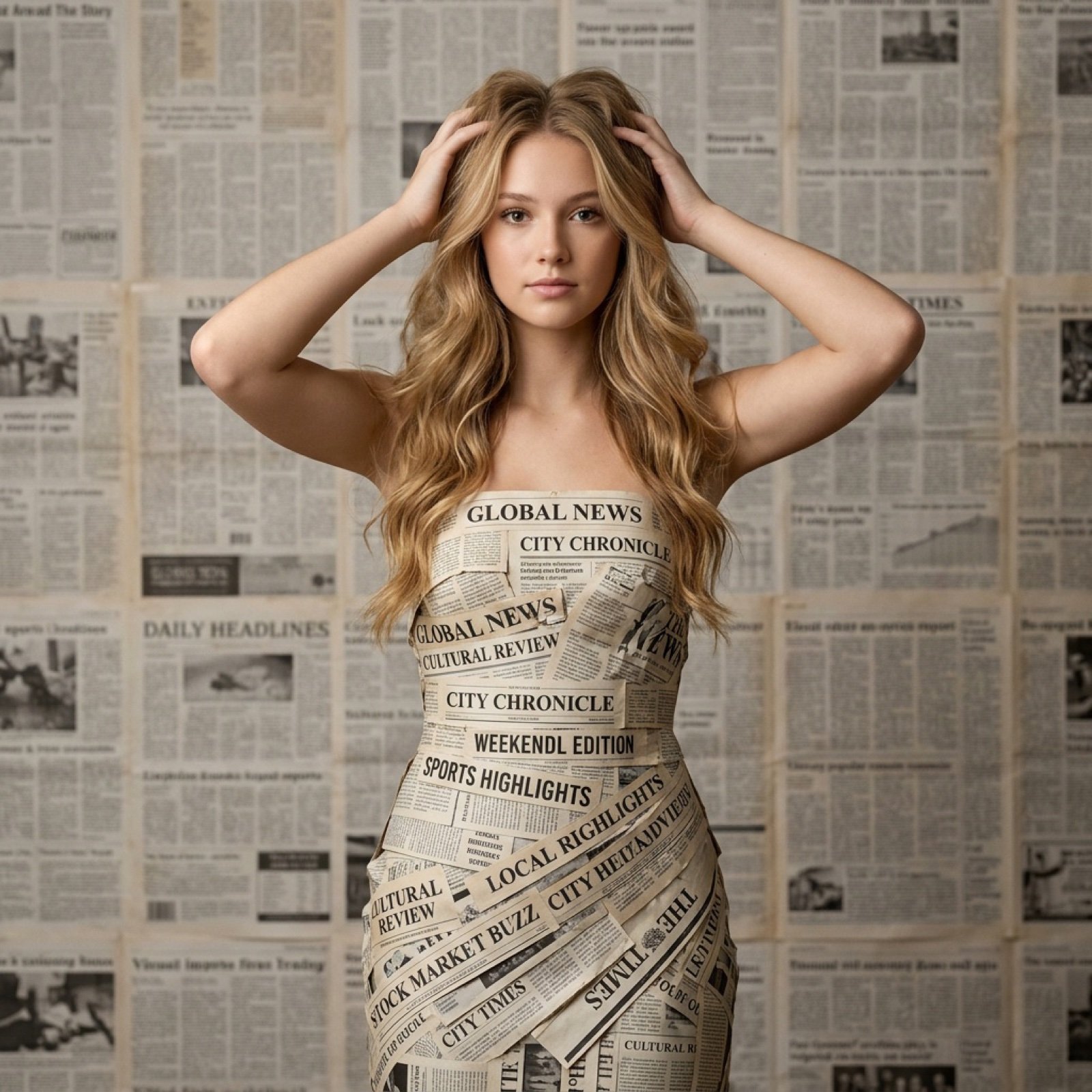
Newspaper Dress Editorial Prompt
Browse template categories
Night Forest Spaceship Landing questions
How do I use the Night Forest Spaceship Landing template?
Add your photo if the template asks for one, edit the prompt if you like — the template's model and format are already selected — and press Generate. Your version opens in PicX Studio.
Can I customize the Night Forest Spaceship Landing template?
Yes. You can change the subject, setting, lighting, mood, format, and available model controls before creating your image.
Is the Night Forest Spaceship Landing template free?
Opening and editing this template is free. Generating uses credits, shown on the Generate button when you are signed in.
Which AI model should I use?
Start with GPT Image 2, which is the model associated with this template. You can compare another compatible model for a different finish.
Looking for something else? Browse all templates.

Your photo, any look
Thousands of ready templates for every top image and video model, from one credit balance.