
Nano Banana - Cozy Cafe Night
Nano Banana - Cozy Cafe Night is a ready photo look.

- Prompt included
- Model and format preset
- Free template
The prompt behind this image
Copy the exact prompt behind Nano Banana - Cozy Cafe Night, or open it in the studio and make it yours.
Ultra-realistic photo of a young woman sitting in a cozy café at night, resting her head sideways on her arm on a wooden table. She wears a red and black racing-style jacket. Her expression is calm, slightly tired, and introspective, looking directly at the camera. One hand is holding a red soda can in the foreground, close to the lens, creating a shallow depth-of-field effect. The can is slightly wet with condensation, and there is a small spill on the table. Background shows large glass windows with reflections of lights outside, warm indoor lighting, and beige roller blinds. Cinematic composition, soft lighting, shallow depth of field (bokeh), focus on face and hand, natural skin texture, highly detailed, 50mm lens, f/1.8, photorealistic, night ambiance.
How to use Nano Banana - Cozy Cafe Night in 3 steps
- 1
Open
The prompt is already in the box next to the preview, with the template's model and format selected.
- 2…a portrait of your subject in softgolden-hour light, 85mm…
Personalize
Edit the subject and creative details for your destination.
- 3Generate
Generate
Press Generate — your image is created in PicX Studio, so you can compare it with the original and refine one variable at a time.
More like this
Templates with the same subject, style or setup. Open one to see its prompt.

Nano Banana - Paris Cafe Editorial

Google Gemini Nano Banana Pro

Cute Ball Shaped Animal Characters

Conceptual Fashion Portrait in Spider We

Gemini Nano Banana 2

Nano Banana 2 High Fashion Sports Campai

Couture Fashion Editorial Woman and Drag

Ive Yujin Fashion Portrait in Blue

Nano Banana 2 Editorial Fashion Portrait

Outdoor Cafe Portrait — White Ruched Top Nano Banana
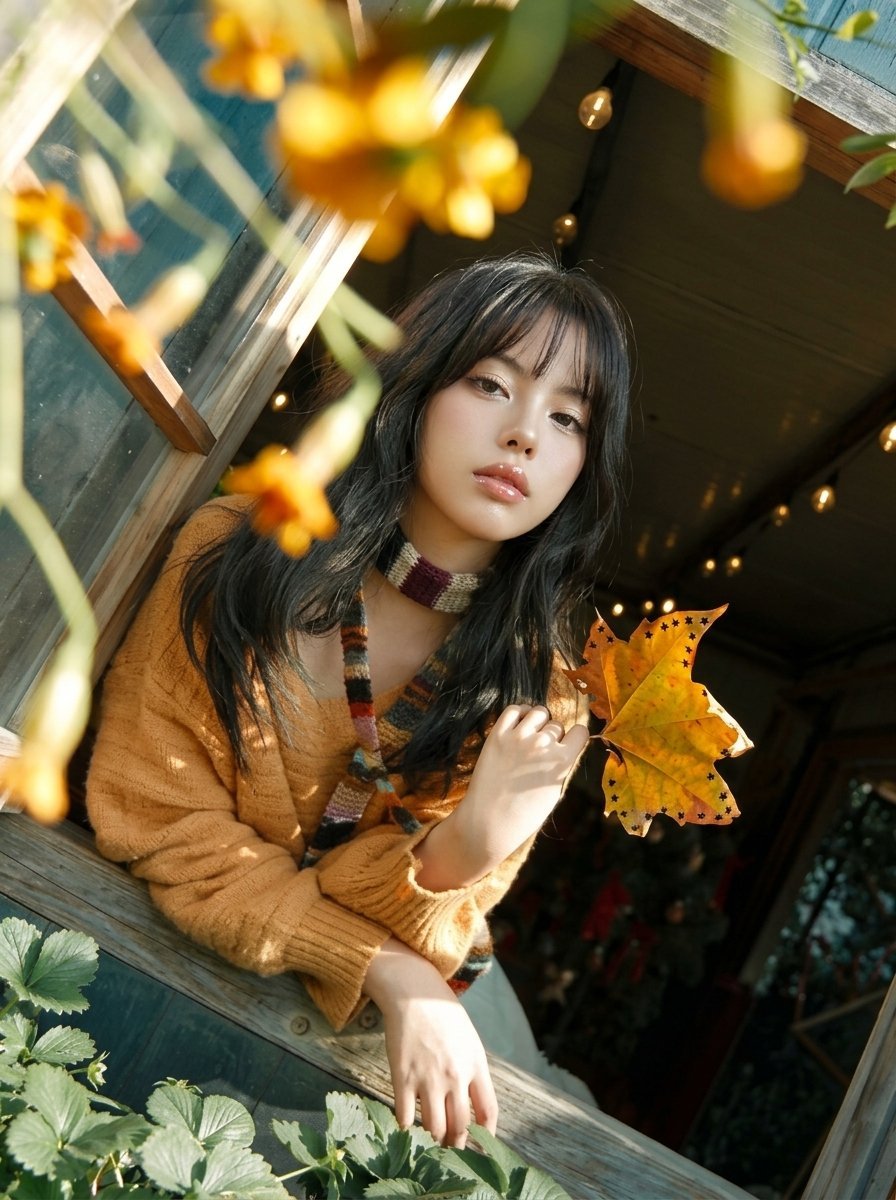
Y2K Windowsill Maple Leaf — Early 2000s Digital Photo

Caution Tape Fashion — Industrial Editorial
Make it yours
Nano Banana - Cozy Cafe Night works as-is. These are the safest ways to change it without losing the look.
Change one field
Copy a single group, rewrite it, and generate again so you can see what that field is doing.
Keep the frame, change the subject
Hold the composition and light of Nano Banana - Cozy Cafe Night, then swap wardrobe, props or the person for a new take.
| If the result… | Why | Fix |
|---|---|---|
| The result drifts from the preview | Too many fields changed at once. | Reuse Nano Banana - Cozy Cafe Night as-is first, then change one group — subject, light, or setting. |
| The model over-stylizes the scene | The prose prompt leaves finish and camera underspecified. | Add one camera or lighting sentence and stay on PicX Studio. |
More image prompts
Fresh picks from across the catalog.
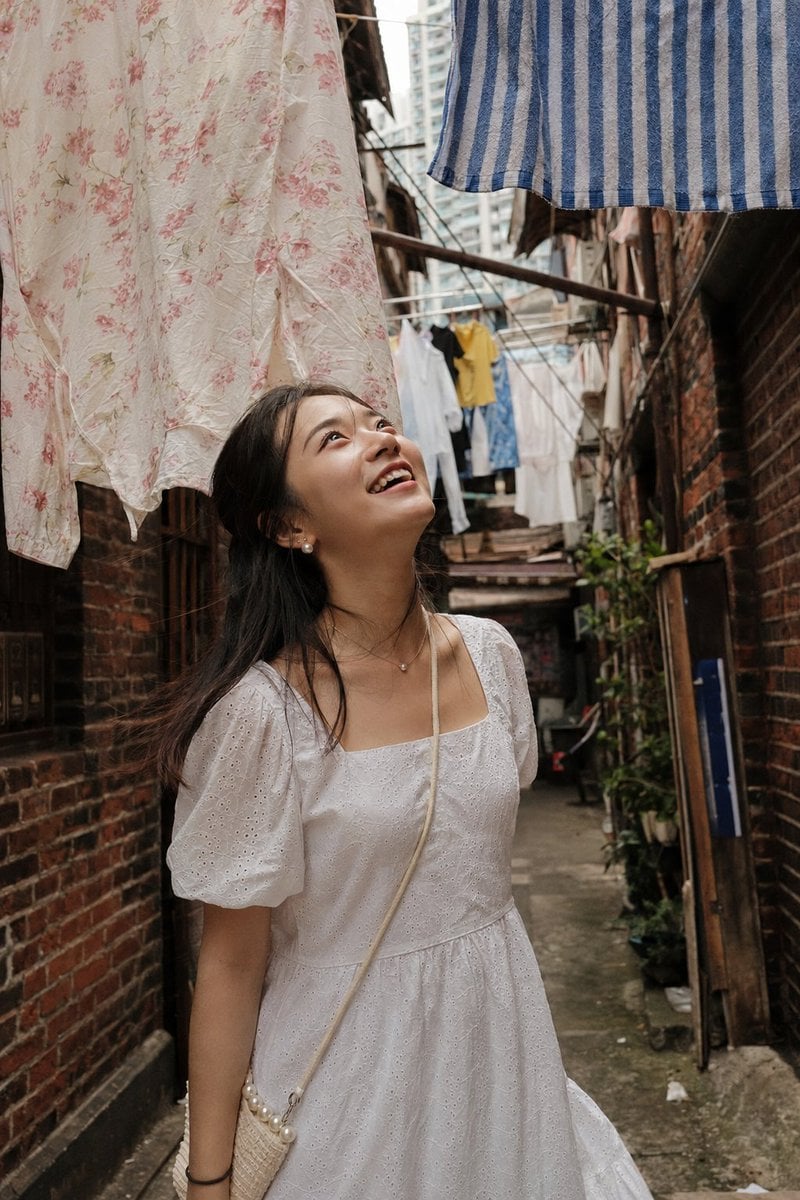
Shanghai Alley Candid Street Photography
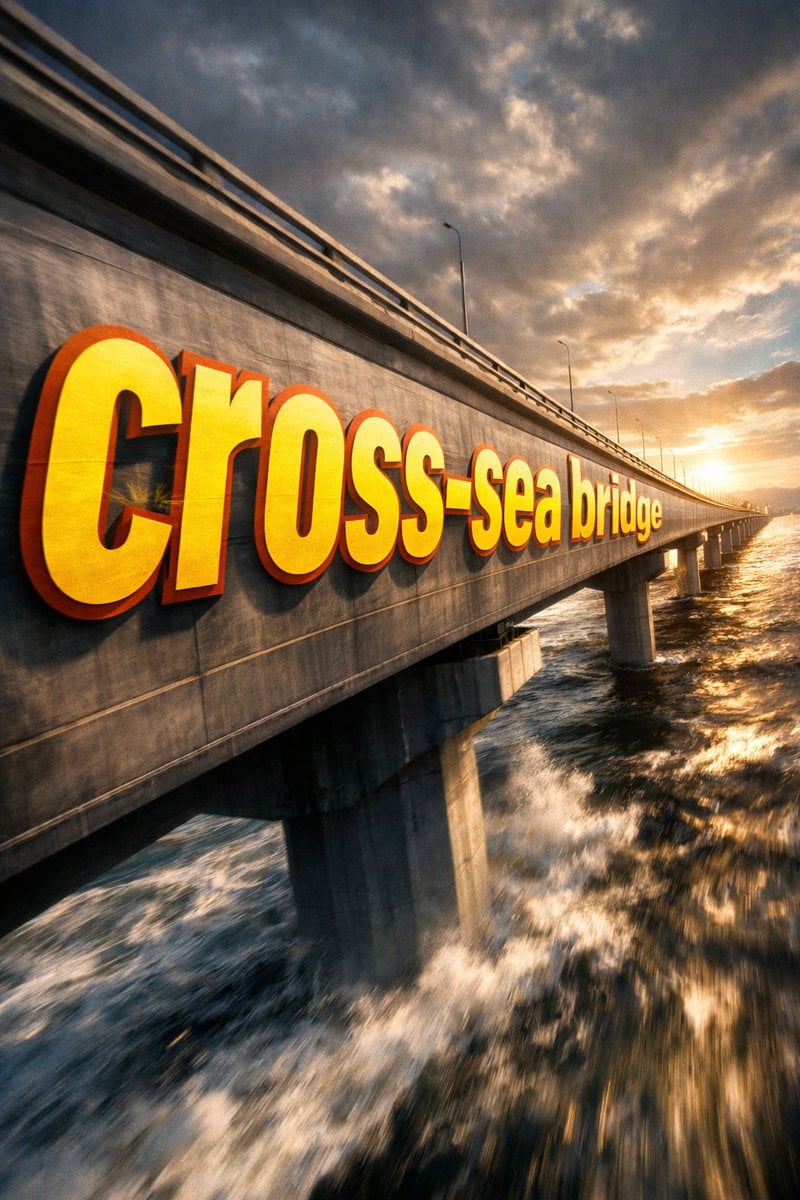
3D Perspective Text Effect Prompt
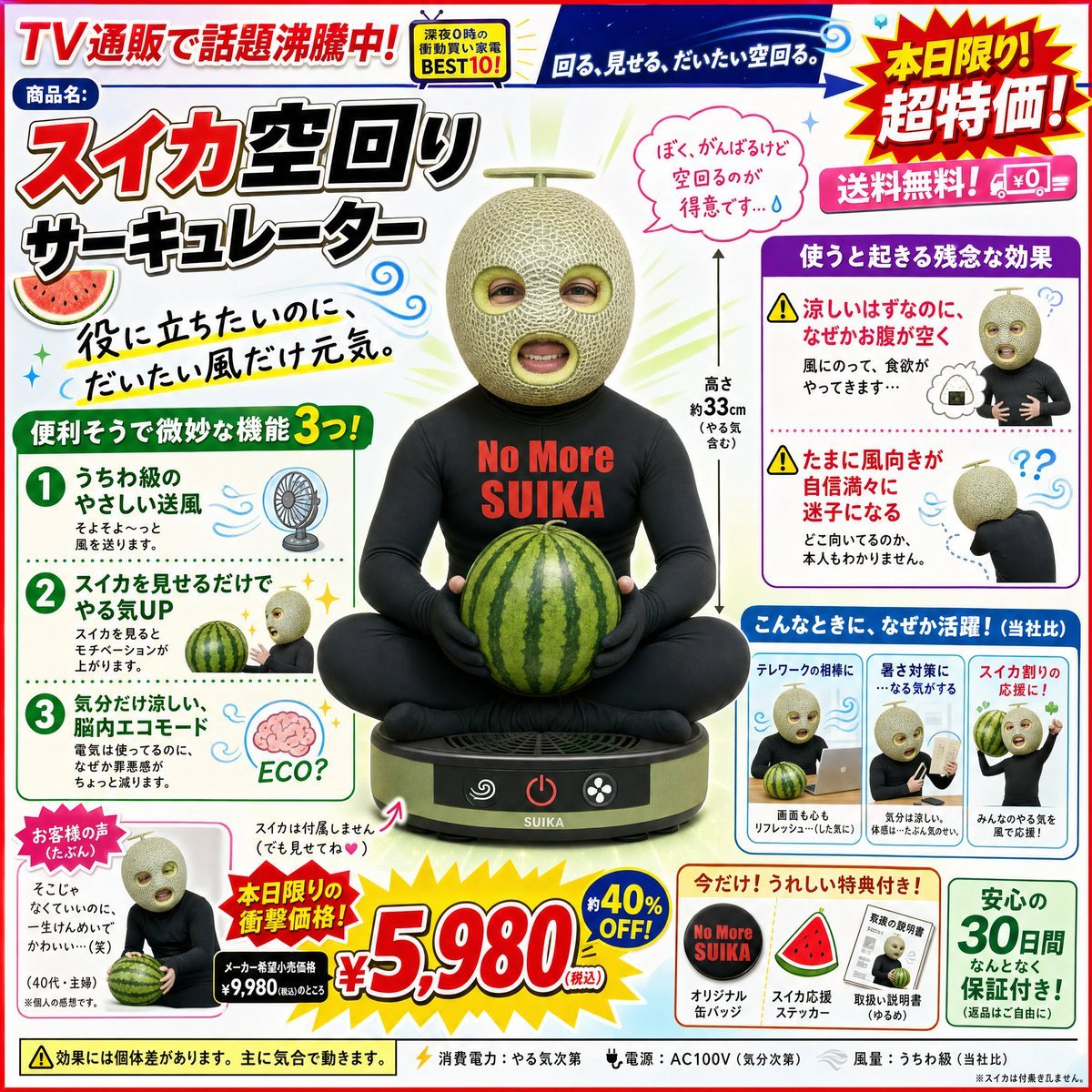
Funny Character-Based Appliance Advertisement
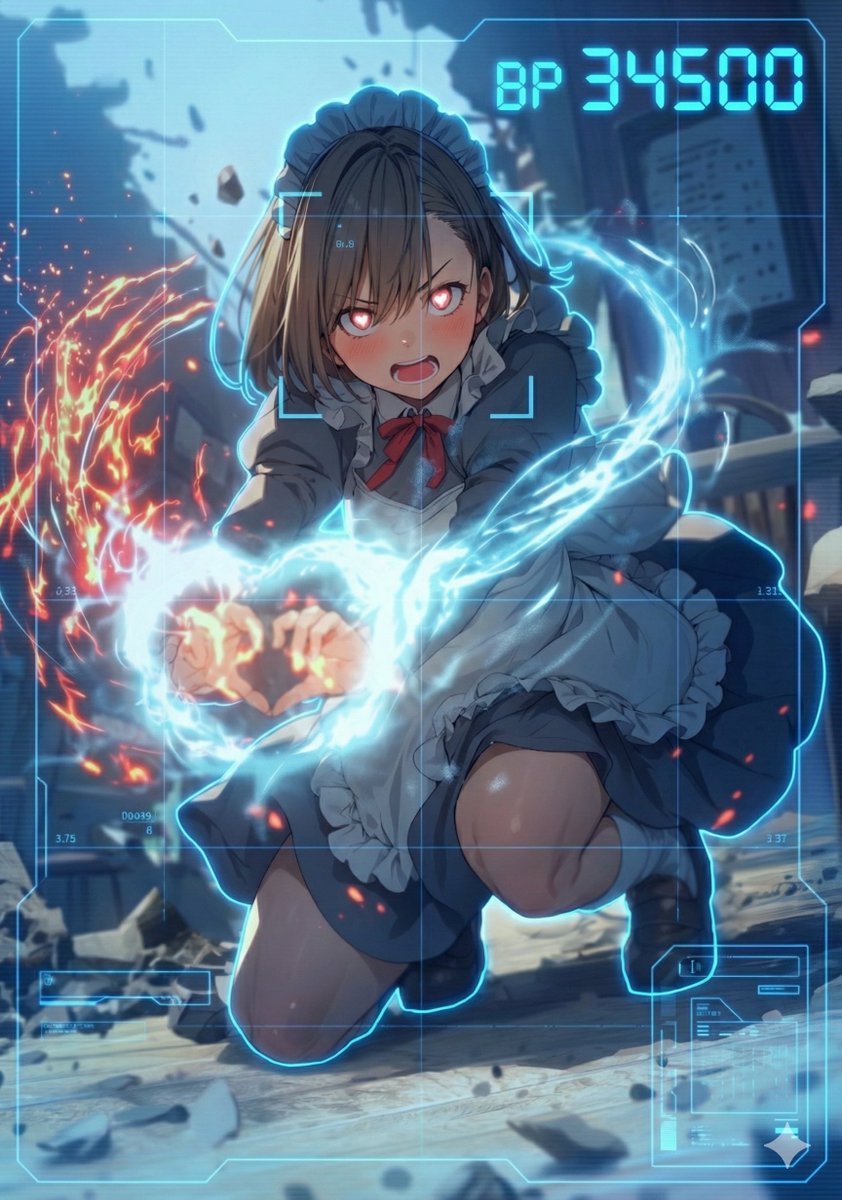
HUD battle power overlay for any character image
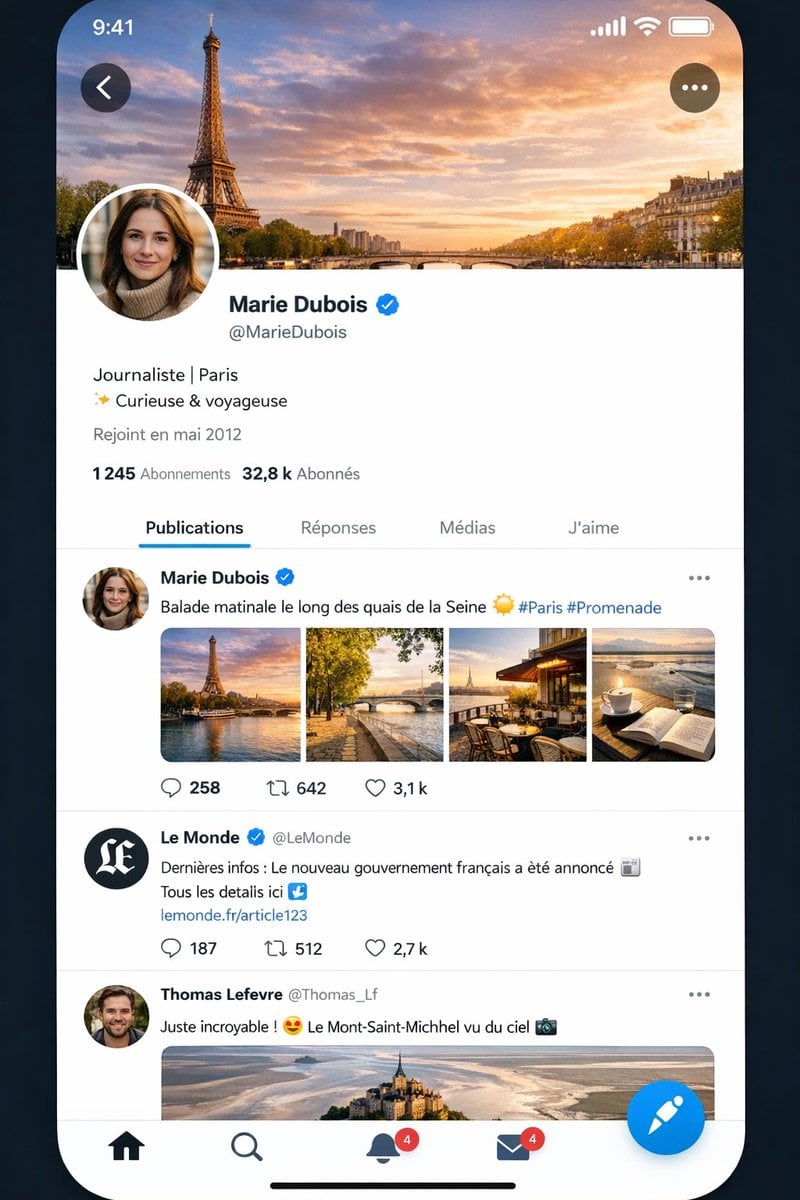
Realistic X-Style French Profile Screen

Fantasy Anime Scene Still
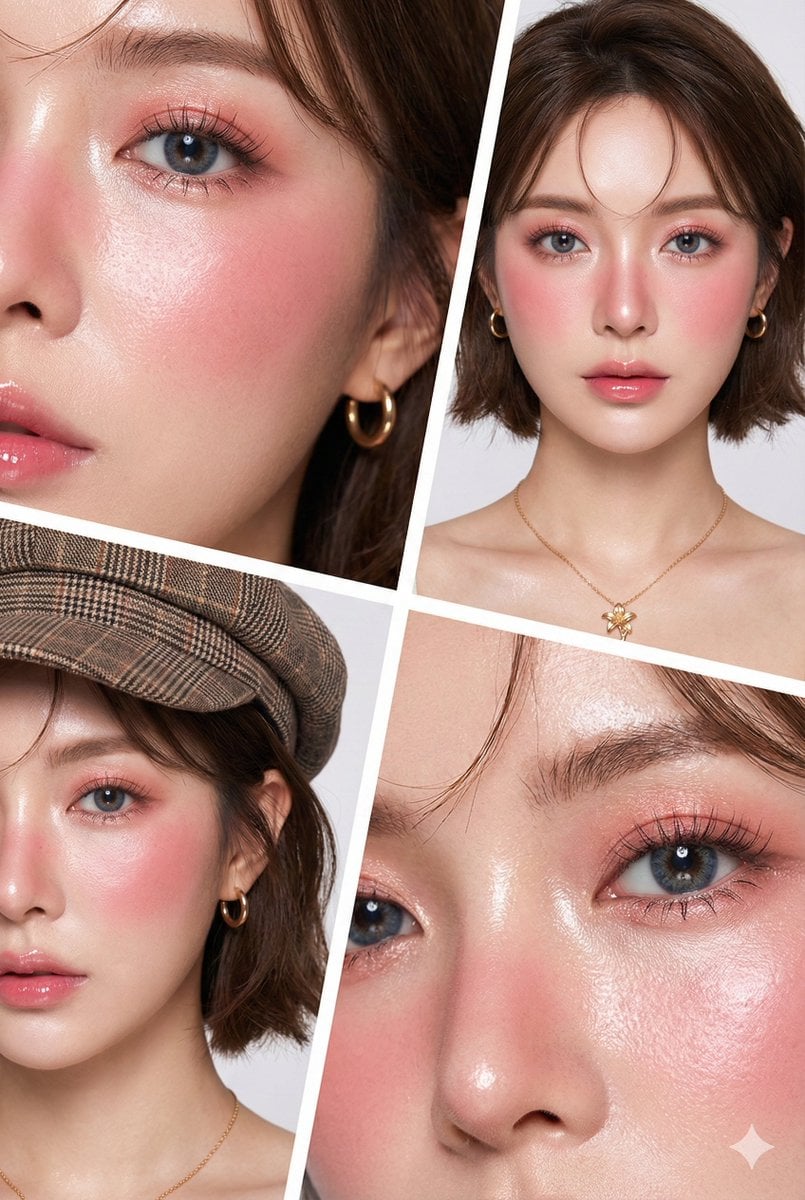
Hyper-Realistic Korean Beauty Editorial Collage

Cinematic Japanese Agency Poster
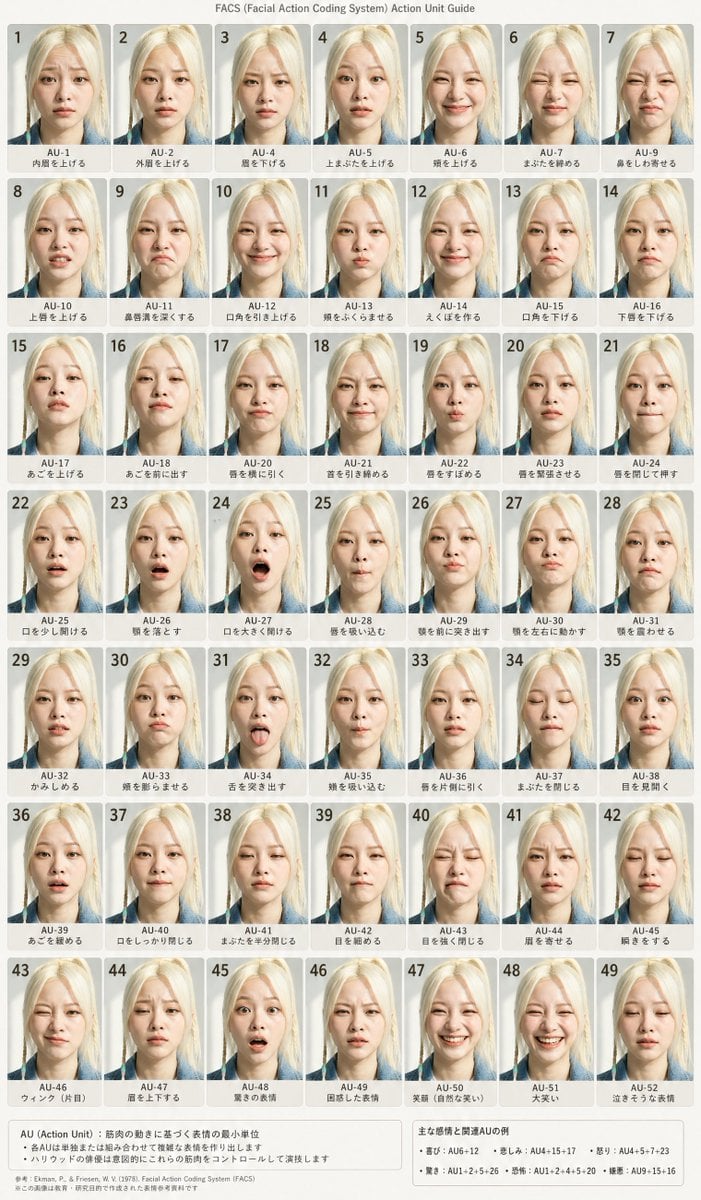
FACS Facial Expression Chart
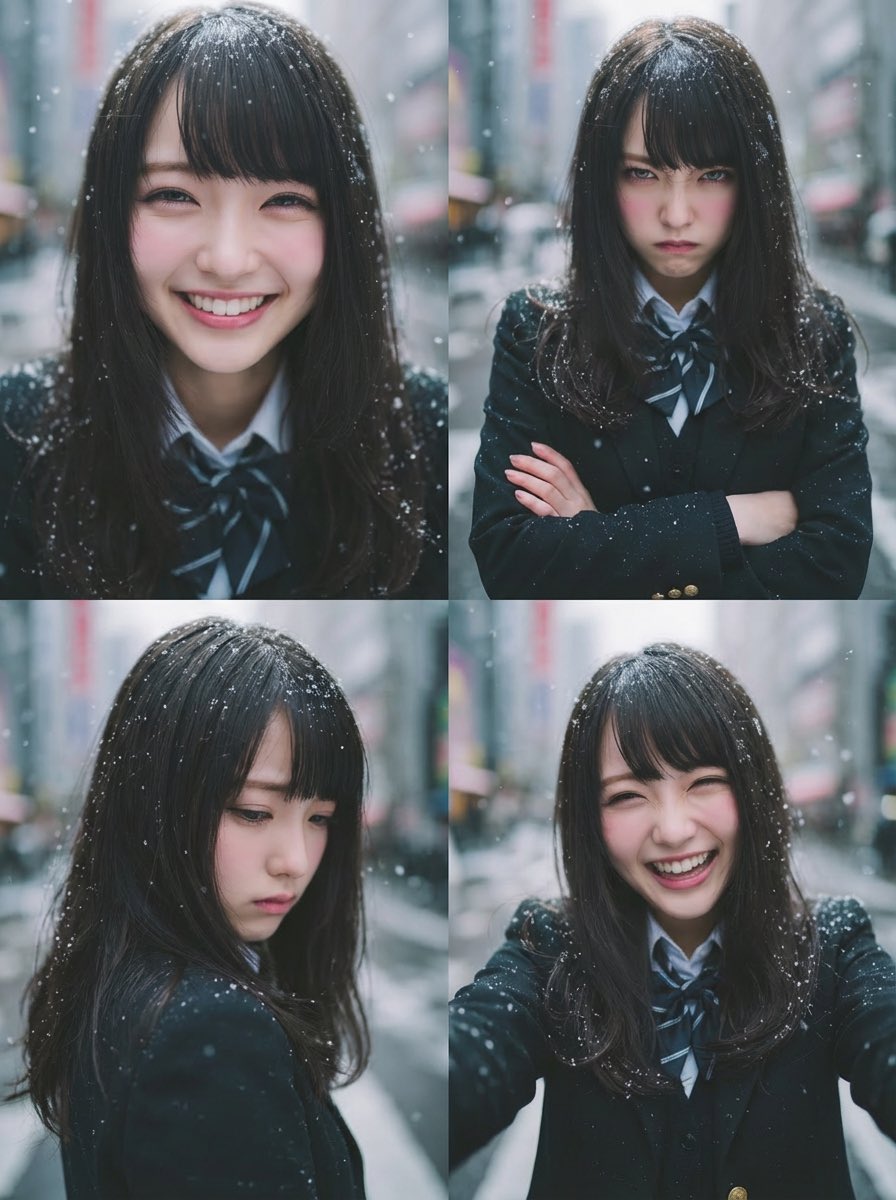
Four-Panel Emotion Grid Generator (Joy, Anger, Sadness, Fun)
Browse template categories
Nano Banana - Cozy Cafe Night questions
How do I use the Nano Banana - Cozy Cafe Night template?
Add your photo if the template asks for one, edit the prompt if you like — the template's model and format are already selected — and press Generate. Your version opens in PicX Studio.
Can I customize the Nano Banana - Cozy Cafe Night template?
Yes. You can change the subject, setting, lighting, mood, format, and available model controls before creating your image.
Is the Nano Banana - Cozy Cafe Night template free?
Opening and editing this template is free. Generating uses credits, shown on the Generate button when you are signed in.
Which AI model should I use?
Choose a compatible model in PicX Studio based on the style, speed, and output controls your project needs.
Looking for something else? Browse all templates.

Your photo, any look
Thousands of ready templates for every top image and video model, from one credit balance.